Leavenworth County Easement Deed Form
Last validated October 16, 2026 by our Forms Development TeamFormatted for recording in Leavenworth County, for property anywhere in the county: rural and unincorporated areas as well as Basehor, Easton, Fort Leavenworth, Lansing, Leavenworth, Linwood, Tonganoxie.
- 4 documents included
- Immediate PDF download
- Formatting guarantee
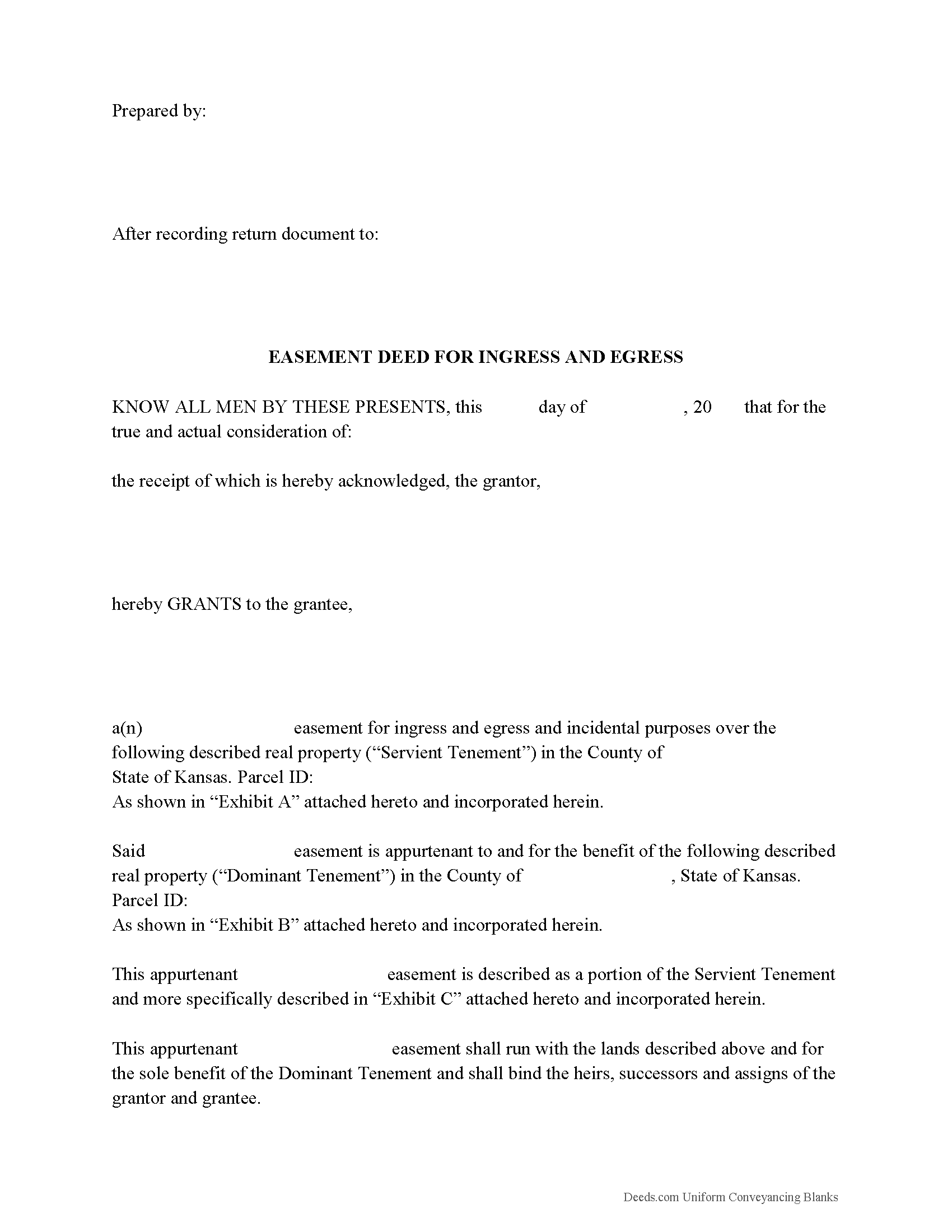
Leavenworth County Easement Deed Form
Fill in the blank form formatted to comply with all recording and content requirements.
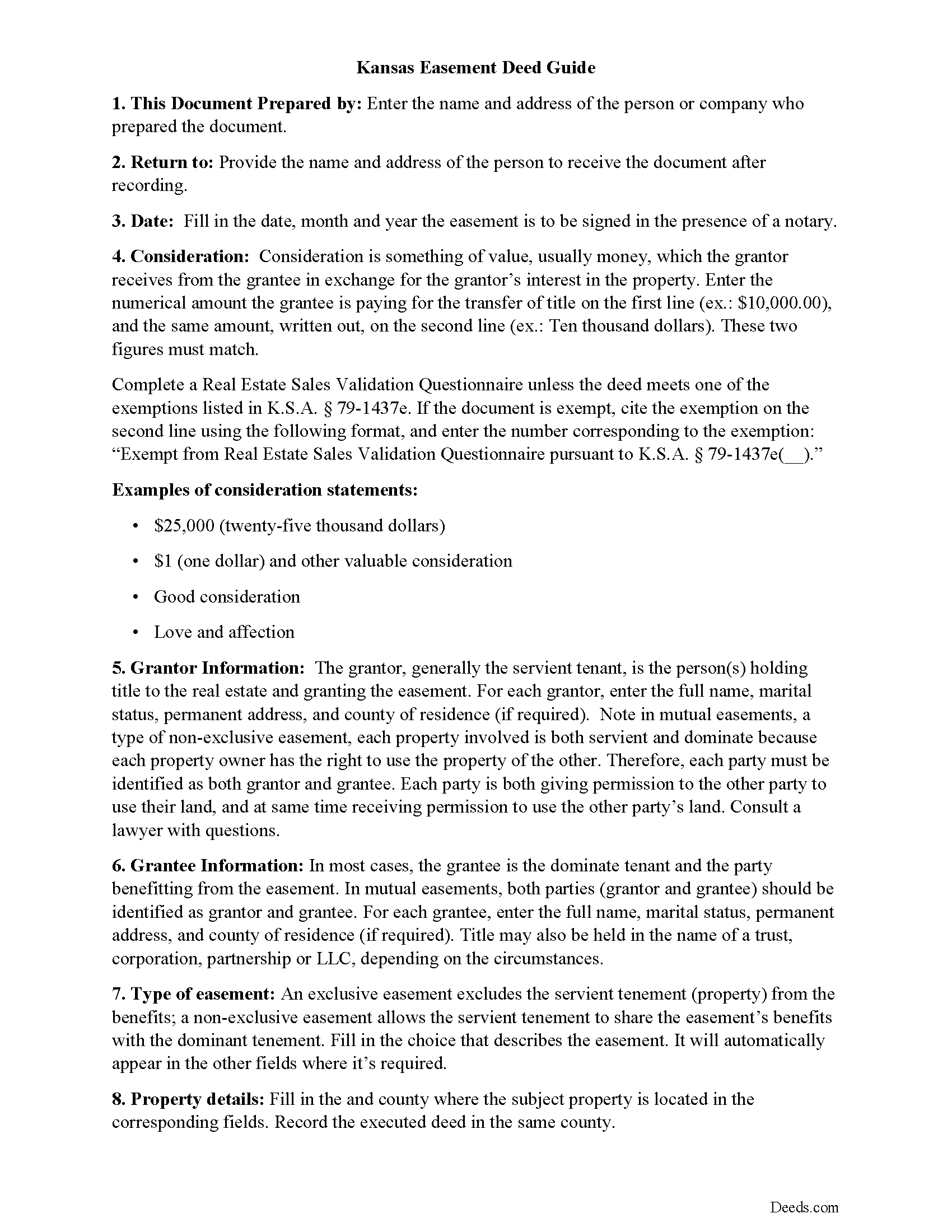
Leavenworth County Easement Deed Guide
Line by line guide explaining every blank on the form.
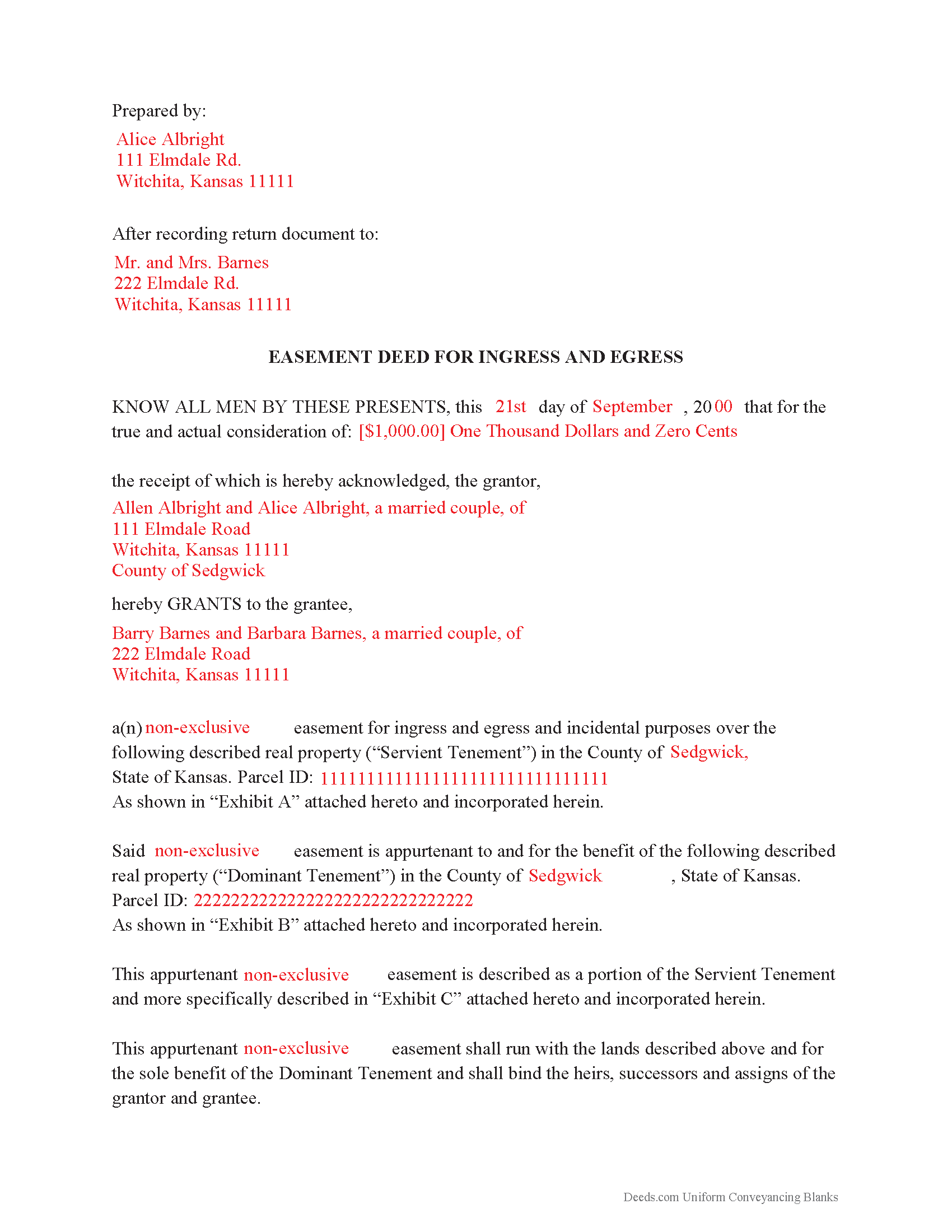
Leavenworth County Completed Example of the Easement Deed Document
Example of a properly completed form for reference.
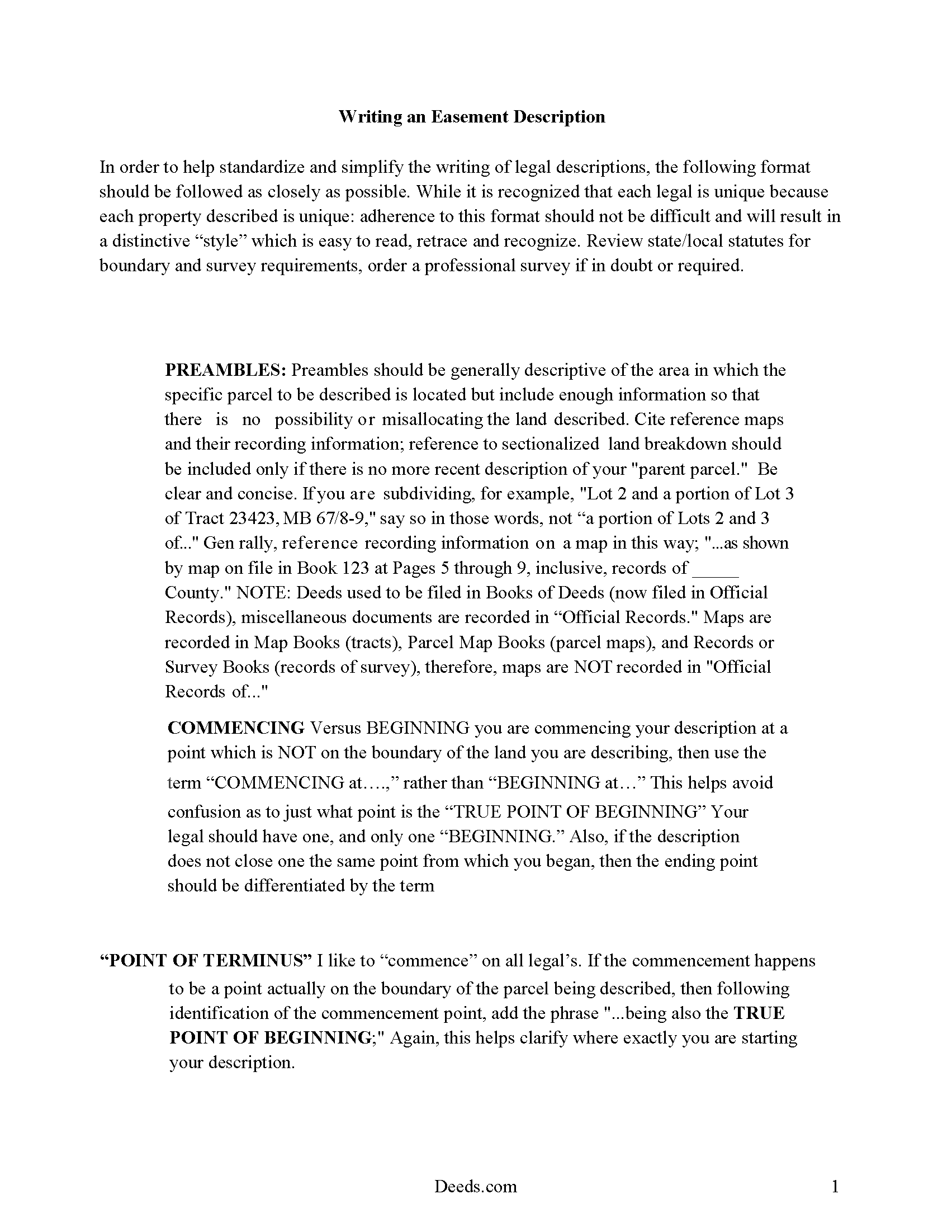
Leavenworth County Easement Deed Description
A Description of the Easement will be required. This will show how to write an acceptable description for a Right of Way Easement, which gives access, to and from - point A to point B.
All 4 documents above included • One-time purchase • No recurring fees
Immediate Download • Secure Checkout
Additional Kansas and Leavenworth County documents included at no extra charge:
Where to Record Your Documents
Leavenworth County Register of Deeds
Leavenworth, Kansas 66048
Hours: 8:00am-5:00pm M-F
Phone: (913) 684-0425
Recording Tips for Leavenworth County:
- Bring your driver's license or state-issued photo ID
- Ensure all signatures are in blue or black ink
- Verify all names are spelled correctly before recording
- White-out or correction fluid may cause rejection
- Ask about their eRecording option for future transactions
Cities and Jurisdictions in Leavenworth County
Properties in any of these areas use Leavenworth County forms:
- Basehor
- Easton
- Fort Leavenworth
- Lansing
- Leavenworth
- Linwood
- Tonganoxie
Hours, fees, requirements, and more for Leavenworth County
How do I get my forms?
Forms are available for immediate download after payment. The Leavenworth County forms will be in your account ready to download to your computer. An account is created for you during checkout if you don't have one. Forms are NOT emailed.
Are these forms guaranteed to be recordable in Leavenworth County?
Yes. Our form blanks are guaranteed to meet or exceed the applicable formatting requirements used for recording in Leavenworth County, including margin requirements, font requirements, and other layout standards. This guarantee applies to formatting, not to the legal sufficiency of information entered by the user or the suitability of a form for a particular transaction.
Can I reuse these forms?
Yes. You can reuse the forms for your personal use. For example, if you have multiple properties in Leavenworth County you only need to order once.
What do I need to use these forms?
The forms are PDFs that you fill out on your computer. The free Adobe Acrobat Reader is recommended, and most PDF apps also work. You do NOT enter your property information online - you download the blank forms and complete them privately on your own computer.
Are there any recurring fees?
No. This is a one-time purchase. Nothing to cancel, no memberships, no recurring fees.
How much does it cost to record in Leavenworth County?
Recording fees in Leavenworth County vary. Contact the recorder's office at (913) 684-0425 for current fees.
Questions answered? Let's get started!
An easement is the non-possessory and non-ownership right of one person to use the real property of another person for a specific use. The specific instrument that creates such right is the easement deed. An easement deed in Kansas can be created for a variety of purposes: rights of way, access points, solar easements, and so on. Easements can be created by deed, by necessity, or by order of law.
Every instrument that conveys any estate or interest created by any lease or easement involving wind or solar resources and technologies to produce and generate electricity should include the requirements listed in section 58-2272 of the Kansas Annotated Statutes. Conservation easements are defined in 58-3810 of the Kansas Annotated Statutes. Easement deeds are subject to the recording and conveying rules of other real property instruments.
As a real property instrument, an easement deed must be signed and acknowledged by the grantor or by the grantor's agent or attorney in accordance with the uniform law on notarial acts and with KSA 58-2216 (58-2209). An easement deed should be acknowledged before a person authorized by the uniform law on notarial acts to perform notarial acts, or, if acknowledged in Kansas, by a county clerk, register of deeds, or mayor or clerk of an incorporated city (58-2211). If a grantor dies before acknowledging the deed or if for any other reason the grantor cannot be procured in order to make the acknowledgement or, if the grantor refuses to acknowledge the easement deed, the proof of the execution and delivery of the deed can be made by any competent testimony (58-2214). A certificate or proof of acknowledgement can be given under seal or otherwise, according to the method by which the courts or officers granting the same usually authenticate their notarial acts (58-2217).
An unrecorded easement deed in writing will be valid between the parties to the deed and those who have actual notice thereof, until it is recorded by the register of deeds in the county where the property is located (58-2223). An easement deed that has been certified and recorded in the manner provided by statute, will, from the time of filing with the register of deeds for record, impart notice to all persons of the contents of the deed; and all subsequent purchasers and mortgagees will be deemed to purchase with notice (58-2222).
(Kansas Easement Deed Package includes form, guidelines, and completed example)
Important: Your property must be located in Leavenworth County to use these forms. Documents should be recorded at the county recording office listed above.
This Easement Deed meets all recording requirements specific to Leavenworth County.
Our Promise
The documents you receive here are guaranteed to meet or exceed the applicable Leavenworth County recording format requirements. If there is a rejection caused by our formatting, we will correct the issue or refund your payment. This guarantee applies to document formatting only and does not extend to information entered by the user, the selection of the form, or the legal effect of the completed document.
Save Time and Money
Get your Leavenworth County Easement Deed form done right the first time with Deeds.com Uniform Conveyancing Blanks. At Deeds.com, we understand that your time and money are valuable resources, and we don't want you to face a penalty fee or rejection imposed by a county recorder for submitting nonstandard documents. We constantly review and update our forms to meet rapidly changing state and county recording requirements for roughly 3,500 counties and local jurisdictions.
4.8 out of 5 - ( 4,832 Reviews )
Diana M. 5 out of 5 stars
Awesome service. Quick and easy. Complete directions on how to complete the forms with examples for further assistance.
We appreciate your business and value your feedback. Thank you. Have a wonderful day!
Alison L. 5 out of 5 stars
Wonderful and easy to use platform. I was using a more complicated platform that wouldn't load half the time. Makes for filing deeds in the pandemic quick and easy.
We appreciate your business and value your feedback. Thank you. Have a wonderful day!
DONALD L P. 5 out of 5 stars
HAD WRONG PASSWORD; PROGRAM MADE CHANGE EASY.
Thank you!
lamar J. 5 out of 5 stars
Easy to understand and work with Very pleased with the information I Received
We appreciate your business and value your feedback. Thank you. Have a wonderful day!
Silvana M. 5 out of 5 stars
This is a great service, I was worried about my NOC and Liens being filed in this terrible time!!! Happy I have this service Deeds.com!!!
Thank you for your feedback. We really appreciate it. Have a great day!
Linda F. 5 out of 5 stars
I can't recommend working with Deeds.com enough. I had been given incorrect information from another document service. The helpful staff member at Deeds.com that assisted in the submission of the recording was exceptionally helpful in making sure what I was submitting included the necessary elements required by the county. I am very thankful I chose Deeds.com for my eRecording service. Thank you!!
Thank you, Linda! We’re so glad our team could assist in making sure your submission met the county’s requirements. It means a lot that you chose Deeds.com after a frustrating experience elsewhere. We appreciate your trust and kind words!
Cyrus A. 5 out of 5 stars
Easy site to work with.
We are grateful for your feedback and looking forward to serving you again. Thank you!
chris h. 5 out of 5 stars
so far so good
Thank you!
diana c. 5 out of 5 stars
quick and easy, thankyou
Thank you!
Khadija K. 5 out of 5 stars
Great Service. Not only the required form, but also the state guidelines. Thank you for making it easy.
We appreciate your business and value your feedback. Thank you. Have a wonderful day!
Eric L. 5 out of 5 stars
This is a great service. The fact that there are no recurring fees and all of the supporting documents as well as the main warranty deed is another excellent feature. Highly recommend
Thank you for your feedback. We really appreciate it. Have a great day!
Heather A. 5 out of 5 stars
quick response to e-mail. the forms are easy to use, fully explained.
Thank you for your feedback Heather, glad we could help.
Ginger C. 5 out of 5 stars
So far so good. Thank you for your prompt responses. Much appreciated.
Thank you!
Claire W. 5 out of 5 stars
The price is right, and very simple to follow
Thank you!
Alan K. 5 out of 5 stars
The instructions and example for filling out the form were very clear and detailed making the whole process fairly easy. An attorney I talked to wanted $200 to fill out this simple form. I haven't tried to file it yet but I will let you know if there are any issues. Really a great deal. $20 vs $200.
We appreciate your business and value your feedback. Thank you. Have a wonderful day!