Graves County Administrator Deed Form
Last validated August 31, 2026 by our Forms Development TeamFormatted for recording in Graves County, for property anywhere in the county: rural and unincorporated areas as well as Boaz, Fancy Farm, Farmington, Hickory, Lowes, Lynnville, Mayfield, Melber and 4 more.
- 3 documents included
- Immediate PDF download
- Formatting guarantee
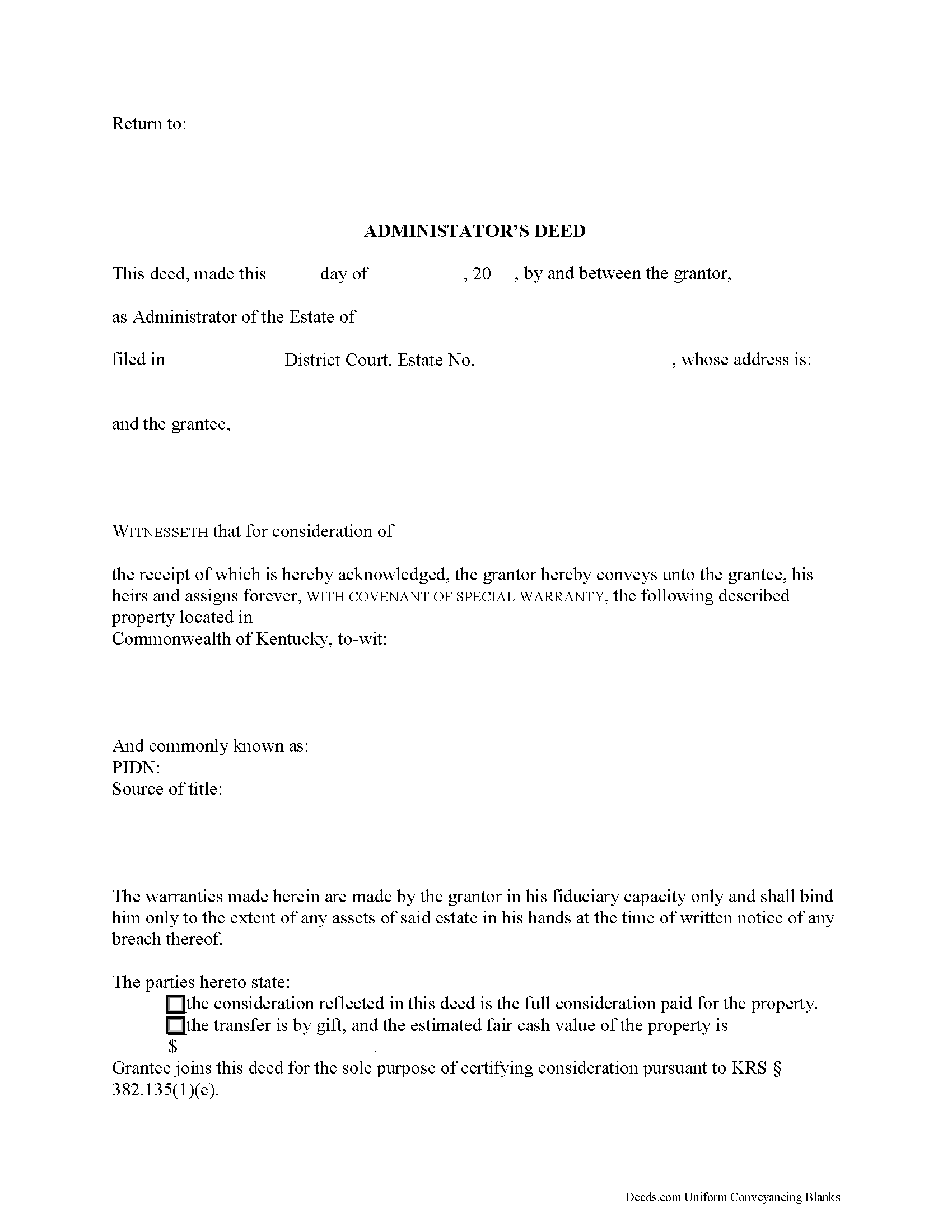
Graves County Administrator Deed Form
Fill in the blank form formatted to comply with all recording and content requirements.
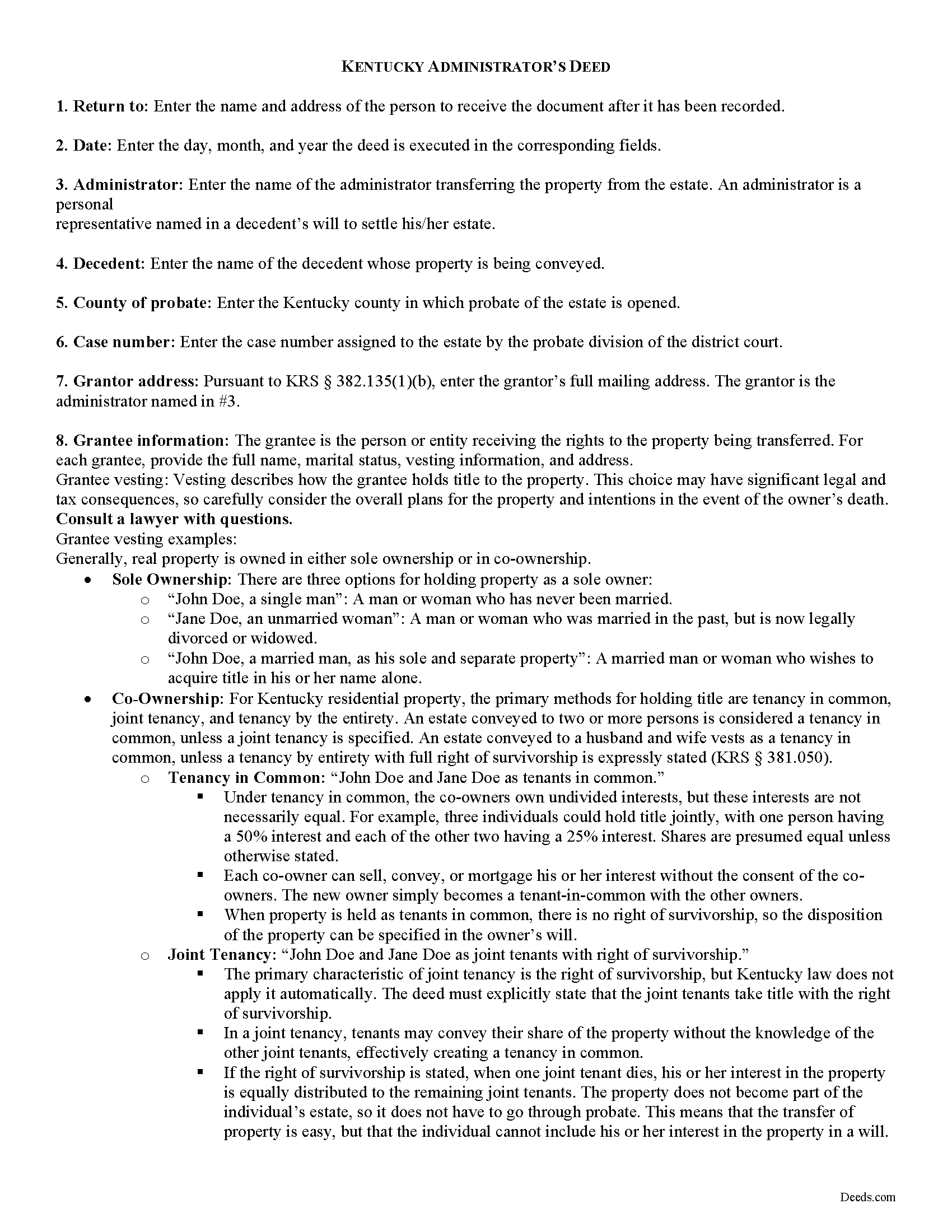
Graves County Administrator Deed Guide
Line by line guide explaining every blank on the form.
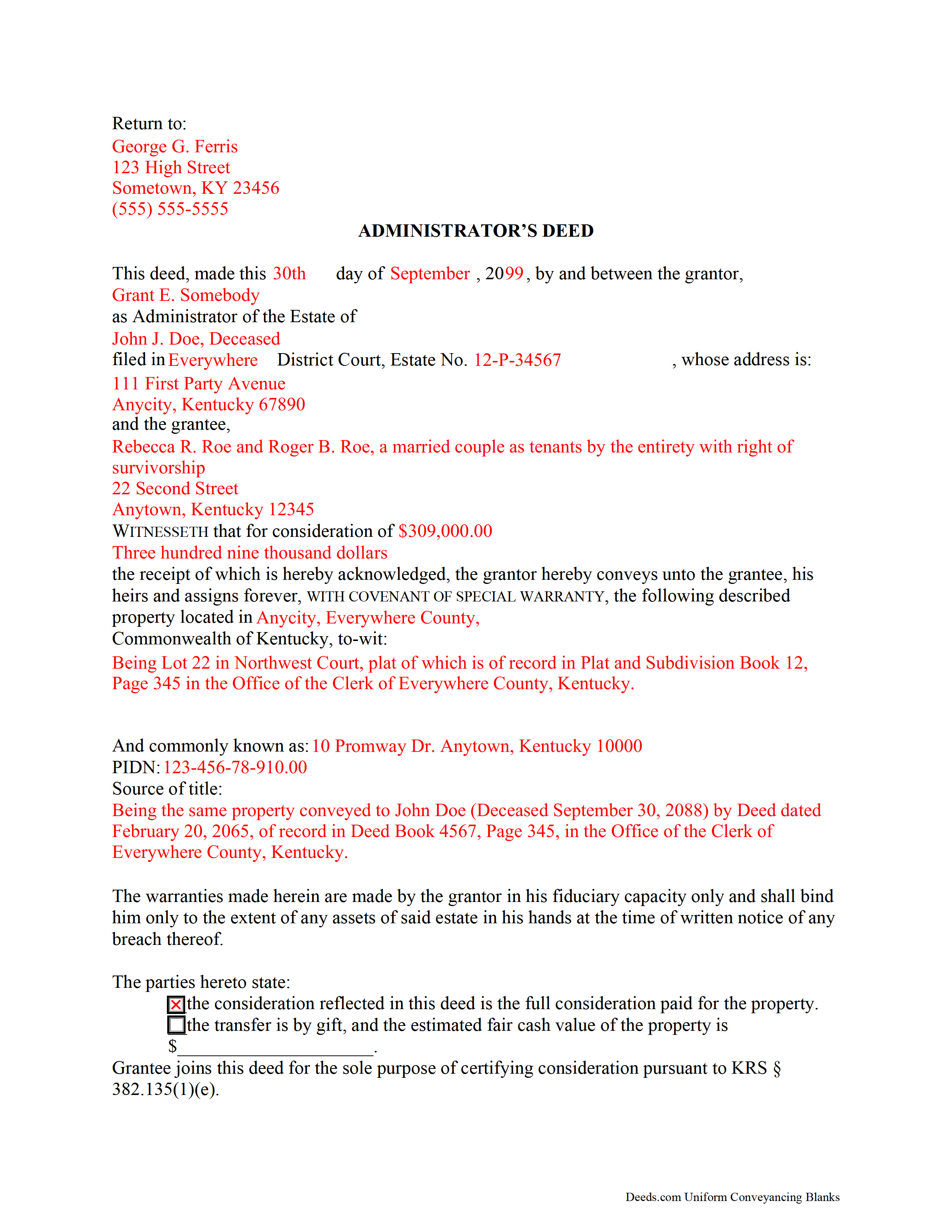
Graves County Completed Example of the Administrator Deed Document
Example of a properly completed form for reference.
All 3 documents above included • One-time purchase • No recurring fees
Immediate Download • Secure Checkout
Additional Kentucky and Graves County documents included at no extra charge:
Where to Record Your Documents
Graves County Clerk
Mayfield, Kentucky 42066
Hours: 8:00 to 4:00 Monday through Friday
Phone: (270) 247-1676
Recording Tips for Graves County:
- Bring your driver's license or state-issued photo ID
- Ensure all signatures are in blue or black ink
- Recorded documents become public record - avoid including SSNs
- Recording fees may differ from what's posted online - verify current rates
- Request a receipt showing your recording numbers
Cities and Jurisdictions in Graves County
Properties in any of these areas use Graves County forms:
- Boaz
- Fancy Farm
- Farmington
- Hickory
- Lowes
- Lynnville
- Mayfield
- Melber
- Sedalia
- Symsonia
- Water Valley
- Wingo
Hours, fees, requirements, and more for Graves County
How do I get my forms?
Forms are available for immediate download after payment. The Graves County forms will be in your account ready to download to your computer. An account is created for you during checkout if you don't have one. Forms are NOT emailed.
Are these forms guaranteed to be recordable in Graves County?
Yes. Our form blanks are guaranteed to meet or exceed the applicable formatting requirements used for recording in Graves County, including margin requirements, font requirements, and other layout standards. This guarantee applies to formatting, not to the legal sufficiency of information entered by the user or the suitability of a form for a particular transaction.
Can I reuse these forms?
Yes. You can reuse the forms for your personal use. For example, if you have multiple properties in Graves County you only need to order once.
What do I need to use these forms?
The forms are PDFs that you fill out on your computer. The free Adobe Acrobat Reader is recommended, and most PDF apps also work. You do NOT enter your property information online - you download the blank forms and complete them privately on your own computer.
Are there any recurring fees?
No. This is a one-time purchase. Nothing to cancel, no memberships, no recurring fees.
How much does it cost to record in Graves County?
Recording fees in Graves County vary. Contact the recorder's office at (270) 247-1676 for current fees.
Questions answered? Let's get started!
An administrator's deed is a fiduciary instrument used in estate administration to transfer real property pursuant to laws of intestate succession. An administrator is a personal representative selected by the probate court to administer a decedent's intestate estate.
Use an administrator's deed to convey interest in real property to a grantee with a special warranty. This type of warranty affirms that, while the grantor/administrator controlled the property, she never acted in a way to change the status of the title.
In addition to meeting state and local standards for real estate deeds, administrator's deeds also include details about the decedent's probate case. A court order for sale is required before a transfer can be made. Supporting documentation, such as an affidavit of real property transfer under KRS 382.135(4), is required before an administrator can record the deed in the office of the county clerk.
Contact a lawyer with questions about Kentucky administrator's deeds or other inquiries related to probate.
(Kentucky Administrator Deed Package includes form, guidelines, and completed example)
Important: Your property must be located in Graves County to use these forms. Documents should be recorded at the county recording office listed above.
This Administrator Deed meets all recording requirements specific to Graves County.
Our Promise
The documents you receive here are guaranteed to meet or exceed the applicable Graves County recording format requirements. If there is a rejection caused by our formatting, we will correct the issue or refund your payment. This guarantee applies to document formatting only and does not extend to information entered by the user, the selection of the form, or the legal effect of the completed document.
Save Time and Money
Get your Graves County Administrator Deed form done right the first time with Deeds.com Uniform Conveyancing Blanks. At Deeds.com, we understand that your time and money are valuable resources, and we don't want you to face a penalty fee or rejection imposed by a county recorder for submitting nonstandard documents. We constantly review and update our forms to meet rapidly changing state and county recording requirements for roughly 3,500 counties and local jurisdictions.
4.8 out of 5 - ( 4,828 Reviews )
Richard P. 5 out of 5 stars
Excellent source and easy to use site.
Thank you!
IVAN G. 5 out of 5 stars
THIS Guys Save YOU TIME , Efforts and MONEY!!! So easy and secured to use,,NOT to mention FAST!!
We appreciate your business and value your feedback. Thank you. Have a wonderful day!
Lynne B. 5 out of 5 stars
It was very easy to navigate and very fast response time.
Thank you!
Phillip S. 4 out of 5 stars
I used the Oklahoma Gift Deed transferring property intra-family, and found it easy to complete. I could not find an Oklahoma Affidavit for the new law re citizenship verification, 60 O.S. Sec 121 and found it at another site that was not a fill in online. Oh well. Site was easy to navigate.
We are motivated by your feedback to continue delivering excellence. Thank you!
Linda S. 5 out of 5 stars
I am quite pleased with this website. I was able to complete my task with relative ease thanks to all the help these forms provided .The example forms really helped me to navigate the process. I would recommend this service highly.
Thank you Linda, we really appreciate your feedback.
Lawrence W. 5 out of 5 stars
Great so Far!
We appreciate your business and value your feedback. Thank you. Have a wonderful day!
Peter W. 5 out of 5 stars
Thanks worked out great
Thank you for the follow up Peter. Have a great day!
LINDA S. 5 out of 5 stars
One thing I would suggest that could be changed is the last page because we have a trust and I had to retype that page to include the trust and both trustee's signatures.
Thank you!
William S. 5 out of 5 stars
Contents were well done. Could not remove and replace the "Deeds/" footer, rendering the form unusable for filing with a court and county deed records. This should be corrected.
Thank you for your feedback. We really appreciate it. Have a great day!
Eduardo A. 5 out of 5 stars
Perfect, blank forms, just what I ordered. Easy to download, understand, and complete.
Thank you!
Cathleen H. 5 out of 5 stars
The pdf form is good; however, the input boxes merge into the line above so the text is hard to read when complete. I added a return before entering my data and this solved the problem.
Thank you for your feedback Cathleen. We will have staff take a look at the document for issues with the text fields. Have a great day!
Maria G. 5 out of 5 stars
Very easy and fast. Couldnt ask for anything better.
We appreciate your business and value your feedback. Thank you. Have a wonderful day!
Sandrs T. 4 out of 5 stars
It would be good to be able to print several documents at 1 time by highlighting them in the list without having to do one document at a time.
Thank you for your feedback. We really appreciate it. Have a great day!
Janet C. 5 out of 5 stars
Easy to use website and extremely helpful. great service!
Thank you!
William M. 5 out of 5 stars
On multiple tries, I could not get validation mail through my Yahoo email address. I tried Gmail, worked the first time. The rest of the process was super easy and fast.
Thank you!