Graves County Contract for Deed and Promissory Note Form
Last validated October 26, 2026 by our Forms Development TeamFormatted for recording in Graves County, for property anywhere in the county: rural and unincorporated areas as well as Boaz, Fancy Farm, Farmington, Hickory, Lowes, Lynnville, Mayfield, Melber and 4 more.
- 7 documents included
- Immediate PDF download
- Formatting guarantee
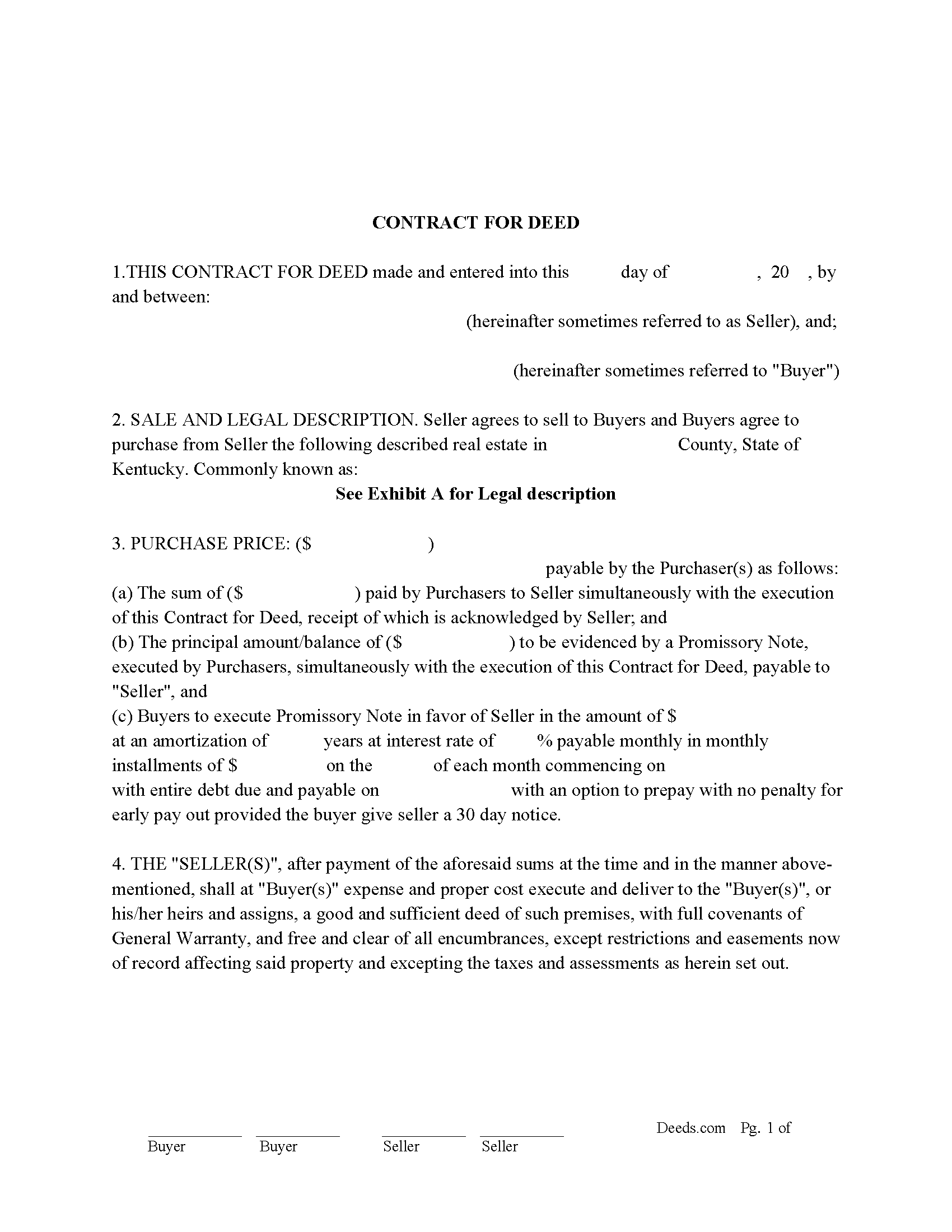
Graves County Contract for Deed Form
Fill in the blank form formatted to comply with all recording and content requirements.
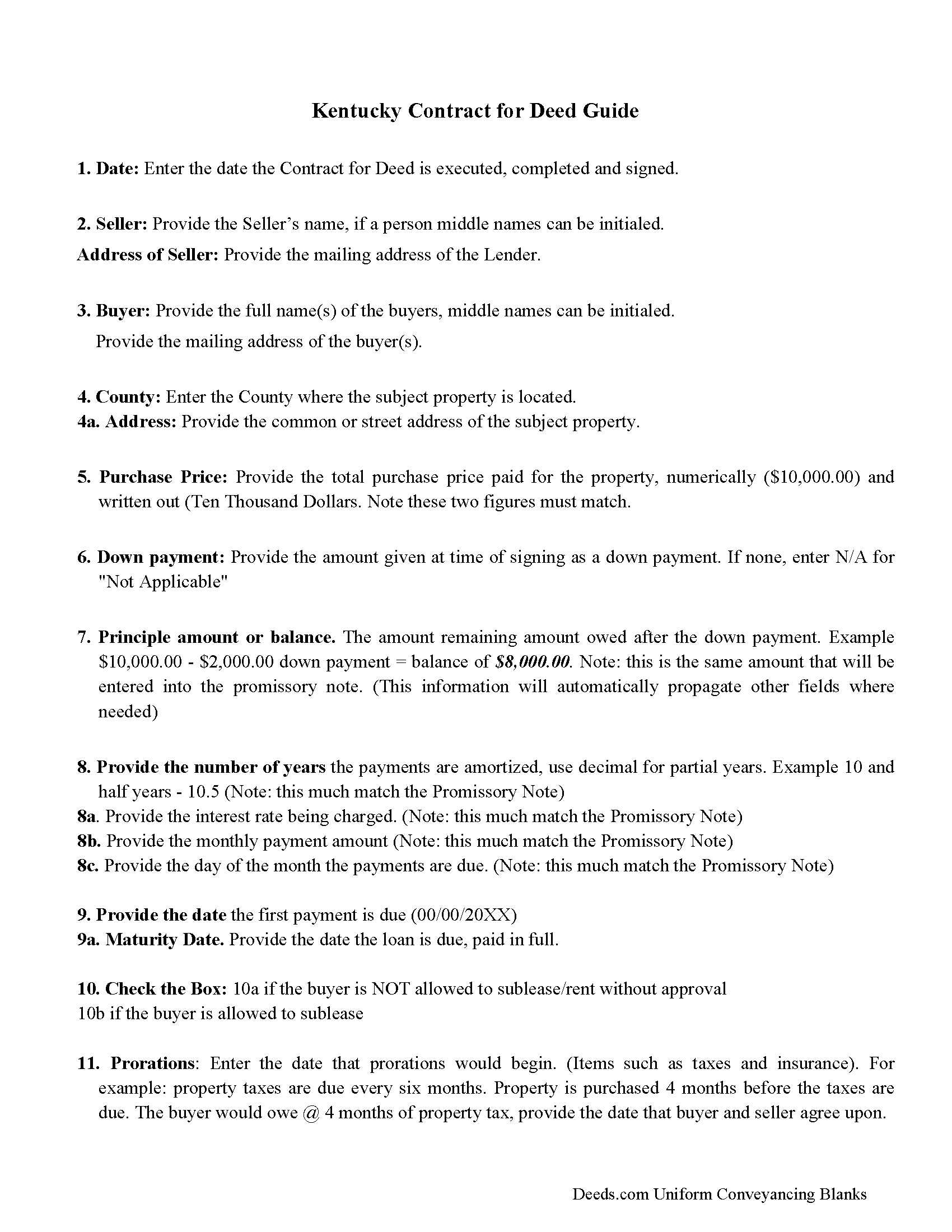
Graves County Contract for Deed Guidelines
Line by line guide explaining every blank on the form.
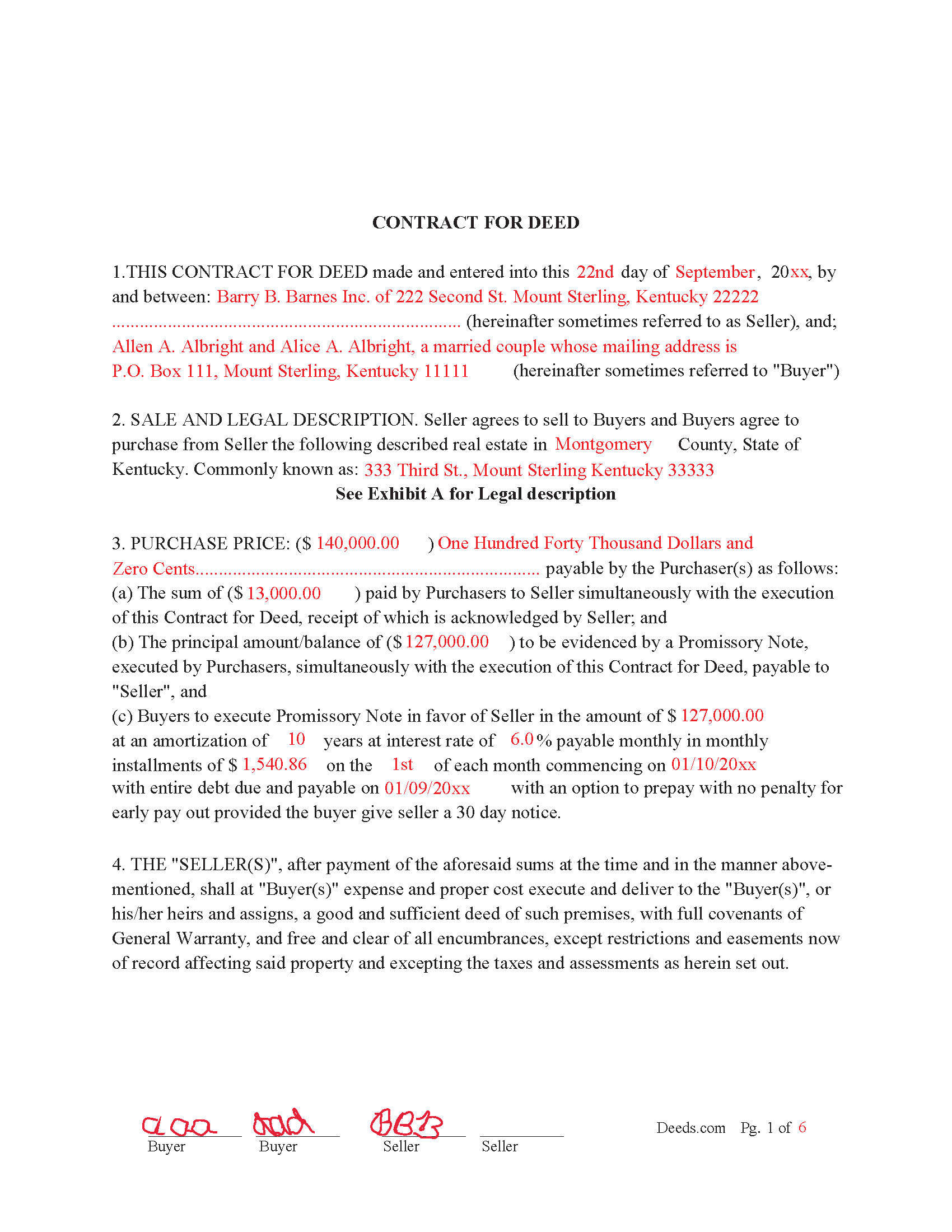
Graves County Completed Example of the Contract for Deed
Example of a properly completed form for reference.
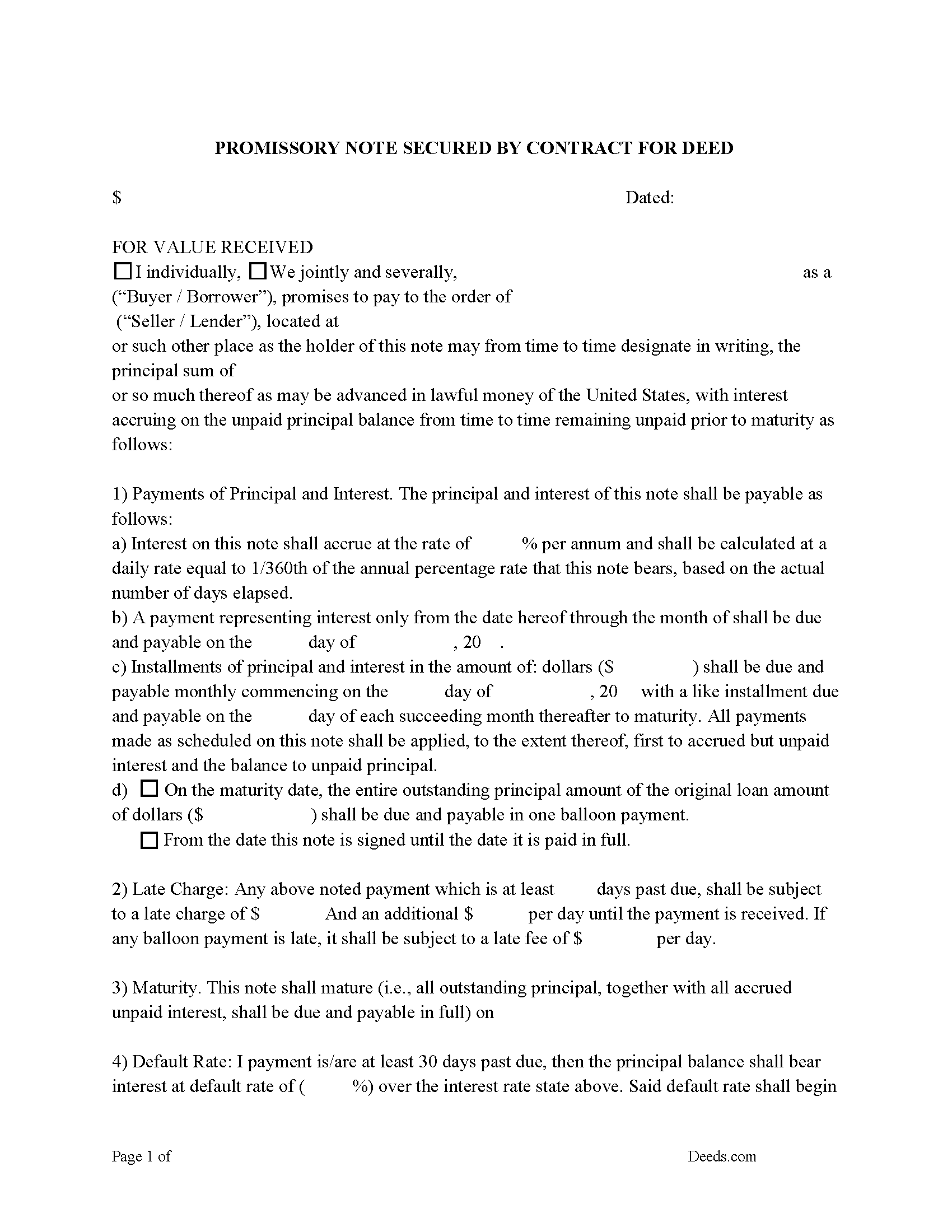
Graves County Promissory Note Form
Note that is secured by the Contract for Deed. Can be used for traditional installments or balloon payment.
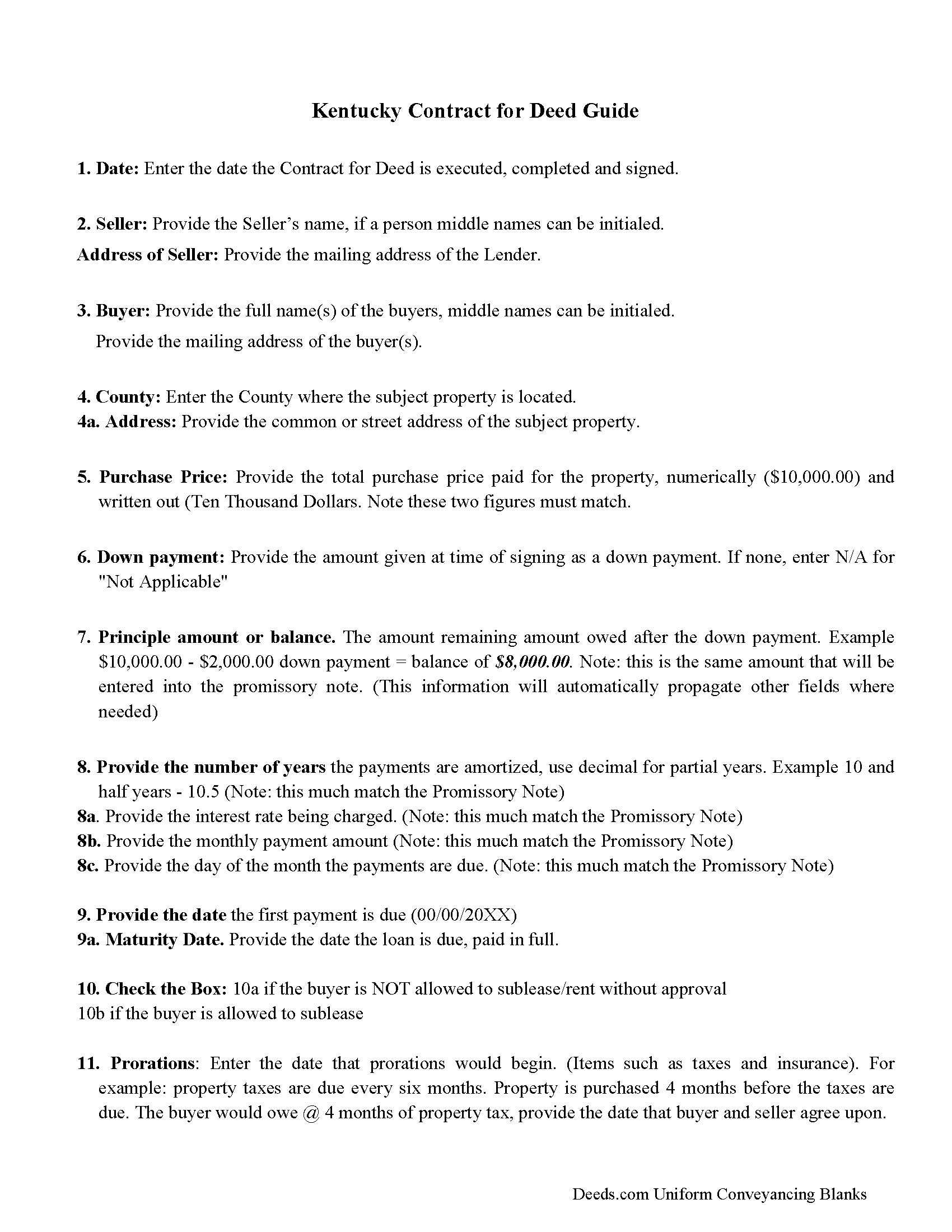
Graves County Promissory Note Guidelines
Line by line guide explaining every blank on the form.
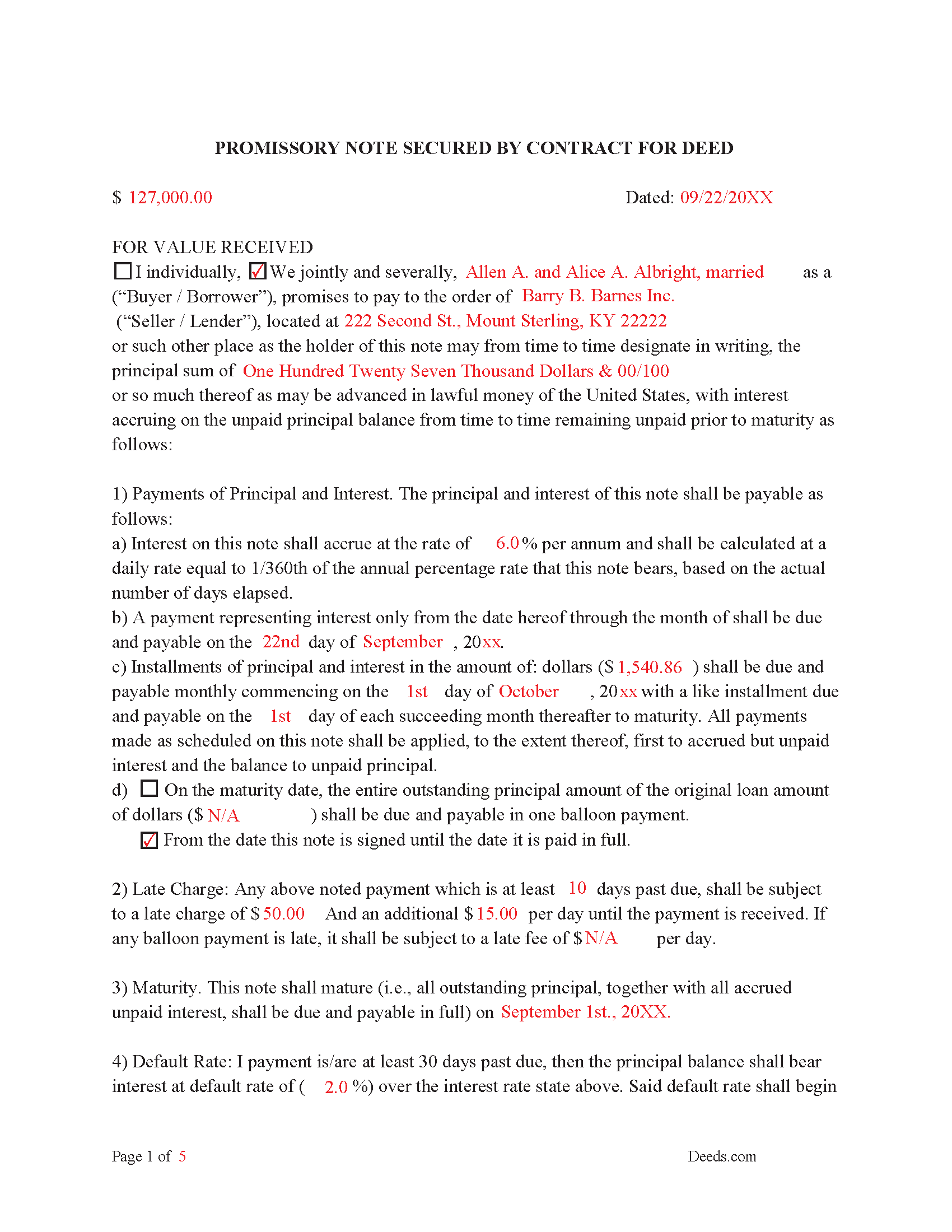
Graves County Completed Example of the Promissory Note
Example of a properly completed form for reference.
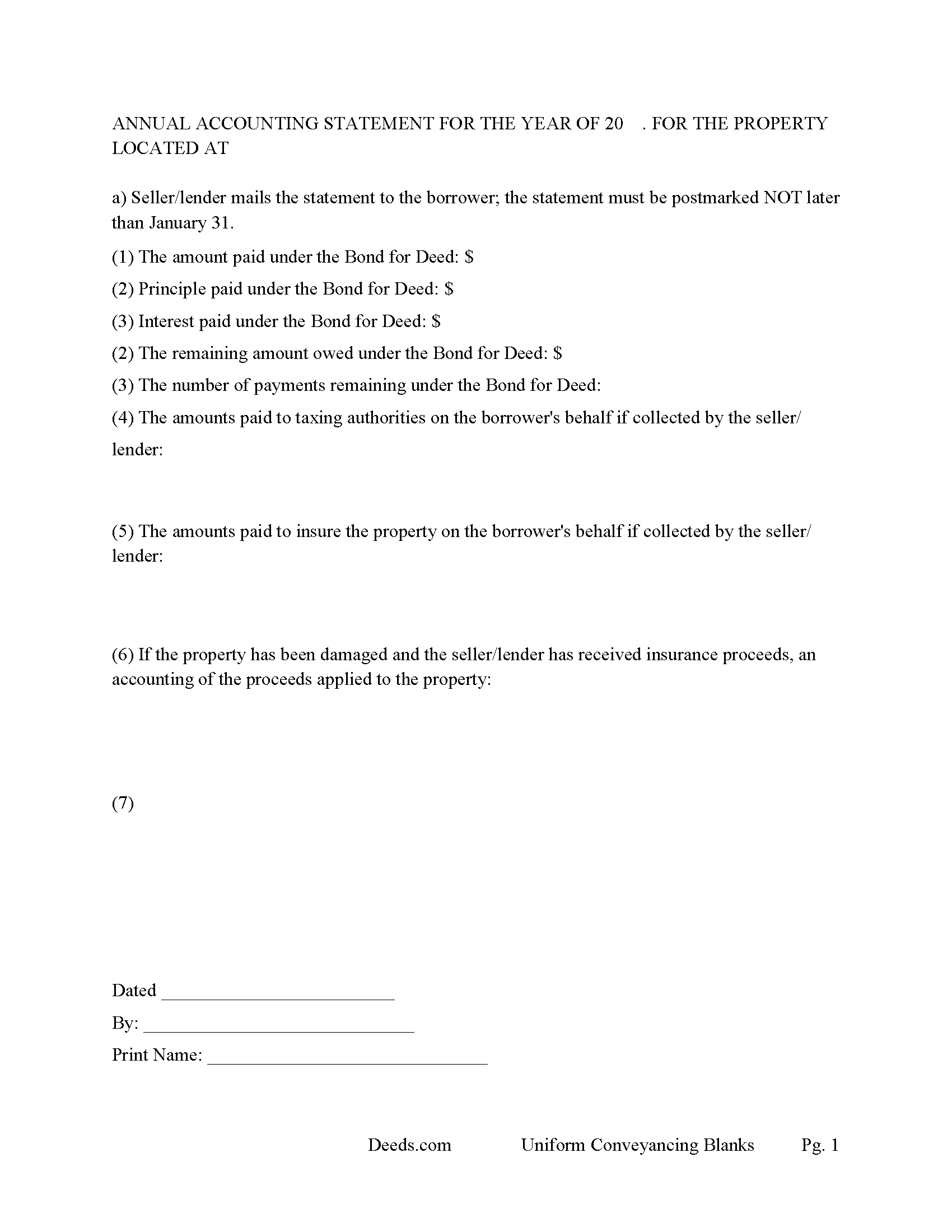
Graves County Annual Accounting Statement Form
Fill in the blank Contract for Deed and Promissory Note form formatted to comply with all Kentucky recording and content requirements.
All 7 documents above included • One-time purchase • No recurring fees
Immediate Download • Secure Checkout
Additional Kentucky and Graves County documents included at no extra charge:
Where to Record Your Documents
Graves County Clerk
Mayfield, Kentucky 42066
Hours: 8:00 to 4:00 Monday through Friday
Phone: (270) 247-1676
Recording Tips for Graves County:
- Bring your driver's license or state-issued photo ID
- Ensure all signatures are in blue or black ink
- Double-check legal descriptions match your existing deed
- Verify all names are spelled correctly before recording
- White-out or correction fluid may cause rejection
Cities and Jurisdictions in Graves County
Properties in any of these areas use Graves County forms:
- Boaz
- Fancy Farm
- Farmington
- Hickory
- Lowes
- Lynnville
- Mayfield
- Melber
- Sedalia
- Symsonia
- Water Valley
- Wingo
Hours, fees, requirements, and more for Graves County
How do I get my forms?
Forms are available for immediate download after payment. The Graves County forms will be in your account ready to download to your computer. An account is created for you during checkout if you don't have one. Forms are NOT emailed.
Are these forms guaranteed to be recordable in Graves County?
Yes. Our form blanks are guaranteed to meet or exceed the applicable formatting requirements used for recording in Graves County, including margin requirements, font requirements, and other layout standards. This guarantee applies to formatting, not to the legal sufficiency of information entered by the user or the suitability of a form for a particular transaction.
Can I reuse these forms?
Yes. You can reuse the forms for your personal use. For example, if you have multiple properties in Graves County you only need to order once.
What do I need to use these forms?
The forms are PDFs that you fill out on your computer. The free Adobe Acrobat Reader is recommended, and most PDF apps also work. You do NOT enter your property information online - you download the blank forms and complete them privately on your own computer.
Are there any recurring fees?
No. This is a one-time purchase. Nothing to cancel, no memberships, no recurring fees.
How much does it cost to record in Graves County?
Recording fees in Graves County vary. Contact the recorder's office at (270) 247-1676 for current fees.
Questions answered? Let's get started!
Contract for Deed also known as a Land Contract
Included are Three forms:
(1) "Contract for Deed" evidenced by a Promissory Note and
(2) "Promissory Note" secured by a Contract for Deed.
(3) "Annual Accounting Statement"
This is considered a more secure method of owner financing than just a land contract because the promissory note is more elaborate and defining of late payments, defaults and penalties. Typically, a Contract for Deed is a recorded instrument, as where the promissory note is held onto by the Seller/Lender until the note is paid in full. These forms are governed by Kentucky law. A promissory note with strong default terms can be beneficial to the seller/lender.
The Contract for Deed form states that the consideration reflected is the fair market value for the property. The parties join this Contract for Deed for the sole purpose of certifying the consideration pursuant to Kentucky Revised Statutes Chapter 382. These forms offer the choice of typical installment payments or a balloon payment, which is common in land contracts, $XXX down, payments for 3-5 years with balance due of YYY.
(Kentucky Contract for Deed Package includes form, guidelines, and completed example) For use in Kentucky Only.
Important: Your property must be located in Graves County to use these forms. Documents should be recorded at the county recording office listed above.
This Contract for Deed and Promissory Note meets all recording requirements specific to Graves County.
Our Promise
The documents you receive here are guaranteed to meet or exceed the applicable Graves County recording format requirements. If there is a rejection caused by our formatting, we will correct the issue or refund your payment. This guarantee applies to document formatting only and does not extend to information entered by the user, the selection of the form, or the legal effect of the completed document.
Save Time and Money
Get your Graves County Contract for Deed and Promissory Note form done right the first time with Deeds.com Uniform Conveyancing Blanks. At Deeds.com, we understand that your time and money are valuable resources, and we don't want you to face a penalty fee or rejection imposed by a county recorder for submitting nonstandard documents. We constantly review and update our forms to meet rapidly changing state and county recording requirements for roughly 3,500 counties and local jurisdictions.
4.8 out of 5 - ( 4,839 Reviews )
Alicia S. 5 out of 5 stars
It's been a difficult time during my divorce. Glad I was able to get the house related documents easily here.
Thank you!
Mark S. 5 out of 5 stars
No Brainer. Easy to use. Good service. I recommend this.
Thank you for your feedback. We really appreciate it. Have a great day!
james e. 5 out of 5 stars
Would be nice if these things downloaded with the type of document rather than a number
Thank you for your feedback. We really appreciate it. Have a great day!
Gary A. 5 out of 5 stars
I believe this is the way to go without the need of a lawyer. Fast downloads, very informative, Now the work starts
Thank you Gary.
Joyce B. 5 out of 5 stars
Thanks, the documents were easy to follow and complete.
Thank you for your feedback. We really appreciate it. Have a great day!
FE P. 5 out of 5 stars
Looked into a good number of DIY deeds on the internet. Very glad that I chose Deeds.com. They made it easy to make your own deed based on your state and the process based on the sample included was easy to follow. Also the cost was very reasonable. Great company.
We appreciate your business and value your feedback. Thank you. Have a wonderful day!
David K. 5 out of 5 stars
My 1st trip to your site. I give it a full 5-star rating! Thank you. I'll be back.
Thank you for your feedback. We really appreciate it. Have a great day!
CHERYL G. 5 out of 5 stars
After my county rejected a deed from another company, I researched better and purchased my Lady Bird Deed from Deeds.com. Very simple, received everything immediately. Printed out sample and guide sheets and filled out my deed. Very thorough and easy to understand. All the additional forms were awesome. And the best part is, my county recorded my deed this morning! WooHoo! Very happy customer! Thank you!
Glad to hear! Thanks for taking the time to leave your review. We appreciate you. Have a great day.
Buster T. 5 out of 5 stars
Very comprehensive - lots of additional forms and instructions. Top-notch!
Thank you!
sara g. 5 out of 5 stars
THIS WAS A USER FRIENDLY FORM, WAS ABLE TO COMPLETE WITHIN A SHORT TIME. THANK YOU
We appreciate your business and value your feedback. Thank you. Have a wonderful day!
Julie D S. 5 out of 5 stars
thank you for all the forms
Thank you!
john g. 4 out of 5 stars
no problems got what i needed.
Thanks John.
Johnny H. 5 out of 5 stars
The format presented is exactly what is needed to produce a perfect listing in the registry of The Maricopa County Office of the Recorder. Thanks for an effective solution to a very important document.
Thank you!
Susan C. 5 out of 5 stars
Hi When and how will I get the copy of my deed ? Thanks
Thanks for reaching out. Looks like the document you ordered has been available for you to download from your account since January 15, 2019 at 11:46 am.
Annette L. 5 out of 5 stars
Excellent customer service and value!
Thank you for your positive words! We’re thrilled to hear about your experience.