Bath County Disclaimer of Interest Form
Last validated November 5, 2026 by our Forms Development TeamFormatted for recording in Bath County, for property anywhere in the county: rural and unincorporated areas as well as Hope, Olympia, Owingsville, Preston, Salt Lick, Sharpsburg.
- 3 documents included
- Immediate PDF download
- Formatting guarantee
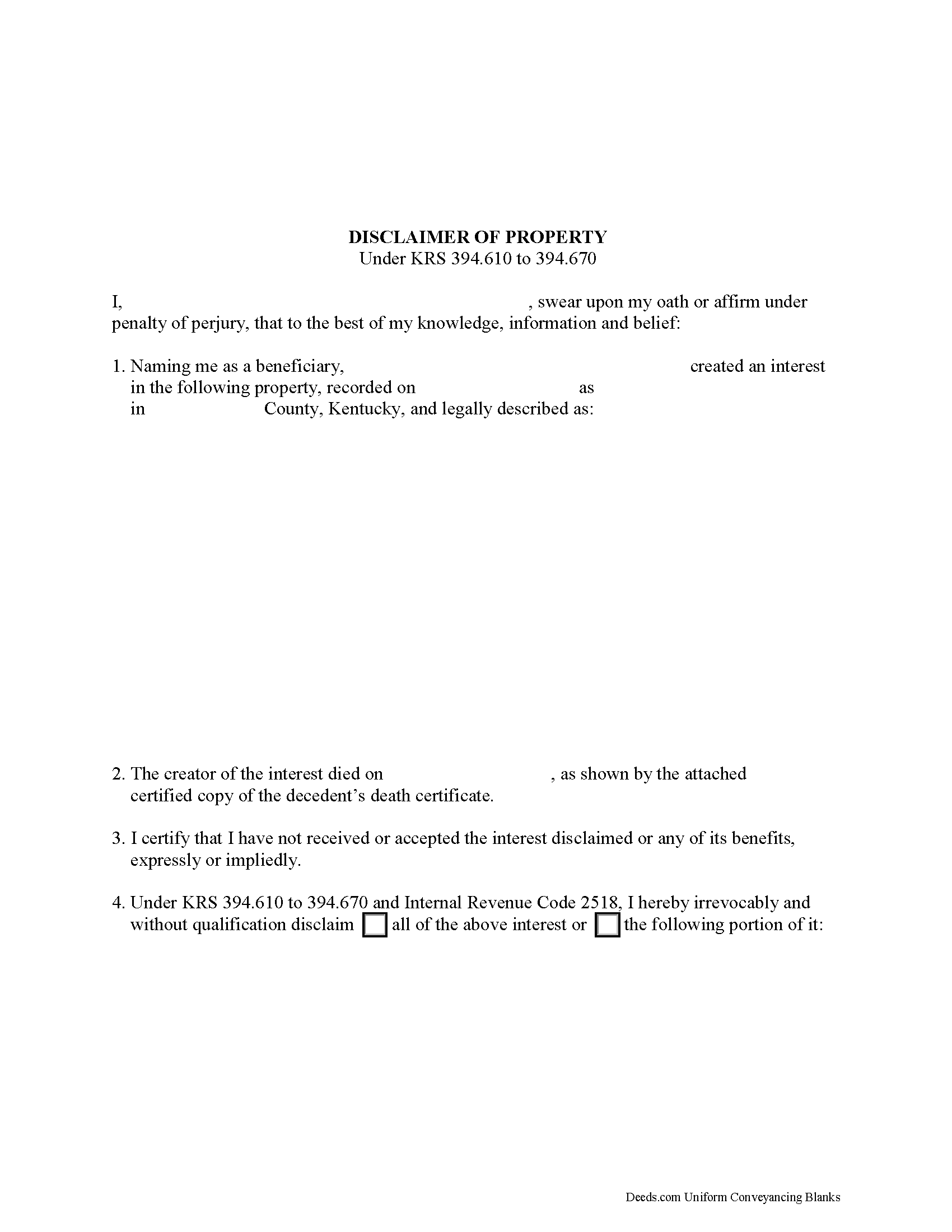
Bath County Disclaimer of Interest Form
Fill in the blank form formatted to comply with all recording and content requirements.
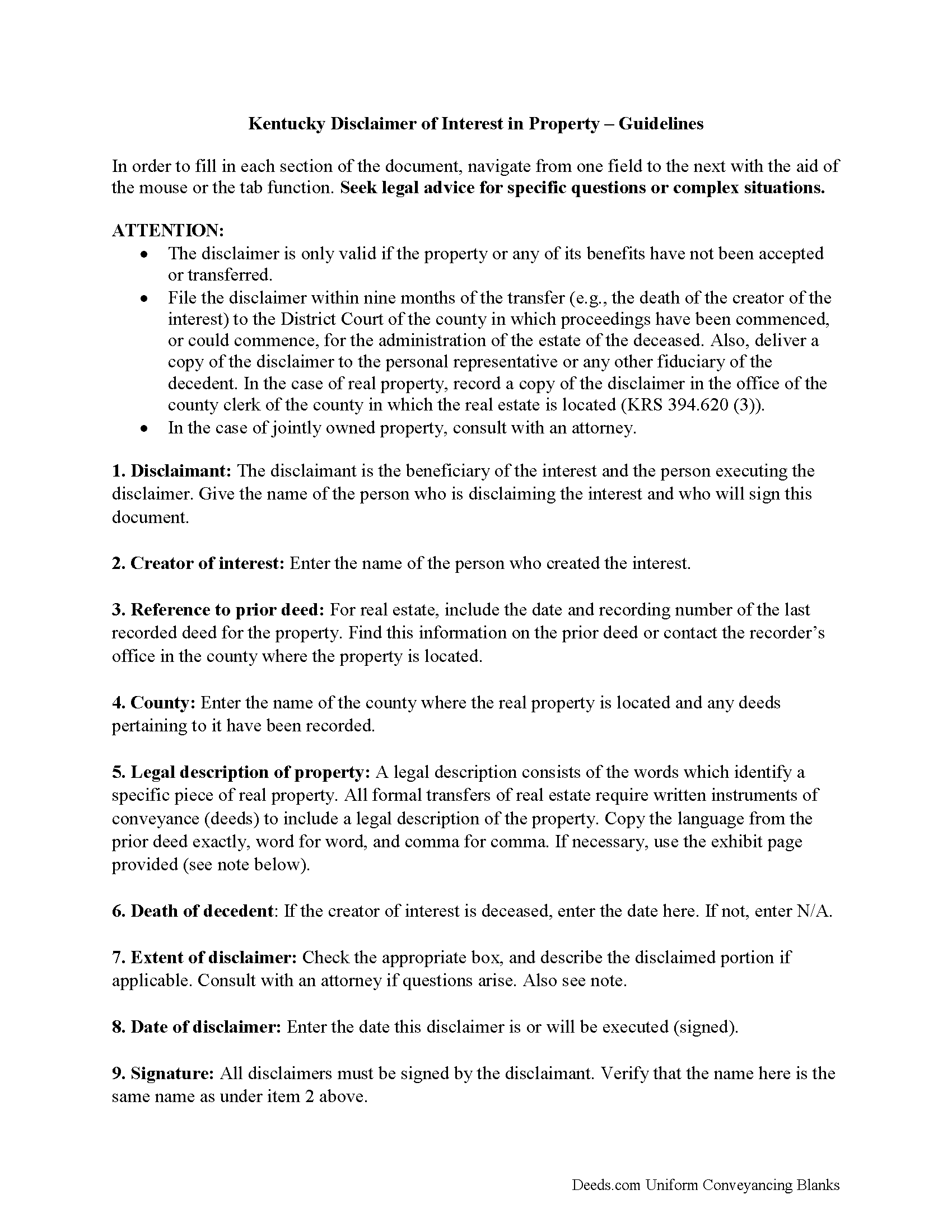
Bath County Disclaimer of Interest Guide
Line by line guide explaining every blank on the form.
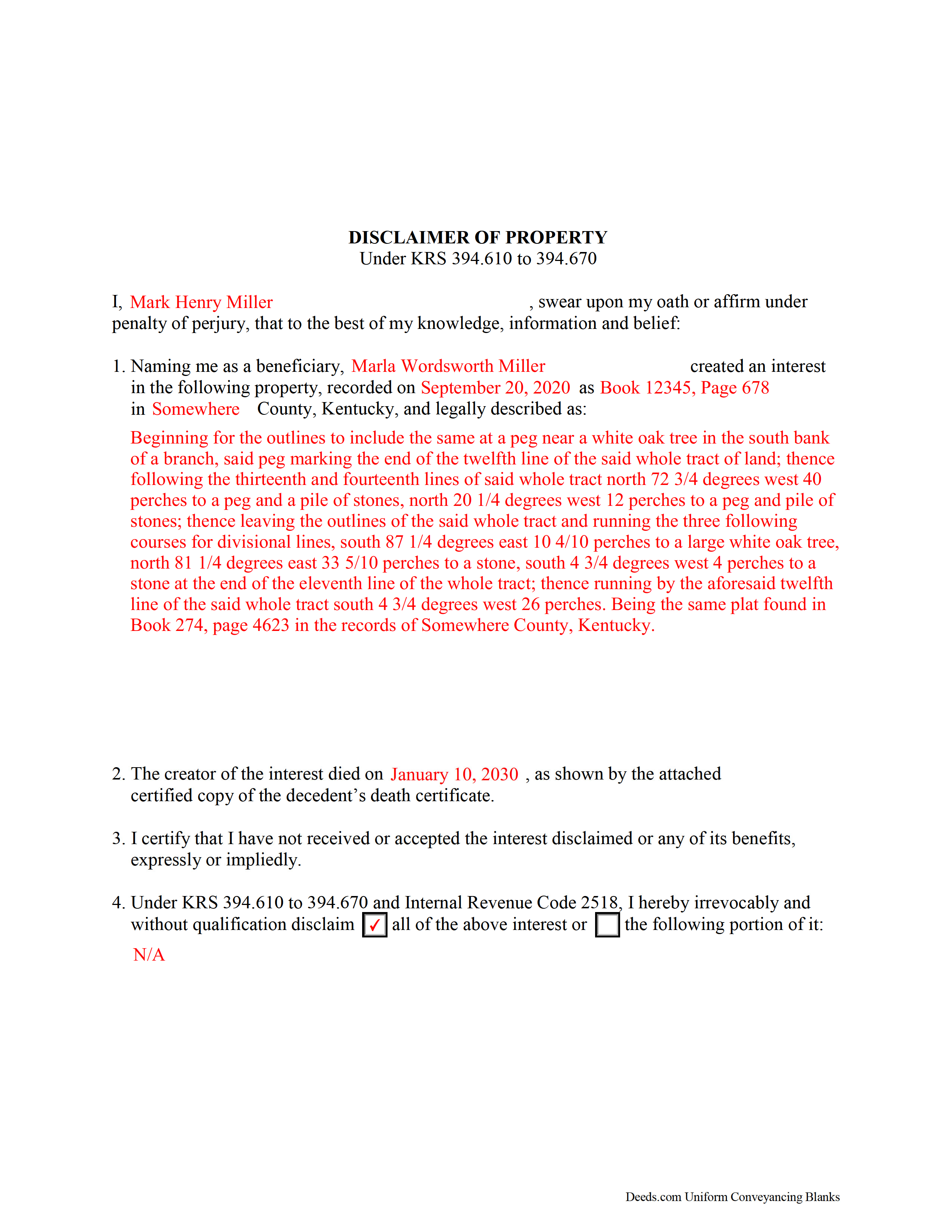
Bath County Completed Example of the Disclaimer of Interest Document
Example of a properly completed form for reference.
All 3 documents above included • One-time purchase • No recurring fees
Immediate Download • Secure Checkout
Additional Kentucky and Bath County documents included at no extra charge:
Where to Record Your Documents
Bath County Clerk
Owingsville, Kentucky 40360-0609
Hours: Mon 8:00am to 5:00pm; Tue-Fri 8:00am to 4:00pm
Phone: (606) 674-2613
Recording Tips for Bath County:
- Bring your driver's license or state-issued photo ID
- Ensure all signatures are in blue or black ink
- Check that your notary's commission hasn't expired
- Documents must be on 8.5 x 11 inch white paper
- Double-check legal descriptions match your existing deed
Cities and Jurisdictions in Bath County
Properties in any of these areas use Bath County forms:
- Hope
- Olympia
- Owingsville
- Preston
- Salt Lick
- Sharpsburg
Hours, fees, requirements, and more for Bath County
How do I get my forms?
Forms are available for immediate download after payment. The Bath County forms will be in your account ready to download to your computer. An account is created for you during checkout if you don't have one. Forms are NOT emailed.
Are these forms guaranteed to be recordable in Bath County?
Yes. Our form blanks are guaranteed to meet or exceed the applicable formatting requirements used for recording in Bath County, including margin requirements, font requirements, and other layout standards. This guarantee applies to formatting, not to the legal sufficiency of information entered by the user or the suitability of a form for a particular transaction.
Can I reuse these forms?
Yes. You can reuse the forms for your personal use. For example, if you have multiple properties in Bath County you only need to order once.
What do I need to use these forms?
The forms are PDFs that you fill out on your computer. The free Adobe Acrobat Reader is recommended, and most PDF apps also work. You do NOT enter your property information online - you download the blank forms and complete them privately on your own computer.
Are there any recurring fees?
No. This is a one-time purchase. Nothing to cancel, no memberships, no recurring fees.
How much does it cost to record in Bath County?
Recording fees in Bath County vary. Contact the recorder's office at (606) 674-2613 for current fees.
Questions answered? Let's get started!
Under the Kentucky Revised Statutes, the beneficiary of an interest in property may renounce the gift, either in part or in full (KRS 394.610 to 670). Note that the option to disclaim is only available to beneficiaries who have not acted in any way to indicate acceptance or ownership of the interest (KRS 394.640)
The disclaimer must be in writing and include a description of the interest, a declaration of intent to disclaim all or a defined portion of the interest, and be signed by the disclaimant (KRS 394.610 (2)).
File the disclaimer within nine months of the transfer (e.g., the death of the creator of the interest) to the District Court of the county in which proceedings have been commenced, or could commence, for the administration of the estate of the deceased. Also, deliver a copy of the disclaimer to the personal representative or any other fiduciary of the decedent or donee. In the case of real property, record a copy of the disclaimer in the office of the county clerk of the county in which the real estate is located (KRS 394.620 (3)).
A disclaimer is irrevocable and binding for the disclaiming party and his or her creditors, so be sure to consult an attorney when in doubt about the drawbacks and benefits of disclaiming inherited property. If the disclaimed interest arises out of jointly-owned property, seek legal advice as well.
(Kentucky DOI Package includes form, guidelines, and completed example)
Important: Your property must be located in Bath County to use these forms. Documents should be recorded at the county recording office listed above.
This Disclaimer of Interest meets all recording requirements specific to Bath County.
Our Promise
The documents you receive here are guaranteed to meet or exceed the applicable Bath County recording format requirements. If there is a rejection caused by our formatting, we will correct the issue or refund your payment. This guarantee applies to document formatting only and does not extend to information entered by the user, the selection of the form, or the legal effect of the completed document.
Save Time and Money
Get your Bath County Disclaimer of Interest form done right the first time with Deeds.com Uniform Conveyancing Blanks. At Deeds.com, we understand that your time and money are valuable resources, and we don't want you to face a penalty fee or rejection imposed by a county recorder for submitting nonstandard documents. We constantly review and update our forms to meet rapidly changing state and county recording requirements for roughly 3,500 counties and local jurisdictions.
4.8 out of 5 - ( 4,865 Reviews )
Ardelle P. 5 out of 5 stars
Extremely happy with this. Easy to use and very professional looking form when completed.
We appreciate your business and value your feedback. Thank you. Have a wonderful day!
Fred A. 5 out of 5 stars
Very nice forms offer, very thoughtful to include other related forms that may be necessary. The site was easy to use, and very fast. Thank You.
Thank you!
Joseph R. 5 out of 5 stars
Wonderful service! Things changed for me on my side and the company saw this and closed my account with ease.
Thank you!
Lisa D. 5 out of 5 stars
Great service, would be nice if it provided an address to send this to once completed!
Thank you for your feedback. We really appreciate it. Have a great day!
Rajashree S. 5 out of 5 stars
Deed was easy to download and complete. Will use again if needed.
We appreciate your business and value your feedback. Thank you. Have a wonderful day!
Rebecca M. 5 out of 5 stars
This was pretty easy to fill out. The directions on all of the forms was very good. This should make life much easier at the County Recorder. Thank you!
We appreciate your business and value your feedback. Thank you. Have a wonderful day!
Dennis F. 4 out of 5 stars
The release of mortgage form was OK, and accepted at the recorder's office, but there were some problems. Many of the fields to type in were too small to accept the data, and I could not find a way to change the field size or use a smaller font. Otherwise I was satisfied.
Your feedback is a crucial part of our dedication to ongoing improvement. Thank you for your insightful comments.
Robert D. 5 out of 5 stars
I was trying to register a financial statement (non real estate document). There was no link or statement on the home page to indicate that this could be done. All I had to do was to create an account, name and then upload the document. It took me over a day and several phone calls to the local deed recording office to try to figure this out. A simple link or statement to this effect would have saved me a lot of time
Thank you for your feedback. We really appreciate it. Have a great day!
Maurice B. 5 out of 5 stars
The program fields should allow the customer to change font size and allow additional space for information to be place on the Deed. Not Bad, still needs improvement.
Thank you for your feedback Maurice. Unfortunately we do not make the requirements for things like font size and margins, we only make the documents to be compliant with them.
Robert D. 5 out of 5 stars
These forms made it so easy to update the property deed and the instructions and sample filled out form were most helpful. You might want to add some brief information on when or why to use the Acknowledgment in Individual Capacity notary form. In my case the notary was required to use it but also filled in the brief notarize section on the Affidavit as well. She said the one on the Affidavit had some value because it showed she had witnessed the my signature. But this was only after I suggested both be filled in as she initially thought to just strike through it and just use the Acknowledgment in Individual Capacity form.
Thank you for your feedback. We really appreciate it. Have a great day!
Michael H. 4 out of 5 stars
Found documents I needed quickly and at a reasonable price. MH
Thank you for your feedback. We really appreciate it. Have a great day!
clenio o. 5 out of 5 stars
Very helpful. The Register office is closed in Detroit due to covid, but after using it, I would do it regardless. Thank you.
Thank you for your feedback. We really appreciate it. Have a great day!
Donna C. 5 out of 5 stars
Easy to use.
Thank you!
Thomas D. 2 out of 5 stars
The documents themselves are fine and the information provided with them is helpful. I find the actual processing of the documents, however, to be difficult particularly once the document has been saved. First, I note that the box for the date only allows entry of the last 2 digits of the year. Unfortunately, my download only allows me to enter one of the 2 digits required. When I delete it repeatedly, it eventually allows both digits to be entered but puts them in extremely small text and in superscrypt. I have not found a solution to this problem and am not sure the deed can even be recorded with this problem. Another problem is that if you try to revise the document after you have saved it the curser goes to the end of the line after each key entry. This means that there basically is no way to efficiently save the document for reworking later since you will have to delete everything you have entered in the text box unless you only need to make a single keystroke change or are willing to replace the curser after each entry. Try that with a long property description! Please note that I am using a Mac to prepare my documents and perhaps this is part of an "incompatibility problem". However, I didn't see a disclaimer regarding Mac use and so would expect the documents to perform correctly. Overall, I give the program a "2 star" rating because I am experiencing significant difficulties in entering dates in the documents even before saving them and because saving your work for later revision appears to be basically unworkable.
Thank you for your feedback Thomas, we appreciate you being specific about the issues you encountered. Adobe and Mac have a fairly long history of issues working together.
Shaaron Z. 5 out of 5 stars
So far, this is working well. However, I don't see a form to change name due to marriage.
Thank you!