Jefferson County Final Conditional Lien Waiver Form
Last validated October 14, 2026 by our Forms Development TeamFormatted for recording in Jefferson County, for property anywhere in the county: rural and unincorporated areas as well as Eastwood, Fairdale, Fisherville, Glenview, Harrods Creek, Louisville, Masonic Home, Prospect.
- 3 documents included
- Immediate PDF download
- Formatting guarantee
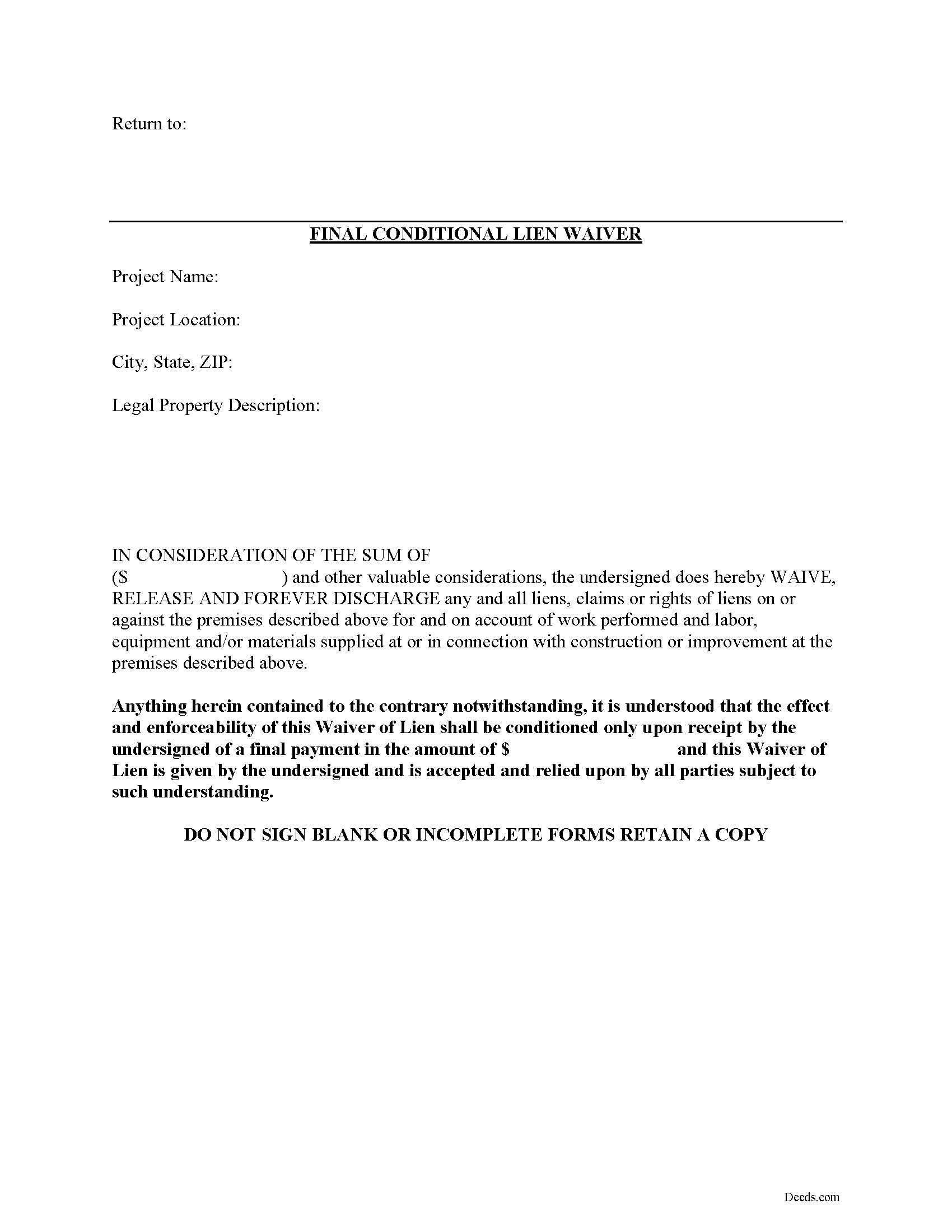
Jefferson County Final Conditional Lien Waiver Form
Fill in the blank Final Conditional Lien Waiver form formatted to comply with all Kentucky recording and content requirements.
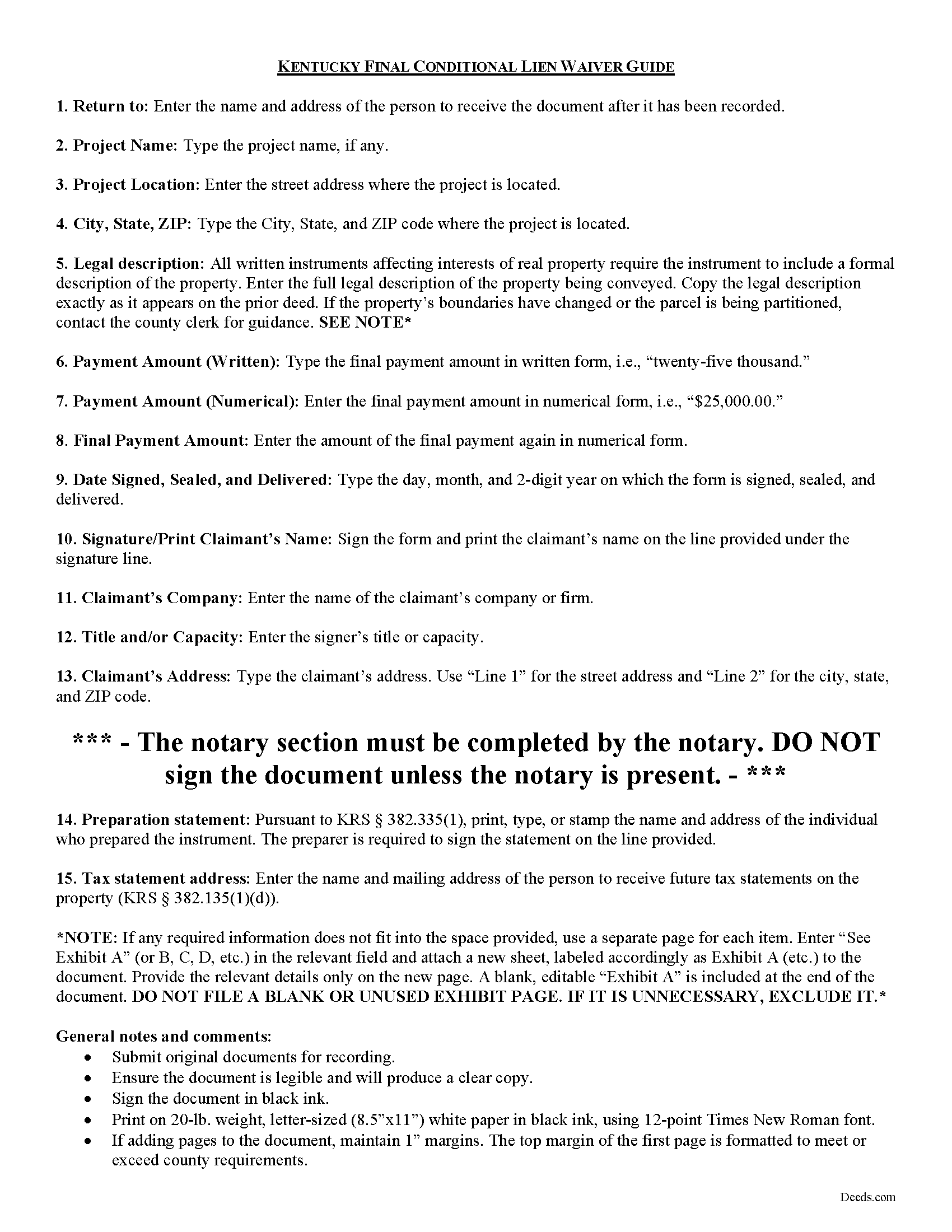
Jefferson County Final Conditional Lien Waiver Guide
Line by line guide explaining every blank on the form.
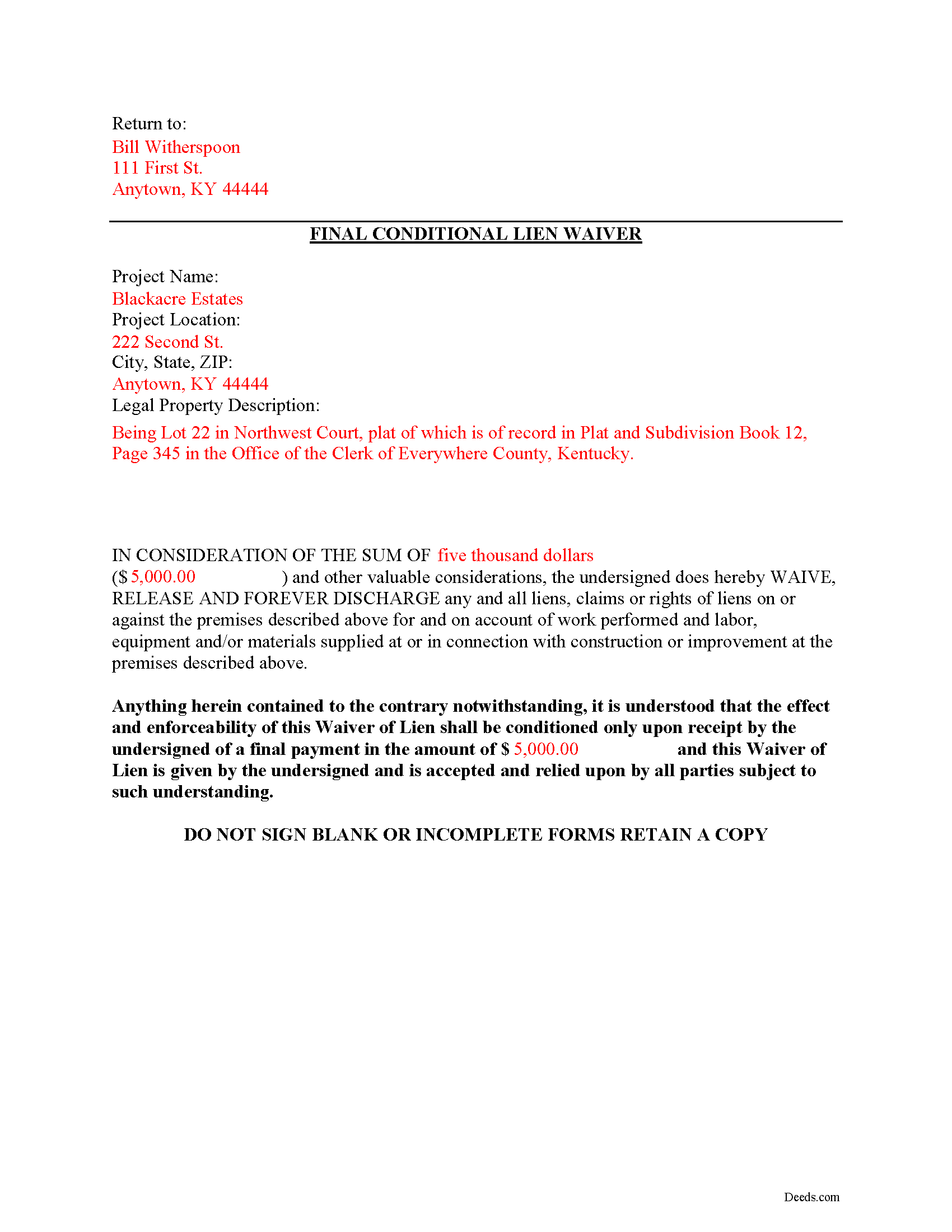
Jefferson County Completed Example of the Final Conditional Lien Waiver Document
Example of a properly completed form for reference.
All 3 documents above included • One-time purchase • No recurring fees
Immediate Download • Secure Checkout
Additional Kentucky and Jefferson County documents included at no extra charge:
Where to Record Your Documents
Jefferson County Clerk
Louisville, Kentucky 40202 /40232-3033
Hours: 8:00 to 4:00 M-F
Phone: 502-574-5785
Recording Tips for Jefferson County:
- Bring your driver's license or state-issued photo ID
- Ensure all signatures are in blue or black ink
- Ask about accepted payment methods when you call ahead
- Ask for certified copies if you need them for other transactions
- Ask if they accept credit cards - many offices are cash/check only
Cities and Jurisdictions in Jefferson County
Properties in any of these areas use Jefferson County forms:
- Eastwood
- Fairdale
- Fisherville
- Glenview
- Harrods Creek
- Louisville
- Masonic Home
- Prospect
Hours, fees, requirements, and more for Jefferson County
How do I get my forms?
Forms are available for immediate download after payment. The Jefferson County forms will be in your account ready to download to your computer. An account is created for you during checkout if you don't have one. Forms are NOT emailed.
Are these forms guaranteed to be recordable in Jefferson County?
Yes. Our form blanks are guaranteed to meet or exceed the applicable formatting requirements used for recording in Jefferson County, including margin requirements, font requirements, and other layout standards. This guarantee applies to formatting, not to the legal sufficiency of information entered by the user or the suitability of a form for a particular transaction.
Can I reuse these forms?
Yes. You can reuse the forms for your personal use. For example, if you have multiple properties in Jefferson County you only need to order once.
What do I need to use these forms?
The forms are PDFs that you fill out on your computer. The free Adobe Acrobat Reader is recommended, and most PDF apps also work. You do NOT enter your property information online - you download the blank forms and complete them privately on your own computer.
Are there any recurring fees?
No. This is a one-time purchase. Nothing to cancel, no memberships, no recurring fees.
How much does it cost to record in Jefferson County?
Recording fees in Jefferson County vary. Contact the recorder's office at 502-574-5785 for current fees.
Questions answered? Let's get started!
Mechanic's liens are governed under Chapter 376 of Kentucky Revised Statutes (K.R.S.). Although Kentucky law doesn't provide a required format for a waiver, claimants can use various types of lien waivers in order to simplify payments between contractors, subcontractors, customers, and property owners. A waiver is a knowing relinquishment of a right. In this case, the person granting the waiver is relinquishing the right to seek a mechanic's lien for all or part of the amount due. This assurance is usually enough to get the other party to pay.
Lien waivers are generally either based on a partial/progress payment or a final payment, and may be conditional or unconditional. Partial waivers release a portion of the lien rights, determined by the amount paid. Final waivers release all lien rights because the balance is paid in full. Conditional waivers give more protection to the claimant, and are dependent on any payments clearing the bank. Unconditional waivers give the advantage to the party responsible for paying, and take effect immediately upon recording, regardless of whether or not the bank covers the check.
Regardless of their nature, waivers must identify the parties, a description of the location and type of goods and/or services provided, significant dates, fees, and payments. Record the completed waiver in the office responsible for maintaining the land records for the county where the subject property is located.
Use the final waiver when the customer makes the final payment, meaning nothing is left due and owing after this payment. This waiver is conditioned upon the payment actually clearing and the waiver will not be effective until this happens.
This article is provided for information purposes only and should not be relied upon as a substitute for the advice from a legal professional. Please speak with an attorney with questions about using a lien waiver, or for any other issues related to liens in Kentucky.
Important: Your property must be located in Jefferson County to use these forms. Documents should be recorded at the county recording office listed above.
This Final Conditional Lien Waiver meets all recording requirements specific to Jefferson County.
Our Promise
The documents you receive here are guaranteed to meet or exceed the applicable Jefferson County recording format requirements. If there is a rejection caused by our formatting, we will correct the issue or refund your payment. This guarantee applies to document formatting only and does not extend to information entered by the user, the selection of the form, or the legal effect of the completed document.
Save Time and Money
Get your Jefferson County Final Conditional Lien Waiver form done right the first time with Deeds.com Uniform Conveyancing Blanks. At Deeds.com, we understand that your time and money are valuable resources, and we don't want you to face a penalty fee or rejection imposed by a county recorder for submitting nonstandard documents. We constantly review and update our forms to meet rapidly changing state and county recording requirements for roughly 3,500 counties and local jurisdictions.
4.8 out of 5 - ( 4,832 Reviews )
Douglas C. 5 out of 5 stars
Even for a novice like me, this site was easy to use, with very clear & simple options and instructions. I wish every web site was as good!
Thank you for your feedback. We really appreciate it. Have a great day!
Linley S. 5 out of 5 stars
This website is extremely easy to use and provides exactly what is needed to record things. I am very appreciative of this service, especially when I can't get to the court right now due to them being closed due to COVID-19 right now. Thank you!
Thank you Linley, glad we are able to help.
Jayne S. 5 out of 5 stars
Simple and quick -- just what we needed!
Your feedback is greatly appreciated. Thank you for taking the time to share your experience!
Karl H. 5 out of 5 stars
Still in process, but it is well explained. I would recommend it to anyone in Texas.
Thank you for your feedback. We really appreciate it. Have a great day!
Cindy H. 5 out of 5 stars
It was easy and quick. Such a pleasure to use since we live out of town. So convenient. Definitely would recommend.
Thank you for your feedback. We really appreciate it. Have a great day!
ALYSSA J. 1 out of 5 stars
I was unable to end up going through with the deed process on my own as it was out of my realm. I suspect if I knew what I was actually doing when completing a deed, it would of been sufficient. I ended up having to go through an attorney to complete the deed.
Glad to hear you sought the assistance of a legal professional familiar with your specific situation, we always recommend that to anyone who is not completely sure of what they are doing. Have a wonderful day.
suzanne m. 5 out of 5 stars
Finding what I needed was quick and easy.
Thank you!
Tommie G. 5 out of 5 stars
I saved 225.00 with this purchase.Make sure you have an updated property description from your county tax collectors' office.In Bay county,Florida the tax office will email you an updated property description.I attached the email to the the deed.I had to change the date and they accepted a white out and ink correction on your form.
Thank you for your feedback. We really appreciate it. Have a great day!
Emili C. 5 out of 5 stars
Thank you! I received my forms promptly and they are easy to follow along for filling out. The examples gave me confidence that they were done correctly.
Thank you for your feedback. We really appreciate it. Have a great day!
Kathy B. 4 out of 5 stars
Works easy enough and good directions on the form, however no help when I got locked out. Had to do a completely new account name and email address.
Thank you!
Sue C. 5 out of 5 stars
Very helpful. Easy to use. Able to avoid the cost of having an attorney prepare the document I needed.
Your appreciative words mean the world to us. Thank you and we look forward to serving you again!
Roy K. 5 out of 5 stars
Just what we were looking for. Very easy to fill out. Thanks
Thank you Roy. We appreciate your feedback.
Rosa Irene G. 5 out of 5 stars
nd your site/forms. The cost is also great. Thank you so much for making this affordable to everyone.
Thank you for your feedback. We really appreciate it. Have a great day!
dean s. 5 out of 5 stars
Excellent work. Berry happy!
Thank you!
Pamela P. 5 out of 5 stars
I liked the speed and efficiency of your website.
Thank you for your feedback. We really appreciate it. Have a great day!