Boyle County Final Unconditional Lien Waiver Form
Last validated October 8, 2026 by our Forms Development TeamFormatted for recording in Boyle County, for property anywhere in the county: rural and unincorporated areas as well as Danville, Junction City, Mitchellsburg, Parksville, Perryville.
- 3 documents included
- Immediate PDF download
- Formatting guarantee
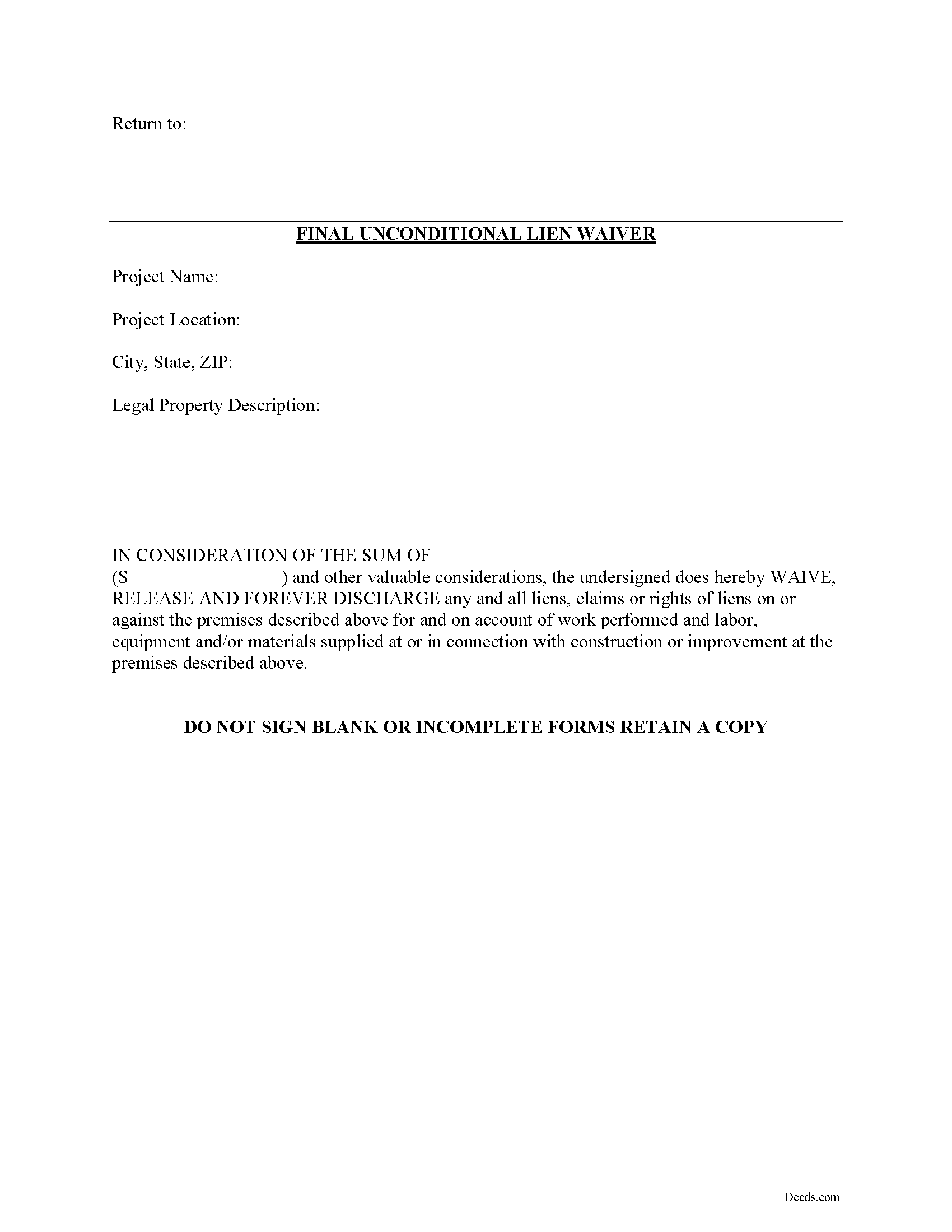
Boyle County Final Unconditional Lien Waiver Form
Fill in the blank Final Unconditional Lien Waiver form formatted to comply with all Kentucky recording and content requirements.
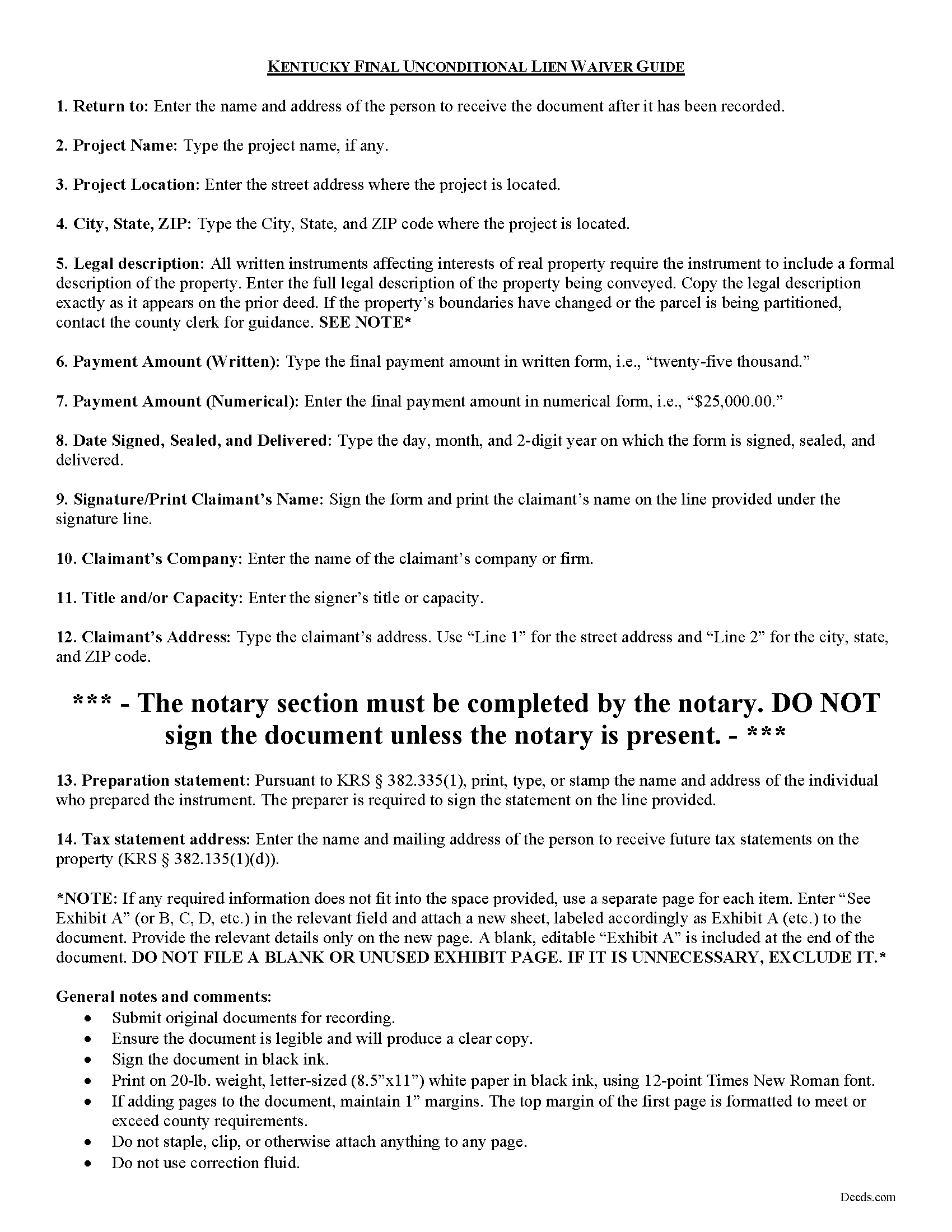
Boyle County Final Unconditional Lien Waiver Guide
Line by line guide explaining every blank on the form.
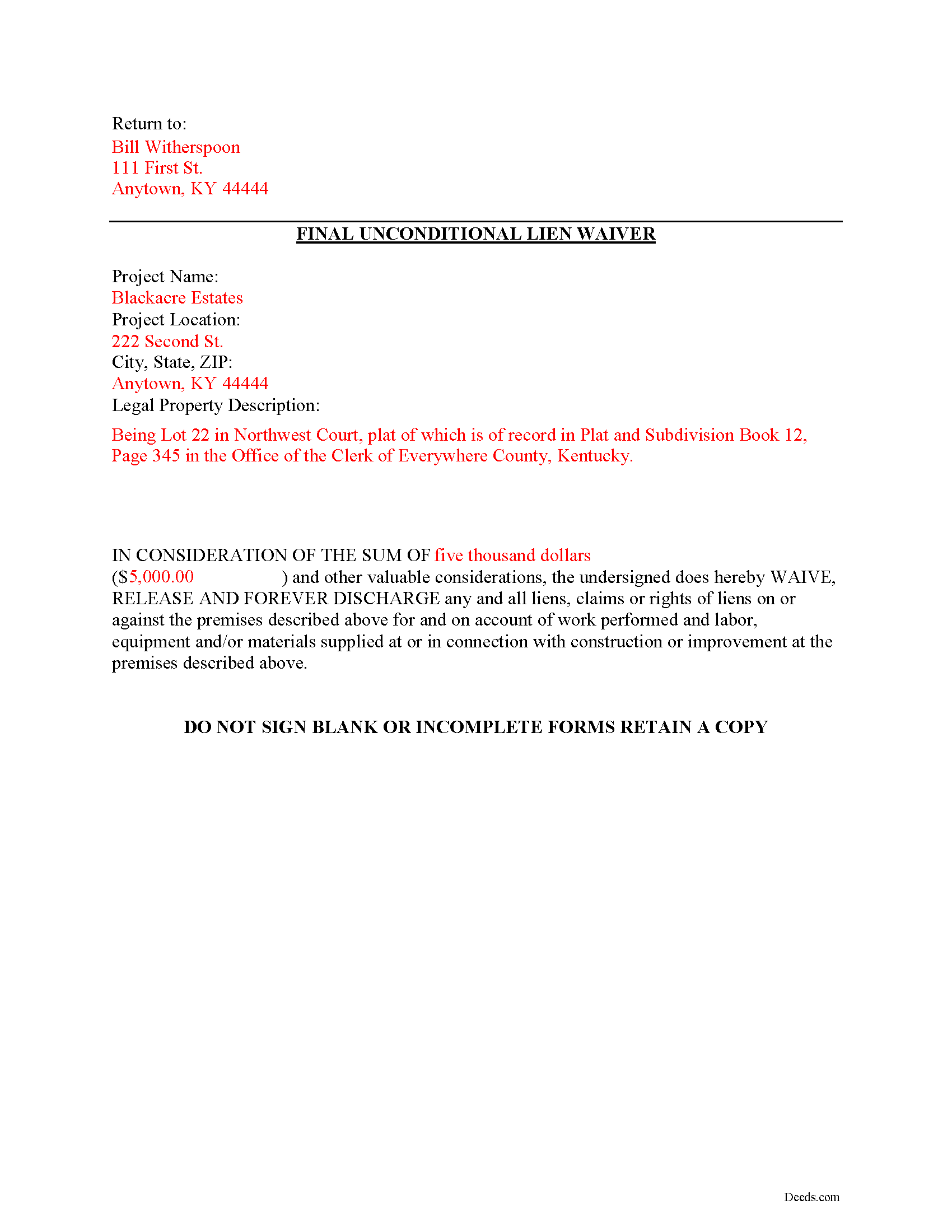
Boyle County Completed Example of the Unconditional Lien Waiver Document
Example of a properly completed form for reference.
All 3 documents above included • One-time purchase • No recurring fees
Immediate Download • Secure Checkout
Additional Kentucky and Boyle County documents included at no extra charge:
Where to Record Your Documents
Boyle County Clerk
Danville, Kentucky 40422
Hours: Monday 8:30am - 5:00pm & Tuesday - Friday 8:30 am - 4:00pm
Phone: 859-238-1114
Recording Tips for Boyle County:
- Bring your driver's license or state-issued photo ID
- Ensure all signatures are in blue or black ink
- Both spouses typically need to sign if property is jointly owned
- Bring extra funds - fees can vary by document type and page count
- Check margin requirements - usually 1-2 inches at top
Cities and Jurisdictions in Boyle County
Properties in any of these areas use Boyle County forms:
- Danville
- Junction City
- Mitchellsburg
- Parksville
- Perryville
Hours, fees, requirements, and more for Boyle County
How do I get my forms?
Forms are available for immediate download after payment. The Boyle County forms will be in your account ready to download to your computer. An account is created for you during checkout if you don't have one. Forms are NOT emailed.
Are these forms guaranteed to be recordable in Boyle County?
Yes. Our form blanks are guaranteed to meet or exceed the applicable formatting requirements used for recording in Boyle County, including margin requirements, font requirements, and other layout standards. This guarantee applies to formatting, not to the legal sufficiency of information entered by the user or the suitability of a form for a particular transaction.
Can I reuse these forms?
Yes. You can reuse the forms for your personal use. For example, if you have multiple properties in Boyle County you only need to order once.
What do I need to use these forms?
The forms are PDFs that you fill out on your computer. The free Adobe Acrobat Reader is recommended, and most PDF apps also work. You do NOT enter your property information online - you download the blank forms and complete them privately on your own computer.
Are there any recurring fees?
No. This is a one-time purchase. Nothing to cancel, no memberships, no recurring fees.
How much does it cost to record in Boyle County?
Recording fees in Boyle County vary. Contact the recorder's office at 859-238-1114 for current fees.
Questions answered? Let's get started!
Mechanic's liens are governed under Chapter 376 of Kentucky Revised Statutes (K.R.S.). Although Kentucky law doesn't provide a required format for a waiver, claimants can use various types of lien waivers in order to simplify payments between contractors, subcontractors, customers, and property owners. A waiver is a knowing relinquishment of a right. In this case, the person granting the waiver is relinquishing the right to seek a mechanic's lien for all or part of the amount due. This assurance is usually enough to get the other party to pay.
Lien waivers are generally either based on a partial/progress payment or a final payment, and may be conditional or unconditional. Partial waivers release a portion of the lien rights, determined by the amount paid. Final waivers release all lien rights because the balance is paid in full. Conditional waivers give more protection to the claimant, and are dependent on any payments clearing the bank. Unconditional waivers give the advantage to the party responsible for paying, and take effect immediately upon recording, regardless of whether or not the bank covers the check.
Regardless of their nature, waivers must identify the parties, a description of the location and type of goods and/or services provided, significant dates, fees, and payments. Record the completed waiver in the office responsible for maintaining the land records for the county where the subject property is located.
The final unconditional waiver is the most comprehensive option. Once recorded, it will forfeit any lien right for the final payment amount regardless of payment being verified. Be cautious about using this waiver, because recording it removes an option for recourse if something goes wrong with the payment. With that in mind, verify that the funds actually go through (meaning the check has cleared) before giving up the right to lien.
This article is provided for information purposes only and should not be relied upon as a substitute for the advice from a legal professional. Please speak with an attorney with questions about using a lien waiver, or for any other issues related to liens in Kentucky.
Important: Your property must be located in Boyle County to use these forms. Documents should be recorded at the county recording office listed above.
This Final Unconditional Lien Waiver meets all recording requirements specific to Boyle County.
Our Promise
The documents you receive here are guaranteed to meet or exceed the applicable Boyle County recording format requirements. If there is a rejection caused by our formatting, we will correct the issue or refund your payment. This guarantee applies to document formatting only and does not extend to information entered by the user, the selection of the form, or the legal effect of the completed document.
Save Time and Money
Get your Boyle County Final Unconditional Lien Waiver form done right the first time with Deeds.com Uniform Conveyancing Blanks. At Deeds.com, we understand that your time and money are valuable resources, and we don't want you to face a penalty fee or rejection imposed by a county recorder for submitting nonstandard documents. We constantly review and update our forms to meet rapidly changing state and county recording requirements for roughly 3,500 counties and local jurisdictions.
4.8 out of 5 - ( 4,845 Reviews )
Terriana H. 5 out of 5 stars
Order processed and fulfilled in the same day!
Thank you!
Wendling D. 4 out of 5 stars
Good
Thank you!
Richard L. 5 out of 5 stars
Thanks for the complete and reasonably priced set of docs. I was specifically looking for and glad to find a current version of a TOD deed following the California extension.
Thank you for your feedback. We really appreciate it. Have a great day!
MARIA P. 5 out of 5 stars
I finally was able to download the forms. Thank you and I know I will be able to use your service anytime I may need a legal document. Thanks again!
Thank you!
Dagmar R. 5 out of 5 stars
Great Service, very helpful and knowledgeable.
Thank you for your feedback. We really appreciate it. Have a great day!
Jessica S. 1 out of 5 stars
Paid the money, but never received any information; not even an email saying they couldn't find anything.
Thank you for your feedback. Reviewing your account, looks like the property detail report you ordered was completed on December 14, 2018 at 10:56am. The report has been available for you to download in your account ever since.
Rasheedah M. 5 out of 5 stars
Excellent service. Received the exact quit claim form and additional information promptly. Thank you so much!
We appreciate your business and value your feedback. Thank you. Have a wonderful day!
Ronald P. 5 out of 5 stars
Very easy to use... awaiting info
Thank you for your feedback. We really appreciate it. Have a great day!
Jan H. 5 out of 5 stars
This is a great service. It was easy to find and the instructions were complete and easy to follow.
Thank you!
Toni C. 4 out of 5 stars
The system was simple to use. The rep that answered my questions could have been a little more forthcoming, but that being said I would use the service again.
Thank you!
janna C. 5 out of 5 stars
Great site! I found everything I needed.
We appreciate your business and value your feedback. Thank you. Have a wonderful day!
James H. 5 out of 5 stars
Very satisfied. Download was easy, completing the form was easy, got our signatures notarized and submitted it to the register of deeds. The only item was that the register of deeds did not immediately recognize the TOD deed form as the usual form they receive. After carefully reviewing all the information and wording on the deed she accepted it.
We appreciate your business and value your feedback. Thank you. Have a wonderful day!
Rachel F. 5 out of 5 stars
Easy and can add our own additional language in spaces provided. Thank you!
Thank you Rachel!
Margaret S. 5 out of 5 stars
Very nice. easy to use and not too expensive.
Thank you!
Mark W. 5 out of 5 stars
Great form and easy to complete. Sending a sample and instructions was very helpful. Thank you!
We appreciate your business and value your feedback. Thank you. Have a wonderful day!