Boyle County Notice of Furnishing Form
Last validated September 28, 2026 by our Forms Development TeamFormatted for recording in Boyle County, for property anywhere in the county: rural and unincorporated areas as well as Danville, Junction City, Mitchellsburg, Parksville, Perryville.
- 3 documents included
- Immediate PDF download
- Formatting guarantee
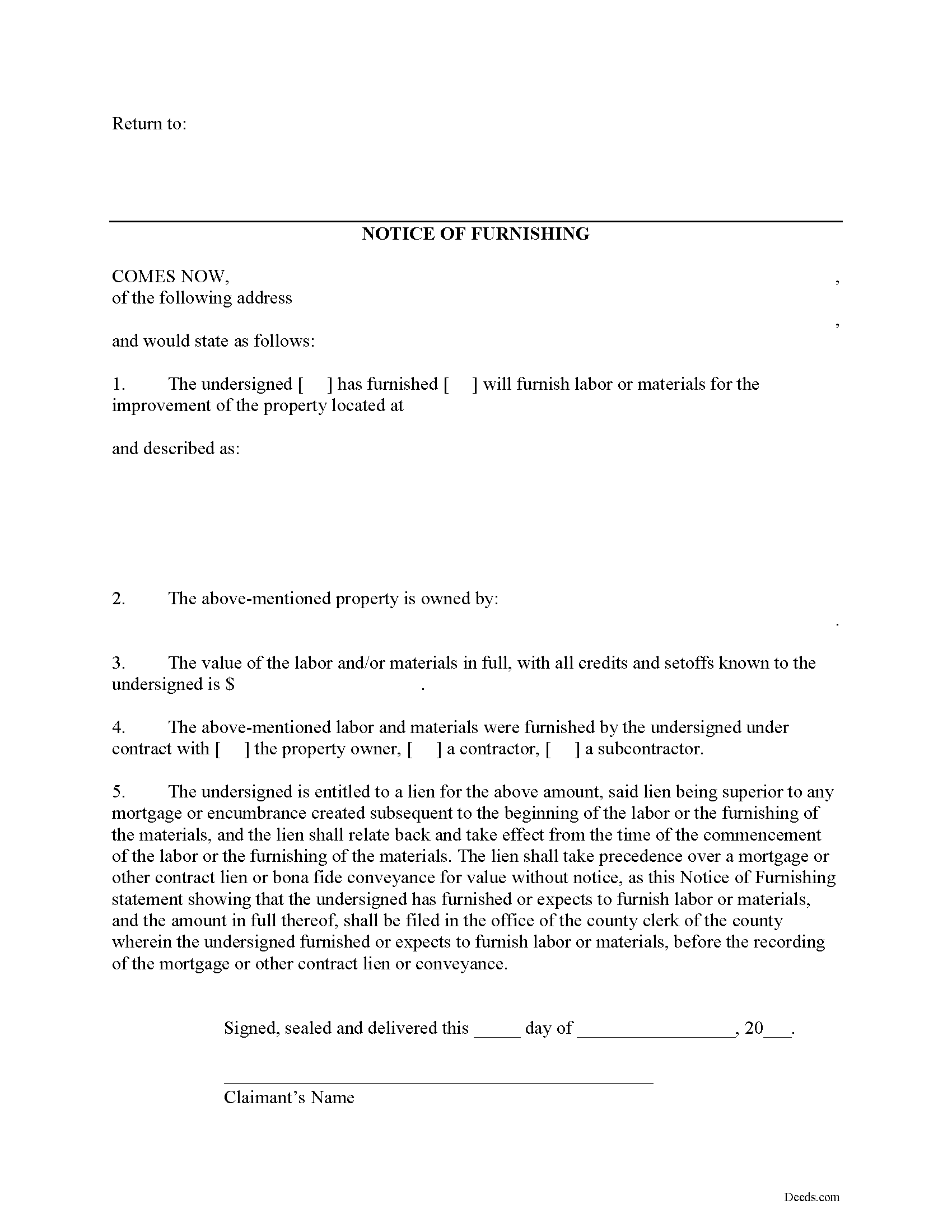
Boyle County Notice of Furnishing Form
Fill in the blank Notice of Furnishing form formatted to comply with all Kentucky recording and content requirements.
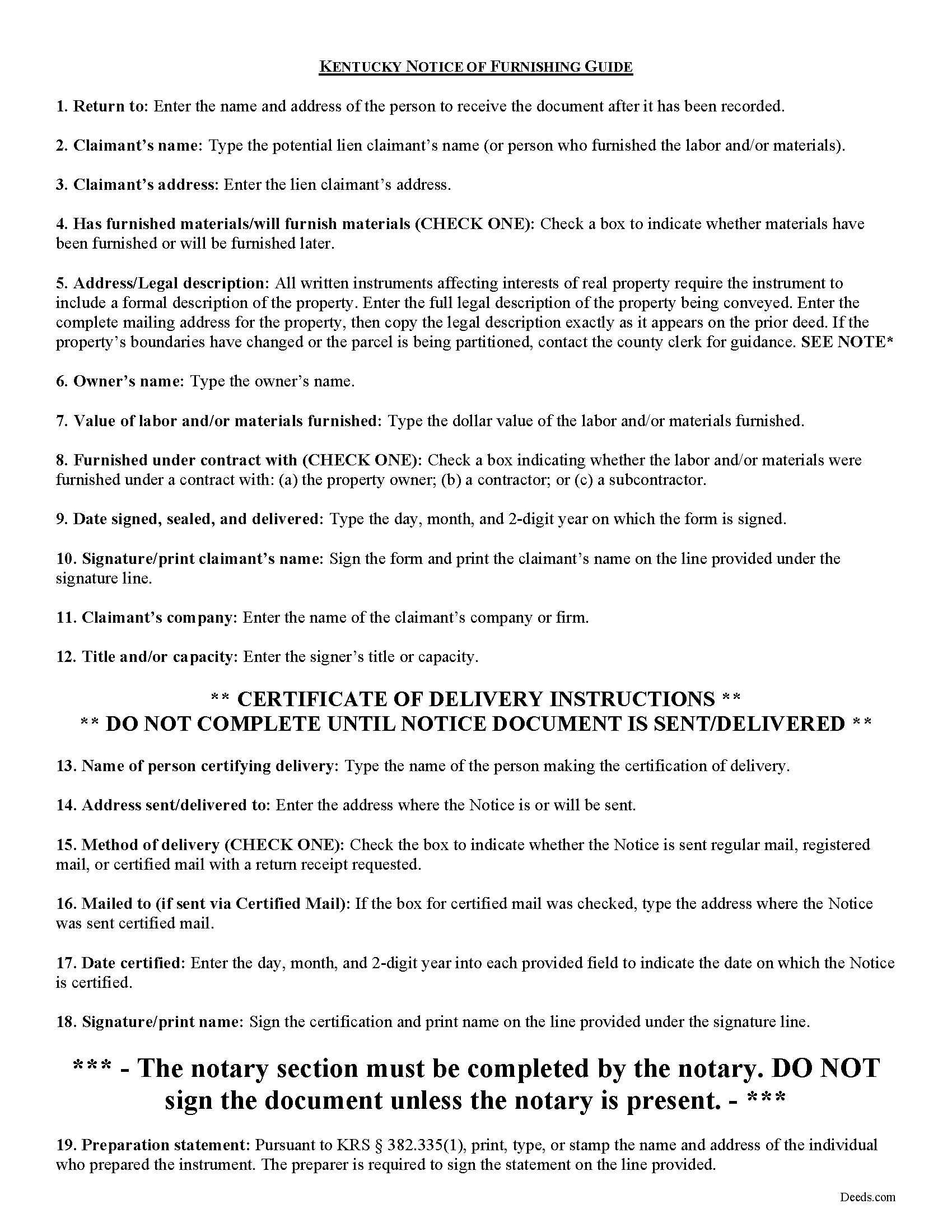
Boyle County Notice of Furnishing Guide
Line by line guide explaining every blank on the form.
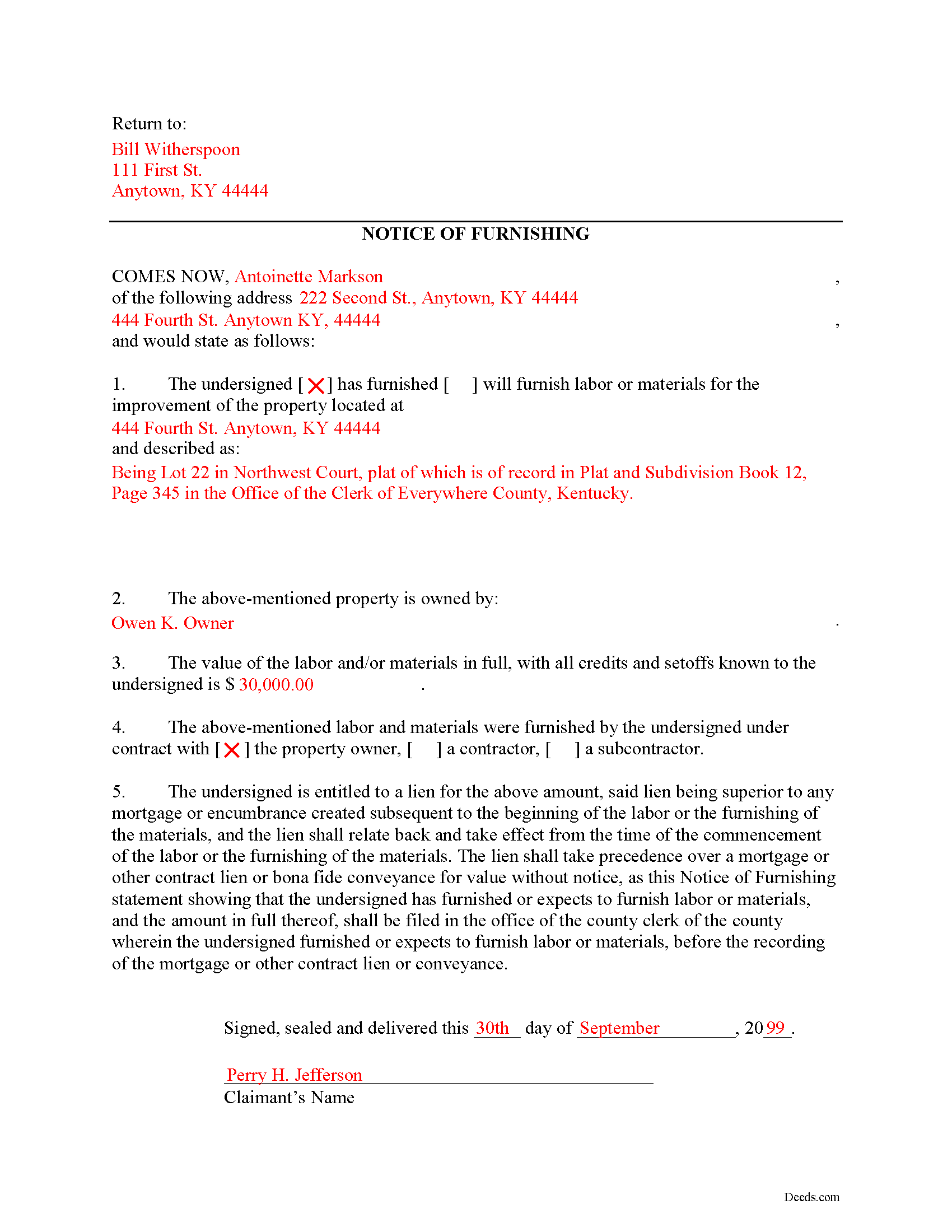
Boyle County Completed Example of the Notice of Furnishing Document
Example of a properly completed form for reference.
All 3 documents above included • One-time purchase • No recurring fees
Immediate Download • Secure Checkout
Additional Kentucky and Boyle County documents included at no extra charge:
Where to Record Your Documents
Boyle County Clerk
Danville, Kentucky 40422
Hours: Monday 8:30am - 5:00pm & Tuesday - Friday 8:30 am - 4:00pm
Phone: 859-238-1114
Recording Tips for Boyle County:
- Bring your driver's license or state-issued photo ID
- Ensure all signatures are in blue or black ink
- Bring extra funds - fees can vary by document type and page count
- Check margin requirements - usually 1-2 inches at top
- Leave recording info boxes blank - the office fills these
Cities and Jurisdictions in Boyle County
Properties in any of these areas use Boyle County forms:
- Danville
- Junction City
- Mitchellsburg
- Parksville
- Perryville
Hours, fees, requirements, and more for Boyle County
How do I get my forms?
Forms are available for immediate download after payment. The Boyle County forms will be in your account ready to download to your computer. An account is created for you during checkout if you don't have one. Forms are NOT emailed.
Are these forms guaranteed to be recordable in Boyle County?
Yes. Our form blanks are guaranteed to meet or exceed the applicable formatting requirements used for recording in Boyle County, including margin requirements, font requirements, and other layout standards. This guarantee applies to formatting, not to the legal sufficiency of information entered by the user or the suitability of a form for a particular transaction.
Can I reuse these forms?
Yes. You can reuse the forms for your personal use. For example, if you have multiple properties in Boyle County you only need to order once.
What do I need to use these forms?
The forms are PDFs that you fill out on your computer. The free Adobe Acrobat Reader is recommended, and most PDF apps also work. You do NOT enter your property information online - you download the blank forms and complete them privately on your own computer.
Are there any recurring fees?
No. This is a one-time purchase. Nothing to cancel, no memberships, no recurring fees.
How much does it cost to record in Boyle County?
Recording fees in Boyle County vary. Contact the recorder's office at 859-238-1114 for current fees.
Questions answered? Let's get started!
The Notice of Furnishing is used to certify that labor and/or materials were furnished, or will be furnished upon a specific property identified in the Notice.
In Kentucky, any lien will be dissolved unless the claimant, within six (6) months after he ceases to labor or furnish materials, files, in the office of the county clerk of the county in which the building or improvement is situated, a statement of the amount due him, with all just credits and set-offs known to him, together with a description of the property intended to be covered by the lien sufficiently accurate to identify it, the name of the owner, if known, and whether the materials were furnished or the labor performed by contract with the owner or with a contractor or subcontractor. K.R.S. 376.080(1).
This article is provided for information purposes only and should not be relied on as a substitute for the advice from a legal professional. If you have any questions about preliminary notice, or any other issues related to liens in Kentucky, please speak with a licensed attorney.
Important: Your property must be located in Boyle County to use these forms. Documents should be recorded at the county recording office listed above.
This Notice of Furnishing meets all recording requirements specific to Boyle County.
Our Promise
The documents you receive here are guaranteed to meet or exceed the applicable Boyle County recording format requirements. If there is a rejection caused by our formatting, we will correct the issue or refund your payment. This guarantee applies to document formatting only and does not extend to information entered by the user, the selection of the form, or the legal effect of the completed document.
Save Time and Money
Get your Boyle County Notice of Furnishing form done right the first time with Deeds.com Uniform Conveyancing Blanks. At Deeds.com, we understand that your time and money are valuable resources, and we don't want you to face a penalty fee or rejection imposed by a county recorder for submitting nonstandard documents. We constantly review and update our forms to meet rapidly changing state and county recording requirements for roughly 3,500 counties and local jurisdictions.
4.8 out of 5 - ( 4,833 Reviews )
David S. 5 out of 5 stars
It was as I suspected. Very useful.
Thank you for your feedback. We really appreciate it. Have a great day!
Michael W. 4 out of 5 stars
I am generally pleased with your products. However, I found it difficult to return to the package after accessing one selected document. One other comment: Your Trustee's Deed package should include a Certificate of Trust form.
Thank you for your feedback. We really appreciate it. Have a great day!
Mary P. 5 out of 5 stars
Excellent easy to follow instructions.
Great to hear Mary, Have a wonderful day!
Maurice B. 5 out of 5 stars
The program fields should allow the customer to change font size and allow additional space for information to be place on the Deed. Not Bad, still needs improvement.
Thank you for your feedback Maurice. Unfortunately we do not make the requirements for things like font size and margins, we only make the documents to be compliant with them.
Cynthia (Cindy) R. 5 out of 5 stars
This has been the most seamless process I have ever experienced. Thank you for addressing my needs so quickly and professionally.
Thank you!
janitza g. 5 out of 5 stars
It was easy!!! The example for completing a quickclaim deed form was very helpful!!
Thank you!
Norman K. 2 out of 5 stars
It wasn't really what I needed I read and read and read and read and I thought I was to do with for filing for probate or probate executor but instead it was for the property if you are executor and but it wasn't very clear on that so it didn't work for me so I was kind of wasted money
Sorry to hear that Norman. We've gone ahead and canceled your order and payment.
Charles W. 5 out of 5 stars
in one of the reviews, the person said they wished that there was more room allowed for use in the grantor section. the reply was that they were sorry but there was only enough room for what was there considering margins, etc. that is not true. on the forms i downloaded there was plenty of extra room at the top of the page (about 2 inches) that was not being used.
Thank you!
Christopher M. 5 out of 5 stars
Awesome company. Fast, friendly, professional.
We are delighted to have been of service. Thank you for the positive review!
MIchelle S. 4 out of 5 stars
You had the generic document that I was looking for Yay! The "example" page was helpful and reassuring. The auto input sections of my document looked ok until i printed it and then it appeared to be out of alignment which is why my rating is lowered to 4 stars it would be nice to have the ability to correct the title (created by me) when downloading PDFs for an e-filing
Thank you for your feedback. We really appreciate it. Have a great day!
John F. 5 out of 5 stars
The document I purchased was perfect for what I needed done. Very easy to obtain the document. Website very easy to navigate. Would use again and would recommend to anyone who needs the documents.
Thank you for your feedback. We really appreciate it. Have a great day!
John L. 5 out of 5 stars
WOW, This site saved me from going to a lawyer. Not only do they give you great directions, they also include a sample that is extremely helpful.
We appreciate your business and value your feedback. Thank you. Have a wonderful day!
Johnnie R. 5 out of 5 stars
quick and easy to use
We appreciate your business and value your feedback. Thank you. Have a wonderful day!
Melody P. 5 out of 5 stars
Thank you for always providing great service!
We appreciate your business and value your feedback. Thank you. Have a wonderful day!
Cleatous S. 3 out of 5 stars
The deed form is hard to fill in. There is no way to fill in the county in the "reviewed by" section. Also, there is no place for the Grantee's address on the form. I had to include it in the fill-in space for the legal description.
Thank you!