Worcester County Easement Deed Form
Last validated October 29, 2026 by our Forms Development TeamFormatted for recording in Worcester County, for property anywhere in the county or independent city: rural and unincorporated areas as well as Berlin, Bishopville, Eden, Girdletree, Newark, Ocean City, Pocomoke City, Showell and 3 more.
- 4 documents included
- Immediate PDF download
- Formatting guarantee
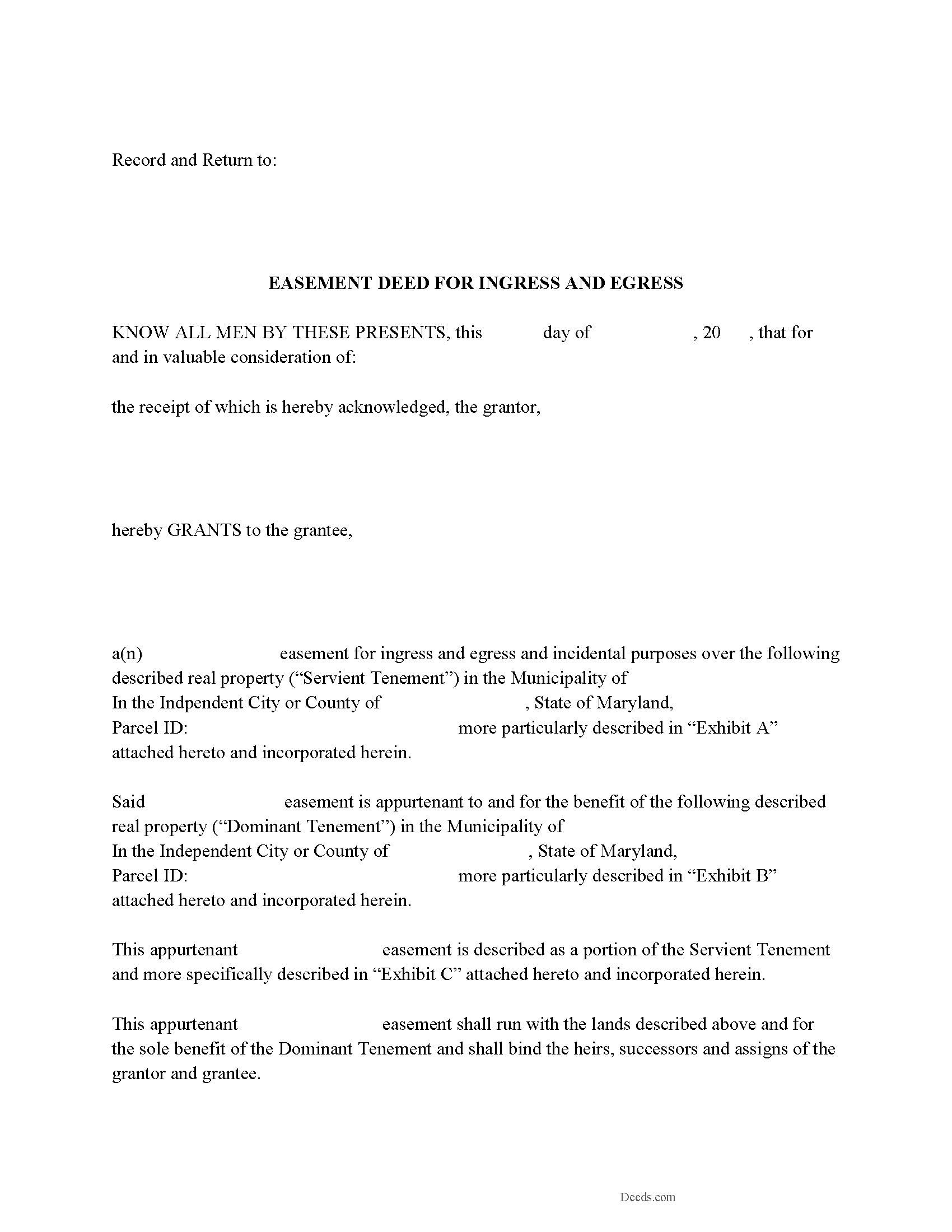
Worcester County Easement Deed Form
Fill in the blank form formatted to comply with all recording and content requirements.
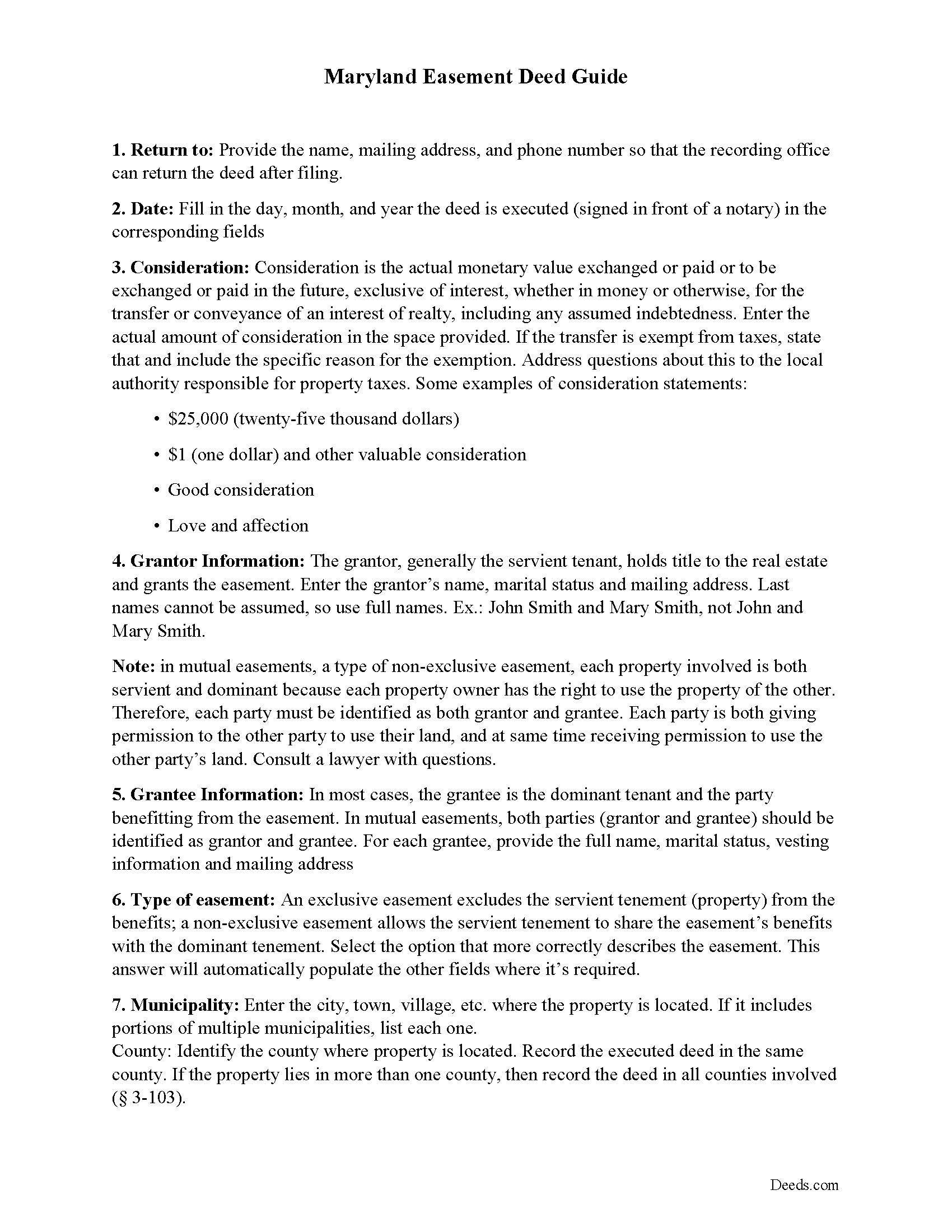
Worcester County Easement Deed Guide
Line by line guide explaining every blank on the form.
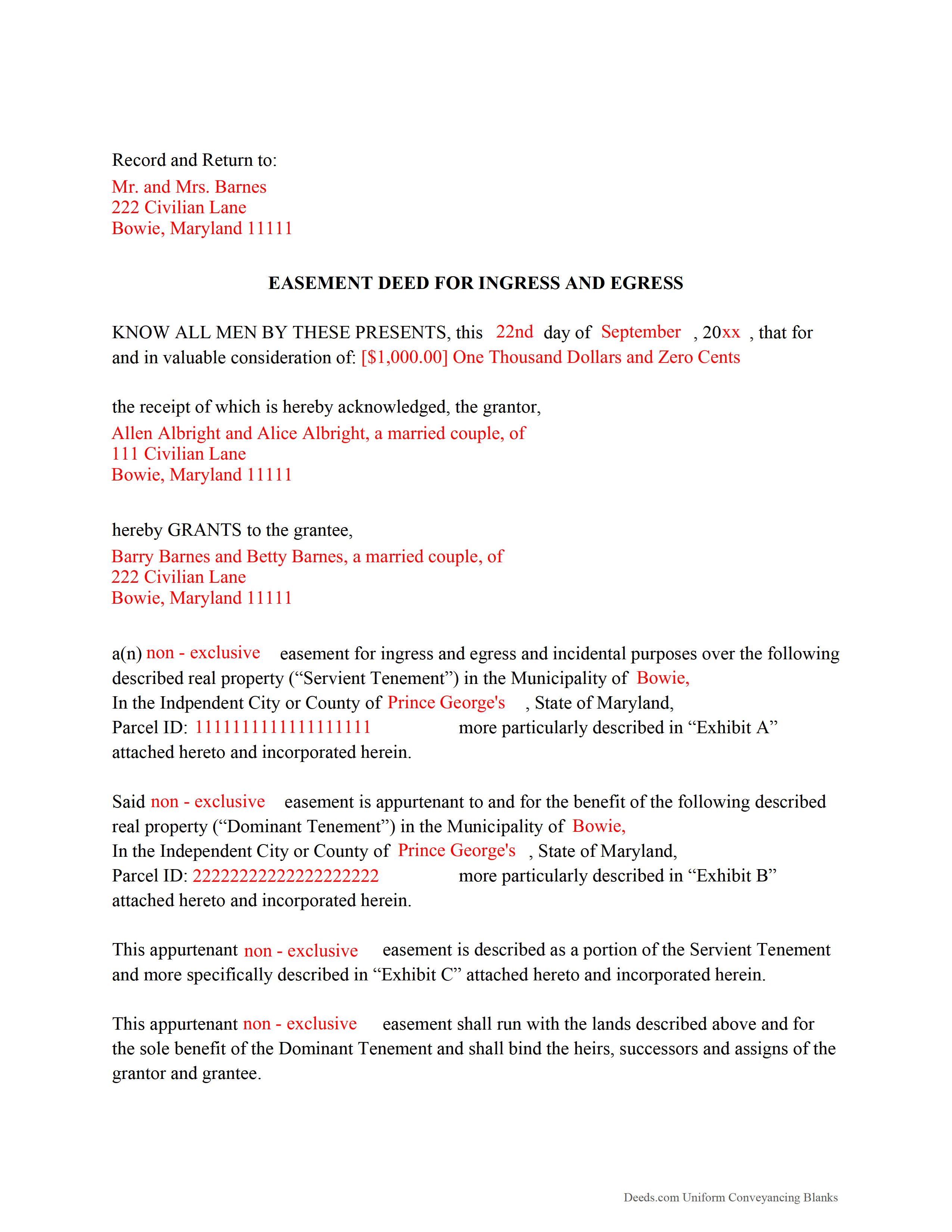
Worcester County Completed Example of the Easement Deed Document
Example of a properly completed form for reference.
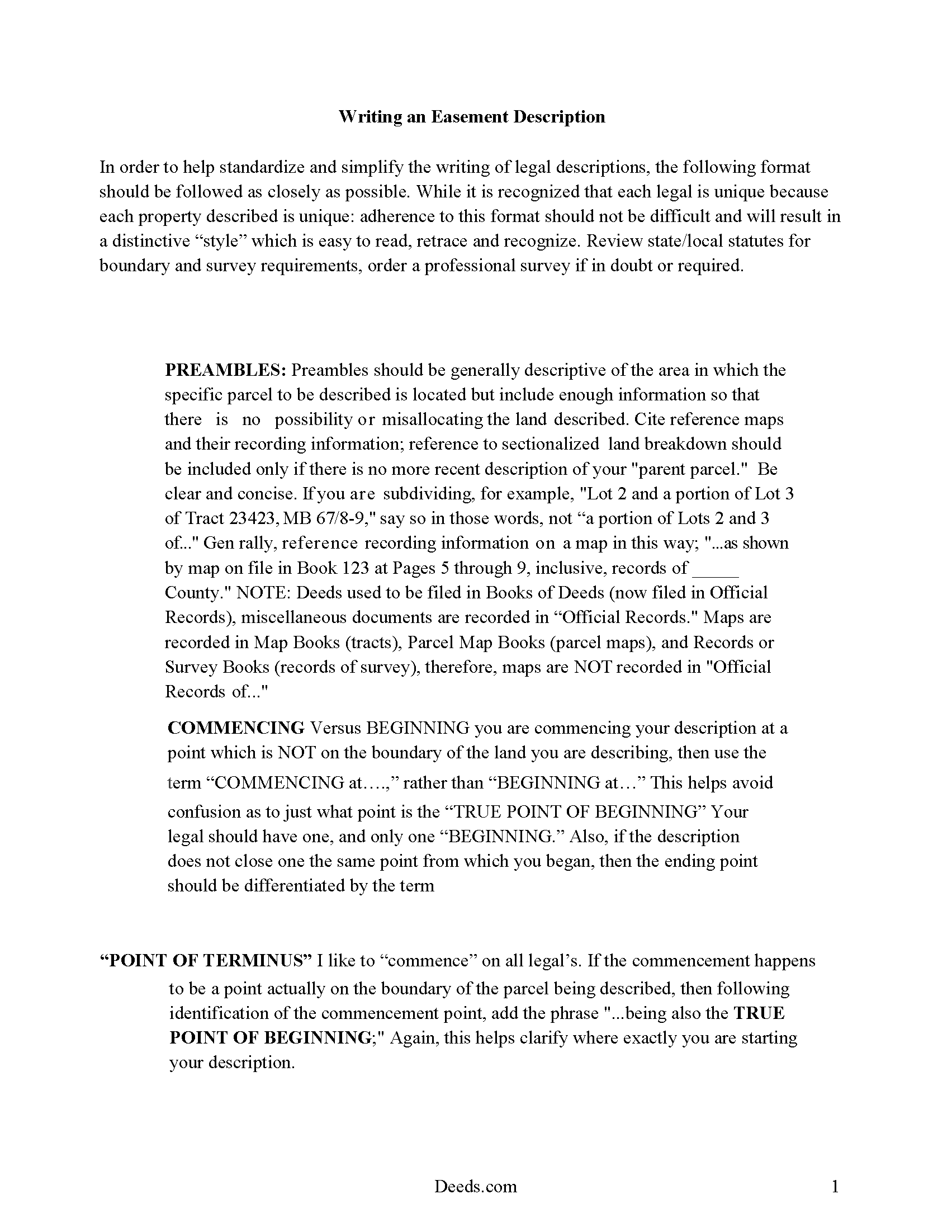
Worcester County Guide to Writing an Easement Description
A Description of the Easement will be required. This will show how to write an acceptable description for a Right of Way Easement, which gives access, to and from - point A to point B.
All 4 documents above included • One-time purchase • No recurring fees
Immediate Download • Secure Checkout
Additional Maryland and Worcester County documents included at no extra charge:
Where to Record Your Documents
Circuit Court Clerk's Office
Snow Hill, Maryland 21863
Hours: 8:30 to 4:30 Monday through Friday
Phone: 410-632-5500
Recording Tips for Worcester County:
- Bring your driver's license or state-issued photo ID
- Ensure all signatures are in blue or black ink
- Avoid the last business day of the month when possible
- Both spouses typically need to sign if property is jointly owned
- Bring extra funds - fees can vary by document type and page count
Cities and Jurisdictions in Worcester County
Properties in any of these areas use Worcester County forms:
- Berlin
- Bishopville
- Eden
- Girdletree
- Newark
- Ocean City
- Pocomoke City
- Showell
- Snow Hill
- Stockton
- Whaleyville
Hours, fees, requirements, and more for Worcester County
How do I get my forms?
Forms are available for immediate download after payment. The Worcester County forms will be in your account ready to download to your computer. An account is created for you during checkout if you don't have one. Forms are NOT emailed.
Are these forms guaranteed to be recordable in Worcester County?
Yes. Our form blanks are guaranteed to meet or exceed the applicable formatting requirements used for recording in Worcester County, including margin requirements, font requirements, and other layout standards. This guarantee applies to formatting, not to the legal sufficiency of information entered by the user or the suitability of a form for a particular transaction.
Can I reuse these forms?
Yes. You can reuse the forms for your personal use. For example, if you have multiple properties in Worcester County you only need to order once.
What do I need to use these forms?
The forms are PDFs that you fill out on your computer. The free Adobe Acrobat Reader is recommended, and most PDF apps also work. You do NOT enter your property information online - you download the blank forms and complete them privately on your own computer.
Are there any recurring fees?
No. This is a one-time purchase. Nothing to cancel, no memberships, no recurring fees.
How much does it cost to record in Worcester County?
Recording fees in Worcester County vary. Contact the recorder's office at 410-632-5500 for current fees.
Questions answered? Let's get started!
An easement is the right of a person to use the real property of another person for a specific purpose. Easements are non-possessory and non-ownership interests in real property. The instrument that creates this right is the easement deed. Easements are generally categorized as being affirmative or negative, and can also be appurtenant or in gross. An appurtenant easement benefits the dominant estate and runs with the land; whereas an easement in gross benefits an individual or legal entity, rather than a dominant estate. Easements in Maryland can be created by deed, will, or contract; by prescription; or by implication.
A solar easement is an interest in land that is conveyed or assigned in perpetuity and limits the use of the land to preserve the receipt of sunlight across the land for use of a property owner's solar collection system ( 2-119). A solar easement can be created by written instrument.
Every deed in Maryland granting a right-of-way or other easement to a public utility, public agency, or a department or agency of the State should contain an accurate and definite description as well as a reference to the liber and folio where the servient land was granted and a recitation of the grantors, grantees, and the date of the reference deed ( 3-104).
As an interest in real property, an easement deed should be signed and acknowledged by the grantor. Witnesses are not required for easement deeds in Maryland. If executed and acknowledged in another state, an easement deed will be accepted for recordation if the acknowledgment complies with Maryland law.
Any instrument affecting property in Maryland, including easement deeds, can be recorded. The recording of an instrument affecting property constitutes constructive notice from the date of recording ( 3-102). An easement deed should be recorded at the circuit court in the county where the property is located. If the property is located in more than one county, the easement deed should be recorded in all such counties ( 3-103).
(Maryland ED Package includes form, guidelines, and completed example)
Important: Your property must be located in Worcester County to use these forms. Documents should be recorded at the county or independent city recording office listed above.
This Easement Deed meets all recording requirements specific to Worcester County.
Our Promise
The documents you receive here are guaranteed to meet or exceed the applicable Worcester County recording format requirements. If there is a rejection caused by our formatting, we will correct the issue or refund your payment. This guarantee applies to document formatting only and does not extend to information entered by the user, the selection of the form, or the legal effect of the completed document.
Save Time and Money
Get your Worcester County Easement Deed form done right the first time with Deeds.com Uniform Conveyancing Blanks. At Deeds.com, we understand that your time and money are valuable resources, and we don't want you to face a penalty fee or rejection imposed by a county recorder for submitting nonstandard documents. We constantly review and update our forms to meet rapidly changing state and county recording requirements for roughly 3,500 counties and local jurisdictions.
4.8 out of 5 - ( 4,839 Reviews )
Andrea H. 5 out of 5 stars
Easy! Reasonable cost over and above the actual recording cost. Will save me the time I would have spent driving to the county offices.
We appreciate your business and value your feedback. Thank you. Have a wonderful day!
BRIAN M. 5 out of 5 stars
Excellent Service, Fast and efficient. Thank You!
Thank you!
Lisa G. 5 out of 5 stars
Rec'd downloads for quitclaim deed process in Florida. Recorded with the clerk of courts today and the form was done perfectly--she had no changes to make. Well worth the money--thanks
Glad to hear Lisa, we appreciate you taking the time to leave your feedback.
Elizabeth H. 5 out of 5 stars
You had just what I was looking for. It was explained well and easy to find. Will recommend you.
We appreciate your business and value your feedback. Thank you. Have a wonderful day!
cynthia k. 5 out of 5 stars
Very easy thank you
Thank you!
Gary K. 4 out of 5 stars
Straightforward and pretty easy to use. The only downside is that there is no way to contact them directly. The number on the website is answered only by a voicemail with no return calls. Pricing seems fair compared to other services and much more efficient that filing "over the counter."
Thank you for your feedback. We really appreciate it. Have a great day!
June G. 5 out of 5 stars
AMAZING! Easy to use, reasonable fee - and get MUCH MORE than just a deed form. I ordered a "deed" and received a whole "package," including a guide and the jurisdiction's costs schedule and cover page that would be needed to record the deed - even included a Certificate of Transfer that is not required for a deed but something I needed for a different transaction. The website was extremely easy to use and the cautions about not disclosing personal information were so clear and personal, they made me feel secure in knowing this site was not trying to rip me off. Very professional. Well done.
Thank you for your feedback. We really appreciate it. Have a great day!
Donna r. 3 out of 5 stars
Downloads were easy but I am pretty lost in filling out. Thought be more instructions
Thank you for your feedback Donna. If you are not completely sure of what you are doing we highly recommend seeking the assistance of a legal professional familiar with your specific situation.
Nancy B. 5 out of 5 stars
Very user-friendly. Looks like everything I needed in one place. Great job.
We appreciate your business and value your feedback. Thank you. Have a wonderful day!
John C. 5 out of 5 stars
These forms are easy to use and a lot cheaper than going to an attorney. I highly recommend Deeds.com
We appreciate your business and value your feedback. Thank you. Have a wonderful day!
COURTNEY K. 5 out of 5 stars
I could not be happier with this service! It was so easy and fast!
Thank you!
Stan B. 5 out of 5 stars
Very satisfied with the PDF documents that I purchased. Will be able to transfer property without hiring an attorney. Well worth the price I paid. Stan
Thank you for your feedback. We really appreciate it. Have a great day!
Clint J. 5 out of 5 stars
Deeds.com is a great way for people that are unfamiliar with legal documents to get things done. Thank you
We appreciate your business and value your feedback. Thank you. Have a wonderful day!
TIFFANY B. 5 out of 5 stars
THIS SERVICE IS AMAZING! IT SAVES ME SO MUCH TIME!
We are grateful for your engagement and feedback, which help us to serve you better. Thank you for being an integral part of our community.
Karen F. 5 out of 5 stars
Very easy to understand instructions. I was able to order, download and print.
Thank you for your feedback. We really appreciate it. Have a great day!