Worcester County APPOINTMENT OF SUBSTITUTE TRUSTEE(s) - for Deed of Trust Form
Last validated September 28, 2026 by our Forms Development TeamFormatted for recording in Worcester County, for property anywhere in the county or independent city: rural and unincorporated areas as well as Berlin, Bishopville, Eden, Girdletree, Newark, Ocean City, Pocomoke City, Showell and 3 more.
- 3 documents included
- Immediate PDF download
- Formatting guarantee
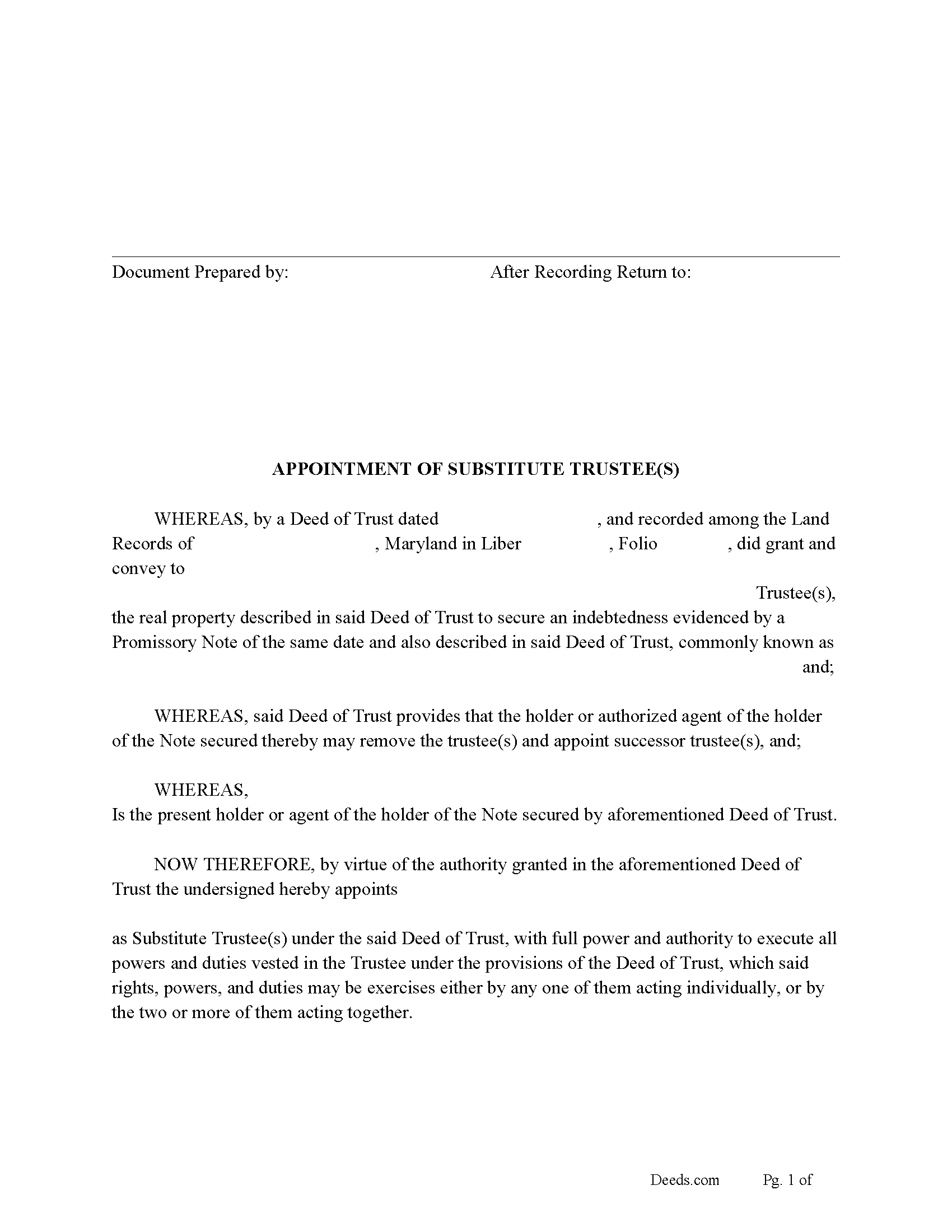
Worcester County Appointment of Substitute Trustee Form
Fill in the blank form formatted to comply with all recording and content requirements.
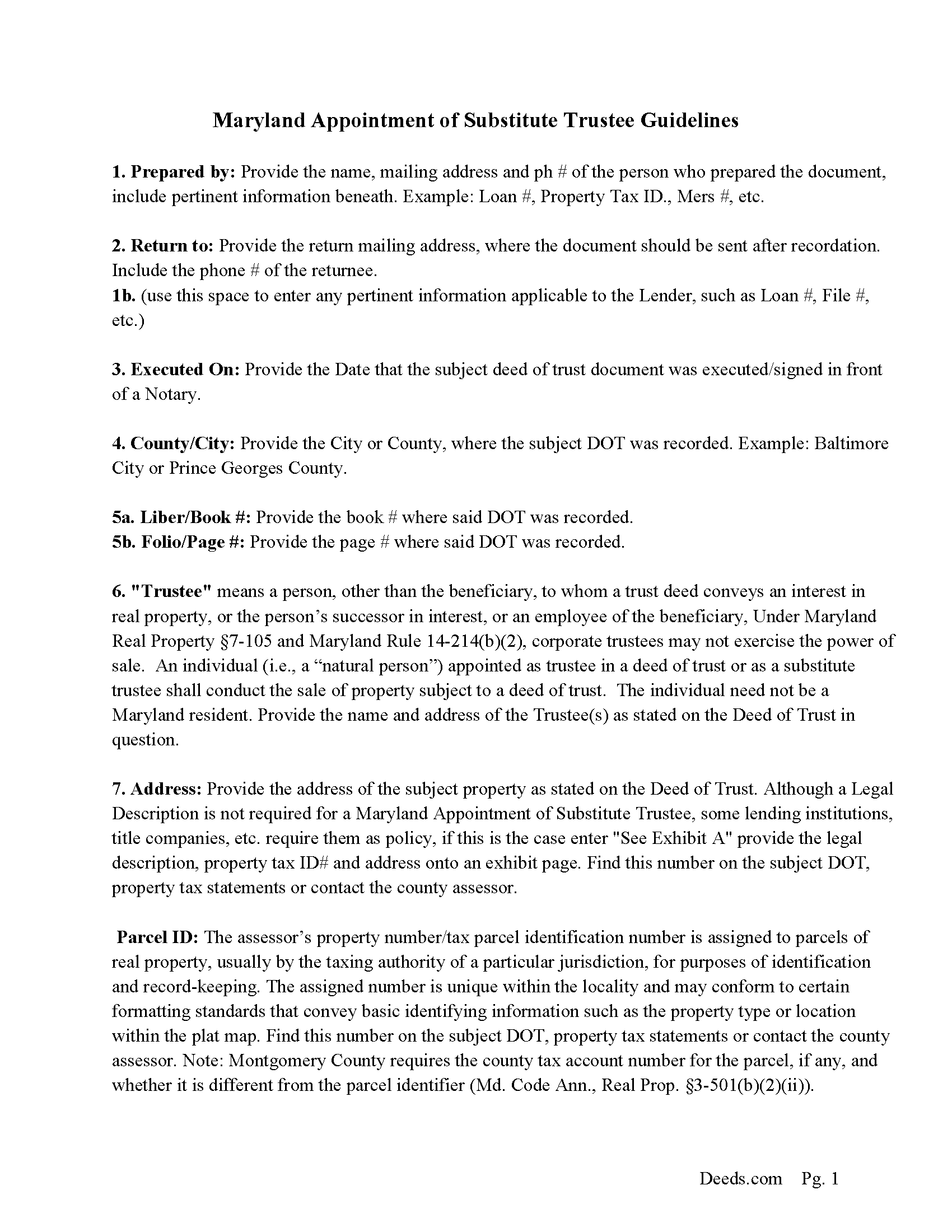
Worcester County Appointment of Substitute Trustee Guidelines
Line by line guide explaining every blank on the form.
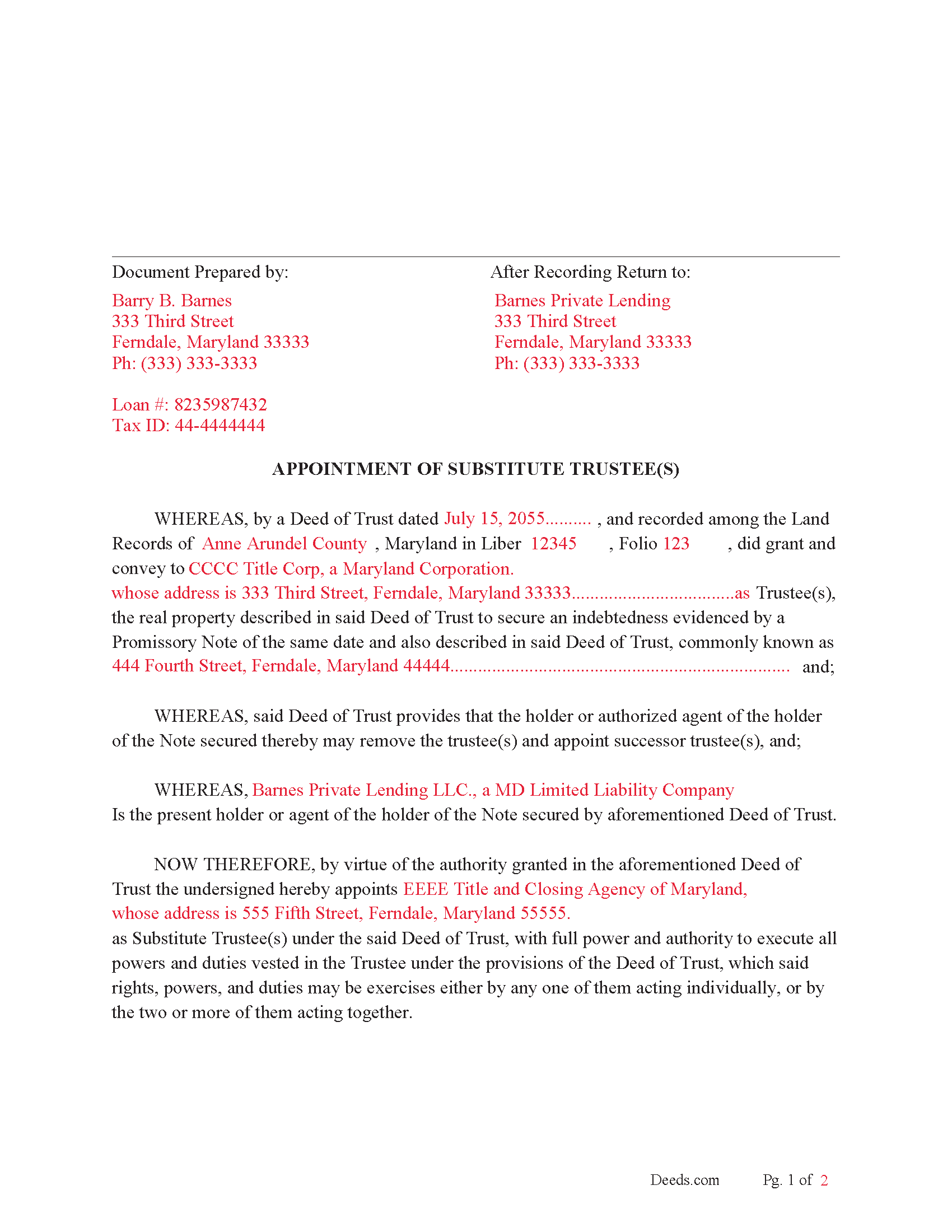
Worcester County Completed Example of the Appointment of Substitute Trustee(s) document
Example of a properly completed form for reference.
All 3 documents above included • One-time purchase • No recurring fees
Immediate Download • Secure Checkout
Additional Maryland and Worcester County documents included at no extra charge:
Where to Record Your Documents
Circuit Court Clerk's Office
Snow Hill, Maryland 21863
Hours: 8:30 to 4:30 Monday through Friday
Phone: 410-632-5500
Recording Tips for Worcester County:
- Bring your driver's license or state-issued photo ID
- Ensure all signatures are in blue or black ink
- Make copies of your documents before recording - keep originals safe
- Recorded documents become public record - avoid including SSNs
- Recording fees may differ from what's posted online - verify current rates
Cities and Jurisdictions in Worcester County
Properties in any of these areas use Worcester County forms:
- Berlin
- Bishopville
- Eden
- Girdletree
- Newark
- Ocean City
- Pocomoke City
- Showell
- Snow Hill
- Stockton
- Whaleyville
Hours, fees, requirements, and more for Worcester County
How do I get my forms?
Forms are available for immediate download after payment. The Worcester County forms will be in your account ready to download to your computer. An account is created for you during checkout if you don't have one. Forms are NOT emailed.
Are these forms guaranteed to be recordable in Worcester County?
Yes. Our form blanks are guaranteed to meet or exceed the applicable formatting requirements used for recording in Worcester County, including margin requirements, font requirements, and other layout standards. This guarantee applies to formatting, not to the legal sufficiency of information entered by the user or the suitability of a form for a particular transaction.
Can I reuse these forms?
Yes. You can reuse the forms for your personal use. For example, if you have multiple properties in Worcester County you only need to order once.
What do I need to use these forms?
The forms are PDFs that you fill out on your computer. The free Adobe Acrobat Reader is recommended, and most PDF apps also work. You do NOT enter your property information online - you download the blank forms and complete them privately on your own computer.
Are there any recurring fees?
No. This is a one-time purchase. Nothing to cancel, no memberships, no recurring fees.
How much does it cost to record in Worcester County?
Recording fees in Worcester County vary. Contact the recorder's office at 410-632-5500 for current fees.
Questions answered? Let's get started!
Use this form to substitute an existing Trustee in a previously recorded Deed of Trust. This is often done when the Trustee of record can't or won't act or upon default/foreclosure of the Deed of Trust.
"Trustee" means a person, other than the beneficiary, to whom a trust deed conveys an interest in real property, or the person's successor in interest, or an employee of the beneficiary, Under Maryland Real Property 7-105 and Maryland Rule 14-214(b)(2), corporate trustees may not exercise the power of sale. An individual (i.e., a "natural person") appointed as trustee in a deed of trust or as a substitute trustee shall conduct the sale of property subject to a deed of trust. The individual need not be a Maryland resident.
(If a mortgage or deed of trust allows for the appointment or substitution of a trustee or an individual authorized to exercise a power of sale, the holder of the mortgage or deed of trust may make the appointments or substitutions from time to time.) ( 7-105(5))
(Maryland Appointment of ST Package includes form, guidelines, and completed example) For use in Maryland only.
Important: Your property must be located in Worcester County to use these forms. Documents should be recorded at the county or independent city recording office listed above.
This APPOINTMENT OF SUBSTITUTE TRUSTEE(s) - for Deed of Trust meets all recording requirements specific to Worcester County.
Our Promise
The documents you receive here are guaranteed to meet or exceed the applicable Worcester County recording format requirements. If there is a rejection caused by our formatting, we will correct the issue or refund your payment. This guarantee applies to document formatting only and does not extend to information entered by the user, the selection of the form, or the legal effect of the completed document.
Save Time and Money
Get your Worcester County APPOINTMENT OF SUBSTITUTE TRUSTEE(s) - for Deed of Trust form done right the first time with Deeds.com Uniform Conveyancing Blanks. At Deeds.com, we understand that your time and money are valuable resources, and we don't want you to face a penalty fee or rejection imposed by a county recorder for submitting nonstandard documents. We constantly review and update our forms to meet rapidly changing state and county recording requirements for roughly 3,500 counties and local jurisdictions.
4.8 out of 5 - ( 4,825 Reviews )
jonathan f. 5 out of 5 stars
I had a one time event. The website instructions were straightforward; the job was completed quickly; the cost was modest. I am completely satisfied and will not hesitate to use again.
We appreciate your business and value your feedback. Thank you. Have a wonderful day!
MANUEL O. 5 out of 5 stars
great service Loved!
Thank you!
leila m. 5 out of 5 stars
Very good service, friendly customer service I absolutely will use the service again
Thank you!
Fabio S. 5 out of 5 stars
Fast, Easy and with great assistance! I will definitely use their services again!
Thank you for your feedback. We really appreciate it. Have a great day!
Samantha W. 5 out of 5 stars
Great place to get the forms you need. The instructions were clear and made it easy to complete. Pricing was great, especially compared to similar providers.
We appreciate your business and value your feedback. Thank you. Have a wonderful day!
William A. 5 out of 5 stars
I was able to get the documents I wanted, and very quickly. Good service.
Thank you!
Gary S. 5 out of 5 stars
Excellent service! Incorrectly ordered a document and order was immediately canceled when I requested. Was then able to order and download correct document and complete with no problems.
Thank you for your feedback. We really appreciate it. Have a great day!
Michaela D. 1 out of 5 stars
I purchased this form to add my boyfriend to the deed of our home. He owns his own business so he cannot be on our mortgage. The guide doesn't clearly explain adding a person rather than focusing on transferring during a purchase or selling of a home. For future, I'd recommend make a few different examples for those who are trying to use this for the other options a Quit Claim Deed is needed for.
Thank you for your feedback. We really appreciate it. Have a great day!
Wayne A. 4 out of 5 stars
good service but pricey.
Thank you for your feedback. We really appreciate it. Have a great day!
William H. 5 out of 5 stars
It was quick and easy to download the forms I need to modify a property deed. No problems n the least.
We appreciate your business and value your feedback. Thank you. Have a wonderful day!
Cynthia S. 5 out of 5 stars
I am an attorney assisting my son with some simple legal docs & this service saved me a lot of time and is user friendly!
We appreciate your business and value your feedback. Thank you. Have a wonderful day!
Anthony F. 5 out of 5 stars
quick, easy and simple. Also thank you for having the e-submission area particularly with the Covid-19 /Shelter in place things happening.
Thank you for your feedback. We really appreciate it. Have a great day!
Chanda C. 5 out of 5 stars
It's going well so far!
Thank you!
David M. 5 out of 5 stars
Best $20 ever spent. I'm a bit of an idiot with these things, thankfully there are professionals who know what they are doing so I don't screw things up...
Thank you!
Lenore B. 4 out of 5 stars
Thank you for making this deed available. The guide was such a big help.
Thanks Lenore, have a great day!