Calhoun County Full Unconditional Waiver of Lien Form
Last validated October 23, 2026 by our Forms Development TeamFormatted for recording in Calhoun County, for property anywhere in the county: rural and unincorporated areas as well as Albion, Athens, Battle Creek, Bedford, Burlington, Ceresco, East Leroy, Homer and 2 more.
- 3 documents included
- Immediate PDF download
- Formatting guarantee
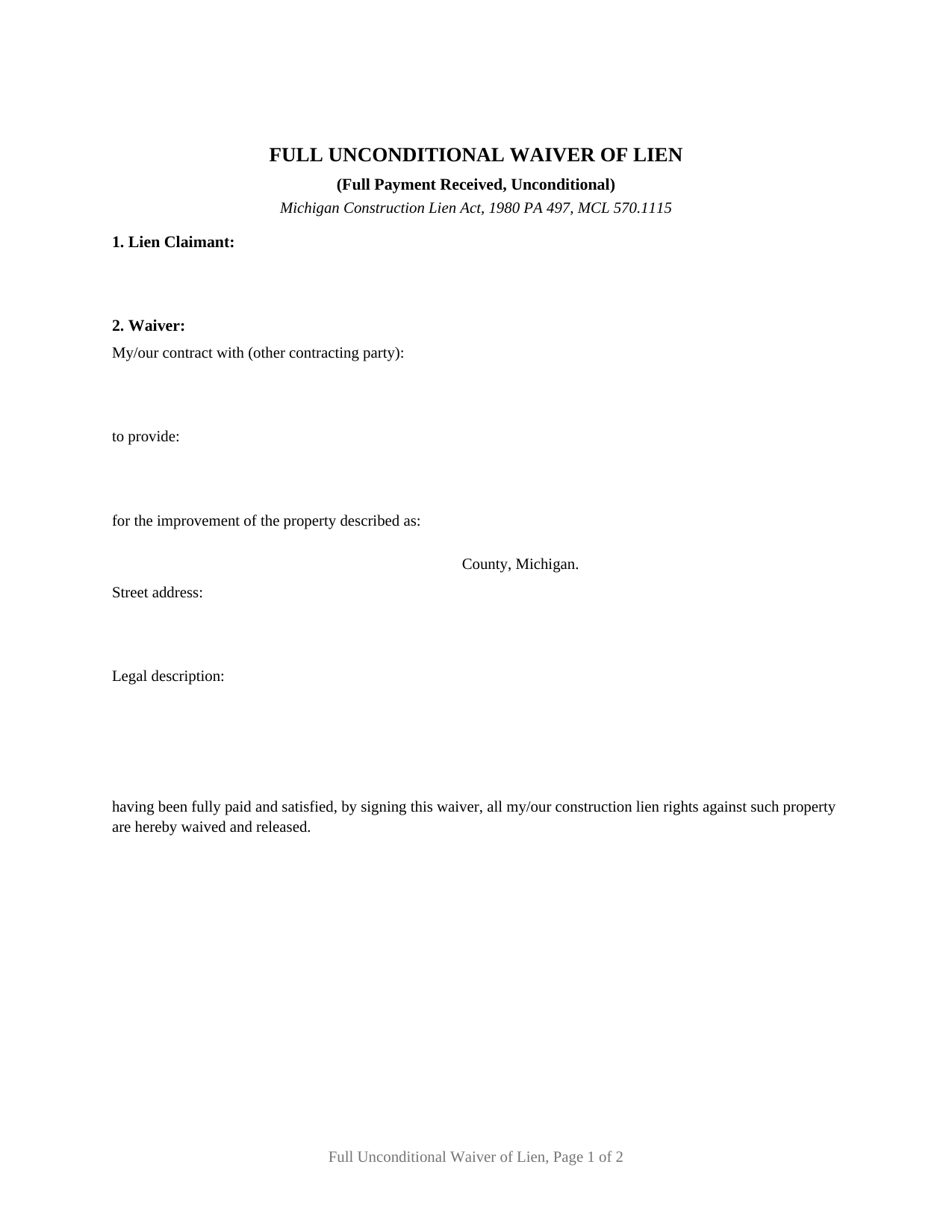
Calhoun County Full Unconditional Waiver of Lien Form
Fill in the blank Full Unconditional Waiver of Lien form formatted to comply with all Michigan recording and content requirements.
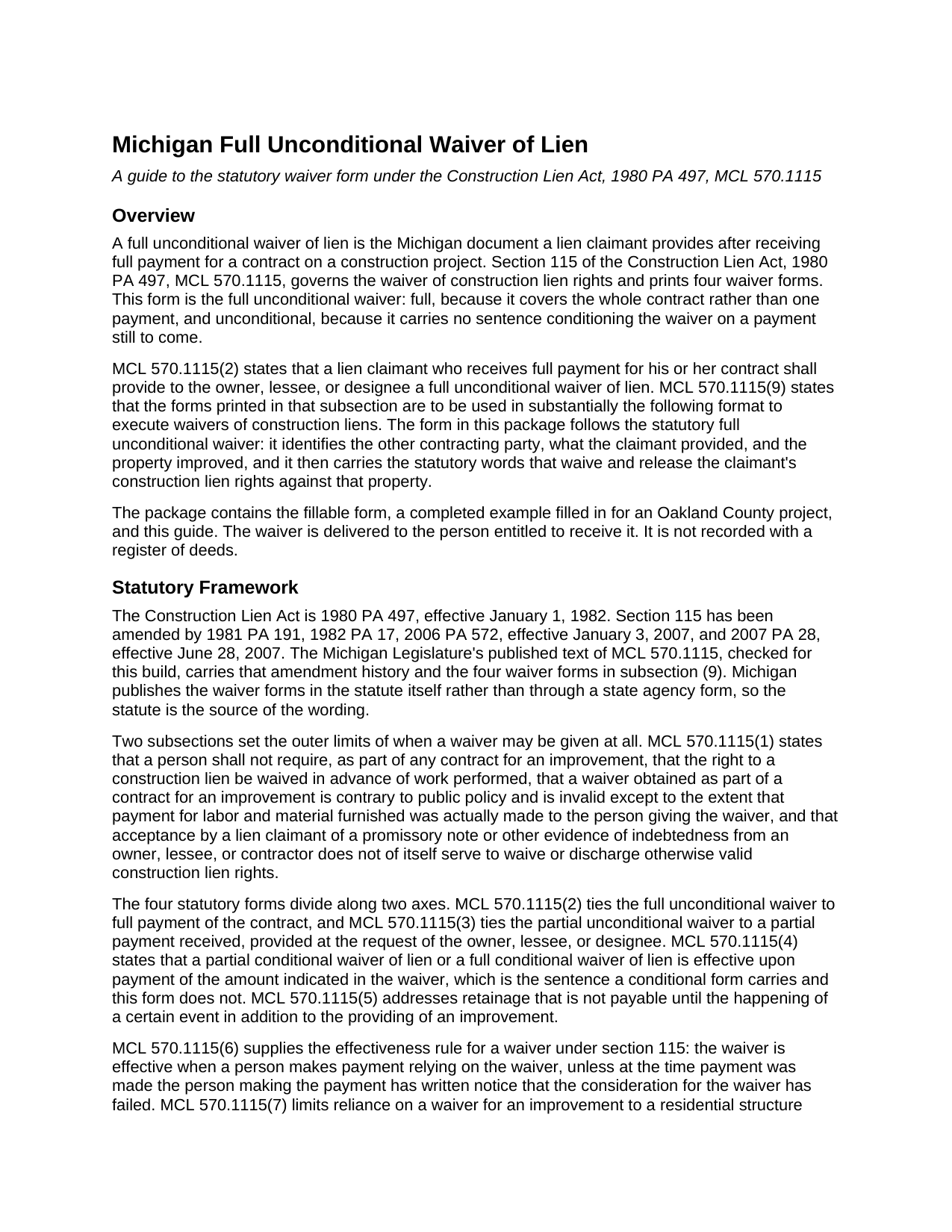
Calhoun County Full Unconditional Waiver of Lien Guide
Line by line guide explaining every blank on the Full Unconditional Waiver of Lien form.
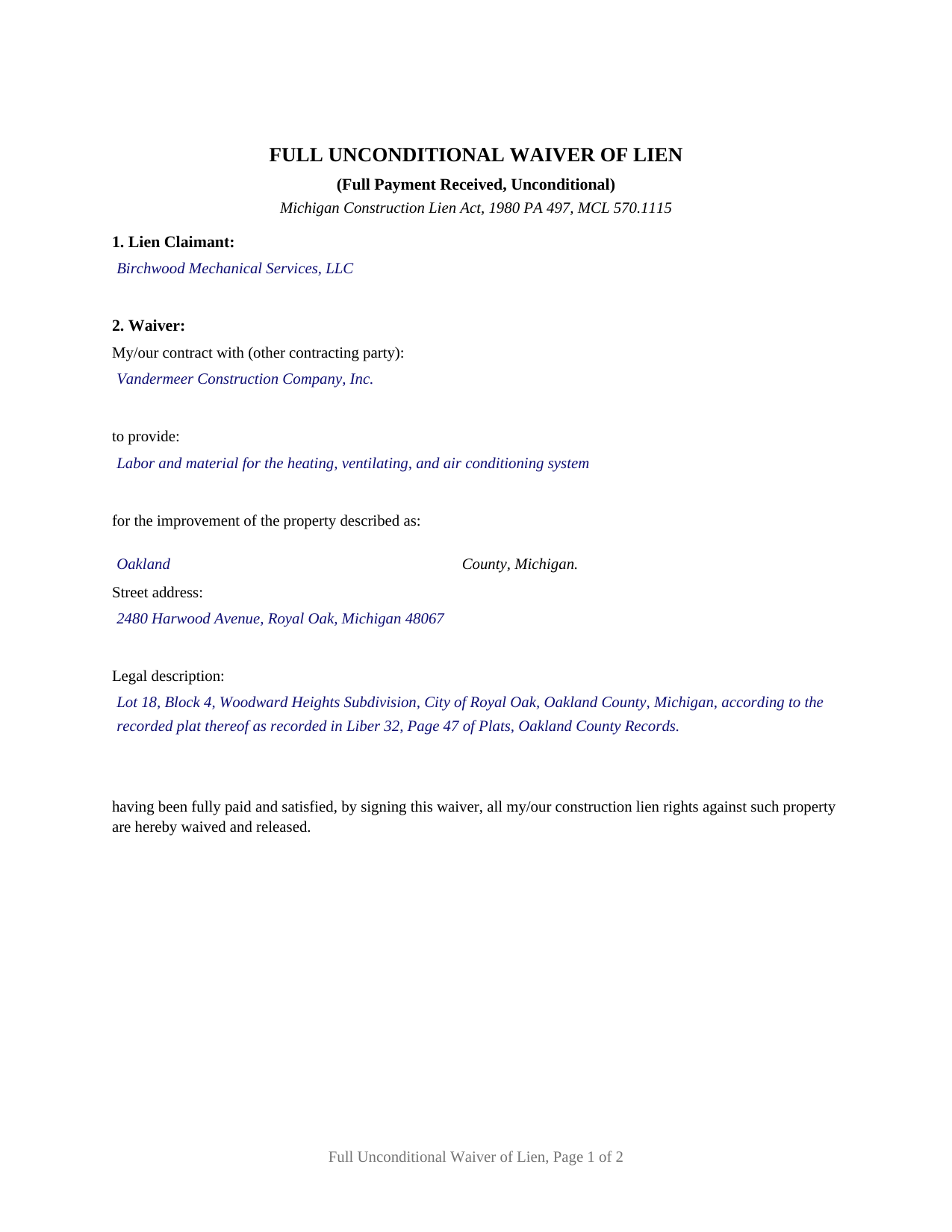
Calhoun County Completed Example of the Full Unconditional Waiver of Lien Document
Example of a properly completed Michigan Full Unconditional Waiver of Lien document for reference.
All 3 documents above included • One-time purchase • No recurring fees
Immediate Download • Secure Checkout
Additional Michigan and Calhoun County documents included at no extra charge:
Where to Record Your Documents
Calhoun County Register of Deeds
Marshall, Michigan 49068
Hours: 8:00am-5:00pm M-F
Phone: (269) 781-0718
Battle Creek Office
Battle Creek, Michigan 49017
Hours: 8:00am-5:00pm M-F
Phone: 269-969-6908
Recording Tips for Calhoun County:
- Bring your driver's license or state-issued photo ID
- Ensure all signatures are in blue or black ink
- Check that your notary's commission hasn't expired
- Documents must be on 8.5 x 11 inch white paper
- Double-check legal descriptions match your existing deed
Cities and Jurisdictions in Calhoun County
Properties in any of these areas use Calhoun County forms:
- Albion
- Athens
- Battle Creek
- Bedford
- Burlington
- Ceresco
- East Leroy
- Homer
- Marshall
- Tekonsha
Hours, fees, requirements, and more for Calhoun County
How do I get my forms?
Forms are available for immediate download after payment. The Calhoun County forms will be in your account ready to download to your computer. An account is created for you during checkout if you don't have one. Forms are NOT emailed.
Are these forms guaranteed to be recordable in Calhoun County?
Yes. Our form blanks are guaranteed to meet or exceed the applicable formatting requirements used for recording in Calhoun County, including margin requirements, font requirements, and other layout standards. This guarantee applies to formatting, not to the legal sufficiency of information entered by the user or the suitability of a form for a particular transaction.
Can I reuse these forms?
Yes. You can reuse the forms for your personal use. For example, if you have multiple properties in Calhoun County you only need to order once.
What do I need to use these forms?
The forms are PDFs that you fill out on your computer. The free Adobe Acrobat Reader is recommended, and most PDF apps also work. You do NOT enter your property information online - you download the blank forms and complete them privately on your own computer.
Are there any recurring fees?
No. This is a one-time purchase. Nothing to cancel, no memberships, no recurring fees.
How much does it cost to record in Calhoun County?
Recording fees in Calhoun County vary. Contact the recorder's office at (269) 781-0718 for current fees.
Questions answered? Let's get started!
Michigan's Construction Lien Act will not let a lien waiver run ahead of the money. A full unconditional waiver of lien is signed after full payment for the contract has actually arrived, and once signed it holds nothing back: no amount left open, no condition waiting on a check to clear. Section 115 of the Construction Lien Act, 1980 PA 497, MCL 570.1115, prints the wording, and a claimant paid in full provides the waiver to the owner, lessee, or designee.
Payment first, then the waiver
MCL 570.1115(1) is where Michigan draws the line. A person may not require, as part of any contract for an improvement, that the right to a construction lien be waived in advance of work performed, and a waiver obtained that way is contrary to public policy and invalid, except to the extent that payment for labor and material furnished was actually made to the person who gave it. The same subsection adds that accepting a promissory note or other evidence of indebtedness does not of itself waive or discharge lien rights. MCL 570.1115(2) then makes the document the claimant's answer to being paid: a lien claimant who receives full payment for the contract provides a full unconditional waiver of lien.
What the statutory words give up
The operative sentence names the contract, what was furnished, and the property improved, and then states that the contract has been fully paid and satisfied and that all of the claimant's construction lien rights against that property are waived and released. The partial waiver at MCL 570.1115(3) covers an amount received, and the conditional waivers in MCL 570.1115(4) take effect only upon payment of the amount indicated. This one carries no amount entry and no condition. Its counterweight sits in MCL 570.1115(6): a waiver under section 115 becomes effective when a person makes payment relying on it, unless that person has written notice, at the time of payment, that the consideration for the waiver has failed.
The paragraph that makes a homeowner pick up the phone
On residential work the statutory form carries its own authenticity paragraph, and it prints on this form. Where the improvement is to a residential structure, where the claimant filed a notice of furnishing or is excused from filing one, and where the waiver reaches the owner, lessee, or designee from someone other than the claimant named in it, MCL 570.1115(7) holds reliance until the recipient verifies the waiver with that claimant in writing, by telephone, or personally. That is why the claimant's name, address, and telephone number sit on the face of the document. MCL 570.1115(8) answers the parallel question for laborers, whose authorized agent may provide waivers on their behalf.
Where the document goes after it is signed
A Michigan construction lien waiver is not filed anywhere. The statutory form carries no notarial certificate and no witness line: the claimant signs it, dates it, and hands it to the owner, lessee, or designee, keeping a copy as the statutory caution line describes. The register of deeds sees a different instrument from the same job, the claim of lien under MCL 570.1111, recorded separately and not part of this package; the MCL 565.201 recording-format conditions govern that instrument rather than this delivered one. Whatever a pay application calls it, a lien release or lien waiver in Michigan travels by delivery.
The configuration this form carries
This is the full unconditional waiver of the four forms in MCL 570.1115(9), which the statute directs to be used in substantially the format printed there. One lien claimant is named on a free entry line, because contractors, subcontractors, suppliers, and laborers share one waiver wording under the act, and one signature block follows, with the printed name, date signed, title, address, and telephone entries the statutory form prints. County, street address, and legal description entries together supply the statutory description of the property improved. A subcontractor closing out a mechanical or electrical contract with the general contractor, and a supplier collecting the last invoice on a job, present the paid-in-full pattern this waiver recites. Nothing on the form states an amount or a condition, so the document expresses one thing: a contract paid in full, with the lien rights that secured it released.
The package includes the fillable waiver form, a completed example filled in for an Oakland County mechanical subcontract, and a guide covering section 115, each entry on the form, signing, and delivery. These materials are informational and do not constitute legal advice.
Important: Your property must be located in Calhoun County to use these forms. Documents should be recorded at the county recording office listed above.
This Full Unconditional Waiver of Lien meets all recording requirements specific to Calhoun County.
Our Promise
The documents you receive here are guaranteed to meet or exceed the applicable Calhoun County recording format requirements. If there is a rejection caused by our formatting, we will correct the issue or refund your payment. This guarantee applies to document formatting only and does not extend to information entered by the user, the selection of the form, or the legal effect of the completed document.
Save Time and Money
Get your Calhoun County Full Unconditional Waiver of Lien form done right the first time with Deeds.com Uniform Conveyancing Blanks. At Deeds.com, we understand that your time and money are valuable resources, and we don't want you to face a penalty fee or rejection imposed by a county recorder for submitting nonstandard documents. We constantly review and update our forms to meet rapidly changing state and county recording requirements for roughly 3,500 counties and local jurisdictions.
4.8 out of 5 - ( 4,833 Reviews )
John B. 5 out of 5 stars
Thorough. Thanks!
Thank you!
Carol S. 5 out of 5 stars
Needed a Quit Claim Deed and am so happy I went to Deeds.com. Completed my forms - they looked professional and had no problem submitting them to Assessor's office. PERFECT!
We appreciate your business and value your feedback. Thank you. Have a wonderful day!
Shanna B. 5 out of 5 stars
So quick and easy
We’re glad you had a positive experience. Thank you.
Lahoma G. 5 out of 5 stars
Got it very fast !! Thanks
Thank you for your feedback. We really appreciate it. Have a great day!
Carolyn D. 5 out of 5 stars
The sight provided exactly what I needed and was easy to use. I was able to download the type of Deed I used and was completely satisfied with the website.
Thank you!
Christi W. 5 out of 5 stars
Very simple and made recording a breeze. Worth the fee!
We appreciate your business and value your feedback. Thank you. Have a wonderful day!
Jay F. 5 out of 5 stars
Had what I needed
Great to hear — thank you for taking the time to write a review.
Kelli W. 5 out of 5 stars
Fantastic documents! Easy to complete, looked great after I filled them in and printed them. No problems with the notary or recorder (recorder clerk actually said they see deeds.com documents all the time and they love em cause it makes their job easier). Highly recommend!!
Thank you for your feedback. We really appreciate it. Have a great day!
Kimberly W. 5 out of 5 stars
Thank you for making this process so convenient.
Thank you for your feedback. We really appreciate it. Have a great day!
Robert M. 1 out of 5 stars
Ultimately, it directed me to the wrong form. Not very helpful. I had to turn to a title company to get my issue addressed.
Our website makes documents available to you. It does not direct you as to which one to use. We are glad that you sought the assistance it sounds like you needed. Have a wonderful day
Robert S. 5 out of 5 stars
Were unable to help me because of the recorders office but credited my account promptly
Thank you for your feedback. We really appreciate it. Have a great day!
Robert S. 5 out of 5 stars
The cost was well worth it. It was very easy to download, fill in the necessary information and then print the deed. I filed my need deed today and everything was complete and accurate because of the example you provided.
Thanks Robert, we appreciate your feedback!
Sherry F. 5 out of 5 stars
Good product and service.
Thank you!
Christopher B. 4 out of 5 stars
The service was simple and easy enough but the UI isn't the easiest on the eyes and the process is a tad strange.
Thank you for your feedback. We really appreciate it. Have a great day!
Andrew T. 5 out of 5 stars
The process was incredibly simple from start to finish. Someone from the team even sent a message to double check part of my document was filled out correctly. Will be bringing my business here in the future!
It was a pleasure serving you. Thank you for the positive feedback!