Macomb County Mineral Deed Form
Last validated November 13, 2026 by our Forms Development TeamFormatted for recording in Macomb County, for property anywhere in the county: rural and unincorporated areas as well as Armada, Center Line, Clinton Township, Eastpointe, Fraser, Harrison Township, Macomb, Mount Clemens and 11 more.
- 3 documents included
- Immediate PDF download
- Formatting guarantee
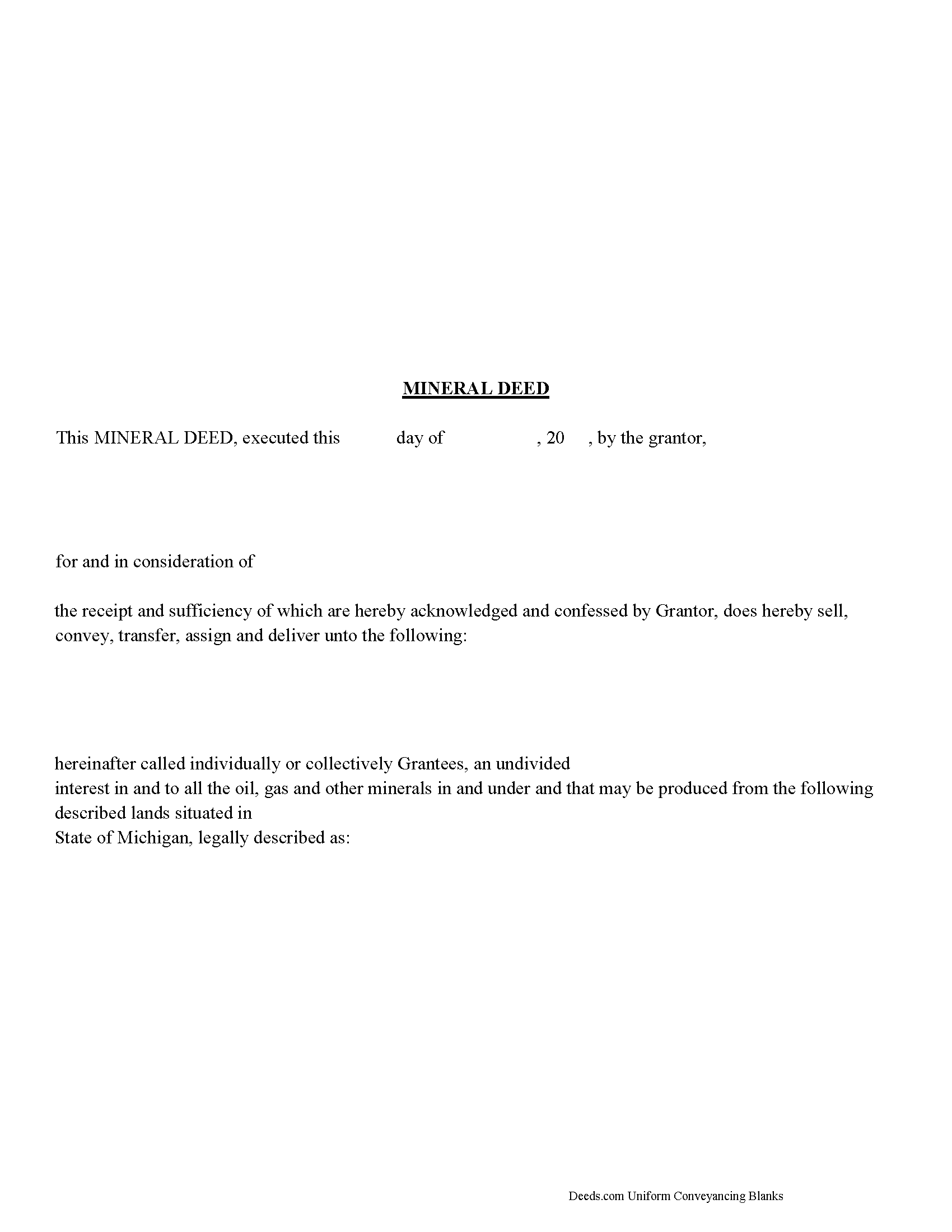
Macomb County Mineral Deed Form
Fill in the blank form formatted to comply with all recording and content requirements.
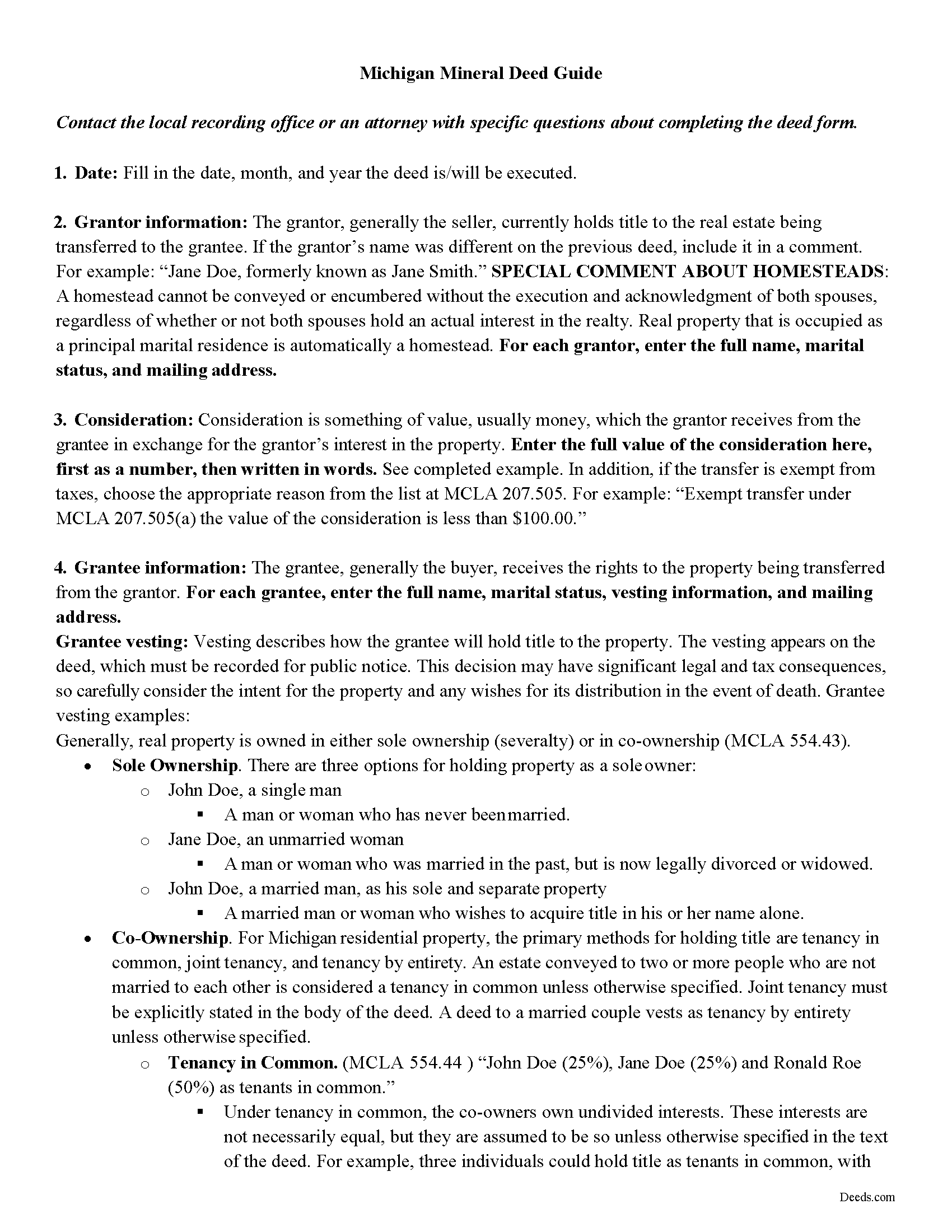
Macomb County Mineral Deed Guide
Line by line guide explaining every blank on the form.
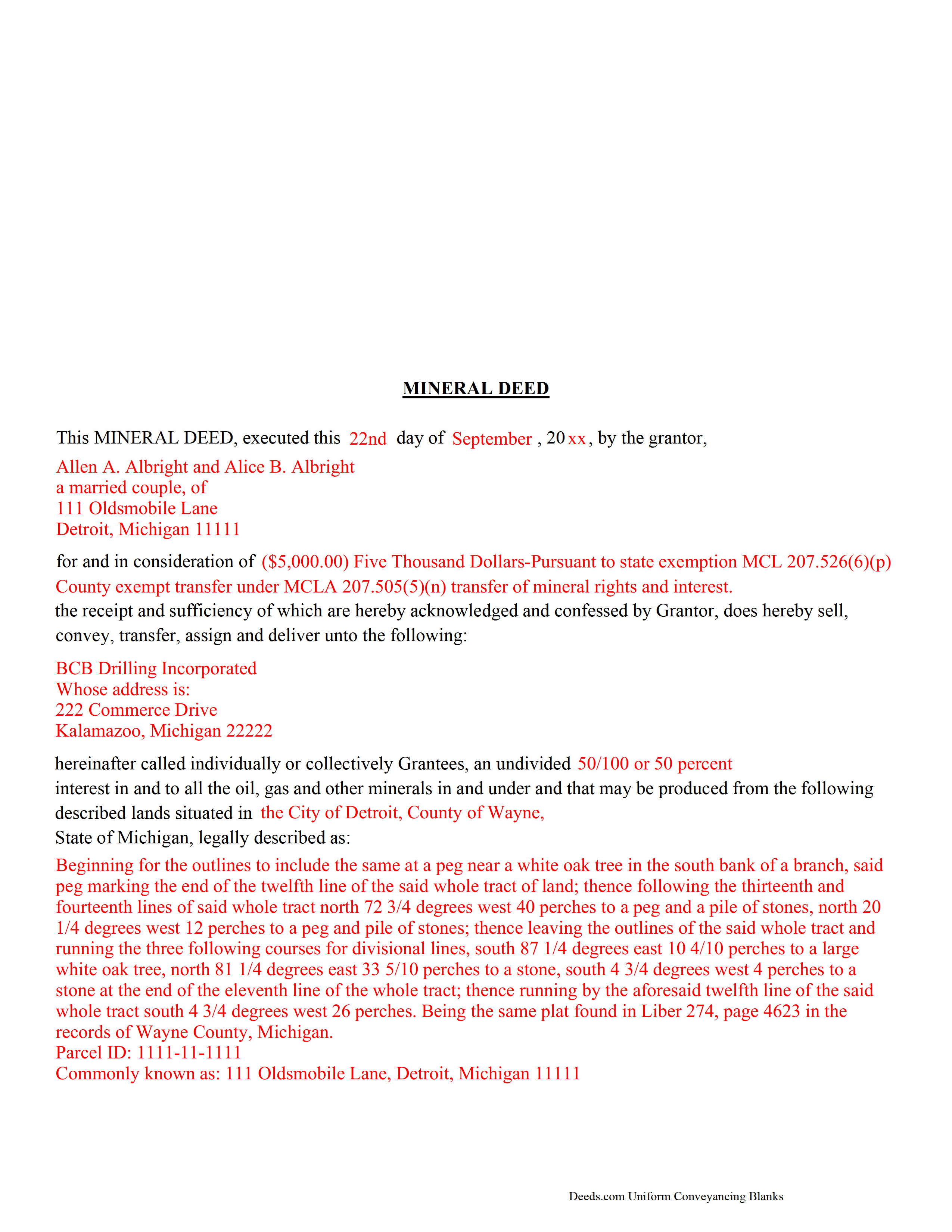
Macomb County Completed Example of a Mineral Deed Document
Example of a properly completed form for reference.
All 3 documents above included • One-time purchase • No recurring fees
Immediate Download • Secure Checkout
Additional Michigan and Macomb County documents included at no extra charge:
Where to Record Your Documents
Macomb County Register of Deeds
Mt. Clemens, Michigan 48043
Hours: 8:00am - 4:15pm M-F
Phone: (586) 469-7953
Recording Tips for Macomb County:
- Bring your driver's license or state-issued photo ID
- Ensure all signatures are in blue or black ink
- Ask about accepted payment methods when you call ahead
- Ask for certified copies if you need them for other transactions
- Ask if they accept credit cards - many offices are cash/check only
Cities and Jurisdictions in Macomb County
Properties in any of these areas use Macomb County forms:
- Armada
- Center Line
- Clinton Township
- Eastpointe
- Fraser
- Harrison Township
- Macomb
- Mount Clemens
- New Baltimore
- New Haven
- Ray
- Richmond
- Romeo
- Roseville
- Saint Clair Shores
- Sterling Heights
- Utica
- Warren
- Washington
Hours, fees, requirements, and more for Macomb County
How do I get my forms?
Forms are available for immediate download after payment. The Macomb County forms will be in your account ready to download to your computer. An account is created for you during checkout if you don't have one. Forms are NOT emailed.
Are these forms guaranteed to be recordable in Macomb County?
Yes. Our form blanks are guaranteed to meet or exceed the applicable formatting requirements used for recording in Macomb County, including margin requirements, font requirements, and other layout standards. This guarantee applies to formatting, not to the legal sufficiency of information entered by the user or the suitability of a form for a particular transaction.
Can I reuse these forms?
Yes. You can reuse the forms for your personal use. For example, if you have multiple properties in Macomb County you only need to order once.
What do I need to use these forms?
The forms are PDFs that you fill out on your computer. The free Adobe Acrobat Reader is recommended, and most PDF apps also work. You do NOT enter your property information online - you download the blank forms and complete them privately on your own computer.
Are there any recurring fees?
No. This is a one-time purchase. Nothing to cancel, no memberships, no recurring fees.
How much does it cost to record in Macomb County?
Recording fees in Macomb County vary. Contact the recorder's office at (586) 469-7953 for current fees.
Questions answered? Let's get started!
The General Mineral Deed in Michigan transfers oil, gas, and mineral rights from the grantor to the grantee. THIS IS NOT A LEASE. There are no Exceptions or Reservations included.
The transfer includes the oil, gas and other minerals of every kind and nature. It also transfers any and all rights to receive royalties, overriding royalties, net profits interests or other payments out of or with respect to those oil, gas and other minerals. The Grantor can stipulate the percentage of Mineral Rights the Grantee will receive and is made subject to any rights existing under any valid and subsisting oil and gas lease or leases of record.
This general mineral deed gives the grantee the right to access, for the purpose of mining, drilling, exploring, operating and developing said lands for oil, gas, and other minerals, and storing handling, transporting and marketing of such.
In this document the Grantor Warrants and will defend said Title to Grantee. Use of this document has a permanent effect on your rights to the property, if you are not completely sure of what you are executing seek the advice of a legal professional.
(Michigan MD Package includes form, guidelines, and completed example)
Important: Your property must be located in Macomb County to use these forms. Documents should be recorded at the county recording office listed above.
This Mineral Deed meets all recording requirements specific to Macomb County.
Our Promise
The documents you receive here are guaranteed to meet or exceed the applicable Macomb County recording format requirements. If there is a rejection caused by our formatting, we will correct the issue or refund your payment. This guarantee applies to document formatting only and does not extend to information entered by the user, the selection of the form, or the legal effect of the completed document.
Save Time and Money
Get your Macomb County Mineral Deed form done right the first time with Deeds.com Uniform Conveyancing Blanks. At Deeds.com, we understand that your time and money are valuable resources, and we don't want you to face a penalty fee or rejection imposed by a county recorder for submitting nonstandard documents. We constantly review and update our forms to meet rapidly changing state and county recording requirements for roughly 3,500 counties and local jurisdictions.
4.8 out of 5 - ( 4,864 Reviews )
John M. 5 out of 5 stars
Just finished downloading all of the forms; so far so good
Thank you for your feedback. We really appreciate it. Have a great day!
Stephen W. 5 out of 5 stars
It provided the forms I could not find elsewhere. Thank you.
Thank you!
Stuart C. 5 out of 5 stars
Quit, clear, simple...just the way it shouldbe! Thank you!
We appreciate your business and value your feedback. Thank you. Have a wonderful day!
Patricia R. 5 out of 5 stars
Great Transaction. Easy to follow instructions!
We appreciate your business and value your feedback. Thank you. Have a wonderful day!
Michael L. 5 out of 5 stars
Pretty good stuff, not exactly clear on the deed transfer costs and all
Thank you for your feedback. We really appreciate it. Have a great day!
Theodore K. 2 out of 5 stars
This does the job but we are not able to save this in our account and if you don't pay for Adobe and only have Adobe reader, I cannot save any information on the form online in my account. I do understand why they do this because they would lose money. A huge issue is that when I got to the end of the document and was adding an Exhibit A, as I typed, the page kept jumping back up the to top and I couldn't see what I was typing. I had to type a little then scroll back down and when I would type more, it would jump up again. This was a real problem.
Thank you for your feedback. We really appreciate it. Have a great day!
Helen L. 5 out of 5 stars
The website was easy to navigate but only needed one form. The guide was helpful also. Cost want high but contains many documents that I didn't need but may someday. Could not save form after completed but printed copies that needed to be court filed.
We appreciate your business and value your feedback. Thank you. Have a wonderful day!
Ray L. 5 out of 5 stars
Thank you, I am very satisfied with the process and will provide a final review after the documents are completed and accepted by the state.
Thank you for your feedback. We really appreciate it. Have a great day!
Christine S. 5 out of 5 stars
One stop shopping for your Deed needs. Downloaded the forms and filled them out with ease following the step by step instructions. Saved me hundreds of dollars for not having to hire an attorney to do the exact same thing.
Thank you for your feedback. We really appreciate it. Have a great day!
Clarence H. 5 out of 5 stars
Deeds.com had exactly the forms I needed! One of the easiest sites to navigate. Well worth the money, and I didn't have to fill out the form first in order to get it delivered. Free isn't always best! Thanks Deeds.com for a flawless transaction!
Clarence, thank you for the great review. We’re glad you found the forms you needed, had an easy time navigating the site, and were happy with the transaction. We appreciate your business.
Stanley S. 5 out of 5 stars
Extremely convenient and easy to execute the document. Instructions and example are very helpful. I have bookmarked the site and will surely use again. 5 stars!!
Thank you!
Tracey T. 5 out of 5 stars
Lots of great information. Might need to view it again but found it very helpful!
Thank you!
Susan N. 5 out of 5 stars
Hope to get form printed out Ok.
Thank you!
LINDA S. 5 out of 5 stars
One thing I would suggest that could be changed is the last page because we have a trust and I had to retype that page to include the trust and both trustee's signatures.
Thank you!
lindsey r. 5 out of 5 stars
easy to use
Thank you!