Macomb County Special Warranty Deed Form
Last validated November 3, 2026 by our Forms Development TeamFormatted for recording in Macomb County, for property anywhere in the county: rural and unincorporated areas as well as Armada, Center Line, Clinton Township, Eastpointe, Fraser, Harrison Township, Macomb, Mount Clemens and 11 more.
- 3 documents included
- Immediate PDF download
- Formatting guarantee
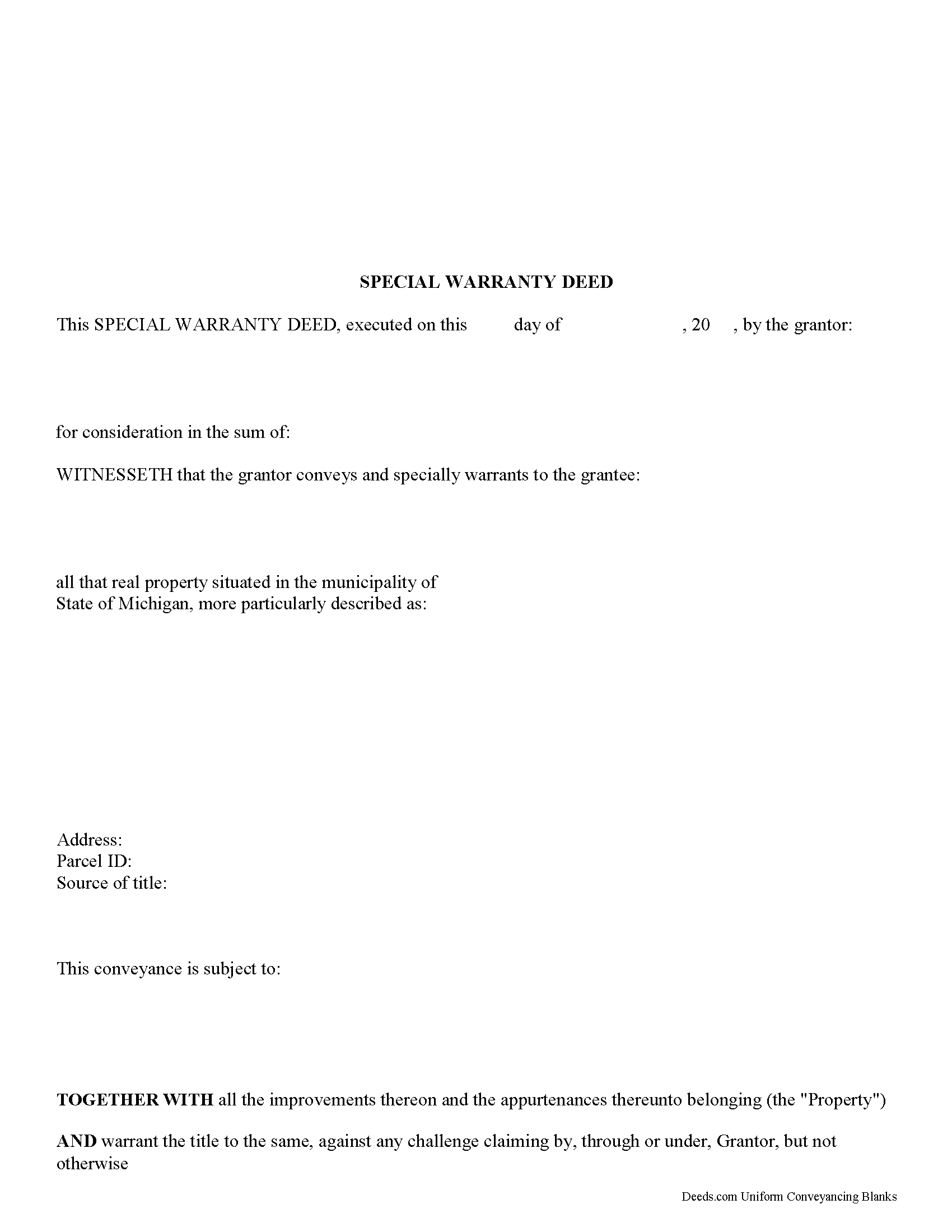
Macomb County Special Warranty Deed Form
Fill in the blank Special Warranty Deed form formatted to comply with all Michigan recording and content requirements.
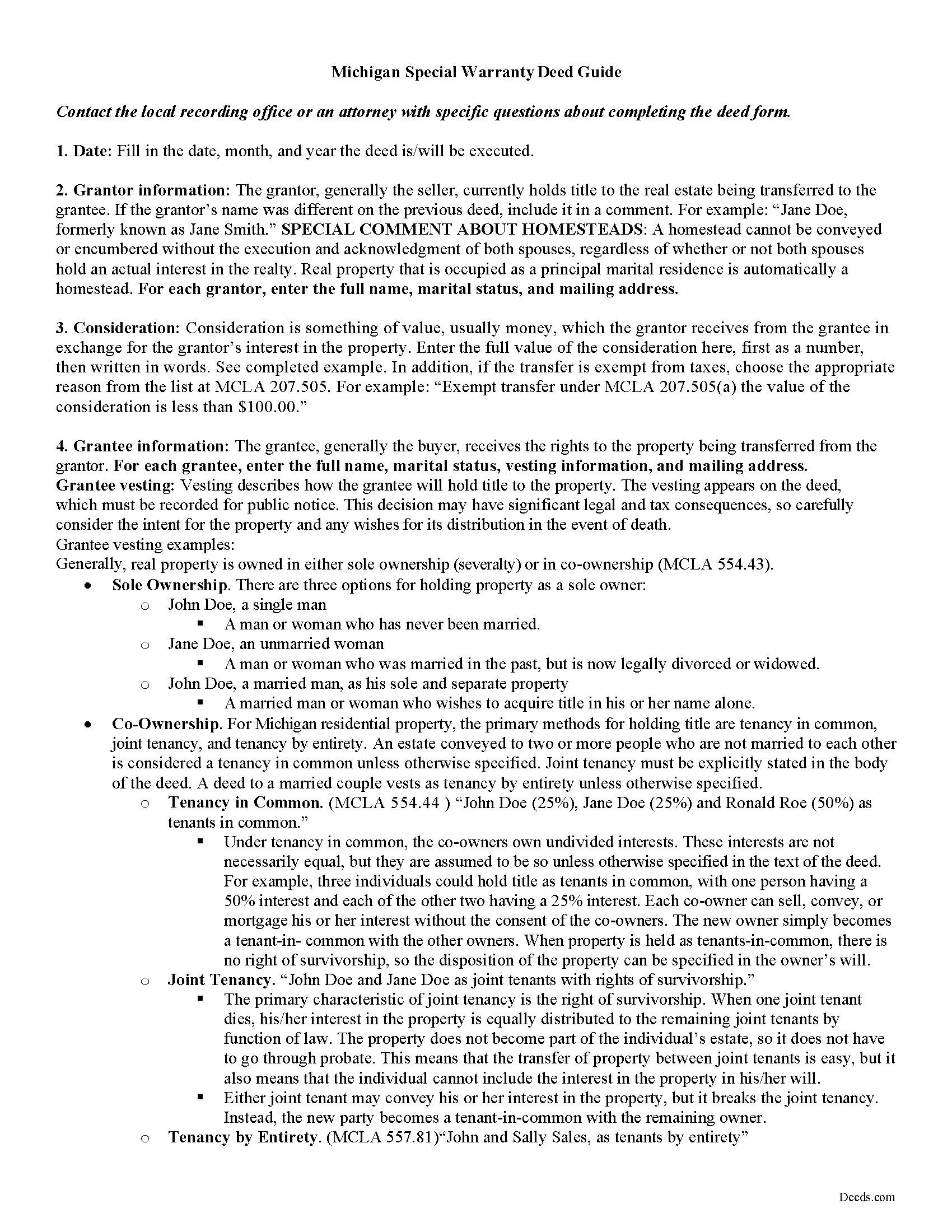
Macomb County Special Warranty Deed Guide
Line by line guide explaining every blank on the form.
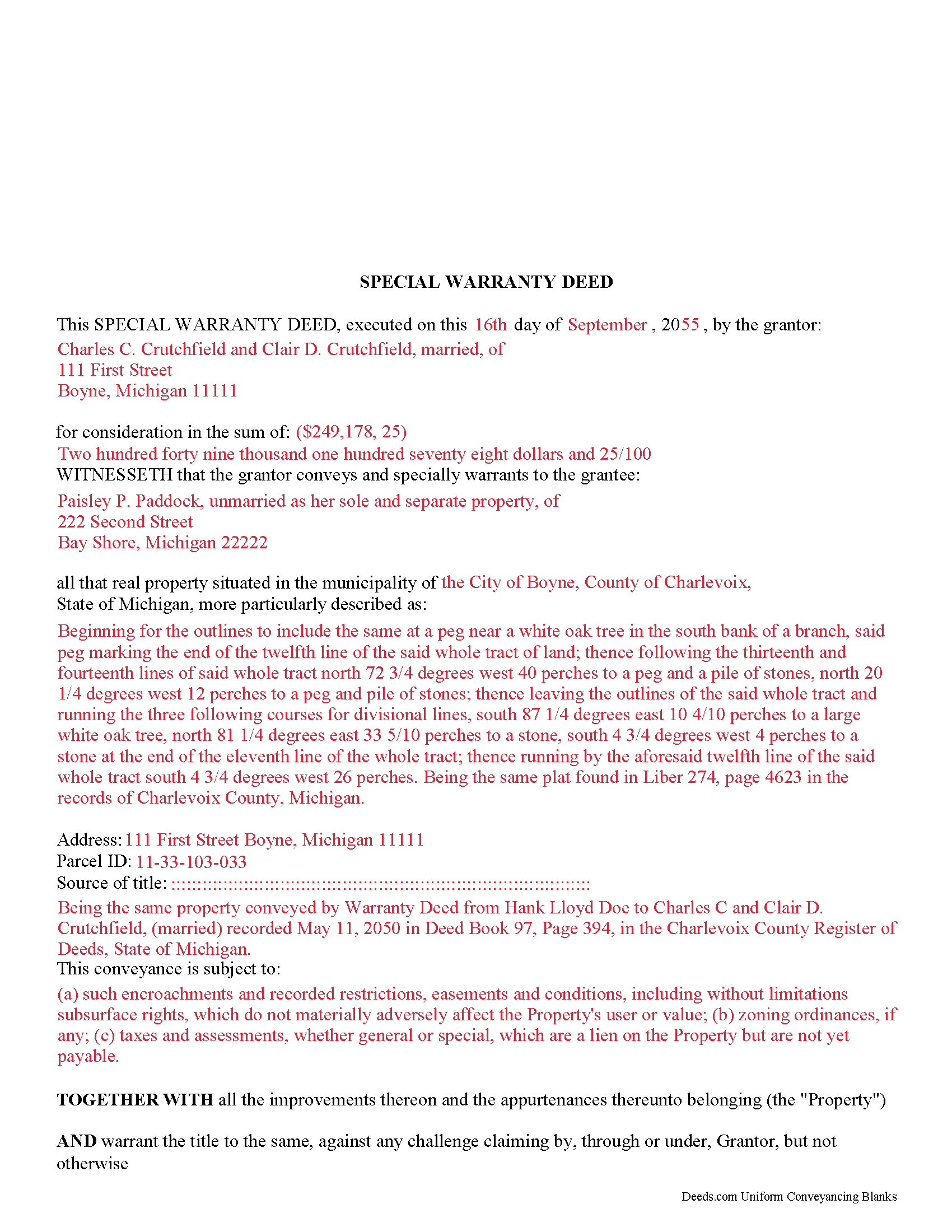
Macomb County Completed Example of the Special Warranty Deed Document
Example of a properly completed Michigan Special Warranty Deed document for reference.
All 3 documents above included • One-time purchase • No recurring fees
Immediate Download • Secure Checkout
Additional Michigan and Macomb County documents included at no extra charge:
Where to Record Your Documents
Macomb County Register of Deeds
Mt. Clemens, Michigan 48043
Hours: 8:00am - 4:15pm M-F
Phone: (586) 469-7953
Recording Tips for Macomb County:
- Bring your driver's license or state-issued photo ID
- Ensure all signatures are in blue or black ink
- Ask if they accept credit cards - many offices are cash/check only
- Check that your notary's commission hasn't expired
- Documents must be on 8.5 x 11 inch white paper
Cities and Jurisdictions in Macomb County
Properties in any of these areas use Macomb County forms:
- Armada
- Center Line
- Clinton Township
- Eastpointe
- Fraser
- Harrison Township
- Macomb
- Mount Clemens
- New Baltimore
- New Haven
- Ray
- Richmond
- Romeo
- Roseville
- Saint Clair Shores
- Sterling Heights
- Utica
- Warren
- Washington
Hours, fees, requirements, and more for Macomb County
How do I get my forms?
Forms are available for immediate download after payment. The Macomb County forms will be in your account ready to download to your computer. An account is created for you during checkout if you don't have one. Forms are NOT emailed.
Are these forms guaranteed to be recordable in Macomb County?
Yes. Our form blanks are guaranteed to meet or exceed the applicable formatting requirements used for recording in Macomb County, including margin requirements, font requirements, and other layout standards. This guarantee applies to formatting, not to the legal sufficiency of information entered by the user or the suitability of a form for a particular transaction.
Can I reuse these forms?
Yes. You can reuse the forms for your personal use. For example, if you have multiple properties in Macomb County you only need to order once.
What do I need to use these forms?
The forms are PDFs that you fill out on your computer. The free Adobe Acrobat Reader is recommended, and most PDF apps also work. You do NOT enter your property information online - you download the blank forms and complete them privately on your own computer.
Are there any recurring fees?
No. This is a one-time purchase. Nothing to cancel, no memberships, no recurring fees.
How much does it cost to record in Macomb County?
Recording fees in Macomb County vary. Contact the recorder's office at (586) 469-7953 for current fees.
Questions answered? Let's get started!
Special Warranty Deed Overview:
A Special Warranty Deed, sometimes referred to as a Limited Warranty Deed is a type of real estate deed where the grantor (seller) warrants the title only against defects that arose during their ownership of the property. The grantor does not warrant against defects that existed before they acquired the property. This type of deed provides less protection to the grantee (buyer) compared to a general warranty deed, which offers a warranty against all title defects, regardless of when they arose.
Key Features of a Special Warranty Deed:
Limited Warranty: The seller guarantees that there are no legal claims or title defects that arose during their period of ownership, such as liens or encumbrances.
Risk to Buyer: The buyer accepts a higher risk with a special warranty deed because the protection is limited to the duration of the seller's ownership.
Common Use: This deed type is commonly used in commercial real estate transactions or in sales where the seller has owned the property for a brief period and therefore prefers not to provide a warranty for a time before they owned the property.
(Michigan SWD Package includes form, guidelines, and completed example)
Important: Your property must be located in Macomb County to use these forms. Documents should be recorded at the county recording office listed above.
This Special Warranty Deed meets all recording requirements specific to Macomb County.
Our Promise
The documents you receive here are guaranteed to meet or exceed the applicable Macomb County recording format requirements. If there is a rejection caused by our formatting, we will correct the issue or refund your payment. This guarantee applies to document formatting only and does not extend to information entered by the user, the selection of the form, or the legal effect of the completed document.
Save Time and Money
Get your Macomb County Special Warranty Deed form done right the first time with Deeds.com Uniform Conveyancing Blanks. At Deeds.com, we understand that your time and money are valuable resources, and we don't want you to face a penalty fee or rejection imposed by a county recorder for submitting nonstandard documents. We constantly review and update our forms to meet rapidly changing state and county recording requirements for roughly 3,500 counties and local jurisdictions.
4.8 out of 5 - ( 4,842 Reviews )
CAROL C. 5 out of 5 stars
Deeds.com is very user friendly and quite simple to use. Customer service is also prompt in responding to any inquiry. I have been pleased with them since I began using them over 3-years ago.
We appreciate your business and value your feedback. Thank you. Have a wonderful day!
Jamie P. 5 out of 5 stars
The forms are easy to download. Easy to fill out. The information on the site and on the web provided by Deeds.com have been immensely helpful.
Thank you!
Mary P. 5 out of 5 stars
Excellent easy to follow instructions.
Great to hear Mary, Have a wonderful day!
Nellouise S. 5 out of 5 stars
Documents are ok but I needed to reword some of the verbiage and it cannot be edited without paying a monthly or annual membership. otherwise it is a very nice site.
Thank you for your feedback. We really appreciate it. Have a great day!
DeBe W. 5 out of 5 stars
Thanks for the quick response. That really helps when you're under a time deadline.
Your feedback is greatly appreciated. Thank you for taking the time to share your experience!
janna C. 5 out of 5 stars
Great site! I found everything I needed.
We appreciate your business and value your feedback. Thank you. Have a wonderful day!
Allen P. 5 out of 5 stars
Information very useful and helpful. It would be helpful to inform purchasers that legal size paper is needed to print documents. We had to run to the store and purchase some.
Thank you for your feedback. We really appreciate it. Have a great day!
Johnnie W. 5 out of 5 stars
Five stars for quick retrieval/no hassle of forms. Will review them again once I have completed the forms and they have been accepted.
Thank you for your feedback. We really appreciate it. Have a great day!
Joe W. 5 out of 5 stars
Effortless transaction and very thorough paperwork and explanations.
Thank you!
KAREN I. 5 out of 5 stars
it worked. fantastic. thanks!
Your insights are invaluable to us and help us strive for better service. Thank you for taking the time to share your thoughts.
Scott M. 4 out of 5 stars
Very straightforward. Only issue was it took a few times for the mineral deed form to show up. The first few times it instead showed a mineral rights transfer between operators.
Your feedback is valuable to us and helps us improve. Thank you for sharing your thoughts!
Debbie M. 5 out of 5 stars
Everything that I needed was included. I appreciate that there was a sample as well as the step-by-step directions included in the download. I would definitely recommend this site to anyone that needs it.
We appreciate your business and value your feedback. Thank you. Have a wonderful day!
LINDA S. 5 out of 5 stars
This was SO much easier than having to go down to the county recorder's office. I would definitely use this company again!
Thank you for your feedback. We really appreciate it. Have a great day!
Catherine P. 5 out of 5 stars
I got what I needed and you provided great templates.
Thank you!
Laurie F. 5 out of 5 stars
I am so glad I found Deeds.com. You had exactly what I needed and made it easy to download. I have bookmarked you in the event of further inquiry. Thank you.
We appreciate your business and value your feedback. Thank you. Have a wonderful day!