Mcleod County Limited Warranty Deed from Individual to Joint Tenant Form
Last validated October 15, 2026 by our Forms Development TeamFormatted for recording in Mcleod County, for property anywhere in the county: rural and unincorporated areas as well as Brownton, Glencoe, Hutchinson, Lester Prairie, Plato, Silver Lake, Stewart, Winsted.
- 3 documents included
- Immediate PDF download
- Formatting guarantee
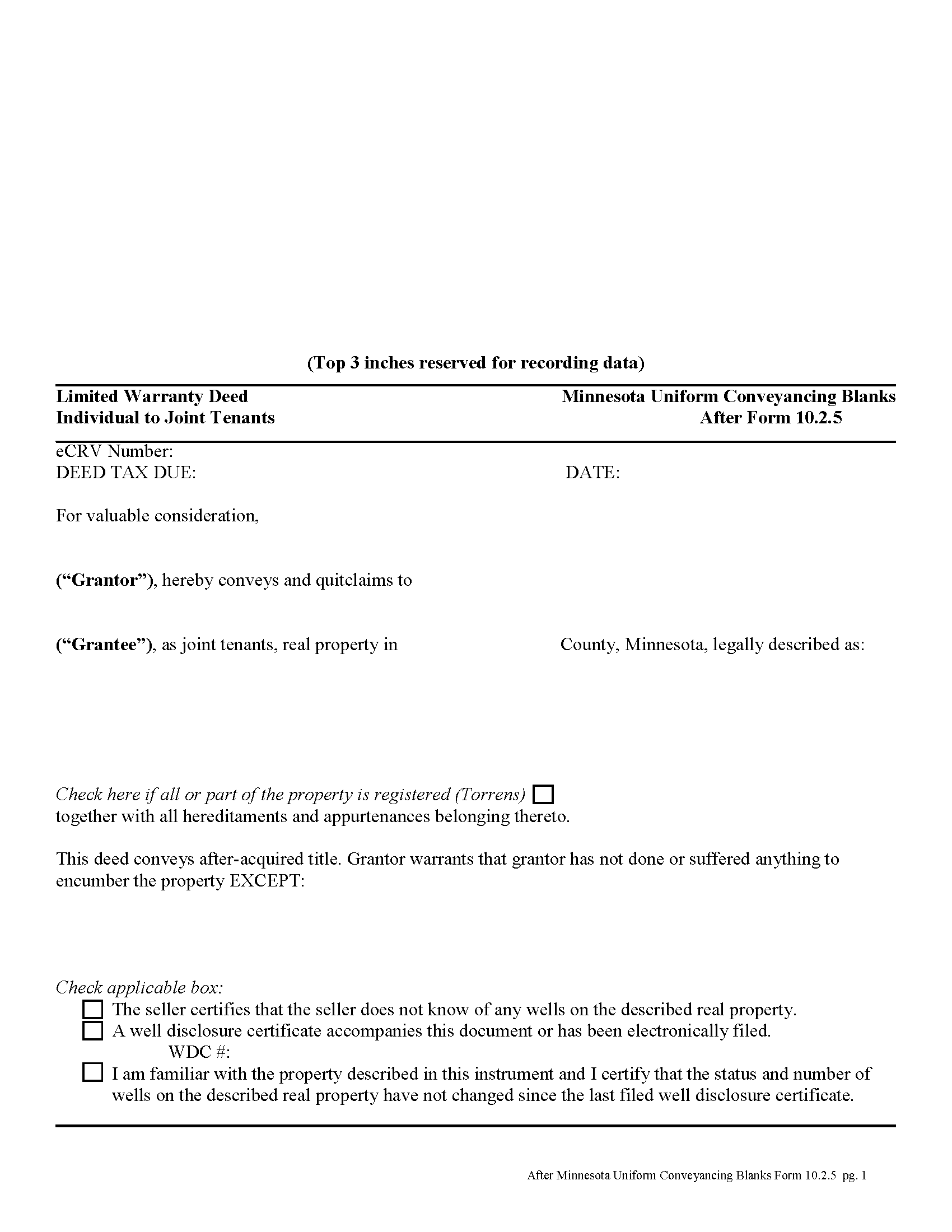
Mcleod County Limited Warranty Deed from Individual to Joint Tenant Form
Fill in the blank form formatted to comply with all recording and content requirements.
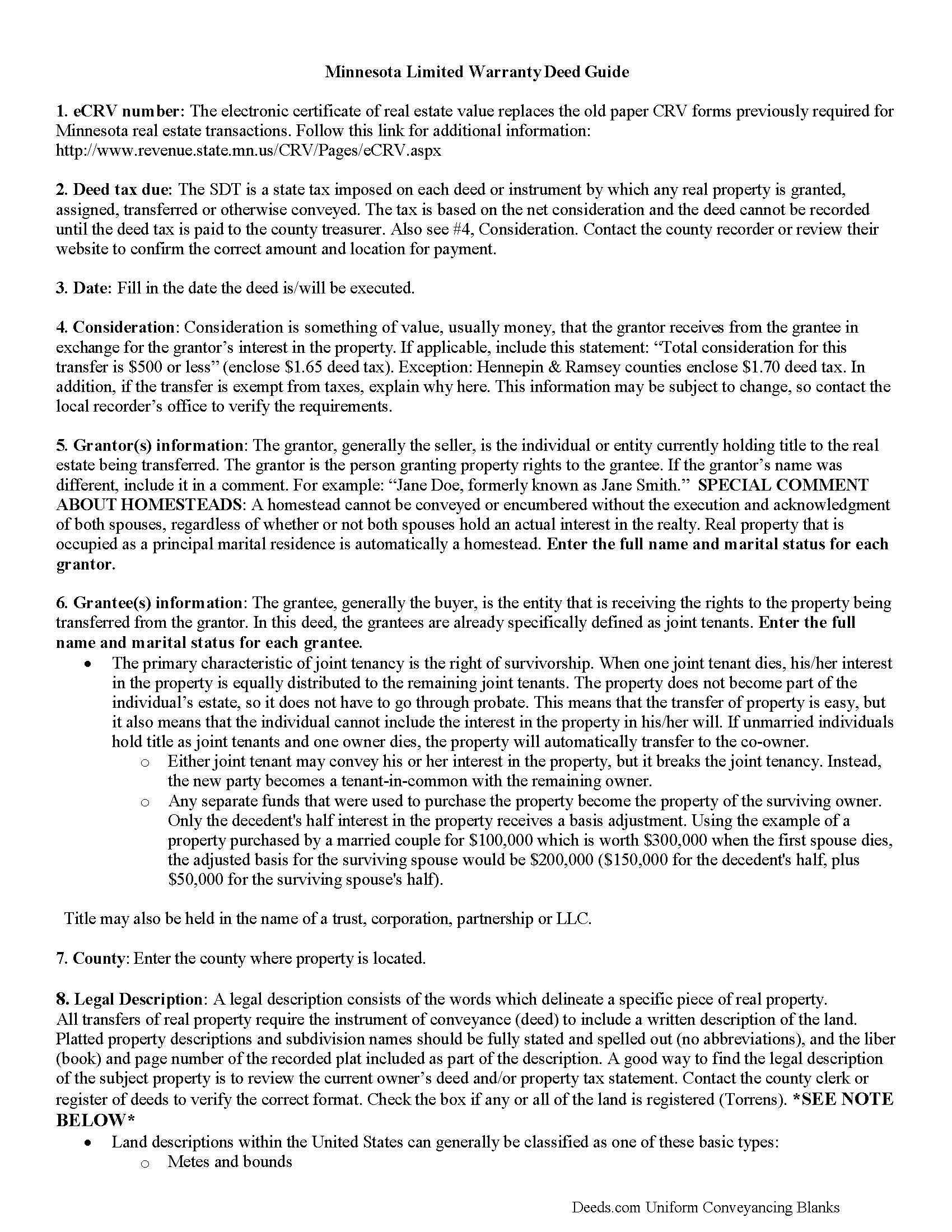
Mcleod County Limited Warranty Deed from Individual to Joint Tenant Guide
Line by line guide explaining every blank on the form.
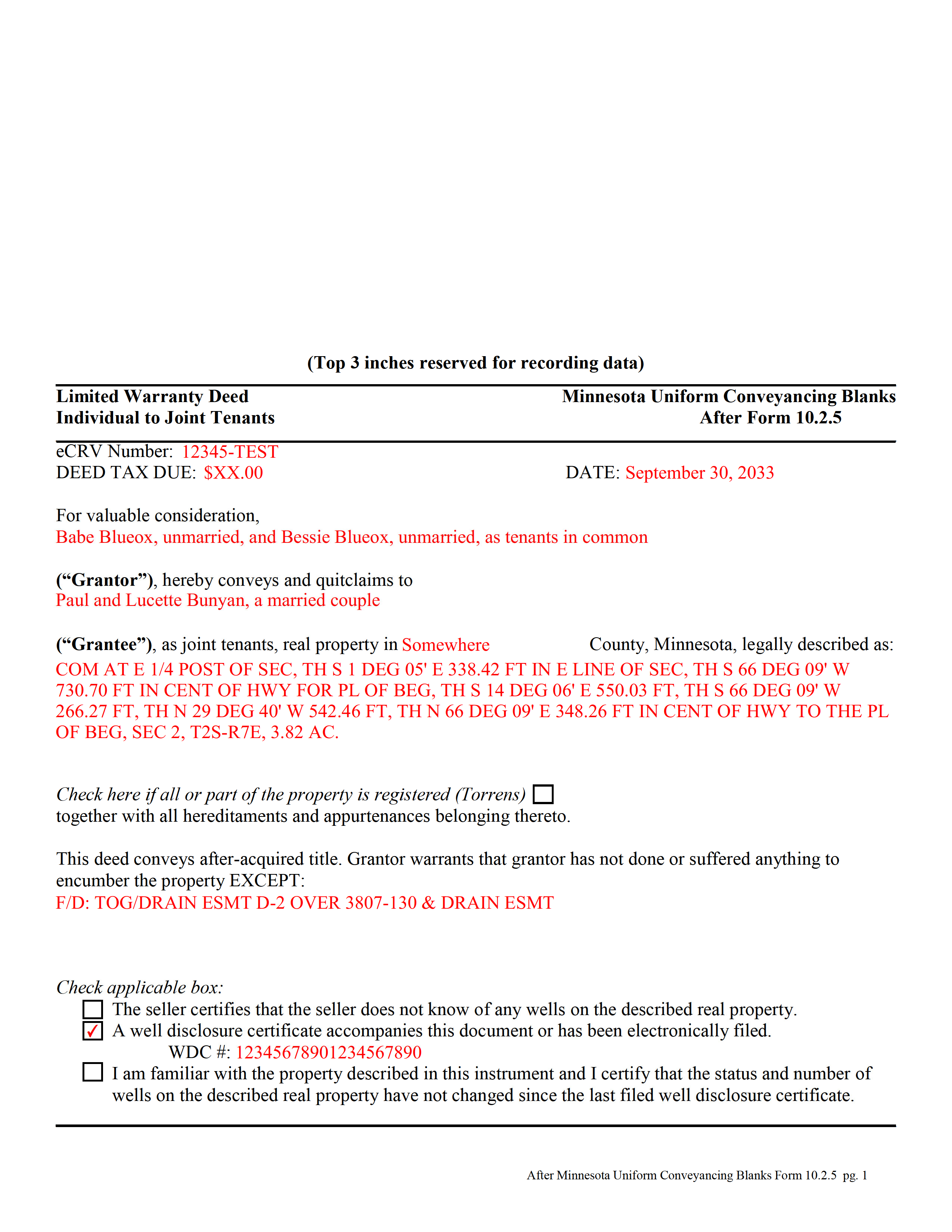
Mcleod County Completed Example of the Limited Warranty Deed from Individual to Joint Tenant Document
Example of a properly completed form for reference.
All 3 documents above included • One-time purchase • No recurring fees
Immediate Download • Secure Checkout
Additional Minnesota and Mcleod County documents included at no extra charge:
Where to Record Your Documents
McLeod County Recorder
Glencoe, Minnesota 55336
Hours: 8:00am to 4:30pm Monday through Friday
Phone: (320) 864-1327
Recording Tips for Mcleod County:
- Bring your driver's license or state-issued photo ID
- Ensure all signatures are in blue or black ink
- Ask about their eRecording option for future transactions
- Avoid the last business day of the month when possible
- Both spouses typically need to sign if property is jointly owned
Cities and Jurisdictions in Mcleod County
Properties in any of these areas use Mcleod County forms:
- Brownton
- Glencoe
- Hutchinson
- Lester Prairie
- Plato
- Silver Lake
- Stewart
- Winsted
Hours, fees, requirements, and more for Mcleod County
How do I get my forms?
Forms are available for immediate download after payment. The Mcleod County forms will be in your account ready to download to your computer. An account is created for you during checkout if you don't have one. Forms are NOT emailed.
Are these forms guaranteed to be recordable in Mcleod County?
Yes. Our form blanks are guaranteed to meet or exceed the applicable formatting requirements used for recording in Mcleod County, including margin requirements, font requirements, and other layout standards. This guarantee applies to formatting, not to the legal sufficiency of information entered by the user or the suitability of a form for a particular transaction.
Can I reuse these forms?
Yes. You can reuse the forms for your personal use. For example, if you have multiple properties in Mcleod County you only need to order once.
What do I need to use these forms?
The forms are PDFs that you fill out on your computer. The free Adobe Acrobat Reader is recommended, and most PDF apps also work. You do NOT enter your property information online - you download the blank forms and complete them privately on your own computer.
Are there any recurring fees?
No. This is a one-time purchase. Nothing to cancel, no memberships, no recurring fees.
How much does it cost to record in Mcleod County?
Recording fees in Mcleod County vary. Contact the recorder's office at (320) 864-1327 for current fees.
Questions answered? Let's get started!
A limited warranty deed is used for Minnesota real estate transactions where the grantor guarantees that, during the time of ownership, the grantor did nothing undisclosed to encumber the land. The deed also passes after-acquired title (any future rights the grantor gains to the same land transferred by the deed).
The basic forms and requirements for real estate deeds in Minnesota are governed by Minn. Stat. 507. Properly completed statutory deeds are effective in most cases, but leave room for errors based on incorrect or missing information. To reduce confusion about the different real estate transactions, Minnesota suggests requirements for uniform conveyancing forms, each with a specific purpose.
This deed form, specifically intended for real property transfers from individual owner(s) to joint tenants, matches the format, content, and requirements set forth in the most recent update.
(Minnesota LWD Ind to JT Package includes form, guidelines, and completed example)
Important: Your property must be located in Mcleod County to use these forms. Documents should be recorded at the county recording office listed above.
This Limited Warranty Deed from Individual to Joint Tenant meets all recording requirements specific to Mcleod County.
Our Promise
The documents you receive here are guaranteed to meet or exceed the applicable Mcleod County recording format requirements. If there is a rejection caused by our formatting, we will correct the issue or refund your payment. This guarantee applies to document formatting only and does not extend to information entered by the user, the selection of the form, or the legal effect of the completed document.
Save Time and Money
Get your Mcleod County Limited Warranty Deed from Individual to Joint Tenant form done right the first time with Deeds.com Uniform Conveyancing Blanks. At Deeds.com, we understand that your time and money are valuable resources, and we don't want you to face a penalty fee or rejection imposed by a county recorder for submitting nonstandard documents. We constantly review and update our forms to meet rapidly changing state and county recording requirements for roughly 3,500 counties and local jurisdictions.
4.8 out of 5 - ( 4,837 Reviews )
Stephen D. 5 out of 5 stars
The service was very helpful and fast saving me time. I am sure I will use it again. Thank you
Thanks Stephen! Have a fantastic day.
Robert W. 5 out of 5 stars
Perfect timing. Everything was consistent and timely.
Thank you Robert, we appreciate your feedback.
James B. 5 out of 5 stars
Does everything I expected it to do. Very helpful. It is in compliance with applicable Nevada State regulations
Thank you for your feedback. We really appreciate it. Have a great day!
Jonnie G. 5 out of 5 stars
I very much dreaded this whole endeavor but very pleasantly surprised. So far, so good. I feel much more confidant that the crucial form, when presented, will play well with the county.......
We appreciate your business and value your feedback. Thank you. Have a wonderful day!
David D. 5 out of 5 stars
Quick, easy, thorough, reasonable price. Much better than trying to contact a paralegal (who do not usually respond quickly, it seems)
We appreciate your business and value your feedback. Thank you. Have a wonderful day!
Tina C. 5 out of 5 stars
Quick and easy ordering and download. Appreciated that I could get the form that is used in my county. Would have like to be able to add paragraphs to form.
We appreciate your business and value your feedback. Thank you. Have a wonderful day!
Tammy C. 5 out of 5 stars
Was very easy to use and i would recommend it
Thank you!
Maryel T. 4 out of 5 stars
Good site, had the information I needed. Quicker than I expected. Thanks.
We appreciate your business and value your feedback. Thank you. Have a wonderful day!
Michelle R. 5 out of 5 stars
Fairly easy to use. Need to be able to find platts easy.
Thank you!
Pamela L. 5 out of 5 stars
The packet was very comprehensive and easy to use (I had just one question that wasn't clearly explained). II appreciate that the forms are kept up to date.
We appreciate your business and value your feedback. Thank you. Have a wonderful day!
Karen L. 5 out of 5 stars
My card was charged twice in error, I contacted deeds.com and within minutes, the error was corrected! Fast service, thank you deed.com
Thank you!
Barbara R. 5 out of 5 stars
Thank you for your services My first time to ever print anything from your service or print off of a computer like this so I'm praying that it works I'm doing this to my phone. Thank you
Thank you!
Renee K. 5 out of 5 stars
So very easy to upload documents to the site and communication is very quick. It made our transactions so effortless.
Thank you!
Kendall B. 5 out of 5 stars
Good
Thank you!
Patricia H. 5 out of 5 stars
The process was so easy and result was excellent and expedient. I will definitely recommend your company for future recording needs.
Thank you!