Blue Earth County Limited Warranty Deed Excluding Assessment Form
Last validated October 2, 2026 by our Forms Development TeamFormatted for recording in Blue Earth County, for property anywhere in the county: rural and unincorporated areas as well as Amboy, Eagle Lake, Garden City, Good Thunder, Lake Crystal, Madison Lake, Mankato, Mapleton and 3 more.
- 3 documents included
- Immediate PDF download
- Formatting guarantee
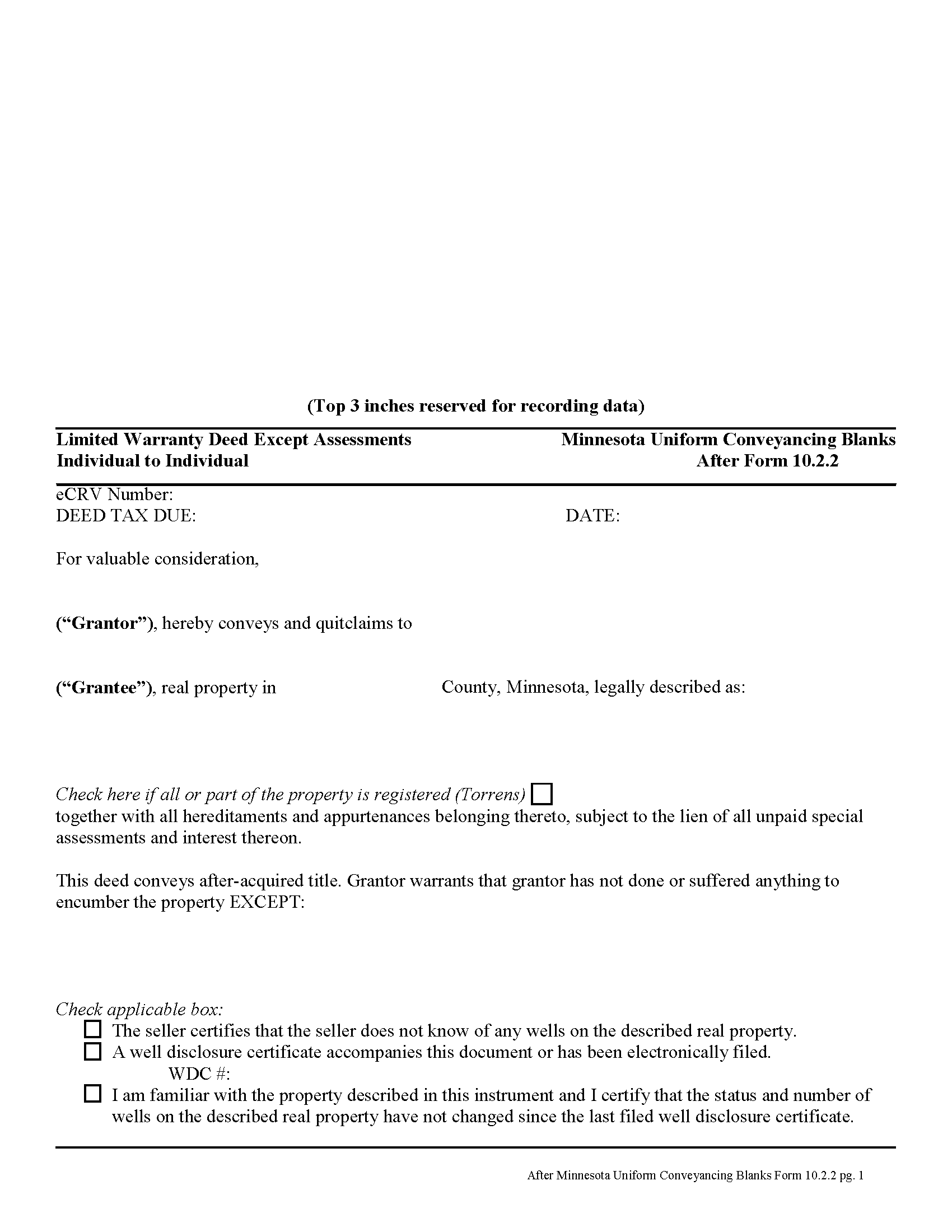
Blue Earth County Limited Warranty Deed Excluding Assessment Form
Fill in the blank form formatted to comply with all recording and content requirements.
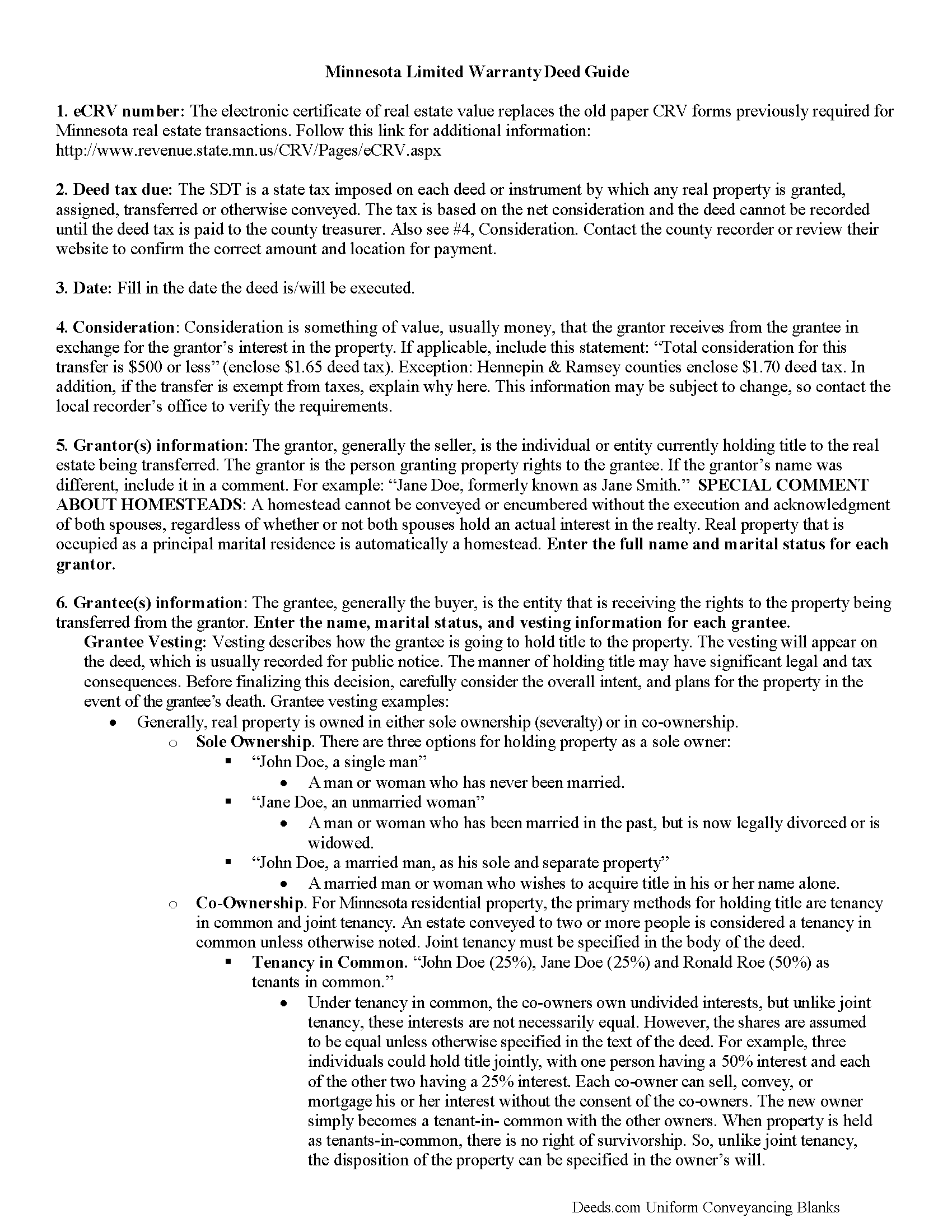
Blue Earth County Limited Warranty Deed Excluding Assessment Guide
Line by line guide explaining every blank on the form.
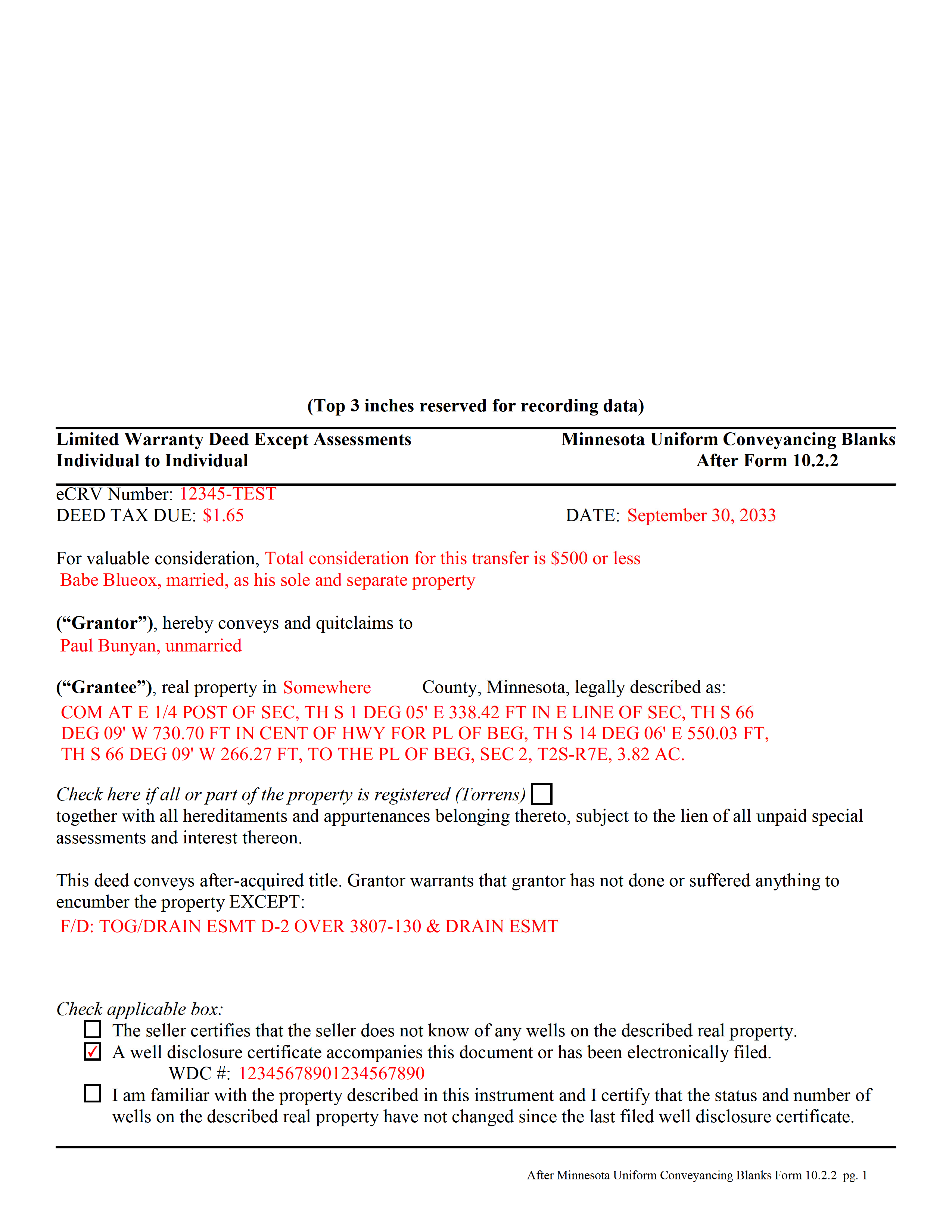
Blue Earth County Completed Example of the Limited Warranty Deed Excluding Assessment Form
Example of a properly completed form for reference.
All 3 documents above included • One-time purchase • No recurring fees
Immediate Download • Secure Checkout
Additional Minnesota and Blue Earth County documents included at no extra charge:
Where to Record Your Documents
Taxpayer Services: Real Estate Recordings Division
Mankato, Minnesota 56002-3567
Hours: 8:00am to 4:30pm M-F
Phone: (507) 304-4251
Recording Tips for Blue Earth County:
- Bring your driver's license or state-issued photo ID
- Ensure all signatures are in blue or black ink
- Request a receipt showing your recording numbers
- Ask about accepted payment methods when you call ahead
- Ask for certified copies if you need them for other transactions
Cities and Jurisdictions in Blue Earth County
Properties in any of these areas use Blue Earth County forms:
- Amboy
- Eagle Lake
- Garden City
- Good Thunder
- Lake Crystal
- Madison Lake
- Mankato
- Mapleton
- Pemberton
- Saint Clair
- Vernon Center
Hours, fees, requirements, and more for Blue Earth County
How do I get my forms?
Forms are available for immediate download after payment. The Blue Earth County forms will be in your account ready to download to your computer. An account is created for you during checkout if you don't have one. Forms are NOT emailed.
Are these forms guaranteed to be recordable in Blue Earth County?
Yes. Our form blanks are guaranteed to meet or exceed the applicable formatting requirements used for recording in Blue Earth County, including margin requirements, font requirements, and other layout standards. This guarantee applies to formatting, not to the legal sufficiency of information entered by the user or the suitability of a form for a particular transaction.
Can I reuse these forms?
Yes. You can reuse the forms for your personal use. For example, if you have multiple properties in Blue Earth County you only need to order once.
What do I need to use these forms?
The forms are PDFs that you fill out on your computer. The free Adobe Acrobat Reader is recommended, and most PDF apps also work. You do NOT enter your property information online - you download the blank forms and complete them privately on your own computer.
Are there any recurring fees?
No. This is a one-time purchase. Nothing to cancel, no memberships, no recurring fees.
How much does it cost to record in Blue Earth County?
Recording fees in Blue Earth County vary. Contact the recorder's office at (507) 304-4251 for current fees.
Questions answered? Let's get started!
A limited warranty deed is used for Minnesota real estate transactions where the grantor agrees to guarantee that, during the time of ownership, the grantor did nothing to encumber the property. The deed also passes after-acquired title (any future rights the grantor gains to the same land transferred by the deed).
By excluding assessments from the covenants of title, the grantor alerts the grantee to the fact that one or more outstanding assessment liens and any associated interest may still be attached to the title.
(Minnesota LWD Excluding Assessment Package includes form, guidelines, and completed example)
Important: Your property must be located in Blue Earth County to use these forms. Documents should be recorded at the county recording office listed above.
This Limited Warranty Deed Excluding Assessment meets all recording requirements specific to Blue Earth County.
Our Promise
The documents you receive here are guaranteed to meet or exceed the applicable Blue Earth County recording format requirements. If there is a rejection caused by our formatting, we will correct the issue or refund your payment. This guarantee applies to document formatting only and does not extend to information entered by the user, the selection of the form, or the legal effect of the completed document.
Save Time and Money
Get your Blue Earth County Limited Warranty Deed Excluding Assessment form done right the first time with Deeds.com Uniform Conveyancing Blanks. At Deeds.com, we understand that your time and money are valuable resources, and we don't want you to face a penalty fee or rejection imposed by a county recorder for submitting nonstandard documents. We constantly review and update our forms to meet rapidly changing state and county recording requirements for roughly 3,500 counties and local jurisdictions.
4.8 out of 5 - ( 4,832 Reviews )
Alan S. 5 out of 5 stars
Quick, easy, and accurate. And if there's ever a problem, the resolution is also quick, easy, and accurate. The service is hard to beat.
Thank you for your feedback. We really appreciate it. Have a great day!
Christi W. 5 out of 5 stars
Very simple and made recording a breeze. Worth the fee!
We appreciate your business and value your feedback. Thank you. Have a wonderful day!
Daniel L. 4 out of 5 stars
You could make instructions clearer on the download process and when download is complete. You could also group things together for 1 or 2 "big" downloads.
Thank you for your feedback. We really appreciate it. Have a great day!
Darrell C. 5 out of 5 stars
Excellent Service
Thank you!
Scott G. 5 out of 5 stars
Frankly, if our tax dollars were being used to run government "services" correctly, we wouldn't need Deeds.com Since the sun will burn out before government is run correctly, Deeds.com provides an important, efficient, time-saving service that, all things considered, offers big savings over time-and-soul-draining struggles with government agencies.
Your feedback is greatly appreciated. Thank you for taking the time to share your experience!
Clarence F. 5 out of 5 stars
very easy to use !!!
We appreciate your business and value your feedback. Thank you. Have a wonderful day!
Carol S. 1 out of 5 stars
Unfortunately for me this website was of no help, due to the amount of paperwork that needed to be submitted. One thing I can say they responded with answer really quickly. If this is a website that only deals with quick and fast deed issues, then it should indicate what they can and cannot do.
Thank you for your feedback. We really appreciate it. Have a great day!
Sandra H. 1 out of 5 stars
I did not receive the information in a timely fashion as stated on the website. I would not recommend this service.
Thank you for your feedback Sandra. In reviewing your order I see that it did take our staff 11 minutes to respond to your order. That is significantly longer than the 10 minute average listed on our website. Even in these unprecedented times of quarantines and staff shortages our failure is unacceptable. We have fully refunded your account and we do hope that you found something more suitable to your needs elsewhere.
Catherine A. 5 out of 5 stars
Very good site, easy to get around, very thourough, easy to use. Definately will use again. I give you 5 stars
Thank you for your feedback. We really appreciate it. Have a great day!
Rosa Irene G. 5 out of 5 stars
nd your site/forms. The cost is also great. Thank you so much for making this affordable to everyone.
Thank you for your feedback. We really appreciate it. Have a great day!
Eileen D. 5 out of 5 stars
Very easy to use. The example form was a big help in making sure I had the forms filled out correctly.
Thank you!
Kay I. 5 out of 5 stars
Very easy to use. However, the "sample" filled in red ink did not print for me to refer to. Is that the correct desire, not to print?
Thank you for your feedback. We really appreciate it. Have a great day!
Kelly M. 5 out of 5 stars
Deeds.com made it so easy and convenient to get my homestead document recorded. Thank you!
We appreciate your business and value your feedback. Thank you. Have a wonderful day!
Frank H. 5 out of 5 stars
All the forms downloaded are very comprehensive of Quit Claim transfers.
We appreciate your business and value your feedback. Thank you. Have a wonderful day!
samira m. 5 out of 5 stars
I love whoever is behind this website. I bought the wrong form and I told them and they refunded me asap! I figured out which form I need days later and bought it just now. They didn't have to refund me for my own mistake. That was very kind. I'll be returning for any other forms I may need and will tell others too. Thank you so much!!!!!
Thank you for your feedback. We really appreciate it. Have a great day!