Anoka County Quitclaim Deed (Corporation Grantor) Form
Last validated October 8, 2026 by our Forms Development TeamFormatted for recording in Anoka County, for property anywhere in the county: rural and unincorporated areas as well as Andover, Anoka, Bethel, Cedar, Circle Pines, Minneapolis, Saint Francis.
- 3 documents included
- Immediate PDF download
- Formatting guarantee
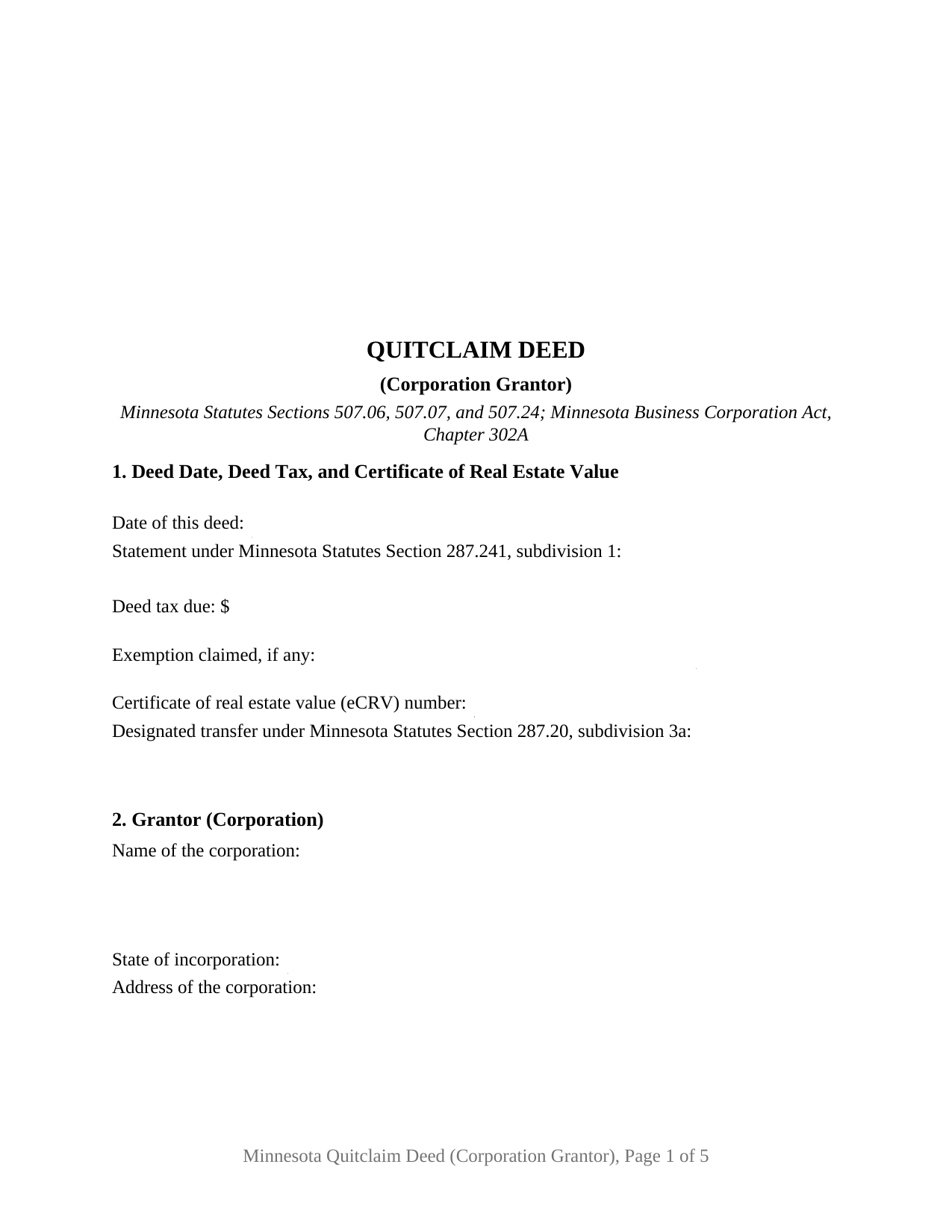
Anoka County Quitclaim Deed (Corporation Grantor) Form
Fill in the blank Quitclaim Deed (Corporation Grantor) form formatted to comply with all Minnesota recording and content requirements.
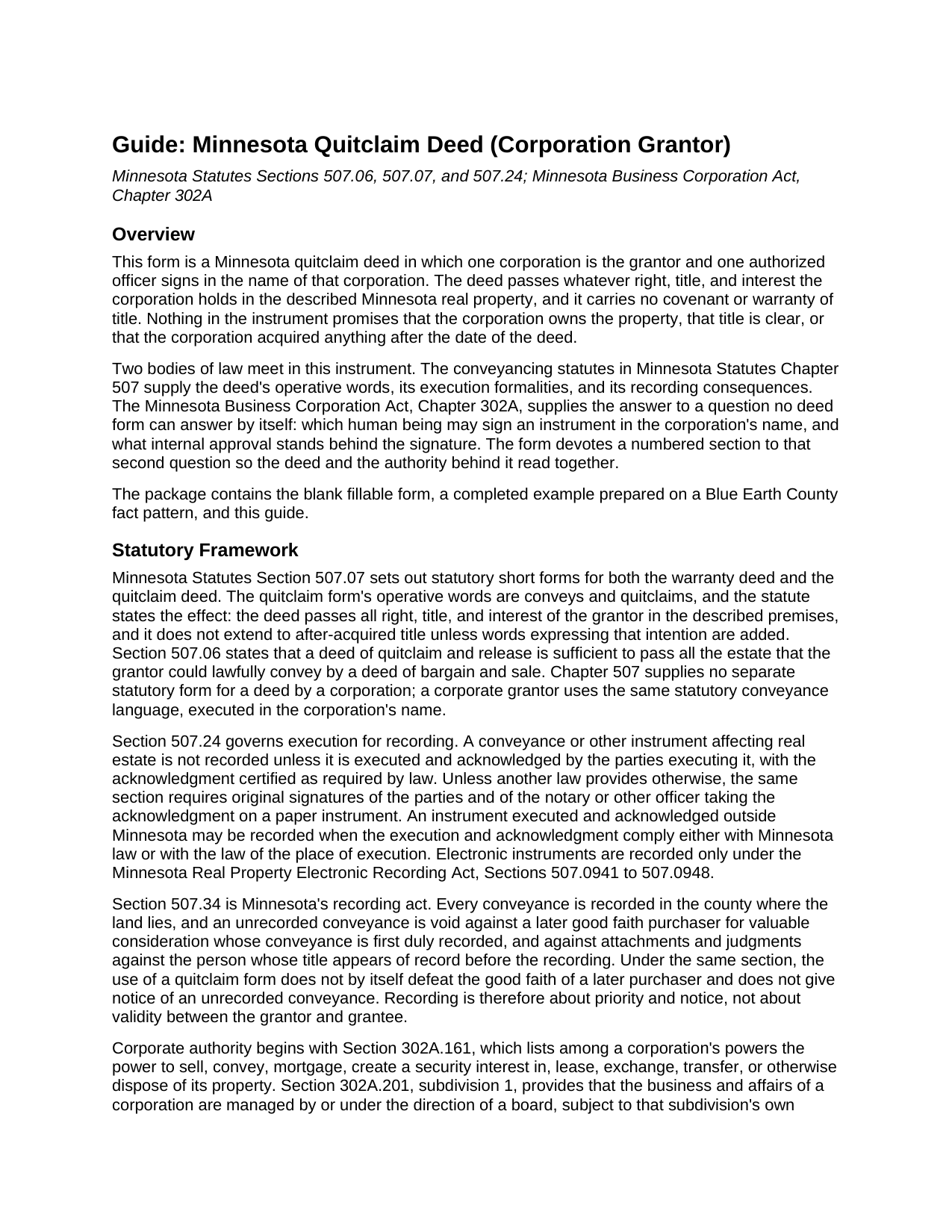
Anoka County Quitclaim Deed (Corporation Grantor) Guide
Line by line guide explaining every blank on the Quitclaim Deed (Corporation Grantor) form.
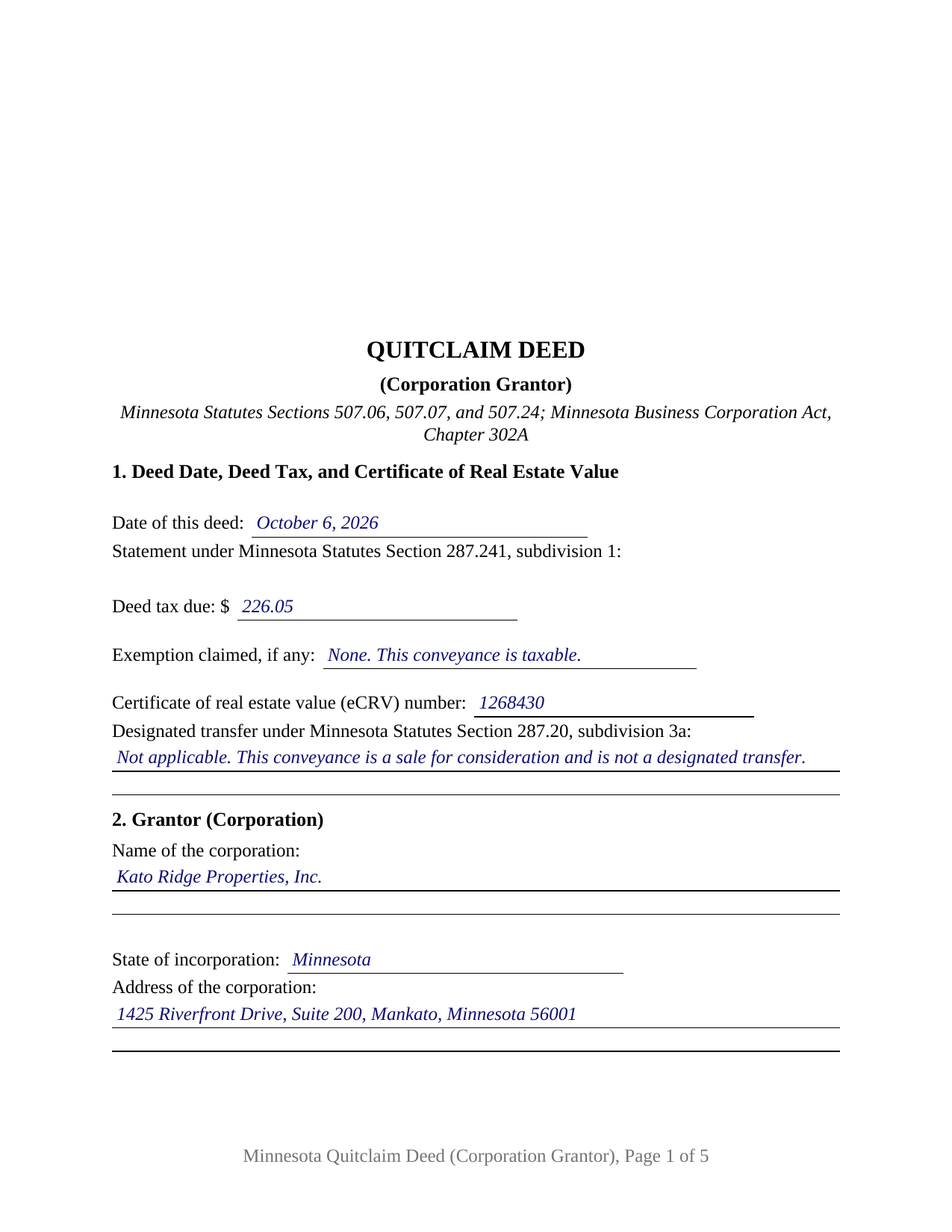
Anoka County Completed Example of the Quitclaim Deed (Corporation Grantor) Document
Example of a properly completed Minnesota Quitclaim Deed (Corporation Grantor) document for reference.
All 3 documents above included • One-time purchase • No recurring fees
Immediate Download • Secure Checkout
Additional Minnesota and Anoka County documents included at no extra charge:
Where to Record Your Documents
Property Records & Taxation
Anoka, Minnesota 55303
Hours: 8:00am to 4:30pm M-F
Phone: (763) 323-5400
Recording Tips for Anoka County:
- Bring your driver's license or state-issued photo ID
- Ensure all signatures are in blue or black ink
- Double-check legal descriptions match your existing deed
- Verify all names are spelled correctly before recording
- White-out or correction fluid may cause rejection
Cities and Jurisdictions in Anoka County
Properties in any of these areas use Anoka County forms:
- Andover
- Anoka
- Bethel
- Cedar
- Circle Pines
- Minneapolis
- Saint Francis
Hours, fees, requirements, and more for Anoka County
How do I get my forms?
Forms are available for immediate download after payment. The Anoka County forms will be in your account ready to download to your computer. An account is created for you during checkout if you don't have one. Forms are NOT emailed.
Are these forms guaranteed to be recordable in Anoka County?
Yes. Our form blanks are guaranteed to meet or exceed the applicable formatting requirements used for recording in Anoka County, including margin requirements, font requirements, and other layout standards. This guarantee applies to formatting, not to the legal sufficiency of information entered by the user or the suitability of a form for a particular transaction.
Can I reuse these forms?
Yes. You can reuse the forms for your personal use. For example, if you have multiple properties in Anoka County you only need to order once.
What do I need to use these forms?
The forms are PDFs that you fill out on your computer. The free Adobe Acrobat Reader is recommended, and most PDF apps also work. You do NOT enter your property information online - you download the blank forms and complete them privately on your own computer.
Are there any recurring fees?
No. This is a one-time purchase. Nothing to cancel, no memberships, no recurring fees.
How much does it cost to record in Anoka County?
Recording fees in Anoka County vary. Contact the recorder's office at (763) 323-5400 for current fees.
Questions answered? Let's get started!
Minnesota names the officer who signs a corporation's deeds. Section 302A.305 of the Minnesota Statutes puts signing and delivering deeds in the name of the corporation among the chief executive officer's duties, and then attaches exceptions to it. The Minnesota Quitclaim Deed (Corporation Grantor) is built on that sentence: one corporation is named as Grantor, one officer signs for it, and a numbered section records where the power behind the signature comes from. Whatever interest the corporation holds in the described Minnesota real property passes to the Grantee, without warranty of title.
The signing duty, and what moves it
The clause granting that duty withdraws it in three situations: where the law requires another person to exercise the authority, where the articles or bylaws expressly delegate it, and where the board delegates it to another officer or agent. Section 302A.351 opens a fourth path, letting an officer delegate the powers of an office without board approval unless the articles, bylaws, or a board resolution prohibit it. Over all of them sits Section 302A.201, subdivision 1, under which a corporation's business and affairs are managed by or under the direction of a board. Section 5 takes the source relied on, and Section 12 takes the signer's title.
The approval question above the signature line
Section 302A.661 sorts corporate conveyances by size and by ordinariness. Subdivision 1 lets a corporation act by a majority of the directors present, with no shareholder approval, when it disposes of all or substantially all of its property and assets in the usual and regular course of business. Subdivision 2 covers the opposite case, where such a disposition outside that ordinary course takes the affirmative vote of holders of a majority of the voting power. Section 5 carries a second blank for that answer, so the deed states it on its face.
One corporation, one signature, one certificate
The form recites exactly one corporation as Grantor, with entries for its name, state of incorporation, and address, and exactly one authorized officer, whose block carries a signature, printed name, date, and officer title. Section 8 speaks the Section 507.07 statutory words conveys and quitclaims from the corporation and adds that the signing officer acts in the corporation's name and solely in a representative capacity. A single certificate follows the signature, drawn from the Section 358.66 short form for a signer acting in a representative capacity, so its blanks record the officer's name, the authority held, and the corporation the signature was made for. A corporation selling a parcel it has stopped using, a corporation moving one to an organization it owns entirely, and a corporation putting its current name on the record where an older instrument reads differently all present the single corporate grantor pattern this deed recites. It is not set up for two officers signing together, nor for a conveyance into a corporation. No spousal joinder block appears, because Section 507.02 speaks to a married owner and the record owner here is a corporation.
What conveys and quitclaims delivers
Section 507.07 supplies the statutory short form and the effect of its operative words: all right, title, and interest of the grantor passes, and title acquired afterward does not, unless added words say so. Chapter 507 carries no separate form for a corporate deed, so a corporation conveys with those same words, acknowledged under Section 507.24.
Deed tax on a reorganization, and the six month tail
Consideration usually drives the tax, at 0.0033 of net consideration above $3,000 under Section 287.21. One designated transfer category in Section 287.20, subdivision 3a, is written for corporate paper: clause (5), a transfer of substantially all the assets of one or more entities under a reorganization as that section defines it. It carries the $1.65 minimum, and Section 272.115, subdivision 6, sets the eCRV filing aside when the deed itself says on page one that a designated transfer is what it makes. Section 1 prints that entry beside the Section 287.241 tax statement. The Department of Revenue notes the tail: a change in the grantee entity's ownership within six months of recording makes deed tax retroactively due.
A corporate quit claim deed and a quitclaim deed from a corporation name this same instrument. The package delivers the fillable form, a completed example built on a Blue Earth County sale by a Mankato corporation, and a guide covering every numbered section, the chapter 302A authority provisions, and the county recording steps. The materials are informational and are not legal advice.
Important: Your property must be located in Anoka County to use these forms. Documents should be recorded at the county recording office listed above.
This Quitclaim Deed (Corporation Grantor) meets all recording requirements specific to Anoka County.
Our Promise
The documents you receive here are guaranteed to meet or exceed the applicable Anoka County recording format requirements. If there is a rejection caused by our formatting, we will correct the issue or refund your payment. This guarantee applies to document formatting only and does not extend to information entered by the user, the selection of the form, or the legal effect of the completed document.
Save Time and Money
Get your Anoka County Quitclaim Deed (Corporation Grantor) form done right the first time with Deeds.com Uniform Conveyancing Blanks. At Deeds.com, we understand that your time and money are valuable resources, and we don't want you to face a penalty fee or rejection imposed by a county recorder for submitting nonstandard documents. We constantly review and update our forms to meet rapidly changing state and county recording requirements for roughly 3,500 counties and local jurisdictions.
4.8 out of 5 - ( 4,836 Reviews )
William C. 5 out of 5 stars
Excellent, easy to use. Technically accurate in all information offered.
Thank you!
James R. 5 out of 5 stars
Useful and quick.
Thank you!
James C. 4 out of 5 stars
Worked well.
Thank you!
James A. 5 out of 5 stars
As advertised.
Thank you!
David M. 5 out of 5 stars
Extremely easy to use. The sample completed document was very helpful. I really appreciated not having to spend a few hundred dollars for a lawyer to generate a document that I can produce myself for a small fraction of the cost.
We appreciate your business and value your feedback. Thank you. Have a wonderful day!
Debra C. 5 out of 5 stars
The website is so easy to use. I was able to purchase and download my documents within seconds!
We appreciate your business and value your feedback. Thank you. Have a wonderful day!
John C. 5 out of 5 stars
So far it's OK but have not filed it with the the county so can't say if it will be what they want
Thank you for your feedback. We really appreciate it. Have a great day!
L B W. 4 out of 5 stars
Bottom line - it was certainly worth the $21 (+-?) I paid for the form and instructions, etc. Admittedly the form is a little inflexible in terms of editing for readability but I understand that offering greater flexibility would likely make theft more likely. So I'm happy with what I got. One suggestion - add more info about what's required in the "Source of Title" section.
Thank you for your feedback. We really appreciate it. Have a great day!
Myron M. 5 out of 5 stars
This is what we need and it was very helpful and easy to fill out. Thanks
We appreciate your business and value your feedback. Thank you. Have a wonderful day!
Georgia R. 5 out of 5 stars
Great experience, fast and efficient, no hassle. Will use again!
Thank you for your feedback. We really appreciate it. Have a great day!
Wayne T. 5 out of 5 stars
I found that it was easy-to-use and complete.
Thank you!
Bea Lou H. 5 out of 5 stars
easy access and easy to find what I was looking for. Thank you
Thank you for your feedback. We really appreciate it. Have a great day!
Sheryl Kae Y. 4 out of 5 stars
Really good forms, no complaints.
We appreciate your business and value your feedback. Thank you. Have a wonderful day!
John R. 5 out of 5 stars
5stars for prompt and fast! Website needs work. Hard to navigate for first time users and hard to find where to pay. Emails are more clear than the "message center". Not sure what happened to my other documents, lol
Thank you for your feedback. We really appreciate it. Have a great day!
Jennifer S. 5 out of 5 stars
Fabulous
Thank you!