Faribault County Quitclaim Deed (Corrective) Form
Last validated October 21, 2026 by our Forms Development TeamFormatted for recording in Faribault County, for property anywhere in the county: rural and unincorporated areas as well as Blue Earth, Bricelyn, Delavan, Easton, Elmore, Frost, Huntley, Kiester and 3 more.
- 3 documents included
- Immediate PDF download
- Formatting guarantee
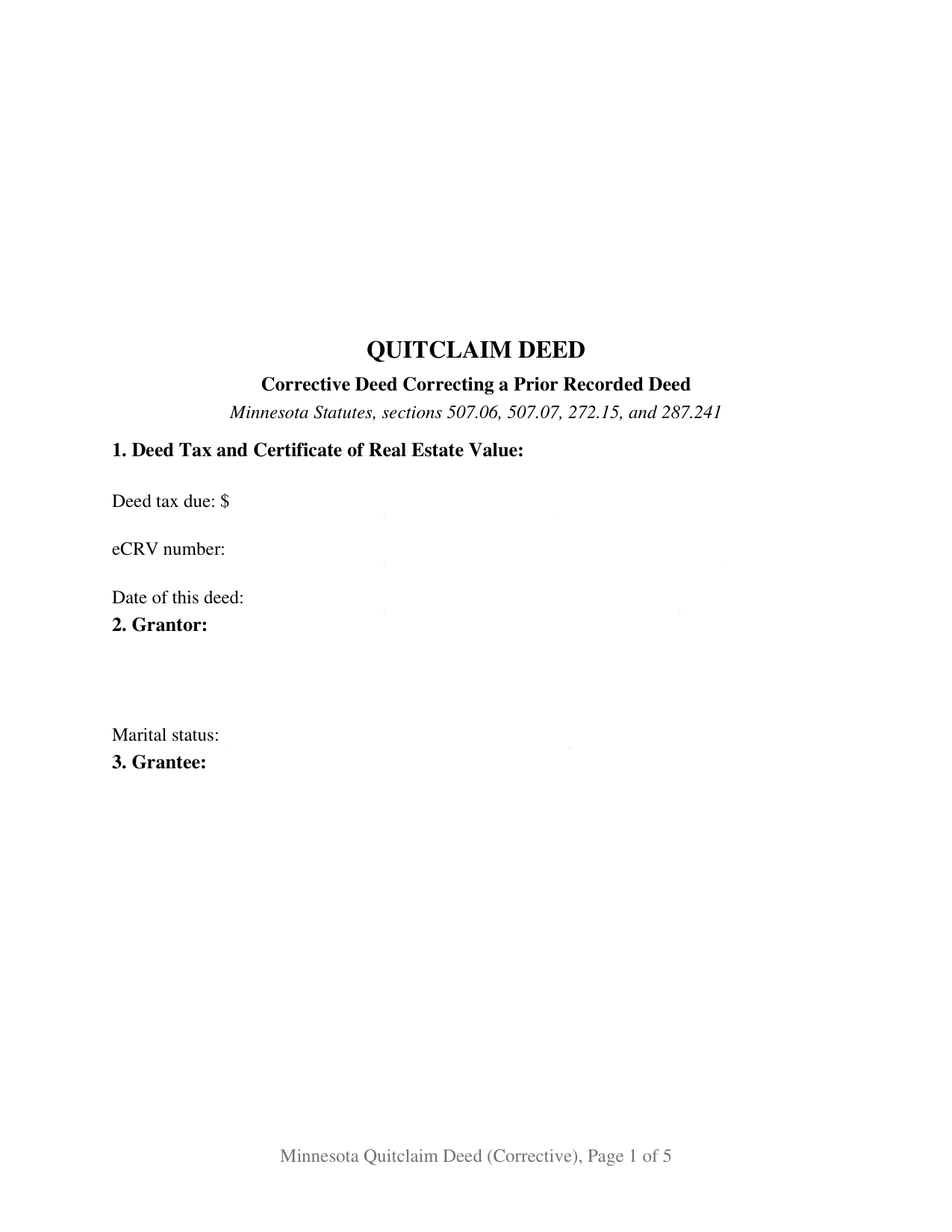
Faribault County Quitclaim Deed (Corrective) Form
Fill in the blank Quitclaim Deed (Corrective) form formatted to comply with all Minnesota recording and content requirements.
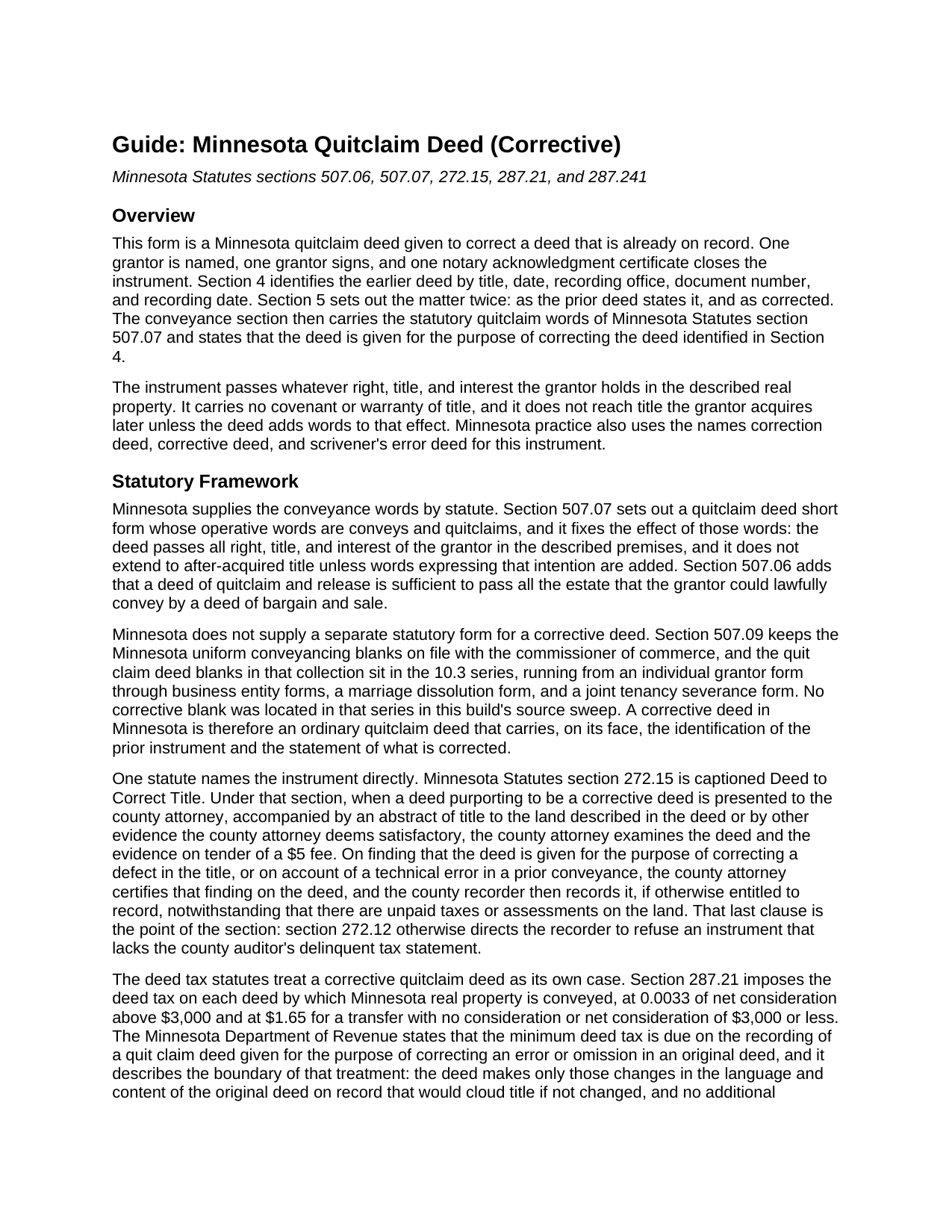
Faribault County Quitclaim Deed (Corrective) Guide
Line by line guide explaining every blank on the Quitclaim Deed (Corrective) form.
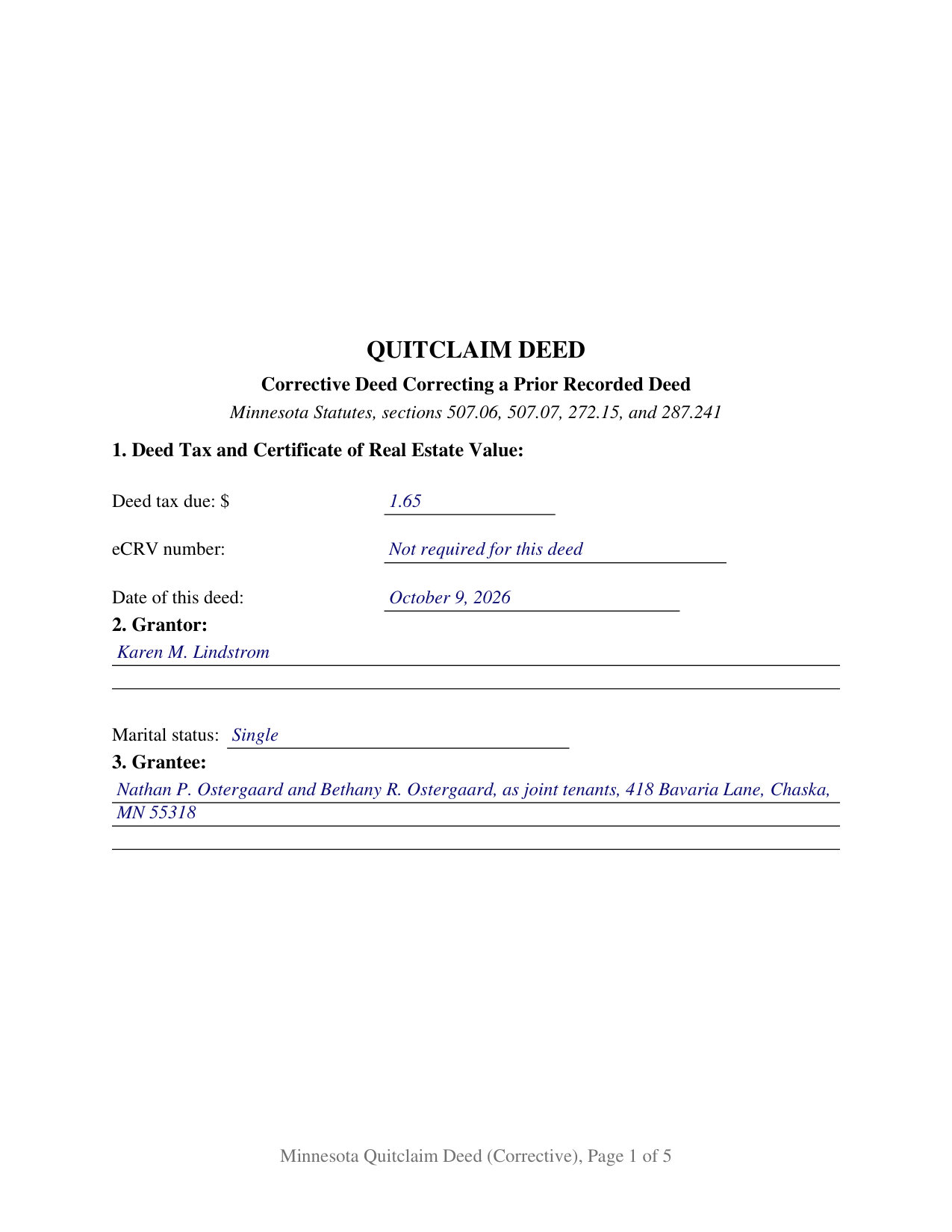
Faribault County Completed Example of the Quitclaim Deed (Corrective) Document
Example of a properly completed Minnesota Quitclaim Deed (Corrective) document for reference.
All 3 documents above included • One-time purchase • No recurring fees
Immediate Download • Secure Checkout
Additional Minnesota and Faribault County documents included at no extra charge:
Where to Record Your Documents
Faribault County Recorder
Blue Earth, Minnesota 56013
Hours: 8:00am to 4:30pm M-F
Phone: (507) 526-6252
Recording Tips for Faribault County:
- Bring your driver's license or state-issued photo ID
- Ensure all signatures are in blue or black ink
- Check margin requirements - usually 1-2 inches at top
- Leave recording info boxes blank - the office fills these
- Make copies of your documents before recording - keep originals safe
Cities and Jurisdictions in Faribault County
Properties in any of these areas use Faribault County forms:
- Blue Earth
- Bricelyn
- Delavan
- Easton
- Elmore
- Frost
- Huntley
- Kiester
- Minnesota Lake
- Wells
- Winnebago
Hours, fees, requirements, and more for Faribault County
How do I get my forms?
Forms are available for immediate download after payment. The Faribault County forms will be in your account ready to download to your computer. An account is created for you during checkout if you don't have one. Forms are NOT emailed.
Are these forms guaranteed to be recordable in Faribault County?
Yes. Our form blanks are guaranteed to meet or exceed the applicable formatting requirements used for recording in Faribault County, including margin requirements, font requirements, and other layout standards. This guarantee applies to formatting, not to the legal sufficiency of information entered by the user or the suitability of a form for a particular transaction.
Can I reuse these forms?
Yes. You can reuse the forms for your personal use. For example, if you have multiple properties in Faribault County you only need to order once.
What do I need to use these forms?
The forms are PDFs that you fill out on your computer. The free Adobe Acrobat Reader is recommended, and most PDF apps also work. You do NOT enter your property information online - you download the blank forms and complete them privately on your own computer.
Are there any recurring fees?
No. This is a one-time purchase. Nothing to cancel, no memberships, no recurring fees.
How much does it cost to record in Faribault County?
Recording fees in Faribault County vary. Contact the recorder's office at (507) 526-6252 for current fees.
Questions answered? Let's get started!
Minnesota gave this deed its own name in the tax code. Section 272.15 of the Minnesota Statutes is captioned Deed to Correct Title, and the Minnesota Quitclaim Deed (Corrective) is the instrument that section contemplates: a quitclaim conveyance given to fix a deed already in the county index. Section 4 identifies the earlier instrument by title, date, recording office, document number, and recording date, and Section 5 states the matter twice, as the prior deed has it and as corrected. One grantor signs, and the deed promises nothing about title.
The section written for a deed that fixes a deed
Section 272.12 routes most Minnesota conveyances through the county auditor first, for delinquent tax certification and the transfer entry, and directs the recorder to refuse an instrument arriving without that statement. Section 272.15 opens a second door for one kind of paper. A deed purporting to be a corrective deed may be presented to the county attorney with an abstract of title, or other satisfactory evidence, on tender of a $5 fee. On finding that the deed is given for the purpose of correcting a defect in the title, or on account of a technical error in a prior conveyance, the county attorney certifies that finding on the deed itself, and the recorder then takes it, if otherwise entitled to record, notwithstanding unpaid taxes or assessments on the land.
One grantor, two deeds on the face
The form recites exactly one grantor, with a marital status entry beneath the name, and closes with one signature block and one acknowledgment certificate in the section 358.66 individual short form. Section 7 speaks the section 507.07 statutory words conveys and quitclaims and says in the same breath that the deed is given for the purpose of correcting the instrument identified in Section 4. A deed carrying the wrong lot or block number, a deed naming a grantee in something other than that grantee's legal name, and a deed pointing at a wrong vesting reference all present the pattern this deed recites. It is not set up for two record owners signing together, nor for an entity or a trustee whose signing power comes from its own chapter, nor for a matter reaching past the language and content of the recorded instrument, which Minnesota sends to a court instead. No spousal joinder block appears: section 507.02 conditions a married owner's homestead conveyance on both signatures, and the marital status entry is where a reader of the record meets that question.
What the deed tax line reads on a correction
The Department of Revenue treats this instrument as its own category. The minimum deed tax is due on the recording of a quit claim deed given for the purpose of correcting an error or omission in an original deed, and the department draws the boundary: the deed changes only language and content of the original that would cloud title if left alone, and no added consideration over $3,000 passes. The figure printed on the face is then $1.65 rather than 0.0033 of net consideration under section 287.21, and section 287.241 keeps it there by barring the recording of a taxable deed stating neither the tax due nor an exemption. Section 1 prints that entry beside the eCRV line, a filing section 272.115 ties to real estate sold for more than $3,000.
Both instruments stay in the index
A corrective deed does not erase the deed it addresses. Both stay in the county's records, and section 507.34, Minnesota's race-notice statute, governs each. Printing the earlier document number and recording date on the new instrument lets the next examiner read the two together, and the same face carries the section 507.091 drafter statement, the section 507.092 tax statement entry, and the lettered well disclosure statements of section 103I.235. Registered (Torrens) land brings in another office, since sections 508.71 and 508A.71 reserve alterations to a certificate of title to the district court, to a written directive of the examiner of titles, or, for the registrar's own clerical error, to the registrar. The Abstract or Registered entry in Section 6 is where that fork appears.
A correction deed, a scrivener's error deed, and a corrective quit claim deed name this same instrument. Included here: the fillable form, a completed example built on a Carver County deed repairing a lot number in a platted Chaska legal description, and a guide walking every numbered section and each county step. The materials are informational and are not legal advice.
Important: Your property must be located in Faribault County to use these forms. Documents should be recorded at the county recording office listed above.
This Quitclaim Deed (Corrective) meets all recording requirements specific to Faribault County.
Our Promise
The documents you receive here are guaranteed to meet or exceed the applicable Faribault County recording format requirements. If there is a rejection caused by our formatting, we will correct the issue or refund your payment. This guarantee applies to document formatting only and does not extend to information entered by the user, the selection of the form, or the legal effect of the completed document.
Save Time and Money
Get your Faribault County Quitclaim Deed (Corrective) form done right the first time with Deeds.com Uniform Conveyancing Blanks. At Deeds.com, we understand that your time and money are valuable resources, and we don't want you to face a penalty fee or rejection imposed by a county recorder for submitting nonstandard documents. We constantly review and update our forms to meet rapidly changing state and county recording requirements for roughly 3,500 counties and local jurisdictions.
4.8 out of 5 - ( 4,830 Reviews )
Elaine S. 4 out of 5 stars
Being new at this, the system was somewhat difficult to understand at first. It took a couple of tries before I got it. It seems to be somewhat slow as well. However, it's a wonderful idea to have documents recorded from the comfort of your home, especially in the times that we are in with COVID19. I definitely don't mind paying the fee which I thought was reasonable.
Thank you!
Dennis T. 5 out of 5 stars
I liked the service very much. The form I ordered wasn't provided by the local government agency and I couldn't find it on the internet. I liked that the form came with easy to follow, line by line, instructions and a sample. I also appreciated that I wasn't forced to take on a trial membership to keep me on the hook. I would definitely use this service again in the future!
Thank you for your feedback. We really appreciate it. Have a great day!
JUDITH-DIAN W. 5 out of 5 stars
I didn't have any problem downloading and filling out the form on my computer and printing it yesterday. I didn't know what to put for "Source of Title". I called the county recording office; they didn't know either and said to leave it blank. I got the form notarized at my bank and took it in to the recording office. They checked it, accepted it, I paid a fee, and it's done. So easy. My children will appreciate that I've done this. Added note: You do have one typo on your form--you left out 'at'. It should read: "You should carefully read all information at the end of this form."
Thank you for your feedback. We really appreciate it. Have a great day!
Gary G. 5 out of 5 stars
My first time dealing with this company and fully satisfied with the product and service.
Thanks, Gary. We really appreciate you giving us a shot. Glad to hear the product and service delivered for you, and we’re happy to have earned your trust.
RICHARD A. 5 out of 5 stars
Smooth, simple, and complete. A great forms service.
We appreciate your business and value your feedback. Thank you. Have a wonderful day!
Phyllis B. 5 out of 5 stars
I saved a ton of money doing it on my own versus through legal counsel. When I took it to the auditor/recorder today, there was absolutely no problems.
Thank you for your feedback. We really appreciate it. Have a great day!
Terry S. 4 out of 5 stars
Worked well for us except for not being able to edit. Got it completed and recorded with the county clerk! Having the instructions and example made it easy!
Thank you for your feedback. We really appreciate it. Have a great day!
Kelly L. 5 out of 5 stars
So far so good. Please make the payment method easier after the information has been uploaded and submitted.
We appreciate your business and value your feedback. Thank you. Have a wonderful day!
Kelly H. 5 out of 5 stars
This site was very fast and easy to use, highly recommend it.
Thank you for your feedback. We really appreciate it. Have a great day!
Michael F. 1 out of 5 stars
This service wasn't helpful at all.
We're sorry the records you were looking for were not available Michael. We understand how frustrating that can be. Thank you for taking the time to share your thoughts. We're continually working to expand our database and hope to better serve your needs in the future.
Jamie F. 4 out of 5 stars
I purchased he Alabama Correction Warranty Deed Form to correct a mistake in the legal description. However, this form says it must be signed by all who previously signed the deed. One of these people is now deceased. Can I use this form? How would it be different? I would give you 5 stars but wish this issue had been addressed. Thanks.
Thank you for your feedback. From the product description: All parties who signed the prior deed must sign the correction deed in the presence of a notary.
John H. 5 out of 5 stars
Response was timely, even though unsuccessful in locating a requested deed. Deeds very courteously and professionally cancelled my order and cancelled its charge to my credit card.
Thank you for your feedback. We really appreciate it. Have a great day!
Michaela D. 1 out of 5 stars
I purchased this form to add my boyfriend to the deed of our home. He owns his own business so he cannot be on our mortgage. The guide doesn't clearly explain adding a person rather than focusing on transferring during a purchase or selling of a home. For future, I'd recommend make a few different examples for those who are trying to use this for the other options a Quit Claim Deed is needed for.
Thank you for your feedback. We really appreciate it. Have a great day!
Glenn W. 5 out of 5 stars
Efficient, helpful & easy! I highly recommend Deeds.com to anyone. Such a joy to use especially after trying to navigate the Cooks County Clerks office.
Thank you for your kind words and for choosing us.
Laurie B. 5 out of 5 stars
You have made this process so simple - I can see it would have been complicated and frustrating without Deeds.com. Thank you!
Thank you!