Faribault County Quitclaim Deed Divorce Form
Last validated October 5, 2026 by our Forms Development TeamFormatted for recording in Faribault County, for property anywhere in the county: rural and unincorporated areas as well as Blue Earth, Bricelyn, Delavan, Easton, Elmore, Frost, Huntley, Kiester and 3 more.
- 3 documents included
- Immediate PDF download
- Formatting guarantee
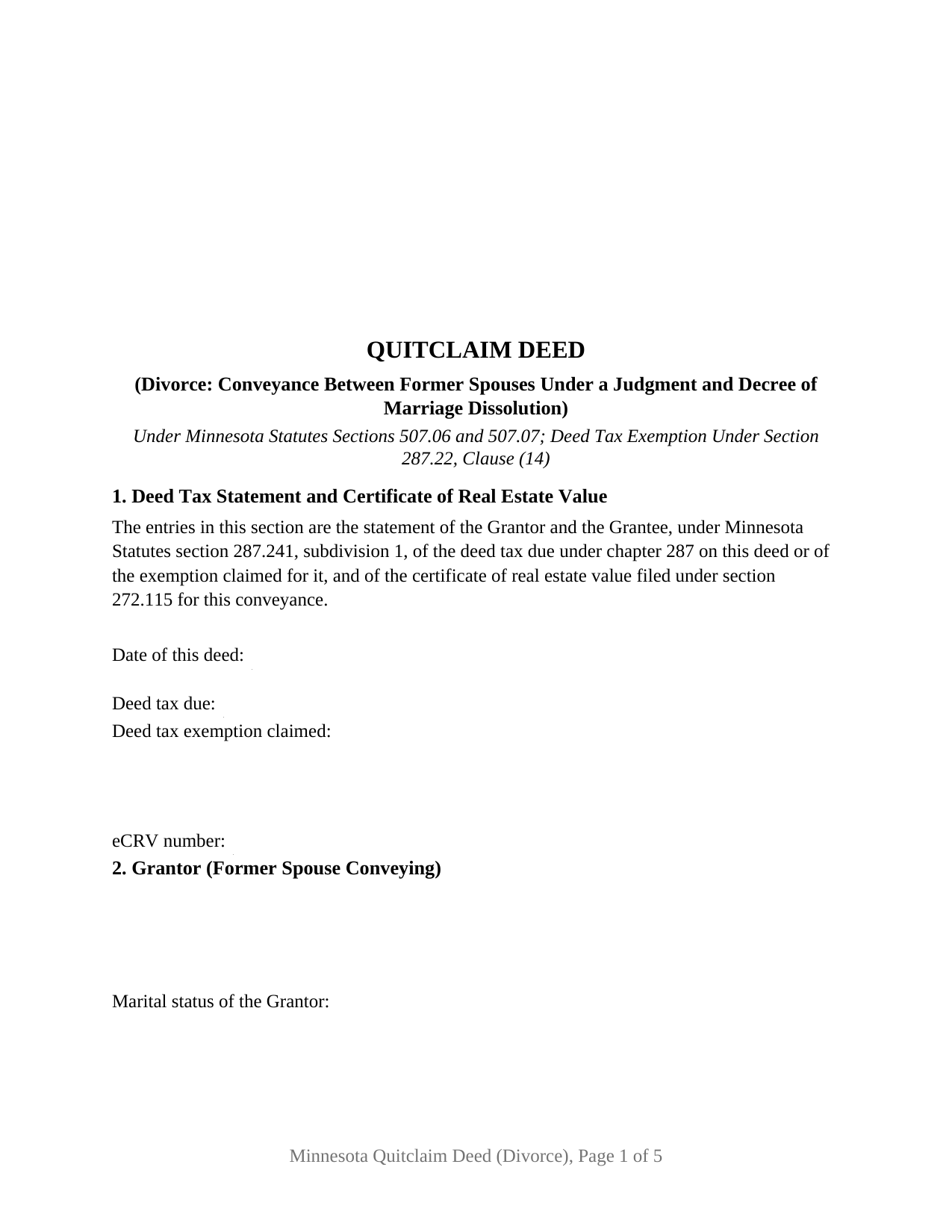
Faribault County Quitclaim Deed Divorce Form
Fill in the blank Quitclaim Deed Divorce form formatted to comply with all Minnesota recording and content requirements.
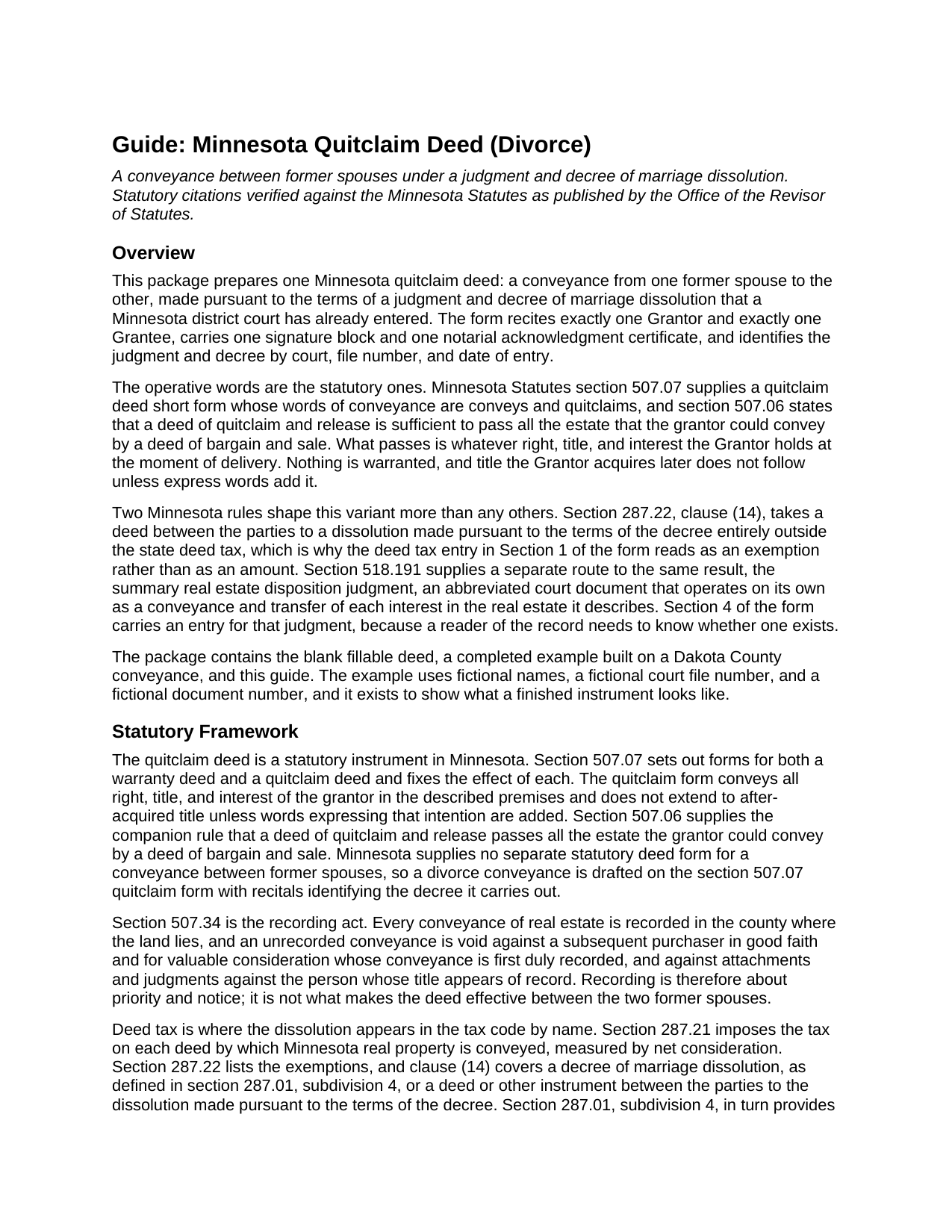
Faribault County Quitclaim Deed Divorce Guide
Line by line guide explaining every blank on the Quitclaim Deed Divorce form.
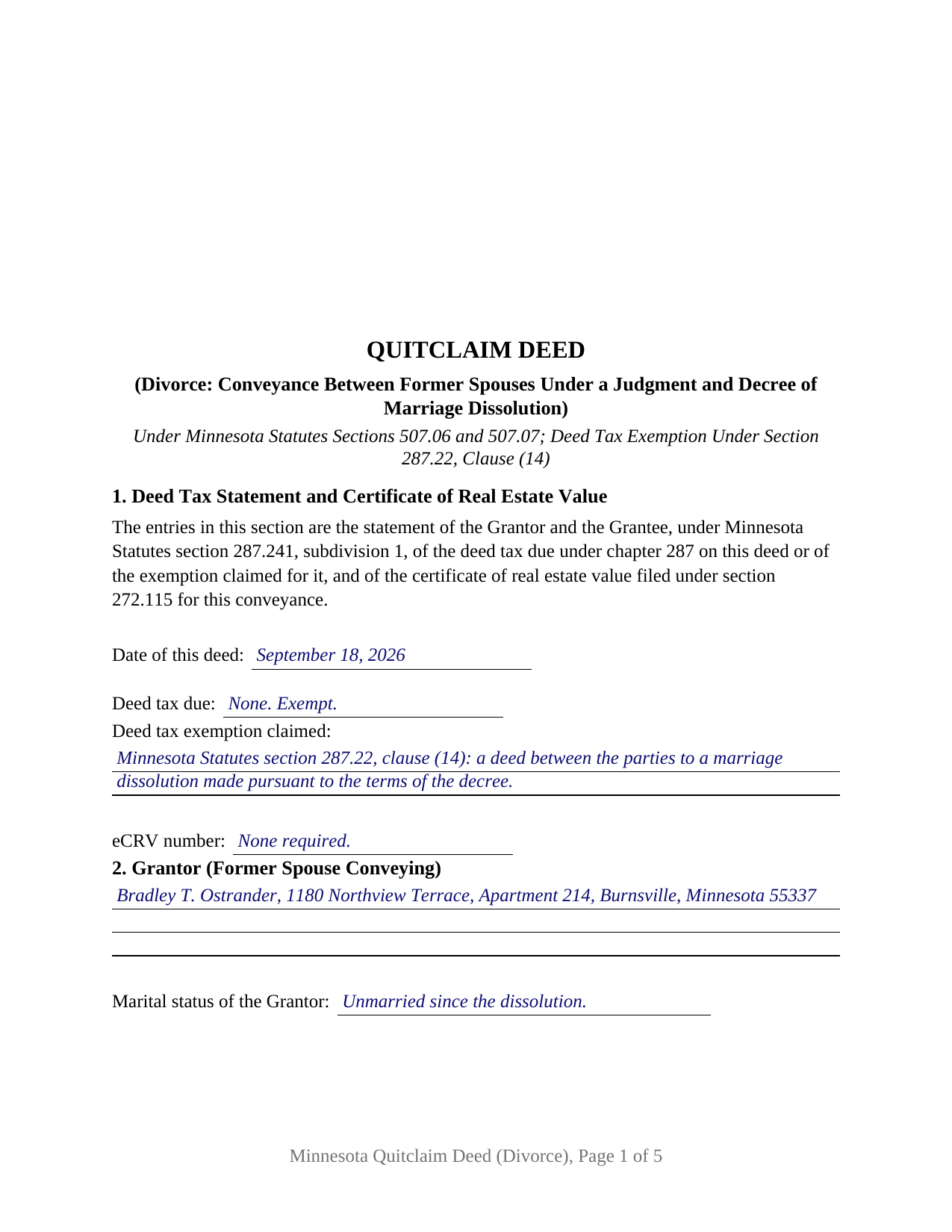
Faribault County Completed Example of the Quitclaim Deed Divorce Document
Example of a properly completed Minnesota Quitclaim Deed Divorce document for reference.
All 3 documents above included • One-time purchase • No recurring fees
Immediate Download • Secure Checkout
Additional Minnesota and Faribault County documents included at no extra charge:
Where to Record Your Documents
Faribault County Recorder
Blue Earth, Minnesota 56013
Hours: 8:00am to 4:30pm M-F
Phone: (507) 526-6252
Recording Tips for Faribault County:
- Bring your driver's license or state-issued photo ID
- Ensure all signatures are in blue or black ink
- Recorded documents become public record - avoid including SSNs
- Recording fees may differ from what's posted online - verify current rates
- Request a receipt showing your recording numbers
Cities and Jurisdictions in Faribault County
Properties in any of these areas use Faribault County forms:
- Blue Earth
- Bricelyn
- Delavan
- Easton
- Elmore
- Frost
- Huntley
- Kiester
- Minnesota Lake
- Wells
- Winnebago
Hours, fees, requirements, and more for Faribault County
How do I get my forms?
Forms are available for immediate download after payment. The Faribault County forms will be in your account ready to download to your computer. An account is created for you during checkout if you don't have one. Forms are NOT emailed.
Are these forms guaranteed to be recordable in Faribault County?
Yes. Our form blanks are guaranteed to meet or exceed the applicable formatting requirements used for recording in Faribault County, including margin requirements, font requirements, and other layout standards. This guarantee applies to formatting, not to the legal sufficiency of information entered by the user or the suitability of a form for a particular transaction.
Can I reuse these forms?
Yes. You can reuse the forms for your personal use. For example, if you have multiple properties in Faribault County you only need to order once.
What do I need to use these forms?
The forms are PDFs that you fill out on your computer. The free Adobe Acrobat Reader is recommended, and most PDF apps also work. You do NOT enter your property information online - you download the blank forms and complete them privately on your own computer.
Are there any recurring fees?
No. This is a one-time purchase. Nothing to cancel, no memberships, no recurring fees.
How much does it cost to record in Faribault County?
Recording fees in Faribault County vary. Contact the recorder's office at (507) 526-6252 for current fees.
Questions answered? Let's get started!
Minnesota gives a divorce two ways onto the land records, and this is the one the parties sign themselves. The decree can reach the county index as a court document, or as a quitclaim deed from the former spouse who gave up the property to the one who kept it. The Minnesota Quitclaim Deed (Divorce) prepares the second: one Grantor, one Grantee, one signature, and a numbered section naming the decree behind it.
The court's own instrument, and why the deed asks about it
Section 518.191 of the Minnesota Statutes is the route needing no deed at all. Where a judgment and decree of dissolution describes real estate, the court directs a party or counsel to prepare a summary real estate disposition judgment, an abbreviated document listing the entry date, any name change the decree granted, each parcel's legal description, and who took which interest. Once entered, it operates as a conveyance and transfer of each interest in the real estate it describes, and it is prima facie evidence of the facts it states. Section 4 of this form carries an entry for it, because an examiner reading the deed needs to know whether the court already spoke. That judgment issues from the dissolution file, recorded separately and not included here.
One statute names divorce in the deed tax code
Deeds are taxed under section 287.21 at 0.0033 of net consideration above $3,000. Clause (14) of section 287.22 lifts this conveyance out of that tax entirely: a decree of marriage dissolution, or a deed between the parties to the dissolution made pursuant to the terms of the decree, is exempt, and section 287.01, subdivision 4, folds the summary judgment into the same definition. The exemption still has to appear on the paper, since section 287.241, subdivision 1, bars recording a taxable deed stating neither the tax due nor an exemption. Section 1 prints that statement, and the completed example fills the line in with clause (14) by name.
What a divorce quitclaim deed recites
The form names exactly one Grantor, the former spouse conveying, with a marital status line beneath the name, and exactly one Grantee, the former spouse receiving, with room for a name restored through the decree. Section 9 speaks the section 507.07 words conveys and quitclaims, and recites in the same breath that the two parties were married to each other and that the decree named in Section 4 dissolved that marriage. One signature block and one acknowledgment certificate in the section 358.66 individual short form close the instrument, because one person signs and a Grantee does not sign a Minnesota deed. Two transactions present this configuration: a decree awarding the homestead to one party, with the other signing so the index shows one name where it showed two, and a decree entered years ago that nothing followed until a sale surfaced the gap. It is not set up for two owners signing together, for a conveyance to a buyer or a relative, or for a deed signed while the dissolution is still pending.
Why no second signature line appears
Section 507.02 makes both spouses' signatures a validity condition for a married owner's conveyance of the homestead. It does not reach the Grantee here: under section 518.06, subdivision 1, a decree of dissolution completely terminates the marital status of both parties, leaving no marital interest to release. It can reach back to the Grantor who has married again and lives in the property as a homestead, which is what the marital status entry in Section 2 records.
What moves, and what stays behind
Section 507.07 fixes the effect of those statutory words: all right, title, and interest of the grantor passes, later-acquired title does not follow unless added words say so, and no covenant of title comes along. A recorded mortgage stays exactly where it was, and the deed touches neither it nor the note behind it, which is why the completed example carries that mortgage forward in Additional Provisions. The county sequence is fixed too: section 272.12 puts the auditor's transfer entry ahead of the recorder, or of the registrar of titles for registered land, and section 507.34 rewards whoever records first.
A divorce quit claim deed and a quit claim deed after divorce reach this same instrument. Included here: the fillable form, a completed example built on a Dakota County conveyance, and a guide walking every numbered section and each county step. The materials are informational and are not legal advice.
Important: Your property must be located in Faribault County to use these forms. Documents should be recorded at the county recording office listed above.
This Quitclaim Deed Divorce meets all recording requirements specific to Faribault County.
Our Promise
The documents you receive here are guaranteed to meet or exceed the applicable Faribault County recording format requirements. If there is a rejection caused by our formatting, we will correct the issue or refund your payment. This guarantee applies to document formatting only and does not extend to information entered by the user, the selection of the form, or the legal effect of the completed document.
Save Time and Money
Get your Faribault County Quitclaim Deed Divorce form done right the first time with Deeds.com Uniform Conveyancing Blanks. At Deeds.com, we understand that your time and money are valuable resources, and we don't want you to face a penalty fee or rejection imposed by a county recorder for submitting nonstandard documents. We constantly review and update our forms to meet rapidly changing state and county recording requirements for roughly 3,500 counties and local jurisdictions.
4.8 out of 5 - ( 4,831 Reviews )
Julius D. 5 out of 5 stars
Worked great....WV accepted this document and made the whole process easy...thanks
We appreciate your business and value your feedback. Thank you. Have a wonderful day!
Lisa M. 5 out of 5 stars
Awesome and so easy to use!
We appreciate your business and value your feedback. Thank you. Have a wonderful day!
Shelly S. 5 out of 5 stars
Was able to sell a property with the information obtained from your website without using an attorney! Extremely happy.
Thank you!
Daniel L. 5 out of 5 stars
so far appears to meet my needs!
Thank you for your feedback. We really appreciate it. Have a great day!
Kimberly H. 5 out of 5 stars
Exceptional Service all Year~ I wish Deeds.com A Happy Holidays & A Happy New Year.
We appreciate your business and value your feedback. Thank you. Have a wonderful day!
Fred A. 5 out of 5 stars
Extremely easy to find what you need and get the documents downloaded.
Thanks so much, Fred! We really appreciate your kind words and are glad you had a smooth experience.
Kelli B. 5 out of 5 stars
Amazingly simple and fast. A great service.
Thank you!
Shonda S. 5 out of 5 stars
This is the best thing I have ever done with this being my first time doing a quick claim. This has save me and my family money instead of paying a lawyer. Thanks again.
We appreciate your business and value your feedback. Thank you. Have a wonderful day!
Desmond L. 5 out of 5 stars
Easy access
We appreciate your business and value your feedback. Thank you. Have a wonderful day!
Sidney L. 3 out of 5 stars
Not a fan. Filling in the WI RE transfer return was simple enough. However, it downloaded as a DOR file and I can't find a program to open it. So, I have no way to print the form to complete the process.
Thank you for your feedback. We really appreciate it. Have a great day!
CORA T. 5 out of 5 stars
very convenient and quick access
Thank you!
Rita T. 5 out of 5 stars
This is the first time I use this site, and it was very easy and user friendly. I was able to fill out what i needed with the help of their example. quick download. like it. The price was reasonable. Definitely will use again. Highly recommend!
We appreciate your business and value your feedback. Thank you. Have a wonderful day!
Steven H. 5 out of 5 stars
Great Product!!! Used the more commonly known websites before, but never again. It was easy, great examples to follow so that I was sure and confident that I completed the document correctly. Thank You!
Thank you for your feedback. We really appreciate it. Have a great day!
Anita A. 5 out of 5 stars
No review provided.
Thank you!
Dorothy R. 5 out of 5 stars
Actually, it was user friendly once I figured out where to go to get the forms. Thank you.
Thank you for your feedback. We really appreciate it. Have a great day!