Nobles County Quitclaim Deed (Trustee Grantor) Form
Last validated September 17, 2026 by our Forms Development TeamFormatted for recording in Nobles County, for property anywhere in the county: rural and unincorporated areas as well as Adrian, Bigelow, Brewster, Ellsworth, Kanaranzi, Leota, Lismore, Reading and 4 more.
- 3 documents included
- Immediate PDF download
- Formatting guarantee
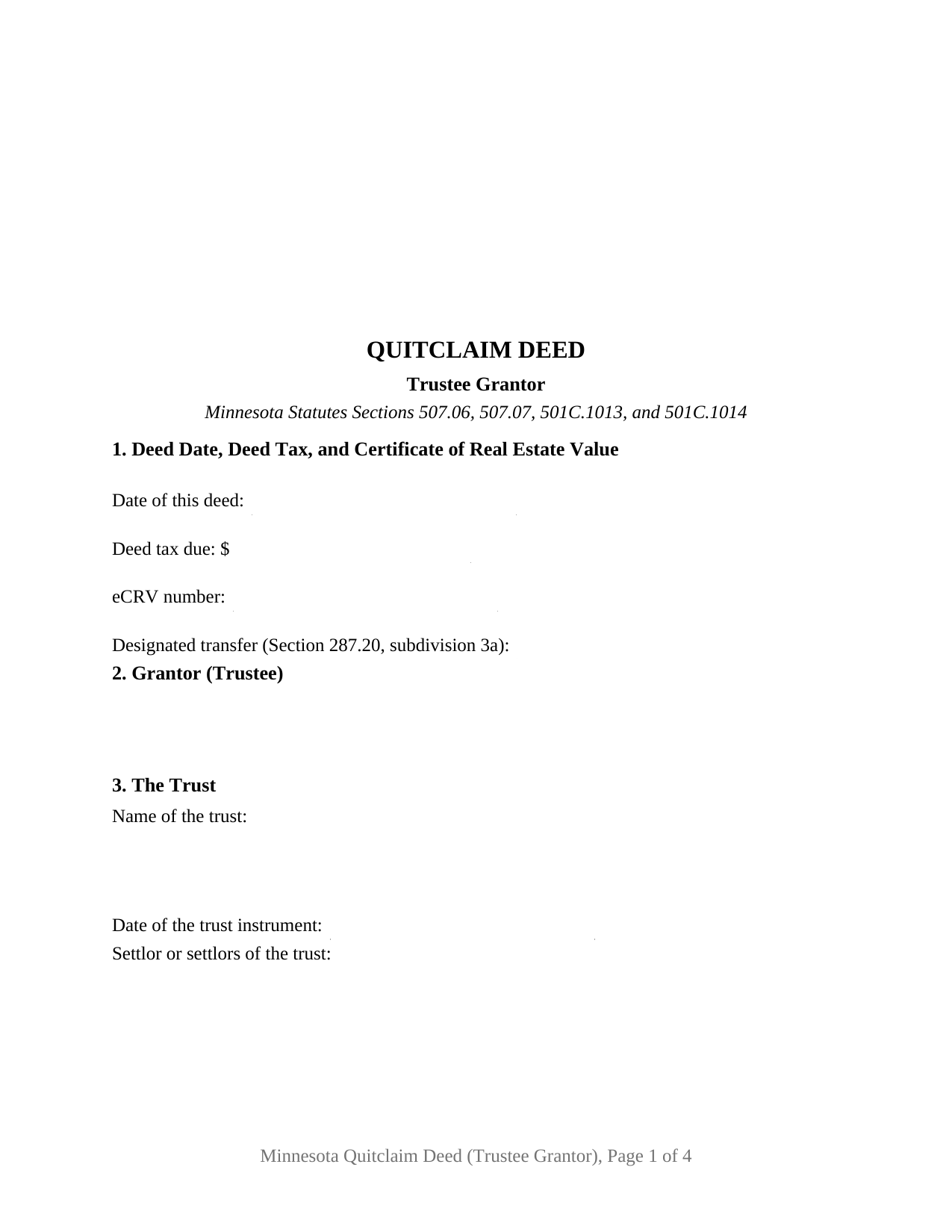
Nobles County Quitclaim Deed (Trustee Grantor) Form
Fill in the blank Quitclaim Deed (Trustee Grantor) form formatted to comply with all Minnesota recording and content requirements.
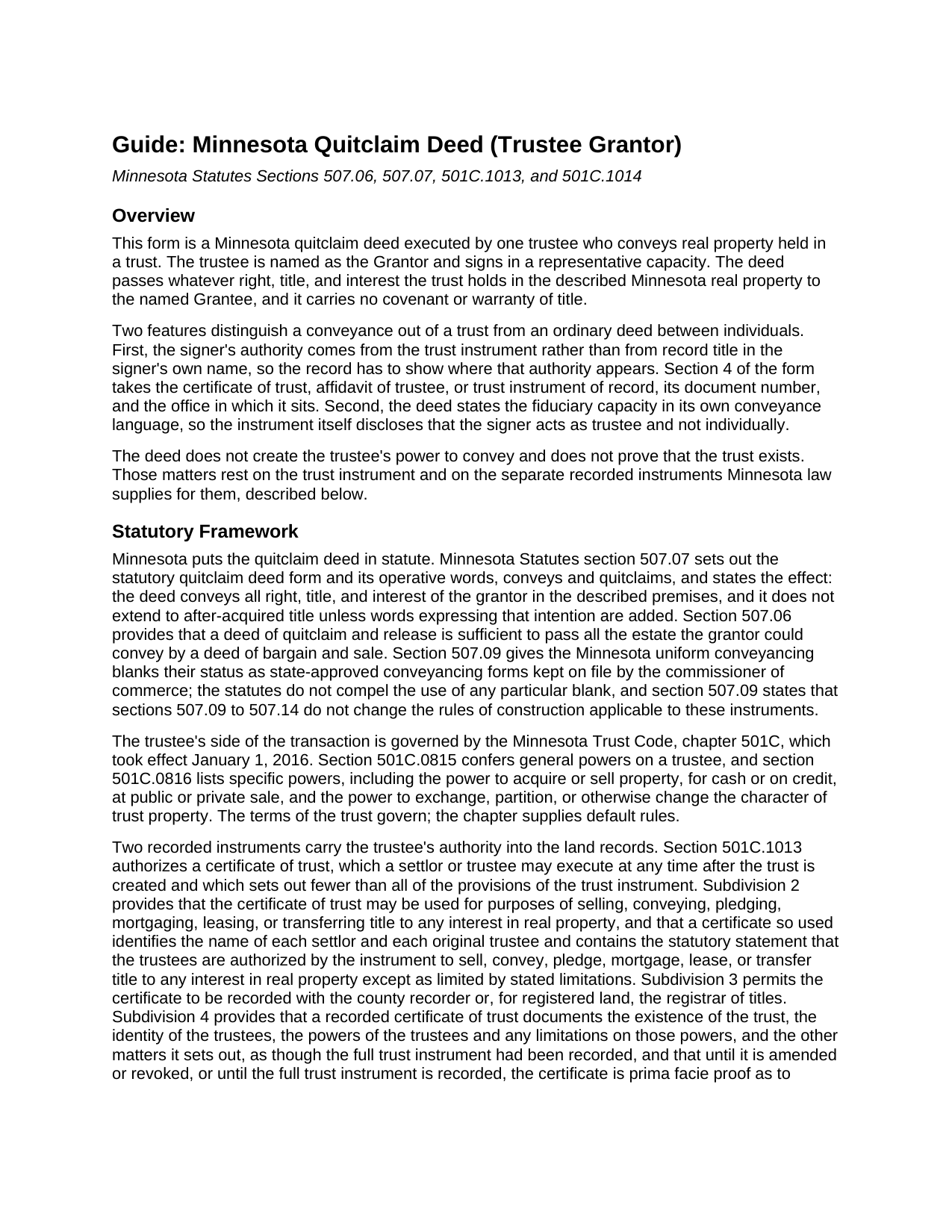
Nobles County Quitclaim Deed (Trustee Grantor) Guide
Line by line guide explaining every blank on the Quitclaim Deed (Trustee Grantor) form.
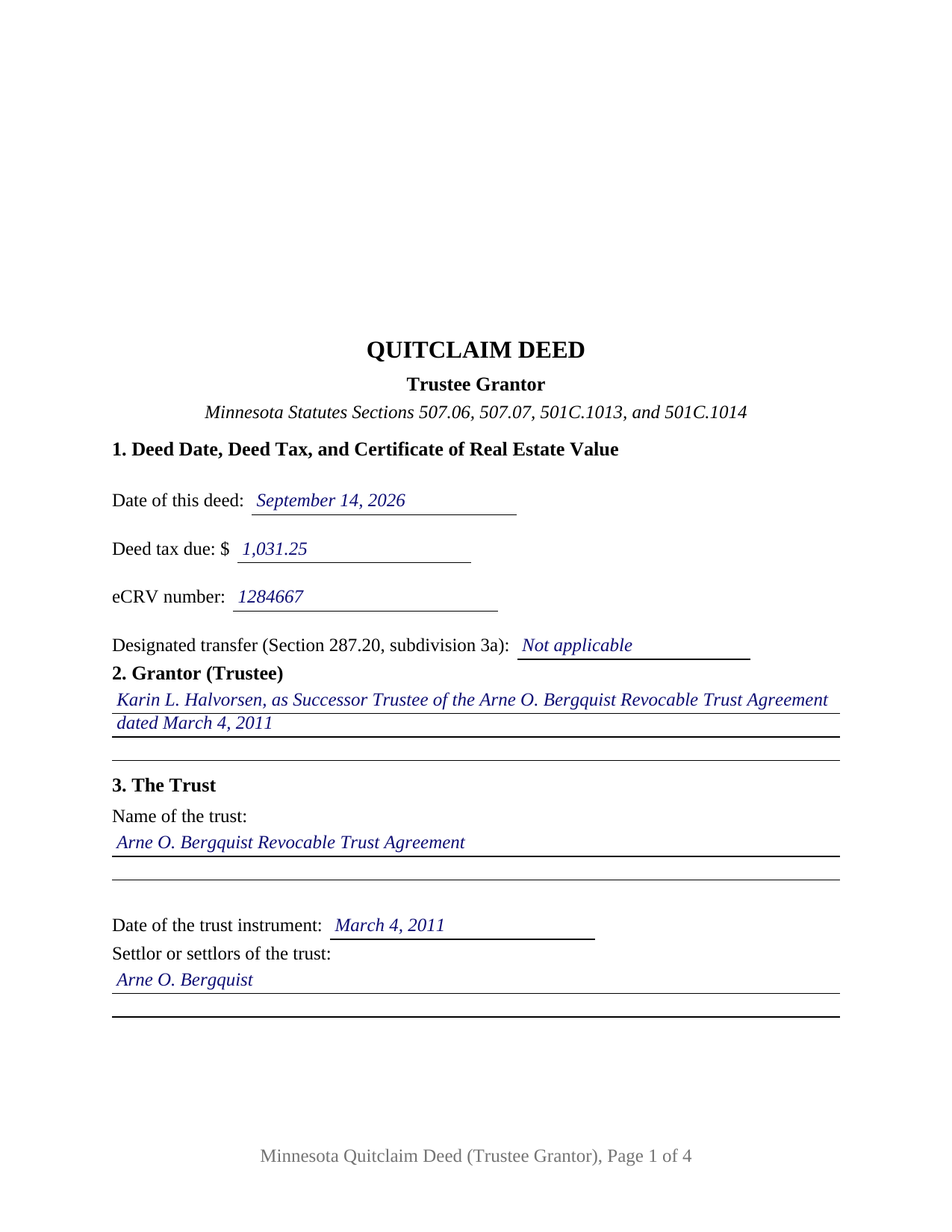
Nobles County Completed Example of the Quitclaim Deed (Trustee Grantor) Document
Example of a properly completed Minnesota Quitclaim Deed (Trustee Grantor) document for reference.
All 3 documents above included • One-time purchase • No recurring fees
Immediate Download • Secure Checkout
Additional Minnesota and Nobles County documents included at no extra charge:
Where to Record Your Documents
Nobles County Recorder
Worthington, Minnesota 56187
Hours: 8:00am to 4:30pm M-F
Phone: (507) 295-5268
Recording Tips for Nobles County:
- Bring your driver's license or state-issued photo ID
- Ensure all signatures are in blue or black ink
- Ask for certified copies if you need them for other transactions
- Ask if they accept credit cards - many offices are cash/check only
- Check that your notary's commission hasn't expired
Cities and Jurisdictions in Nobles County
Properties in any of these areas use Nobles County forms:
- Adrian
- Bigelow
- Brewster
- Ellsworth
- Kanaranzi
- Leota
- Lismore
- Reading
- Round Lake
- Rushmore
- Wilmont
- Worthington
Hours, fees, requirements, and more for Nobles County
How do I get my forms?
Forms are available for immediate download after payment. The Nobles County forms will be in your account ready to download to your computer. An account is created for you during checkout if you don't have one. Forms are NOT emailed.
Are these forms guaranteed to be recordable in Nobles County?
Yes. Our form blanks are guaranteed to meet or exceed the applicable formatting requirements used for recording in Nobles County, including margin requirements, font requirements, and other layout standards. This guarantee applies to formatting, not to the legal sufficiency of information entered by the user or the suitability of a form for a particular transaction.
Can I reuse these forms?
Yes. You can reuse the forms for your personal use. For example, if you have multiple properties in Nobles County you only need to order once.
What do I need to use these forms?
The forms are PDFs that you fill out on your computer. The free Adobe Acrobat Reader is recommended, and most PDF apps also work. You do NOT enter your property information online - you download the blank forms and complete them privately on your own computer.
Are there any recurring fees?
No. This is a one-time purchase. Nothing to cancel, no memberships, no recurring fees.
How much does it cost to record in Nobles County?
Recording fees in Nobles County vary. Contact the recorder's office at (507) 295-5268 for current fees.
Questions answered? Let's get started!
Record title sits in a trust, and a trustee is the one holding the pen. The Minnesota Quitclaim Deed (Trustee Grantor) prepares a quitclaim conveyance out of a trust: one trustee is named as Grantor, one signature block and one acknowledgment certificate close the instrument, and a numbered section states where the signer's power to convey already appears in the county index. What the Grantee receives is measured by what the trust actually held, because the deed makes no promise about title.
Where a trustee's power to convey actually lives
A trustee's authority is not visible on the face of a deed, and Minnesota answers that with two recordable instruments. Section 501C.1013 authorizes a certificate of trust, an abstract of the trust instrument that subdivision 2 permits to be used for conveying or mortgaging an interest in real property. Subdivision 4 gives a recorded certificate its weight: it documents the trust's existence, the identity of the trustees, and the trustees' powers and their limits as though the whole trust instrument had been recorded. Section 501C.1014 adds the affidavit of trustee, proof that the trust is valid, that it has not terminated, that the powers reach the described land, and that the requisite number of trustees executed and delivered the conveyance. Section 4 of this form takes the instrument relied on, its document number, and the office holding it, so the deed and its authority read together in the record.
One trustee signs, and signs as trustee
The form recites a single Grantor, identified by name and by trustee capacity, with the trust named in Section 3 along with the date of the trust instrument and its settlors. Section 8 speaks the section 507.07 words conveys and quitclaims from that trustee and states in the same breath that the trustee acts solely as trustee and not individually. That sentence works rather than decorates: section 501C.1010, paragraph (a), provides that a trustee is not personally liable on a contract properly entered into in a fiduciary capacity while administering the trust if the trustee disclosed that capacity in the contract. The certificate follows the same logic, its blank carrying the signer's name together with the authority under which the signature was made, in the representative-capacity pattern of the section 358.66 short forms. Three transactions present this configuration: a successor trustee selling trust land after the settlor's death, a trustee distributing a parcel to a beneficiary, and a trustee of a revocable trust conveying back to the settlor who created it. One conveying trustee is what the form recites, so it is not set up for cotrustees who each need a signature block, nor for a conveyance into a trust.
The deed tax line runs both directions
Conveying land out of a trust does not always mean paying the percentage rate. Section 287.20, subdivision 3a, clause (4), defines a designated transfer as a transfer between a revocable trust and its own grantor, and the word between is what matters: the trip back out to the settlor qualifies just as the trip in did, so section 287.21 taxes it at $1.65 rather than 0.0033 of net consideration. A sale to a buyer and any conveyance out of an irrevocable trust sit outside the definition. Section 287.241, subdivision 1, keeps the arithmetic on the instrument by barring the recording of a taxable deed that states neither the tax due nor an exemption.
Registered land answers to the examiner first
The Abstract or Registered entry in Section 7 decides more than which office takes the deed. Section 508.62 provides that an instrument executed by an owner whose fee title to registered land is held in trust, and which transfers the land, is not registered without the written certification of the examiner of titles that the execution matches a power conferred in the trust instrument, evidenced in a certificate of trust, or otherwise authorized by law. Section 508A.62 repeats the rule for land registered under sections 508A.01 to 508A.85.
A certificate of trust and an affidavit of trustee are separate instruments, prepared and recorded on their own, and neither rides along here. A trustee's deed, a quit claim deed from a trust, and a Minnesota deed out of a living trust all name this same instrument. The package delivers the fillable form, a completed example built on a Stearns County sale by a successor trustee, and a guide covering each numbered section and the chapter 501C provisions behind it. The materials are informational and are not legal advice.
Important: Your property must be located in Nobles County to use these forms. Documents should be recorded at the county recording office listed above.
This Quitclaim Deed (Trustee Grantor) meets all recording requirements specific to Nobles County.
Our Promise
The documents you receive here are guaranteed to meet or exceed the applicable Nobles County recording format requirements. If there is a rejection caused by our formatting, we will correct the issue or refund your payment. This guarantee applies to document formatting only and does not extend to information entered by the user, the selection of the form, or the legal effect of the completed document.
Save Time and Money
Get your Nobles County Quitclaim Deed (Trustee Grantor) form done right the first time with Deeds.com Uniform Conveyancing Blanks. At Deeds.com, we understand that your time and money are valuable resources, and we don't want you to face a penalty fee or rejection imposed by a county recorder for submitting nonstandard documents. We constantly review and update our forms to meet rapidly changing state and county recording requirements for roughly 3,500 counties and local jurisdictions.
4.8 out of 5 - ( 4,828 Reviews )
Ralph L. 5 out of 5 stars
Thank you.Very good.
Thank you for your feedback. We really appreciate it. Have a great day!
Shelleen A. 5 out of 5 stars
Very helpful.
We appreciate your business and value your feedback. Thank you. Have a wonderful day!
Walter P. 5 out of 5 stars
Quick and easy!
We appreciate your business and value your feedback. Thank you. Have a wonderful day!
Andrew T. 5 out of 5 stars
The process was incredibly simple from start to finish. Someone from the team even sent a message to double check part of my document was filled out correctly. Will be bringing my business here in the future!
It was a pleasure serving you. Thank you for the positive feedback!
D F. 5 out of 5 stars
Find what i was looking for, and got the answers to my questions!! Thank you
Thank you!
Stephen D. 5 out of 5 stars
Very good hope to use in the future.
Thank you for your feedback. We really appreciate it. Have a great day!
Richard K. 3 out of 5 stars
South Carolina Warranty Deed document is good. The example and instruction documents are marginal help for Trusts.
Thank you for your feedback, Richard. We’re glad to hear the South Carolina Warranty Deed met your needs. We appreciate your note about the trust-related guidance as well. That’s helpful input, and we’ll review the example and instruction materials to see where we can improve clarity for trust transfers.
Terri L. 5 out of 5 stars
Great Tool! Very easy to complete.
We appreciate your business and value your feedback. Thank you. Have a wonderful day!
Karen L. 5 out of 5 stars
Form is easy to complete but has a crowded look upon printing. I would put more returns between paragraphs to make it easier to read.
Thank you for your feedback. We really appreciate it. Have a great day!
Susan K. 5 out of 5 stars
Very helpful; information included on the form explanations about Colorado laws in regards to beneficiary deeds helped us understand the issues involved.
Thank you for your feedback. We really appreciate it. Have a great day!
Rebecca H. 4 out of 5 stars
Very pleased with the ease of this deed form. Completing the deed form to make sure everything was in my name took ten minutes. Thanks.
We appreciate your business and value your feedback. Thank you. Have a wonderful day!
lola d. 5 out of 5 stars
wonderful
Thank you!
deborah k. 5 out of 5 stars
was very easy to fill out the directions were very helpful
Thank you!
Thomas Z. 5 out of 5 stars
Excellent site! Very informative and easy to navigate. I would highly recommend to anyone requiring documents in a quick and through fashion.
Thank you for your feedback. We really appreciate it. Have a great day!
Mark B. 3 out of 5 stars
I had to download forms one by one: would be more convenient to have a single download for all.
Thank you for your feedback. We really appreciate it. Have a great day!