Red Lake County Receipt and Waiver of Mechanic Lien Form
Last validated October 1, 2026 by our Forms Development TeamFormatted for recording in Red Lake County, for property anywhere in the county: rural and unincorporated areas as well as Brooks, Oklee, Plummer, Red Lake Falls.
- 3 documents included
- Immediate PDF download
- Formatting guarantee
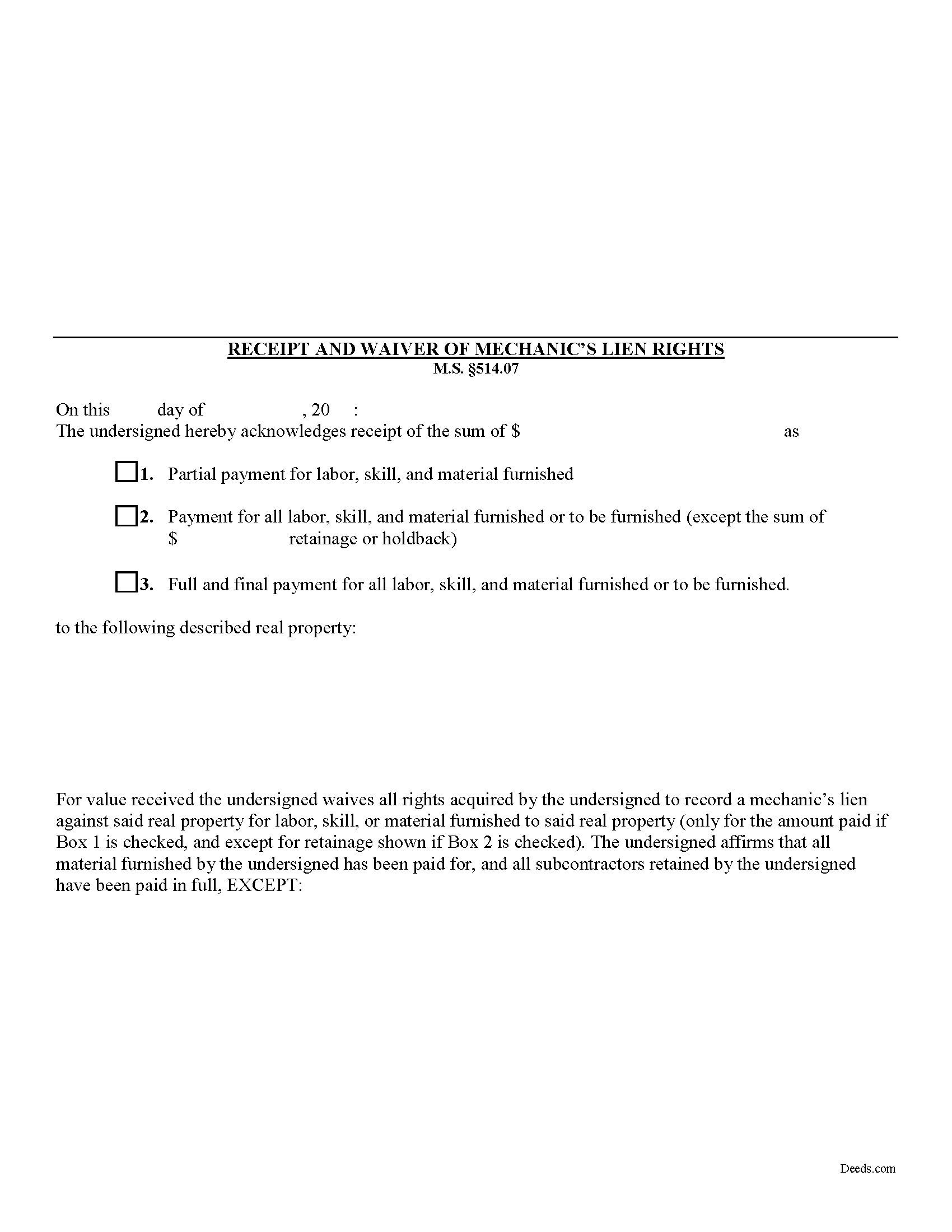
Red Lake County Receipt and Waiver of Mechanic Lien Form
Fill in the blank Receipt and Waiver of Mechanic Lien form formatted to comply with all Minnesota recording and content requirements.
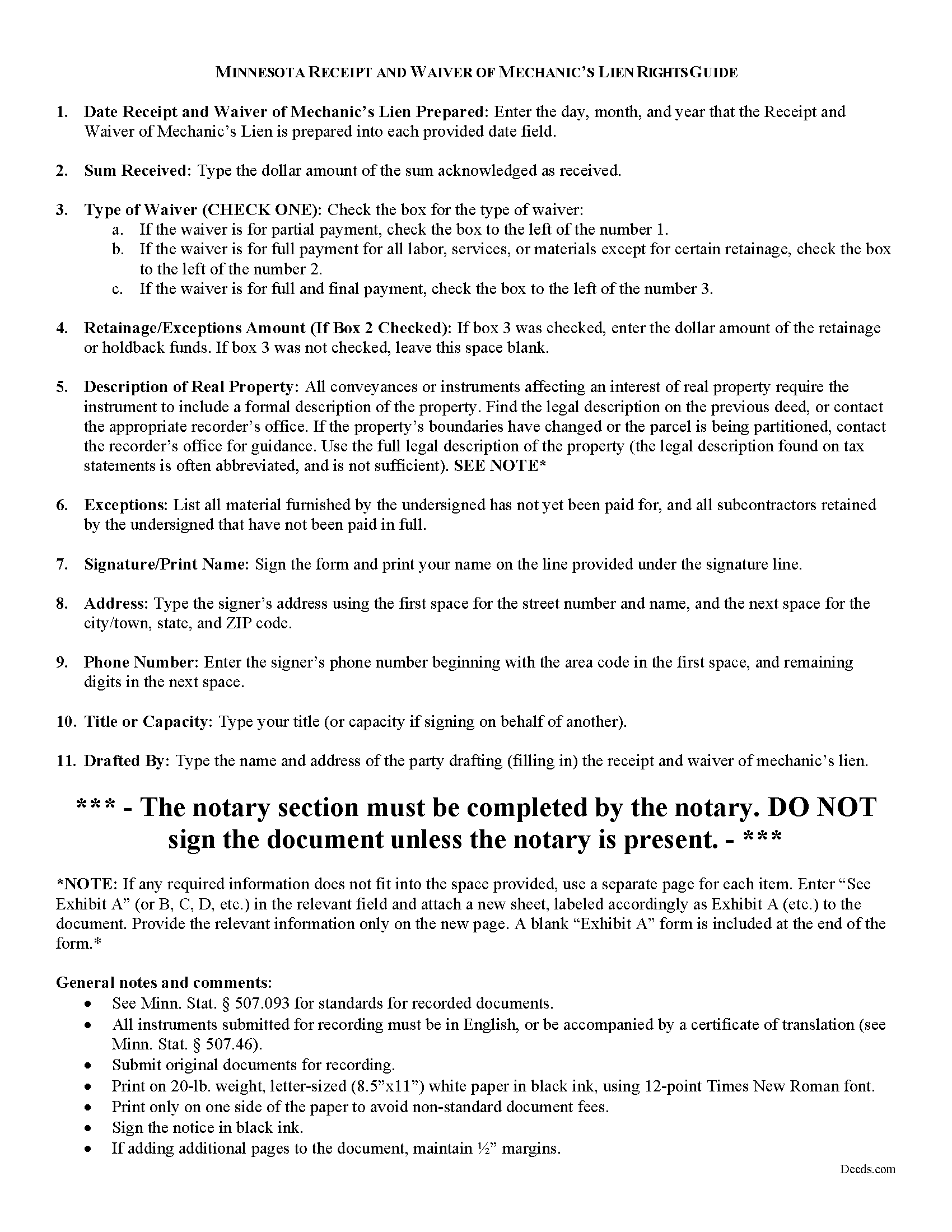
Red Lake County Receipt and Waiver of Mechanic Lien Guide
Line by line guide explaining every blank on the form.
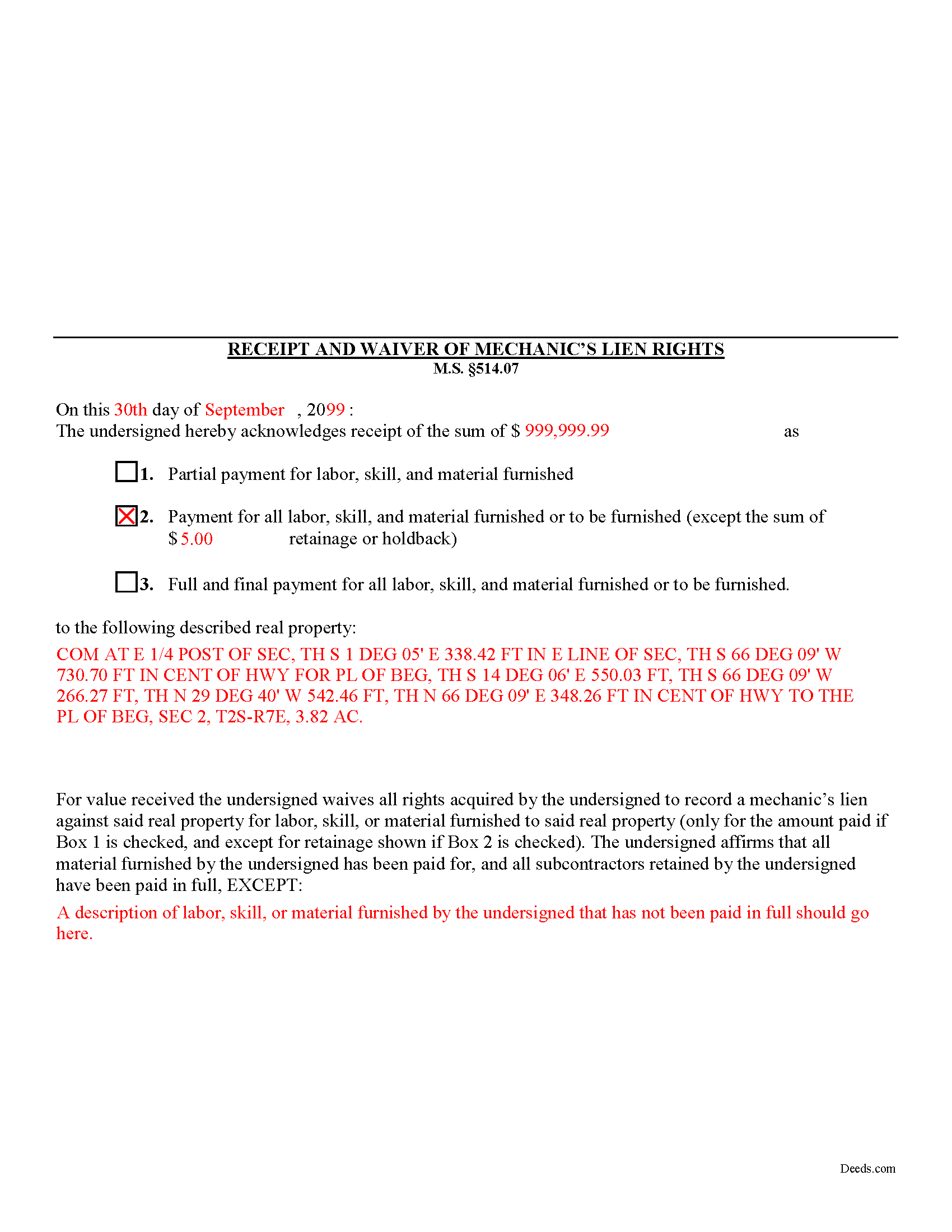
Red Lake County Completed Example of the Receipt and Waiver of Mechanic Lien Document
Example of a properly completed form for reference.
All 3 documents above included • One-time purchase • No recurring fees
Immediate Download • Secure Checkout
Additional Minnesota and Red Lake County documents included at no extra charge:
Where to Record Your Documents
Red Lake County Recorder
Red Lake Falls, Minnesota 56750
Hours: 9:00 to 5:00 M-F
Phone: (218) 253-2997
Recording Tips for Red Lake County:
- Bring your driver's license or state-issued photo ID
- Ensure all signatures are in blue or black ink
- Request a receipt showing your recording numbers
- Ask about accepted payment methods when you call ahead
- Ask for certified copies if you need them for other transactions
Cities and Jurisdictions in Red Lake County
Properties in any of these areas use Red Lake County forms:
- Brooks
- Oklee
- Plummer
- Red Lake Falls
Hours, fees, requirements, and more for Red Lake County
How do I get my forms?
Forms are available for immediate download after payment. The Red Lake County forms will be in your account ready to download to your computer. An account is created for you during checkout if you don't have one. Forms are NOT emailed.
Are these forms guaranteed to be recordable in Red Lake County?
Yes. Our form blanks are guaranteed to meet or exceed the applicable formatting requirements used for recording in Red Lake County, including margin requirements, font requirements, and other layout standards. This guarantee applies to formatting, not to the legal sufficiency of information entered by the user or the suitability of a form for a particular transaction.
Can I reuse these forms?
Yes. You can reuse the forms for your personal use. For example, if you have multiple properties in Red Lake County you only need to order once.
What do I need to use these forms?
The forms are PDFs that you fill out on your computer. The free Adobe Acrobat Reader is recommended, and most PDF apps also work. You do NOT enter your property information online - you download the blank forms and complete them privately on your own computer.
Are there any recurring fees?
No. This is a one-time purchase. Nothing to cancel, no memberships, no recurring fees.
How much does it cost to record in Red Lake County?
Recording fees in Red Lake County vary. Contact the recorder's office at (218) 253-2997 for current fees.
Questions answered? Let's get started!
Receipt and Waiver of Mechanic's Liens Rights in Minnesota
During the construction process, the owner (or other parties) may make one or more progress or partial payments on the work or materials furnished to date. Additionally, the owner might pay the full amount or the full amount less any retainage or holdback amounts (used to pay subs and other worker's wages). When a full or partial payment is made, you can issue the owner a waiver for a lien on the amount paid. By issuing the waiver, you give up the right to claim a mechanic's lien for either the full or partial payment amount.
The receipt and waiver contains the following information: 1) date drafted; 2) amount received as full or partial payment; 3) a designation as partial payment for labor, skill, and material furnished; payment for all labor, skill, and material furnished or to be furnished; or full and final payment for all labor, skill, and material furnished or to be furnished; 4) if there are exceptions for amounts for retainage or holdback, the total amounts withheld; and 5) a property description; and 6) description of all materials not yet paid for or names of contractors not yet paid.
Finally, you should ensure that the proper box is checked for the waiver type. If a partial or progress payment was made, check Box #1. If a payment is made for all labor, materials or services furnished or to be furnished except for certain retainage or holdbacks, check Box #2. If a full and final payment was made without exceptions, check Box #3.
This article is provided for informational purposes only and should not be relied upon as a substitute for the advice of an attorney. Please contact a Minnesota attorney with any questions about lien waivers or other related issues.
Important: Your property must be located in Red Lake County to use these forms. Documents should be recorded at the county recording office listed above.
This Receipt and Waiver of Mechanic Lien meets all recording requirements specific to Red Lake County.
Our Promise
The documents you receive here are guaranteed to meet or exceed the applicable Red Lake County recording format requirements. If there is a rejection caused by our formatting, we will correct the issue or refund your payment. This guarantee applies to document formatting only and does not extend to information entered by the user, the selection of the form, or the legal effect of the completed document.
Save Time and Money
Get your Red Lake County Receipt and Waiver of Mechanic Lien form done right the first time with Deeds.com Uniform Conveyancing Blanks. At Deeds.com, we understand that your time and money are valuable resources, and we don't want you to face a penalty fee or rejection imposed by a county recorder for submitting nonstandard documents. We constantly review and update our forms to meet rapidly changing state and county recording requirements for roughly 3,500 counties and local jurisdictions.
4.8 out of 5 - ( 4,831 Reviews )
CYNTHIA W. 5 out of 5 stars
My deed has now been recorded. Thank you so very much. I saved about $120.00 by doing this with your document service. Thankfully, I heard about you from a friend and did not go with my Title Company that wanted a fee that seems outrageous because of how simple it was to do. I will definitely "advertise" this service to others.
We appreciate your business and value your feedback. Thank you. Have a wonderful day!
Kimberly C. 5 out of 5 stars
Very straight forward easy to use. No need to hunt for the information or forms you ate looking for, every thing is right there just click on the link and voila!
Thank you for your feedback. We really appreciate it. Have a great day!
Maricarol F. 5 out of 5 stars
Found the site very easy to use. My fault I did not answer back right away. What was found is almost what I needed... Thanks.
Thank you for the feedback Maricarol, we really appreciate it.
Judy C. 5 out of 5 stars
Both sets of deeds were complete and easy to understand. Both states accepted the forms to transfer property.
We appreciate your business and value your feedback. Thank you. Have a wonderful day!
Angela J M. 5 out of 5 stars
Quick turnaround (about 24hrs) easy process.
Thank you for your feedback. We really appreciate it. Have a great day!
Justin F. 5 out of 5 stars
Provided the template and guide I was looking for. Reasonable pricing,
Thank you!
Russell N. 5 out of 5 stars
Very simple process to purchase and download. Made it easy to understand the different forms and their uses and how to select the right form.
We appreciate your business and value your feedback. Thank you. Have a wonderful day!
Victor K. 3 out of 5 stars
The form I needed was correct and paginated as required. It was accepted w/o penalties. I was not happy about the information which I found way too scant. One sample form does not cover enough possibilities, more would be helpful. The instruction page is a bit better but sometimes it is not clear enough - sometimes it is not clear what the numbered items in the form correspond to. There is no guidance about the process and it would take very little to provide it. Example about "description", say where to find. There is a bunch of "free forms" attached but no guide on which are needed and when. Example: at the counter I was given a paper "conveyance" form and asked to fill it - I did not know it was needed and what it did and so I had not d
Thank you for your feedback. We really appreciate it. Have a great day!
Bob B. 5 out of 5 stars
Good so far. Will be great if you get the deed recorded.
Thank you!
David P. 5 out of 5 stars
The forms were easy to follow and it was good to have an example to follow as well. It was convenient that they had forms for each County.
We truly value your business and appreciate your review.
Cary C. 5 out of 5 stars
I am very grateful for this service! But I was quite surprised to see the fees went up over 50%! The last 5 or 6 recordings I have done we each only $25.00. Thank you, Sally Center
Thank you for your feedback. We really appreciate it. Have a great day!
Ma Luisa R. 5 out of 5 stars
Great service and fast
We appreciate your business and value your feedback. Thank you. Have a wonderful day!
Michele B. 5 out of 5 stars
It was a wonderful experience. Thank you for your help.
We appreciate your business and value your feedback. Thank you. Have a wonderful day!
Jennifer D. 5 out of 5 stars
I was skeptical; but, so thankful I went with them. They were beyond helpful through the entire process and very patient with me. I could not have done my quit deed form without them. Thank you for all of your help.
We appreciate your business and value your feedback. Thank you. Have a wonderful day!
Lynnellen S. 2 out of 5 stars
My rating is not a 5. Although it had good instructions, it would NOT print the whole document no matter how many times I inputted the names. I ended up writing it in to complete. I also recommend putting it on one page. I had to pay an additional fees per page and if I had to notarize it, why did I have to find 2 witnesses as well. I deserve a discount for the time I spent repeatedly putting the same data. I was trying to save money since Im on social security only. It didnt. Get it to work correctly
Thank you for your feedback Lynnellen. Sorry to hear of your struggle with our document. We've gone ahead and refunded your payment. Hope you have a wonderful day.