Wabasha County Satisfaction of Mechanic Lien Form
Last validated September 15, 2026 by our Forms Development TeamFormatted for recording in Wabasha County, for property anywhere in the county: rural and unincorporated areas as well as Elgin, Kellogg, Lake City, Mazeppa, Millville, Plainview, Reads Landing, Wabasha and 1 more.
- 3 documents included
- Immediate PDF download
- Formatting guarantee
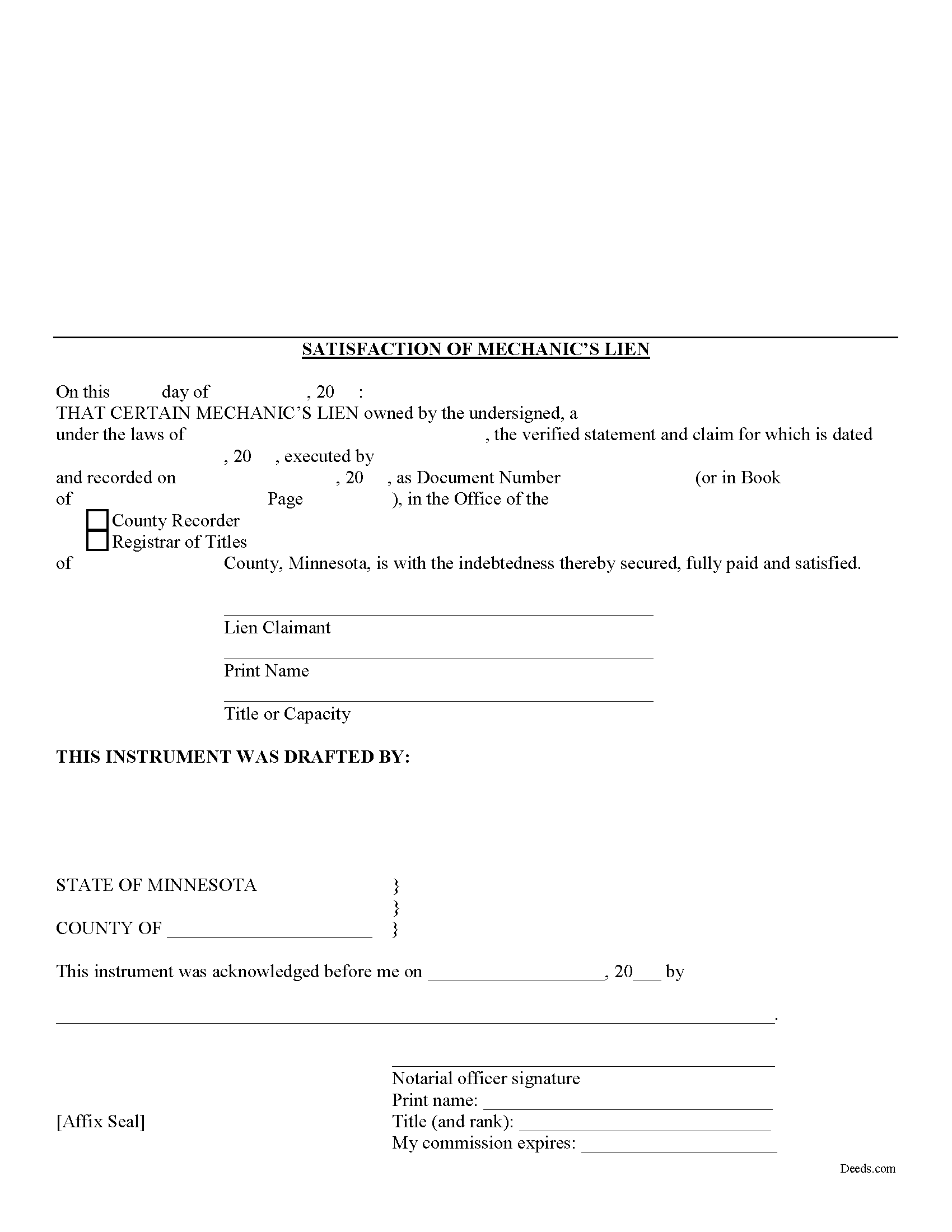
Wabasha County Satisfaction of Mechanic Lien Form
Fill in the blank Satisfaction of Mechanic Lien form formatted to comply with all Minnesota recording and content requirements.
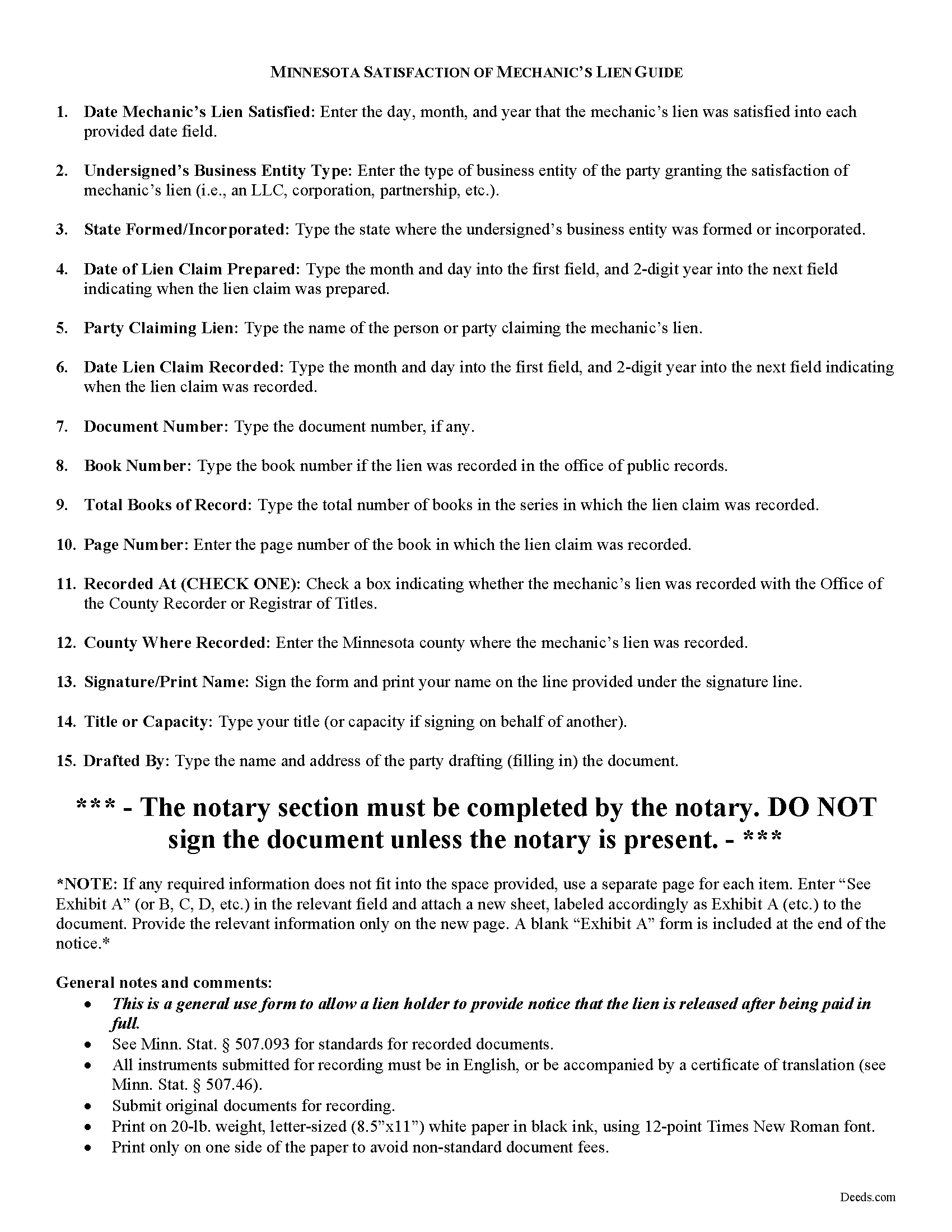
Wabasha County Satisfaction of Mechanic Lien Guide
Line by line guide explaining every blank on the form.
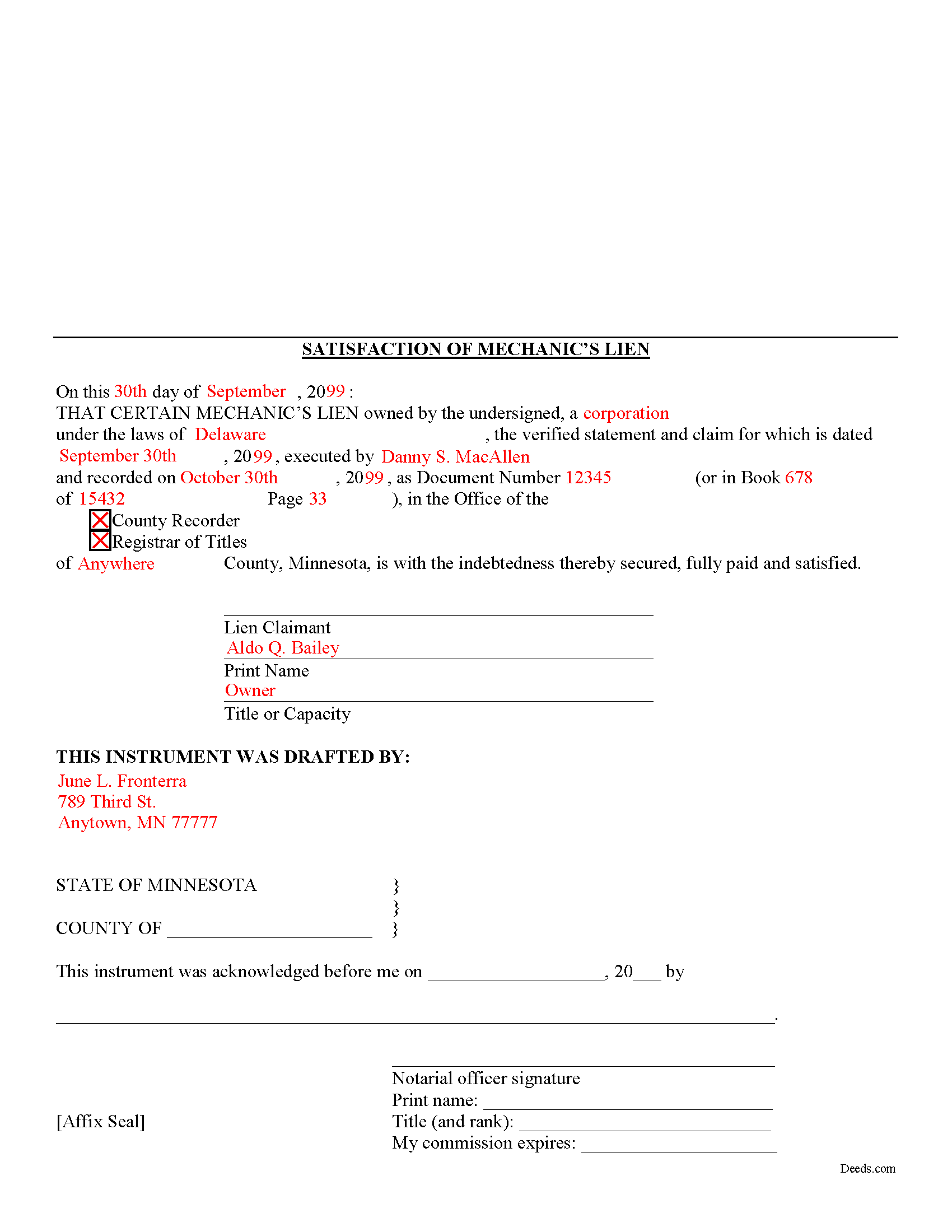
Wabasha County Completed Example of the Satisfaction of Mechanic Lien Document
Example of a properly completed form for reference.
All 3 documents above included • One-time purchase • No recurring fees
Immediate Download • Secure Checkout
Additional Minnesota and Wabasha County documents included at no extra charge:
Where to Record Your Documents
Wabasha County Recorder
Wabasha, Minnesota 55981
Hours: 8:00 to 4:00 Monday through Friday
Phone: (651) 565-3623
Recording Tips for Wabasha County:
- Bring your driver's license or state-issued photo ID
- Ensure all signatures are in blue or black ink
- Check that your notary's commission hasn't expired
- Documents must be on 8.5 x 11 inch white paper
- Double-check legal descriptions match your existing deed
Cities and Jurisdictions in Wabasha County
Properties in any of these areas use Wabasha County forms:
- Elgin
- Kellogg
- Lake City
- Mazeppa
- Millville
- Plainview
- Reads Landing
- Wabasha
- Zumbro Falls
Hours, fees, requirements, and more for Wabasha County
How do I get my forms?
Forms are available for immediate download after payment. The Wabasha County forms will be in your account ready to download to your computer. An account is created for you during checkout if you don't have one. Forms are NOT emailed.
Are these forms guaranteed to be recordable in Wabasha County?
Yes. Our form blanks are guaranteed to meet or exceed the applicable formatting requirements used for recording in Wabasha County, including margin requirements, font requirements, and other layout standards. This guarantee applies to formatting, not to the legal sufficiency of information entered by the user or the suitability of a form for a particular transaction.
Can I reuse these forms?
Yes. You can reuse the forms for your personal use. For example, if you have multiple properties in Wabasha County you only need to order once.
What do I need to use these forms?
The forms are PDFs that you fill out on your computer. The free Adobe Acrobat Reader is recommended, and most PDF apps also work. You do NOT enter your property information online - you download the blank forms and complete them privately on your own computer.
Are there any recurring fees?
No. This is a one-time purchase. Nothing to cancel, no memberships, no recurring fees.
How much does it cost to record in Wabasha County?
Recording fees in Wabasha County vary. Contact the recorder's office at (651) 565-3623 for current fees.
Questions answered? Let's get started!
The Minnesota construction lien law doesn't set forth a specific provision for the satisfaction of a lien. Therefore, any form sufficient to identify the lien and the lien holders intention of releasing it, will allow a lien holder to provide notice that the lien is released after receiving payment in full.
The Satisfaction of Lien contains information identifying the lien claimant and the recorded mechanic's lien (such as the date recorded, office recorded, document number, book number, and page number). The Satisfaction of Lien should be recorded at the public records office or registrar of deeds (for Torrens title property).
This article is provided for informational purposes only and should not be relied upon as a substitute for the advice of an attorney. Please consult a Minnesota attorney with any questions about the Satisfaction of Mechanic's Lien or other related issues.
Important: Your property must be located in Wabasha County to use these forms. Documents should be recorded at the county recording office listed above.
This Satisfaction of Mechanic Lien meets all recording requirements specific to Wabasha County.
Our Promise
The documents you receive here are guaranteed to meet or exceed the applicable Wabasha County recording format requirements. If there is a rejection caused by our formatting, we will correct the issue or refund your payment. This guarantee applies to document formatting only and does not extend to information entered by the user, the selection of the form, or the legal effect of the completed document.
Save Time and Money
Get your Wabasha County Satisfaction of Mechanic Lien form done right the first time with Deeds.com Uniform Conveyancing Blanks. At Deeds.com, we understand that your time and money are valuable resources, and we don't want you to face a penalty fee or rejection imposed by a county recorder for submitting nonstandard documents. We constantly review and update our forms to meet rapidly changing state and county recording requirements for roughly 3,500 counties and local jurisdictions.
4.8 out of 5 - ( 4,818 Reviews )
Ronald W. 5 out of 5 stars
User friendly, but couldn't find the information needed.
Thank you for your feedback. We really appreciate it. Have a great day!
Edward M. 5 out of 5 stars
Great Forms, Detailed explanation on how to fill them out properly. No Issues at all. Very e-z to use site and forms. Thanks
We appreciate your business and value your feedback. Thank you. Have a wonderful day!
victoria r. 5 out of 5 stars
Easiest and most efficient process awesome online communication
Thank you!
Barbara E. 5 out of 5 stars
I'm not sure if KVH is the identity to the person who helped me. I hope it is so you know just how much she helped She was great and very patient with me and with Wayne County Register of Deeds. I'm am really glad I had her on my team in this long endeavor.
Thank you for the kinds words Barbara. We appreciate you.
MATTHEW R. 5 out of 5 stars
Absolutely amazing throughout the whole process
Thank you!
Nancy W. 5 out of 5 stars
This was very easy to use to record my NOC. With the new COVID restrictions, I can't record my NOC in person and I'm working from home. This was a huge convenience and easy to use. I submitted the NOC late in the day and had the recorded NOC the next day.
Thank you!
Kay G. 5 out of 5 stars
Found just the form I was looking for. It was an easy download process. Now just have to complete the forms!
Thank you for your feedback Kay, we really appreciate it.
Margaret S. 5 out of 5 stars
Great experience, quick and easy, thank you!
Thank you for your feedback. We really appreciate it. Have a great day!
Richard T. 5 out of 5 stars
Easy forms for DIYers
Thank you!
Frank H. 4 out of 5 stars
Form and instructions were useful. But I suggest creating a form for transferring a deed pursuant to a trust. The existing form is based on a will going through probate so it doesn't fit the trust situation in some respects.
Thank you for your feedback. We really appreciate it. Have a great day!
Steven b. 5 out of 5 stars
We used this document in 2018 and it was acceptable to Jackson County Missouri. It worked and is valid. Very happy with the product.
Thanks for the kind words, glad to see you back again. Have a great day!
Darlene D. 5 out of 5 stars
A little confusing to try to save your docouments and how to process them but once figured out easy to do.
Thank you!
jeann p. 5 out of 5 stars
The site was extremely helpful.
We are delighted to have been of service. Thank you for the positive review!
Jill C. 5 out of 5 stars
Easy directions for document information.
We appreciate your business and value your feedback. Thank you. Have a wonderful day!
Karin G. 5 out of 5 stars
All went well. Forms easy to download and instructions were super. Very pleased with the service.
Thank you!