Wabasha County Quitclaim Deed Form
Last validated October 5, 2026 by our Forms Development TeamFormatted for recording in Wabasha County, for property anywhere in the county: rural and unincorporated areas as well as Elgin, Kellogg, Lake City, Mazeppa, Millville, Plainview, Reads Landing, Wabasha and 1 more.
- 3 documents included
- Immediate PDF download
- Formatting guarantee
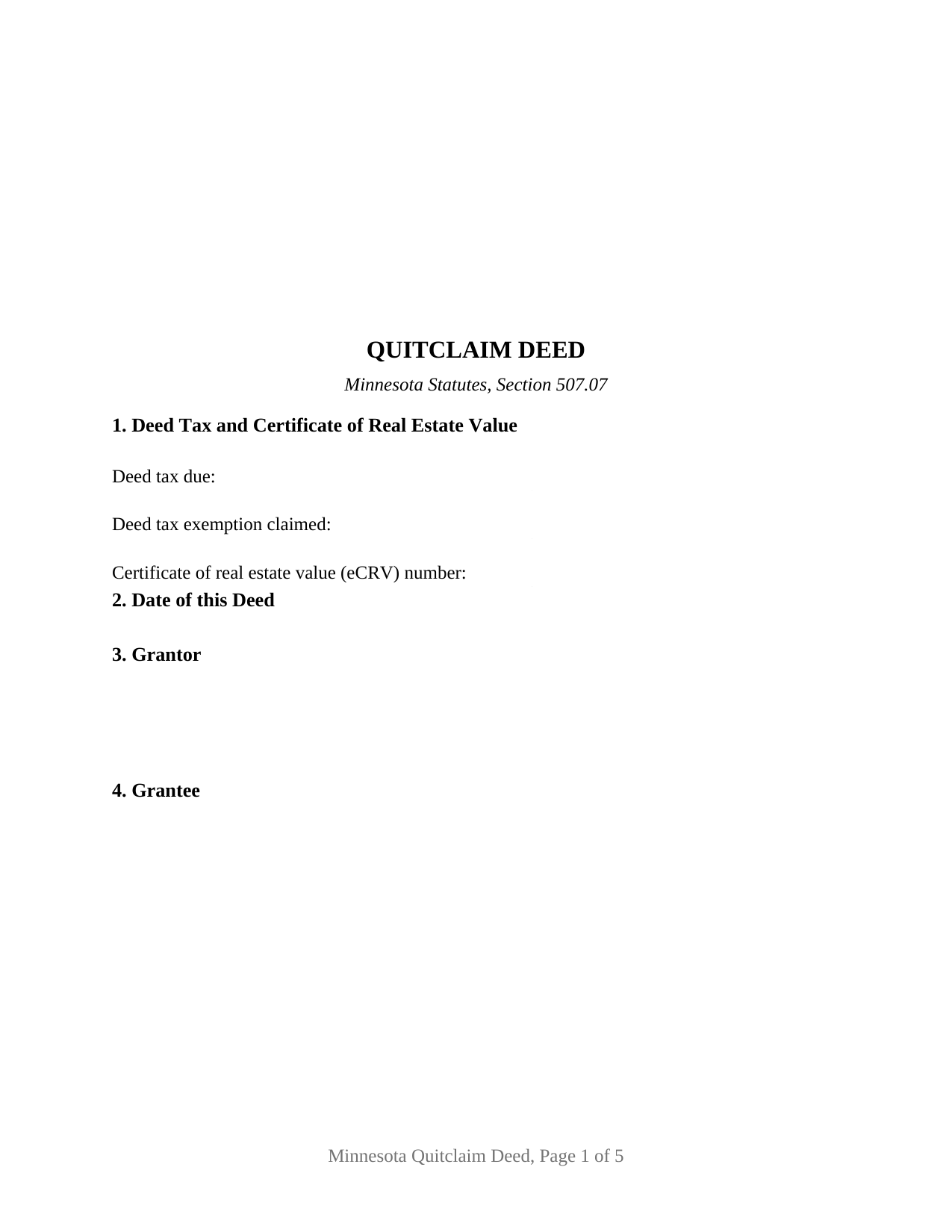
Wabasha County Quitclaim Deed Form
Fill in the blank Quitclaim Deed form formatted to comply with all Minnesota recording and content requirements.
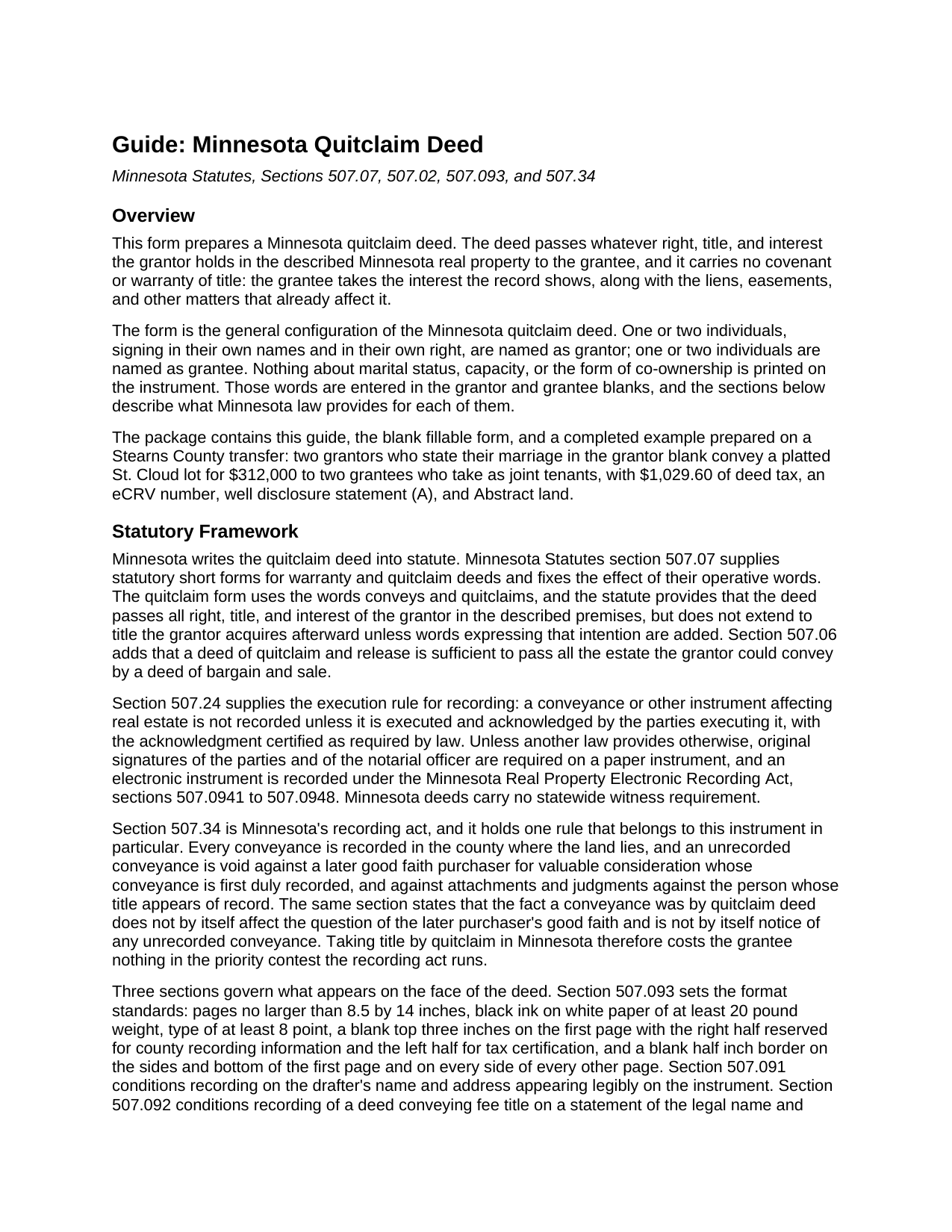
Wabasha County Quitclaim Deed Guide
Line by line guide explaining every blank on the Quitclaim Deed form.
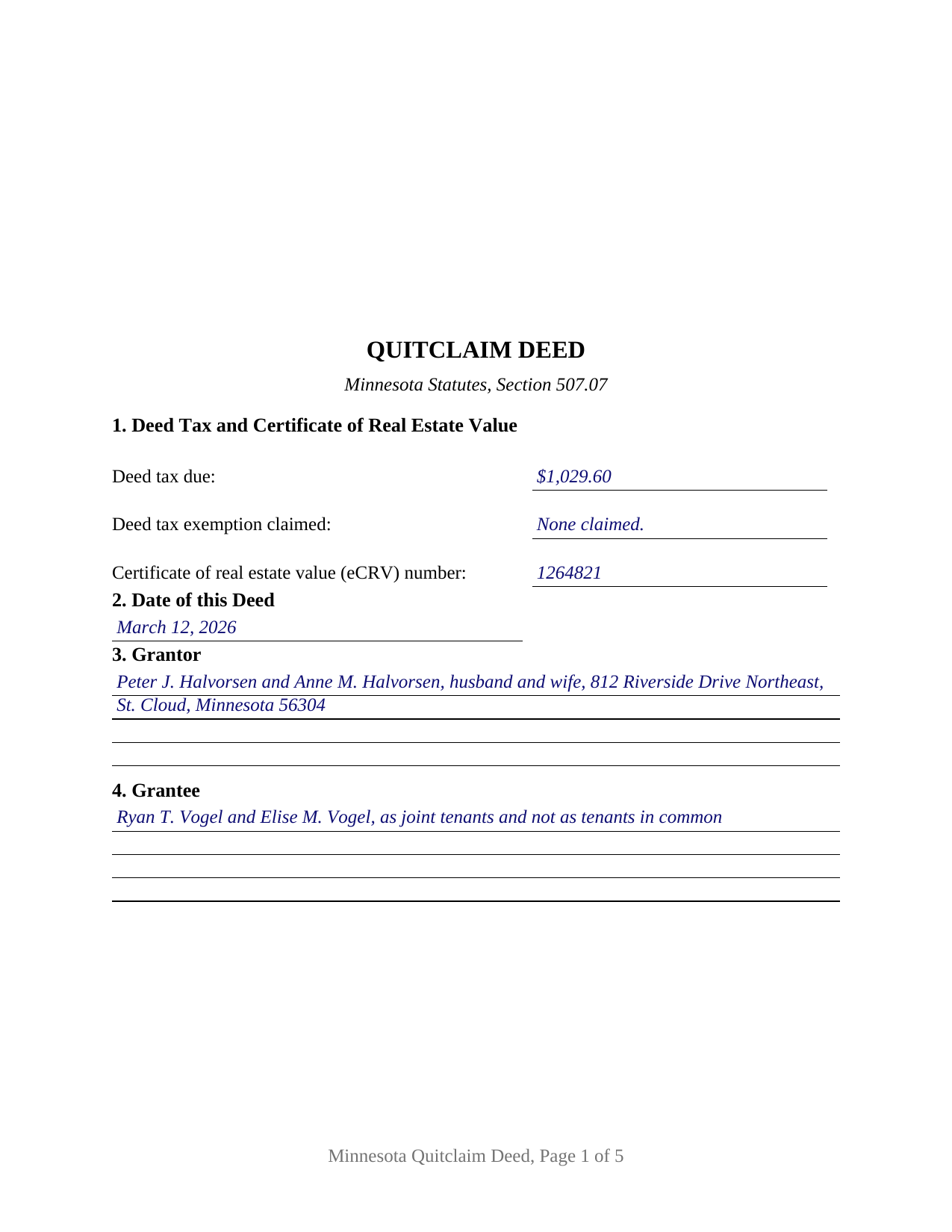
Wabasha County Completed Example of the Quitclaim Deed Document
Example of a properly completed Minnesota Quitclaim Deed document for reference.
All 3 documents above included • One-time purchase • No recurring fees
Immediate Download • Secure Checkout
Additional Minnesota and Wabasha County documents included at no extra charge:
Where to Record Your Documents
Wabasha County Recorder
Wabasha, Minnesota 55981
Hours: 8:00 to 4:00 Monday through Friday
Phone: (651) 565-3623
Recording Tips for Wabasha County:
- Bring your driver's license or state-issued photo ID
- Ensure all signatures are in blue or black ink
- Check that your notary's commission hasn't expired
- Documents must be on 8.5 x 11 inch white paper
- Double-check legal descriptions match your existing deed
Cities and Jurisdictions in Wabasha County
Properties in any of these areas use Wabasha County forms:
- Elgin
- Kellogg
- Lake City
- Mazeppa
- Millville
- Plainview
- Reads Landing
- Wabasha
- Zumbro Falls
Hours, fees, requirements, and more for Wabasha County
How do I get my forms?
Forms are available for immediate download after payment. The Wabasha County forms will be in your account ready to download to your computer. An account is created for you during checkout if you don't have one. Forms are NOT emailed.
Are these forms guaranteed to be recordable in Wabasha County?
Yes. Our form blanks are guaranteed to meet or exceed the applicable formatting requirements used for recording in Wabasha County, including margin requirements, font requirements, and other layout standards. This guarantee applies to formatting, not to the legal sufficiency of information entered by the user or the suitability of a form for a particular transaction.
Can I reuse these forms?
Yes. You can reuse the forms for your personal use. For example, if you have multiple properties in Wabasha County you only need to order once.
What do I need to use these forms?
The forms are PDFs that you fill out on your computer. The free Adobe Acrobat Reader is recommended, and most PDF apps also work. You do NOT enter your property information online - you download the blank forms and complete them privately on your own computer.
Are there any recurring fees?
No. This is a one-time purchase. Nothing to cancel, no memberships, no recurring fees.
How much does it cost to record in Wabasha County?
Recording fees in Wabasha County vary. Contact the recorder's office at (651) 565-3623 for current fees.
Questions answered? Let's get started!
Minnesota answers the quitclaim deed's oldest question inside the recording act itself. Section 507.34 of the Minnesota Statutes protects a later buyer who takes in good faith and records first, and then adds a sentence written for this instrument: the fact that a conveyance was made by quitclaim deed does not by itself decide the question of that buyer's good faith, and is not by itself notice of an unrecorded conveyance. The deed promises nothing about title, and the statute keeps that silence from costing the grantee standing in the priority contest the record runs.
What conveys and quitclaims moves
Section 507.07 supplies the statutory short form and fixes what its operative words do. The deed passes all right, title, and interest of the grantor in the described premises, and it reaches no title the grantor picks up later unless words expressing that intention are added. Section 507.06 adds the outer edge of its reach: a deed of quitclaim and release passes all the estate the grantor could convey by a deed of bargain and sale. What travels is the grantor's present interest with the mortgages, easements, restrictions, and mineral reservations already attached to it. The conveyance section carries those statutory words, the hereditaments and appurtenances clause of Minnesota practice, and a plain statement that no covenant or warranty of title comes with the deed.
One or two names on each side
This is the general Minnesota quitclaim deed, built for individuals signing in their own right. The grantor blank takes one or two names with whatever status words the signers state, the grantee blank takes one or two names with any words describing how they take title, and the execution area carries a signature block and an acknowledgment certificate for each of the two grantor positions, the second of each left blank where one grantor conveys. Nothing about marriage, capacity, or co-ownership is preprinted anywhere on the instrument, so the four count patterns read as one document: a single grantor to a single grantee, one grantor to two grantees, two grantors to one grantee, and two grantors to two grantees. What the grantee blank says decides survivorship, because section 500.19, subdivision 2, gives two or more grantees a tenancy in common wherever the deed does not expressly declare a joint tenancy. The form is not set up for an entity grantor whose signing authority comes from its own chapter, for a trustee or an attorney-in-fact signing for someone else, for three or more owners on either side, or for a conveyance that reserves a life estate, since the conveyance section passes the grantor's whole interest without reservation.
The face a Minnesota recorder reads
Minnesota fixes a good deal of what appears on a deed. Section 507.093 leaves the top three inches of page one blank, the right half for county recording information and the left half for tax certification, and the form prints nothing there. Section 507.091 puts the drafter's name and address on the instrument, and section 507.092 conditions recording on a grantee name and address for future property tax statements. Section 287.241 bars recording a taxable deed that states neither the tax due nor an exemption, so the first numbered section carries that entry beside the eCRV number section 272.115 assigns to a sale for more than $3,000. The three lettered well disclosure statements of section 103I.235 sit in their own section with a blank for the letter that applies, and an Abstract or Registered (Torrens) entry marks whether the deed goes to the county recorder or to the registrar of titles.
Auditor, deed tax, then the record
The path runs through two county offices. Section 272.12 sends the deed to the auditor for the transfer entry and tax certification first, and the recorder refuses an instrument arriving without that statement. State deed tax under section 287.21 runs at 0.0033 of net consideration above $3,000 and $1.65 at or below it, with 0.0001 added in Hennepin and Ramsey Counties. Recording and indexing is a flat $46 under section 357.18, which section 357.182 keeps counties from adding to.
A quit claim deed, a quick claim deed, and a Minnesota quitclaim deed form all name this same instrument. Included here: the fillable form, a completed example built on a Stearns County sale by two grantors to two grantees taking as joint tenants, and a guide covering every numbered section, the estates section 500.19 recognizes, and each county step. The materials are informational and are not legal advice.
Important: Your property must be located in Wabasha County to use these forms. Documents should be recorded at the county recording office listed above.
This Quitclaim Deed meets all recording requirements specific to Wabasha County.
Our Promise
The documents you receive here are guaranteed to meet or exceed the applicable Wabasha County recording format requirements. If there is a rejection caused by our formatting, we will correct the issue or refund your payment. This guarantee applies to document formatting only and does not extend to information entered by the user, the selection of the form, or the legal effect of the completed document.
Save Time and Money
Get your Wabasha County Quitclaim Deed form done right the first time with Deeds.com Uniform Conveyancing Blanks. At Deeds.com, we understand that your time and money are valuable resources, and we don't want you to face a penalty fee or rejection imposed by a county recorder for submitting nonstandard documents. We constantly review and update our forms to meet rapidly changing state and county recording requirements for roughly 3,500 counties and local jurisdictions.
4.8 out of 5 - ( 4,836 Reviews )
George A. 5 out of 5 stars
Excellent Service.
Thank you for your feedback. We really appreciate it. Have a great day!
patricia w. 5 out of 5 stars
Fast, easy download of forms needed. Thank you, Deeds.com
Thank you!
PAUL L. 5 out of 5 stars
Outstanding site in every way and reasonably priced.
We appreciate your business and value your feedback. Thank you. Have a wonderful day!
Rachelle S. 5 out of 5 stars
Wow that was easy
Thank you!
Brandon O. 5 out of 5 stars
Simple and quick recording.
We appreciate your review and your business. Thank you.
Byron M. 5 out of 5 stars
Prompt service... provide thorough explanation of what is needed to complete the recording.
Thank you for your feedback. We really appreciate it. Have a great day!
Clayton M. 5 out of 5 stars
Five stars from me. this is a very useful service with great results.
We appreciate your business and value your feedback. Thank you. Have a wonderful day!
Leslie S. 5 out of 5 stars
After over a month of turmoil and feeling like "you can't get there from here",you solved my problem in a little over an hour. Thank you!!
Thank you for your feedback. We really appreciate it. Have a great day!
Robert K. 5 out of 5 stars
I used your TOD document to deed my home to my daughter. Your sample document was very helpful. I had to do it a few times but finally got it right. I didn't check but It was surely cheaper than a lawyer fee.
Thank you for your feedback. We really appreciate it. Have a great day!
CHRISTIN P. 3 out of 5 stars
Did not use site; too expensive.
Thank you for your feedback. We really appreciate it. Have a great day!
Heidi S. 5 out of 5 stars
I do not enjoy the process of not knowing how something works. When I get to a new website I cringe inside. When I find one that works I am pleased to have function. Thank you for making it easy for a lay person
Thank you for your feedback. We really appreciate it. Have a great day!
Suzanne A. 5 out of 5 stars
The purchase and download from Deeds.com were pleasantly straightforward. The actual of filing not so obvious in our case.
Your insights are invaluable to us and help us strive for better service. Thank you for taking the time to share your thoughts.
Galina K. 5 out of 5 stars
Was fast and easy to get the forms with instructions on how to fill them out.
Thank you for the kind words Galina. We appreciate you. Have an amazing day!
John v. 4 out of 5 stars
Process is well laid out, clear and concise. Check out is easy. Recommendations: * Assign names to the downloadable files that are meaningful, such as: WARRANTY DEED instead of the useless and cryptic 1420490866F11417.pdf. * Provide a ONE BUTTON DOWNLOAD for all forms ordered. It's aggravating to have to click on each of the 20 documents and download them individually.
Thank you for your feedback. We really appreciate it. Have a great day!
Evelyn R. 5 out of 5 stars
Filing my deed through your service was great. All directions were clear and specific; it was very easy to upload the documents and most of all feedback from your office was professional and very timely. You service was excellent. Thank you!! Thank you so very much!!
Thank you for your feedback. We really appreciate it. Have a great day!