Blue Earth County Transfer on Death Deed by Married Sole Owner Form
Last validated September 23, 2026 by our Forms Development TeamFormatted for recording in Blue Earth County, for property anywhere in the county: rural and unincorporated areas as well as Amboy, Eagle Lake, Garden City, Good Thunder, Lake Crystal, Madison Lake, Mankato, Mapleton and 3 more.
- 3 documents included
- Immediate PDF download
- Formatting guarantee
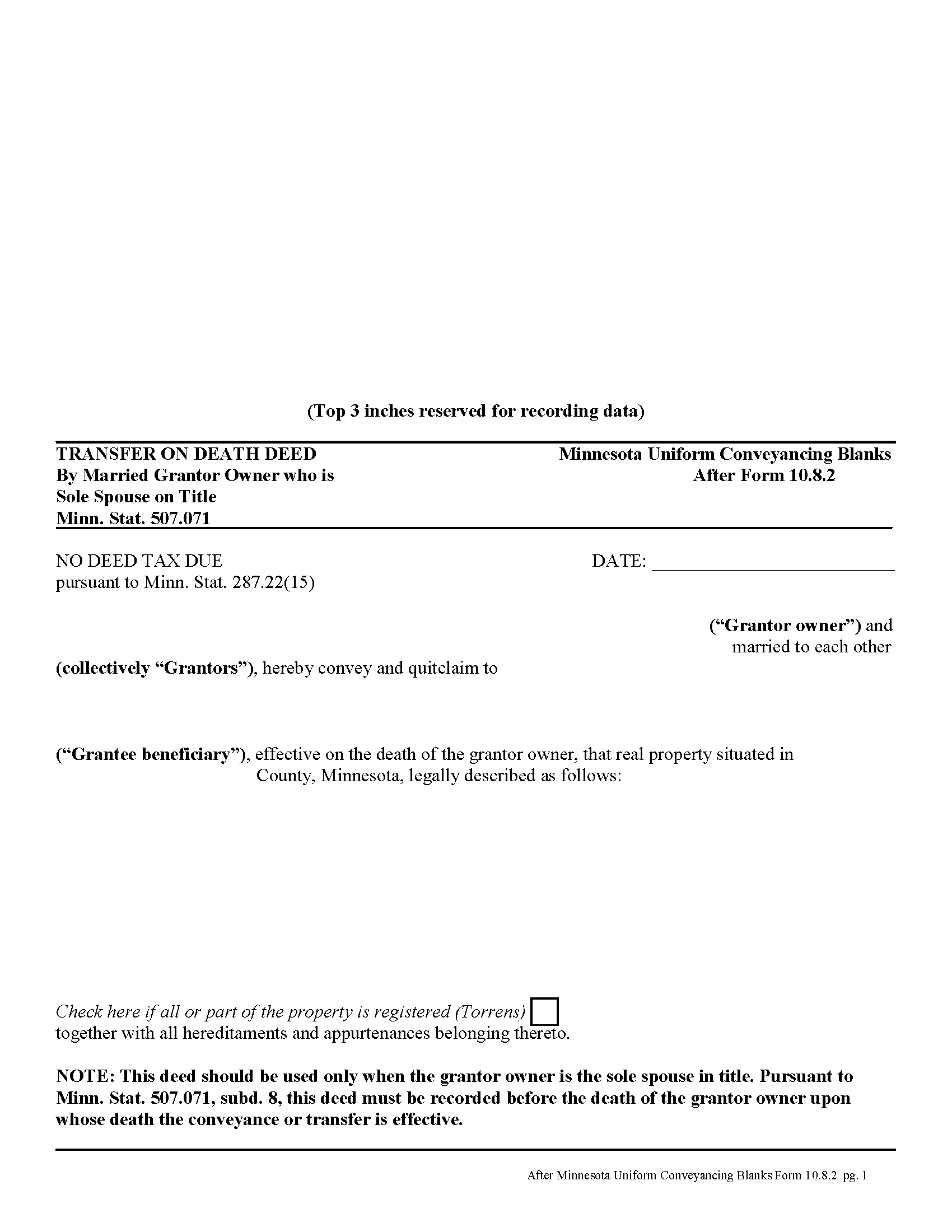
Blue Earth County Transfer on Death Deed by Married Sole Owner
Fill in the blank form formatted to comply with all recording and content requirements.
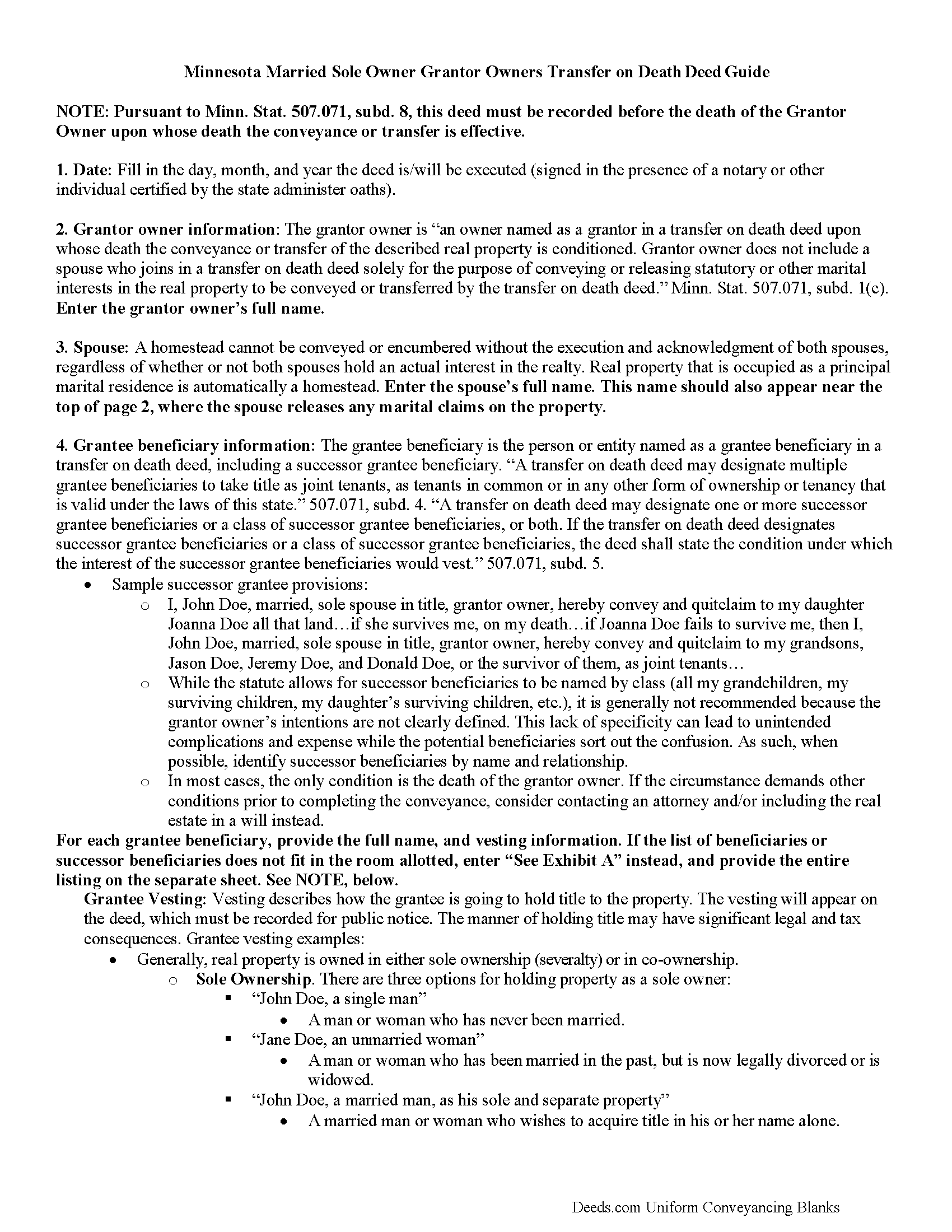
Blue Earth County Transfer on Death Deed by Married Sole Owner Guide
Line by line guide explaining every blank on the form.
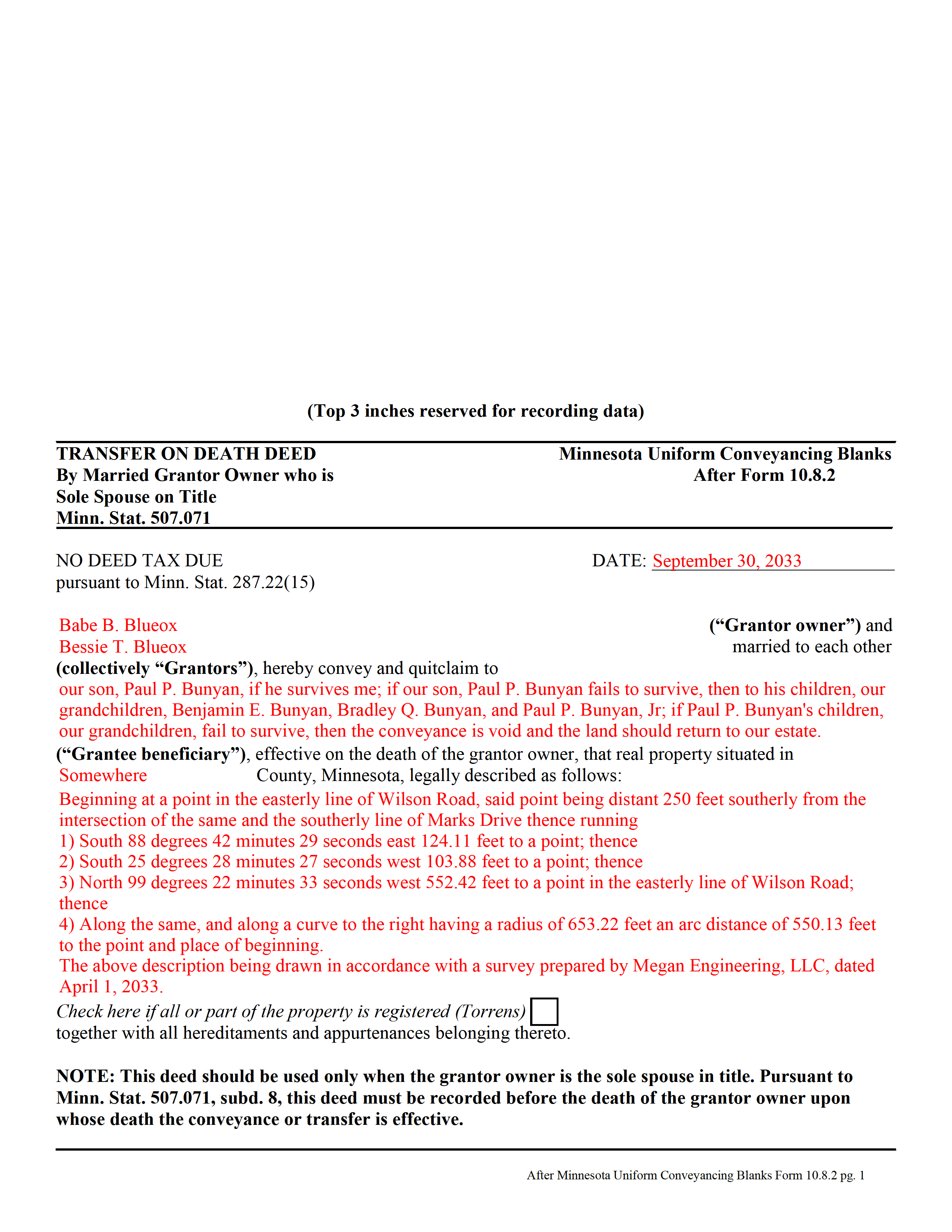
Blue Earth County Completed Example of the Transfer on Death Deed by Married Sole Owner Document
Example of a properly completed form for reference.
All 3 documents above included • One-time purchase • No recurring fees
Immediate Download • Secure Checkout
Additional Minnesota and Blue Earth County documents included at no extra charge:
Where to Record Your Documents
Taxpayer Services: Real Estate Recordings Division
Mankato, Minnesota 56002-3567
Hours: 8:00am to 4:30pm M-F
Phone: (507) 304-4251
Recording Tips for Blue Earth County:
- Bring your driver's license or state-issued photo ID
- Ensure all signatures are in blue or black ink
- Ask if they accept credit cards - many offices are cash/check only
- Check that your notary's commission hasn't expired
- Documents must be on 8.5 x 11 inch white paper
Cities and Jurisdictions in Blue Earth County
Properties in any of these areas use Blue Earth County forms:
- Amboy
- Eagle Lake
- Garden City
- Good Thunder
- Lake Crystal
- Madison Lake
- Mankato
- Mapleton
- Pemberton
- Saint Clair
- Vernon Center
Hours, fees, requirements, and more for Blue Earth County
How do I get my forms?
Forms are available for immediate download after payment. The Blue Earth County forms will be in your account ready to download to your computer. An account is created for you during checkout if you don't have one. Forms are NOT emailed.
Are these forms guaranteed to be recordable in Blue Earth County?
Yes. Our form blanks are guaranteed to meet or exceed the applicable formatting requirements used for recording in Blue Earth County, including margin requirements, font requirements, and other layout standards. This guarantee applies to formatting, not to the legal sufficiency of information entered by the user or the suitability of a form for a particular transaction.
Can I reuse these forms?
Yes. You can reuse the forms for your personal use. For example, if you have multiple properties in Blue Earth County you only need to order once.
What do I need to use these forms?
The forms are PDFs that you fill out on your computer. The free Adobe Acrobat Reader is recommended, and most PDF apps also work. You do NOT enter your property information online - you download the blank forms and complete them privately on your own computer.
Are there any recurring fees?
No. This is a one-time purchase. Nothing to cancel, no memberships, no recurring fees.
How much does it cost to record in Blue Earth County?
Recording fees in Blue Earth County vary. Contact the recorder's office at (507) 304-4251 for current fees.
Questions answered? Let's get started!
In Minnesota, transfer on death deeds are governed by Minn. Stat. 507.071.
While the statute provides a basic form, as well as overall content requirements, the state authorized the development of uniform conveyance documents for some specific situations. One such situation occurs when a married property owner holds sole title to the real estate he or she wishes to convey with a transfer on death deed. A correctly-completed basic statutory form is valid in most cases, but because the owner's husband or wife may be able to claim spousal interest in the property, these deeds require the spouse to sign a statement releasing any marital rights. Without this release, the non-probate transfer on death may not occur, and the property could revert to the deceased owner's estate for probate distribution instead. To prevent such unintended outcomes, there is a special deed for this circumstance.
This transfer on death deed form is for use ONLY by married grantor owners who are the sole spouse on the property's title.
As with other transfer on death deeds, this form must be executed and RECORDED during the grantor owner's lifetime.
(Minnesota TOD Deed by Married Sole Owner Package includes form, guidelines, and completed example)
Important: Your property must be located in Blue Earth County to use these forms. Documents should be recorded at the county recording office listed above.
This Transfer on Death Deed by Married Sole Owner meets all recording requirements specific to Blue Earth County.
Our Promise
The documents you receive here are guaranteed to meet or exceed the applicable Blue Earth County recording format requirements. If there is a rejection caused by our formatting, we will correct the issue or refund your payment. This guarantee applies to document formatting only and does not extend to information entered by the user, the selection of the form, or the legal effect of the completed document.
Save Time and Money
Get your Blue Earth County Transfer on Death Deed by Married Sole Owner form done right the first time with Deeds.com Uniform Conveyancing Blanks. At Deeds.com, we understand that your time and money are valuable resources, and we don't want you to face a penalty fee or rejection imposed by a county recorder for submitting nonstandard documents. We constantly review and update our forms to meet rapidly changing state and county recording requirements for roughly 3,500 counties and local jurisdictions.
4.8 out of 5 - ( 4,818 Reviews )
Amy S. 5 out of 5 stars
So convenient! I love this service. I highly recommend.
We appreciate your business and value your feedback. Thank you. Have a wonderful day!
Daniel D. 5 out of 5 stars
Well done. A little pricy.
Thank you!
Susan A. 5 out of 5 stars
Very convenient. Instructions and samples are a plus because I often see documents incorrectly completed. Take the time to do it right.
We appreciate your business and value your feedback. Thank you. Have a wonderful day!
Pamela L. 5 out of 5 stars
Fast efficient informative. Thank you.
Thank you for your feedback. We really appreciate it. Have a great day!
Dallas S. 5 out of 5 stars
Very easy
Thank you!
MYRON J. 5 out of 5 stars
Great way to track and save forms.
Thank you!
Tanya H. 5 out of 5 stars
Could not be happier with deeds.com forms. The guide helped more than one can imagine, great resource.
We appreciate your business and value your feedback. Thank you. Have a wonderful day!
Irma G. 5 out of 5 stars
Although I did not use the forms yet, it appears very easy to understand and navigate.
Thank you for your feedback. We really appreciate it. Have a great day!
Roxanne C. 5 out of 5 stars
I love that this service is available. Uploading my document took no time at all. I love that we have an option of upload our documentsinsread of going in to file.
Thank you for your feedback. We really appreciate it. Have a great day!
Donald C. 5 out of 5 stars
The service was VERY quick, simple and, easy. I would definetly use this service again.
We appreciate your business and value your feedback. Thank you. Have a wonderful day!
Kristen H. 5 out of 5 stars
This was such a money saver. I was told by someone at the courthouse that I had to have a lawyer prepare the paper work for my mom. They stated that family members couldn't prepare the papers. I was hopeful when I found that I could prepare the survivorship affidavit on Deeds. I was able to prepare everything myself and had no issues today when at the courthouse for all the changes. Thank you!
We appreciate your business and value your feedback. Thank you. Have a wonderful day!
Lisa D. 5 out of 5 stars
Love this site! They are very fast in retrieving information. Will use this site again. Thank You for this service!
We appreciate your business and value your feedback. Thank you. Have a wonderful day!
Kevin R. 5 out of 5 stars
So far so good. Had an issue and customer service responded very fast by email.
Thank you for your feedback. We really appreciate it. Have a great day!
Eileen D. 5 out of 5 stars
Very easy to use. The example form was a big help in making sure I had the forms filled out correctly.
Thank you!
Brian M. 1 out of 5 stars
The document had all the information needed but could have been presented with a more professional look for the price.
We appreciate you highlighting the balance between compliance and presentation. While our main focus is on the legal correctness and statutory compliance of the documents, we also strive to present this information in a clear and accessible manner.