Hennepin County Transfer on Death Deed (Married Sole Owner with Spousal Joinder) Form
Last validated November 1, 2026 by our Forms Development TeamFormatted for recording in Hennepin County, for property anywhere in the county: rural and unincorporated areas as well as Champlin, Crystal Bay, Dayton, Eden Prairie, Excelsior, Hamel, Hopkins, Howard Lake and 17 more.
- 3 documents included
- Immediate PDF download
- Formatting guarantee
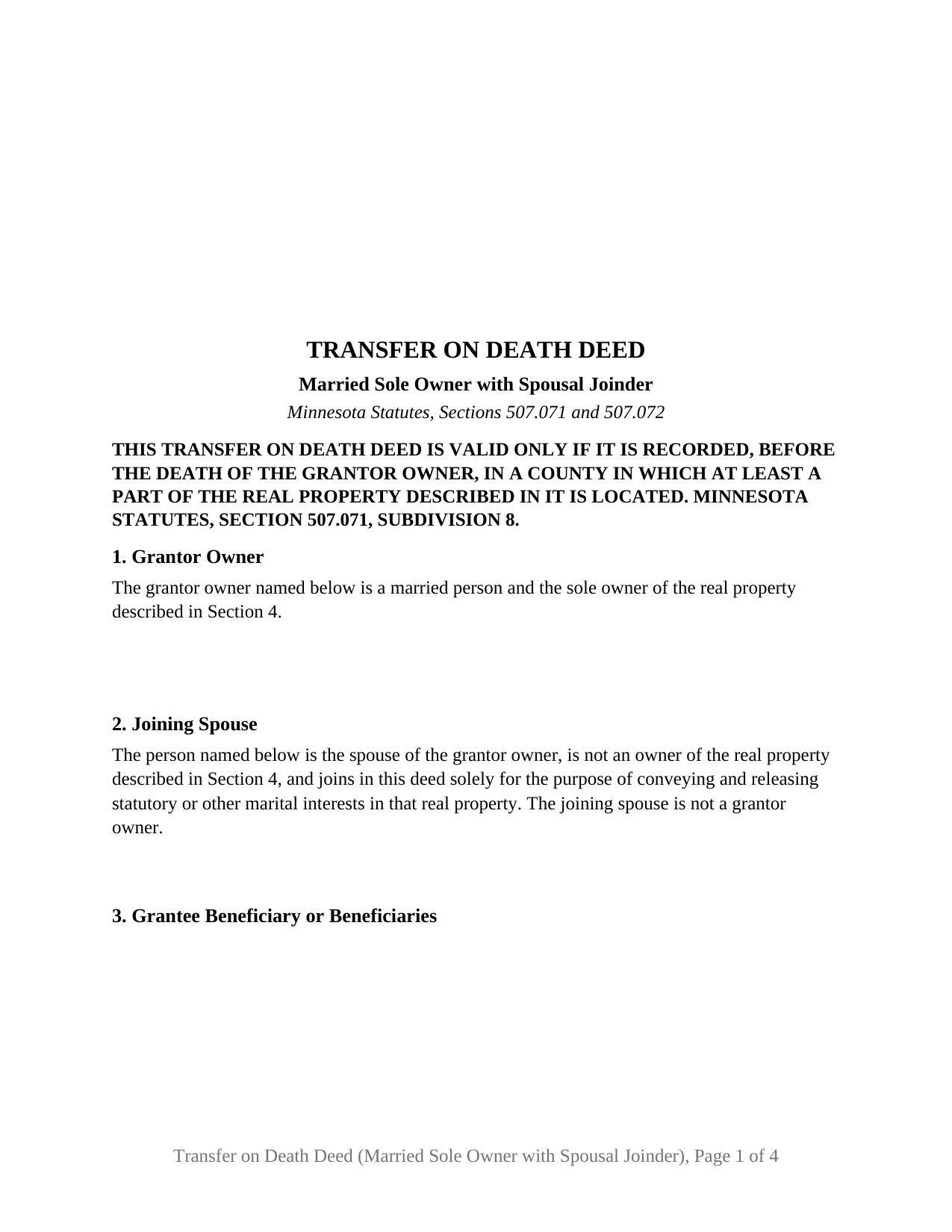
Hennepin County Transfer on Death Deed (Married Sole Owner with Spousal Joinder) Form
Fill in the blank Transfer on Death Deed (Married Sole Owner with Spousal Joinder) form formatted to comply with all Minnesota recording and content requirements.
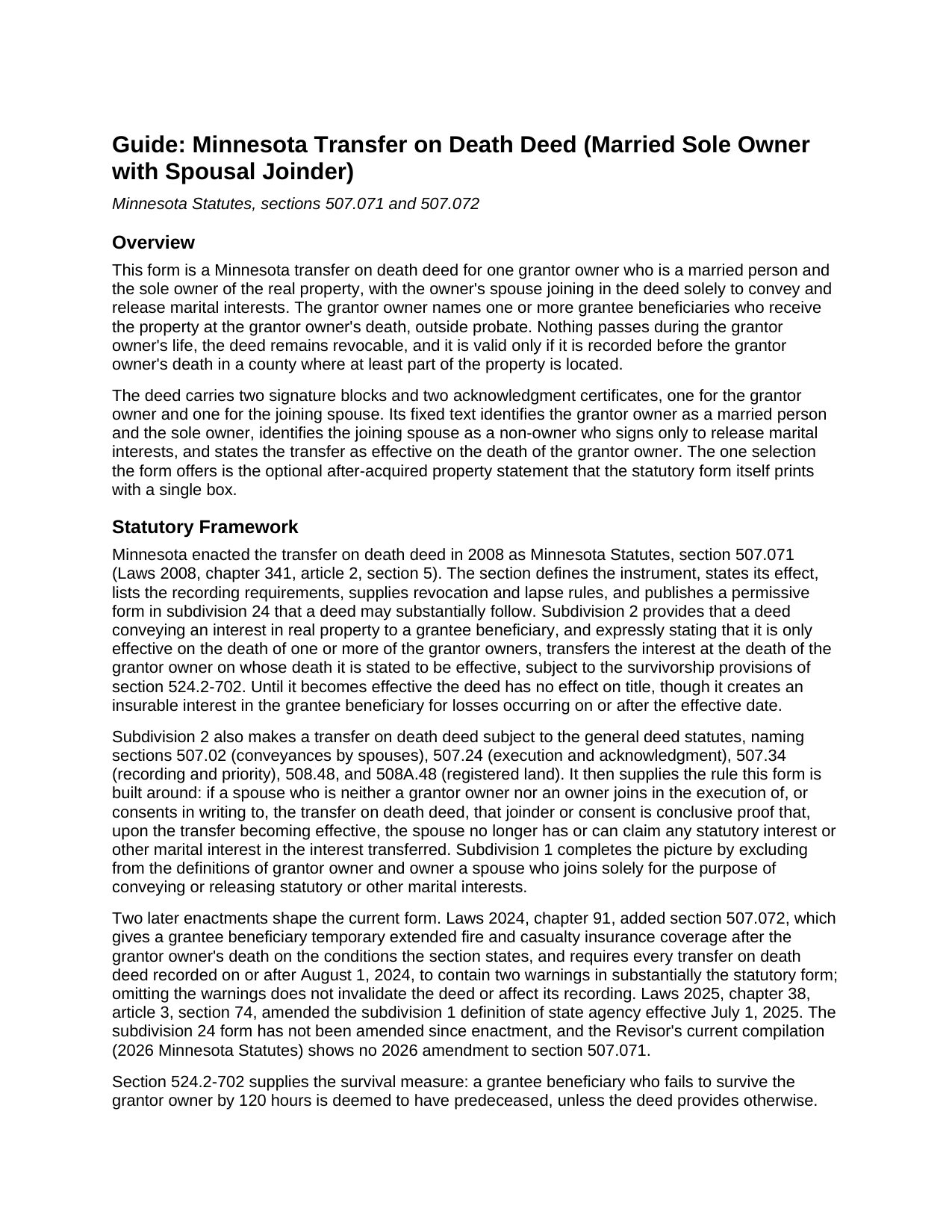
Hennepin County Transfer on Death Deed (Married Sole Owner with Spousal Joinder) Guide
Line by line guide explaining every blank on the Transfer on Death Deed (Married Sole Owner with Spousal Joinder) form.
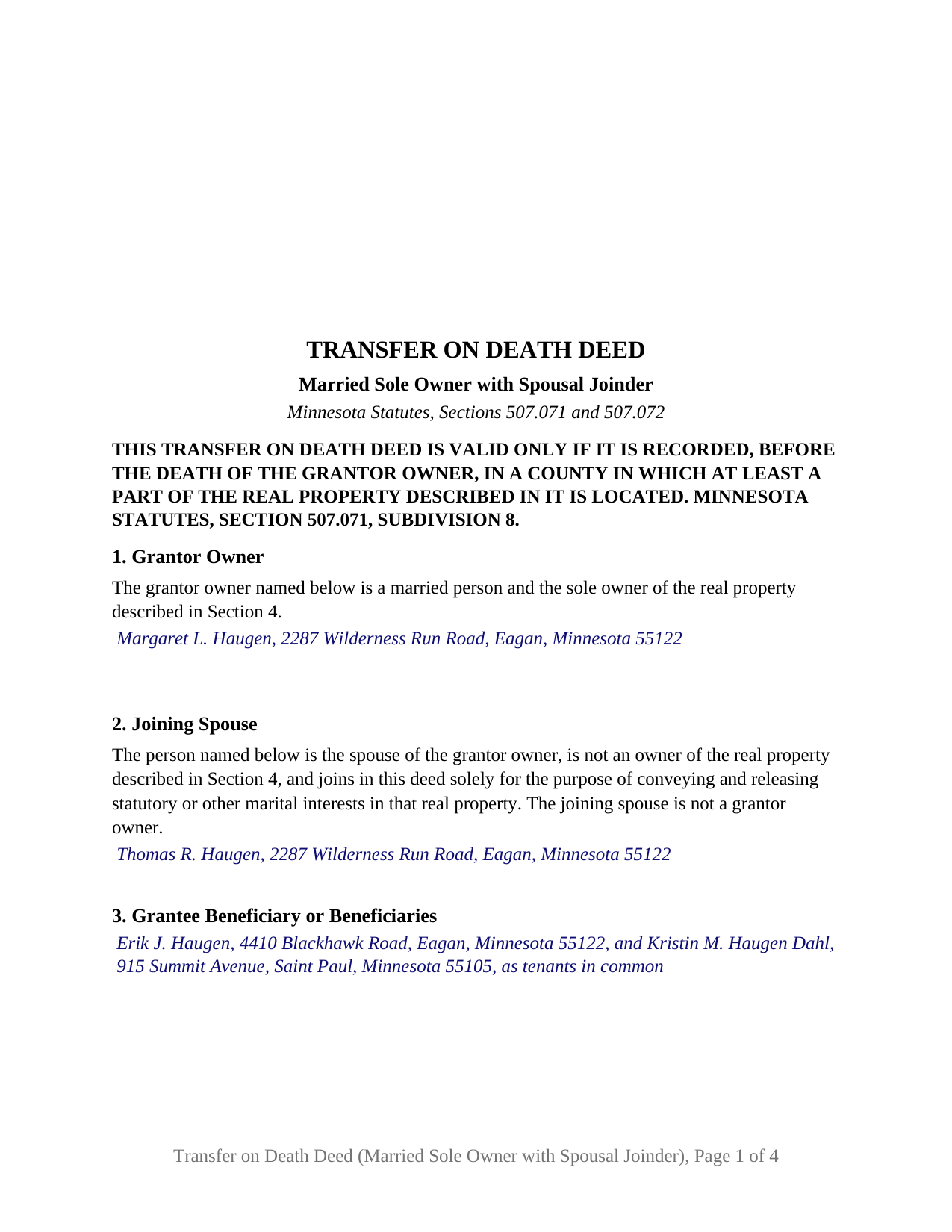
Hennepin County Completed Example of the Transfer on Death Deed (Married Sole Owner with Spousal Joinder) Document
Example of a properly completed Minnesota Transfer on Death Deed (Married Sole Owner with Spousal Joinder) document for reference.
All 3 documents above included • One-time purchase • No recurring fees
Immediate Download • Secure Checkout
Additional Minnesota and Hennepin County documents included at no extra charge:
Where to Record Your Documents
Hennepin Recorder/Registrar
Minneapolis, Minnesota 55487-0055
Hours: 8:00 AM to 4:30 PM
Phone: (612) 348-5139
Recording Tips for Hennepin County:
- Bring your driver's license or state-issued photo ID
- Ensure all signatures are in blue or black ink
- Verify all names are spelled correctly before recording
- White-out or correction fluid may cause rejection
- Ask about their eRecording option for future transactions
Cities and Jurisdictions in Hennepin County
Properties in any of these areas use Hennepin County forms:
- Champlin
- Crystal Bay
- Dayton
- Eden Prairie
- Excelsior
- Hamel
- Hopkins
- Howard Lake
- Long Lake
- Loretto
- Maple Plain
- Minneapolis
- Minnetonka
- Minnetonka Beach
- Mound
- Navarre
- Osseo
- Rockford
- Rogers
- Saint Bonifacius
- Saint Louis Park
- Saint Paul
- Spring Park
- Wayzata
- Young America
Hours, fees, requirements, and more for Hennepin County
How do I get my forms?
Forms are available for immediate download after payment. The Hennepin County forms will be in your account ready to download to your computer. An account is created for you during checkout if you don't have one. Forms are NOT emailed.
Are these forms guaranteed to be recordable in Hennepin County?
Yes. Our form blanks are guaranteed to meet or exceed the applicable formatting requirements used for recording in Hennepin County, including margin requirements, font requirements, and other layout standards. This guarantee applies to formatting, not to the legal sufficiency of information entered by the user or the suitability of a form for a particular transaction.
Can I reuse these forms?
Yes. You can reuse the forms for your personal use. For example, if you have multiple properties in Hennepin County you only need to order once.
What do I need to use these forms?
The forms are PDFs that you fill out on your computer. The free Adobe Acrobat Reader is recommended, and most PDF apps also work. You do NOT enter your property information online - you download the blank forms and complete them privately on your own computer.
Are there any recurring fees?
No. This is a one-time purchase. Nothing to cancel, no memberships, no recurring fees.
How much does it cost to record in Hennepin County?
Recording fees in Hennepin County vary. Contact the recorder's office at (612) 348-5139 for current fees.
Questions answered? Let's get started!
When one spouse holds Minnesota real property in that spouse's name alone, a transfer on death deed signed by the owner carries a second signature that transfers nothing: the other spouse's. Built on Minnesota Statutes, section 507.071, this deed is configured for a married sole owner and carries a joining-spouse block whose signature releases marital interests without making the spouse an owner.
A signature that releases but does not own
Section 507.071, subdivision 1, excludes from the terms grantor owner and owner a spouse who joins in a transfer on death deed solely to convey or release statutory or other marital interests. Subdivision 2 states what that joinder accomplishes: it is conclusive proof that, upon the transfer becoming effective, the spouse no longer has or can claim any statutory interest or other marital interest in the interest transferred. The deed's fixed text names the joining spouse in that capacity in Section 2 and repeats it in the operative section, so the signature reads as a release and never as a second owner's conveyance.
Why the spouse signs at all
Section 507.02 provides that if the owner is married, no conveyance of the homestead, outside the exceptions the section lists, is valid without the signatures of both spouses, and subdivision 2 makes the transfer on death deed subject to that section. Subdivision 3 adds the other side: a beneficiary takes subject to any claim by a surviving spouse who did not join in or consent in writing to the deed. The joining-spouse block answers both provisions on the face of the instrument.
One owner, one death, one trigger
The deed recites exactly one grantor owner, a married person and the sole owner of the described property, and conveys and quitclaims to the named grantee beneficiary or beneficiaries effective on the death of the grantor owner, in the operative words of the subdivision 24 form. Because the joining spouse is not a grantor owner, that spouse's death is not the trigger. The after-acquired property statement the statutory form prints with a single box appears as the statute prints it, unmarked on the blank form, and the guide describes the subdivision 21 rule for an unmarked box.
Each certificate names the other spouse
Minnesota Statutes, section 358.14, provides that spouses who join in and acknowledge an instrument are described in the certificate of acknowledgment in a manner indicating they are married to each other, and that where they acknowledge before different officers or at different times, each is described as the spouse of the other. This deed carries a separate certificate for the grantor owner and for the joining spouse, each with a spouse-of line under the acknowledger's name, built on the section 358.66 short form.
What the configuration recites
The form prints two signature blocks, GRANTOR OWNER and JOINING SPOUSE, two acknowledgment certificates, a fixed recital of marital status and sole ownership, and a fixed joinder sentence; the only selection it offers is the statutory form's own after-acquired box. Grantee beneficiaries may be natural persons, the trustee of a trust, or a qualified entity, taking in any tenancy the chapter allows. A homeowner who took title before the marriage, or who inherited the property in one name, presents the pattern this deed recites. The form is not set up as a deed signed by two owners, by an unmarried owner, or by an entity, trustee, or attorney-in-fact.
Recording in the county, before death
A Minnesota TOD deed, sometimes searched as a beneficiary deed, is valid only if recorded before the grantor owner's death in a county where at least part of the property lies, with the county recorder for abstract property or the registrar of titles for Torrens land. No auditor certification or certificate of real estate value accompanies it, the state deed tax does not reach it, and the deed carries the section 507.091 drafter statement and the two insurance warnings section 507.072 has required since August 1, 2024. After the owner's death, the affidavit of identity and survivorship and the county agency clearance certificate are prepared and recorded separately and are not part of this package.
Included in the package are the fillable transfer on death deed, a completed example worked through a realistic Dakota County fact pattern, and the guide covering each numbered section, the spousal joinder rules, the certificate description rule, and recording. The guide and this description explain the form and the statutes behind it in general terms only and are not legal advice.
Important: Your property must be located in Hennepin County to use these forms. Documents should be recorded at the county recording office listed above.
This Transfer on Death Deed (Married Sole Owner with Spousal Joinder) meets all recording requirements specific to Hennepin County.
Our Promise
The documents you receive here are guaranteed to meet or exceed the applicable Hennepin County recording format requirements. If there is a rejection caused by our formatting, we will correct the issue or refund your payment. This guarantee applies to document formatting only and does not extend to information entered by the user, the selection of the form, or the legal effect of the completed document.
Save Time and Money
Get your Hennepin County Transfer on Death Deed (Married Sole Owner with Spousal Joinder) form done right the first time with Deeds.com Uniform Conveyancing Blanks. At Deeds.com, we understand that your time and money are valuable resources, and we don't want you to face a penalty fee or rejection imposed by a county recorder for submitting nonstandard documents. We constantly review and update our forms to meet rapidly changing state and county recording requirements for roughly 3,500 counties and local jurisdictions.
4.8 out of 5 - ( 4,864 Reviews )
Thomas D. 2 out of 5 stars
The documents themselves are fine and the information provided with them is helpful. I find the actual processing of the documents, however, to be difficult particularly once the document has been saved. First, I note that the box for the date only allows entry of the last 2 digits of the year. Unfortunately, my download only allows me to enter one of the 2 digits required. When I delete it repeatedly, it eventually allows both digits to be entered but puts them in extremely small text and in superscrypt. I have not found a solution to this problem and am not sure the deed can even be recorded with this problem. Another problem is that if you try to revise the document after you have saved it the curser goes to the end of the line after each key entry. This means that there basically is no way to efficiently save the document for reworking later since you will have to delete everything you have entered in the text box unless you only need to make a single keystroke change or are willing to replace the curser after each entry. Try that with a long property description! Please note that I am using a Mac to prepare my documents and perhaps this is part of an "incompatibility problem". However, I didn't see a disclaimer regarding Mac use and so would expect the documents to perform correctly. Overall, I give the program a "2 star" rating because I am experiencing significant difficulties in entering dates in the documents even before saving them and because saving your work for later revision appears to be basically unworkable.
Thank you for your feedback Thomas, we appreciate you being specific about the issues you encountered. Adobe and Mac have a fairly long history of issues working together.
Joe H. 5 out of 5 stars
Very pleased with the service provided. Will use again if the need arises. Thank you
We appreciate your business and value your feedback. Thank you. Have a wonderful day!
Joseph T. 5 out of 5 stars
I downloaded the wrong form, how do I change this, or can I?
Sorry to hear that. As a one time courtesy we have canceled your order and payment for the documents you ordered in error. Have a great day.
Keri C. 5 out of 5 stars
It was confusing at first, but the customer service was excellent and fast and I got everything taken care of right away. I'll use Deeds.com even after the recorder's office is open to the public.
Thank you for your feedback. We really appreciate it. Have a great day!
Scott H. 5 out of 5 stars
Very helpful
Thank you!
PETER C. 5 out of 5 stars
The process was quick and simple to follow. Very efficient way to document Deeds.
Thank you!
Kristy T. 5 out of 5 stars
Using your site made gifting personal property (land) so quick and easy. The forms were presented ready to complete and included detailed instructions. The "completed form" example was helpful. I definitely recommend your site to anyone who does not wish to pay expensive lawyer fees.
Thank you Kristy, we appreciate your feedback
John B. 5 out of 5 stars
I bought a Quitclaim Deed package for Fayette County, Kentucky, to transfer my house into a Living Trust that I had set up previously. Creating my Quitclaim Deed was pretty straightforward, using the form, the instructions, and the sample Quitclaim Deed. I signed my Quitclaim Deed at a nearby Notary Public, then took it to the Fayette County Clerk's office to be recorded. The clerk there asked me to make two small changes to the Quitclaim Deed, which she let me do in pen on the spot: * In the signature block for the receiver of the property, filled in "Capacity" as "Grantee as Trustee ______________________________ Living Trust". * In the notary's section, changed "were acknowledged before me" to "were acknowledged and sworn to before me".
Thank you for your feedback. We really appreciate it. Have a great day!
Steven b. 5 out of 5 stars
We used this document in 2018 and it was acceptable to Jackson County Missouri. It worked and is valid. Very happy with the product.
Thanks for the kind words, glad to see you back again. Have a great day!
Dana Y. 5 out of 5 stars
Purchased and used the quitclaim form. I have no complaints with any aspect. The forms, instructions, and example all came together to make the process very easy.
Thank you Dana. Have a great day!
Kathy C. 5 out of 5 stars
Lee County, FL did accept the "Satisfaction of Mortgage" form. It was easy to fill out except for a couple of areas. Your fill in areas need to accommodate for whatever space needed for the pertinent information we as customers have to fill out. As individuals, banks have their own. Example when there are more than 1 party and information needed. Example of Document #; I was 1 number short (using Exhibit A was ridiculous.) So I had to write in the # after printing. Very unprofessional looking on a legal document. Just saying. Also, in Lee County, FL your document # is called "Instrument #, not said in your instructions. Hope this information helps for updates on your forms.
Thank you for your feedback. We really appreciate it. Have a great day!
Robert K. 5 out of 5 stars
I used your TOD document to deed my home to my daughter. Your sample document was very helpful. I had to do it a few times but finally got it right. I didn't check but It was surely cheaper than a lawyer fee.
Thank you for your feedback. We really appreciate it. Have a great day!
RAUL G. 5 out of 5 stars
Very pleased with the service, easy to download and print
Thank you for your feedback. We really appreciate it. Have a great day!
Michael M. 5 out of 5 stars
Received the documents as ordered in a timely fashion. Can't ask for much better than that!
Thank you!
Margaret C. 4 out of 5 stars
I recieved my document in a reasonable amount of time. I thought being a member i would be able to look up more than 1 document but it keeps asking me for more money. I requested help, asking if I need to pay for each document but have not yet been answered. I appreciate the fact I got 1 document I needed quickly.
Thank you!