Meeker County Transfer on Death Deed (Married Sole Owner with Spousal Joinder) Form
Last validated November 1, 2026 by our Forms Development TeamFormatted for recording in Meeker County, for property anywhere in the county: rural and unincorporated areas as well as Cosmos, Darwin, Dassel, Eden Valley, Grove City, Litchfield, Watkins.
- 3 documents included
- Immediate PDF download
- Formatting guarantee
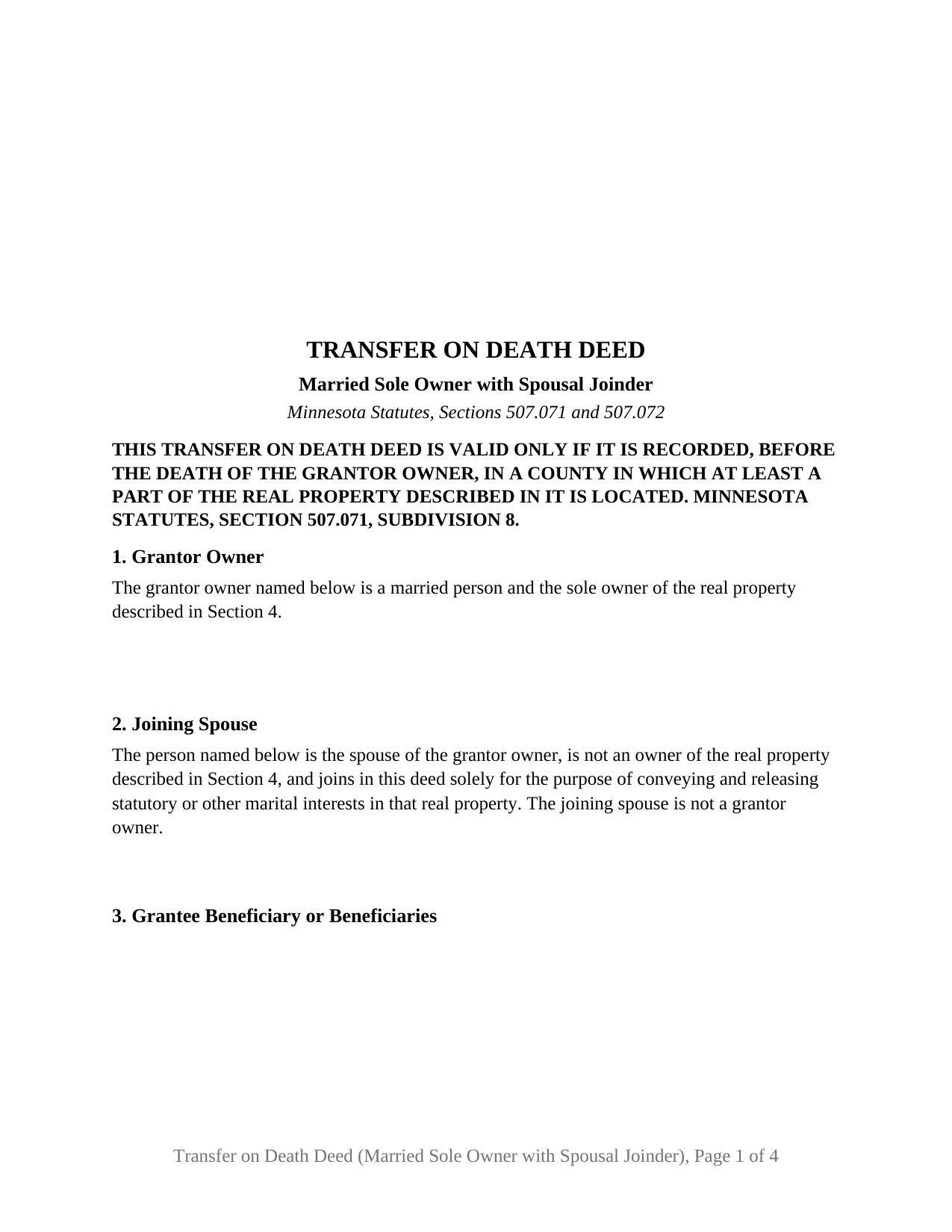
Meeker County Transfer on Death Deed (Married Sole Owner with Spousal Joinder) Form
Fill in the blank Transfer on Death Deed (Married Sole Owner with Spousal Joinder) form formatted to comply with all Minnesota recording and content requirements.
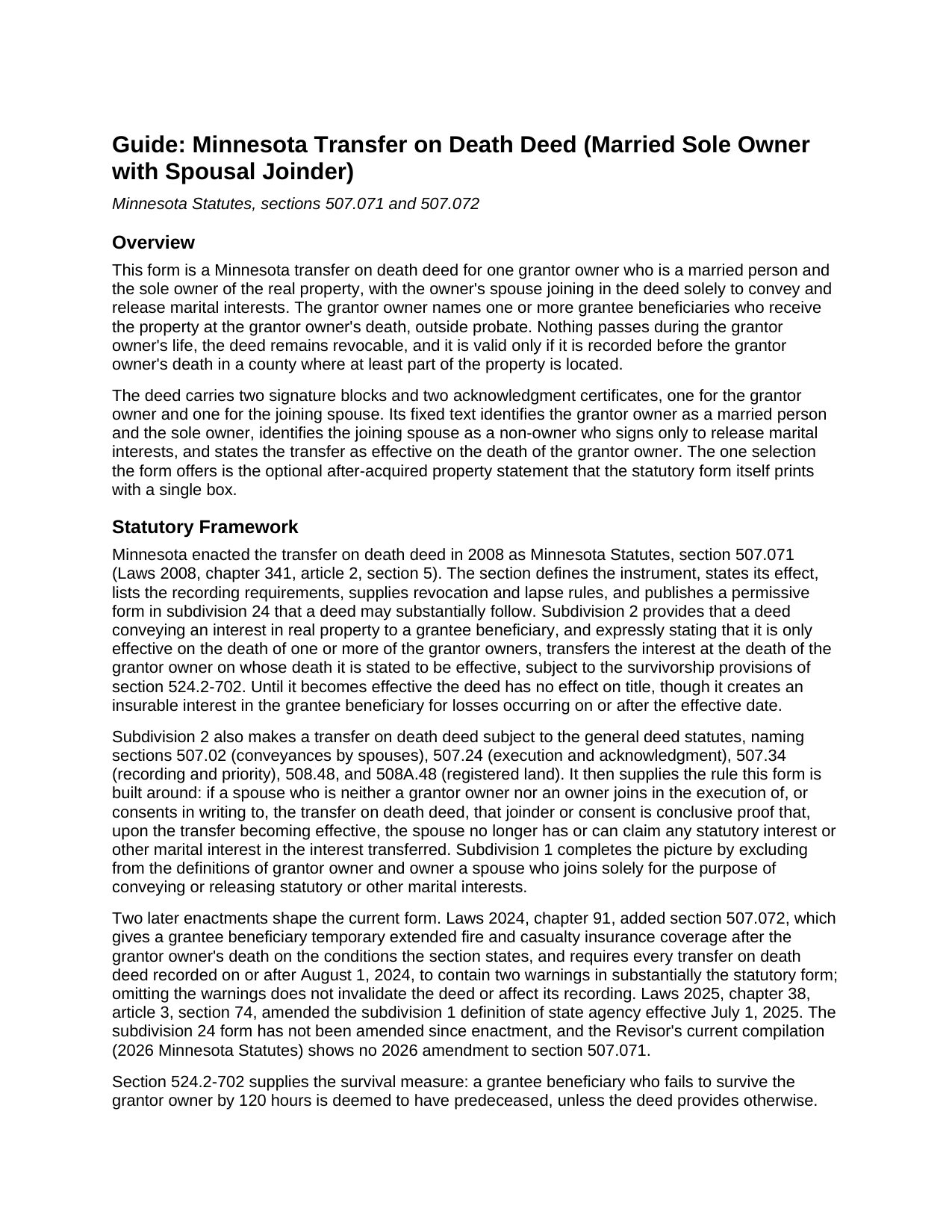
Meeker County Transfer on Death Deed (Married Sole Owner with Spousal Joinder) Guide
Line by line guide explaining every blank on the Transfer on Death Deed (Married Sole Owner with Spousal Joinder) form.
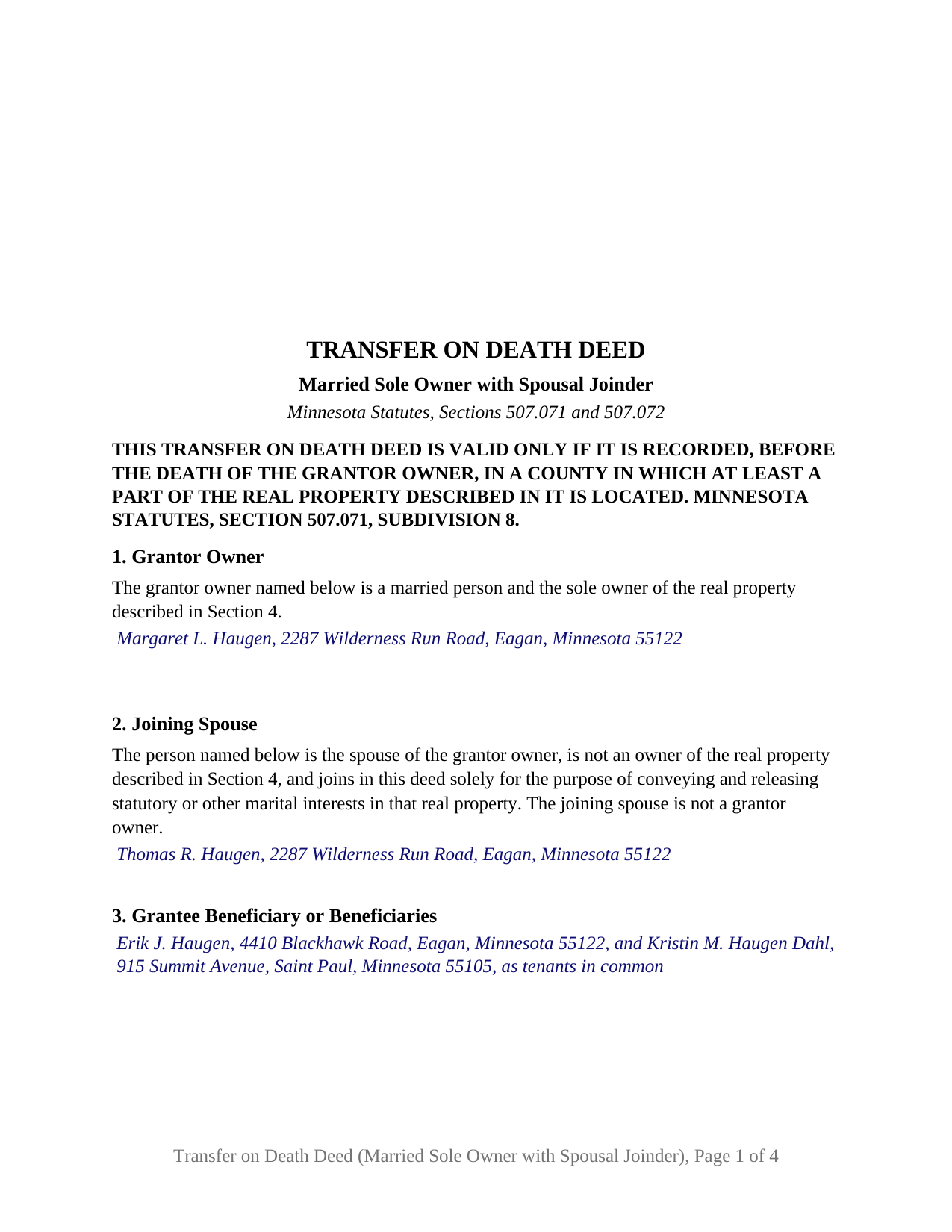
Meeker County Completed Example of the Transfer on Death Deed (Married Sole Owner with Spousal Joinder) Document
Example of a properly completed Minnesota Transfer on Death Deed (Married Sole Owner with Spousal Joinder) document for reference.
All 3 documents above included • One-time purchase • No recurring fees
Immediate Download • Secure Checkout
Additional Minnesota and Meeker County documents included at no extra charge:
Where to Record Your Documents
Meeker County Recorder
Litchfield, Minnesota 55355
Hours: 8:00am to 4:30pm Monday through Friday
Phone: (320) 693-5440
Recording Tips for Meeker County:
- Bring your driver's license or state-issued photo ID
- Ensure all signatures are in blue or black ink
- Ask for certified copies if you need them for other transactions
- Ask if they accept credit cards - many offices are cash/check only
- Check that your notary's commission hasn't expired
Cities and Jurisdictions in Meeker County
Properties in any of these areas use Meeker County forms:
- Cosmos
- Darwin
- Dassel
- Eden Valley
- Grove City
- Litchfield
- Watkins
Hours, fees, requirements, and more for Meeker County
How do I get my forms?
Forms are available for immediate download after payment. The Meeker County forms will be in your account ready to download to your computer. An account is created for you during checkout if you don't have one. Forms are NOT emailed.
Are these forms guaranteed to be recordable in Meeker County?
Yes. Our form blanks are guaranteed to meet or exceed the applicable formatting requirements used for recording in Meeker County, including margin requirements, font requirements, and other layout standards. This guarantee applies to formatting, not to the legal sufficiency of information entered by the user or the suitability of a form for a particular transaction.
Can I reuse these forms?
Yes. You can reuse the forms for your personal use. For example, if you have multiple properties in Meeker County you only need to order once.
What do I need to use these forms?
The forms are PDFs that you fill out on your computer. The free Adobe Acrobat Reader is recommended, and most PDF apps also work. You do NOT enter your property information online - you download the blank forms and complete them privately on your own computer.
Are there any recurring fees?
No. This is a one-time purchase. Nothing to cancel, no memberships, no recurring fees.
How much does it cost to record in Meeker County?
Recording fees in Meeker County vary. Contact the recorder's office at (320) 693-5440 for current fees.
Questions answered? Let's get started!
When one spouse holds Minnesota real property in that spouse's name alone, a transfer on death deed signed by the owner carries a second signature that transfers nothing: the other spouse's. Built on Minnesota Statutes, section 507.071, this deed is configured for a married sole owner and carries a joining-spouse block whose signature releases marital interests without making the spouse an owner.
A signature that releases but does not own
Section 507.071, subdivision 1, excludes from the terms grantor owner and owner a spouse who joins in a transfer on death deed solely to convey or release statutory or other marital interests. Subdivision 2 states what that joinder accomplishes: it is conclusive proof that, upon the transfer becoming effective, the spouse no longer has or can claim any statutory interest or other marital interest in the interest transferred. The deed's fixed text names the joining spouse in that capacity in Section 2 and repeats it in the operative section, so the signature reads as a release and never as a second owner's conveyance.
Why the spouse signs at all
Section 507.02 provides that if the owner is married, no conveyance of the homestead, outside the exceptions the section lists, is valid without the signatures of both spouses, and subdivision 2 makes the transfer on death deed subject to that section. Subdivision 3 adds the other side: a beneficiary takes subject to any claim by a surviving spouse who did not join in or consent in writing to the deed. The joining-spouse block answers both provisions on the face of the instrument.
One owner, one death, one trigger
The deed recites exactly one grantor owner, a married person and the sole owner of the described property, and conveys and quitclaims to the named grantee beneficiary or beneficiaries effective on the death of the grantor owner, in the operative words of the subdivision 24 form. Because the joining spouse is not a grantor owner, that spouse's death is not the trigger. The after-acquired property statement the statutory form prints with a single box appears as the statute prints it, unmarked on the blank form, and the guide describes the subdivision 21 rule for an unmarked box.
Each certificate names the other spouse
Minnesota Statutes, section 358.14, provides that spouses who join in and acknowledge an instrument are described in the certificate of acknowledgment in a manner indicating they are married to each other, and that where they acknowledge before different officers or at different times, each is described as the spouse of the other. This deed carries a separate certificate for the grantor owner and for the joining spouse, each with a spouse-of line under the acknowledger's name, built on the section 358.66 short form.
What the configuration recites
The form prints two signature blocks, GRANTOR OWNER and JOINING SPOUSE, two acknowledgment certificates, a fixed recital of marital status and sole ownership, and a fixed joinder sentence; the only selection it offers is the statutory form's own after-acquired box. Grantee beneficiaries may be natural persons, the trustee of a trust, or a qualified entity, taking in any tenancy the chapter allows. A homeowner who took title before the marriage, or who inherited the property in one name, presents the pattern this deed recites. The form is not set up as a deed signed by two owners, by an unmarried owner, or by an entity, trustee, or attorney-in-fact.
Recording in the county, before death
A Minnesota TOD deed, sometimes searched as a beneficiary deed, is valid only if recorded before the grantor owner's death in a county where at least part of the property lies, with the county recorder for abstract property or the registrar of titles for Torrens land. No auditor certification or certificate of real estate value accompanies it, the state deed tax does not reach it, and the deed carries the section 507.091 drafter statement and the two insurance warnings section 507.072 has required since August 1, 2024. After the owner's death, the affidavit of identity and survivorship and the county agency clearance certificate are prepared and recorded separately and are not part of this package.
Included in the package are the fillable transfer on death deed, a completed example worked through a realistic Dakota County fact pattern, and the guide covering each numbered section, the spousal joinder rules, the certificate description rule, and recording. The guide and this description explain the form and the statutes behind it in general terms only and are not legal advice.
Important: Your property must be located in Meeker County to use these forms. Documents should be recorded at the county recording office listed above.
This Transfer on Death Deed (Married Sole Owner with Spousal Joinder) meets all recording requirements specific to Meeker County.
Our Promise
The documents you receive here are guaranteed to meet or exceed the applicable Meeker County recording format requirements. If there is a rejection caused by our formatting, we will correct the issue or refund your payment. This guarantee applies to document formatting only and does not extend to information entered by the user, the selection of the form, or the legal effect of the completed document.
Save Time and Money
Get your Meeker County Transfer on Death Deed (Married Sole Owner with Spousal Joinder) form done right the first time with Deeds.com Uniform Conveyancing Blanks. At Deeds.com, we understand that your time and money are valuable resources, and we don't want you to face a penalty fee or rejection imposed by a county recorder for submitting nonstandard documents. We constantly review and update our forms to meet rapidly changing state and county recording requirements for roughly 3,500 counties and local jurisdictions.
4.8 out of 5 - ( 4,840 Reviews )
Sharon B. 3 out of 5 stars
Downloaded pdf form was difficult to use,/modify and has too much space between sections.
Your feedback is valuable to us and helps us improve. Thank you for sharing your thoughts!
Carl R. 5 out of 5 stars
Wonderful forms even for an simpleton like me. Thank goodness there are people that actually know what they are doing.
Thanks for the kind words Carl.
J Samuel B. 4 out of 5 stars
Good, but make your PDFs convertible to Word or RTF.
Thank you for your feedback. It helps us continue improving.
Vernon H. 5 out of 5 stars
Great process and very easy to complete
Thank you!
Kelli B. 5 out of 5 stars
Amazingly simple and fast. A great service.
Thank you!
Bridgett A S. 5 out of 5 stars
It was actually very easy to use and not very expensive. I'm glad I tried it out
We truly value your business and appreciate your review.
Peter M. 5 out of 5 stars
GREAT! site, had everything we needed to complete our estate planning for our children
Thank you for your feedback. We really appreciate it. Have a great day!
Mary B. 5 out of 5 stars
Your information was orderly and very clear and helpful. Thanks!
Thank you for your feedback. We really appreciate it. Have a great day!
bruce t. 5 out of 5 stars
Much good information provided. Forms easy to use. Price is a bargain.
We appreciate your business and value your feedback. Thank you. Have a wonderful day!
Sohaib R. 5 out of 5 stars
Digital anything can be extremely convenient and quick, and my experience with Deeds.com has been exactly that. Very worth their fee. (I used them to record real property records/deeds in Texas).
We appreciate your business and value your feedback. Thank you. Have a wonderful day!
Brad T. 5 out of 5 stars
I didn't spend a lot of time there but seems to be a good site with a valuable service.
Thank you!
Lorrie P. 5 out of 5 stars
What a wonderful and easy task using deeds.com. I searched on line for the proper procedure to file a quit claim deed. It looked to confusing to do mysellf until I found deeds.com. With their instructions, I was able to fill out all the proper forms and file with the court in two days. Saved me at least a thousand dollars if I had an attorney do the same. Thank you. I will definitely use them again.
Thank you for your feedback. We really appreciate it. Have a great day!
Patricia W. 5 out of 5 stars
Easy to use with the itemized instruction.
Thank you for your feedback. We really appreciate it. Have a great day!
George A. M. 5 out of 5 stars
User friendly and fast to use. I was pleased with experience.
We appreciate your business and value your feedback. Thank you. Have a wonderful day!
Sheron W. 5 out of 5 stars
I've used Deeds.com for a few years. The service is good, and orders are completed fast. I will continue using them and I recommend them.
We appreciate your business and value your feedback. Thank you. Have a wonderful day!