Walthall County Easement Deed Form
Last validated October 12, 2026 by our Forms Development TeamFormatted for recording in Walthall County, for property anywhere in the county: rural and unincorporated areas as well as Tylertown.
- 4 documents included
- Immediate PDF download
- Formatting guarantee
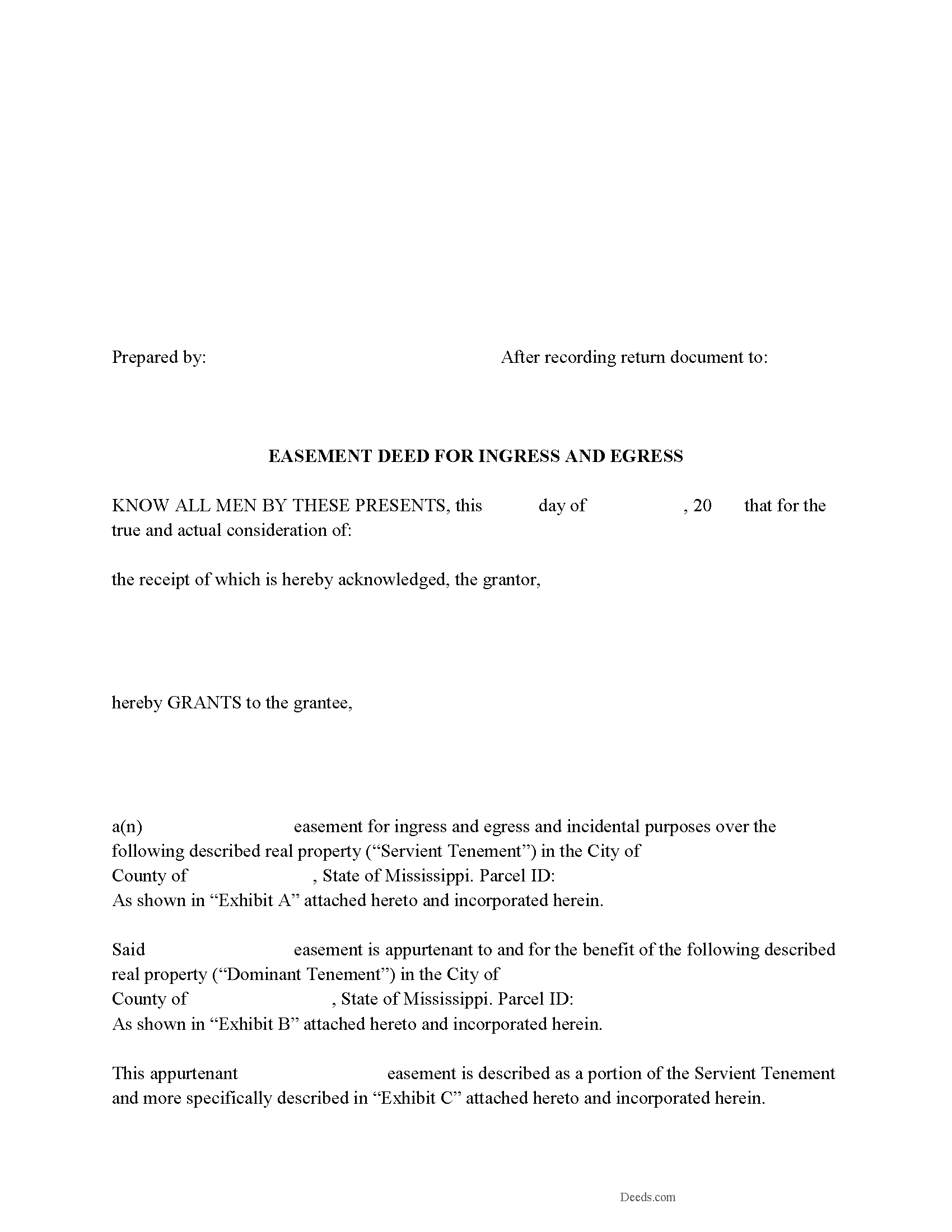
Walthall County Easement Deed Form
Fill in the blank form formatted to comply with all recording and content requirements.
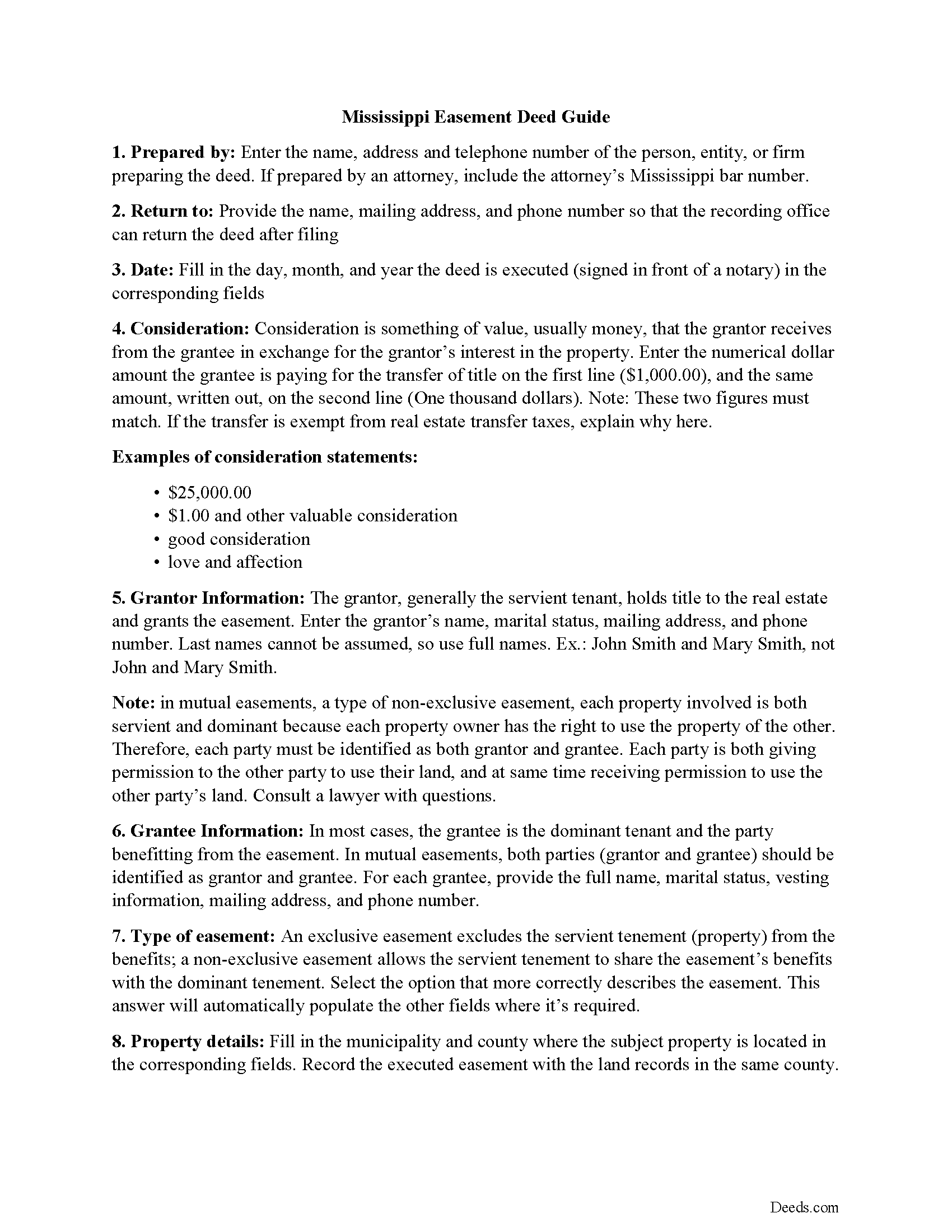
Walthall County Easement Deed Guide
Line by line guide explaining every blank on the form.
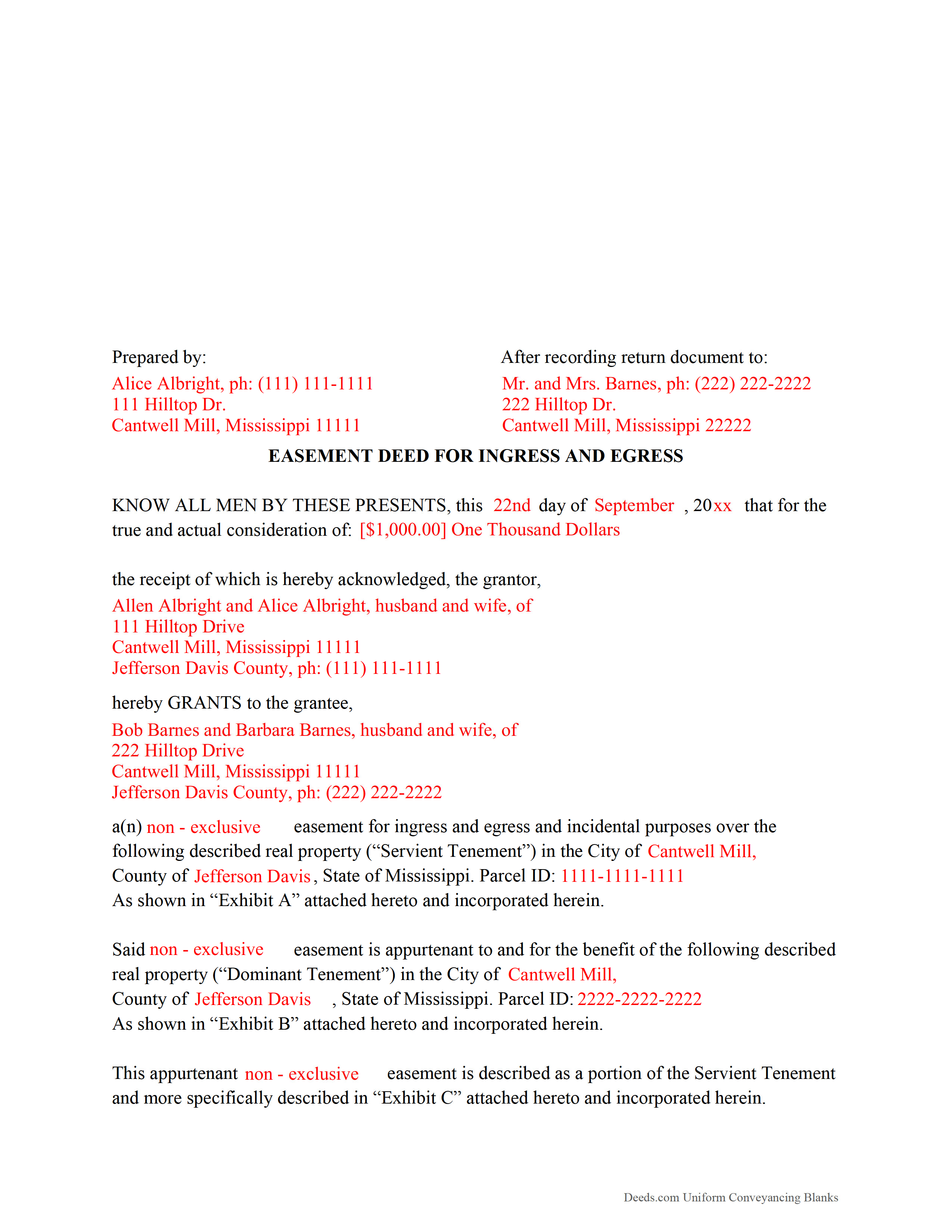
Walthall County Completed Example of the Easement Deed Document
Example of a properly completed form for reference.
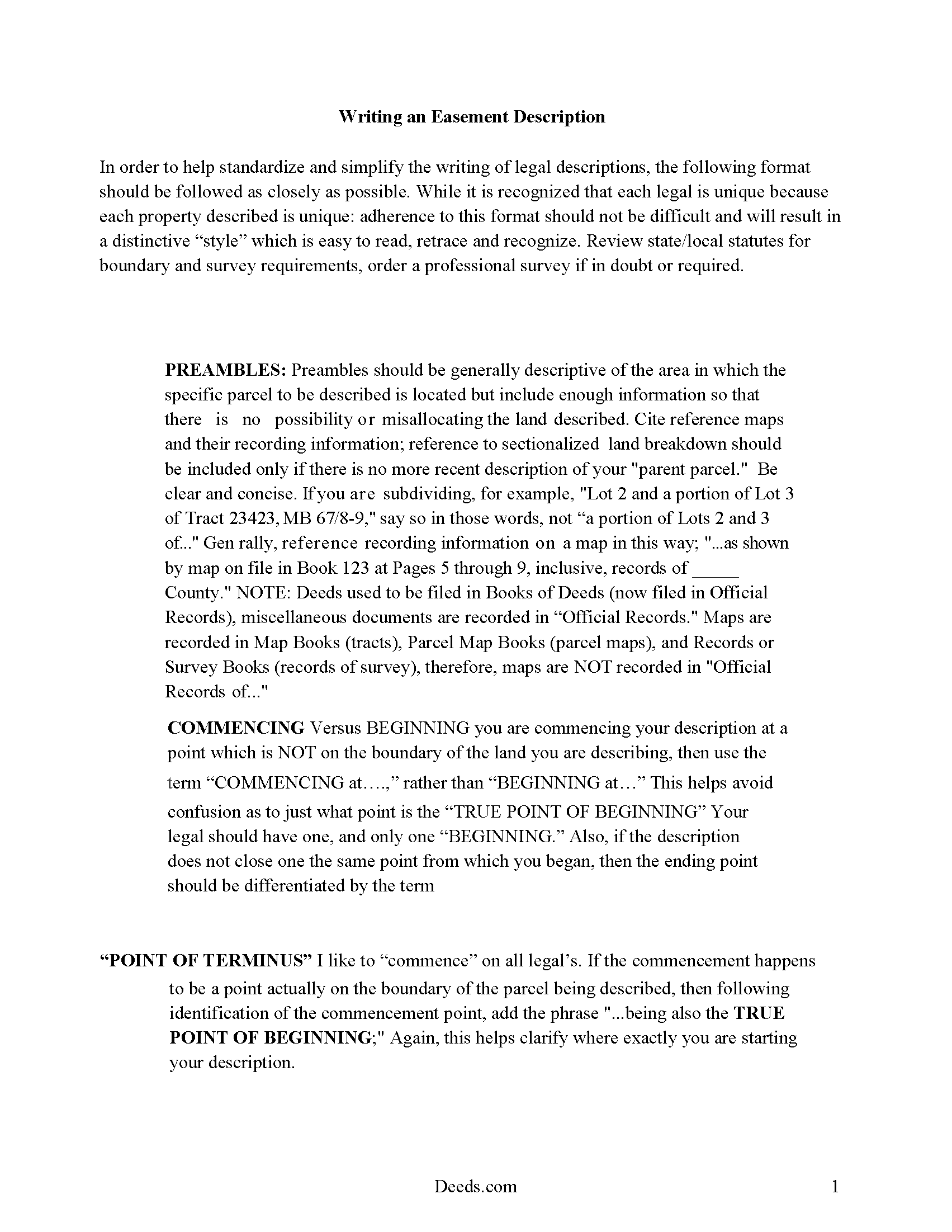
Walthall County Guide to Writing an Easement Description
A Description of the Easement will be required. This will show how to write an acceptable description for a Right of Way Easement, which gives access, to and from - point A to point B.
All 4 documents above included • One-time purchase • No recurring fees
Immediate Download • Secure Checkout
Additional Mississippi and Walthall County documents included at no extra charge:
Where to Record Your Documents
Walthall County Chancery Clerk
Tylertown, Mississippi 39667
Hours: 8:00 to 5:00 M-F
Phone: (601) 876-3553
Recording Tips for Walthall County:
- Bring your driver's license or state-issued photo ID
- Ensure all signatures are in blue or black ink
- Ask about accepted payment methods when you call ahead
- Ask for certified copies if you need them for other transactions
- Ask if they accept credit cards - many offices are cash/check only
Cities and Jurisdictions in Walthall County
Properties in any of these areas use Walthall County forms:
- Tylertown
Hours, fees, requirements, and more for Walthall County
How do I get my forms?
Forms are available for immediate download after payment. The Walthall County forms will be in your account ready to download to your computer. An account is created for you during checkout if you don't have one. Forms are NOT emailed.
Are these forms guaranteed to be recordable in Walthall County?
Yes. Our form blanks are guaranteed to meet or exceed the applicable formatting requirements used for recording in Walthall County, including margin requirements, font requirements, and other layout standards. This guarantee applies to formatting, not to the legal sufficiency of information entered by the user or the suitability of a form for a particular transaction.
Can I reuse these forms?
Yes. You can reuse the forms for your personal use. For example, if you have multiple properties in Walthall County you only need to order once.
What do I need to use these forms?
The forms are PDFs that you fill out on your computer. The free Adobe Acrobat Reader is recommended, and most PDF apps also work. You do NOT enter your property information online - you download the blank forms and complete them privately on your own computer.
Are there any recurring fees?
No. This is a one-time purchase. Nothing to cancel, no memberships, no recurring fees.
How much does it cost to record in Walthall County?
Recording fees in Walthall County vary. Contact the recorder's office at (601) 876-3553 for current fees.
Questions answered? Let's get started!
An easement is a real property interest, but does not include rights of ownership. Easements allow one party to use the land of another for a specific purpose. This agreement is created by an easement deed, which can be made to benefit a dominant estate or an individual or legal entity, and can also be affirmative or negative. An easement in Mississippi will run with the land.
A conservation easement can be created, conveyed, recorded, and assigned in the same manner as other easements in the state. Except as may be provided by statute, a conservation easement is unlimited in its duration unless the instrument creating it provides otherwise ( 89-19-5). No right or duty in favor of or against a holder and no right of a person having a third-party right of enforcement arises under a conservation easement before its acceptance by the holder and a recordation of the acceptance ( 89-19-5).
An easement deed should be declared in writing, signed by the grantor, and delivered ( 89-1-3). Easement deeds should be acknowledged or proved, and the acknowledgment or proof should be certified by any of the authorized officers listed in section 89-3-3 of the Mississippi Revised Code. Acknowledgements or proof can be made in another state if the party executing the deed resides out of state. The acknowledgment or proof should be taken before any of the officers listed in 89-3-9, and the easement deed will be as good and effective as if the certificate of acknowledgment or proof had been made in Mississippi ( 89-3-9). If an easement deed does not have a proper acknowledgment or proof, the recording clerk may refuse to admit it to record. If a deed is not acknowledged or proved according to law, but has otherwise been admitted to record, then all persons are considered to be on constructive notice of the instrument ( 89-3-1).
In order to provide notice to third parties, an easement deed in Mississippi must be recorded with the chancery court in the county where the property is located. An easement deed will take effect as to all creditors and subsequent purchasers for a valuable consideration without notice only from the time it is delivered to the clerk to be recorded ( 89-5-5). If an easement deed is not recorded, it will be valid and binding only between the parties and their heirs, and as to all subsequent purchasers with notice or without valuable consideration ( 89-5-3).
(Mississippi ED Package includes form, guidelines, and completed example)
Important: Your property must be located in Walthall County to use these forms. Documents should be recorded at the county recording office listed above.
This Easement Deed meets all recording requirements specific to Walthall County.
Our Promise
The documents you receive here are guaranteed to meet or exceed the applicable Walthall County recording format requirements. If there is a rejection caused by our formatting, we will correct the issue or refund your payment. This guarantee applies to document formatting only and does not extend to information entered by the user, the selection of the form, or the legal effect of the completed document.
Save Time and Money
Get your Walthall County Easement Deed form done right the first time with Deeds.com Uniform Conveyancing Blanks. At Deeds.com, we understand that your time and money are valuable resources, and we don't want you to face a penalty fee or rejection imposed by a county recorder for submitting nonstandard documents. We constantly review and update our forms to meet rapidly changing state and county recording requirements for roughly 3,500 counties and local jurisdictions.
4.8 out of 5 - ( 4,828 Reviews )
Mark S. 5 out of 5 stars
The forms were easy to fill in and file. I've never filed anything like this before and the forms made it extremely easy. Thank you so much!
Thank you for your feedback. We really appreciate it. Have a great day!
Richard N. 5 out of 5 stars
It went well. The proof will be when I complete the forms and submit to the County Clerk.
We appreciate your business and value your feedback. Thank you. Have a wonderful day!
Gail W. 5 out of 5 stars
Deeds.com had the forms I needed, along with completed examples. Fast download. Easy to use site. Thanks!
Thank you!
Brian O. 5 out of 5 stars
It's an instant download. I was very pleased that it included instructions and any necessary additional forms. Much easier than spending 3 hours on a county assessor's website searching for every single form. A good deal and I don't know how Deeds.com keeps up with thousands of counties. The fillable .pdf capability is a great enhancement.
Thank you for your feedback. We really appreciate it. Have a great day!
Robert B. 5 out of 5 stars
The forms were easy to download and fill.
Thank you!
charles g. 5 out of 5 stars
very good forms. they covered everything i needed.
Thanks Charles, we really appreciate your feedback. Have a great day!
Brian S. 3 out of 5 stars
PDF fields change font sizes leading to an unprofessional-appearing printed page. The examples for "Convey to" section don't include how to specify just one person instead of a married couple. Maybe that is simple but it would help to spell it out in an example. Haven't submitted to County Recorder yet, so will find out if it is acceptable.
Thank you for the feedback Brian.
The font issue is caused by using a PDF viewer other than Adobe Acrobat Reader. Our form fields are set to a uniform 12-point font, but non-Adobe viewers often render form fields inconsistently. Opening and printing the form with the free Adobe Acrobat Reader will resolve that.
Regarding the examples, that's a fair point, we'll look at expanding them.
Dale Mary G. 5 out of 5 stars
This was an easy site to use - saving so much time and allowing me to complete what I needed to do. All the added information, guidelines and even a sample completed form. Great!
We appreciate your business and value your feedback. Thank you. Have a wonderful day!
CECIL E C. 5 out of 5 stars
You made it easy to attain the documents I needed. The cost was very reasonable...thanks
Thank you for your feedback Cecil, we really appreciate it.
Kimberly F. 5 out of 5 stars
Ordered and received the quitclaim form. Exactly what I expected, perfect.
Thank you for your feedback. We really appreciate it. Have a great day!
Linda K C. 5 out of 5 stars
I wanted to do an Enhancement Life Quitclaim deed and the county government lady didn’t know what I was even talking about. I ordered the deed from Deeds.com and filled it all in,submitted to the county clerk who took 10 minutes to study it before she accepted the deed. This was the easiest transaction I’ve ever made! I actually felt smarter than the clerk who worked at the count office over 20 years.
Thank you, Linda! We’re glad the process went smoothly and that our forms helped you complete your recording with confidence. We appreciate you taking the time to share your experience!
Roger M. 3 out of 5 stars
A better or more simplified explanation of what some of the more common titles would be used for would help. You list 6-8 types of Trusts alone. An example of doing a Grant Deed to move a property into, out of, or from a Trust to a Trust would have been helpful.
Thank you for your feedback. We really appreciate it. Have a great day!
Beverly D. 5 out of 5 stars
Thank You, Job well done. So nice not to have to leave house and drive all over to record these documents. Very satisfied.
Thank you for your feedback. We really appreciate it. Have a great day!
Jayne J. 5 out of 5 stars
We have used this service two times and now going for third. Would recommend. So glad this service is available.
Thank you for your positive words! We’re thrilled to hear about your experience.
Nora T. 5 out of 5 stars
The forms are easy to fill in but too restricted for editing.
Thank you!