Walthall County Trustee Deed for Inter Vivos Trust Form
Last validated October 8, 2026 by our Forms Development TeamFormatted for recording in Walthall County, for property anywhere in the county: rural and unincorporated areas as well as Tylertown.
- 3 documents included
- Immediate PDF download
- Formatting guarantee
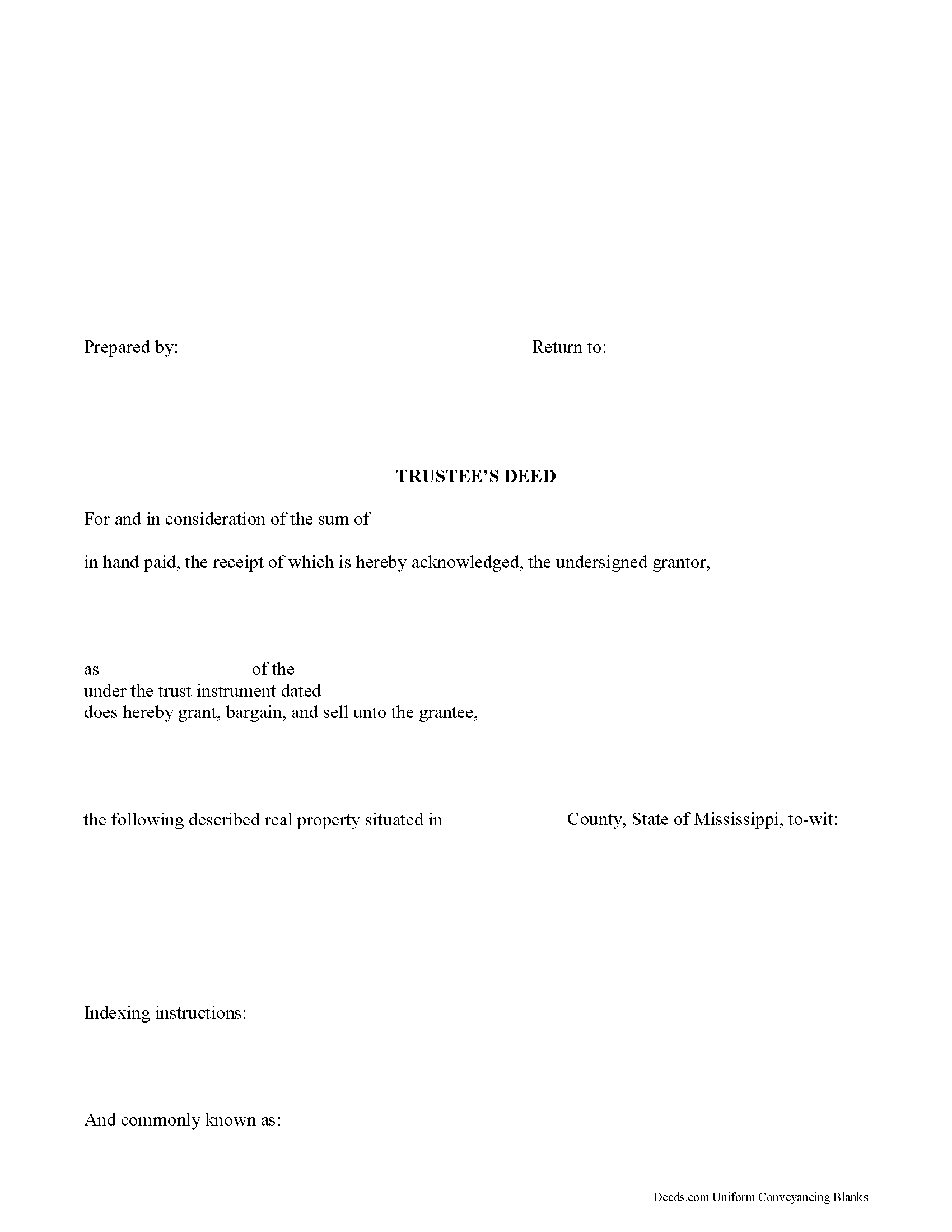
Walthall County Trustee Deed Form
Fill in the blank form formatted to comply with all recording and content requirements.
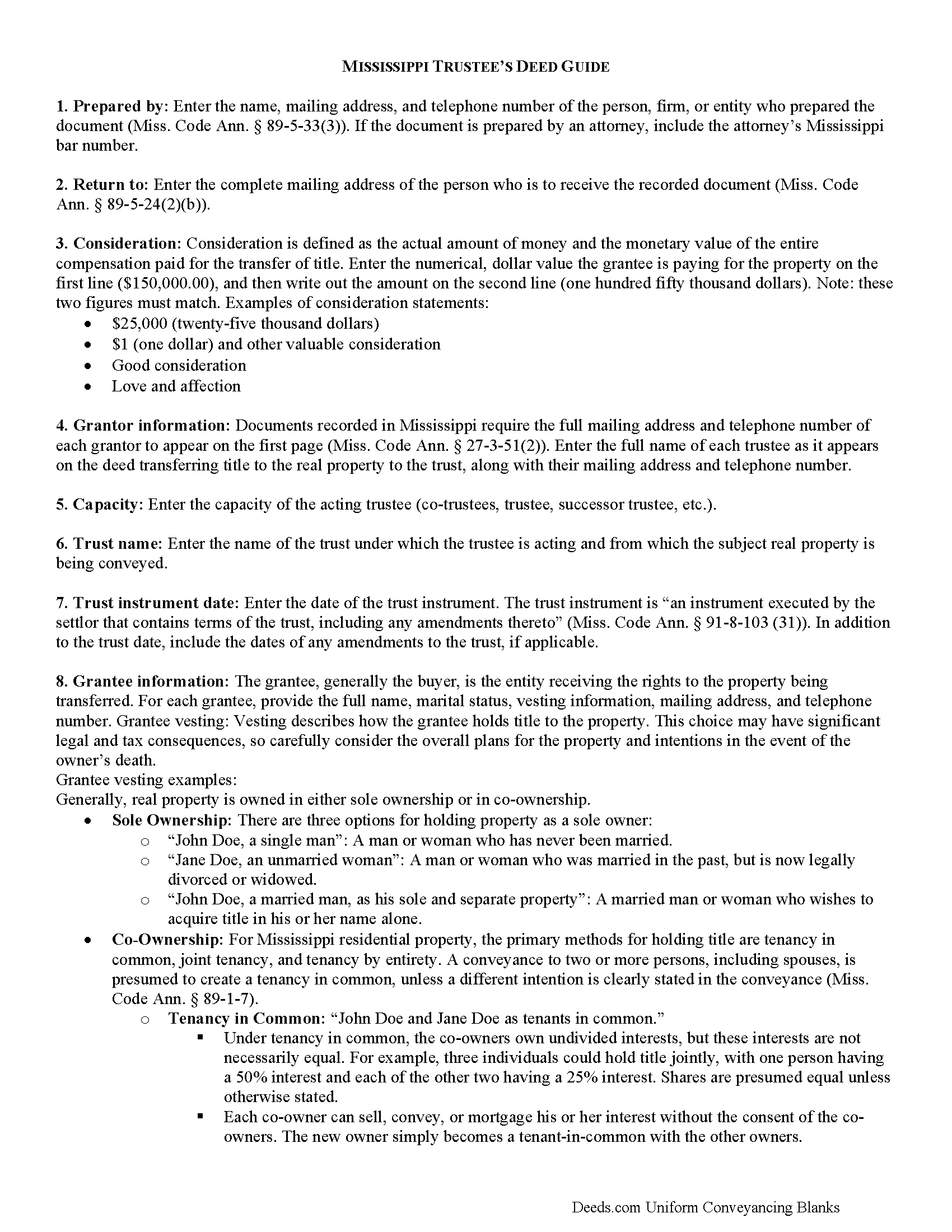
Walthall County Trustee Deed Guide
Line by line guide explaining every blank on the form.
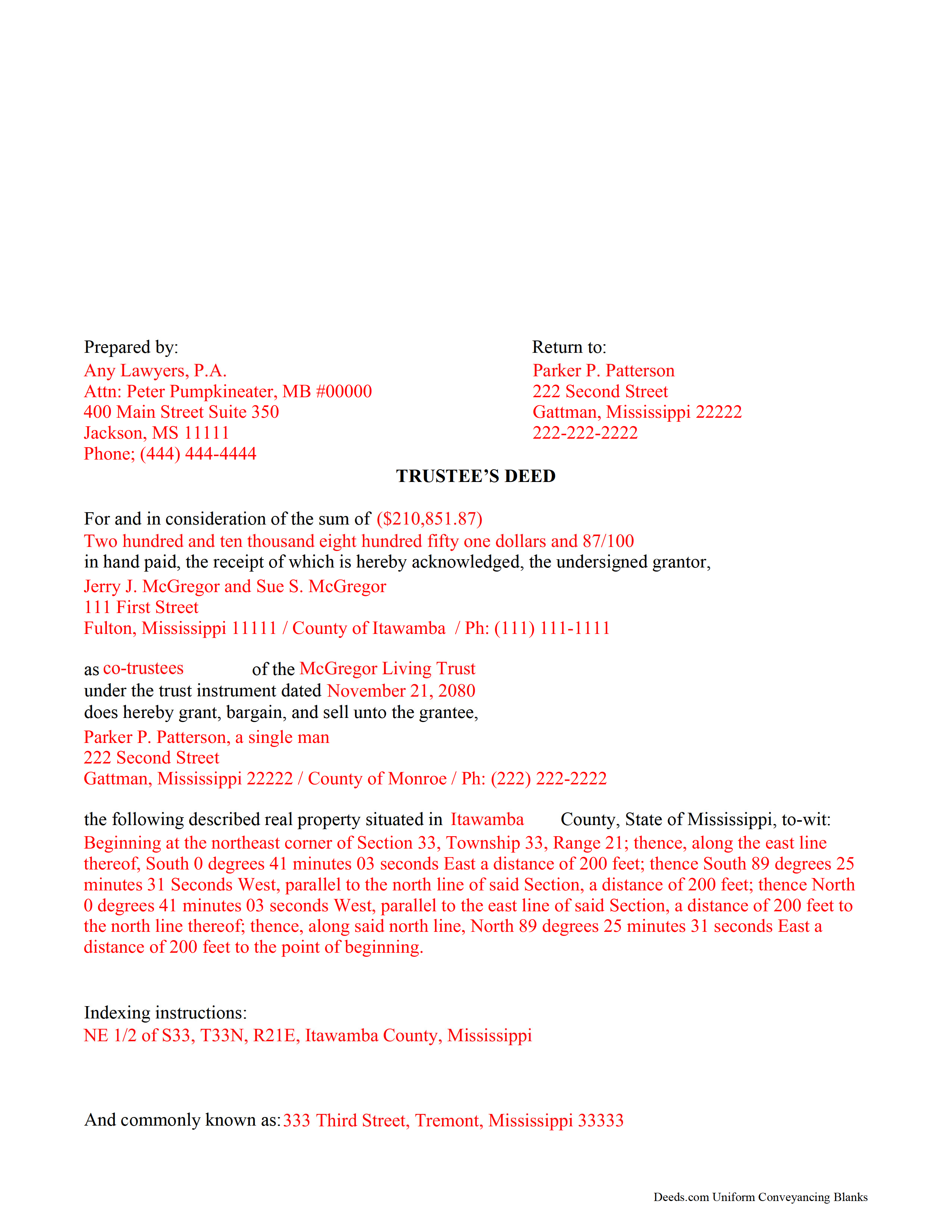
Walthall County Completed Example of the Trustee Deed Document
Example of a properly completed form for reference.
All 3 documents above included • One-time purchase • No recurring fees
Immediate Download • Secure Checkout
Additional Mississippi and Walthall County documents included at no extra charge:
Where to Record Your Documents
Walthall County Chancery Clerk
Tylertown, Mississippi 39667
Hours: 8:00 to 5:00 M-F
Phone: (601) 876-3553
Recording Tips for Walthall County:
- Bring your driver's license or state-issued photo ID
- Ensure all signatures are in blue or black ink
- Avoid the last business day of the month when possible
- Both spouses typically need to sign if property is jointly owned
- Bring extra funds - fees can vary by document type and page count
Cities and Jurisdictions in Walthall County
Properties in any of these areas use Walthall County forms:
- Tylertown
Hours, fees, requirements, and more for Walthall County
How do I get my forms?
Forms are available for immediate download after payment. The Walthall County forms will be in your account ready to download to your computer. An account is created for you during checkout if you don't have one. Forms are NOT emailed.
Are these forms guaranteed to be recordable in Walthall County?
Yes. Our form blanks are guaranteed to meet or exceed the applicable formatting requirements used for recording in Walthall County, including margin requirements, font requirements, and other layout standards. This guarantee applies to formatting, not to the legal sufficiency of information entered by the user or the suitability of a form for a particular transaction.
Can I reuse these forms?
Yes. You can reuse the forms for your personal use. For example, if you have multiple properties in Walthall County you only need to order once.
What do I need to use these forms?
The forms are PDFs that you fill out on your computer. The free Adobe Acrobat Reader is recommended, and most PDF apps also work. You do NOT enter your property information online - you download the blank forms and complete them privately on your own computer.
Are there any recurring fees?
No. This is a one-time purchase. Nothing to cancel, no memberships, no recurring fees.
How much does it cost to record in Walthall County?
Recording fees in Walthall County vary. Contact the recorder's office at (601) 876-3553 for current fees.
Questions answered? Let's get started!
Use a trustee's deed to transfer real property held in an inter vivos trust (also called a living trust). This type of deed is named for the executing trustee of the living trust, who holds legal title to the real property transferred into trust by the trust's settlor, and not for the type of warranty it carries, as with other forms of conveyance. Note that this type of trustee's deed is separate from the trustee's deed used to convey real property under a deed of trust upon foreclosure.
The trustee's deed for a living trust recites the trustee's name, address, telephone number, and capacity, and includes the name of and date of the trust on behalf of which the trustee is authorized to act. In addition, it includes the grantee's name, address, telephone number, and vesting information. Trustees may produce a certification of trust under Miss. Code Ann. 91-8-1013 verifying the trustee's authority to enter into the transaction.
The form's granting language contains implied covenants "that the grantor was seized of an estate, free from incumbrance made or suffered by the grantor, except the rents and services that may be reserved, and also for quiet enjoyment against the grantor, his heirs and assigns, unless limited by express word contained in the conveyance" (Miss. Code Ann. 89-1-41).
As with all conveyances in Mississippi, the deed requires a legal description of the property subject to the conveyance. Indexing instructions may also be required. The instrument should recite the name, address, telephone number, and bar number, if applicable, of the person who prepared the document. The trustee's signature must be witnessed in the presence of a notary public for a valid transfer.
Consult a lawyer with any questions regarding trustee's deeds in Mississippi.
(Mississippi TD Package includes form, guidelines, and completed example)
Important: Your property must be located in Walthall County to use these forms. Documents should be recorded at the county recording office listed above.
This Trustee Deed for Inter Vivos Trust meets all recording requirements specific to Walthall County.
Our Promise
The documents you receive here are guaranteed to meet or exceed the applicable Walthall County recording format requirements. If there is a rejection caused by our formatting, we will correct the issue or refund your payment. This guarantee applies to document formatting only and does not extend to information entered by the user, the selection of the form, or the legal effect of the completed document.
Save Time and Money
Get your Walthall County Trustee Deed for Inter Vivos Trust form done right the first time with Deeds.com Uniform Conveyancing Blanks. At Deeds.com, we understand that your time and money are valuable resources, and we don't want you to face a penalty fee or rejection imposed by a county recorder for submitting nonstandard documents. We constantly review and update our forms to meet rapidly changing state and county recording requirements for roughly 3,500 counties and local jurisdictions.
4.8 out of 5 - ( 4,828 Reviews )
William B. 4 out of 5 stars
The forms, and other information, are all excellent. I would be giving a 5-star review if it were not for the fact that downloading a "bundle" about quitclaim deeds required I download every single file independently (15 files). I would far prefer a zip file, or one click to download the whole pile of independent files.
Your feedback is valuable to us and helps us improve. Thank you for sharing your thoughts!
Patricia U. 5 out of 5 stars
Quick and easy document recording from home! Wish I knew about this before!
Thank you for your feedback. We really appreciate it. Have a great day!
Lawrence C. 5 out of 5 stars
Excellent and expeditious service. Will definitely use in the future when the need arises.
Thank you for your positive words! We’re thrilled to hear about your experience.
Andrea H. 5 out of 5 stars
Easy! Reasonable cost over and above the actual recording cost. Will save me the time I would have spent driving to the county offices.
We appreciate your business and value your feedback. Thank you. Have a wonderful day!
Gerlinde H. 5 out of 5 stars
This was fantastic. I downloaded the document, filled it out, printed it, had it notarized and drove to the recorders office and had it recorded within less than 15 minutes. Instructions are precise and easy to understand. You saved me hundreds of dollars a lawyer would have charged for the same work.
We appreciate your business and value your feedback. Thank you. Have a wonderful day!
Koko H. 5 out of 5 stars
Five star. Prompt and easy way to obtain information. Good value.
We appreciate your business and value your feedback. Thank you. Have a wonderful day!
Cynthia S. 4 out of 5 stars
Good find, provides guide to use.
We appreciate your business and value your feedback. Thank you. Have a wonderful day!
Brian B. 5 out of 5 stars
Very good price. It came with instructions and a sample filled out. Very helpful.
Thank you for your feedback. We really appreciate it. Have a great day!
Neil W. 5 out of 5 stars
This looks easy enough. Thanks. Very simple and efficient navigating the site.
Thank you for your feedback. We really appreciate it. Have a great day!
John B. 5 out of 5 stars
Fantastic service, easy to use, and supported the entire way through every process. Excellent service!
We are motivated by your feedback to continue delivering excellence. Thank you!
Kathy Z. 5 out of 5 stars
Great site !! Very easy to navigate and explanations are clear and simple to understand. Thank You!
We appreciate your business and value your feedback. Thank you. Have a wonderful day!
Victoria T. 5 out of 5 stars
This is a great website!!! Easy to use and inexpensive. Thank you deeds.com!
We appreciate your business and value your feedback. Thank you. Have a wonderful day!
Stephen U. 5 out of 5 stars
This is another great deal that has come out of the quarantine for covid. Saved me hours and days of time. and provides a way to file deeds that really isn't done effectively anyway else. It was also very inexpensive that you would not expect. I didn't even have to leave home.
Thank you for your feedback. We really appreciate it. Have a great day!
Tammy A. 5 out of 5 stars
I transferred my property to my child when I moved to another state. I don't know what I would have done without Deeds.com. I was able to find all of the forms and instructions for the state where the property was located. Highly recommend!
Thank you, Tammy. We’re honored to have been part of such an important transition for you. We’re glad the forms and state-specific instructions made the process clear and manageable. We truly appreciate your recommendation!
Gary K. 4 out of 5 stars
Straightforward and pretty easy to use. The only downside is that there is no way to contact them directly. The number on the website is answered only by a voicemail with no return calls. Pricing seems fair compared to other services and much more efficient that filing "over the counter."
Thank you for your feedback. We really appreciate it. Have a great day!