Hancock County Trustee Deed for Inter Vivos Trust Form
Last validated October 8, 2026 by our Forms Development TeamFormatted for recording in Hancock County, for property anywhere in the county: rural and unincorporated areas as well as Bay Saint Louis, Diamondhead, Kiln, Lakeshore, Pearlington, Stennis Space Center, Waveland.
- 3 documents included
- Immediate PDF download
- Formatting guarantee
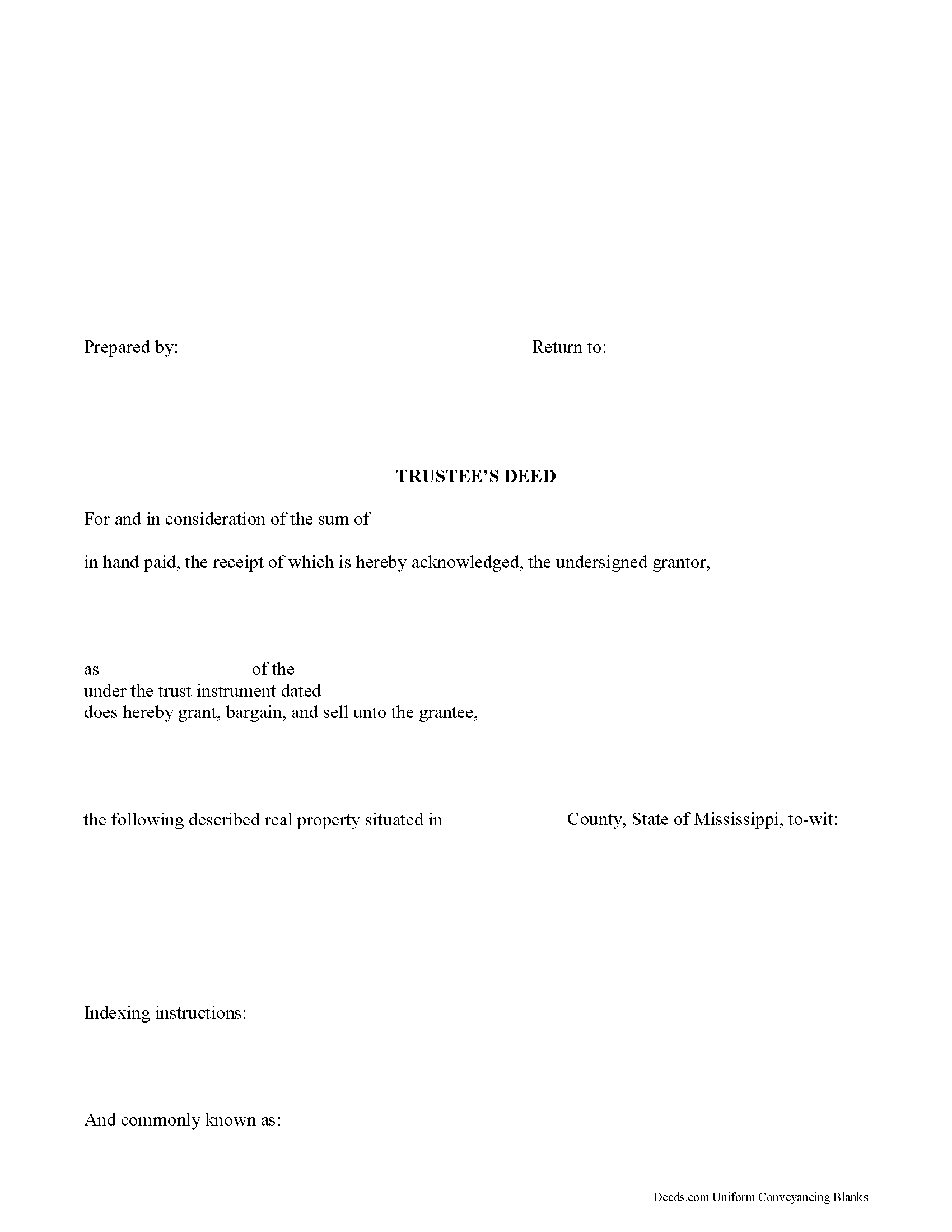
Hancock County Trustee Deed Form
Fill in the blank form formatted to comply with all recording and content requirements.
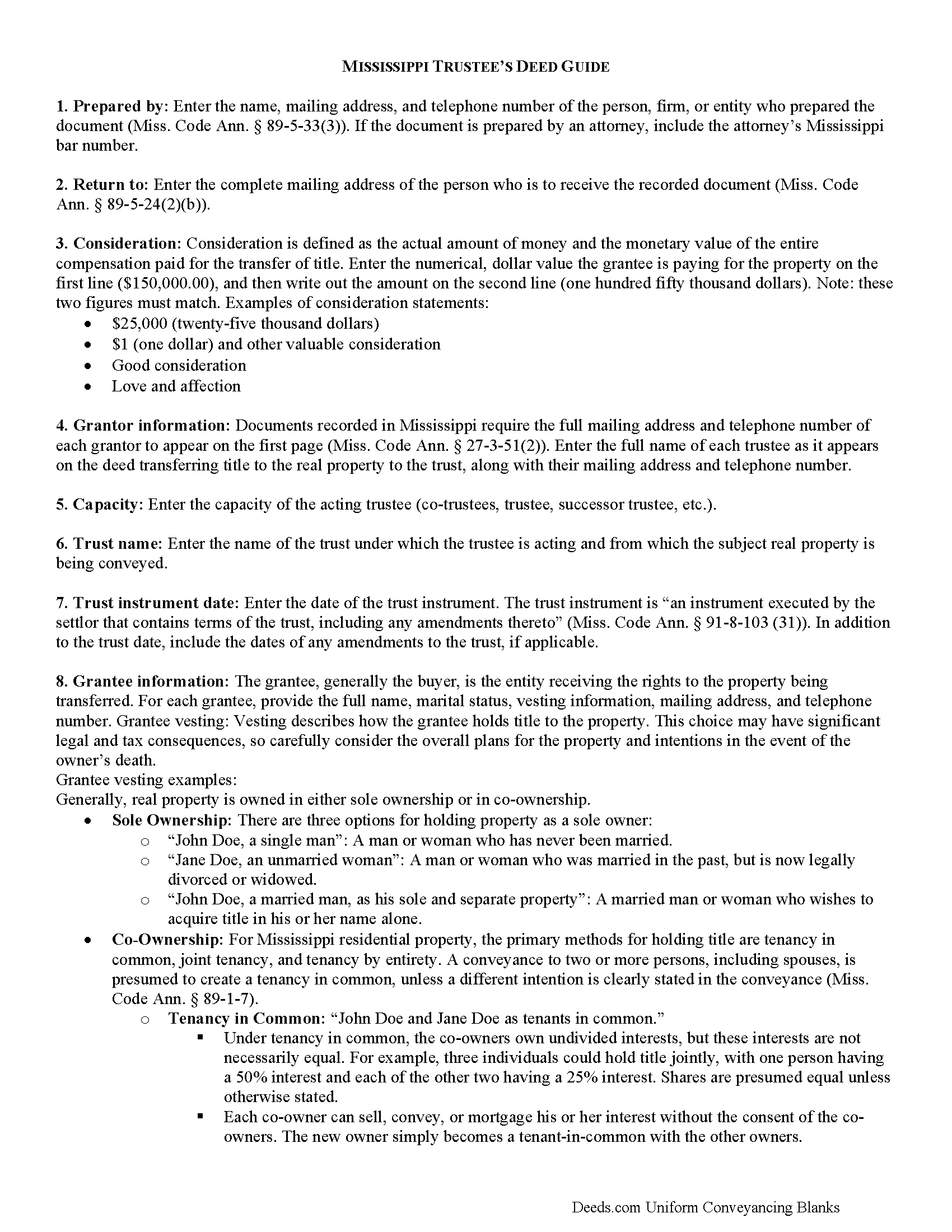
Hancock County Trustee Deed Guide
Line by line guide explaining every blank on the form.
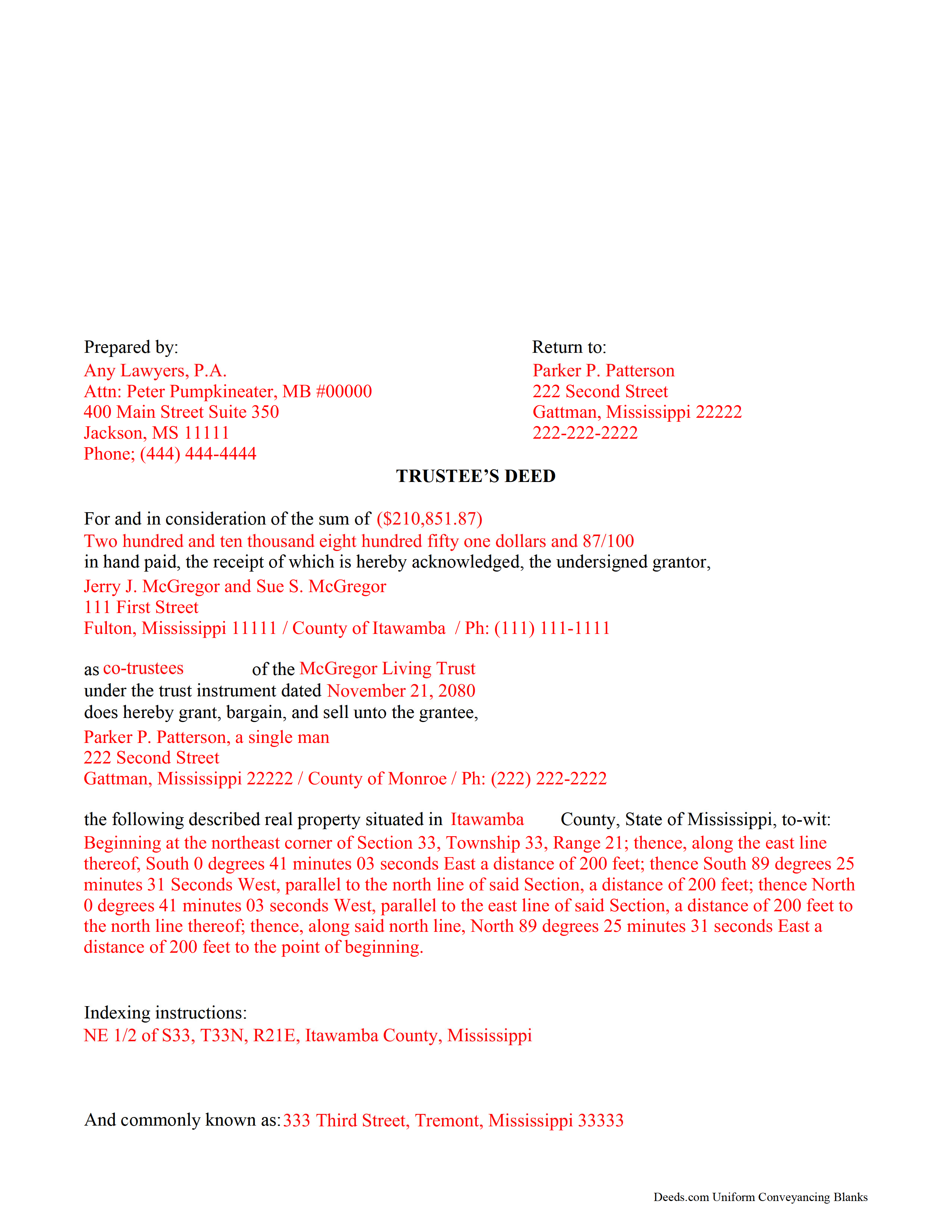
Hancock County Completed Example of the Trustee Deed Document
Example of a properly completed form for reference.
All 3 documents above included • One-time purchase • No recurring fees
Immediate Download • Secure Checkout
Additional Mississippi and Hancock County documents included at no extra charge:
Where to Record Your Documents
Hancock County Chancery Clerk
Bay Saint Louis, Mississippi 39520
Hours: 8:30 to 4:30
Phone: (228) 467-5404
Recording Tips for Hancock County:
- Bring your driver's license or state-issued photo ID
- Ensure all signatures are in blue or black ink
- Check that your notary's commission hasn't expired
- Documents must be on 8.5 x 11 inch white paper
- Double-check legal descriptions match your existing deed
Cities and Jurisdictions in Hancock County
Properties in any of these areas use Hancock County forms:
- Bay Saint Louis
- Diamondhead
- Kiln
- Lakeshore
- Pearlington
- Stennis Space Center
- Waveland
Hours, fees, requirements, and more for Hancock County
How do I get my forms?
Forms are available for immediate download after payment. The Hancock County forms will be in your account ready to download to your computer. An account is created for you during checkout if you don't have one. Forms are NOT emailed.
Are these forms guaranteed to be recordable in Hancock County?
Yes. Our form blanks are guaranteed to meet or exceed the applicable formatting requirements used for recording in Hancock County, including margin requirements, font requirements, and other layout standards. This guarantee applies to formatting, not to the legal sufficiency of information entered by the user or the suitability of a form for a particular transaction.
Can I reuse these forms?
Yes. You can reuse the forms for your personal use. For example, if you have multiple properties in Hancock County you only need to order once.
What do I need to use these forms?
The forms are PDFs that you fill out on your computer. The free Adobe Acrobat Reader is recommended, and most PDF apps also work. You do NOT enter your property information online - you download the blank forms and complete them privately on your own computer.
Are there any recurring fees?
No. This is a one-time purchase. Nothing to cancel, no memberships, no recurring fees.
How much does it cost to record in Hancock County?
Recording fees in Hancock County vary. Contact the recorder's office at (228) 467-5404 for current fees.
Questions answered? Let's get started!
Use a trustee's deed to transfer real property held in an inter vivos trust (also called a living trust). This type of deed is named for the executing trustee of the living trust, who holds legal title to the real property transferred into trust by the trust's settlor, and not for the type of warranty it carries, as with other forms of conveyance. Note that this type of trustee's deed is separate from the trustee's deed used to convey real property under a deed of trust upon foreclosure.
The trustee's deed for a living trust recites the trustee's name, address, telephone number, and capacity, and includes the name of and date of the trust on behalf of which the trustee is authorized to act. In addition, it includes the grantee's name, address, telephone number, and vesting information. Trustees may produce a certification of trust under Miss. Code Ann. 91-8-1013 verifying the trustee's authority to enter into the transaction.
The form's granting language contains implied covenants "that the grantor was seized of an estate, free from incumbrance made or suffered by the grantor, except the rents and services that may be reserved, and also for quiet enjoyment against the grantor, his heirs and assigns, unless limited by express word contained in the conveyance" (Miss. Code Ann. 89-1-41).
As with all conveyances in Mississippi, the deed requires a legal description of the property subject to the conveyance. Indexing instructions may also be required. The instrument should recite the name, address, telephone number, and bar number, if applicable, of the person who prepared the document. The trustee's signature must be witnessed in the presence of a notary public for a valid transfer.
Consult a lawyer with any questions regarding trustee's deeds in Mississippi.
(Mississippi TD Package includes form, guidelines, and completed example)
Important: Your property must be located in Hancock County to use these forms. Documents should be recorded at the county recording office listed above.
This Trustee Deed for Inter Vivos Trust meets all recording requirements specific to Hancock County.
Our Promise
The documents you receive here are guaranteed to meet or exceed the applicable Hancock County recording format requirements. If there is a rejection caused by our formatting, we will correct the issue or refund your payment. This guarantee applies to document formatting only and does not extend to information entered by the user, the selection of the form, or the legal effect of the completed document.
Save Time and Money
Get your Hancock County Trustee Deed for Inter Vivos Trust form done right the first time with Deeds.com Uniform Conveyancing Blanks. At Deeds.com, we understand that your time and money are valuable resources, and we don't want you to face a penalty fee or rejection imposed by a county recorder for submitting nonstandard documents. We constantly review and update our forms to meet rapidly changing state and county recording requirements for roughly 3,500 counties and local jurisdictions.
4.8 out of 5 - ( 4,828 Reviews )
Christine R. 4 out of 5 stars
Ordering and directions were easy. The only thing missing in the instructions was how to record by mail. Thanks!
Thank you Christine. We'll work on making it more clear that one can find mailing information in our recording section. Have a great day!
Paul D. 5 out of 5 stars
Easy to use! The forms were perfect and everything was explained well! Will use again!
We appreciate your business and value your feedback. Thank you. Have a wonderful day!
Bonnie A. 5 out of 5 stars
I little struggle downloading the forms at first but support helped. After that it was a breeze, happy with everything.
We appreciate your business and value your feedback. Thank you. Have a wonderful day!
Judith G. 5 out of 5 stars
Thank you, it was easy and fast. The clerks office filed without question.
Thank you Judith, have a fantastic day!
Brady D. 1 out of 5 stars
I would give you a zero if possible. The webpage is as cumbersome has all get out. I am on web pages all day every day and this one is by far the hardest one to get around in.
Thank you for sharing your feedback regarding your experience with our website. We are truly sorry to hear that navigating our site proved to be a challenge for you. Your insights are invaluable, and we will definitely take your comments into consideration as we work towards improving our online platform.
We wish you all the best in your future endeavors.
Beverly M. 5 out of 5 stars
GREAT FORMS. THANK YOU.
Thank you!
William S. 5 out of 5 stars
Contents were well done. Could not remove and replace the "Deeds/" footer, rendering the form unusable for filing with a court and county deed records. This should be corrected.
Thank you for your feedback. We really appreciate it. Have a great day!
Zachary F. 3 out of 5 stars
I am a lawyer and purchased a specialized type of deed for a special scenario. The product received was functional, but not great. Wording is slightly clunky and the form layout was not convenient for making a professional final product. The wording also didn't contemplate a remote-state probate, which is a common scenario. Something about the PDF prevented me from doing cut and paste, so I had to do OCR to get the relevant text for inserting in my existing draft deed. Finally, while the site claims it is customized for the exact state and county, it does not appear to be well-customized for that purpose and I had to use other language (not sourced from the deeds.com document) to meet local norms.
Thank you for your feedback. We really appreciate it. Have a great day!
THOMAS C. 5 out of 5 stars
Thank you for the fine, easy to implement service.
Thank you for your feedback. We really appreciate it. Have a great day!
David W. 5 out of 5 stars
Great examples on how to fill out the quitclaim deed, but no info on how to fill out the cover sheet.
Your feedback is valuable to us and helps us improve. Thank you for sharing your thoughts!
Lauren D. 5 out of 5 stars
Prompt and helpful
Thank you!
Marsella F. 5 out of 5 stars
Thank you so much!! This is a fantastic tool!! Marsella F.
Thank you for your feedback. We really appreciate it. Have a great day!
David W. 5 out of 5 stars
Thanks to all of you. You provide a great service! Dave in Ca.
Thank you for your feedback. We really appreciate it. Have a great day!
Flordeliza R. 5 out of 5 stars
Once I was able to get my scanner working and provide good quality scans, the turnaround was quick and my documents were recorded and returned to me the same day with the Recorder's Stamp for download. Deeds.com staff was able to guide me to make sure my package was complete. Thank you!
We appreciate your business and value your feedback. Thank you. Have a wonderful day!
Willard V. 3 out of 5 stars
While it's nice to get all the forms and info in one package for a reasonable cost, the fixed format of the form does not allow for a lengthy meet and bounds property description for real property. Also, the Cover Sheet has big fillable sections with no instructions about what's supposed to go there. I tried the "Contact Us" link, but all it does is spin saying it's trying verify the security of my connection. Looks like I;m going to have to create my own deed in MS Word instead of just filling in the blacks of the PDF file that I downloaded. Bummer!
Your feedback is a crucial part of our dedication to ongoing improvement. Thank you for your insightful comments.