Callaway County Consent of Owner Form
Last validated October 23, 2026 by our Forms Development TeamFormatted for recording in Callaway County, for property anywhere in the county or independent city: rural and unincorporated areas as well as Auxvasse, Fulton, Holts Summit, Kingdom City, Mokane, New Bloomfield, Portland, Steedman and 2 more.
- 3 documents included
- Immediate PDF download
- Formatting guarantee
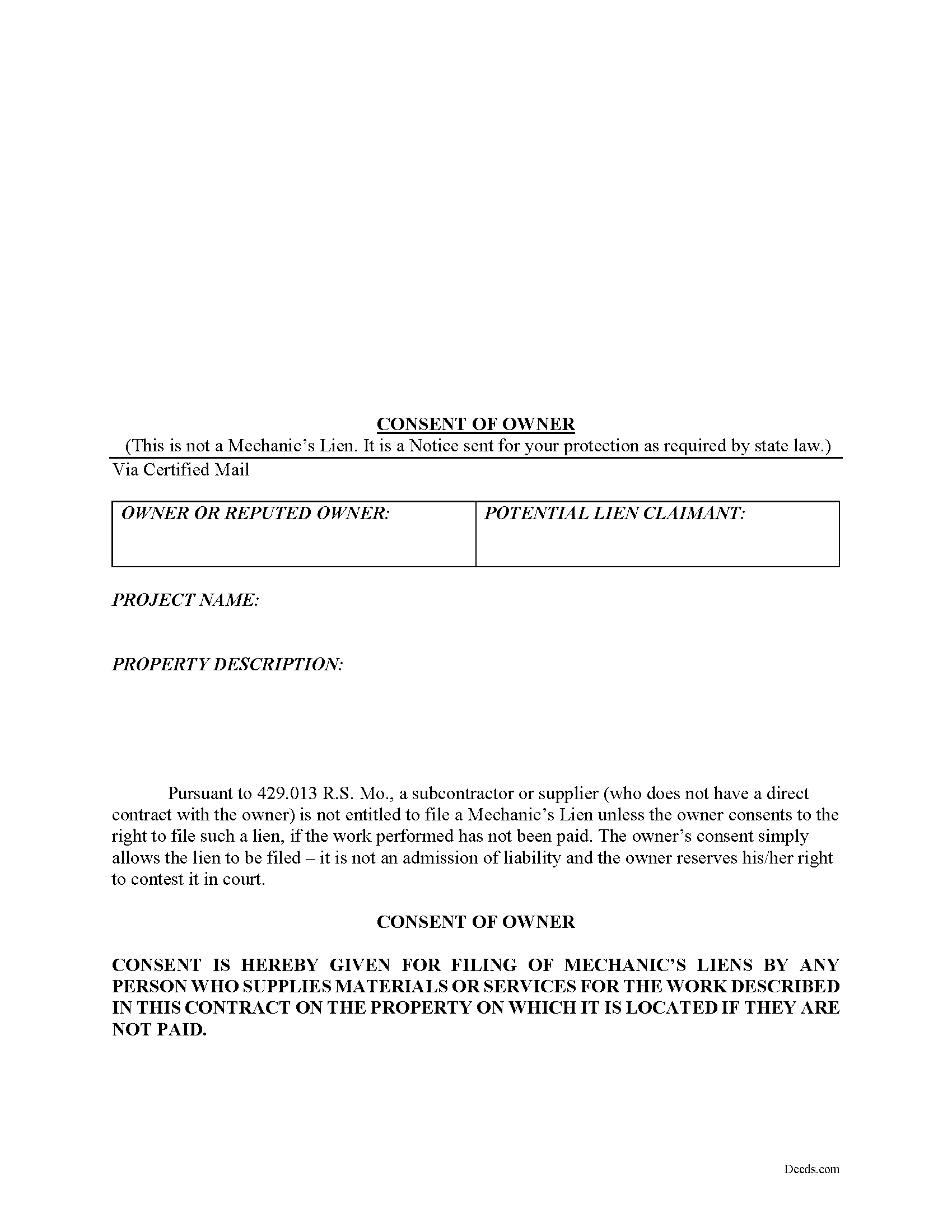
Callaway County Consent of Owner Form
Fill in the blank Consent of Owner form formatted to comply with all Missouri recording and content requirements.
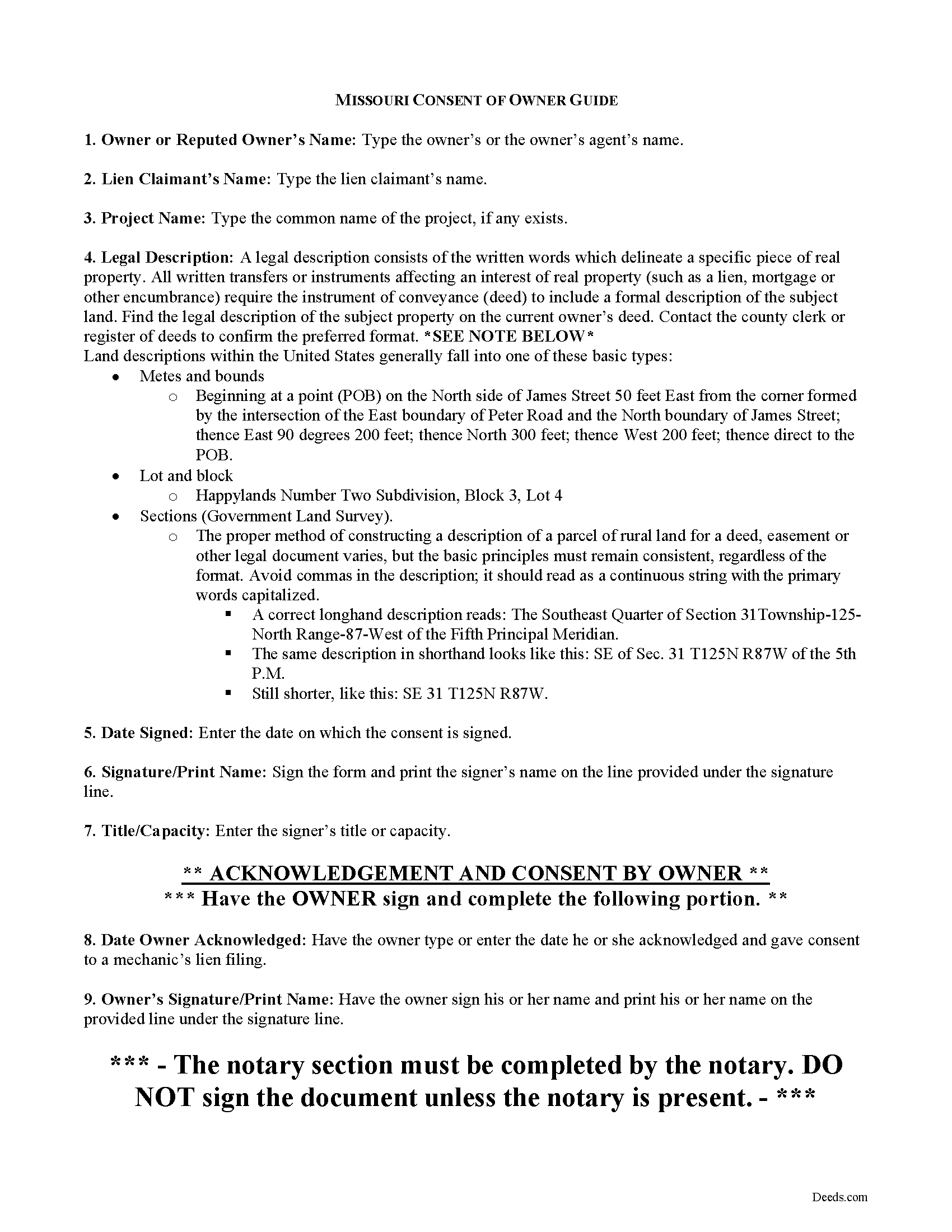
Callaway County Consent of Owner Guide
Line by line guide explaining every blank on the form.
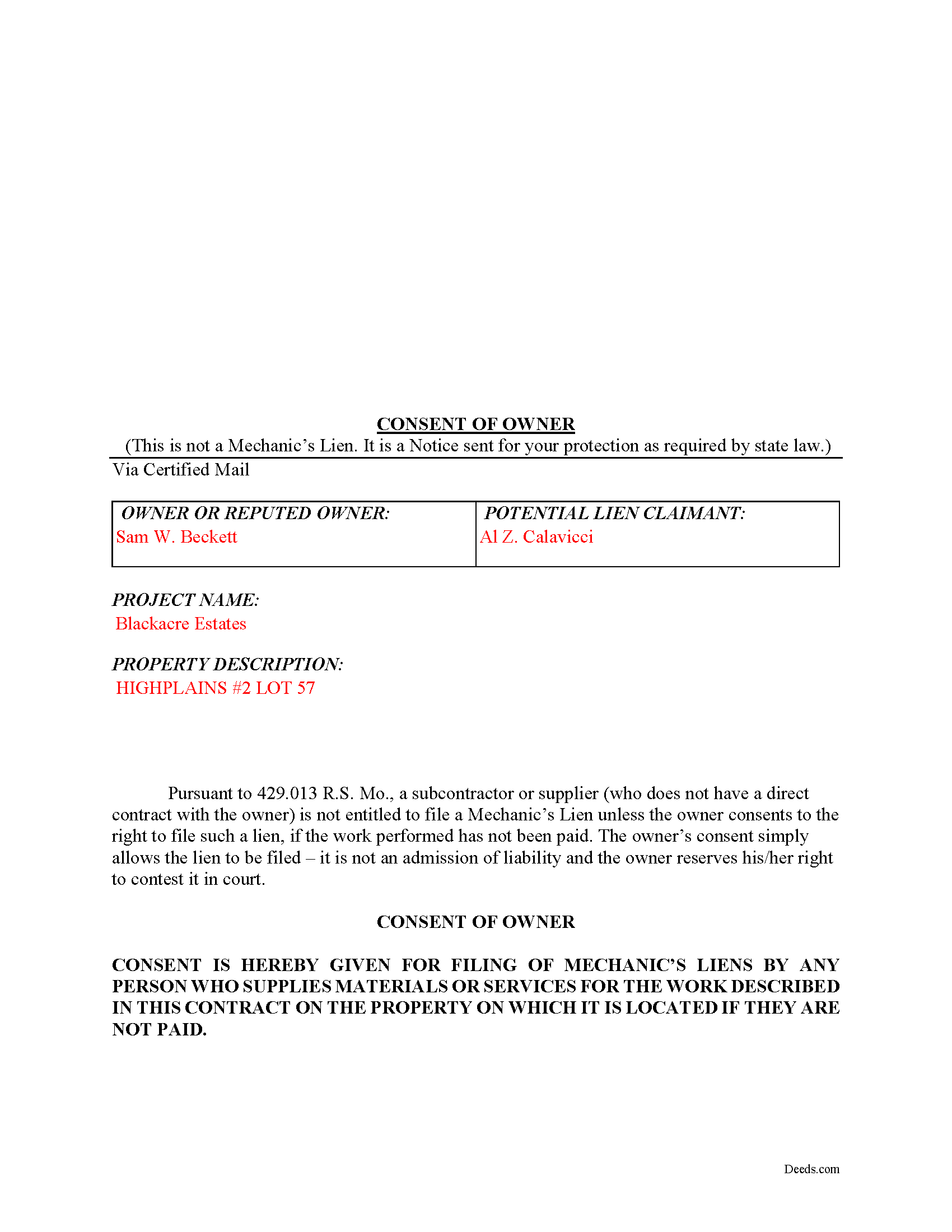
Callaway County Completed Example of the Consent of Owner Document
Example of a properly completed form for reference.
All 3 documents above included • One-time purchase • No recurring fees
Immediate Download • Secure Checkout
Additional Missouri and Callaway County documents included at no extra charge:
Where to Record Your Documents
Callaway County Recorder
Fulton, Missouri 65251
Hours: 8:00 to 4:30 M-F / Register closes at 4:00
Phone: (573) 642-0787
Recording Tips for Callaway County:
- Bring your driver's license or state-issued photo ID
- Ensure all signatures are in blue or black ink
- Verify all names are spelled correctly before recording
- White-out or correction fluid may cause rejection
- Ask about their eRecording option for future transactions
Cities and Jurisdictions in Callaway County
Properties in any of these areas use Callaway County forms:
- Auxvasse
- Fulton
- Holts Summit
- Kingdom City
- Mokane
- New Bloomfield
- Portland
- Steedman
- Tebbetts
- Williamsburg
Hours, fees, requirements, and more for Callaway County
How do I get my forms?
Forms are available for immediate download after payment. The Callaway County forms will be in your account ready to download to your computer. An account is created for you during checkout if you don't have one. Forms are NOT emailed.
Are these forms guaranteed to be recordable in Callaway County?
Yes. Our form blanks are guaranteed to meet or exceed the applicable formatting requirements used for recording in Callaway County, including margin requirements, font requirements, and other layout standards. This guarantee applies to formatting, not to the legal sufficiency of information entered by the user or the suitability of a form for a particular transaction.
Can I reuse these forms?
Yes. You can reuse the forms for your personal use. For example, if you have multiple properties in Callaway County you only need to order once.
What do I need to use these forms?
The forms are PDFs that you fill out on your computer. The free Adobe Acrobat Reader is recommended, and most PDF apps also work. You do NOT enter your property information online - you download the blank forms and complete them privately on your own computer.
Are there any recurring fees?
No. This is a one-time purchase. Nothing to cancel, no memberships, no recurring fees.
How much does it cost to record in Callaway County?
Recording fees in Callaway County vary. Contact the recorder's office at (573) 642-0787 for current fees.
Questions answered? Let's get started!
Owner's Consent to Mechanic's Lien Filing
When working on owner-occupied residential projects, contractors other than the main contractor need to ensure that the owner has provided consent for a lien filing if the bill goes unpaid. In Missouri, these individuals can use a Consent by Owner form to fulfill this requirement.
Request that the owner completes the consent form when working on the repair or remodeling of or an addition to an owner-occupied residential property of four units or less. R.S.M.O 429.013. This document identifies the parties, the project, and the property, and must be signed in the presence of a notary.
Record the completed consent form, because otherwise, no person other than the original contractor, who performed any work or labor or furnished any materials is eligible to claim a lien on the same job unless an owner of the building or structure, pursuant to a written contract, has agreed to be liable for such costs in the event that the costs are not paid. R.S.M.O 429.013(2). The consent form takes care of that issue.
In addition, every original contractor must retain a copy of the notice and any consent signed by an owner, and shall furnish a copy to any eligible person upon his request. R.S.M.O 429.013(3).
This form is important because it protects the interests of valid claimants other than the primary contractor. Without it, full payment of the amount due under a contract to the contractor is a complete defense to all liens filed by any person performing work or furnishing materials. R.S.M.O 429.013(4). Partial payment to the contractor shall only act as an offset to the extent of such payment. Id.
Any person falsifying the signature of an owner, with intent to defraud, in the consent of owner shall be guilty of a class D felony. R.S.M.O 429.013(5). Any original contractor who knowingly issues a fraudulent consent of owner shall be guilty of a class D felony. Id.
This article is provided for informational purposes only and should not be considered legal advice or relied upon as a substitute for speaking with a legal professional. If you have any questions about obtaining an owner's consent to file a lien, or other issues related to liens in Missouri, please speak with a qualified attorney.
Important: Your property must be located in Callaway County to use these forms. Documents should be recorded at the county or independent city recording office listed above.
This Consent of Owner meets all recording requirements specific to Callaway County.
Our Promise
The documents you receive here are guaranteed to meet or exceed the applicable Callaway County recording format requirements. If there is a rejection caused by our formatting, we will correct the issue or refund your payment. This guarantee applies to document formatting only and does not extend to information entered by the user, the selection of the form, or the legal effect of the completed document.
Save Time and Money
Get your Callaway County Consent of Owner form done right the first time with Deeds.com Uniform Conveyancing Blanks. At Deeds.com, we understand that your time and money are valuable resources, and we don't want you to face a penalty fee or rejection imposed by a county recorder for submitting nonstandard documents. We constantly review and update our forms to meet rapidly changing state and county recording requirements for roughly 3,500 counties and local jurisdictions.
4.8 out of 5 - ( 4,837 Reviews )
Joann J. 5 out of 5 stars
Much easier to navigate than some others I've been on. Liked the upfront pricing.
We appreciate your comments and your trust in us. Thank you.
Hideo K. 5 out of 5 stars
Very prompt and satisfied with the service.
We appreciate your business and value your feedback. Thank you. Have a wonderful day!
Linda D. 5 out of 5 stars
This is a very nice service. Easy to use and reasonable. I especially appreciated the helpful explanations of each of the fields on the form. I will positively use this service again.
Thank you for your feedback. We really appreciate it. Have a great day!
sheila B. 5 out of 5 stars
awesome
Thank you!
Pamela P. 5 out of 5 stars
Access to all the necessary forms was easy. The detailed guide very helpful for ensuring a customer can fill out the documents accurately.
We appreciate your business and value your feedback. Thank you. Have a wonderful day!
John Z. 5 out of 5 stars
This was an easy to use program. Easy payment. documents are on my desktop ready to fill out. I will have to update after my property transfer. Zuna
We appreciate your business and value your feedback. Thank you. Have a wonderful day!
Andrea R. 5 out of 5 stars
Easy and fast. Thank you so much!!
Thank you!
David M. 5 out of 5 stars
Outstanding products and interface. DCM, IL Attorney
We appreciate your business and value your feedback. Thank you. Have a wonderful day!
Thomas C. 5 out of 5 stars
This platform made electronic filing of a lien easy and quick. I was able to accomplish everything from my laptop and phone, and the fees were reasonable. I would recommend deeds.com for efiling property related documents.
We appreciate your business and value your feedback. Thank you. Have a wonderful day!
Penny S. 5 out of 5 stars
Easy to access information needed.
We’re always here to help. Thank you for your feedback.
Janalee T. 5 out of 5 stars
Fast, easy. quickly accepted by county recorder.
Thank you!
Norma J H. 5 out of 5 stars
Your forms have been very helpful. I thank you very much for making them easy to use.
Thank you for your feedback. We really appreciate it. Have a great day!
chris m. 5 out of 5 stars
Was warned by attorney that forms from internet have lots of mistakes. But after looking all over, took a chance on here. So far, I am satisfied, and actually happy that I got something that (I believe) meets my state and local requirements. Haven't filed the deed yet, or had to put it into effect, but being able to pick the local area, and have the relevant state law listed on the deed, gives me confidence. Also, got the whole package of possibly relevant forms, and a very good guide how to prep the deed with a sample completed deed - greatly appreciated!
We appreciate your business and value your feedback. Thank you. Have a wonderful day!
Marissa M. 5 out of 5 stars
I bought the Quitclaim deed and it was perfect to record at the courthouse
Thank you for your kind words and for choosing us.
Kate J. 5 out of 5 stars
Easy to use.
Thank you!