Polk County Correction Deed Form
Last validated October 20, 2026 by our Forms Development TeamFormatted for recording in Polk County, for property anywhere in the county or independent city: rural and unincorporated areas as well as Aldrich, Bolivar, Brighton, Dunnegan, Eudora, Fair Play, Flemington, Half Way and 3 more.
- 3 documents included
- Immediate PDF download
- Formatting guarantee
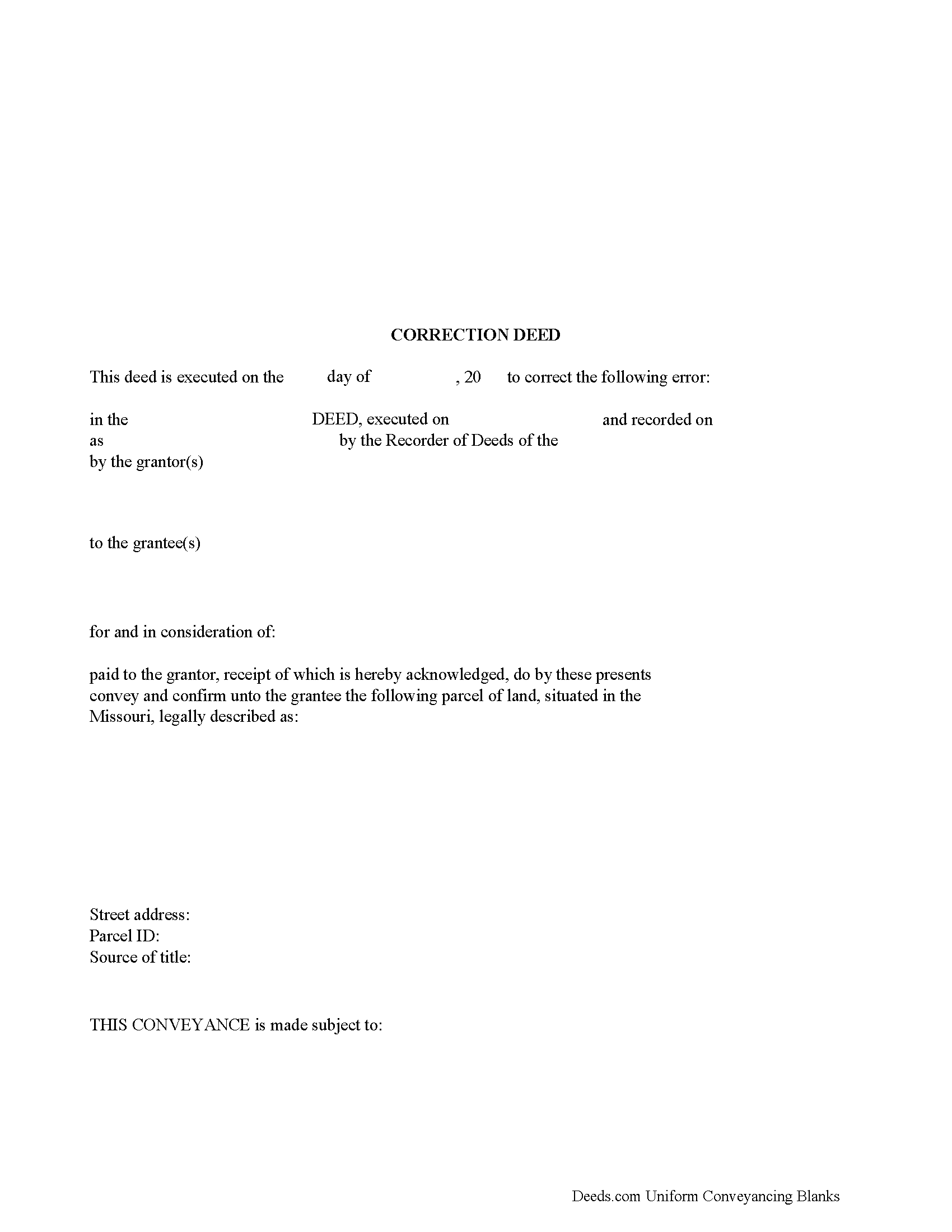
Polk County Correction Deed Form
Fill in the blank form formatted to comply with all recording and content requirements.
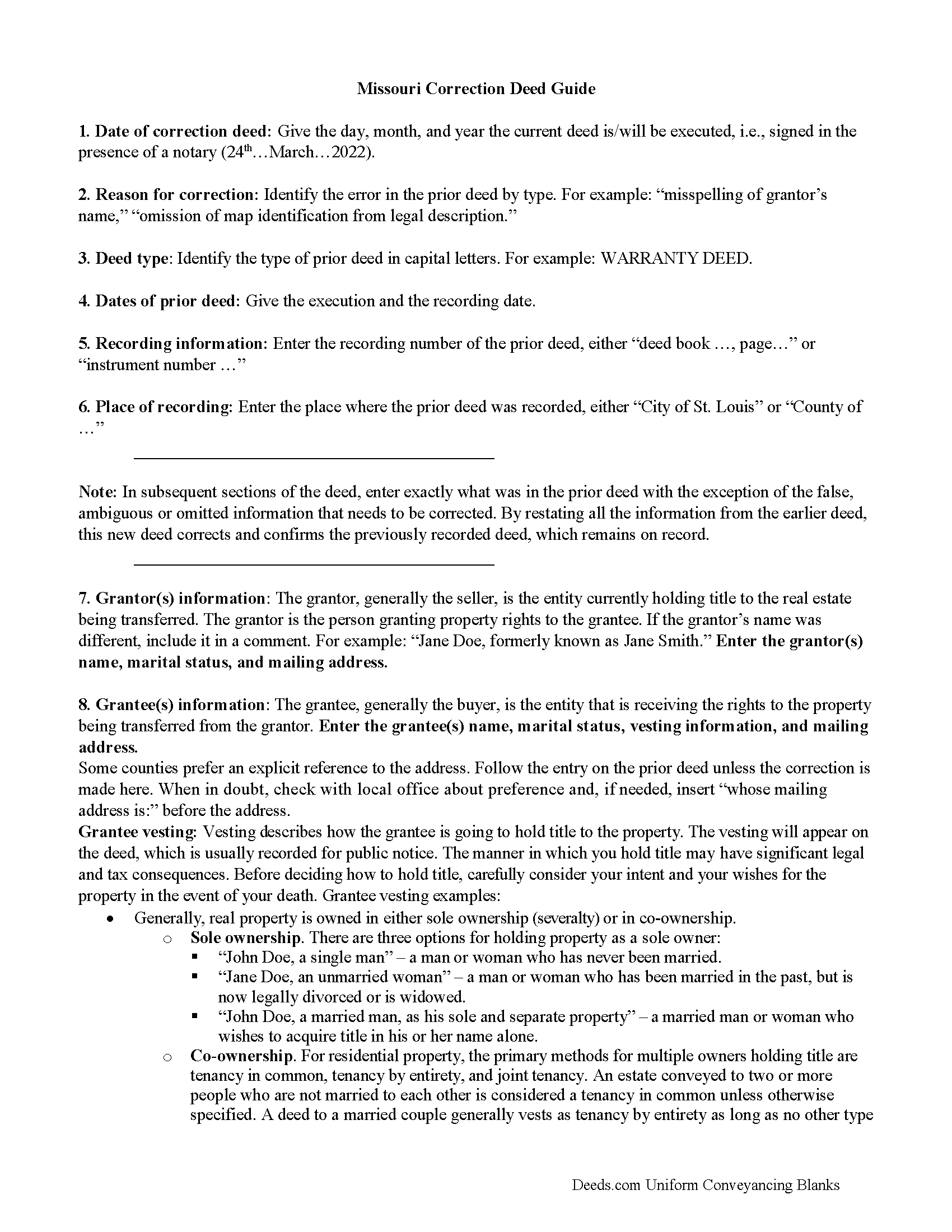
Polk County Correction Deed Guide
Line by line guide explaining every blank on the form.
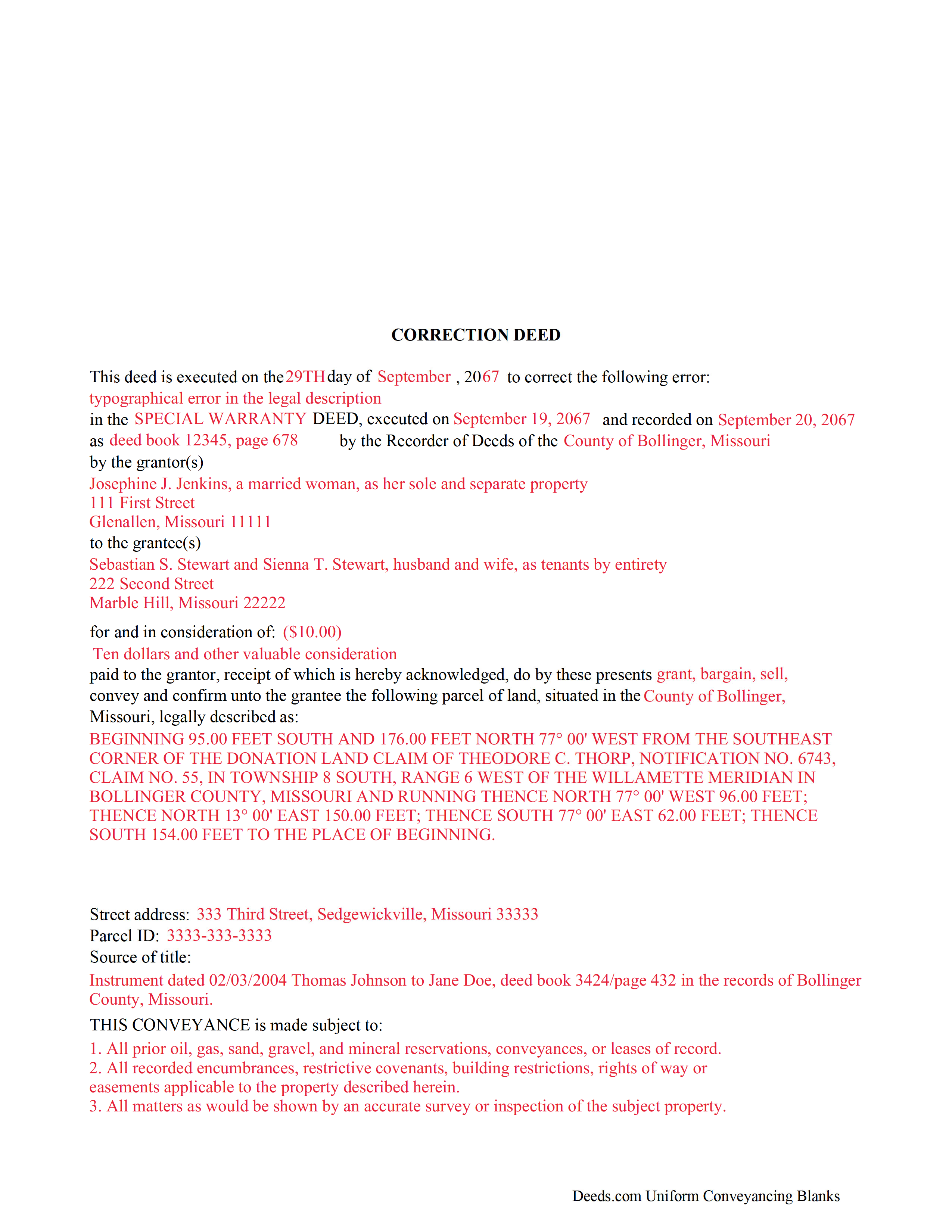
Polk County Completed Example of the Correction Deed Document
Example of a properly completed form for reference.
All 3 documents above included • One-time purchase • No recurring fees
Immediate Download • Secure Checkout
Additional Missouri and Polk County documents included at no extra charge:
Where to Record Your Documents
Polk County Recorder
Bolivar, Missouri 65613
Hours: 8:00 to 5:00 M-F
Phone: (417) 326-4924
Recording Tips for Polk County:
- Bring your driver's license or state-issued photo ID
- Ensure all signatures are in blue or black ink
- Verify all names are spelled correctly before recording
- White-out or correction fluid may cause rejection
- Ask about their eRecording option for future transactions
Cities and Jurisdictions in Polk County
Properties in any of these areas use Polk County forms:
- Aldrich
- Bolivar
- Brighton
- Dunnegan
- Eudora
- Fair Play
- Flemington
- Half Way
- Humansville
- Morrisville
- Polk
Hours, fees, requirements, and more for Polk County
How do I get my forms?
Forms are available for immediate download after payment. The Polk County forms will be in your account ready to download to your computer. An account is created for you during checkout if you don't have one. Forms are NOT emailed.
Are these forms guaranteed to be recordable in Polk County?
Yes. Our form blanks are guaranteed to meet or exceed the applicable formatting requirements used for recording in Polk County, including margin requirements, font requirements, and other layout standards. This guarantee applies to formatting, not to the legal sufficiency of information entered by the user or the suitability of a form for a particular transaction.
Can I reuse these forms?
Yes. You can reuse the forms for your personal use. For example, if you have multiple properties in Polk County you only need to order once.
What do I need to use these forms?
The forms are PDFs that you fill out on your computer. The free Adobe Acrobat Reader is recommended, and most PDF apps also work. You do NOT enter your property information online - you download the blank forms and complete them privately on your own computer.
Are there any recurring fees?
No. This is a one-time purchase. Nothing to cancel, no memberships, no recurring fees.
How much does it cost to record in Polk County?
Recording fees in Polk County vary. Contact the recorder's office at (417) 326-4924 for current fees.
Questions answered? Let's get started!
Use the correction deed to correct an error in a warranty, special warranty, conveyance, or quitclaim deed in Missouri.
A corrective deed is in effect an explanation and correction of an error in a prior instrument. As such, it passes no title, but only reiterates and confirms the prior conveyance. It should be executed from the original grantor to the original grantee, and it needs to be recorded in order to be legally valid.
The correction deed must reference the original conveyance it is correcting by type of error, date of execution and recording, and recording number and location. Beyond that, it restates the information given in the prior deed, thus serving as its de facto replacement. The prior deed, however, which constitutes the actual conveyance of title, remains on record.
Deeds of correction are most appropriate for minor errors and omissions in the original deed, such as misspelled names, omission of marital status, or typos in the legal description. More substantial changes, such as adding a name to the title, changing the vesting information or the legal description of the property, require a new deed of conveyance instead of a confirmatory deed.
(Missouri CD Package includes form, guidelines, and completed example)
Important: Your property must be located in Polk County to use these forms. Documents should be recorded at the county or independent city recording office listed above.
This Correction Deed meets all recording requirements specific to Polk County.
Our Promise
The documents you receive here are guaranteed to meet or exceed the applicable Polk County recording format requirements. If there is a rejection caused by our formatting, we will correct the issue or refund your payment. This guarantee applies to document formatting only and does not extend to information entered by the user, the selection of the form, or the legal effect of the completed document.
Save Time and Money
Get your Polk County Correction Deed form done right the first time with Deeds.com Uniform Conveyancing Blanks. At Deeds.com, we understand that your time and money are valuable resources, and we don't want you to face a penalty fee or rejection imposed by a county recorder for submitting nonstandard documents. We constantly review and update our forms to meet rapidly changing state and county recording requirements for roughly 3,500 counties and local jurisdictions.
4.8 out of 5 - ( 4,867 Reviews )
Louise D. 5 out of 5 stars
It was easy to complete the form and I appreciated the sample form.
We appreciate your business and value your feedback. Thank you. Have a wonderful day!
Matthew C. 1 out of 5 stars
Your Transfer on Death Deed is fine and you have plenty of information about that part. But where is the Confirmatory Deed that is required in many jurisdictions in order to actually pass ownership of a property when the Transfer on Death Deed becomes effective? IT IS MISSING!!
Thank you for your feedback. We really appreciate it. Have a great day!
Cathleen H. 5 out of 5 stars
The pdf form is good; however, the input boxes merge into the line above so the text is hard to read when complete. I added a return before entering my data and this solved the problem.
Thank you for your feedback Cathleen. We will have staff take a look at the document for issues with the text fields. Have a great day!
Nancy A. 5 out of 5 stars
First time user and I was pleasantly surprised how quick and easy it was to get my Deed recorded. And the fee was not outrageous.
We appreciate your business and value your feedback. Thank you. Have a wonderful day!
Sheila P. 5 out of 5 stars
What a great service to provide with excellent directions! At first I thought I would need an attorney, but I walked through the steps and now I have it finished! Saved a ton of money. Thanks Deed.com.
Thank you for your feedback. We really appreciate it. Have a great day!
Lutz P. 5 out of 5 stars
Your forms are great but I couldn’t use them with my computer and acrobats reader didn’t work. And then my thermal printer would only print 1/3 size pages with no way to fix it. I ordered a new color printer and we’ll see what happens.
Thank you, Lutz. We're glad you like the forms, and we're sorry getting them working turned into such a hassle. That shrunken page is typical of thermal printers: most use narrow receipt or label paper, so a full page gets scaled down to fit, and no setting can change that. Thermal paper also fades over time, which you don't want on a document you're recording, so the new printer is the right call. When it arrives, print on plain white paper with “Actual size” selected in the print settings so the page comes out full size with its margins intact. If Acrobat Reader gives you trouble again, save the form to your computer first and open the saved file in Acrobat Reader rather than in your web browser. Still stuck? Contact our support team and we'll walk you through it.
Erlinda M. 5 out of 5 stars
Very convenient & easy to use this website. Information was helpful.
Thank you for your feedback. We really appreciate it. Have a great day!
james B. 5 out of 5 stars
Downloaded quickly and saved to hard drive easily. I then opened in Adobe Acrobat Reader DC then was able to enter and save data in appropriate blanks. Yes, worth $22.
We appreciate your business and value your feedback. Thank you. Have a wonderful day!
Gary S. 5 out of 5 stars
Easy to use. Very helpful
Thank you!
Gretchen R. 5 out of 5 stars
I can't think of any suggestions for improvement. The documents I needed were readily available. Thank you
We appreciate your business and value your feedback. Thank you. Have a wonderful day!
Eric D. 5 out of 5 stars
Very helpful and informative. It has saved me time going to get the forms at county recorder / clerk (as my county and state websites dont offer forms on their sites) and also provided help understanding the uses of the specific deed I needed to use.
Thank you Eric. Have a great day!
Garry D. 5 out of 5 stars
Prompt delivery of easy to use forms and clear instructions. Good value.
Thank you for your feedback. We really appreciate it. Have a great day!
Miljana K. 5 out of 5 stars
I was on several sites but this was the easiest and cost effective. No bait and switch like on several sites where you get a "free trial" and then they started billing you monthly for legal services. Excellent.
We appreciate your business and value your feedback. Thank you. Have a wonderful day!
Susan B. 4 out of 5 stars
I guess I got what I paid for. The site said I would be able to download blank PDF forms that I could fill out on my computer. I expected fillable forms, like I download for taxes. Instead the forms I got could only be completed by using Adobe Sign and Fill tools. These are much harder to use than fillable forms.
Thank you for your feedback. We really appreciate it. Have a great day!
Maria S. 3 out of 5 stars
The paperwork/forms are fine, but there isn't enough explanation for me to figure out how to file the extra forms (which I do need in my case). The main form, Deed Upon Death is fine. I think the price is pretty high for these forms. I wouldn't have purchased it because there are places to get them for much cheaper (about 6 dollars), but this site had the extra forms I wanted (property in a trust and another form). Unfortunately these were included as a "courtesy" and there are no instructions for them. So three stars for being clear about what was in the package, having the right forms that I need, but instructions for putting them to use and price took a couple of stars off. Downloading was easy and once you download you can type the info into the PDF--that makes working with the forms much easier.
Thank you for the feedback Maria. Regarding the supplement documents, it is best to get assistance from the agency that requires them. These are not legal documents, they should provide full support and guidance for them.