Pettis County Revocation of Beneficiary Deed Form
Last validated October 20, 2026 by our Forms Development TeamFormatted for recording in Pettis County, for property anywhere in the county or independent city: rural and unincorporated areas as well as Green Ridge, Houstonia, Hughesville, La Monte, Mora, Sedalia, Smithton.
- 3 documents included
- Immediate PDF download
- Formatting guarantee
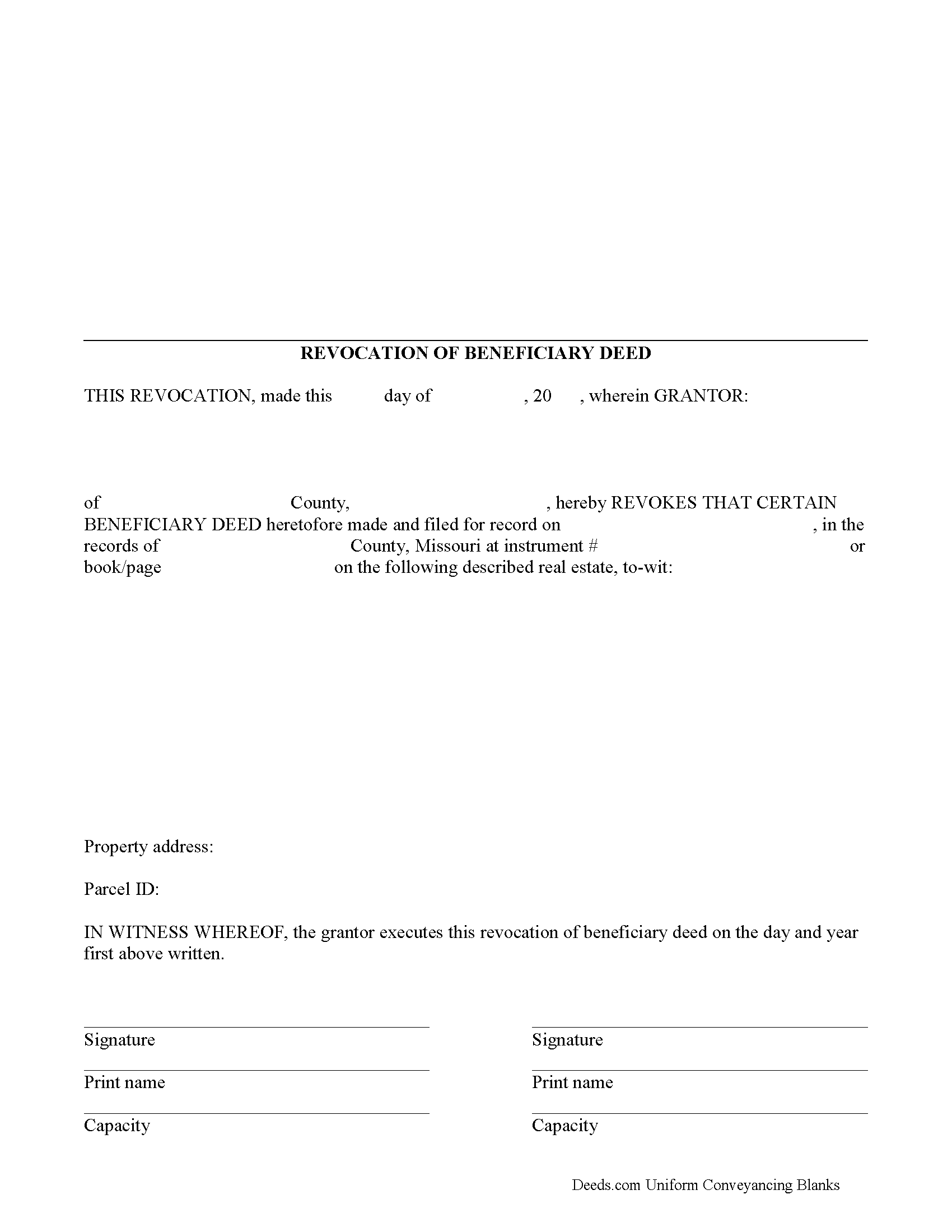
Pettis County Revocation of Beneficiary Deed Form
Fill in the blank form formatted to comply with all recording and content requirements.
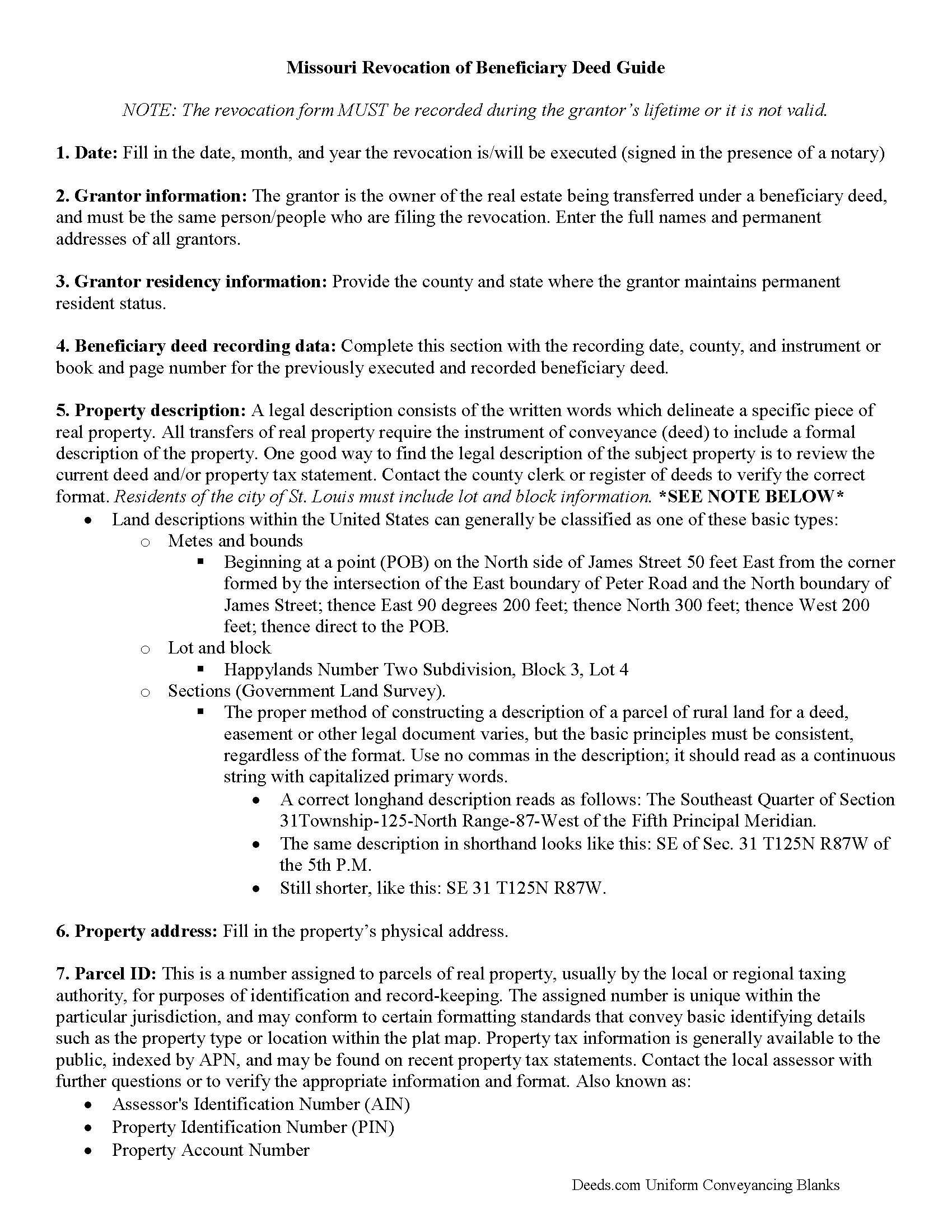
Pettis County Revocation of Beneficiary Deed Guide
Line by line guide explaining every blank on the form.
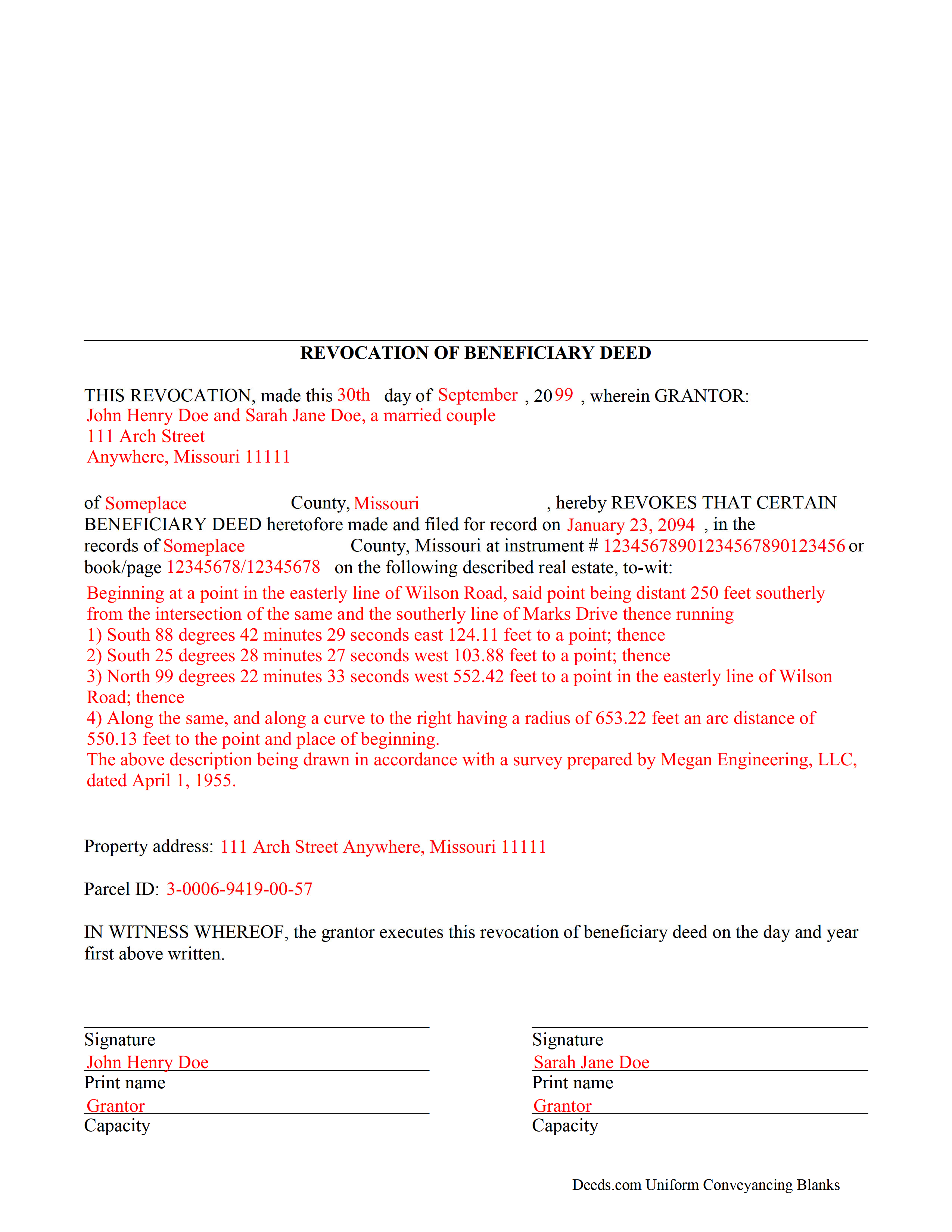
Pettis County Completed Example of the Revocation of Beneficiary Deed Document
Example of a properly completed form for reference.
All 3 documents above included • One-time purchase • No recurring fees
Immediate Download • Secure Checkout
Additional Missouri and Pettis County documents included at no extra charge:
Where to Record Your Documents
Pettis County Recorder of Deeds
Sedalia, Missouri 65301
Hours: 8:30 to 4:30 M-F
Phone: (660) 826-5000 Ext. 922
Recording Tips for Pettis County:
- Bring your driver's license or state-issued photo ID
- Ensure all signatures are in blue or black ink
- Ask about their eRecording option for future transactions
- Avoid the last business day of the month when possible
- Both spouses typically need to sign if property is jointly owned
Cities and Jurisdictions in Pettis County
Properties in any of these areas use Pettis County forms:
- Green Ridge
- Houstonia
- Hughesville
- La Monte
- Mora
- Sedalia
- Smithton
Hours, fees, requirements, and more for Pettis County
How do I get my forms?
Forms are available for immediate download after payment. The Pettis County forms will be in your account ready to download to your computer. An account is created for you during checkout if you don't have one. Forms are NOT emailed.
Are these forms guaranteed to be recordable in Pettis County?
Yes. Our form blanks are guaranteed to meet or exceed the applicable formatting requirements used for recording in Pettis County, including margin requirements, font requirements, and other layout standards. This guarantee applies to formatting, not to the legal sufficiency of information entered by the user or the suitability of a form for a particular transaction.
Can I reuse these forms?
Yes. You can reuse the forms for your personal use. For example, if you have multiple properties in Pettis County you only need to order once.
What do I need to use these forms?
The forms are PDFs that you fill out on your computer. The free Adobe Acrobat Reader is recommended, and most PDF apps also work. You do NOT enter your property information online - you download the blank forms and complete them privately on your own computer.
Are there any recurring fees?
No. This is a one-time purchase. Nothing to cancel, no memberships, no recurring fees.
How much does it cost to record in Pettis County?
Recording fees in Pettis County vary. Contact the recorder's office at (660) 826-5000 Ext. 922 for current fees.
Questions answered? Let's get started!
One of the many useful aspects of the Nonprobate Transfers Law of Missouri (RSMo Sections 461.003 to 461.081) is the option to revoke a previously recorded beneficiary deed. Revocation is specifically addressed in RSMo 431.033. The option to revoke is possible for several reasons: the grantor is not required to notify the beneficiary of the potential future interest; there is no consideration given in exchange for property rights; and the transfer of ownership is not completed until the grantor or grantors have all died. As a result, the named beneficiary has no actual interest in the real estate.
A grantor on a beneficiary deed may change or revoke beneficiary designations at will, and with no obligation to the individuals named as beneficiaries on the deed. To accomplish this, the original grantor (or grantors) may record a signed, notarized notice of revocation with the same office that accepted the original beneficiary deed. While effective, real estate that is not re-conveyed under a new beneficiary deed reverts back to the grantor's estate at his/her death, and is then distributed via the probate process. Alternately, the grantor may execute a new beneficiary deed, designating someone else as the beneficiary. Recording the new deed removes the prior beneficiary's name and replaces it, identifying the current beneficiary's information.
Note that any change in beneficiary designation must be executed and submitted for recordation during the grantor's lifetime.
(Missouri Revocation of BD Package includes form, guidelines, and completed example)
Important: Your property must be located in Pettis County to use these forms. Documents should be recorded at the county or independent city recording office listed above.
This Revocation of Beneficiary Deed meets all recording requirements specific to Pettis County.
Our Promise
The documents you receive here are guaranteed to meet or exceed the applicable Pettis County recording format requirements. If there is a rejection caused by our formatting, we will correct the issue or refund your payment. This guarantee applies to document formatting only and does not extend to information entered by the user, the selection of the form, or the legal effect of the completed document.
Save Time and Money
Get your Pettis County Revocation of Beneficiary Deed form done right the first time with Deeds.com Uniform Conveyancing Blanks. At Deeds.com, we understand that your time and money are valuable resources, and we don't want you to face a penalty fee or rejection imposed by a county recorder for submitting nonstandard documents. We constantly review and update our forms to meet rapidly changing state and county recording requirements for roughly 3,500 counties and local jurisdictions.
4.8 out of 5 - ( 4,829 Reviews )
DONNA P. 5 out of 5 stars
Deeds.com was quick, efficient, and cost effective. Deeds.com works with individuals where I found other companies only offer services to title companies, settlement companies, etc. Thank you Deeds.com!
Thank you for your feedback. We really appreciate it. Have a great day!
Rob F. 5 out of 5 stars
They are fantastic. I am a little technically challenged, but very helpful and respectful. Highly recommended. Thank you
We appreciate your business and value your feedback. Thank you. Have a wonderful day!
Brian S. 5 out of 5 stars
Easy, fast, and a they even check your work before submitting it. Very convenient service.
Happy we could assist. Thank you for sharing your experience.
Andrew D. 5 out of 5 stars
I was very pleased with the entire package we received. It will certainly make my job easier.
Thank you for your feedback. We really appreciate it. Have a great day!
Jeff R. 5 out of 5 stars
Great company. I had some issues with what I had prepared on my end but my contact at Deeds.com helped me with modifying the documents and submitted them successfully. Thanks for going the extra mile
Thank you for your feedback. We really appreciate it. Have a great day!
Dretha W. 5 out of 5 stars
Ordered the fill in the blank form for a deed. Very professional looking but more importantly, correct for my recording office. It was recorded with no question. The guide was a big help in completed the deed.
Great to hear Dretha. We appreciate you taking the time to leave your feedback. Have a wonderful day!
ray r. 5 out of 5 stars
excellent service
Thank you!
Bruce L. 5 out of 5 stars
Fantastic. The forms were easy to read and complete. Came with a guide and examples of how it looked completed Thanks!
We appreciate your business and value your feedback. Thank you. Have a wonderful day!
Mary R. 5 out of 5 stars
The best site ever. Easy to navigate. Love it!!
Thank you Mary! We appreciate you and your kinds words.
Camesha Y. 5 out of 5 stars
Was working with a notary client that need to do a deed. We got on this site, ordered the blank forms, he filled them out and we printed them so he could sign. Really clean forms, easy to understand and complete in a hurry. I will be letting all my clients know about this site.
That's terrific Camesha, glad to hear. Have a great day!
mark L. 4 out of 5 stars
i really liked that the information i received from Deed .com concerning deed and title transfer for representative made it so i was able to find the correct forms that i needed. It was a bonus that Deed.com had the forms and instructions that i required
Thank you for your feedback. We really appreciate it. Have a great day!
Rebecca B. 5 out of 5 stars
I found the form I need and while they couldn't file it via the e-recording way I had a great experience. Fingers crossed all goes well when I go in to record. Thanks!
Thank you for your feedback. We really appreciate it. Have a great day!
Beatrice V. 5 out of 5 stars
I was in despair as I needed to file two (2) very important documents with the County. Due to Covid the office was closed and my only recourse was to E-Fie with a service provider. I was fortunate enough to hear about Deeds.com. They were specific, courteous, patient and most of all productive. My documents will take awhile for the final filing but that is because the County happens to have a slow turn around time. Otherwise, I am now relieved that this part is over. Thank you Deeds.com. You are awesome.
Thank you for the kinds words Beatrice.
Anita W. 5 out of 5 stars
Love this site. It has been truly helpful and easy to navigate.
Thank you Anita, glad we could help.
Justin H. 1 out of 5 stars
Couldn't pull a simple deed for a legal description.
Thank you for your feedback Justin. We do hope that you were able to find something more suitable to your needs elsewhere. Have a wonderful day.