Silver Bow County Correction Deed Form
Last validated October 28, 2026 by our Forms Development TeamFormatted for recording in Silver Bow County, for property anywhere in the county: rural and unincorporated areas as well as Butte, Divide, Melrose, Ramsay.
- 3 documents included
- Immediate PDF download
- Formatting guarantee
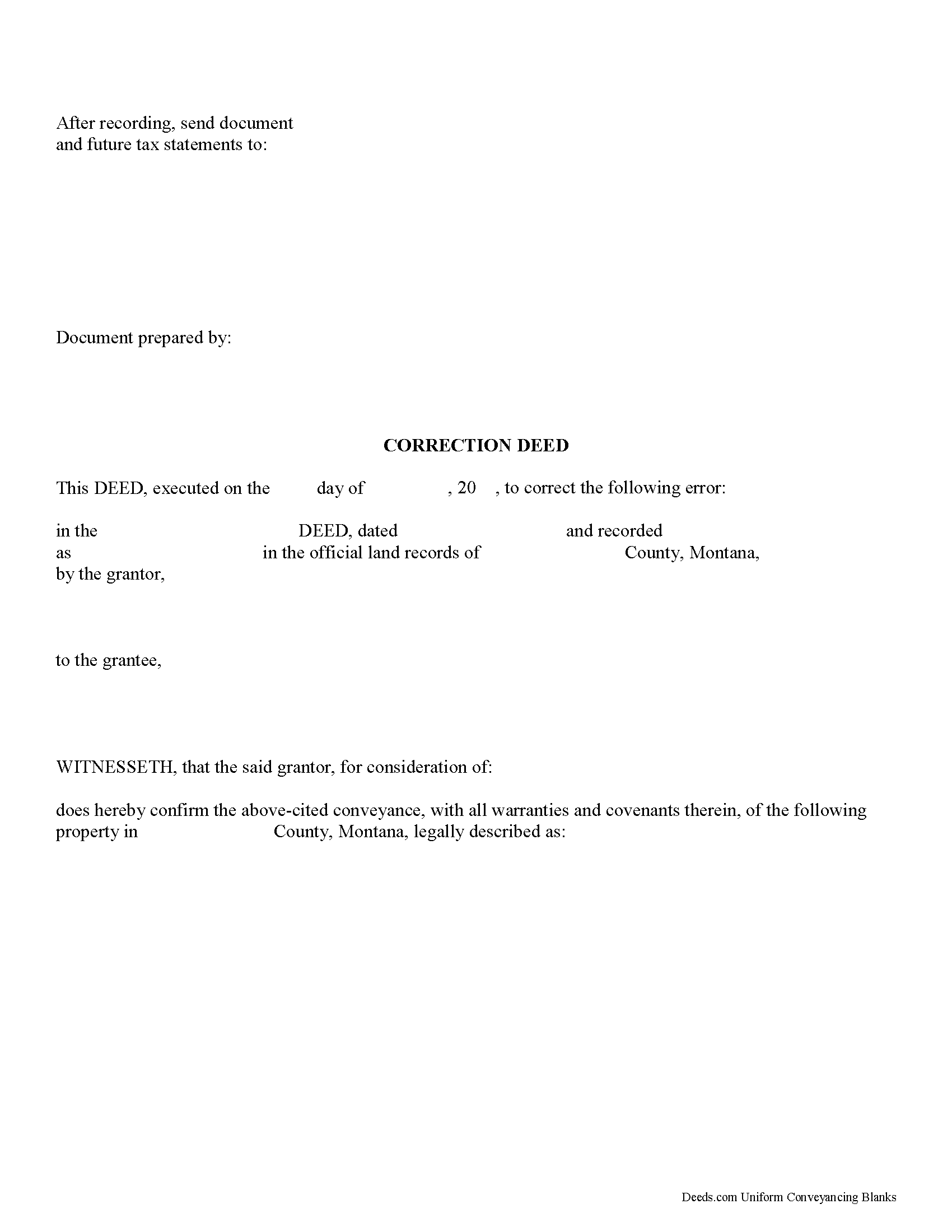
Silver Bow County Correction Deed Form
Fill in the blank form formatted to comply with all recording and content requirements.
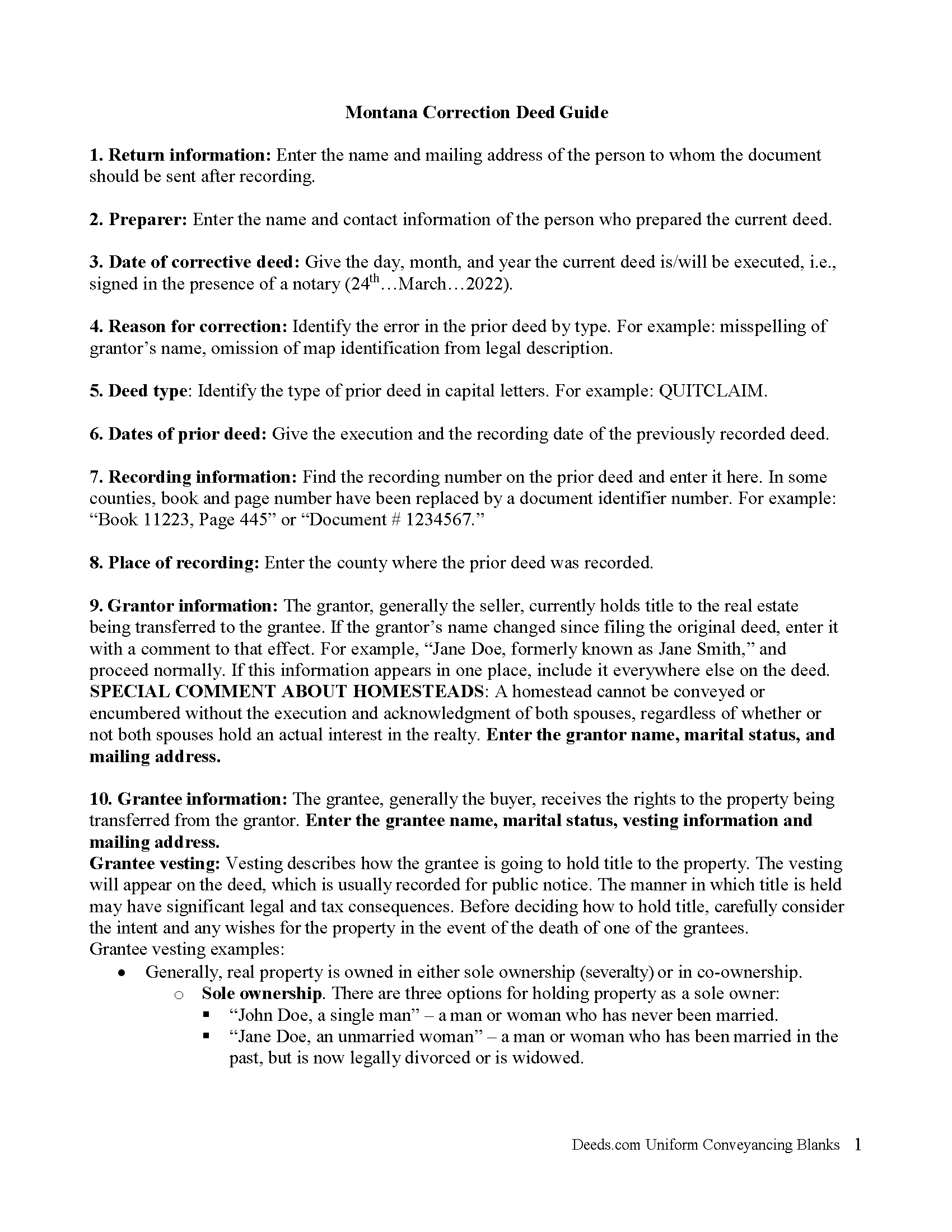
Silver Bow County Correction Deed Guide
Line by line guide explaining every blank on the form.
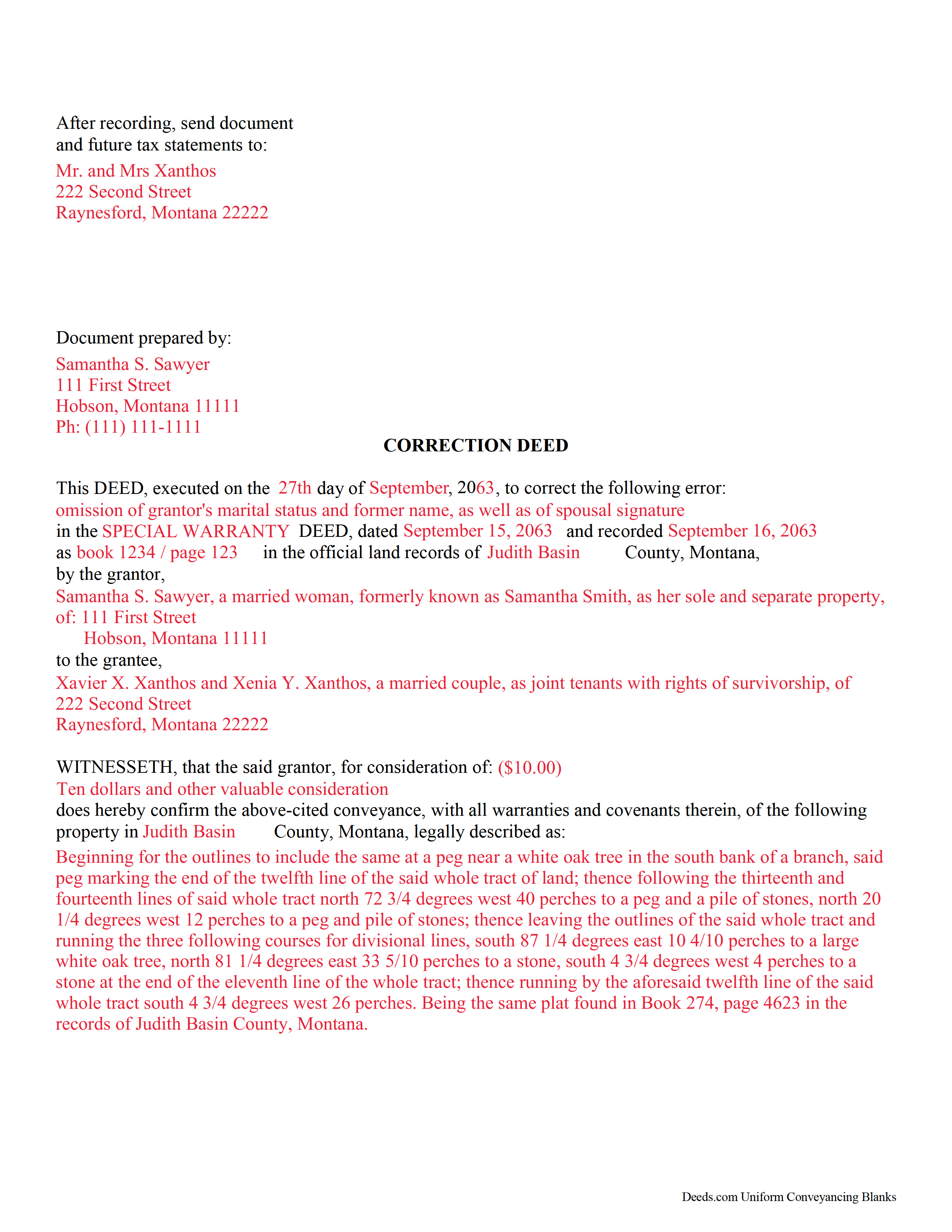
Silver Bow County Completed Example of the Correction Deed Document
Example of a properly completed form for reference.
All 3 documents above included • One-time purchase • No recurring fees
Immediate Download • Secure Checkout
Additional Montana and Silver Bow County documents included at no extra charge:
Where to Record Your Documents
Silver Bow County Clerk / Recorder
Butte, Montana 59701
Hours: 8:00 to 5:00 M-F
Phone: (406) 497-6335
Recording Tips for Silver Bow County:
- Bring your driver's license or state-issued photo ID
- Ensure all signatures are in blue or black ink
- Recording fees may differ from what's posted online - verify current rates
- Request a receipt showing your recording numbers
- Ask about accepted payment methods when you call ahead
Cities and Jurisdictions in Silver Bow County
Properties in any of these areas use Silver Bow County forms:
- Butte
- Divide
- Melrose
- Ramsay
Hours, fees, requirements, and more for Silver Bow County
How do I get my forms?
Forms are available for immediate download after payment. The Silver Bow County forms will be in your account ready to download to your computer. An account is created for you during checkout if you don't have one. Forms are NOT emailed.
Are these forms guaranteed to be recordable in Silver Bow County?
Yes. Our form blanks are guaranteed to meet or exceed the applicable formatting requirements used for recording in Silver Bow County, including margin requirements, font requirements, and other layout standards. This guarantee applies to formatting, not to the legal sufficiency of information entered by the user or the suitability of a form for a particular transaction.
Can I reuse these forms?
Yes. You can reuse the forms for your personal use. For example, if you have multiple properties in Silver Bow County you only need to order once.
What do I need to use these forms?
The forms are PDFs that you fill out on your computer. The free Adobe Acrobat Reader is recommended, and most PDF apps also work. You do NOT enter your property information online - you download the blank forms and complete them privately on your own computer.
Are there any recurring fees?
No. This is a one-time purchase. Nothing to cancel, no memberships, no recurring fees.
How much does it cost to record in Silver Bow County?
Recording fees in Silver Bow County vary. Contact the recorder's office at (406) 497-6335 for current fees.
Questions answered? Let's get started!
Use the correction deed to correct an error in a previously recorded deed of conveyance in Montana.
Correcting an error in a recorded deed helps prevent problems that might arise when the current owner tries to sell the property. The best method for correction is to prepare and record a new document, a so-called correction deed. This document does not convey title; instead, it confirms the prior conveyance of the property.
Apart from supplying the correct information, the new deed must state the reason for correcting, and it must reference the prior deed by title, date, and recording number. The original grantor must sign again, thus confirming the conveyance to the same grantee. Generally, corrective deeds are used to address minor errors in a deed, such as typos, accidentally omitted suffixes or middle initials in names, and other minor omissions. When in doubt about the gravity of an error, consult with a lawyer.
For certain changes, a correction deed may not be appropriate. Adding or removing a grantee, for example, or altering the manner in which title is held, or making material changes to the legal description, especially deleting a portion of the originally transferred property, may all require a new deed of conveyance instead of a correction deed. When correcting the legal description, both grantor and grantee should sign the corrective instrument to avoid any doubt regarding the conveyed property.
(Montana CD Package includes form, guidelines, and completed example)
Important: Your property must be located in Silver Bow County to use these forms. Documents should be recorded at the county recording office listed above.
This Correction Deed meets all recording requirements specific to Silver Bow County.
Our Promise
The documents you receive here are guaranteed to meet or exceed the applicable Silver Bow County recording format requirements. If there is a rejection caused by our formatting, we will correct the issue or refund your payment. This guarantee applies to document formatting only and does not extend to information entered by the user, the selection of the form, or the legal effect of the completed document.
Save Time and Money
Get your Silver Bow County Correction Deed form done right the first time with Deeds.com Uniform Conveyancing Blanks. At Deeds.com, we understand that your time and money are valuable resources, and we don't want you to face a penalty fee or rejection imposed by a county recorder for submitting nonstandard documents. We constantly review and update our forms to meet rapidly changing state and county recording requirements for roughly 3,500 counties and local jurisdictions.
4.8 out of 5 - ( 4,852 Reviews )
John W. 5 out of 5 stars
I wish that I had known about Deed.com years ago! Very easy and time saving!
Thank you!
Ben F. 5 out of 5 stars
My initial review during download and before reading the guide and forms looks promising.
Thank you!
Lynnellen S. 2 out of 5 stars
My rating is not a 5. Although it had good instructions, it would NOT print the whole document no matter how many times I inputted the names. I ended up writing it in to complete. I also recommend putting it on one page. I had to pay an additional fees per page and if I had to notarize it, why did I have to find 2 witnesses as well. I deserve a discount for the time I spent repeatedly putting the same data. I was trying to save money since Im on social security only. It didnt. Get it to work correctly
Thank you for your feedback Lynnellen. Sorry to hear of your struggle with our document. We've gone ahead and refunded your payment. Hope you have a wonderful day.
DAVID E. 5 out of 5 stars
Very professional and knowledgeable. Great communication.
Your feedback is greatly appreciated. Thank you for taking the time to share your experience!
GARY S. 5 out of 5 stars
I thought your forms are great. Easy to use with instructions provided.
We appreciate your business and value your feedback. Thank you. Have a wonderful day!
Guido d. 5 out of 5 stars
Excellent service. Easy to use, easy to upload, and very cost effective!
Thank you for your feedback. We really appreciate it. Have a great day!
Karen S. 5 out of 5 stars
Deeds.com made everything easy, with instructions and samples it was simple to fill out the forms. I loved that it was county specific.
Thank you for your feedback. We really appreciate it. Have a great day!
Judith F. 5 out of 5 stars
Was easy to use the eRecording service.
Thank you!
Edward Z. 5 out of 5 stars
Very easy to do. Will use them in the future.
We appreciate your business and value your feedback. Thank you. Have a wonderful day!
Dan L. 4 out of 5 stars
The only suggestion I have is to include sample of putting quitclaim into a revocable trust.
Your insights are invaluable to us and help us strive for better service. Thank you for taking the time to share your thoughts.
Dean L. 3 out of 5 stars
The template isn't that easy to work with, with you have to type out large amounts of text. Also copy and paste doesn't seem to work. Furthermore, the code listed on the guide is out of date. However, the DQC is decent in that it has all the required fields you need.
Thank you for your feedback. We really appreciate it. Have a great day!
James S. 2 out of 5 stars
Order Process: 5 Stars - very easy Material Received: 2 Stars Issues: 1. Printing- Document would not print in format displayed. Format would continually shrink to approx 2/3 size thus not useable for formal doc submission to County Records office. 2. Document Format- Data insertion fields (addresses) were not of correct size for data input. I needed a 4 line input space but was limited to only 3 lines. Also, Date field (year) was mis-oriented in-so-much that the 3rd digit (inputted) overlapped on 2nd digit (pre-printed) and also was of noticeably different font. 3. Useability- Hand-written input space provided (for Notary) was deficient in space and spacing. It was a challenge to utilize the space available to complete fully and maintain legibility. Overall - the document worked marginally as advertised, I did need to re-write the entire document myself. It is a good concept but I'd recommend that Deeds company improve the downloaded forms for actual useability, readability, functionability. regards, Jim S
Thank you for your feedback. We really appreciate it. Have a great day!
Archie POA G. 5 out of 5 stars
got what I ordered, as expected, in good time
Thank you!
Robert L. 1 out of 5 stars
I did not use your service. $19 to upload a document to our local tax accessor office is a bit high. I drove the document to the office myself.
Thank you for your feedback Robert. Glad to hear that you got your document recorded. Sorry to hear that your time, fuel, and wear on your vehicle are valued at less than $19. Have a wonderful day.
Michelle M. 5 out of 5 stars
This was an excellent source. The fee was much lower than the first site I checked. The sample form was very helpful.
Thank you!