Judith Basin County Trustee Deed Form
Last validated September 29, 2026 by our Forms Development TeamFormatted for recording in Judith Basin County, for property anywhere in the county: rural and unincorporated areas as well as Geyser, Hobson, Moccasin, Raynesford, Stanford.
- 3 documents included
- Immediate PDF download
- Formatting guarantee
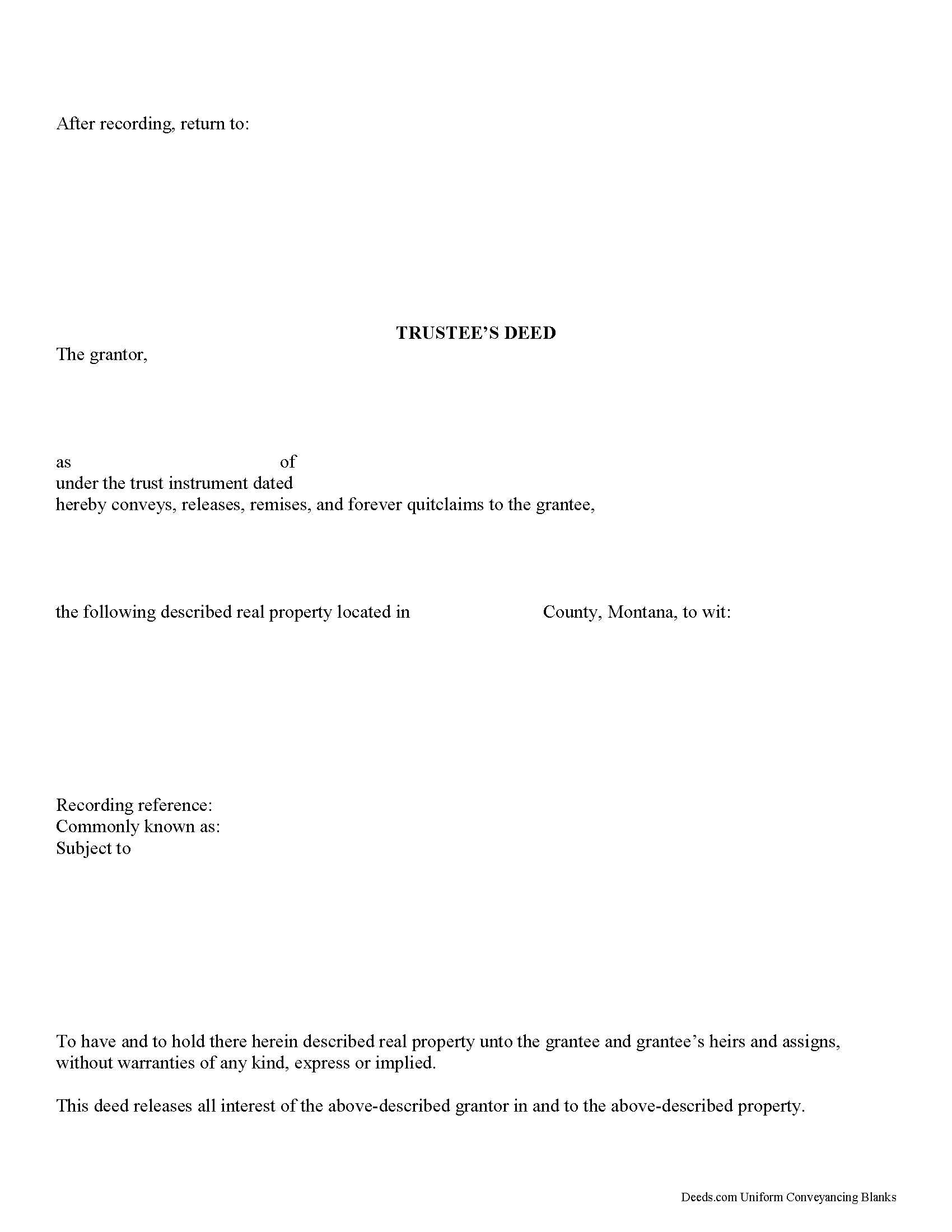
Judith Basin County Trustee Deed Form
Fill in the blank form formatted to comply with all recording and content requirements.
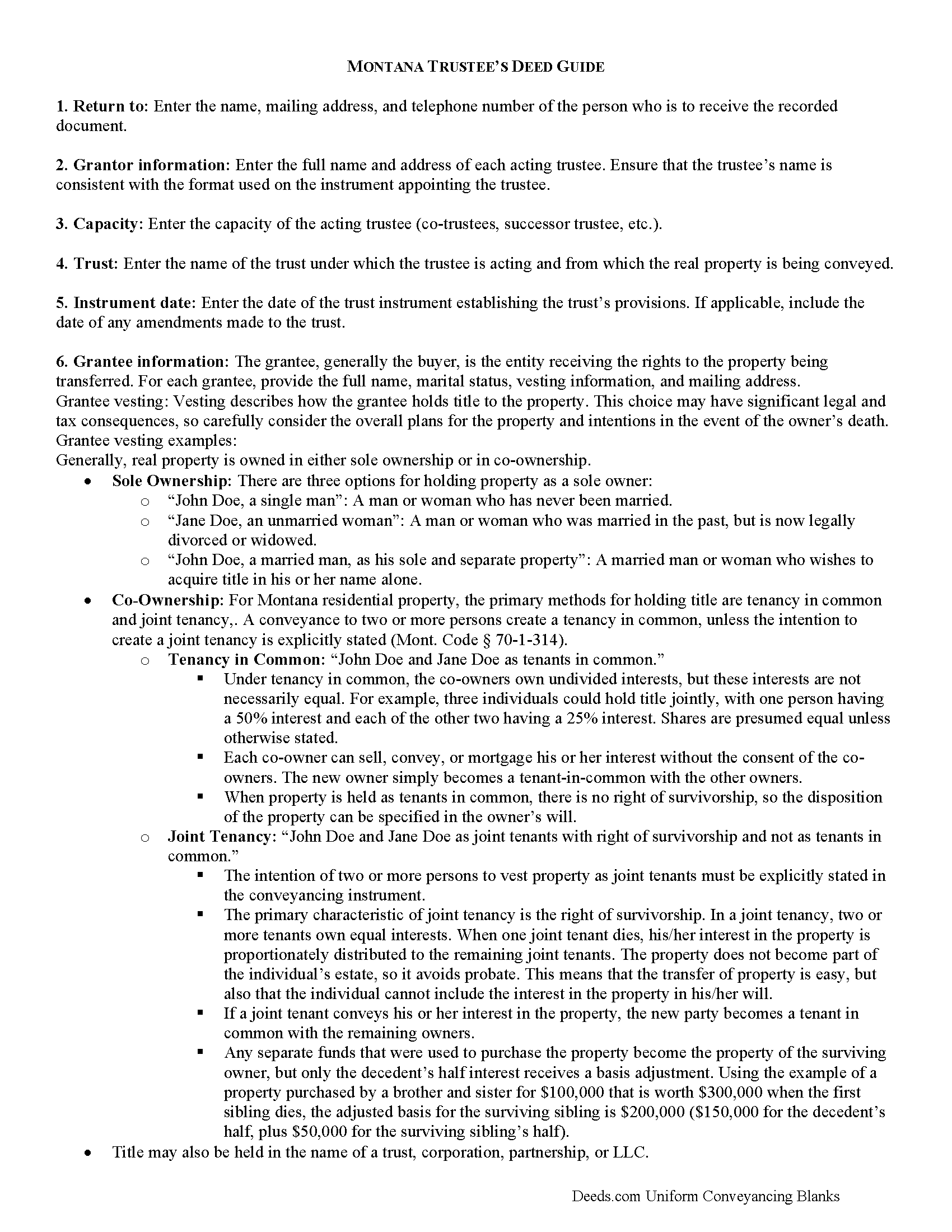
Judith Basin County Trustee Deed Guide
Line by line guide explaining every blank on the form.
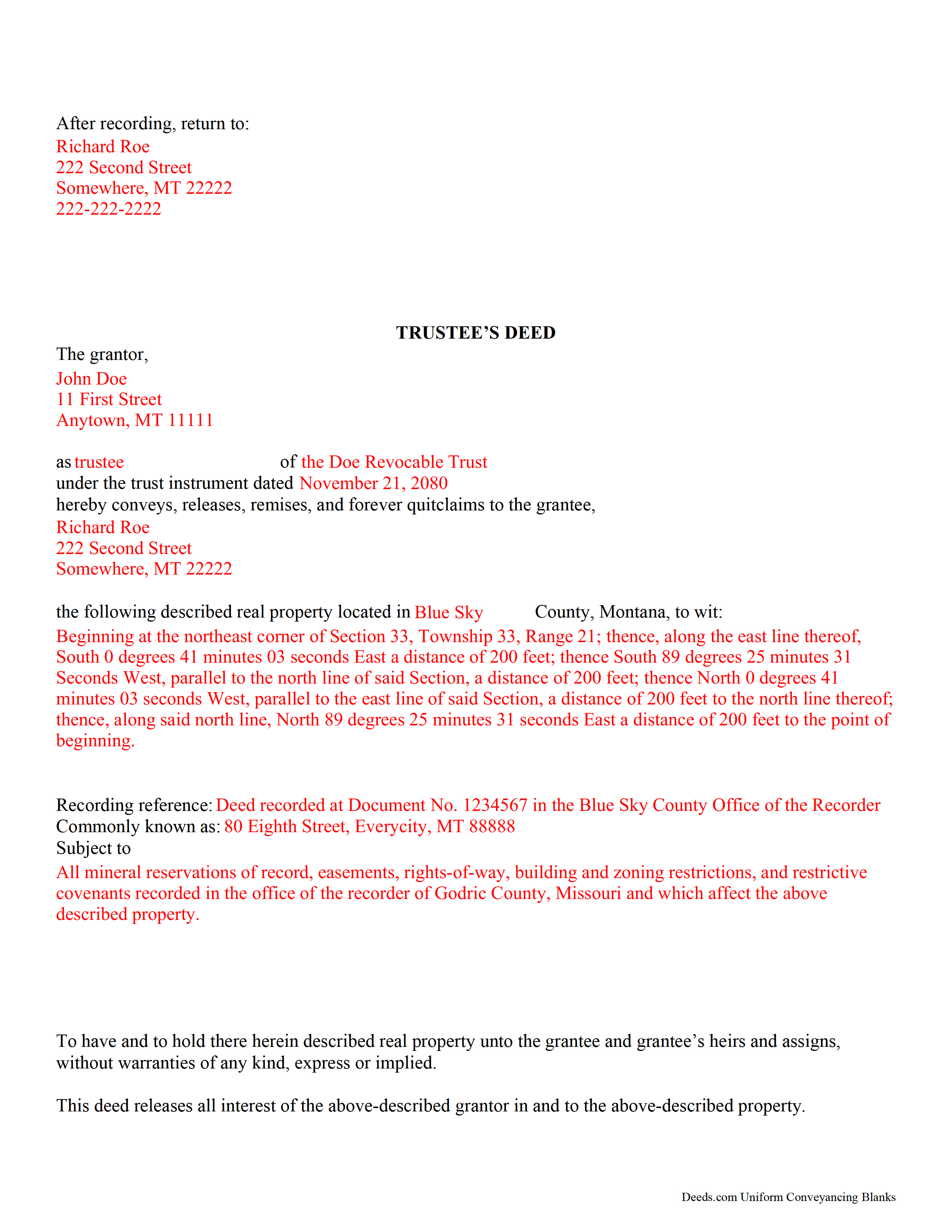
Judith Basin County Completed Example of the Trustee Deed Document
Example of a properly completed form for reference.
All 3 documents above included • One-time purchase • No recurring fees
Immediate Download • Secure Checkout
Additional Montana and Judith Basin County documents included at no extra charge:
Where to Record Your Documents
Judith Basin County Clerk / Recorder
Stanford, Montana 59479
Hours: 8:00 to 12:00 & 1:00 to 5:00 Mon-Fri
Phone: (406) 566-2277 Ext 109 or 110
Recording Tips for Judith Basin County:
- Bring your driver's license or state-issued photo ID
- Ensure all signatures are in blue or black ink
- Recorded documents become public record - avoid including SSNs
- Recording fees may differ from what's posted online - verify current rates
- Request a receipt showing your recording numbers
Cities and Jurisdictions in Judith Basin County
Properties in any of these areas use Judith Basin County forms:
- Geyser
- Hobson
- Moccasin
- Raynesford
- Stanford
Hours, fees, requirements, and more for Judith Basin County
How do I get my forms?
Forms are available for immediate download after payment. The Judith Basin County forms will be in your account ready to download to your computer. An account is created for you during checkout if you don't have one. Forms are NOT emailed.
Are these forms guaranteed to be recordable in Judith Basin County?
Yes. Our form blanks are guaranteed to meet or exceed the applicable formatting requirements used for recording in Judith Basin County, including margin requirements, font requirements, and other layout standards. This guarantee applies to formatting, not to the legal sufficiency of information entered by the user or the suitability of a form for a particular transaction.
Can I reuse these forms?
Yes. You can reuse the forms for your personal use. For example, if you have multiple properties in Judith Basin County you only need to order once.
What do I need to use these forms?
The forms are PDFs that you fill out on your computer. The free Adobe Acrobat Reader is recommended, and most PDF apps also work. You do NOT enter your property information online - you download the blank forms and complete them privately on your own computer.
Are there any recurring fees?
No. This is a one-time purchase. Nothing to cancel, no memberships, no recurring fees.
How much does it cost to record in Judith Basin County?
Recording fees in Judith Basin County vary. Contact the recorder's office at (406) 566-2277 Ext 109 or 110 for current fees.
Questions answered? Let's get started!
Transferring Real Property from a Living Trust in Montana? Use a Trustee's Deed
In Montana, a trustee uses a trustee's deed to convey property held in a living trust. This trustee's deed is different from a trustee's deed to the purchaser at the trustee's sale.
A living trust is an estate planning tool that allows the trust maker to determine what happens to their assets upon death.
The living trust relationship involves three parties: the settlor (trust maker), who establishes the trust and funds it with assets (including real property); the trustee, who holds title to the property on behalf of the trust; and the beneficiary, who has a present or future interest in the property held in trust. The settlor is able to revoke a living trust up until his death, at which point the trust becomes irrevocable.
The trust is established by a trust instrument executed by the settlor. The instrument names the trustee -- whether an individual, multiple people, or a corporate trustee --, the beneficiaries, and the trust's terms or provisions. Because the trust cannot technically hold title, property transferred into it is titled in the name of the trustee on behalf of the trust.
The trustee's power to convey trust property is codified under the Montana Uniform Trust Code at 72-38-816(2). In Montana, the trustee's deed is a type of quitclaim deed, and so contains no warranties of title.
The deed names the acting trustee as the grantor, the trust's name and the date of the instrument establishing the trust, and, after recording, transfers title to the grantee. The document should meet all requirements of form and content for documents affecting real property in the state of Montana, including the legal description of the property being conveyed. The trustee must sign the deed in the presence of a notary public before recording.
If the recipient of a trustee's deed requests it, a trustee may also confirm his authority to enter into real property transactions by providing a recorded affidavit under Mont. Code Ann. 72-38-1111.
Contact an attorney with questions regarding living trusts and trustee's deeds in the State of Montana.
(Montana TD Package includes form, guidelines, and completed example)
Important: Your property must be located in Judith Basin County to use these forms. Documents should be recorded at the county recording office listed above.
This Trustee Deed meets all recording requirements specific to Judith Basin County.
Our Promise
The documents you receive here are guaranteed to meet or exceed the applicable Judith Basin County recording format requirements. If there is a rejection caused by our formatting, we will correct the issue or refund your payment. This guarantee applies to document formatting only and does not extend to information entered by the user, the selection of the form, or the legal effect of the completed document.
Save Time and Money
Get your Judith Basin County Trustee Deed form done right the first time with Deeds.com Uniform Conveyancing Blanks. At Deeds.com, we understand that your time and money are valuable resources, and we don't want you to face a penalty fee or rejection imposed by a county recorder for submitting nonstandard documents. We constantly review and update our forms to meet rapidly changing state and county recording requirements for roughly 3,500 counties and local jurisdictions.
4.8 out of 5 - ( 4,829 Reviews )
Linley S. 5 out of 5 stars
This website is extremely easy to use and provides exactly what is needed to record things. I am very appreciative of this service, especially when I can't get to the court right now due to them being closed due to COVID-19 right now. Thank you!
Thank you Linley, glad we are able to help.
Carlene J. 5 out of 5 stars
Great way to do business with Dc Government! I submitted my documents and received everything back and approved on the same day! No wait , no line! Lol
Thank you for your feedback. We really appreciate it. Have a great day!
Sun H. 5 out of 5 stars
It was great working with deeds.com. I needed to record quickclaim deed and the staff was very responsive and communicative throughout the process where I needed to modify the documents repeated. Thank you for making the recording much easy by setting up the e-recording service!
Your feedback is greatly appreciated. Thank you for taking the time to share your experience!
Max P. 5 out of 5 stars
Excellent. Timely. Efficient. Smooth. Thank you!
We appreciate your business and value your feedback. Thank you. Have a wonderful day!
Leah P. 5 out of 5 stars
Thank you for your complete listing of deeds and forms. The Deed form I needed worked perfectly!
Thank you!
Paul V. 5 out of 5 stars
Easy to use , so far
Thank you!
Rodrigo M. 5 out of 5 stars
Excellent service
Thank you!
Robert C. 5 out of 5 stars
Amazingly easy process and excellent response time - very impressed!
Thank you!
Tressa P. 5 out of 5 stars
This online service was very easy to use. I highly recommend Deeds.com. The quick response from the representative upon submitting your document is quick. If something needed to be adjusted they will send you message and you can in turn respond right away with a message. The pricing of this service is very reasonable.
Thank you!
Amy R. 5 out of 5 stars
Forms I was looking for were easy to find, easy to download and accessible at any time in my account.
We are grateful for your feedback and looking forward to serving you again. Thank you!
Roberta C. 3 out of 5 stars
Expensive service but I had to have it so I paid.
Thank you for your feedback, Roberta. We understand that cost is an important consideration, and we appreciate you choosing our service when you needed it.
Mary-Ann K. 5 out of 5 stars
Very pleasantly pleased so far. Hope to hear from the town registrar Transfer On Death Deed accepted. Wish all legal proceedings were so simple . . .
Thank you for your feedback. We really appreciate it. Have a great day!
Nigel S. 5 out of 5 stars
Very simple to use. The 'completed examples' are very helpful.
Thank you for your feedback. We really appreciate it. Have a great day!
David W. 5 out of 5 stars
Excellent and customer friendly as well...ty
Thank you for your feedback. We really appreciate it. Have a great day!
candy h. 5 out of 5 stars
service was great!
Thank you!