Broome County Revocation of Transfer on Death Deed Form
Last validated October 6, 2026 by our Forms Development TeamFormatted for recording in Broome County, for property anywhere in the county: rural and unincorporated areas as well as Bible School Park, Binghamton, Castle Creek, Chenango Bridge, Chenango Forks, Conklin, Corbettsville, Deposit and 16 more.
- 3 documents included
- Immediate PDF download
- Formatting guarantee
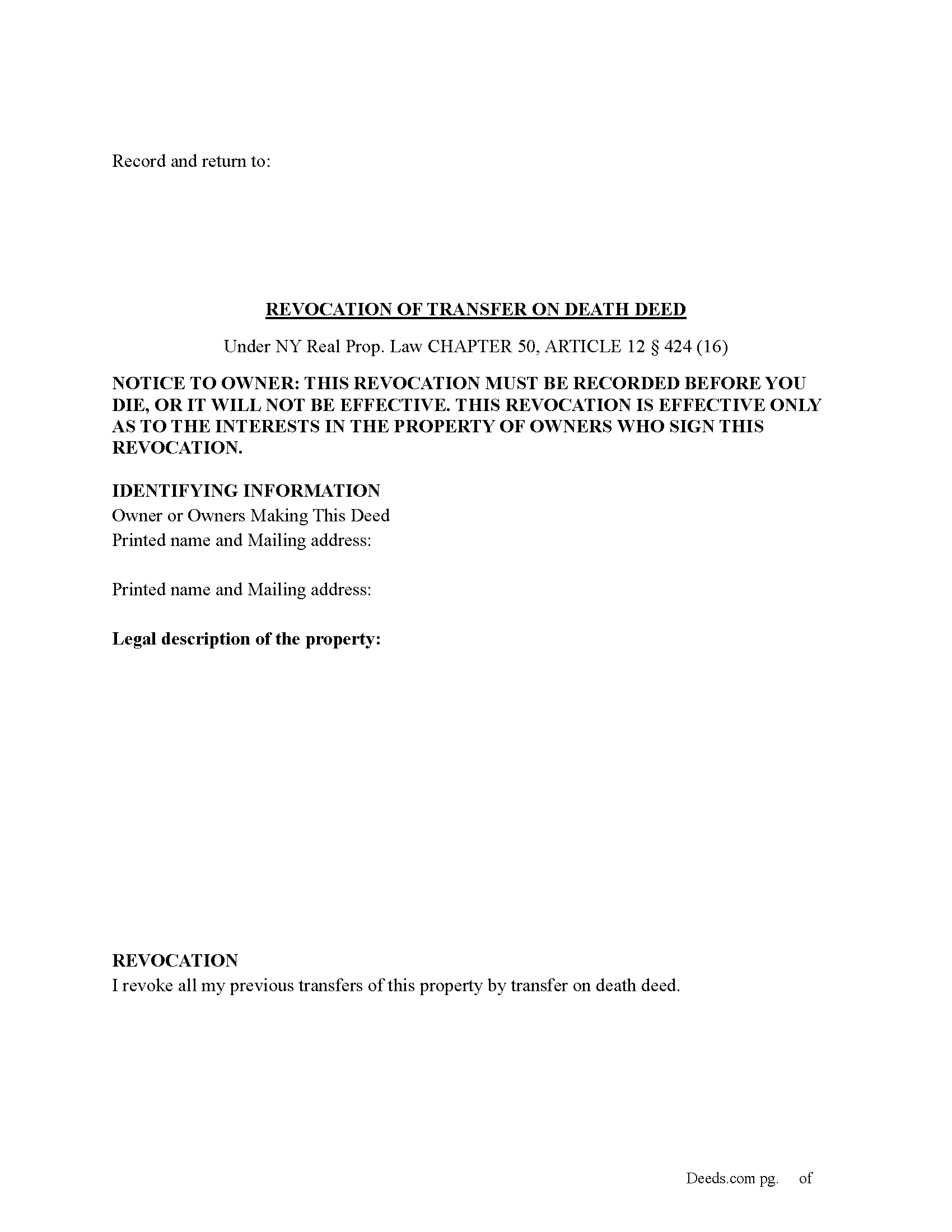
Broome County Revocation of Transfer on Death Deed Form
Fill in the blank Revocation of Transfer on Death Deed form formatted to comply with all New York recording and content requirements.

Broome County Revocation of Transfer on Death Deed Guide
Line by line guide explaining every blank on the Revocation of Transfer on Death Deed form.
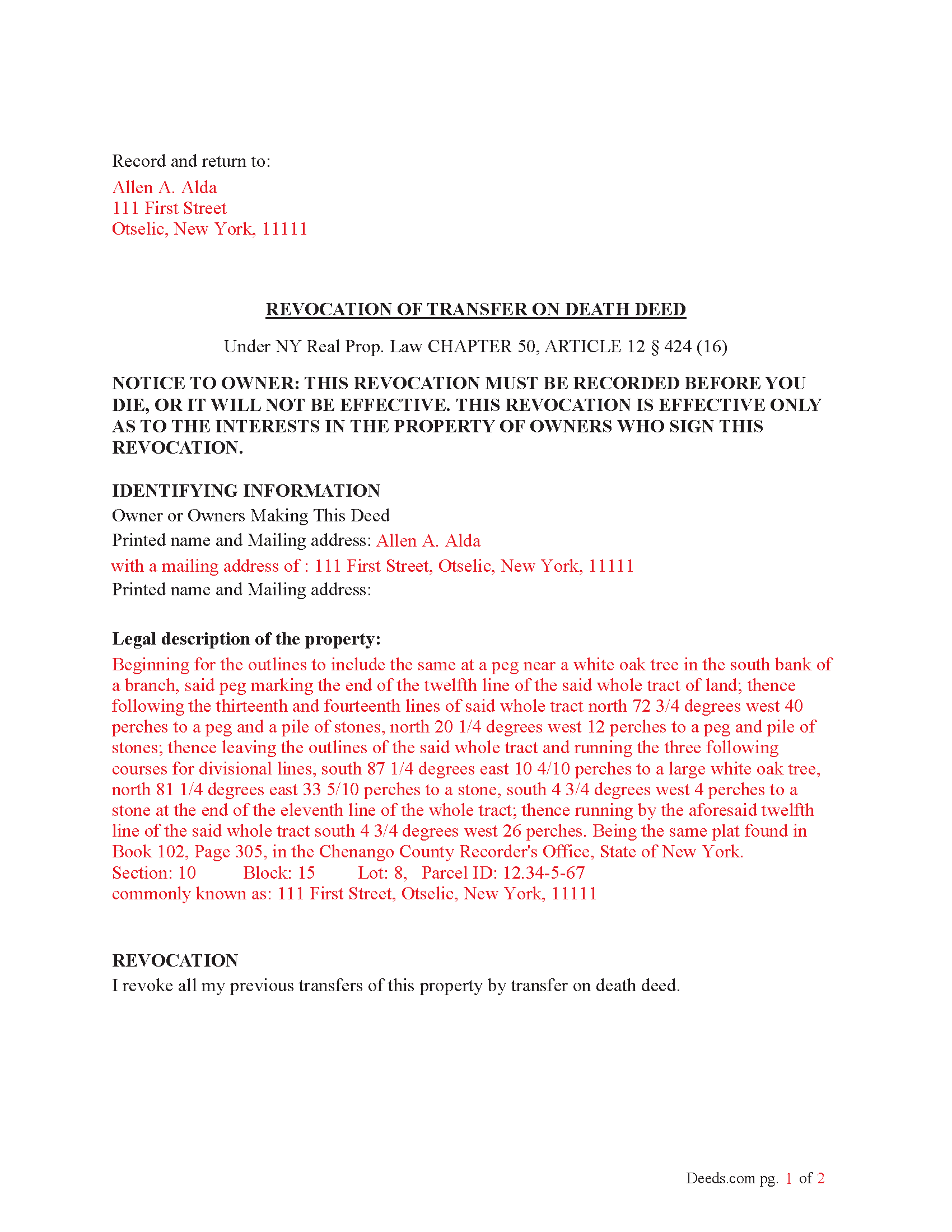
Broome County Completed Example of the Revocation of Transfer on Death Deed Document
Example of a properly completed New York Revocation of Transfer on Death Deed document for reference.
All 3 documents above included • One-time purchase • No recurring fees
Immediate Download • Secure Checkout
Additional New York and Broome County documents included at no extra charge:
Where to Record Your Documents
Broome County Clerk - County Office Building
Binghamton, New York 13902-2062
Hours: Monday-Friday 8:00 - 4:30 (Searching); 9:00 - 4:15 (Recording)
Phone: (607) 778-2451
Recording Tips for Broome County:
- Bring your driver's license or state-issued photo ID
- Ensure all signatures are in blue or black ink
- Both spouses typically need to sign if property is jointly owned
- Bring extra funds - fees can vary by document type and page count
- Check margin requirements - usually 1-2 inches at top
Cities and Jurisdictions in Broome County
Properties in any of these areas use Broome County forms:
- Bible School Park
- Binghamton
- Castle Creek
- Chenango Bridge
- Chenango Forks
- Conklin
- Corbettsville
- Deposit
- Endicott
- Endwell
- Glen Aubrey
- Harpursville
- Johnson City
- Killawog
- Kirkwood
- Lisle
- Maine
- Nineveh
- Ouaquaga
- Port Crane
- Tunnel
- Vestal
- Whitney Point
- Windsor
Hours, fees, requirements, and more for Broome County
How do I get my forms?
Forms are available for immediate download after payment. The Broome County forms will be in your account ready to download to your computer. An account is created for you during checkout if you don't have one. Forms are NOT emailed.
Are these forms guaranteed to be recordable in Broome County?
Yes. Our form blanks are guaranteed to meet or exceed the applicable formatting requirements used for recording in Broome County, including margin requirements, font requirements, and other layout standards. This guarantee applies to formatting, not to the legal sufficiency of information entered by the user or the suitability of a form for a particular transaction.
Can I reuse these forms?
Yes. You can reuse the forms for your personal use. For example, if you have multiple properties in Broome County you only need to order once.
What do I need to use these forms?
The forms are PDFs that you fill out on your computer. The free Adobe Acrobat Reader is recommended, and most PDF apps also work. You do NOT enter your property information online - you download the blank forms and complete them privately on your own computer.
Are there any recurring fees?
No. This is a one-time purchase. Nothing to cancel, no memberships, no recurring fees.
How much does it cost to record in Broome County?
Recording fees in Broome County vary. Contact the recorder's office at (607) 778-2451 for current fees.
Questions answered? Let's get started!
(How do I revoke the TOD deed after it is recorded?
There are three ways to revoke a recorded TOD deed:
(1) Complete and acknowledge a revocation form and record it in each county where the property is located.
(2) Complete and acknowledge a new TOD deed that disposes of the same property and record it in each county where the property is located.
(3) Transfer the property to someone else during your lifetime by a recorded deed that expressly revokes the TOD deed. You may not revoke the TOD deed by will.) (Real Property (RPP) CHAPTER 50, ARTICLE 12 § 424(15))
Execution of Revocation: The revocation must be executed (signed) by the property owner in the presence of two witnesses and a Notary Public, similar to how the original TOD deed was executed.
Recording the Revocation: The revocation (whether via a new TOD deed or a revocation form) must be recorded in the County Clerk's office where the property is located, just like the original TOD deed. If the revocation is not recorded, it will not be valid.
Retain Control Until Revoked: The property owner retains full control over the property and can revoke the TOD deed at any time during their lifetime. However, after the owner's death, the TOD deed takes effect and cannot be revoked.
Important Considerations: Beneficiary Consent- The property owner does not need the consent of the beneficiary to revoke the TOD deed.
Automatic Revocation by Sale: If the property owner sells or transfers the property during their lifetime, this will also effectively revoke the TOD deed.
Important: Your property must be located in Broome County to use these forms. Documents should be recorded at the county recording office listed above.
This Revocation of Transfer on Death Deed meets all recording requirements specific to Broome County.
Our Promise
The documents you receive here are guaranteed to meet or exceed the applicable Broome County recording format requirements. If there is a rejection caused by our formatting, we will correct the issue or refund your payment. This guarantee applies to document formatting only and does not extend to information entered by the user, the selection of the form, or the legal effect of the completed document.
Save Time and Money
Get your Broome County Revocation of Transfer on Death Deed form done right the first time with Deeds.com Uniform Conveyancing Blanks. At Deeds.com, we understand that your time and money are valuable resources, and we don't want you to face a penalty fee or rejection imposed by a county recorder for submitting nonstandard documents. We constantly review and update our forms to meet rapidly changing state and county recording requirements for roughly 3,500 counties and local jurisdictions.
4.8 out of 5 - ( 4,830 Reviews )
Sallie L. 5 out of 5 stars
Easy, information given was very helpful!
Thank you!
ROBERT D. 5 out of 5 stars
VERY HAPPY WITH YOUR SERVICE !
We appreciate your business and value your feedback. Thank you. Have a wonderful day!
Lisa P. 5 out of 5 stars
It was easy to find and download the documents that I needed.
We are thankful for your continued support and feedback, which inspire us to continuously improve. Thank you..
Leonard D. 5 out of 5 stars
I'm still working on it. I'm surprised that it appears so much information has to be included about beneficiaries.
Thank you!
Armando R. 5 out of 5 stars
Great service, quick and affordable. Thank you!
Thank you!
Karen M. 5 out of 5 stars
This was a very easy and organized system to use.
Thank you for your feedback. We really appreciate it. Have a great day!
Chuck M. 5 out of 5 stars
Easy to use service. However, the product that I purchased did not meet my needs. No fault of the company.
Thank you for your feedback Chuck. We certainly don't want you to purchase something you can not use. We have canceled your order and payment. Have a wonderful day.
Sherri S. 5 out of 5 stars
Appreciate your diligent assistance.
Thank you!
Mary Lou Z. 5 out of 5 stars
I was able to download the TOD deed form with no issues and it showed immediately. I appreciate that there is a sample provided on how to complete the form. Once downloaded this form is yours and can be changed ,if you make an error. This form is not complicated and is recognized by the County Court House where I filed the document. I am very pleased this form is available to process on my own and the fee is very reasonable. TY.
Thank you, Mary Lou. We are glad the transfer on death deed downloaded smoothly and that the completed sample made the process clear. It is great to hear your county recorded it without any trouble. We built these forms so property owners can handle the filing themselves with confidence, and at a fair one-time price. Thank you for choosing Deeds.com.
Marjorie D. 5 out of 5 stars
The process was easy and efficient. I will definitely be using this service!
Thank you for your feedback. We really appreciate it. Have a great day!
Susan K. 5 out of 5 stars
First time using DEEDS.COM and very helpful with documents to fill out. I highly recommend this company for all your needs .Thank you.
We appreciate your business and value your feedback. Thank you. Have a wonderful day!
Thomas C. 5 out of 5 stars
This platform made electronic filing of a lien easy and quick. I was able to accomplish everything from my laptop and phone, and the fees were reasonable. I would recommend deeds.com for efiling property related documents.
We appreciate your business and value your feedback. Thank you. Have a wonderful day!
Stephen N. 5 out of 5 stars
Excellent service.
Thank you!
Brenda M. 5 out of 5 stars
It was quick and easy to obtain the document I needed
Thanks so much for your feedback Brenda, we really appreciate it. Have a great day!
Dee S. 5 out of 5 stars
This was easy and much cheaper than getting a lawyer. Thanks! - From alabama
We appreciate your business and value your feedback. Thank you. Have a wonderful day!