Queens County Satisfaction of Mortgage Form
Last validated October 1, 2026 by our Forms Development TeamFormatted for recording in Queens County, for property anywhere in the county: rural and unincorporated areas as well as Arverne, Astoria, Bayside, Bellerose, Breezy Point, Cambria Heights, College Point, Corona and 33 more.
- 3 documents included
- Immediate PDF download
- Formatting guarantee
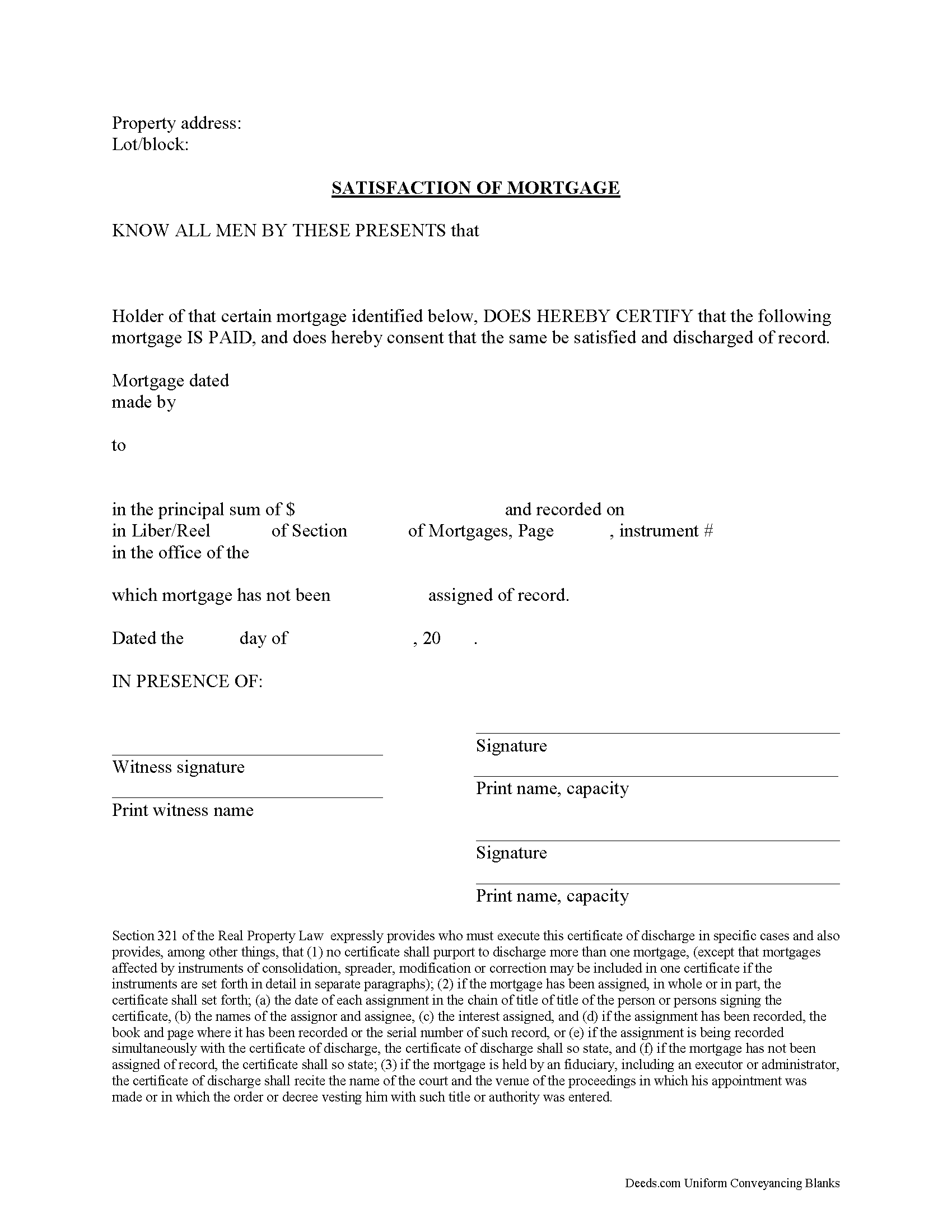
Queens County Satisfaction of Mortgage Form
Fill in the blank form formatted to comply with all recording and content requirements.
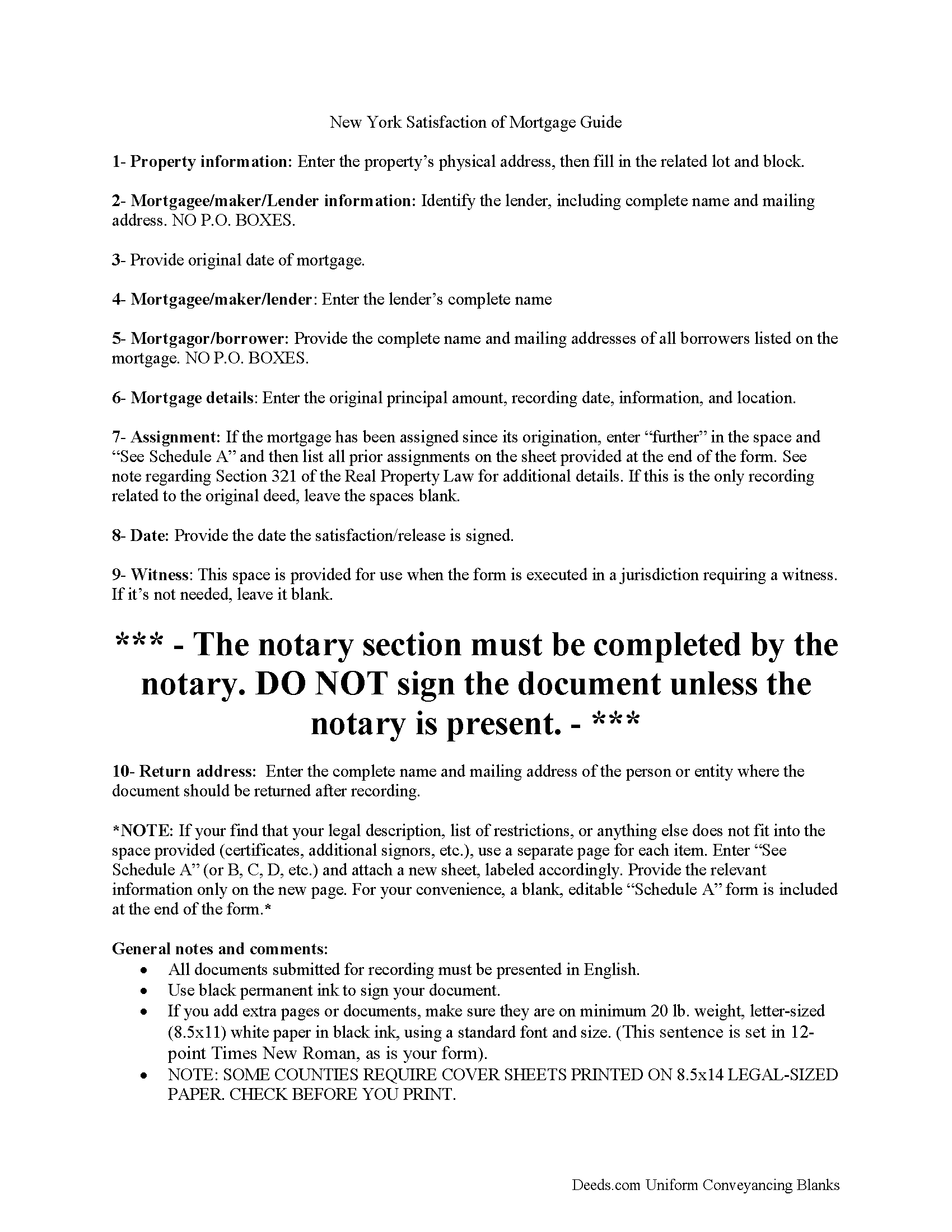
Queens County Satisfaction of Mortgage Guide
Line by line guide explaining every blank on the form.
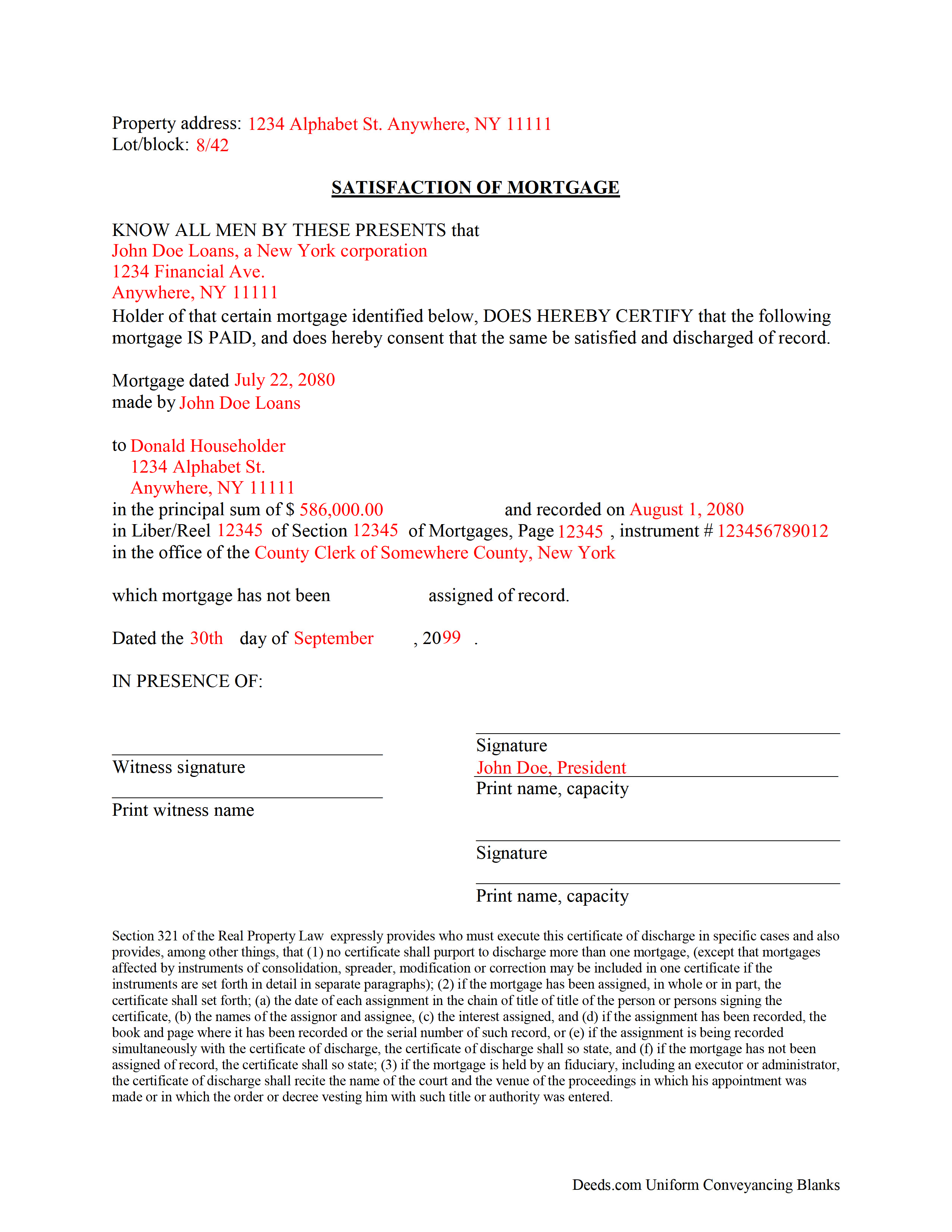
Queens County Completed Example of the Satisfaction of Mortgage Document
Example of a properly completed form for reference.
All 3 documents above included • One-time purchase • No recurring fees
Immediate Download • Secure Checkout
Additional New York and Queens County documents included at no extra charge:
Where to Record Your Documents
Queens Business Center - City Register
Jamaica, New York 11435
Hours: 9:00 to 4:30 M-F
Phone: (718) 658-4600
Recording Tips for Queens County:
- Bring your driver's license or state-issued photo ID
- Ensure all signatures are in blue or black ink
- Check that your notary's commission hasn't expired
- Documents must be on 8.5 x 11 inch white paper
- Double-check legal descriptions match your existing deed
Cities and Jurisdictions in Queens County
Properties in any of these areas use Queens County forms:
- Arverne
- Astoria
- Bayside
- Bellerose
- Breezy Point
- Cambria Heights
- College Point
- Corona
- East Elmhurst
- Elmhurst
- Far Rockaway
- Floral Park
- Flushing
- Forest Hills
- Fresh Meadows
- Glen Oaks
- Hollis
- Howard Beach
- Jackson Heights
- Jamaica
- Kew Gardens
- Little Neck
- Long Island City
- Maspeth
- Middle Village
- Oakland Gardens
- Ozone Park
- Queens Village
- Rego Park
- Richmond Hill
- Ridgewood
- Rockaway Park
- Rosedale
- Saint Albans
- South Ozone Park
- South Richmond Hill
- Springfield Gardens
- Sunnyside
- Whitestone
- Woodhaven
- Woodside
Hours, fees, requirements, and more for Queens County
How do I get my forms?
Forms are available for immediate download after payment. The Queens County forms will be in your account ready to download to your computer. An account is created for you during checkout if you don't have one. Forms are NOT emailed.
Are these forms guaranteed to be recordable in Queens County?
Yes. Our form blanks are guaranteed to meet or exceed the applicable formatting requirements used for recording in Queens County, including margin requirements, font requirements, and other layout standards. This guarantee applies to formatting, not to the legal sufficiency of information entered by the user or the suitability of a form for a particular transaction.
Can I reuse these forms?
Yes. You can reuse the forms for your personal use. For example, if you have multiple properties in Queens County you only need to order once.
What do I need to use these forms?
The forms are PDFs that you fill out on your computer. The free Adobe Acrobat Reader is recommended, and most PDF apps also work. You do NOT enter your property information online - you download the blank forms and complete them privately on your own computer.
Are there any recurring fees?
No. This is a one-time purchase. Nothing to cancel, no memberships, no recurring fees.
How much does it cost to record in Queens County?
Recording fees in Queens County vary. Contact the recorder's office at (718) 658-4600 for current fees.
Questions answered? Let's get started!
After completing payments on the balance due of a mortgage, the lender completes this satisfaction form. Promptly recording this document in the same county as the original mortgage serves to unencumber (free up) the title to the related real property. Words of conveyance are unnecessary because the property rights were transferred when the borrower and lender signed the mortgage.
(New York SOM Package includes form, guidelines, and completed example)
Important: Your property must be located in Queens County to use these forms. Documents should be recorded at the county recording office listed above.
This Satisfaction of Mortgage meets all recording requirements specific to Queens County.
Our Promise
The documents you receive here are guaranteed to meet or exceed the applicable Queens County recording format requirements. If there is a rejection caused by our formatting, we will correct the issue or refund your payment. This guarantee applies to document formatting only and does not extend to information entered by the user, the selection of the form, or the legal effect of the completed document.
Save Time and Money
Get your Queens County Satisfaction of Mortgage form done right the first time with Deeds.com Uniform Conveyancing Blanks. At Deeds.com, we understand that your time and money are valuable resources, and we don't want you to face a penalty fee or rejection imposed by a county recorder for submitting nonstandard documents. We constantly review and update our forms to meet rapidly changing state and county recording requirements for roughly 3,500 counties and local jurisdictions.
4.8 out of 5 - ( 4,864 Reviews )
Frances B. 5 out of 5 stars
Excellent product!!!! Accepted at my courthouse without a hitch. I recommend this company whole heartedly!!
We appreciate your business and value your feedback. Thank you. Have a wonderful day!
Elaine R. 5 out of 5 stars
Delivered the exact documents I wanted, and included a filled out form for guidance. It also included other documents that might be required. Excellent.
Thank you, Elaine. We’re glad the forms and example document were helpful and that you found everything you needed. We appreciate your feedback and your business.
William U. 5 out of 5 stars
Prompt service, reasonable price.
Thank you!
Evaristo R. 2 out of 5 stars
I was very excited to use the website but unfortunately they had a problem retrieving my Deed but thank you for the opportunity.
Thank you for your feedback. We really appreciate it. Have a great day!
Omar F. 5 out of 5 stars
Great! Thank you!
Thank you!
Giustino C. 5 out of 5 stars
I am pleased with this electronic service in making a time sensitive deed transfer since very few options exist currently with the Covid 19 Crisis. This was the only rapid and available option to record the deed transfer and the fee was reasonable. I was able to upload my notarized and executed document and had a record number as well as the official document within 24 hours. It was simple and easy to use. Thank you deeds.com!!
Thank you Giustino, glad we could help.
Roger A. 5 out of 5 stars
Easy peasy to use! It's great to have the guide for completing the form and an example of a completed form.
It was a pleasure serving you. Thank you for the positive feedback!
Wendling D. 4 out of 5 stars
Good
Thank you!
David R. 3 out of 5 stars
$40 is an excessively expensive price for this very simple form, especially since I couldn't view it before purchasing. I did successfully register the TODD at my county clerks office, although I wasn't certain it would be accepted given the notary format was on a separate page. Knowing what I know now, I would have formatted a form on my computer and filled it in with a pen. The background materials were superfluous and in my case, didn't add value.
David, we’re glad you successfully recorded your deed using our form. The value of a DIY package is not measured by how complicated the finished document looks or how easily it could be recreated on a computer. It provides a prepared form and supporting information rather than requiring you to research and draft a document from scratch. Having that starting point is what the purchase provides—even when, in hindsight, doing it yourself appears straightforward.
Brian S. 3 out of 5 stars
PDF fields change font sizes leading to an unprofessional-appearing printed page. The examples for "Convey to" section don't include how to specify just one person instead of a married couple. Maybe that is simple but it would help to spell it out in an example. Haven't submitted to County Recorder yet, so will find out if it is acceptable.
Thank you for the feedback Brian.
The font issue is caused by using a PDF viewer other than Adobe Acrobat Reader. Our form fields are set to a uniform 12-point font, but non-Adobe viewers often render form fields inconsistently. Opening and printing the form with the free Adobe Acrobat Reader will resolve that.
Regarding the examples, that's a fair point, we'll look at expanding them.
Gwen R. 5 out of 5 stars
Happy with the forms no complaints at all.
Thank you Gwen!
Melinda L. 5 out of 5 stars
Easy to find what I needed and a good price. Very satisfied.
Thank you for your feedback. We really appreciate it. Have a great day!
Donna W. 5 out of 5 stars
This is an amazing place to come for all your deed help. I had looked on several other sites without luck, but deeds.com got everything I needed quickly and they are very inexpensive! Love this site and will be recommending it to anyone needing this type of help.
Thank you for your positive words! We’re thrilled to hear about your experience.
Sean M. 5 out of 5 stars
This was exactly what I needed. For $25-$30 it gave me the formatted document I needed and made it so easy to input the info. I wouldn't recommend it to someone who has no clue what they're doing, but for somebody who knows all the info and just needs a formatted page to input it onto, this is perfect.
We appreciate your business and value your feedback. Thank you. Have a wonderful day!
Michael R. 5 out of 5 stars
This process was so easy.
We appreciate your business and value your feedback. Thank you. Have a wonderful day!