Queens County Administrator Deed Form
Last validated September 30, 2026 by our Forms Development TeamFormatted for recording in Queens County, for property anywhere in the county: rural and unincorporated areas as well as Arverne, Astoria, Bayside, Bellerose, Breezy Point, Cambria Heights, College Point, Corona and 33 more.
- 3 documents included
- Immediate PDF download
- Formatting guarantee
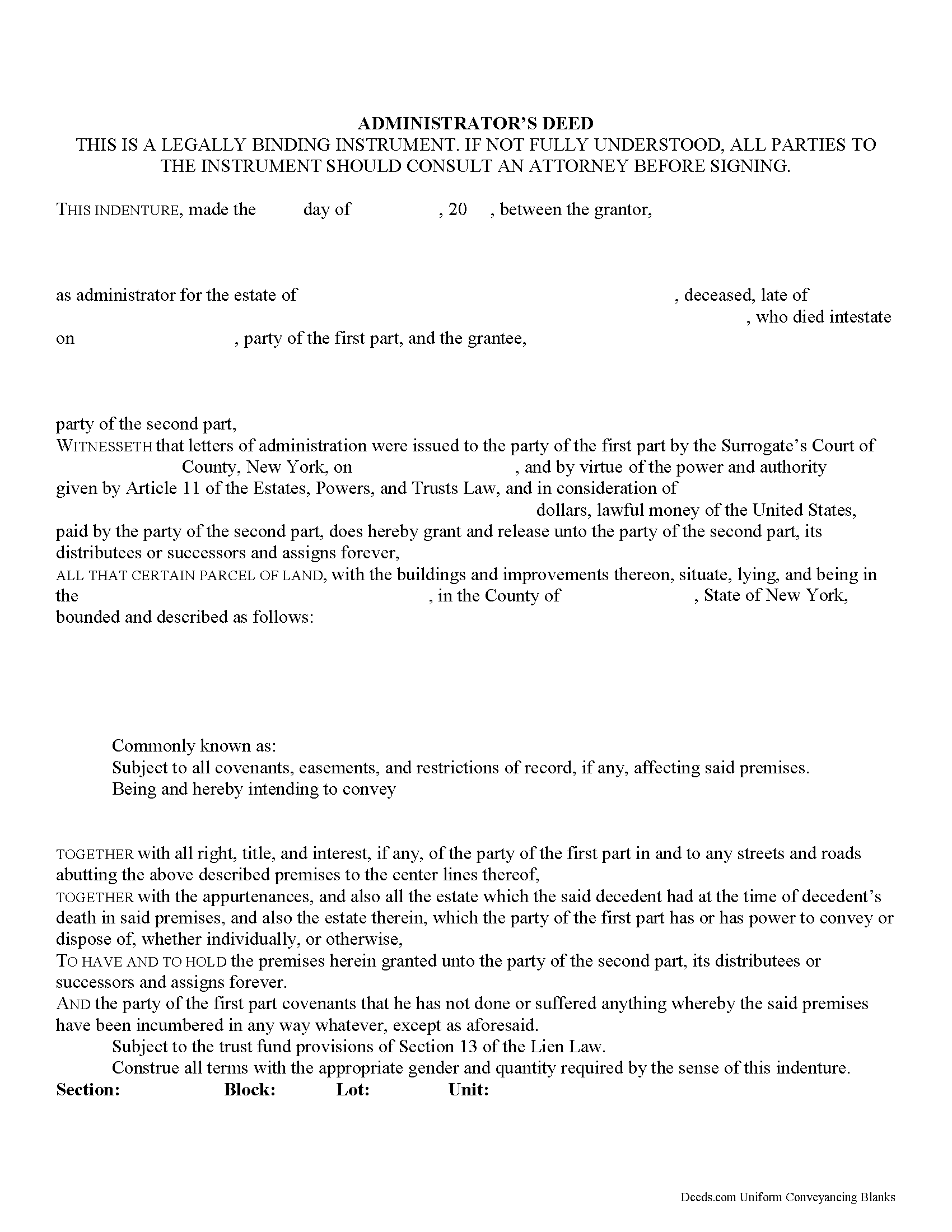
Queens County Administrator Deed Form
Fill in the blank form formatted to comply with all recording and content requirements.
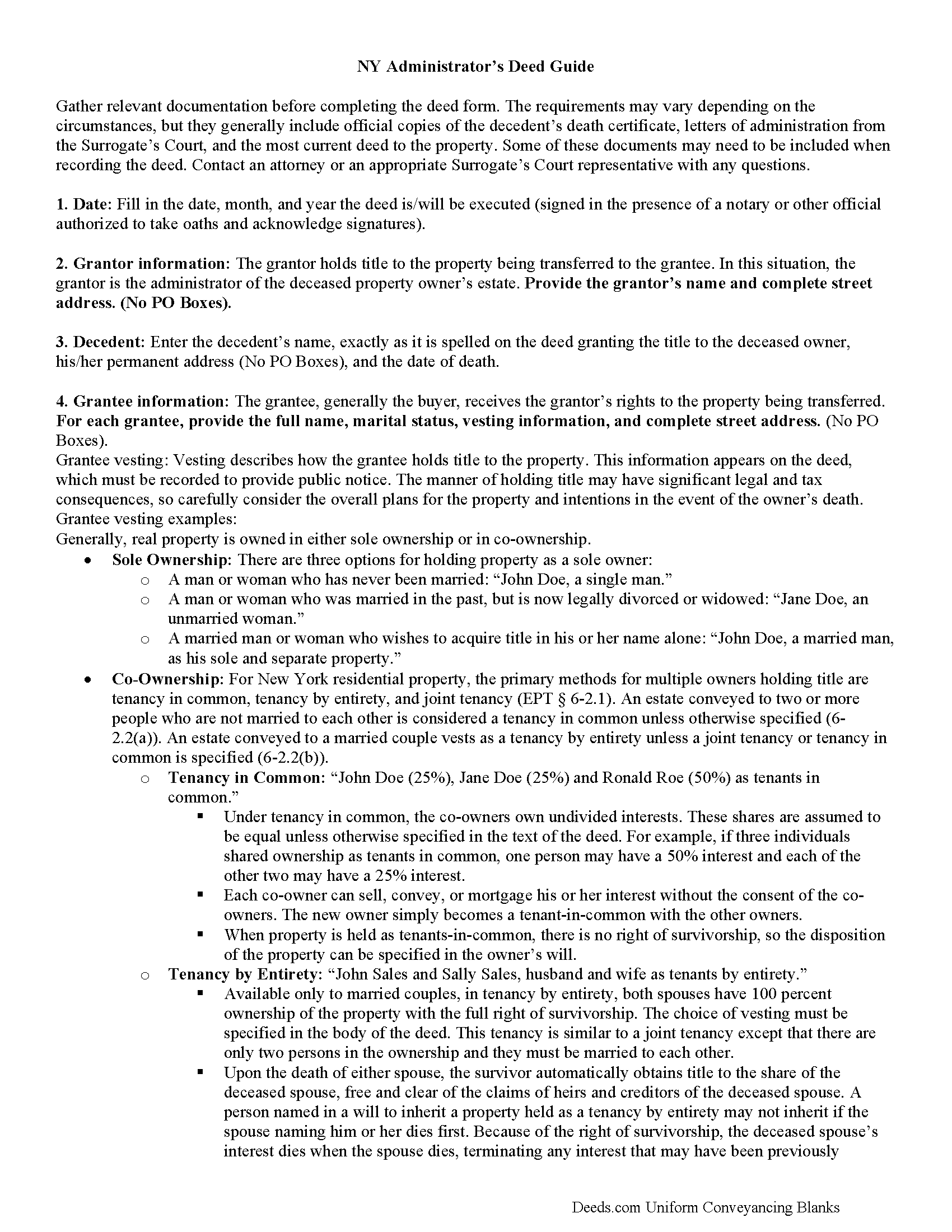
Queens County Administrator Deed Guide
Line by line guide explaining every blank on the form.
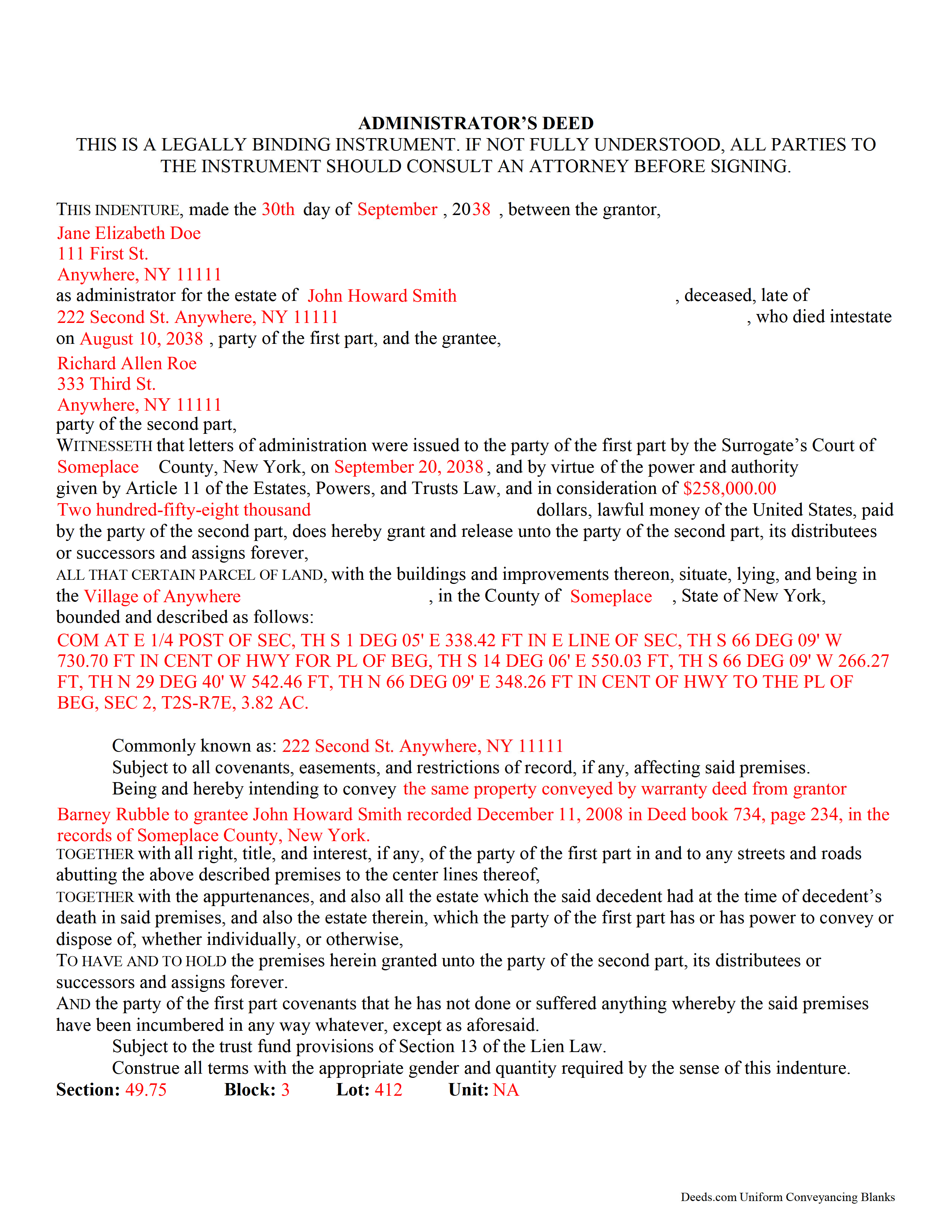
Queens County Completed Example of the Administrator Deed Document
Example of a properly completed form for reference.
All 3 documents above included • One-time purchase • No recurring fees
Immediate Download • Secure Checkout
Additional New York and Queens County documents included at no extra charge:
Where to Record Your Documents
Queens Business Center - City Register
Jamaica, New York 11435
Hours: 9:00 to 4:30 M-F
Phone: (718) 658-4600
Recording Tips for Queens County:
- Bring your driver's license or state-issued photo ID
- Ensure all signatures are in blue or black ink
- Verify all names are spelled correctly before recording
- White-out or correction fluid may cause rejection
- Ask about their eRecording option for future transactions
Cities and Jurisdictions in Queens County
Properties in any of these areas use Queens County forms:
- Arverne
- Astoria
- Bayside
- Bellerose
- Breezy Point
- Cambria Heights
- College Point
- Corona
- East Elmhurst
- Elmhurst
- Far Rockaway
- Floral Park
- Flushing
- Forest Hills
- Fresh Meadows
- Glen Oaks
- Hollis
- Howard Beach
- Jackson Heights
- Jamaica
- Kew Gardens
- Little Neck
- Long Island City
- Maspeth
- Middle Village
- Oakland Gardens
- Ozone Park
- Queens Village
- Rego Park
- Richmond Hill
- Ridgewood
- Rockaway Park
- Rosedale
- Saint Albans
- South Ozone Park
- South Richmond Hill
- Springfield Gardens
- Sunnyside
- Whitestone
- Woodhaven
- Woodside
Hours, fees, requirements, and more for Queens County
How do I get my forms?
Forms are available for immediate download after payment. The Queens County forms will be in your account ready to download to your computer. An account is created for you during checkout if you don't have one. Forms are NOT emailed.
Are these forms guaranteed to be recordable in Queens County?
Yes. Our form blanks are guaranteed to meet or exceed the applicable formatting requirements used for recording in Queens County, including margin requirements, font requirements, and other layout standards. This guarantee applies to formatting, not to the legal sufficiency of information entered by the user or the suitability of a form for a particular transaction.
Can I reuse these forms?
Yes. You can reuse the forms for your personal use. For example, if you have multiple properties in Queens County you only need to order once.
What do I need to use these forms?
The forms are PDFs that you fill out on your computer. The free Adobe Acrobat Reader is recommended, and most PDF apps also work. You do NOT enter your property information online - you download the blank forms and complete them privately on your own computer.
Are there any recurring fees?
No. This is a one-time purchase. Nothing to cancel, no memberships, no recurring fees.
How much does it cost to record in Queens County?
Recording fees in Queens County vary. Contact the recorder's office at (718) 658-4600 for current fees.
Questions answered? Let's get started!
Transferring New York Real Property with an Administrator's Deed
Administrator's deeds are used to transfer title to real property when the owner died intestate (without a last will and testament).
The Surrogate's Court appoints an administrator to distribute the deceased individual's estate according to the rules set out in section 4-1.1of New York's Estates, Powers, and Trusts Law (EPT). The surrogate (the judge managing the case) issues documents called letters of administration, authorizing the administrator to begin his/her duties. If the estate includes real property, those duties could include using an administrator's deed to sell it.
Administrator's deeds contain the same information as warranty or quitclaim deeds, but they also include details about the administrator and the deceased owner. The administrator acts as the grantor on the deed, and his/her signature must be notarized. Some cases may require a witness to sign the deed in front of the notary, too. Note that at sections 309-a and 309-b, New York's Real Property Law (RPP) sets out specific notary statements based on whether the deed is signed inside or outside the state.
In addition to the standard state and local forms that accompany deeds submitted for recording, administrators might need to attach letters of administration from the Surrogate's Court, certified copies of the decedent's death certificate, and other supporting documentation as appropriate. Depending on the circumstances, the sale might also require court approval.
Probate procedures can be complicated, and each situation is unique. Seek assistance from an attorney or from the surrogate responsible for the case with any questions about this process.
(New York AD Package includes form, guidelines, and completed example)
Important: Your property must be located in Queens County to use these forms. Documents should be recorded at the county recording office listed above.
This Administrator Deed meets all recording requirements specific to Queens County.
Our Promise
The documents you receive here are guaranteed to meet or exceed the applicable Queens County recording format requirements. If there is a rejection caused by our formatting, we will correct the issue or refund your payment. This guarantee applies to document formatting only and does not extend to information entered by the user, the selection of the form, or the legal effect of the completed document.
Save Time and Money
Get your Queens County Administrator Deed form done right the first time with Deeds.com Uniform Conveyancing Blanks. At Deeds.com, we understand that your time and money are valuable resources, and we don't want you to face a penalty fee or rejection imposed by a county recorder for submitting nonstandard documents. We constantly review and update our forms to meet rapidly changing state and county recording requirements for roughly 3,500 counties and local jurisdictions.
4.8 out of 5 - ( 4,833 Reviews )
Sun H. 5 out of 5 stars
It was great working with deeds.com. I needed to record quickclaim deed and the staff was very responsive and communicative throughout the process where I needed to modify the documents repeated. Thank you for making the recording much easy by setting up the e-recording service!
Your feedback is greatly appreciated. Thank you for taking the time to share your experience!
Steven T. 5 out of 5 stars
I needed the deed forms for setting up our living trust. It appears this will do the trick! Steve
We appreciate your business and value your feedback. Thank you. Have a wonderful day!
David L. 4 out of 5 stars
It was a very easy to use application. I can only give it four stars because I have yet to receive confirmation from the county that my application was acceptable, ie., format, font, etc. I believe it will be fine.
Thank you for your feedback. We really appreciate it. Have a great day!
Claudia H. 5 out of 5 stars
***** Have not used this option before. Found it easy to use and understand. Cost was reasonable and options on recording helpful. Would use again in a heartbeat.
We appreciate your business and value your feedback. Thank you. Have a wonderful day!
James R. 5 out of 5 stars
Really Easy site to navigate!
Thank you James, have a great day!
Katherine D. 5 out of 5 stars
Once I found your site it was very easy to understand, order and copy the forms. It is very helpful that you included an example of a completed form. Thank you. This form helps hundreds of seniors avoid lawyers, probate and the fear of losing their homes.
We appreciate your business and value your feedback. Thank you. Have a wonderful day!
M T. 5 out of 5 stars
Really nice deed form and guide the whole process was super easy.
Thank you!
Jessi S. 5 out of 5 stars
Delivery of documents was instantaneous once payment is received. Thank you for that. For future clarification to potential users, Deeds.com may want to categorize the type of easement documents that are available. I was needing a 'utility easement' form and received an 'ingress/egress' form. Had I known it was an ingress/egress document, I would not have made the purchase. Outside of this issue, this site is very helpful for the average layperson to hold guardianship over personal interests.
Thank you for your feedback. We really appreciate it. Have a great day!
Andrew T. 5 out of 5 stars
I was pleasantly surprised with the experience. Cost was better than other sites I checked. Questions about my submittal were asked within an hour. Document was recorded by next day.
Thanks for the review, Andrew. Glad we could get your document recorded quickly — that's the standard we hold ourselves to. We appreciate your business.
Roy B. 5 out of 5 stars
Great way to get forms needed and fill them out then we only need to record them!
Thank you!
Jacqueline S. 5 out of 5 stars
Outstanding service. The quit claim Deed form was great. Very easy to use and explained very clearly. Definitely recommend.
Thank you for your feedback. We really appreciate it. Have a great day!
DAVID W. 5 out of 5 stars
Very easy to work with. A lot less money than a lawyer.
Thank you for your kind words and for choosing us.
ralph f. 5 out of 5 stars
I VERY MUCH APPRECIATE THE PROMPT RESPONSE & HELPFULNESS. I WILL DEFINITELY USE THIS SERVICE IN THE FUTURE. THANK YOU!
Thank you Ralph, we appreciate your feedback.
Robert A. 5 out of 5 stars
A well constructed site, easy to navigate and a pleasure to use. I'd give it a 10 on 10
Thank you for your feedback. We really appreciate it. Have a great day!
Omid B. 5 out of 5 stars
Super efficient, extremely responsive , and above all quick turnaround. Thank you! Will definitely use your services again!
Thank you!