Chautauqua County Transfer on Death Deed Form
Last validated October 15, 2026 by our Forms Development TeamFormatted for recording in Chautauqua County, for property anywhere in the county: rural and unincorporated areas as well as Ashville, Bemus Point, Brocton, Cassadaga, Celoron, Chautauqua, Cherry Creek, Clymer and 29 more.
- 3 documents included
- Immediate PDF download
- Formatting guarantee
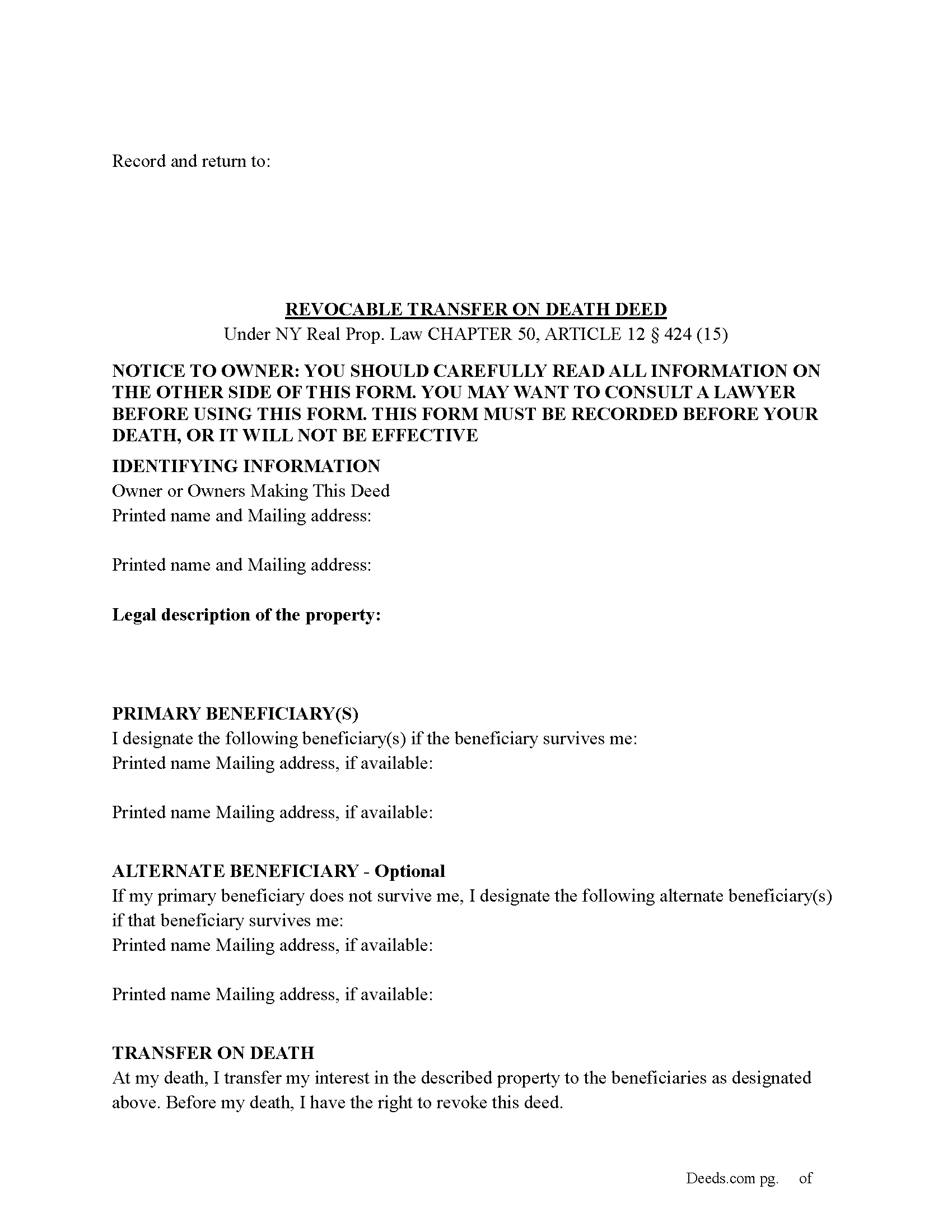
Chautauqua County Transfer on Death Deed Form
Fill in the blank Transfer on Death Deed form formatted to comply with all New York recording and content requirements.
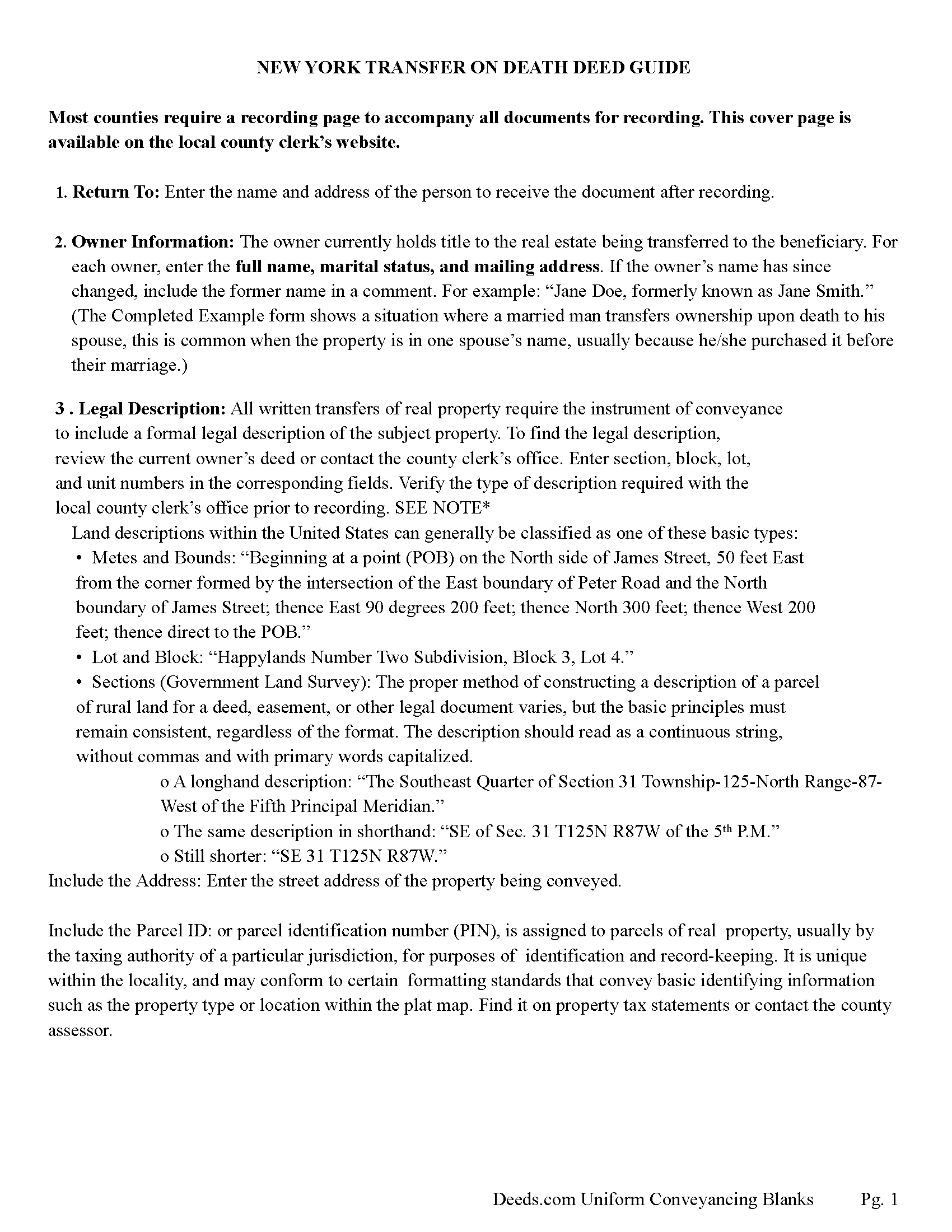
Chautauqua County Transfer on Death Deed Guide
Line by line guide explaining every blank on the Transfer on Death Deed form.
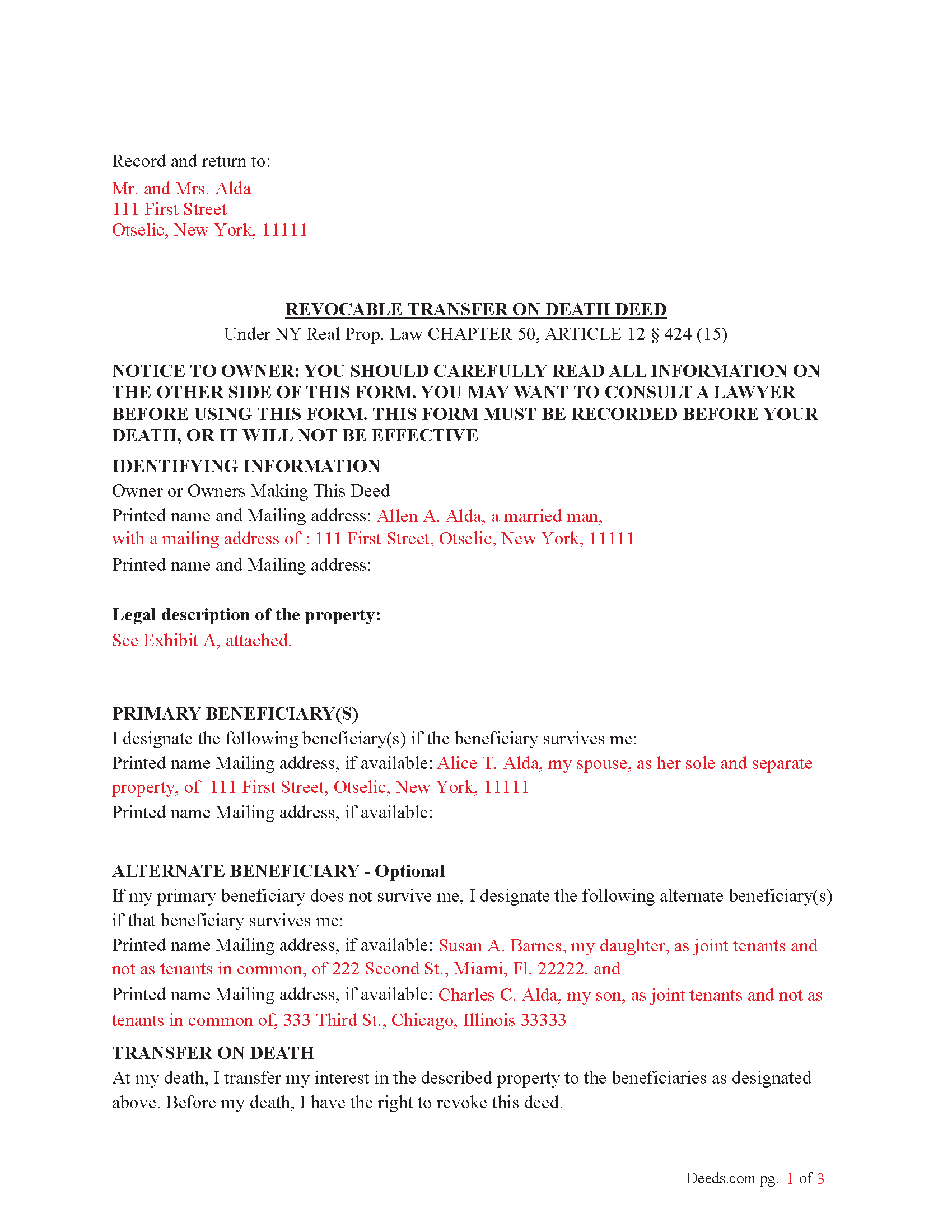
Chautauqua County Completed Example of the Transfer on Death Deed Document
Example of a properly completed New York Transfer on Death Deed document for reference.
All 3 documents above included • One-time purchase • No recurring fees
Immediate Download • Secure Checkout
Additional New York and Chautauqua County documents included at no extra charge:
Where to Record Your Documents
Chautauqua County Clerk - County Courthouse
Mayville, New York 14757
Hours: 8:30 am to 4:30 pm
Phone: (716) 753-4165
Recording Tips for Chautauqua County:
- Bring your driver's license or state-issued photo ID
- Ensure all signatures are in blue or black ink
- Ask for certified copies if you need them for other transactions
- Ask if they accept credit cards - many offices are cash/check only
- Check that your notary's commission hasn't expired
Cities and Jurisdictions in Chautauqua County
Properties in any of these areas use Chautauqua County forms:
- Ashville
- Bemus Point
- Brocton
- Cassadaga
- Celoron
- Chautauqua
- Cherry Creek
- Clymer
- Dewittville
- Dunkirk
- Ellington
- Falconer
- Findley Lake
- Forestville
- Fredonia
- Frewsburg
- Gerry
- Greenhurst
- Irving
- Jamestown
- Kennedy
- Lakewood
- Lily Dale
- Maple Springs
- Mayville
- Niobe
- Panama
- Portland
- Ripley
- Sheridan
- Sherman
- Silver Creek
- Sinclairville
- Stockton
- Stow
- Van Buren Point
- Westfield
Hours, fees, requirements, and more for Chautauqua County
How do I get my forms?
Forms are available for immediate download after payment. The Chautauqua County forms will be in your account ready to download to your computer. An account is created for you during checkout if you don't have one. Forms are NOT emailed.
Are these forms guaranteed to be recordable in Chautauqua County?
Yes. Our form blanks are guaranteed to meet or exceed the applicable formatting requirements used for recording in Chautauqua County, including margin requirements, font requirements, and other layout standards. This guarantee applies to formatting, not to the legal sufficiency of information entered by the user or the suitability of a form for a particular transaction.
Can I reuse these forms?
Yes. You can reuse the forms for your personal use. For example, if you have multiple properties in Chautauqua County you only need to order once.
What do I need to use these forms?
The forms are PDFs that you fill out on your computer. The free Adobe Acrobat Reader is recommended, and most PDF apps also work. You do NOT enter your property information online - you download the blank forms and complete them privately on your own computer.
Are there any recurring fees?
No. This is a one-time purchase. Nothing to cancel, no memberships, no recurring fees.
How much does it cost to record in Chautauqua County?
Recording fees in Chautauqua County vary. Contact the recorder's office at (716) 753-4165 for current fees.
Questions answered? Let's get started!
To use the Transfer on Death (TOD) Deed under New York’s Real Property Law (RPP) CHAPTER 50, ARTICLE 12 § 424 (effective July 19, 2024), follow these steps:
1. Complete the TOD Deed
Designate a beneficiary: Clearly name the individual or entity (such as a charity or trust) who will inherit your property upon your death.
Include contingent beneficiaries if desired (NOT required). These are backup beneficiaries who would inherit the property if your primary beneficiary cannot (e.g., if they predecease you). Ensure the deed is filled out correctly, including the legal description of the property.
2. Execute the TOD Deed: The TOD deed must be signed by the property owner (the transferor) in the presence of two witnesses and a Notary Public. The witnesses should not be the beneficiaries themselves, as this could raise legal issues.
3. Record the TOD Deed: The completed deed must be recorded with the County Clerk's office where the property is located during your lifetime. Recording the deed is crucial because, without it, the transfer will not be valid upon your death.
4. Retain Ownership During Lifetime: After recording the TOD deed, you retain full control of the property during your lifetime. You can still sell, mortgage, or revoke the TOD deed at any time.
If you change your mind, you can revoke the TOD deed by filing a revocation form or executing a new TOD deed, which automatically invalidates the previous one.
5. Upon Your Death: Upon your death, the property automatically transfers to the designated beneficiary without going through probate.
Key points about when it takes effect:
Timing of Transfer: The deed only takes effect upon the death of the property owner. Until then, the owner retains full control over the property and can revoke or change the TOD deed at any time.
Recording Requirement: For the TOD deed to be valid, it must be recorded with the county clerk during the property owner's lifetime. If the deed is not recorded before death, it will not be effective.
Probate Avoidance: By using a TOD deed, the property passes directly to the named beneficiary without going through probate, simplifying the transfer process and reducing legal costs.
Important: Your property must be located in Chautauqua County to use these forms. Documents should be recorded at the county recording office listed above.
This Transfer on Death Deed meets all recording requirements specific to Chautauqua County.
Our Promise
The documents you receive here are guaranteed to meet or exceed the applicable Chautauqua County recording format requirements. If there is a rejection caused by our formatting, we will correct the issue or refund your payment. This guarantee applies to document formatting only and does not extend to information entered by the user, the selection of the form, or the legal effect of the completed document.
Save Time and Money
Get your Chautauqua County Transfer on Death Deed form done right the first time with Deeds.com Uniform Conveyancing Blanks. At Deeds.com, we understand that your time and money are valuable resources, and we don't want you to face a penalty fee or rejection imposed by a county recorder for submitting nonstandard documents. We constantly review and update our forms to meet rapidly changing state and county recording requirements for roughly 3,500 counties and local jurisdictions.
4.8 out of 5 - ( 4,843 Reviews )
Gisela A. 5 out of 5 stars
Great selection of documents. Properly formatted form also included great instructions and the example was very helpful. Filed it myself - no problem!
We appreciate your business and value your feedback. Thank you. Have a wonderful day!
Marcus F. 5 out of 5 stars
Great resource! I was in a bind being out of state and deeds.com came through in a pinch for a very good price! If I need esigning again this is where I'll be coming.
Your words of encouragement and feedback are greatly appreciated. They motivate us to maintain high standards in our service.
ELIZABETH G. 5 out of 5 stars
This site was very easy to use. Great direction on how to complete the form.
We appreciate your business and value your feedback. Thank you. Have a wonderful day!
Michael K. 5 out of 5 stars
The link for the note guidelines just shows the same directions as for the mortgage. Other than that, very helpful.
Thank you for your feedback. We really appreciate it. Have a great day!
Joan H. 5 out of 5 stars
I am happy I can record this this way.
Thank you!
Chris H. 5 out of 5 stars
Fast and Easy. Did not have to leave my office to get this done.
Thank you!
Alexis B. 5 out of 5 stars
Highly Pleased- Strongly Recommend Deeds.com Long review... sorry:-) Originally I was very skeptical due to the enormous amount of the scams going on now days and the number of online sources that "claim" to provide you with deed forms for free or for a few. Nothing that you need and want done is free. There is always a cost. So luckily I came across deeds.com. This was the only site that appeared to be simple, to the point, and made no crazy promises. So before selecting this site, I did a little more checking around/price checking to ensure I am getting the best price for the product I needed. I even checked Staples and Amazon to find that they do indeed sell these forms but I do not think the products they provide are specific for my state and county. They claim their forms provided are for all states but my state is specific and I prefer to have forms provided by Deeds.com that is based on Indiana statute that Deed.com clearly identifies on each form. Deeds.com price of $20 seemed a little high at first but when I saw the products provided, the $20 cost is more than reasonable and fair. You not only get the deed form specific for my state and my specific "county" but also the other various/supplemental forms that may be required. Being familiar with my state and knowing how tedious and anal my state is on everything, I was pleasantly please to see the info and extra supplemental forms provided. For example, a person new to the State who recently had property deeded to them, would not necessarily know about the Homestead tax exemption provided if property is your primary residents, over 65 exemption etc. I would highly recommend this site for anyone needing these documents because Deeds.com has you covered on any and all forms/info you could ever need! A bonus is that there is one flat fee and not monthly cost that you have to worry about canceling later unless you superficially select a monthly package. I love the fact that Deeds.com is nothing fancy. There is not a bunch of elaborate graphics etc. They only provide what you need and what they provide is very accurate. Deeds.com has a customer for life.
Thank you so much Alexis. We appreciate you, have a fantastic day.
Jennifer K. 5 out of 5 stars
User friendly!
Thank you!
lindsey r. 5 out of 5 stars
easy to use
Thank you!
Jim L. 5 out of 5 stars
Very easy to use - the completed sample was super useful
We appreciate your business and value your feedback. Thank you. Have a wonderful day!
Liliana H. 5 out of 5 stars
I had a great experience using Deeds.com to file my legal document. The whole process was simple and easy to follow. The website walks you through each step, and everything is explained clearly. At one point, I had to resubmit my documents, but even that was quick and easy. There were clear instructions, and I had no trouble making the changes and sending them again. The communication was great too. I was kept updated the whole time, and any questions I had were answered fast. If you need to file legal documents and want a stress-free way to do it, I definitely recommend Deeds.com. They made the whole process smooth from start to finish.
Thank you, Liliana! We really appreciate you taking the time to share your experience. We're glad everything went smoothly and that our team could support you when needed. It means a lot to know you'd recommend us!
karen w. 5 out of 5 stars
outstanding forms and information. stay safe and healthy everyone.
Thank you Karen, you do the same please.
juanita S. 5 out of 5 stars
Easy to fill with explanations to accompany
Thank you Juanita, we really appreciate your feedback.
Michele B. 5 out of 5 stars
It was a wonderful experience. Thank you for your help.
We appreciate your business and value your feedback. Thank you. Have a wonderful day!
Vita L. 5 out of 5 stars
A coworker recommended this service to me and I was hesitant to try it. Turned out to be a life saver, they filed my document in 24 hours. No standing in line and no confusing government websites to navigate.
Thank you!