Greene County Administrators Deed Form
Last validated October 5, 2026 by our Forms Development TeamFormatted for recording in Greene County, for property anywhere in the county: rural and unincorporated areas as well as Hookerton, Maury, Snow Hill, Walstonburg.
- 3 documents included
- Immediate PDF download
- Formatting guarantee
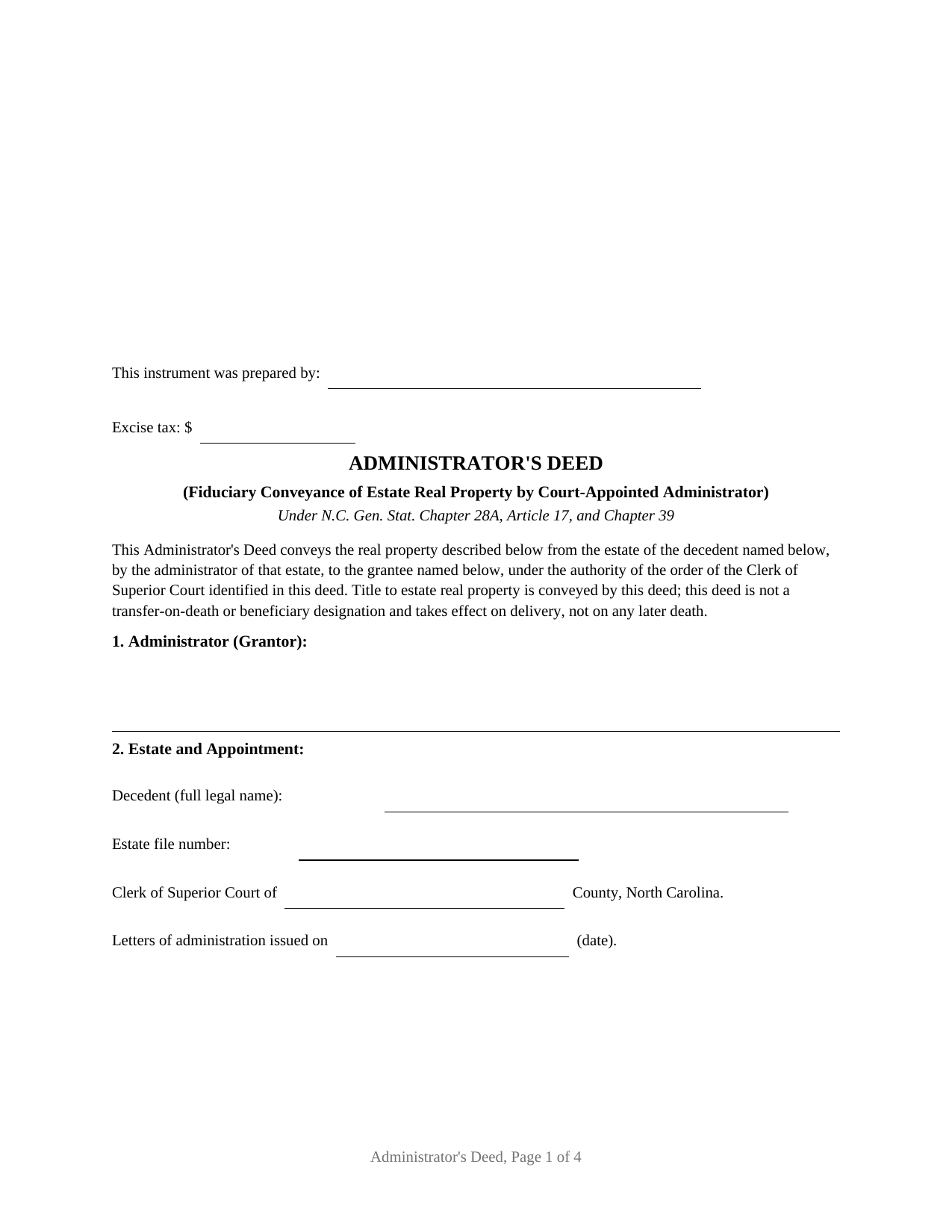
Greene County Administrators Deed Form
Fill in the blank Administrators Deed form formatted to comply with all North Carolina recording and content requirements.
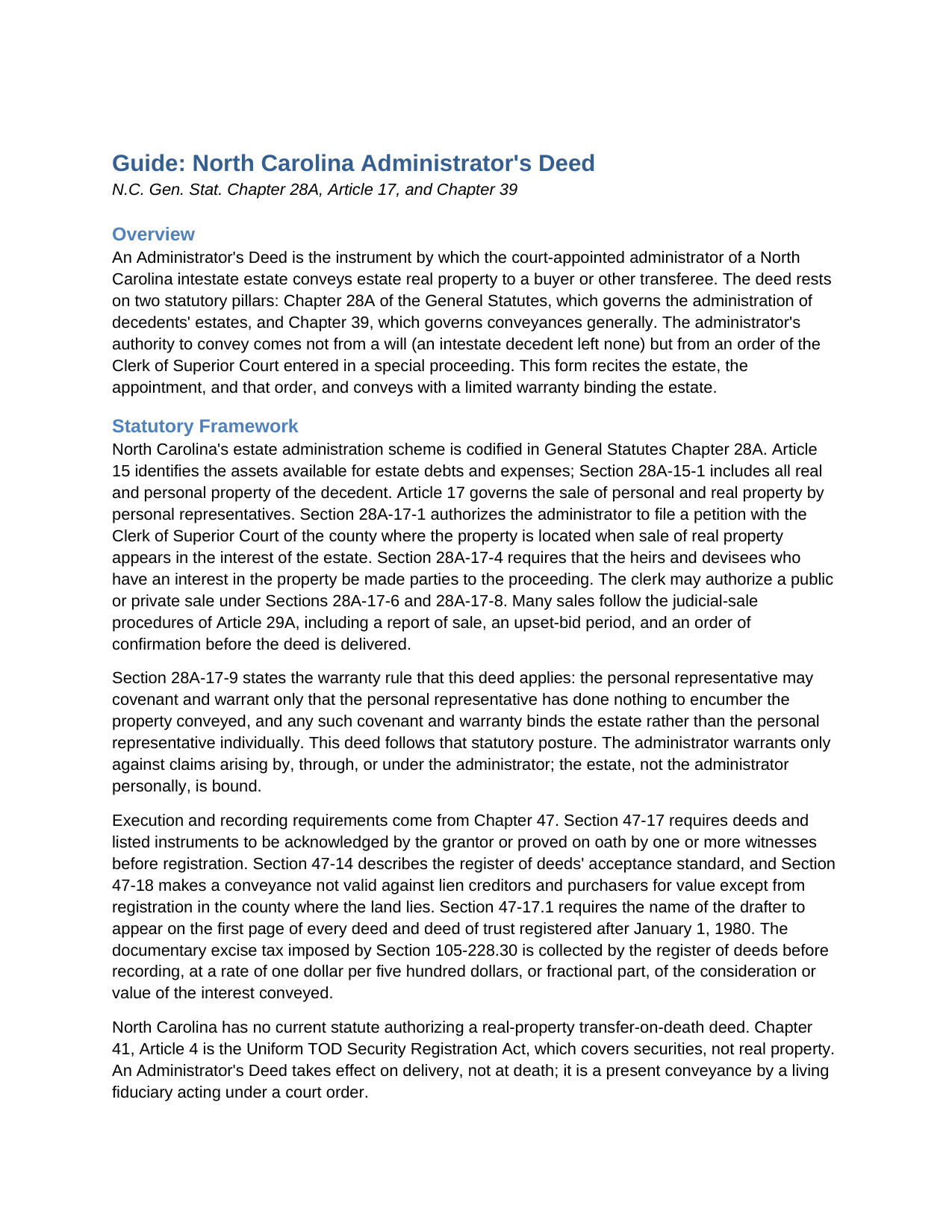
Greene County Administrators Deed Guide
Line by line guide explaining every blank on the Administrators Deed form.
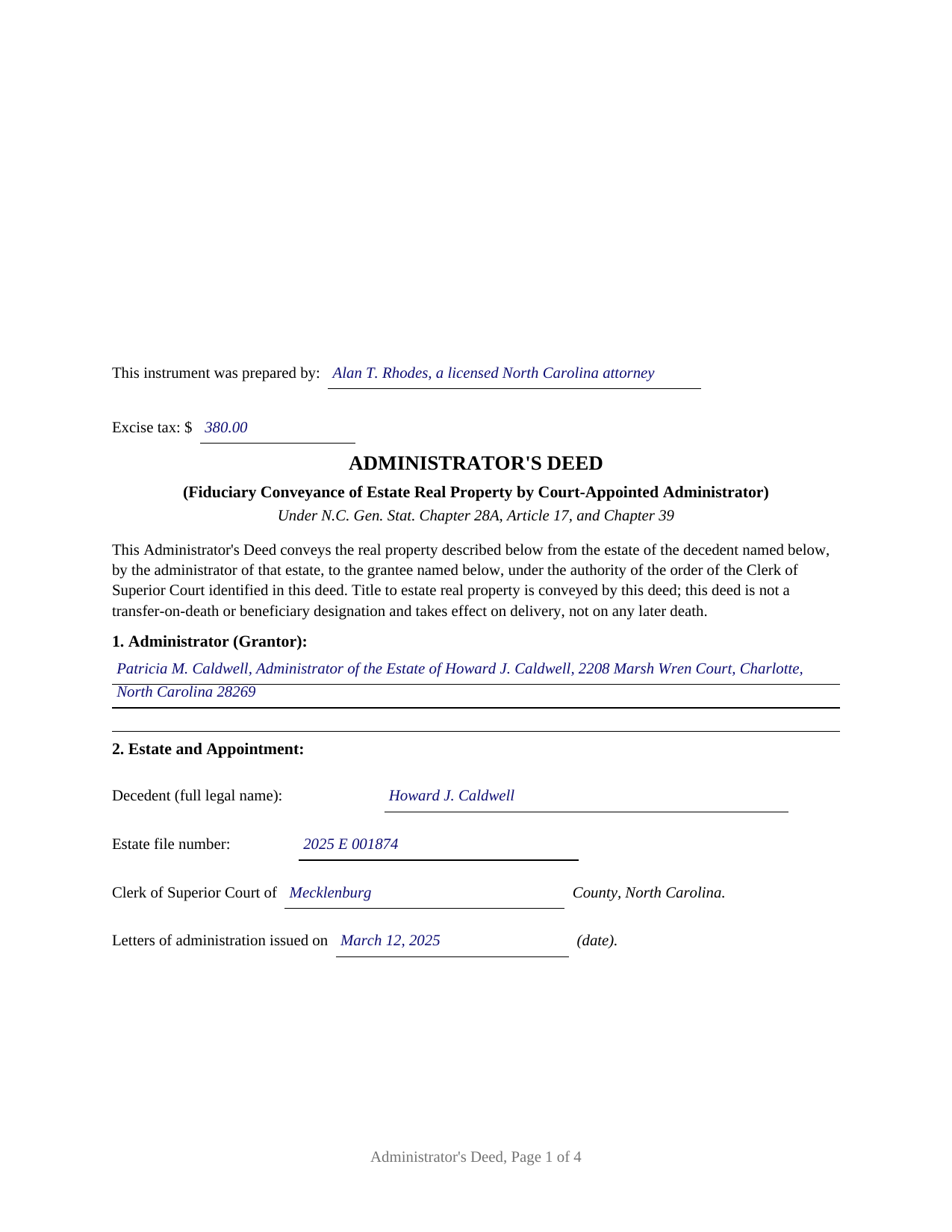
Greene County Completed Example of the Administrators Deed Document
Example of a properly completed North Carolina Administrators Deed document for reference.
All 3 documents above included • One-time purchase • No recurring fees
Immediate Download • Secure Checkout
Additional North Carolina and Greene County documents included at no extra charge:
Where to Record Your Documents
Greene County Register of Deeds
Snow Hill, North Carolina 28580
Hours: 8:00 to 5:00 Monday through Friday
Phone: (252) 747-3620
Recording Tips for Greene County:
- Bring your driver's license or state-issued photo ID
- Ensure all signatures are in blue or black ink
- Recording fees may differ from what's posted online - verify current rates
- Request a receipt showing your recording numbers
- Ask about accepted payment methods when you call ahead
Cities and Jurisdictions in Greene County
Properties in any of these areas use Greene County forms:
- Hookerton
- Maury
- Snow Hill
- Walstonburg
Hours, fees, requirements, and more for Greene County
How do I get my forms?
Forms are available for immediate download after payment. The Greene County forms will be in your account ready to download to your computer. An account is created for you during checkout if you don't have one. Forms are NOT emailed.
Are these forms guaranteed to be recordable in Greene County?
Yes. Our form blanks are guaranteed to meet or exceed the applicable formatting requirements used for recording in Greene County, including margin requirements, font requirements, and other layout standards. This guarantee applies to formatting, not to the legal sufficiency of information entered by the user or the suitability of a form for a particular transaction.
Can I reuse these forms?
Yes. You can reuse the forms for your personal use. For example, if you have multiple properties in Greene County you only need to order once.
What do I need to use these forms?
The forms are PDFs that you fill out on your computer. The free Adobe Acrobat Reader is recommended, and most PDF apps also work. You do NOT enter your property information online - you download the blank forms and complete them privately on your own computer.
Are there any recurring fees?
No. This is a one-time purchase. Nothing to cancel, no memberships, no recurring fees.
How much does it cost to record in Greene County?
Recording fees in Greene County vary. Contact the recorder's office at (252) 747-3620 for current fees.
Questions answered? Let's get started!
When a North Carolina property owner dies without a will, the land does not move on its own. Title passes to the heirs at death under the Intestate Succession Act, but the estate's debts still have to be paid, and real property is among the assets the law makes available to pay them. The Administrator's Deed is the instrument that carries estate real property out of an intestate estate and into the hands of a buyer, signed by the administrator the Clerk of Superior Court appointed and backed by the court order that authorized the sale.
A Deed That Rests on a Court Order
An Administrator's Deed is not a stand-alone statutory form. It is an ordinary Chapter 39 deed of conveyance executed by a fiduciary under Chapter 28A, Article 17. Because an intestate estate has no will and therefore no power of sale, the administrator's authority to convey comes from a special proceeding before the Clerk of Superior Court. Under Section 28A-15-1, all of a decedent's real and personal property is available to discharge estate debts and claims; when the administrator decides a sale is in the estate's best interest, Section 28A-17-1 directs a petition to the clerk in the county where the land sits, with the heirs joined as necessary parties under Section 28A-17-4. The clerk can authorize a public or private sale, and many sales follow the judicial sale procedures of Article 29A, including a report of sale, an upset-bid period, and an order of confirmation before the deed is delivered. The deed recites the estate file, the special proceeding, and the order, so a title examiner can trace the authority behind it.
A Limited Warranty That Protects the Fiduciary
An administrator conveys on behalf of the estate, not personally, and the deed reflects that. This form gives a limited warranty: the administrator warrants only against claims arising by, through, or under the administrator, and makes no general warranty of title. Section 28A-17-9 supplies the principle the deed states expressly, that any warranty binds the estate and not the personal representative individually. The administrator signs once, in the capacity of administrator, and is acknowledged before a notary in that representative capacity.
Why North Carolina Has No Beneficiary Deed
People searching for a way to pass real estate at death often look for a beneficiary deed, also called a transfer-on-death deed. North Carolina does not recognize that instrument for land; the transfer-on-death statute in this state reaches securities, not real property. An Administrator's Deed is a different tool entirely, signed after a death by a court-appointed fiduciary rather than during life by an owner. The accompanying guide explains the instruments North Carolina actually uses to move land at death, including survivorship vesting and a life estate with a remainder.
What the Package Includes
The package contains the blank deed as a fillable PDF, a completed example built on a realistic Mecklenburg County estate sale, and a plain-language guide that walks through every section, the governing statutes, signing and notarization, excise tax, and recording with the register of deeds. The materials are informational and are not legal advice.
Important: Your property must be located in Greene County to use these forms. Documents should be recorded at the county recording office listed above.
This Administrators Deed meets all recording requirements specific to Greene County.
Our Promise
The documents you receive here are guaranteed to meet or exceed the applicable Greene County recording format requirements. If there is a rejection caused by our formatting, we will correct the issue or refund your payment. This guarantee applies to document formatting only and does not extend to information entered by the user, the selection of the form, or the legal effect of the completed document.
Save Time and Money
Get your Greene County Administrators Deed form done right the first time with Deeds.com Uniform Conveyancing Blanks. At Deeds.com, we understand that your time and money are valuable resources, and we don't want you to face a penalty fee or rejection imposed by a county recorder for submitting nonstandard documents. We constantly review and update our forms to meet rapidly changing state and county recording requirements for roughly 3,500 counties and local jurisdictions.
4.8 out of 5 - ( 4,839 Reviews )
Cynthia S. 5 out of 5 stars
Great service got everything I needed with a click of a tab. Thank You...
Thank you for your feedback. We really appreciate it. Have a great day!
W J C. 5 out of 5 stars
Good documents. Very helpful.
Thank you!
John H. 5 out of 5 stars
Quality product. Forms are as advertised. Easy to use site.
We appreciate your business and value your feedback. Thank you. Have a wonderful day!
Wendy C. 3 out of 5 stars
I purchased a Warranty Deed "package" on Friday and found that the Main download was a working document, but the secondary document (which is required) was not. In other words, I was able to use the fill-in feature on the main document, but not on the second document. I used the portal on the website to report my issue the same day. That was Friday. This is Wednesday. I have not heard a word from them and I have to use my documents in 2 days. I will probably have to resort to pen and ink for that document, but I have already tried filling it out twice and have to keep reprinting and starting over. You can't white out or cross out. I would really prefer to have the complete service that I paid for.
Thank you for your feedback. As is noted on the site, supplemental forms are provided as a courtesy with your order. They are not our forms, we did not create them. They are created and provided by the jurisdiction/agency that requires them. Have a wonderful day.
Loretta W. 5 out of 5 stars
Thank you for your excellent service
We appreciate your business and value your feedback. Thank you. Have a wonderful day!
Tiffany J. 5 out of 5 stars
Easy steps to create an account, will recommend to anyone.
Thank you for your feedback. We really appreciate it. Have a great day!
Cassandra C. 5 out of 5 stars
I was easy fast and easy to order and download.
We appreciate your business and value your feedback. Thank you. Have a wonderful day!
John C N. 5 out of 5 stars
Just the website I needed. Very detailed and efficient.
Thank you for taking the time to provide your feedback John, we really appreciate it. Have an amazing day!
Vicki G. 5 out of 5 stars
Thank you for this service, saved me from driving down town. It was quick and very easy to navigate. Have a great Thanksgiving break.
We appreciate your business and value your feedback. Thank you. Have a wonderful day!
BARBARA L. 4 out of 5 stars
Fairly easy to use. I had to really search to get some info. I had to use the Exhibit feature because the description box was way too small and I ended up re-typing it. The package had good and useful links. The County Clerk looked at it and said, "I see you used an online form, and that's OK, but..." and proceeded to show me a couple of things that were left out. They recorded it with no problems.
Thank you!
Cheryl M. 5 out of 5 stars
Easy.
Thank you!
ALFRED B. 5 out of 5 stars
I was counting on deeds.com to help me with a closing I was working on. I stumbled with the instructions but when I recovered there were no problems. The instructions were helpful and the deeds etc. were just what I needed. I give deeds five stars. I am 76 years old and when the application asks for the user's name I always think they want my name. WRONG. I am trying to learn computer speak.
Thank you Alfred, have an amazing day!
Linda K C. 5 out of 5 stars
I wanted to do an Enhancement Life Quitclaim deed and the county government lady didn’t know what I was even talking about. I ordered the deed from Deeds.com and filled it all in,submitted to the county clerk who took 10 minutes to study it before she accepted the deed. This was the easiest transaction I’ve ever made! I actually felt smarter than the clerk who worked at the count office over 20 years.
Thank you, Linda! We’re glad the process went smoothly and that our forms helped you complete your recording with confidence. We appreciate you taking the time to share your experience!
Gail W. 5 out of 5 stars
Deeds.com had the forms I needed, along with completed examples. Fast download. Easy to use site. Thanks!
Thank you!
William /. 5 out of 5 stars
Great service would use again
Thank you!