Greene County Executors Deed Form
Last validated October 19, 2026 by our Forms Development TeamFormatted for recording in Greene County, for property anywhere in the county: rural and unincorporated areas as well as Hookerton, Maury, Snow Hill, Walstonburg.
- 3 documents included
- Immediate PDF download
- Formatting guarantee
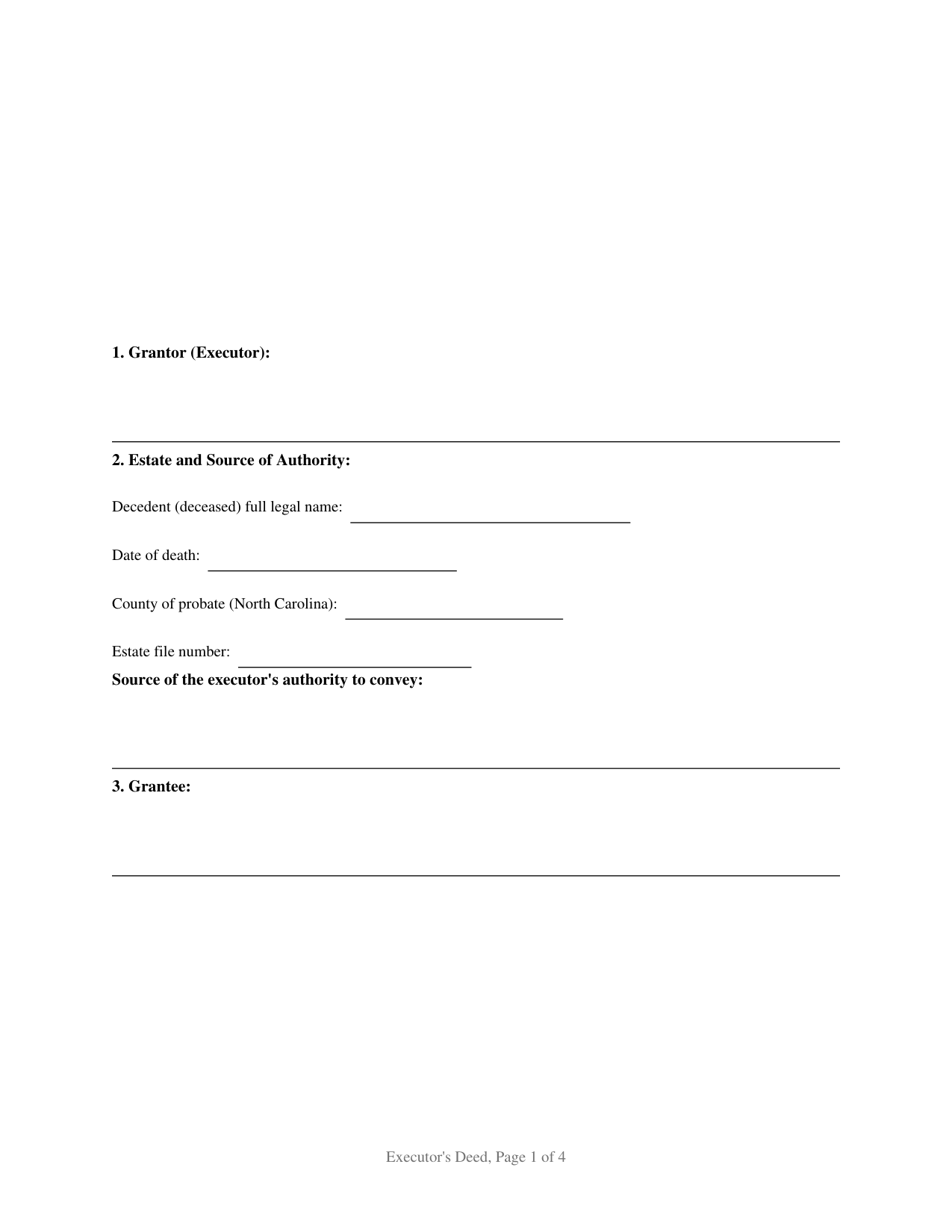
Greene County Executors Deed Form
Fill in the blank Executors Deed form formatted to comply with all North Carolina recording and content requirements.
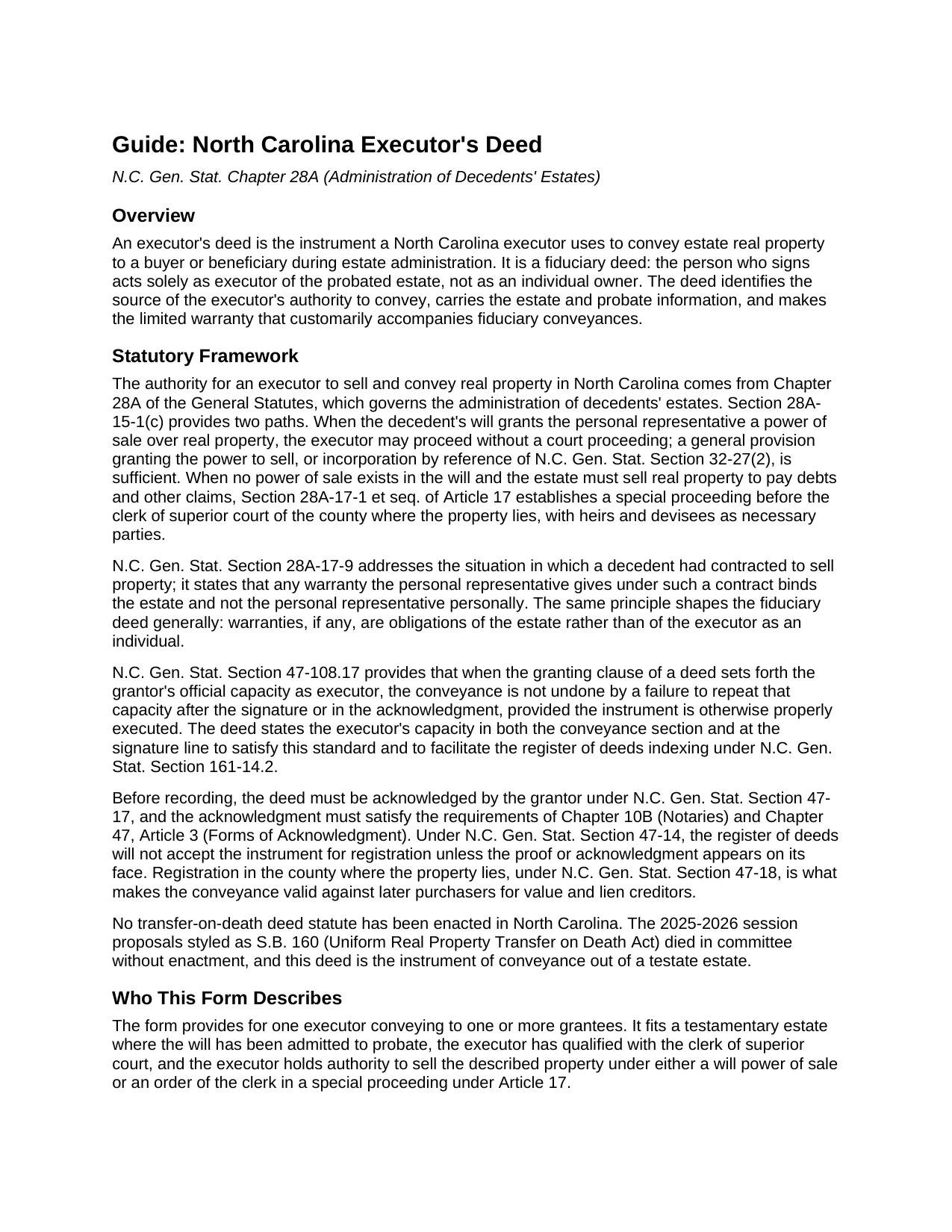
Greene County Executors Deed Guide
Line by line guide explaining every blank on the Executors Deed form.
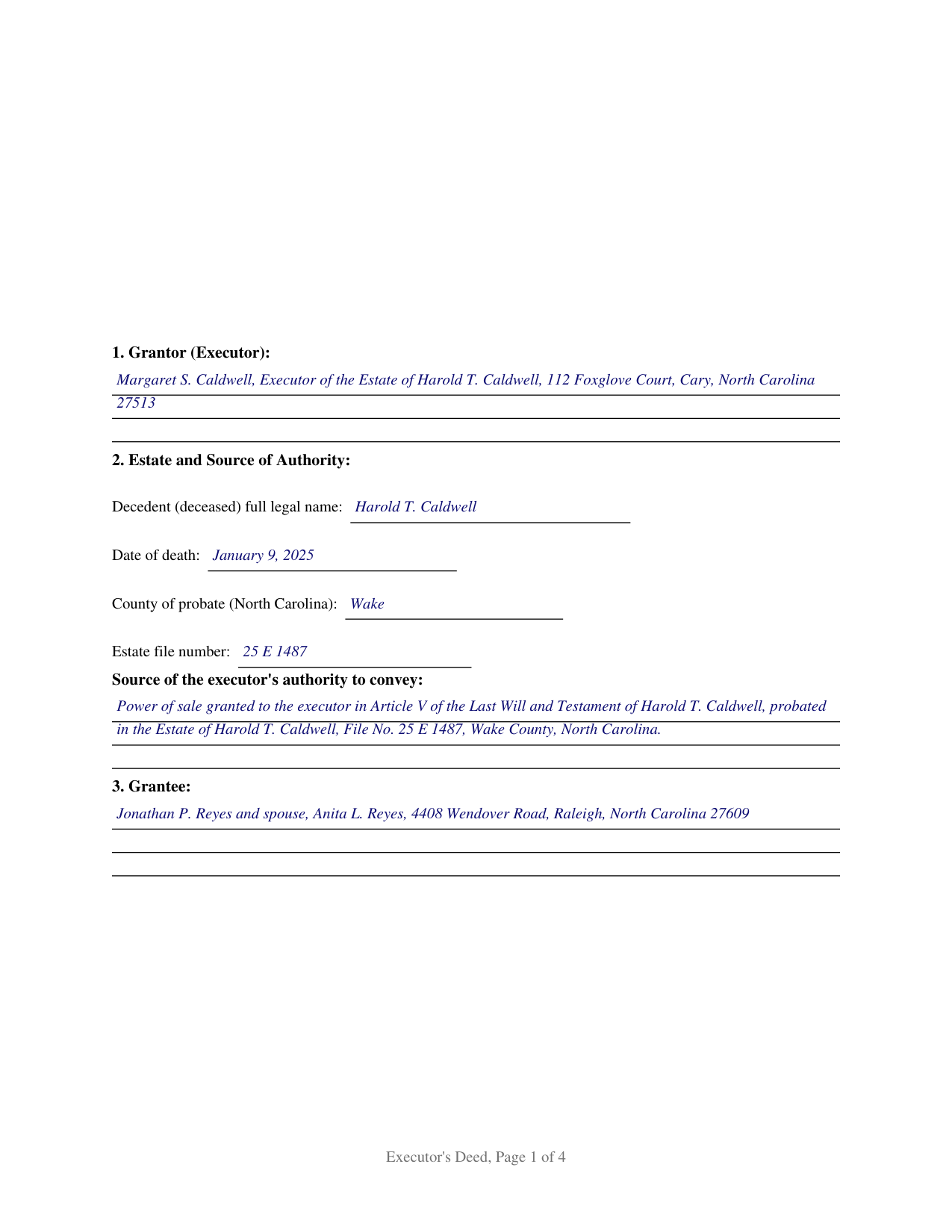
Greene County Completed Example of the Executors Deed Document
Example of a properly completed North Carolina Executors Deed document for reference.
All 3 documents above included • One-time purchase • No recurring fees
Immediate Download • Secure Checkout
Additional North Carolina and Greene County documents included at no extra charge:
Where to Record Your Documents
Greene County Register of Deeds
Snow Hill, North Carolina 28580
Hours: 8:00 to 5:00 Monday through Friday
Phone: (252) 747-3620
Recording Tips for Greene County:
- Bring your driver's license or state-issued photo ID
- Ensure all signatures are in blue or black ink
- Ask for certified copies if you need them for other transactions
- Ask if they accept credit cards - many offices are cash/check only
- Check that your notary's commission hasn't expired
Cities and Jurisdictions in Greene County
Properties in any of these areas use Greene County forms:
- Hookerton
- Maury
- Snow Hill
- Walstonburg
Hours, fees, requirements, and more for Greene County
How do I get my forms?
Forms are available for immediate download after payment. The Greene County forms will be in your account ready to download to your computer. An account is created for you during checkout if you don't have one. Forms are NOT emailed.
Are these forms guaranteed to be recordable in Greene County?
Yes. Our form blanks are guaranteed to meet or exceed the applicable formatting requirements used for recording in Greene County, including margin requirements, font requirements, and other layout standards. This guarantee applies to formatting, not to the legal sufficiency of information entered by the user or the suitability of a form for a particular transaction.
Can I reuse these forms?
Yes. You can reuse the forms for your personal use. For example, if you have multiple properties in Greene County you only need to order once.
What do I need to use these forms?
The forms are PDFs that you fill out on your computer. The free Adobe Acrobat Reader is recommended, and most PDF apps also work. You do NOT enter your property information online - you download the blank forms and complete them privately on your own computer.
Are there any recurring fees?
No. This is a one-time purchase. Nothing to cancel, no memberships, no recurring fees.
How much does it cost to record in Greene County?
Recording fees in Greene County vary. Contact the recorder's office at (252) 747-3620 for current fees.
Questions answered? Let's get started!
An executor's deed is the instrument a North Carolina executor uses to move real property out of a testate estate and into a buyer's hands. It is a fiduciary deed: the person who signs it does so as executor of the estate, not as an individual owner, and the deed conveys only the interest the estate may lawfully convey. That fiduciary character shapes everything about the document, from the authority it recites to the warranties it withholds.
Authority is the heart of the deed
Unlike a deed from a living owner, an executor's deed has to show where the power to sell came from. North Carolina recognizes two sources. The first is a power of sale written into the will. Under N.C. Gen. Stat. Section 28A-15-1(c), a sale made pursuant to authority given by the will does not require a special proceeding. The second source is an order of the Clerk of Superior Court. When a will supplies no power of sale and the estate needs to sell land to pay debts and claims, Article 17 of Chapter 28A lays out a special proceeding, with the heirs and devisees as necessary parties and the sale conducted under the judicial sale rules of Chapter 1, Article 29A. The deed names whichever source applies.
A fiduciary signs without a general warranty
A personal representative who hands a buyer a general warranty deed risks personal liability for the state of the title. The customary fiduciary deed avoids that result by making no general warranty: the executor conveys what the estate can convey and promises only that the executor has not encumbered the property. N.C. Gen. Stat. Section 28A-17-9 reflects the same principle from a related angle, providing that warranties a personal representative gives to complete a decedent's contract bind the estate and not the representative personally. This form carries that posture in its conveyance language and in a capitalized warning that the grantee takes subject to all matters affecting title.
Capacity in the granting clause
North Carolina makes the granting clause the place to fix the executor's capacity. N.C. Gen. Stat. Section 47-108.17 provides that when the granting clause sets forth the grantor's official capacity, the conveyance is not undone by a failure to repeat that capacity after the signature or in the acknowledgment, as long as the instrument is otherwise properly executed. The deed states the executor capacity in the conveyance section and again at the signature, and the acknowledgment by-line records the executor's name and representative capacity.
Recording in the county registry
The completed deed is recorded with the register of deeds in the county where the property sits, the office whose order of registration under N.C. Gen. Stat. Section 47-18 fixes priority against later purchasers and lien creditors. A sale of estate land for value is a conveyance for consideration, so the documentary excise tax under Sections 105-228.30 and 105-228.32 is calculated on the price and collected before recording. The deed also names its drafter on the first page and states each party's mailing address.
This package includes the fillable deed, a completed example built on a realistic Wake County fact pattern, and a section by section guide to the statutes behind each blank. The materials are informational and are not legal advice.
Important: Your property must be located in Greene County to use these forms. Documents should be recorded at the county recording office listed above.
This Executors Deed meets all recording requirements specific to Greene County.
Our Promise
The documents you receive here are guaranteed to meet or exceed the applicable Greene County recording format requirements. If there is a rejection caused by our formatting, we will correct the issue or refund your payment. This guarantee applies to document formatting only and does not extend to information entered by the user, the selection of the form, or the legal effect of the completed document.
Save Time and Money
Get your Greene County Executors Deed form done right the first time with Deeds.com Uniform Conveyancing Blanks. At Deeds.com, we understand that your time and money are valuable resources, and we don't want you to face a penalty fee or rejection imposed by a county recorder for submitting nonstandard documents. We constantly review and update our forms to meet rapidly changing state and county recording requirements for roughly 3,500 counties and local jurisdictions.
4.8 out of 5 - ( 4,837 Reviews )
Richard A. 5 out of 5 stars
Great product. It would be better if the document files were not embedded within other files. It made downloading a little confusing. The titles of the forms did not match exactly word for word, which required a lot of back and forth to make sure I had downloaded the proper document. What would be great is if once you download a document, the hyperlink changed color, or somehow denoted the document had been downloaded. Just a suggestion. You have my email address if you have questions. STILL! Five stars for you guys. I would not let that hiccup dissuade me from buying any form package from you guys. Thanks!
Thank you for your feedback. We really appreciate it. Have a great day!
Sue D. 5 out of 5 stars
Great program
Thank you!
Nancy R. 5 out of 5 stars
I AM NOT TOO SMART WHEN IT COMES TO COMPUTER STUFF, BUT THIS WEBSITE MADE IT SO VERY EASY & SIMPLE TO ACCOMPLISH THE TASK THAT WAS NEEDED. I FOUND MY STATE, FOUND THE TYPE OF DEED I NEEDED, FILLED IN THE BLANKS, PRINTED IT OUT & THEN GOT THE REQUIRED SIGNATURES WITNESSED & NOTARIZED -- EASY-PEASY! I WILL BE USING DEEDS.COM IN THE FUTURE & WILL CERTAINLY RECOMMEND IT TO FRIENDS & FAMILY. I REALLY APPRECIATED ALL THE OTHER FORMS OF EXPLANATION THEY GIVE YOU AS WELL AS AN EXAMPLE OF HOW YOUR COMPLETED DOCUMENT SHOULD LOOK ONCE YOU'RE FINISHED.
Thank you for your feedback. We really appreciate it. Have a great day!
Gloria S. 5 out of 5 stars
Hard to find, obscure, forms were available. I did not think I was going to be able to find them, let alone find such high quality docs, great job!
Thank you for your feedback. We really appreciate it. Have a great day!
Terry M. 5 out of 5 stars
Very responsive. I was notified very quickly if the deed I was looking for was available.
Thank you!
Carolyn D. 5 out of 5 stars
The sight provided exactly what I needed and was easy to use. I was able to download the type of Deed I used and was completely satisfied with the website.
Thank you!
AMY J. 5 out of 5 stars
Very easy user friendly thank you for that
Thank you!
Cynthia S. 5 out of 5 stars
I am an attorney assisting my son with some simple legal docs & this service saved me a lot of time and is user friendly!
We appreciate your business and value your feedback. Thank you. Have a wonderful day!
Robyn R. 5 out of 5 stars
Deeds.com was so simple and easy to use! My local recorders office is closed due to COVID-19 and their recording said to use Deeds.com. I thought it was going to either be very complicated or very expensive and it was neither!!! The site walked me through step by step and the price of their service was very fair and affordable. They were very timely and efficient and my documents were recorded almost immediately! Thank you Deeds.com!!!
Thank you Robyn, glad we could help.
William G. 5 out of 5 stars
Exactly what I needed and saved me a bundle by not having to hire an attorney. My county clerk said it was exactly correct.
We appreciate your business and value your feedback. Thank you. Have a wonderful day!
Tom D. 5 out of 5 stars
I have one suggestion and couple of question I would think that most TOD's would be from married couples. It would be real helpful to have a example of the I(we) block for married couples. Why would I check or not check the "property is registered (torrents)" Do I need a notarized signature of the Grantee
Thank you for your feedback. We really appreciate it. Have a great day!
janice b. 5 out of 5 stars
This is a very helpful site when you don't know exactly what to do. Very clear in explaining the wording on deeds. Thank you it made a big difference knowing the right way to do things.
Thank you for your feedback. We really appreciate it. Have a great day!
CHRISTINE M. 5 out of 5 stars
It was all I needed and guided me to fill it out.
Thank you!
Michael W. 5 out of 5 stars
Appreciate the help with DC's non-intuitive forms. Superb service.
Thank you!
Paula B. 4 out of 5 stars
I'm transferring a property into a trust and ordered the QuitClaim Deed. Everything was pretty straight forward and user friendly. However, the Additional Information/Instructions for the Preliminary Change of Ownership Report skips from Section "I" to "M" and does not address "K". It would have been very helpful to have an explanation of the difference between the three options in that section. Thank you.
Thank you for your feedback. We really appreciate it. Have a great day!