Greene County Correction Deed Form
Last validated October 14, 2026 by our Forms Development TeamFormatted for recording in Greene County, for property anywhere in the county: rural and unincorporated areas as well as Hookerton, Maury, Snow Hill, Walstonburg.
- 5 documents included
- Immediate PDF download
- Formatting guarantee
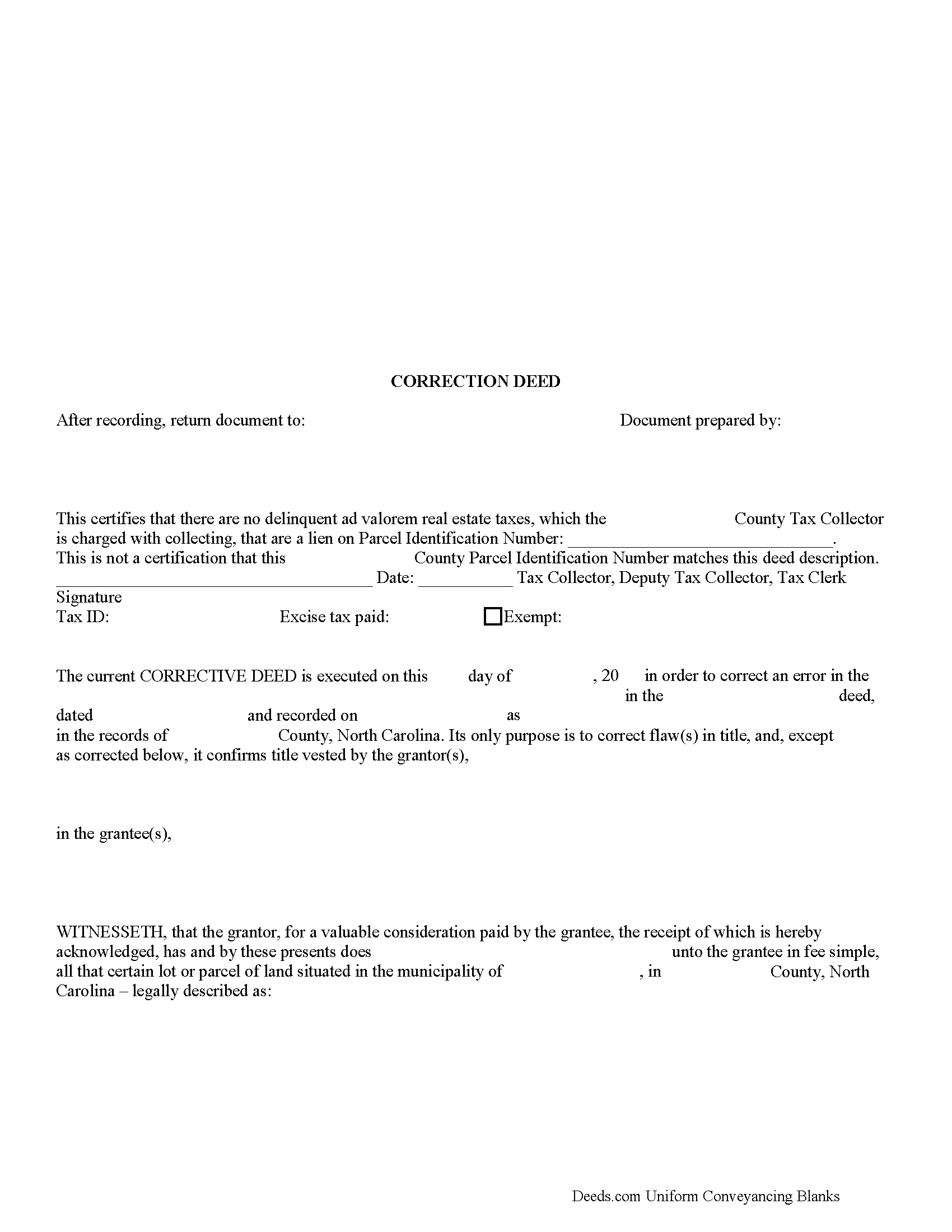
Greene County Correction Deed Form
Fill in the blank form formatted to comply with all recording and content requirements.
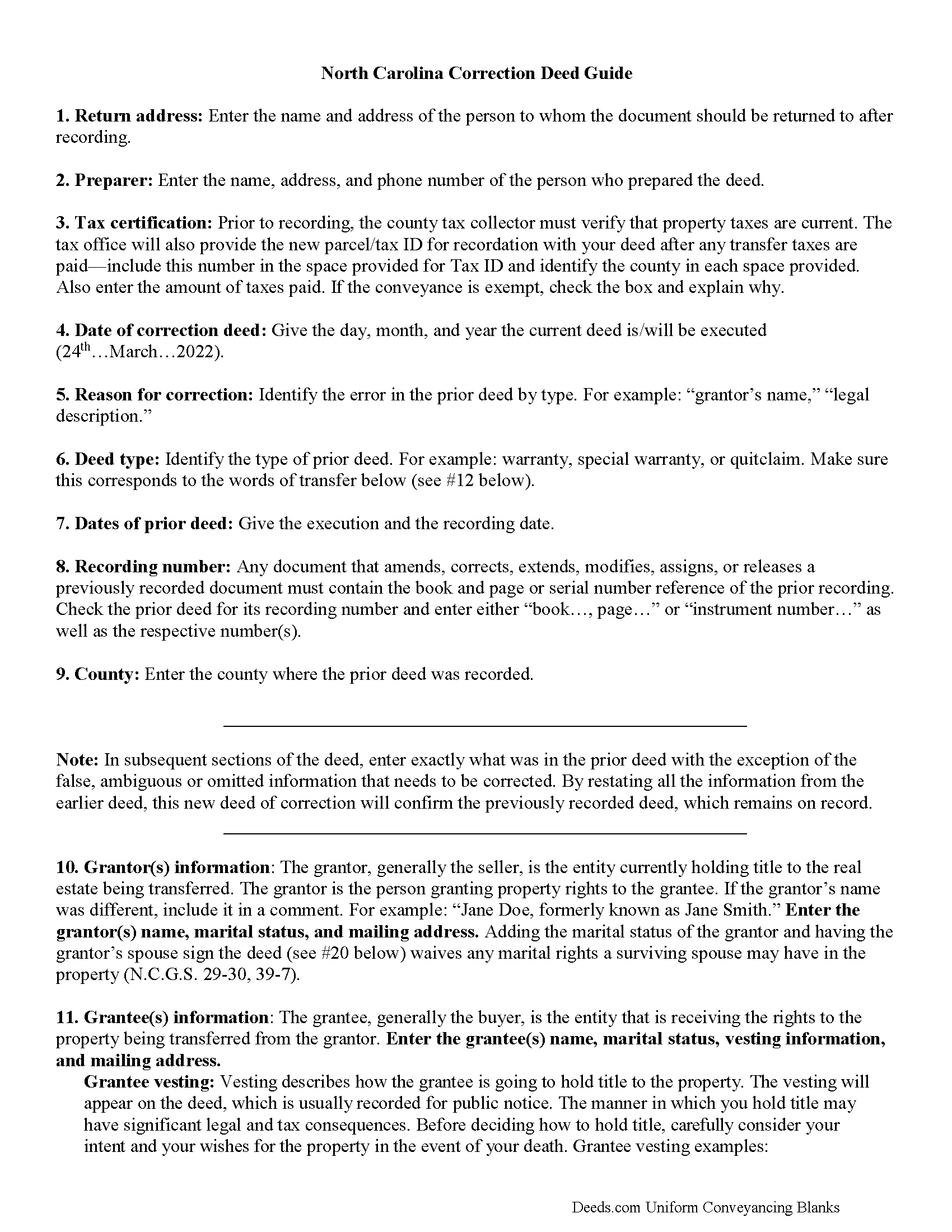
Greene County Correction Deed Guide
Line by line guide explaining every blank on the form.
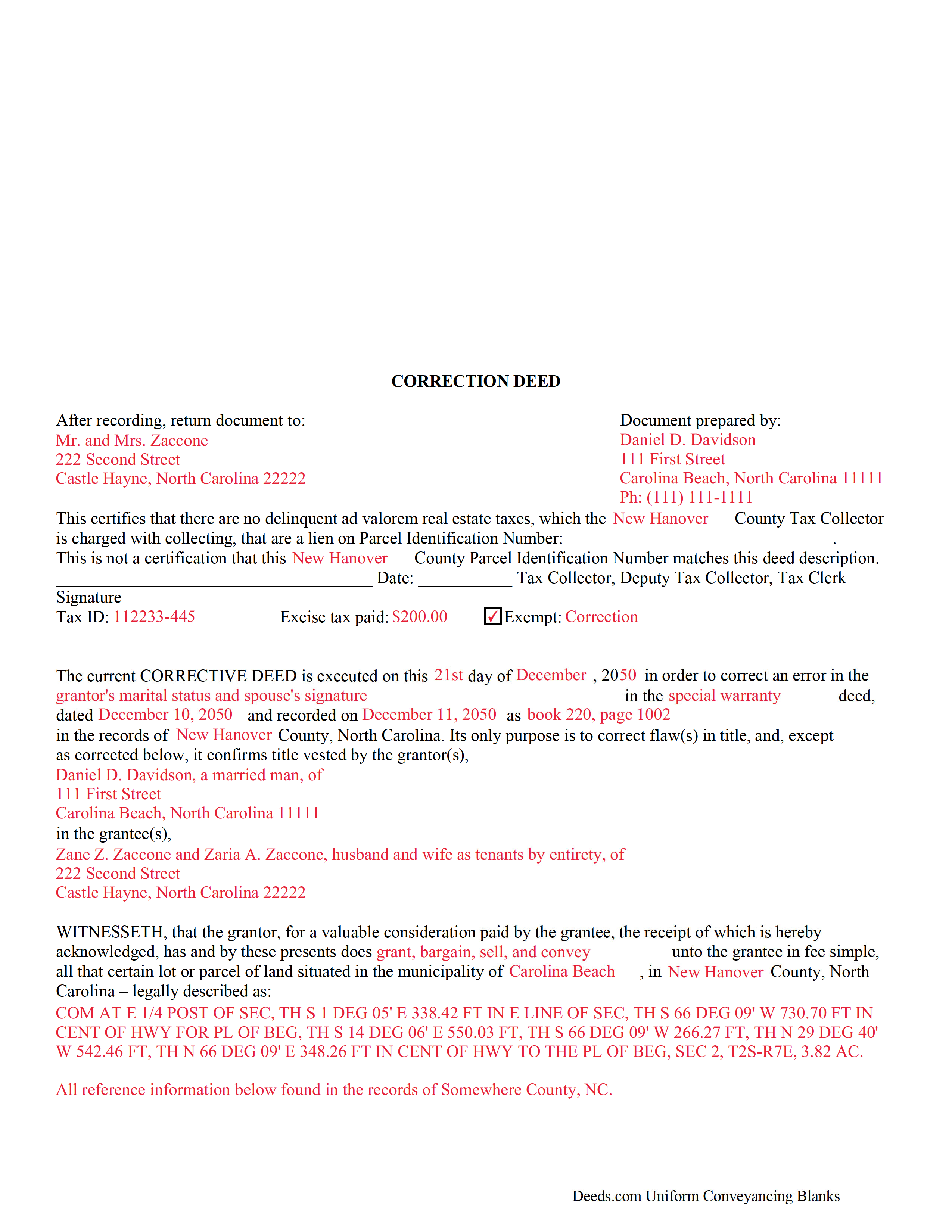
Greene County Completed Example of the Correction Deed Document
Example of a properly completed form for reference.
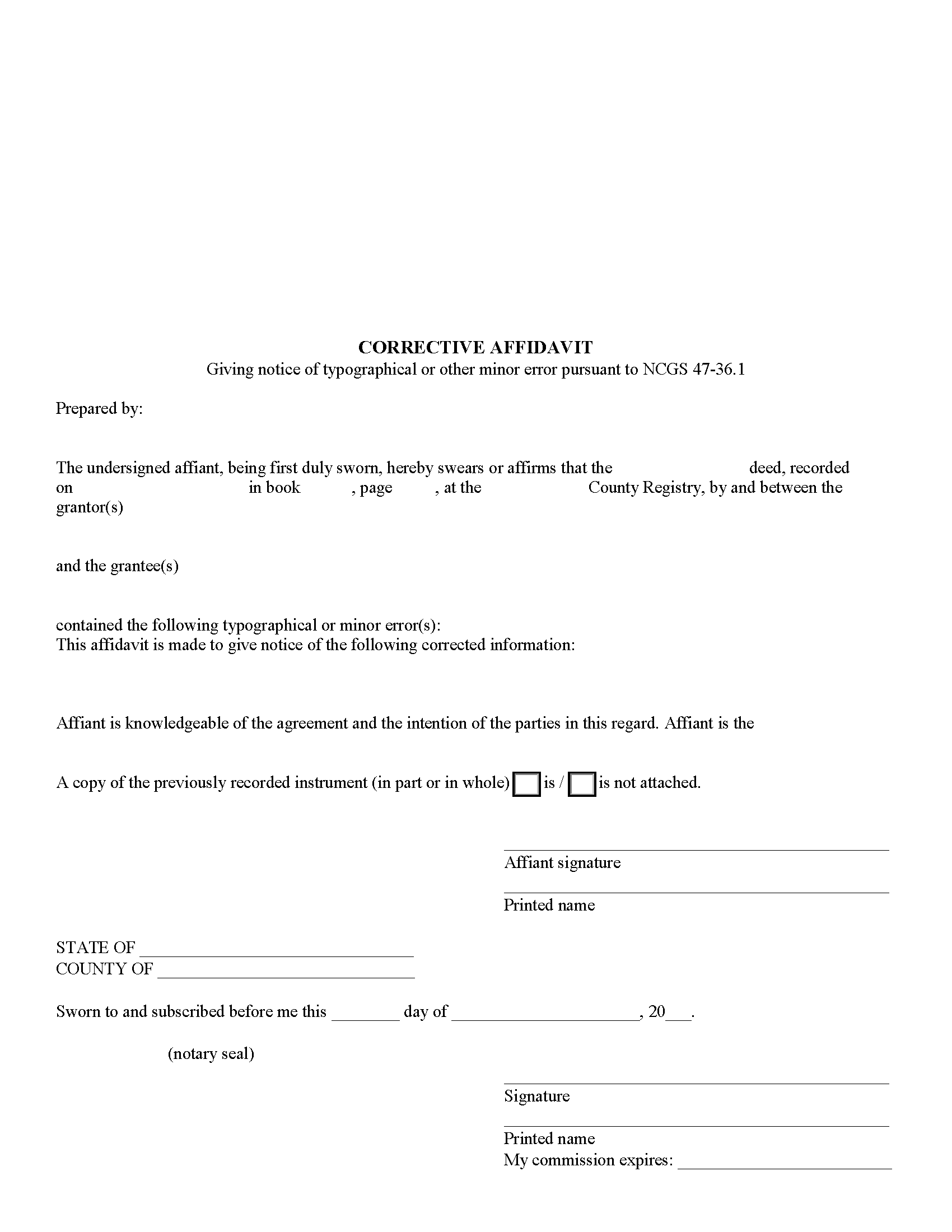
Greene County Corrective Affidavit Form
Fill in the blank form formatted to comply with all recording and content requirements.
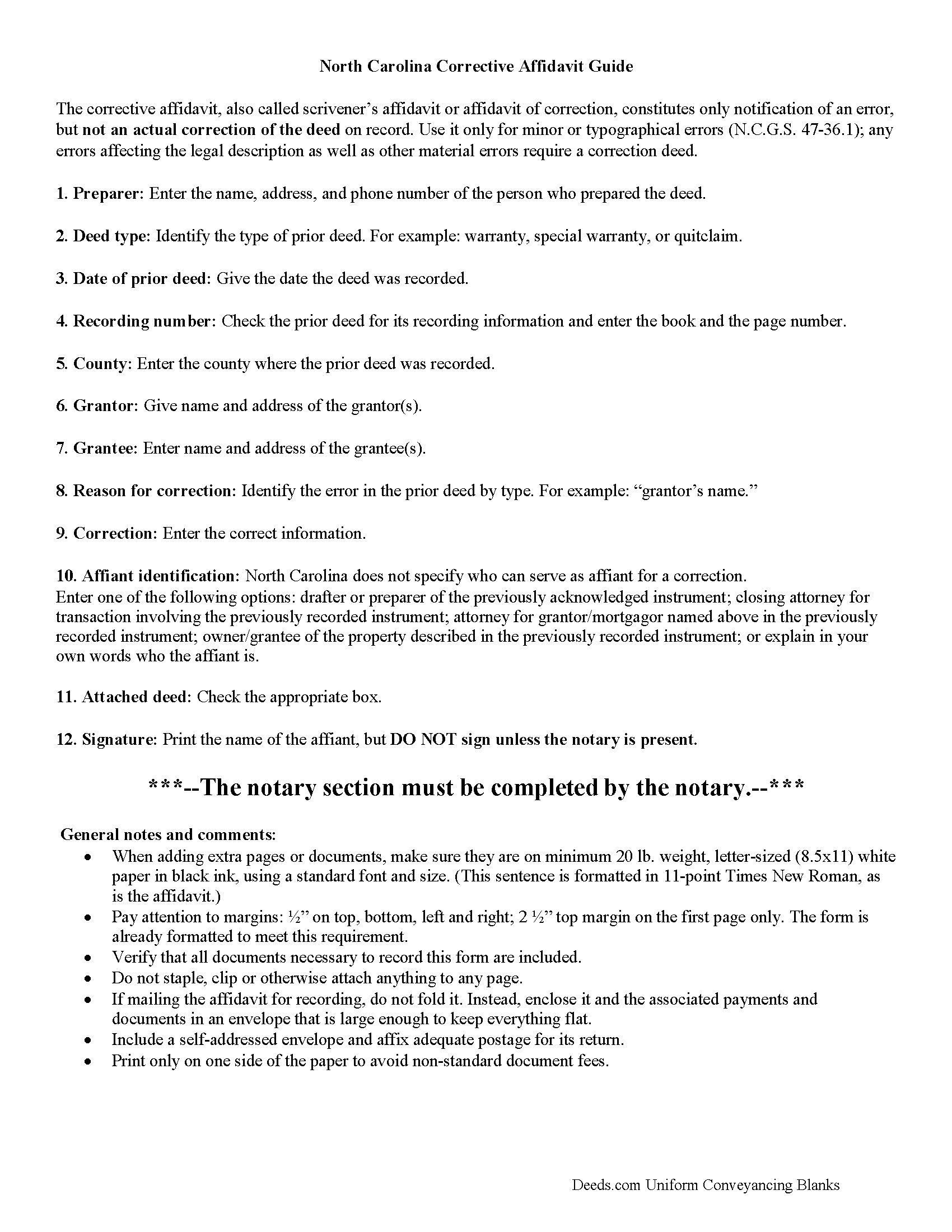
Greene County Corrective Affidavit Guide
Line by line guide explaining every blank on the form.
All 5 documents above included • One-time purchase • No recurring fees
Immediate Download • Secure Checkout
Additional North Carolina and Greene County documents included at no extra charge:
Where to Record Your Documents
Greene County Register of Deeds
Snow Hill, North Carolina 28580
Hours: 8:00 to 5:00 Monday through Friday
Phone: (252) 747-3620
Recording Tips for Greene County:
- Bring your driver's license or state-issued photo ID
- Ensure all signatures are in blue or black ink
- Both spouses typically need to sign if property is jointly owned
- Bring extra funds - fees can vary by document type and page count
- Check margin requirements - usually 1-2 inches at top
Cities and Jurisdictions in Greene County
Properties in any of these areas use Greene County forms:
- Hookerton
- Maury
- Snow Hill
- Walstonburg
Hours, fees, requirements, and more for Greene County
How do I get my forms?
Forms are available for immediate download after payment. The Greene County forms will be in your account ready to download to your computer. An account is created for you during checkout if you don't have one. Forms are NOT emailed.
Are these forms guaranteed to be recordable in Greene County?
Yes. Our form blanks are guaranteed to meet or exceed the applicable formatting requirements used for recording in Greene County, including margin requirements, font requirements, and other layout standards. This guarantee applies to formatting, not to the legal sufficiency of information entered by the user or the suitability of a form for a particular transaction.
Can I reuse these forms?
Yes. You can reuse the forms for your personal use. For example, if you have multiple properties in Greene County you only need to order once.
What do I need to use these forms?
The forms are PDFs that you fill out on your computer. The free Adobe Acrobat Reader is recommended, and most PDF apps also work. You do NOT enter your property information online - you download the blank forms and complete them privately on your own computer.
Are there any recurring fees?
No. This is a one-time purchase. Nothing to cancel, no memberships, no recurring fees.
How much does it cost to record in Greene County?
Recording fees in Greene County vary. Contact the recorder's office at (252) 747-3620 for current fees.
Questions answered? Let's get started!
Use the correction deed to correct errors in a warranty, special warranty, or quit claim deed in North Carolina.
In North Carolina, several correction options may be used: an affidavit of correction, also called scrivener's affidavit; a re-recording of the original erroneous deed; and a newly drafted correction deed. Choosing the best option will depend on the type of error in the deed. Minor or typographical errors can be addressed through the affidavit (N.C.G.S. 47-36.1), but material errors and any errors affecting the legal description require a correction deed, or at least a re-recordation of the corrected original deed.
The affidavit of correction goes on public record with cross-reference to the deed and constitutes notification of an error, but not an actual correction. When re-recording the original deed, make corrections directly on the document (or a certified copy of it). Initial these changes and have the document re-signed by the original parties and re-acknowledged. Check with the county's recording office before choosing this option to verify local requirements regarding title pages, contents and fees.
The easiest and cleanest option for correcting a deed is to record a new correction deed. This eliminates the need to determine the type of error and its potential impact on the ability to sell the property at a later point. The correction deed references the original document by date and recording number and, except for the corrected or omitted information, duplicates the text of the old deed. The original parties must sign in the presence of a notary, who then acknowledges this new instrument prior to recording.
(North Carolina CD Package includes form, guidelines, and completed example)
Important: Your property must be located in Greene County to use these forms. Documents should be recorded at the county recording office listed above.
This Correction Deed meets all recording requirements specific to Greene County.
Our Promise
The documents you receive here are guaranteed to meet or exceed the applicable Greene County recording format requirements. If there is a rejection caused by our formatting, we will correct the issue or refund your payment. This guarantee applies to document formatting only and does not extend to information entered by the user, the selection of the form, or the legal effect of the completed document.
Save Time and Money
Get your Greene County Correction Deed form done right the first time with Deeds.com Uniform Conveyancing Blanks. At Deeds.com, we understand that your time and money are valuable resources, and we don't want you to face a penalty fee or rejection imposed by a county recorder for submitting nonstandard documents. We constantly review and update our forms to meet rapidly changing state and county recording requirements for roughly 3,500 counties and local jurisdictions.
4.8 out of 5 - ( 4,828 Reviews )
Pauline C. 5 out of 5 stars
Everything that was stated to be included in my order was complete. Very satisfied
Thank you for your positive words! We’re thrilled to hear about your experience.
Janet R. 5 out of 5 stars
Thanks great site
Thank you!
Daren R. 5 out of 5 stars
I believe that you should wait until a pending file is completed before asking for feedback. Thank you. Daren
Thank you!
luisana w. 5 out of 5 stars
Super easy, excellente
Thank you!
willie B. 5 out of 5 stars
I love how you can get information you need online great program ,outstanding just love it....
Thank you!
Vallerie M. 5 out of 5 stars
Amazing! Great prompt service and follow up. I couldn’t be happier
We are grateful for your engagement and feedback, which help us to serve you better. Thank you for being an integral part of our community.
Mary B. 5 out of 5 stars
Thank you for making these forms available at affordable prices and with lots of information.
Thank you for your positive words! We’re thrilled to hear about your experience.
James S. 4 out of 5 stars
It worked great. But it turns out I didn't need it.
Thank you!
Arthur T. 5 out of 5 stars
Thanks
Thank you!
Carol K. 5 out of 5 stars
Amazing! That's all I can say. From the time I started the process to the time the deed was recorded was less than two hours! What a great, streamlined, seamless process
Thank you!
Liliana H. 5 out of 5 stars
I had a great experience using Deeds.com to file my legal document. The whole process was simple and easy to follow. The website walks you through each step, and everything is explained clearly. At one point, I had to resubmit my documents, but even that was quick and easy. There were clear instructions, and I had no trouble making the changes and sending them again. The communication was great too. I was kept updated the whole time, and any questions I had were answered fast. If you need to file legal documents and want a stress-free way to do it, I definitely recommend Deeds.com. They made the whole process smooth from start to finish.
Thank you, Liliana! We really appreciate you taking the time to share your experience. We're glad everything went smoothly and that our team could support you when needed. It means a lot to know you'd recommend us!
Nawal F. 5 out of 5 stars
Friendly user
Thank you!
Linda M. 5 out of 5 stars
Happy with the forms and the service, would recommend to others.
We appreciate your business and value your feedback. Thank you. Have a wonderful day!
Jesse B. 5 out of 5 stars
Bought a quit claim deed form. Came with great instructions that were easy to follow and allowed me to do it over a couple of times until I got it right. Was also cheaper than most other options I found online.
Thank you for your feedback. We really appreciate it. Have a great day!
Kenneth M. 5 out of 5 stars
It was adequate to serve my current need, however turned out to be more expensive than I cared for.
Thank you for your feedback. We really appreciate it. Have a great day!