Forsyth County Appointment of Substitute Trustee Form
Last validated October 7, 2026 by our Forms Development TeamFormatted for recording in Forsyth County, for property anywhere in the county: rural and unincorporated areas as well as Belews Creek, Bethania, Clemmons, Kernersville, Lewisville, Pfafftown, Rural Hall, Tobaccoville and 2 more.
- 4 documents included
- Immediate PDF download
- Formatting guarantee
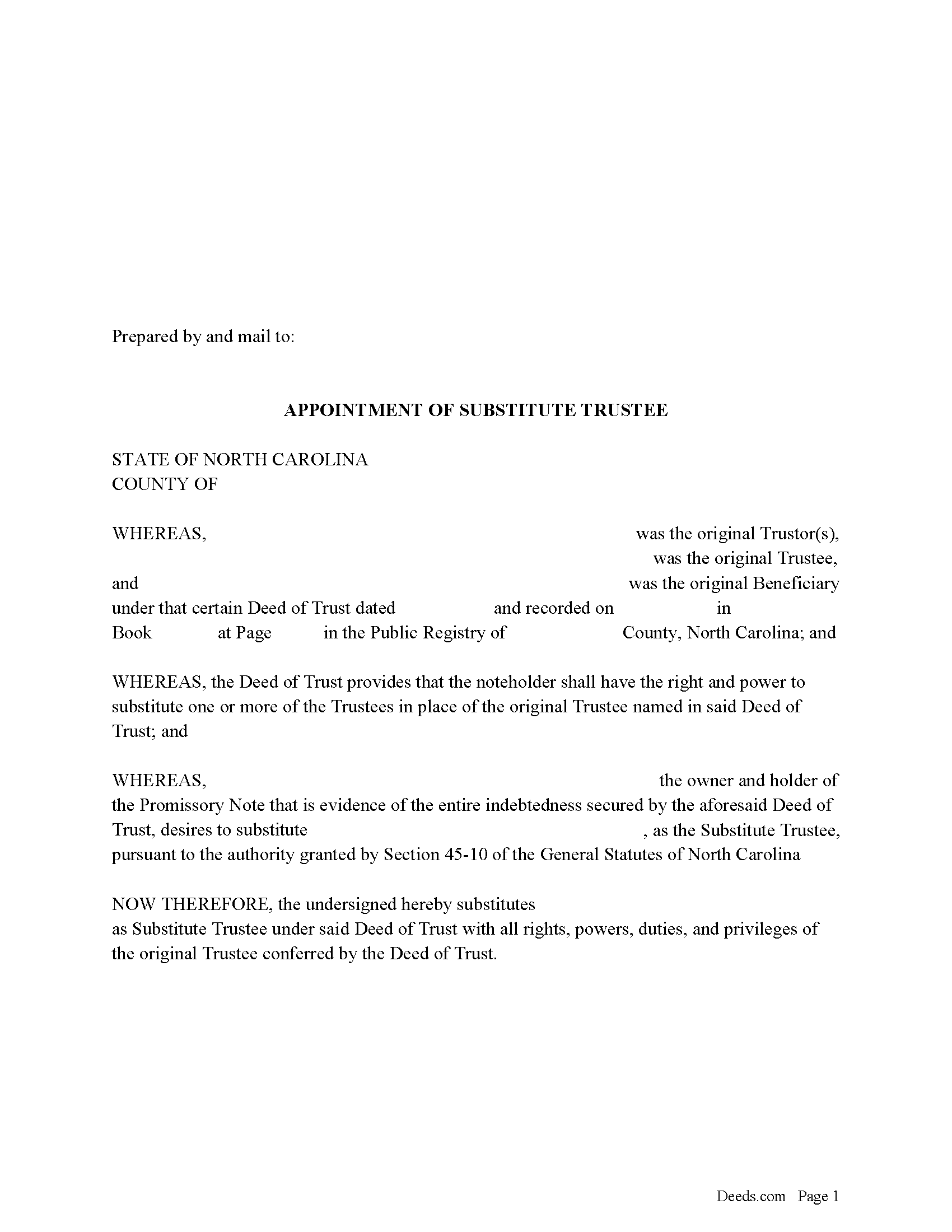
Forsyth County Appointment of Substitute Trustee Form
Fill in the blank form formatted to comply with all recording and content requirements.
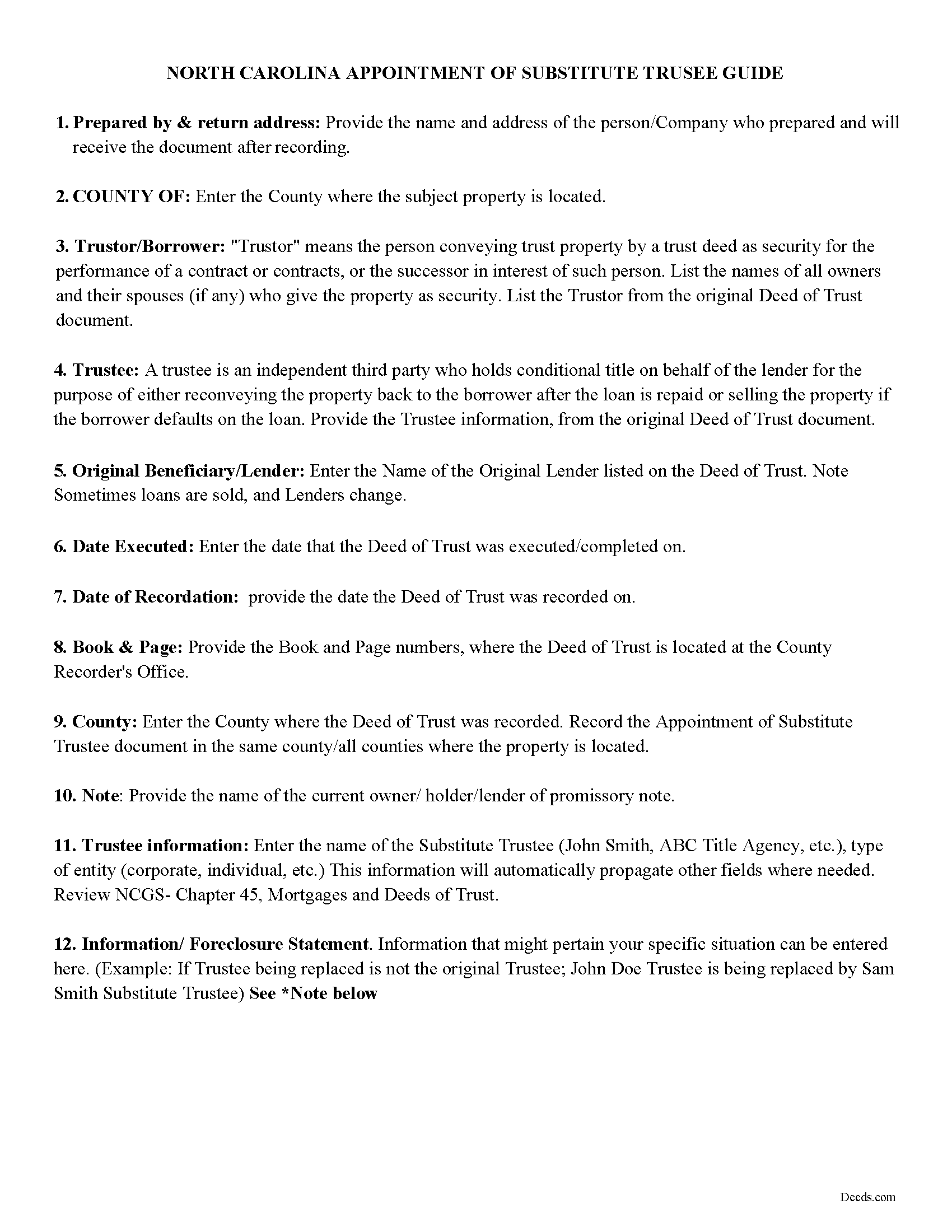
Forsyth County Appointment of Substitute Trustee Guidelines
Line by line guide explaining every blank on the form.
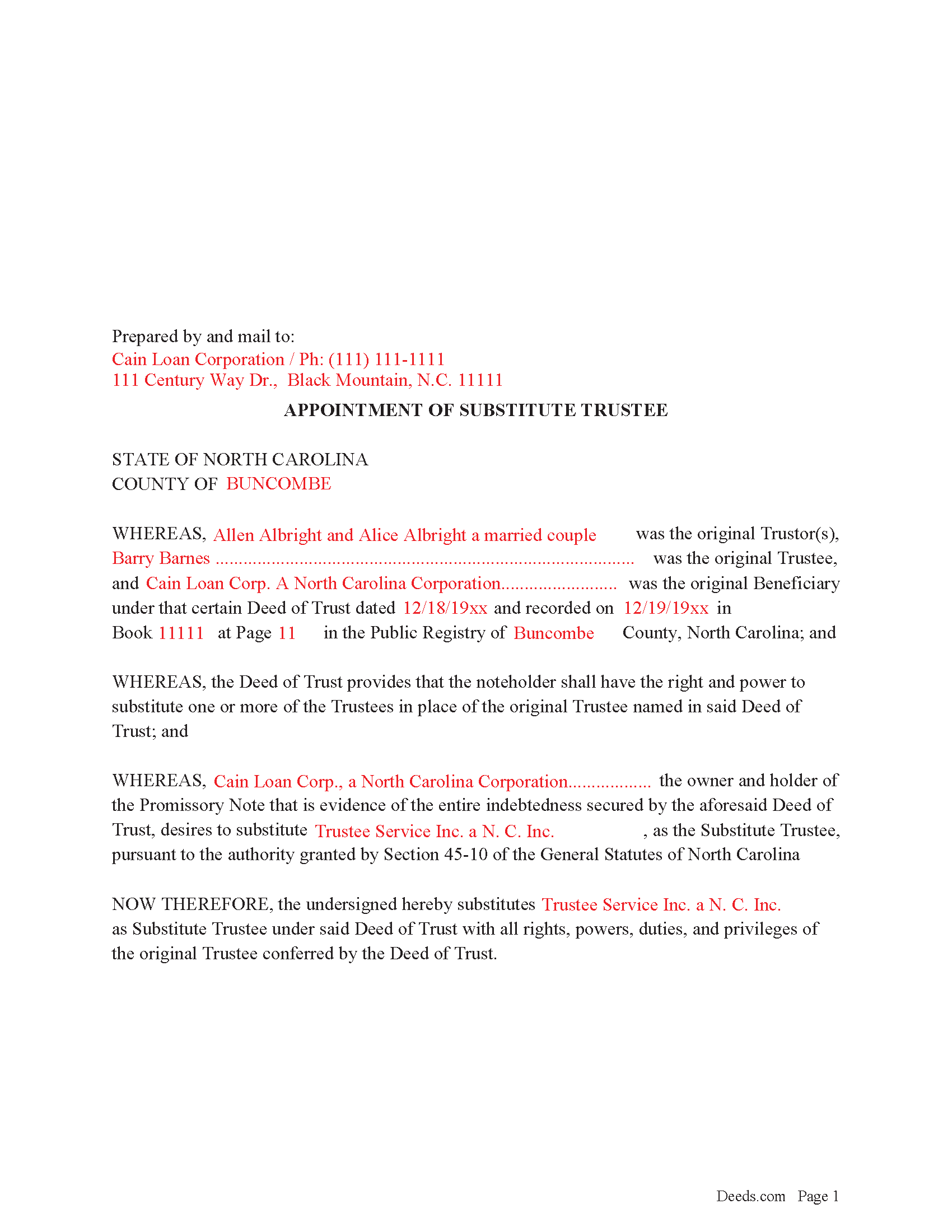
Forsyth County Completed Example of the Appointment of Substitute Trustee Form
Example of a properly completed form for reference.
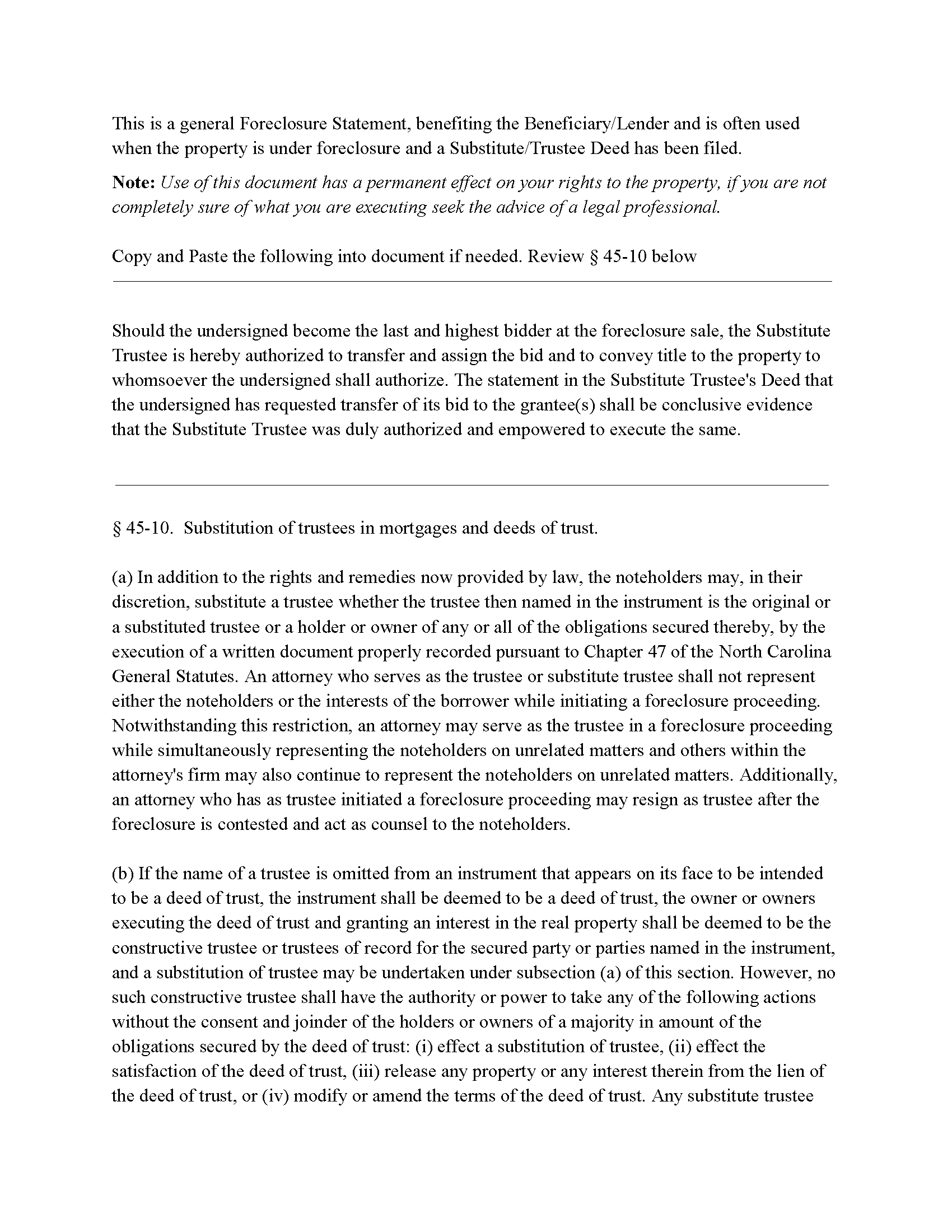
Forsyth County Foreclosure Clause
Clause that can be added to the form, if foreclosure is involved.
All 4 documents above included • One-time purchase • No recurring fees
Immediate Download • Secure Checkout
Additional North Carolina and Forsyth County documents included at no extra charge:
Where to Record Your Documents
Forsyth County Register of Deeds
Winston-Salem, North Carolina 27101
Hours: 8:00am-5:00pm M-F
Phone: (336) 703-2700. For Recorded Information: (336) 703-270
Recording Tips for Forsyth County:
- Bring your driver's license or state-issued photo ID
- Ensure all signatures are in blue or black ink
- Documents must be on 8.5 x 11 inch white paper
- Double-check legal descriptions match your existing deed
- Verify all names are spelled correctly before recording
Cities and Jurisdictions in Forsyth County
Properties in any of these areas use Forsyth County forms:
- Belews Creek
- Bethania
- Clemmons
- Kernersville
- Lewisville
- Pfafftown
- Rural Hall
- Tobaccoville
- Walkertown
- Winston Salem
Hours, fees, requirements, and more for Forsyth County
How do I get my forms?
Forms are available for immediate download after payment. The Forsyth County forms will be in your account ready to download to your computer. An account is created for you during checkout if you don't have one. Forms are NOT emailed.
Are these forms guaranteed to be recordable in Forsyth County?
Yes. Our form blanks are guaranteed to meet or exceed the applicable formatting requirements used for recording in Forsyth County, including margin requirements, font requirements, and other layout standards. This guarantee applies to formatting, not to the legal sufficiency of information entered by the user or the suitability of a form for a particular transaction.
Can I reuse these forms?
Yes. You can reuse the forms for your personal use. For example, if you have multiple properties in Forsyth County you only need to order once.
What do I need to use these forms?
The forms are PDFs that you fill out on your computer. The free Adobe Acrobat Reader is recommended, and most PDF apps also work. You do NOT enter your property information online - you download the blank forms and complete them privately on your own computer.
Are there any recurring fees?
No. This is a one-time purchase. Nothing to cancel, no memberships, no recurring fees.
How much does it cost to record in Forsyth County?
Recording fees in Forsyth County vary. Contact the recorder's office at (336) 703-2700. For Recorded Information: (336) 703-270 for current fees.
Questions answered? Let's get started!
In a Deed of Trust, the trustee is an independent third party who holds conditional title on behalf of the lender for the purpose of either reconveying the property back to the borrower after the loan is repaid or selling the property if the borrower defaults on the loan. Trustee's can be replaced for many reasons, incapacity, incompetency, death, etc. Often a lender will substitute a trustee with a firm or corporation that will be conducting a foreclosure.
NCG 45-10. States:
In addition to the rights and remedies now provided by law, the noteholders may, in their discretion, substitute a trustee whether the trustee then named in the instrument is the original or a substituted trustee or a holder or owner of any or all of the obligations secured thereby, by the execution of a written document properly recorded pursuant to Chapter 47
This form is executed by the beneficiary/lender for the substitution of a trustee, it includes an optional foreclosure clause if needed for that purpose.
(North Carolina AOST Package includes form, guidelines, and completed example)
Important: Your property must be located in Forsyth County to use these forms. Documents should be recorded at the county recording office listed above.
This Appointment of Substitute Trustee meets all recording requirements specific to Forsyth County.
Our Promise
The documents you receive here are guaranteed to meet or exceed the applicable Forsyth County recording format requirements. If there is a rejection caused by our formatting, we will correct the issue or refund your payment. This guarantee applies to document formatting only and does not extend to information entered by the user, the selection of the form, or the legal effect of the completed document.
Save Time and Money
Get your Forsyth County Appointment of Substitute Trustee form done right the first time with Deeds.com Uniform Conveyancing Blanks. At Deeds.com, we understand that your time and money are valuable resources, and we don't want you to face a penalty fee or rejection imposed by a county recorder for submitting nonstandard documents. We constantly review and update our forms to meet rapidly changing state and county recording requirements for roughly 3,500 counties and local jurisdictions.
4.8 out of 5 - ( 4,824 Reviews )
Priscilla Z. 5 out of 5 stars
Very user friendly and easy. I appreciated the sample deed that was provided. Definitely recommend!
Thank you!
leila m. 5 out of 5 stars
Very good service, friendly customer service I absolutely will use the service again
Thank you!
Chanda C. 5 out of 5 stars
It's going well so far!
Thank you!
Nikie U. 5 out of 5 stars
This was my first time using this service and it worked smoothly and efficiently and I will definitely use them again.
Thank you for your feedback. We really appreciate it. Have a great day!
Linda W. 5 out of 5 stars
Fast service. From the time I sent my Quit Claim Deed to deeds.com, and six hours later my deed was recorded. It was painless, great convenience.
Thank you!
Rut P M. 5 out of 5 stars
I was very pleased with the document I downloaded. I was able to edit it easily and save a copy both as a permanent copy or one that could still be edited. I also liked being able to cut and paste longer paragraphs. It cost a little more than I expected; however, it was worth it be cause I didn't have to fill it out by hand. Great job!
Thank you for your feedback. We really appreciate it. Have a great day!
Robert T. 5 out of 5 stars
Perfect. Downloaded the forms with no issues, filled them out, had them notarized and recorded all in just a few hours (most of that time was spent at the recorder's office). Highly recommend.
Thank you for your feedback. We really appreciate it. Have a great day!
Robert R. 5 out of 5 stars
I found the form I needed. I ordered the wrong ones the first time. I didn't know if I could get refund or not. The information with the forms is very helpful Thank you
Thank you for your feedback. We’re pleased to hear you found the forms and supporting information helpful. Your initial order has been canceled and refunded, and we’re glad you now have the correct forms in hand. We appreciate your business and are here if you need further assistance.
Anthony J S. 5 out of 5 stars
It was nice to find a form to use for leaving my house without having my kids deal with Probate Court. The price was a lot cheaper than paying for a Lawyer to set up a transfer of ownership.
Thank you for your feedback. We really appreciate it. Have a great day!
Arthur L. 5 out of 5 stars
The directions were clear, I typed the deed out and it was successfully recorded and mailed back to me in less than a week.
Thank you for your feedback. We really appreciate it. Have a great day!
Darlene P. 5 out of 5 stars
Deeds.com was a money saver for me. It made a daunting task of preparing a Quit Claim Deed a very simple task. I was happy that my documentation was accepted by my state and County first round. Thank you Deeds.com
We appreciate your business and value your feedback. Thank you. Have a wonderful day!
Joseph P. 5 out of 5 stars
I purchased the Affidavit of Surviving Joint Tenant document and found the whole package of documents to be useful and practical. Successfully recorded!!! While the fillable PDF files are good enough, I personally prefer a Word document as it is easier to modify font or spacing.
We appreciate your business and value your feedback. Thank you. Have a wonderful day!
Dubelsa T. 5 out of 5 stars
Loved it!!!!! Beats going downtown!!!! Super easy and fast!!!
We appreciate your business and value your feedback. Thank you. Have a wonderful day!
Vanessa G. 5 out of 5 stars
Quick, painless, and they communicated with me during the entire process. I will certainly be suing them again.
We are delighted to have been of service. Thank you for the positive review!
Kimberly K. 5 out of 5 stars
Easy to use was very satisfied with service would recommend.
Thank you for your feedback. We really appreciate it. Have a great day!