Ashe County Quitclaim Deed (Corrective) Form
Last validated October 1, 2026 by our Forms Development TeamFormatted for recording in Ashe County, for property anywhere in the county: rural and unincorporated areas as well as Creston, Crumpler, Fleetwood, Glendale Springs, Grassy Creek, Jefferson, Lansing, Scottville and 3 more.
- 3 documents included
- Immediate PDF download
- Formatting guarantee
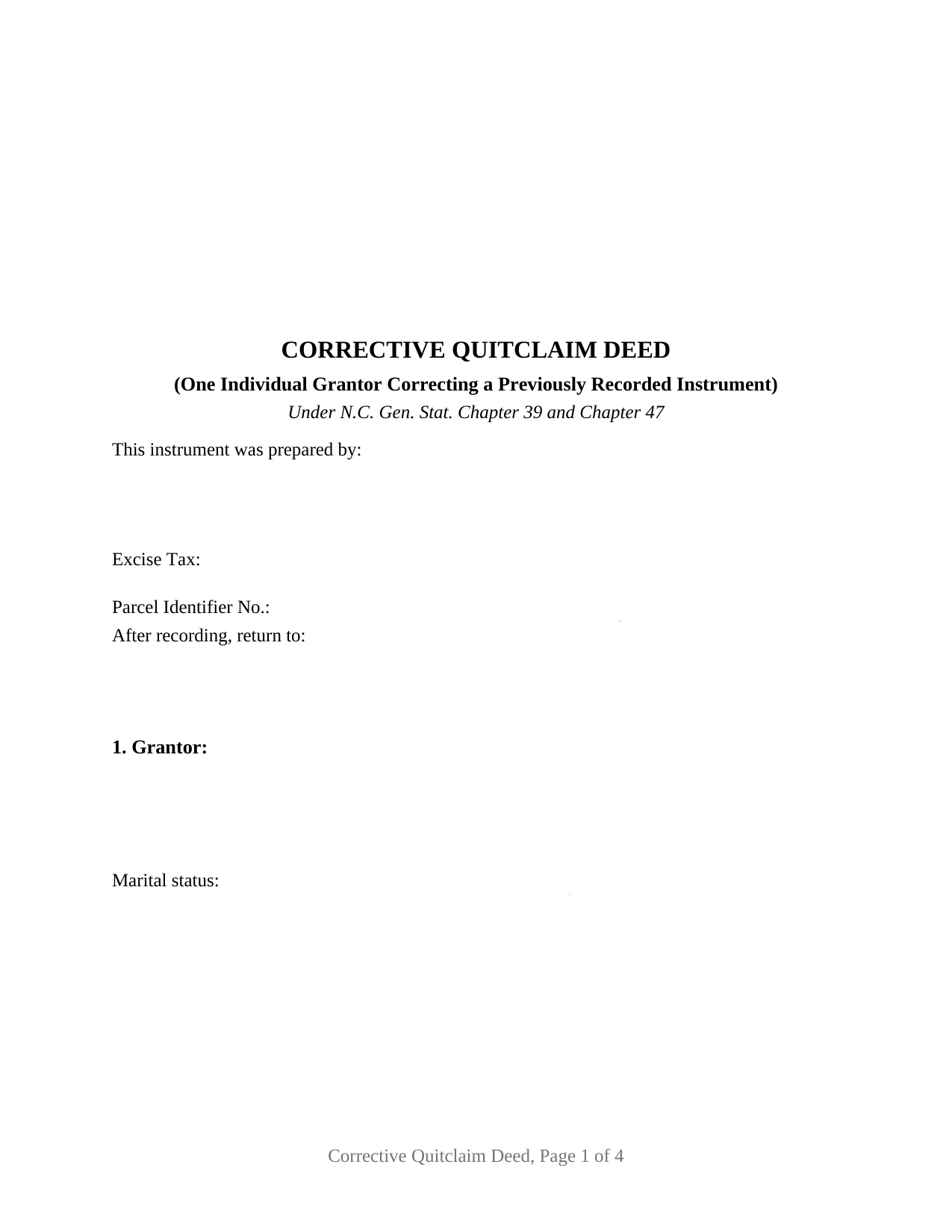
Ashe County Quitclaim Deed (Corrective) Form
Fill in the blank Quitclaim Deed (Corrective) form formatted to comply with all North Carolina recording and content requirements.
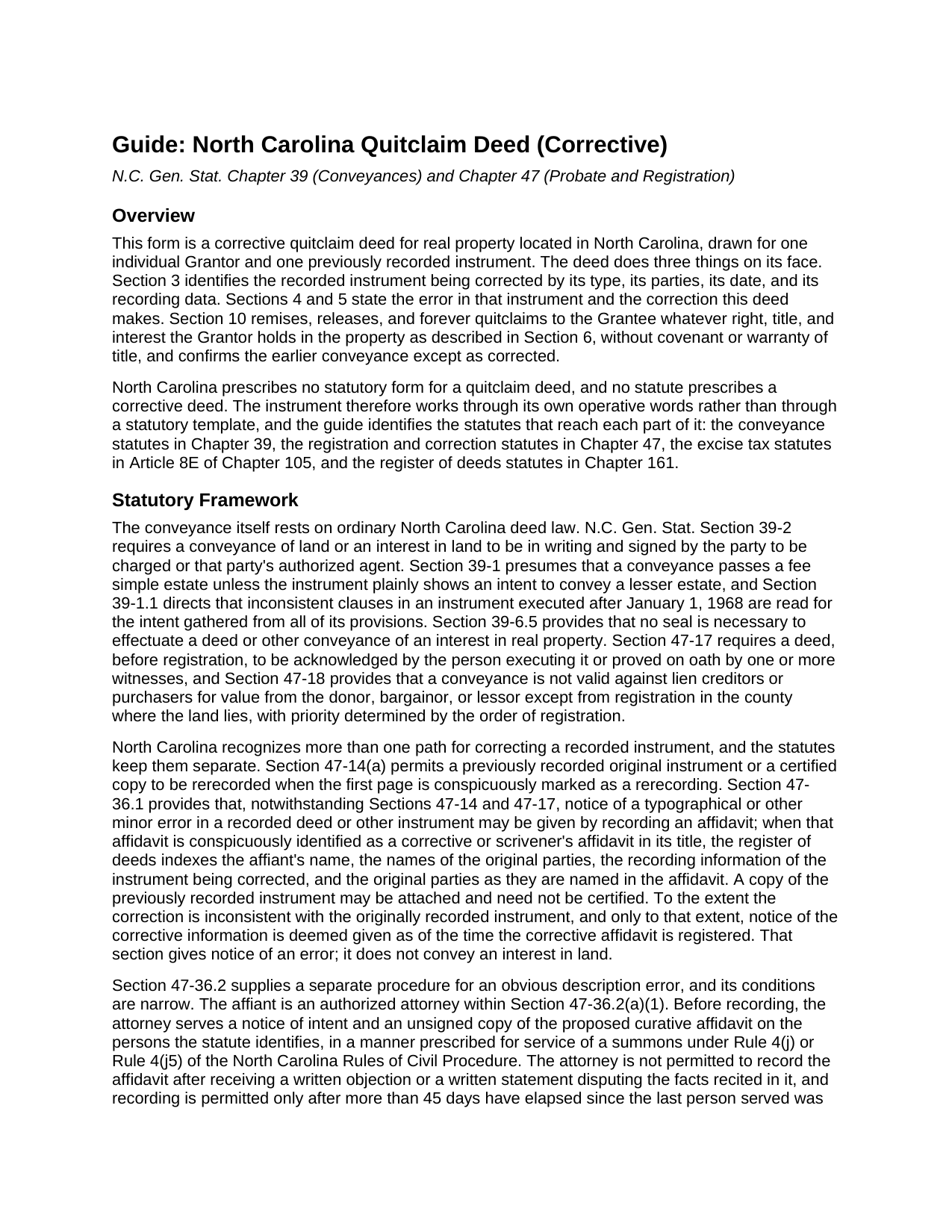
Ashe County Quitclaim Deed (Corrective) Guide
Line by line guide explaining every blank on the Quitclaim Deed (Corrective) form.
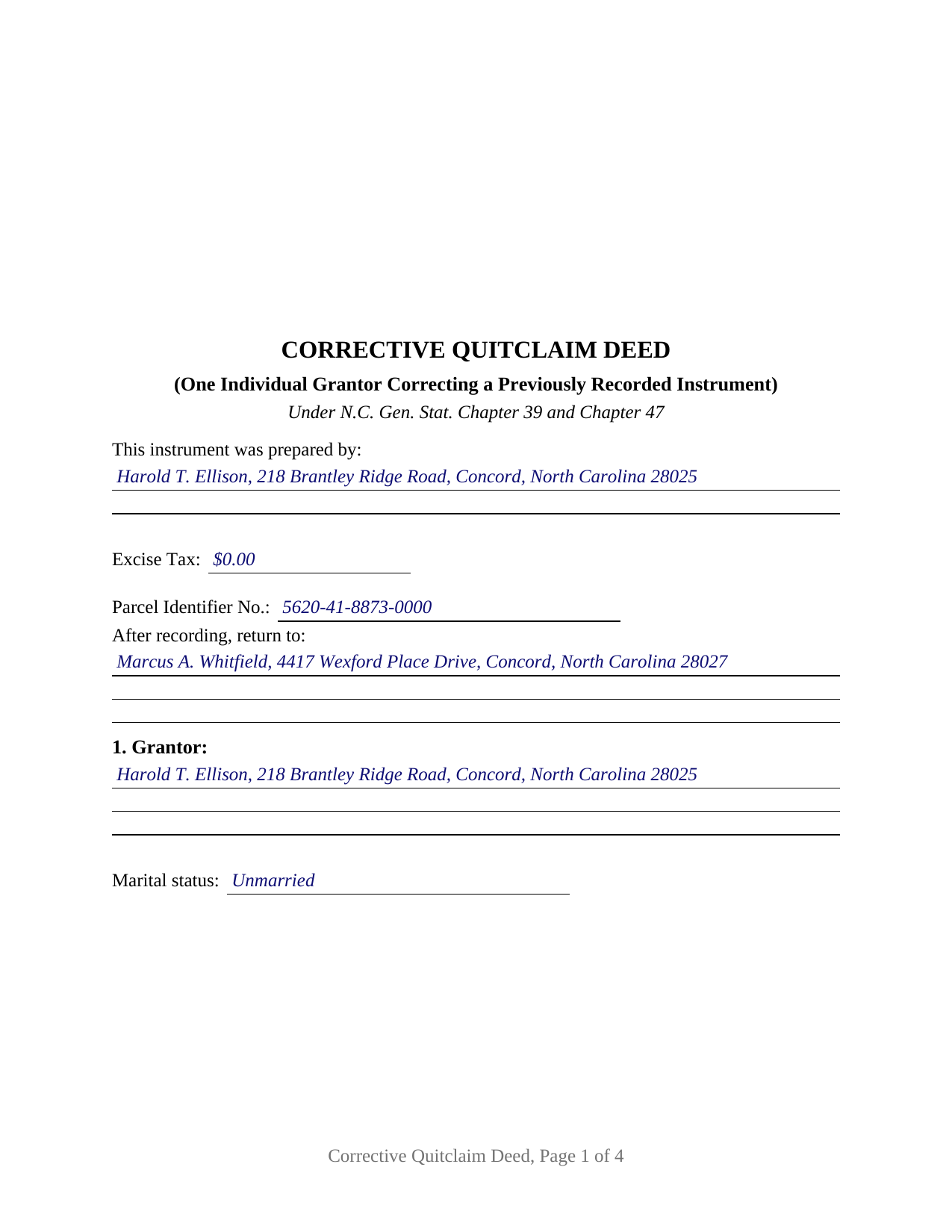
Ashe County Completed Example of the Quitclaim Deed (Corrective) Document
Example of a properly completed North Carolina Quitclaim Deed (Corrective) document for reference.
All 3 documents above included • One-time purchase • No recurring fees
Immediate Download • Secure Checkout
Additional North Carolina and Ashe County documents included at no extra charge:
Where to Record Your Documents
Ashe County Register Of Deeds
Jefferson, North Carolina 28640
Hours: 8:00 – 5:00 Monday – Friday / Recording: 8:00 – 4:30
Phone: (336) 846-5580
Recording Tips for Ashe County:
- Bring your driver's license or state-issued photo ID
- Ensure all signatures are in blue or black ink
- Ask for certified copies if you need them for other transactions
- Ask if they accept credit cards - many offices are cash/check only
- Check that your notary's commission hasn't expired
Cities and Jurisdictions in Ashe County
Properties in any of these areas use Ashe County forms:
- Creston
- Crumpler
- Fleetwood
- Glendale Springs
- Grassy Creek
- Jefferson
- Lansing
- Scottville
- Todd
- Warrensville
- West Jefferson
Hours, fees, requirements, and more for Ashe County
How do I get my forms?
Forms are available for immediate download after payment. The Ashe County forms will be in your account ready to download to your computer. An account is created for you during checkout if you don't have one. Forms are NOT emailed.
Are these forms guaranteed to be recordable in Ashe County?
Yes. Our form blanks are guaranteed to meet or exceed the applicable formatting requirements used for recording in Ashe County, including margin requirements, font requirements, and other layout standards. This guarantee applies to formatting, not to the legal sufficiency of information entered by the user or the suitability of a form for a particular transaction.
Can I reuse these forms?
Yes. You can reuse the forms for your personal use. For example, if you have multiple properties in Ashe County you only need to order once.
What do I need to use these forms?
The forms are PDFs that you fill out on your computer. The free Adobe Acrobat Reader is recommended, and most PDF apps also work. You do NOT enter your property information online - you download the blank forms and complete them privately on your own computer.
Are there any recurring fees?
No. This is a one-time purchase. Nothing to cancel, no memberships, no recurring fees.
How much does it cost to record in Ashe County?
Recording fees in Ashe County vary. Contact the recorder's office at (336) 846-5580 for current fees.
Questions answered? Let's get started!
A recorded North Carolina deed cannot be edited. An error in one is answered by adding a second instrument to the registry, and this fillable corrective quitclaim deed is that second instrument: one individual grantor, the person who signed the deed already of record, signs again to name it by book and page, state the error and the correction, and release and confirm the conveyance as corrected, without covenant or warranty of title.
Three correction routes, and what a deed reaches that an affidavit cannot
North Carolina writes two affidavit procedures and leaves the third route to ordinary deed law. G.S. 47-36.1 answers a typographical or other minor error: an affidavit conspicuously titled as corrective or scrivener's gives notice as of its own registration. It gives notice; it conveys nothing. G.S. 47-36.2 answers an obvious description error, hedged with conditions. Only an authorized attorney may swear it, a notice of intent goes out in the manner prescribed for serving a summons, a written objection stops the recording outright, and more than 45 days pass after the last person is served. The section fences its definition too, placing outside it missing or improper signatures or acknowledgements, any designation of the type of ownership interest or right of survivorship, and any description error operating to convey an interest the grantor owned but did not intend to convey. Past those fences a conveyance does the work.
Why the corrected instrument is named on page one
G.S. 161-14.1 governs an instrument acting on an earlier one, and draws a hard line at reading: the register need not look past the first two pages to decide whether something is a subsequent instrument, nor verify the original-instrument information it carries. Section 3 therefore sits early, stating the corrected instrument's type, date, recording data, registry, and parties. From those the register indexes this deed's parties, indexes the original parties as named here, and ties the earlier recording data to each name indexed, the thread a later title search follows back.
One grantor, one prior instrument
The form recites exactly one individual grantor with a mailing address and a marital status line, one grantee side whose blank takes the receiving names and any tenancy designation, and one previously recorded instrument. Sections 4 and 5 carry the error and the correction as separate numbered statements, Section 6 restates the legal description as corrected, and Section 10 releases whatever the grantor still holds and confirms the earlier conveyance except as corrected, for no new consideration. One signature block and one certificate follow, that certificate carrying the substance of the G.S. 10B-41 form. Errors appearing in this shape in the records include a transposed plat reference, a call dropped from a metes and bounds recital, and a grantee written without the suffix the chain carries. The form is not set up for two conveying owners, an entity or trustee grantor, an agent's signature, a joinder line for a spouse holding no record title, or several instruments corrected at once. One boundary is worth stating plainly: this deed releases and confirms, so an interest now standing of record in another owner's name moves by a conveyance from that owner.
A release, and a zero that still gets reported
No statute prescribes a North Carolina quitclaim, and none prescribes a corrective deed, so the words carry both jobs. Searchers reach it as a correction deed, a quit claim deed, a quitclaim, or a non-warranty deed; under every label it passes only what the grantor has, and liens and easements ride through untouched. On the tax line, a correction restating an earlier conveyance for nothing sits among the classes G.S. 105-228.29 leaves outside Article 8E, a transfer where no consideration is due or paid. Because G.S. 105-228.28 reaches every non-governmental conveyance in the state, a figure is reported either way, zero included. That figure shares page one with the blank band and instrument type G.S. 161-14(b) directs, the drafter name G.S. 47-17.1 requires there, a parcel number under G.S. 161-30, and a return address. Registration in the county holding the land is the moment G.S. 47-18 measures from, and priority runs in the order instruments reach the record.
What the purchase includes: this deed as a fillable PDF, a completed example worked through a Cabarrus County correction of a transposed plat reference, and a plain language guide covering each numbered section, the correction routes, the vesting menu, excise treatment, and recording. Nothing here is legal advice; it describes North Carolina law in general terms.
Important: Your property must be located in Ashe County to use these forms. Documents should be recorded at the county recording office listed above.
This Quitclaim Deed (Corrective) meets all recording requirements specific to Ashe County.
Our Promise
The documents you receive here are guaranteed to meet or exceed the applicable Ashe County recording format requirements. If there is a rejection caused by our formatting, we will correct the issue or refund your payment. This guarantee applies to document formatting only and does not extend to information entered by the user, the selection of the form, or the legal effect of the completed document.
Save Time and Money
Get your Ashe County Quitclaim Deed (Corrective) form done right the first time with Deeds.com Uniform Conveyancing Blanks. At Deeds.com, we understand that your time and money are valuable resources, and we don't want you to face a penalty fee or rejection imposed by a county recorder for submitting nonstandard documents. We constantly review and update our forms to meet rapidly changing state and county recording requirements for roughly 3,500 counties and local jurisdictions.
4.8 out of 5 - ( 4,827 Reviews )
Patricia W. 5 out of 5 stars
Easy to use with the itemized instruction.
Thank you for your feedback. We really appreciate it. Have a great day!
Kay I. 5 out of 5 stars
Very easy to use. However, the "sample" filled in red ink did not print for me to refer to. Is that the correct desire, not to print?
Thank you for your feedback. We really appreciate it. Have a great day!
John B. 5 out of 5 stars
I bought a Quitclaim Deed package for Fayette County, Kentucky, to transfer my house into a Living Trust that I had set up previously. Creating my Quitclaim Deed was pretty straightforward, using the form, the instructions, and the sample Quitclaim Deed. I signed my Quitclaim Deed at a nearby Notary Public, then took it to the Fayette County Clerk's office to be recorded. The clerk there asked me to make two small changes to the Quitclaim Deed, which she let me do in pen on the spot: * In the signature block for the receiver of the property, filled in "Capacity" as "Grantee as Trustee ______________________________ Living Trust". * In the notary's section, changed "were acknowledged before me" to "were acknowledged and sworn to before me".
Thank you for your feedback. We really appreciate it. Have a great day!
FELISA J. 5 out of 5 stars
I liked the ease of locating the document I needed and the sample document was extremely helpful. I would have liked the acknowledgement to be on the same page as the rest of the document. It costs for each page recorded.
We appreciate your business and value your feedback. Thank you. Have a wonderful day!
Sharon M. 5 out of 5 stars
Purchasing the real estate deed form from your platform was a breeze. The form was easy to fill out and the instructions provided were clear and concise. I was able to quickly complete my property transaction without any hitches. I highly recommend your services to anyone in need of real estate documentation. Thank you for making this process so straightforward!
Thanks a million for the positive feedback! It truly means a lot to us.
Teri B. 5 out of 5 stars
Glad to have all of the helpful extra information, even though they don't answer all questions for all situations. So, I accessed public records and asked questions at the auditor's office. Also, on my Mac computer, filling out the actual deed form is a challenge because the screen jumps to the last page everytime I try to type a few letters or hit the return key, so I'm rollling back up to the first 2 pages after most keystrokes. A bit annoying. Overall, happy to have these form options are available! There is really no need to wait and pay for an attorney when all the information needed is available via public records. Fill in the blanks!
Thanks so much for the feedback Teri. There are known issues between Adobe and Mac, we try to work around them as much as possible. Have a wonderful day!
CECIL E C. 5 out of 5 stars
You made it easy to attain the documents I needed. The cost was very reasonable...thanks
Thank you for your feedback Cecil, we really appreciate it.
Lynn S. 5 out of 5 stars
Great service. I did not have to put much thought into the process!!! Worth the $15.00 extra!!
Thank you for your feedback. We really appreciate it. Have a great day!
Kenneth C. 5 out of 5 stars
Great forms, easy to use if you have at least a sixth grade education.
Thank you!
Sharon B. 5 out of 5 stars
Easy to use, download, . Would use again.
Thank you for your kind words and for choosing us.
Michael N. 5 out of 5 stars
This is an extremely helpful and very fast way to file with property recorders. It saved me time away from work and provided a receipt for the filing
Thank you, Michael! We're glad to hear the process was fast and efficient for you—and that it saved you time from work. Appreciate you sharing your experience!
Robert L. 5 out of 5 stars
Very easy to use and I had no issues submitting my deed.
Thank you!
Richard V. 5 out of 5 stars
It was very easy to get the documents which I needed.
We appreciate your business and value your feedback. Thank you. Have a wonderful day!
Jennifer S. 5 out of 5 stars
Fabulous
Thank you!
Giustino C. 5 out of 5 stars
I am pleased with this electronic service in making a time sensitive deed transfer since very few options exist currently with the Covid 19 Crisis. This was the only rapid and available option to record the deed transfer and the fee was reasonable. I was able to upload my notarized and executed document and had a record number as well as the official document within 24 hours. It was simple and easy to use. Thank you deeds.com!!
Thank you Giustino, glad we could help.