Madison County Quitclaim Deed (Trustee Grantee) Form
Last validated October 15, 2026 by our Forms Development TeamFormatted for recording in Madison County, for property anywhere in the county: rural and unincorporated areas as well as Hot Springs, Mars Hill, Marshall.
- 3 documents included
- Immediate PDF download
- Formatting guarantee
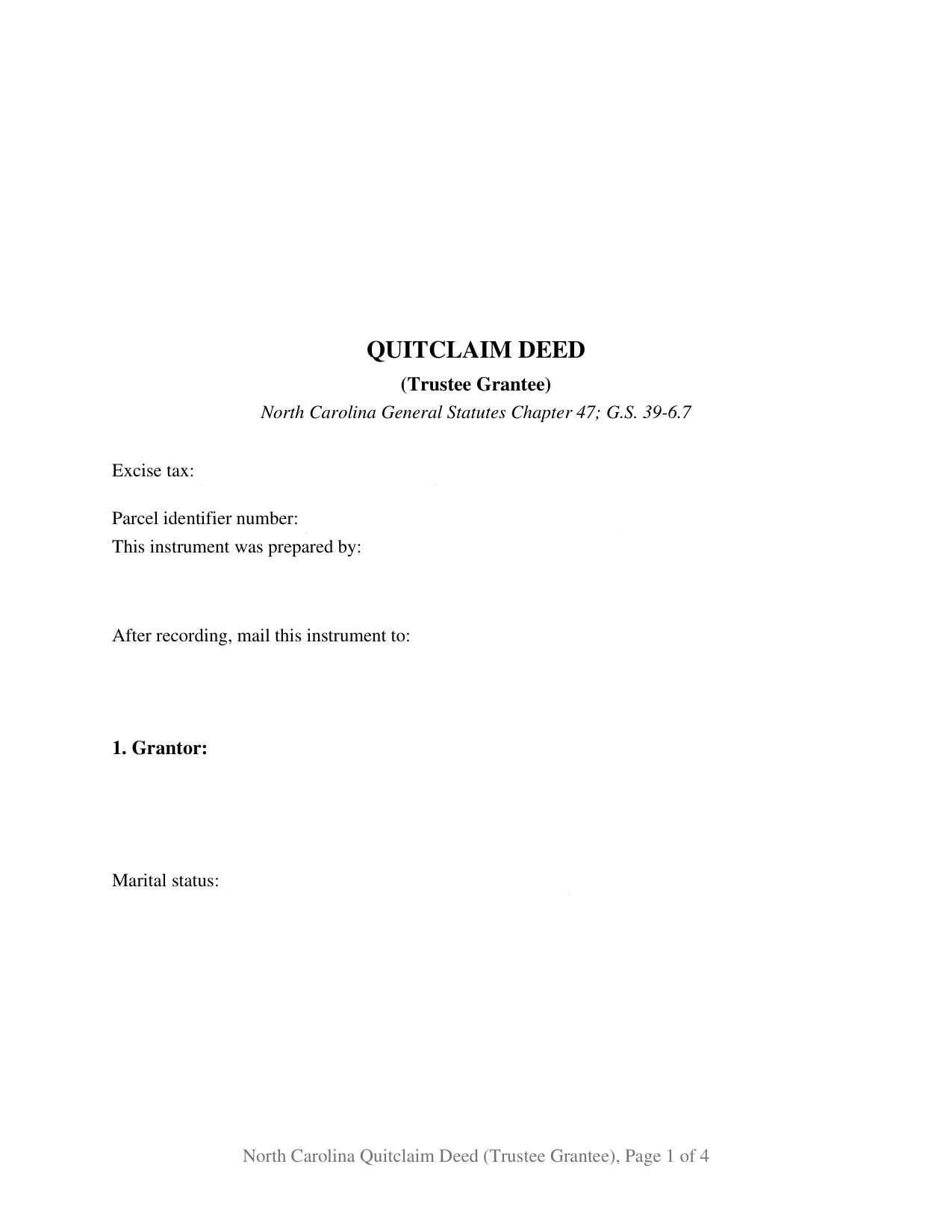
Madison County Quitclaim Deed (Trustee Grantee) Form
Fill in the blank Quitclaim Deed (Trustee Grantee) form formatted to comply with all North Carolina recording and content requirements.
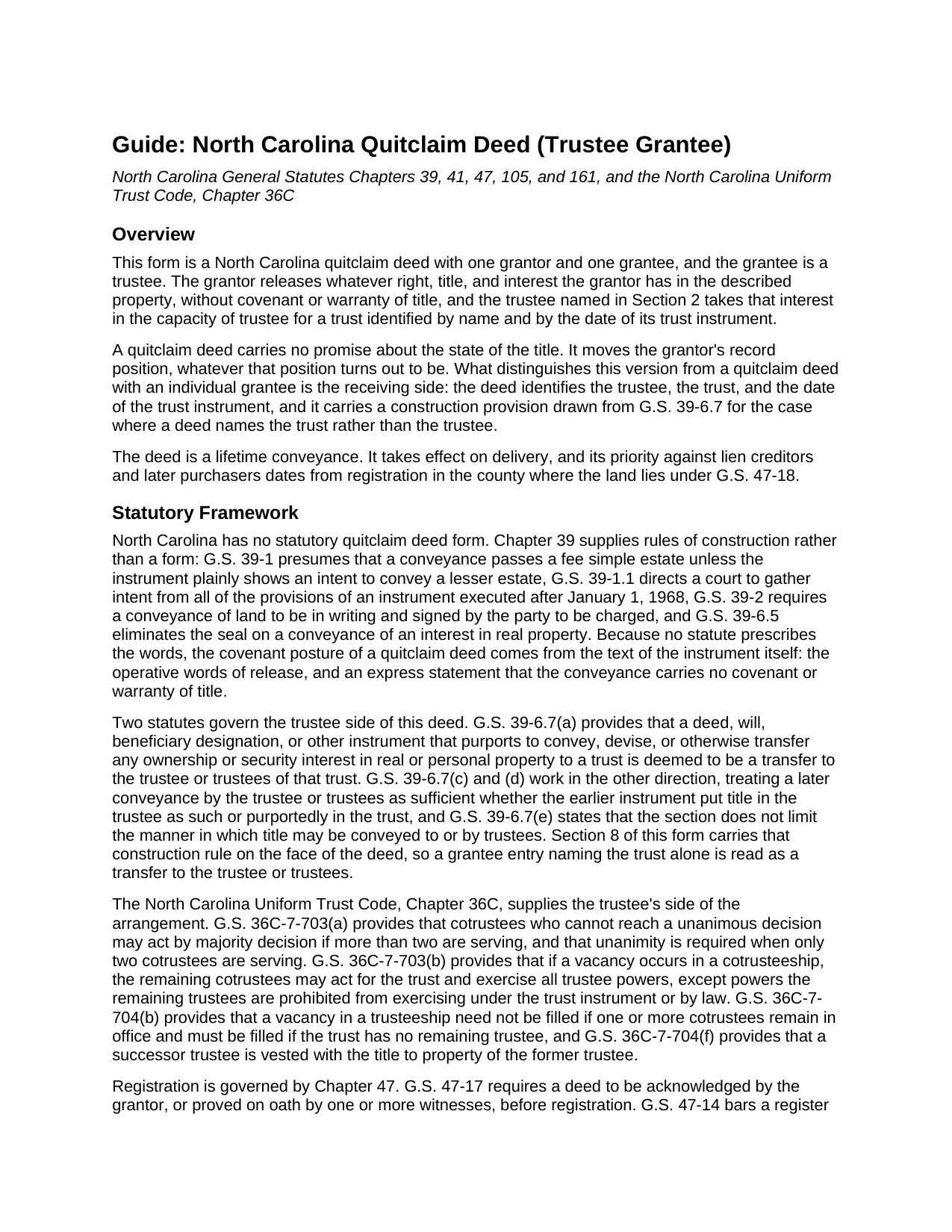
Madison County Quitclaim Deed (Trustee Grantee) Guide
Line by line guide explaining every blank on the Quitclaim Deed (Trustee Grantee) form.
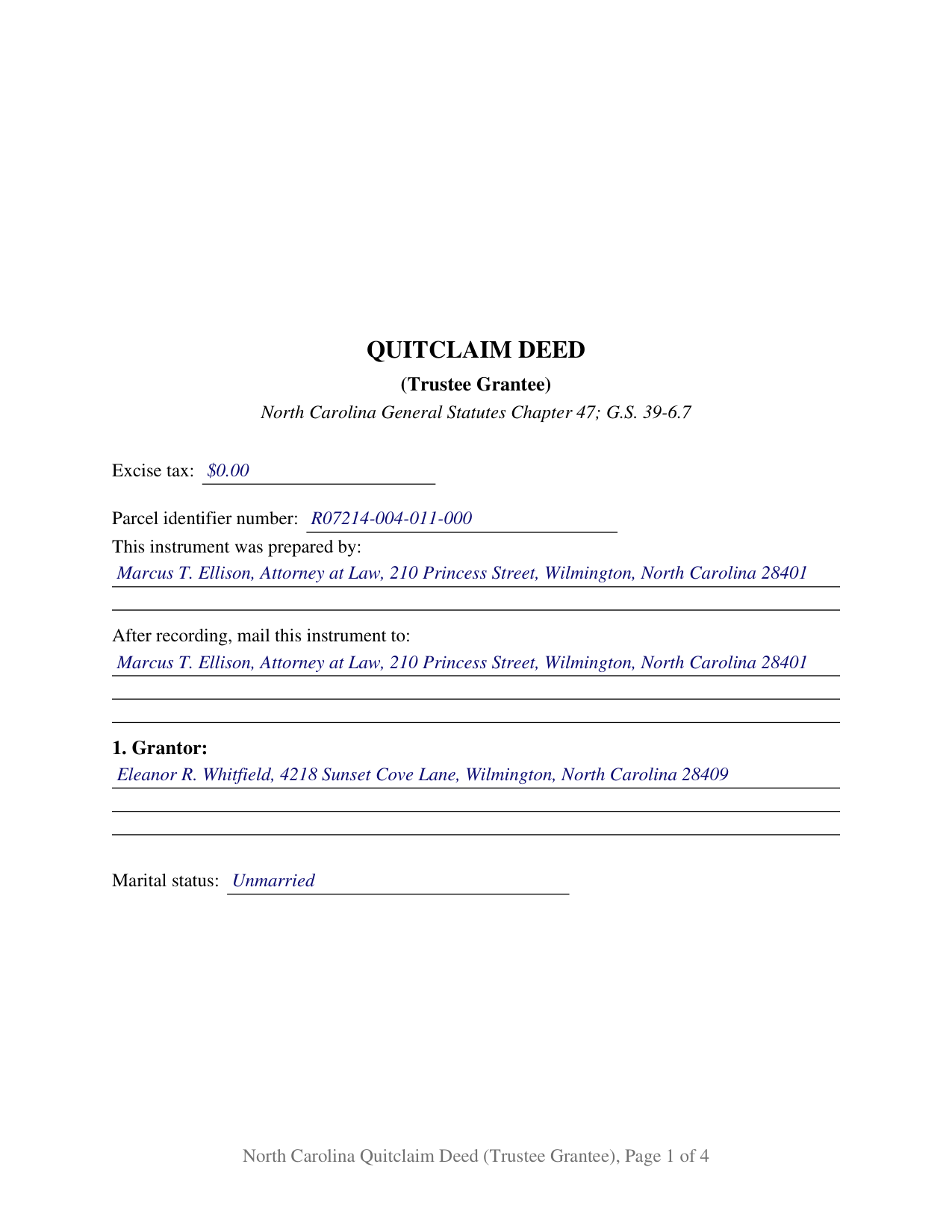
Madison County Completed Example of the Quitclaim Deed (Trustee Grantee) Document
Example of a properly completed North Carolina Quitclaim Deed (Trustee Grantee) document for reference.
All 3 documents above included • One-time purchase • No recurring fees
Immediate Download • Secure Checkout
Additional North Carolina and Madison County documents included at no extra charge:
Where to Record Your Documents
Madison County Register of Deeds
Marshall, North Carolina 28753
Hours: 8:00 to 5:00 M-F
Phone: (828) 649-3131
Recording Tips for Madison County:
- Bring your driver's license or state-issued photo ID
- Ensure all signatures are in blue or black ink
- Documents must be on 8.5 x 11 inch white paper
- Double-check legal descriptions match your existing deed
- Verify all names are spelled correctly before recording
Cities and Jurisdictions in Madison County
Properties in any of these areas use Madison County forms:
- Hot Springs
- Mars Hill
- Marshall
Hours, fees, requirements, and more for Madison County
How do I get my forms?
Forms are available for immediate download after payment. The Madison County forms will be in your account ready to download to your computer. An account is created for you during checkout if you don't have one. Forms are NOT emailed.
Are these forms guaranteed to be recordable in Madison County?
Yes. Our form blanks are guaranteed to meet or exceed the applicable formatting requirements used for recording in Madison County, including margin requirements, font requirements, and other layout standards. This guarantee applies to formatting, not to the legal sufficiency of information entered by the user or the suitability of a form for a particular transaction.
Can I reuse these forms?
Yes. You can reuse the forms for your personal use. For example, if you have multiple properties in Madison County you only need to order once.
What do I need to use these forms?
The forms are PDFs that you fill out on your computer. The free Adobe Acrobat Reader is recommended, and most PDF apps also work. You do NOT enter your property information online - you download the blank forms and complete them privately on your own computer.
Are there any recurring fees?
No. This is a one-time purchase. Nothing to cancel, no memberships, no recurring fees.
How much does it cost to record in Madison County?
Recording fees in Madison County vary. Contact the recorder's office at (828) 649-3131 for current fees.
Questions answered? Let's get started!
On this fillable North Carolina quitclaim deed the grantee blank asks for more than a name. It asks for a capacity: the trustee or trustees taking title, the name of the trust, and the date of the trust instrument. One individual grantor signs, releasing whatever interest that grantor holds, and the deed reaches the register of deeds already carrying the three trust identifiers a later title search looks for.
Naming the trustee, or naming the trust
Deeds arrive at North Carolina registries worded both ways, and the General Statutes anticipate it. G.S. 39-6.7(a) provides that an instrument purporting to transfer property to a trust is deemed a transfer to the trustee or trustees of that trust, and subsection (d) lets the trustee convey as trustee later even where the earlier deed ran to the trust by name. Section 8 prints that construction on the face of the instrument instead of leaving it to be argued afterward, while the blanks above are laid out for the cleaner version: the trustee named first, the trust identified by name and date beneath.
One grantor signs, and the trustee does not
The form recites exactly one individual grantor, with a mailing address and a line stating the marital status the grantor asserts, and one receiving side. Because a grantee does not sign a North Carolina deed, the trustee has no signature line, and the instrument carries one signature block and one acknowledgment certificate to match its single signer. Ownership patterns presenting this shape in the record include a sole owner moving a residence already titled in her own name into her revocable living trust, an owner shifting a rental parcel into a family trust signed years earlier, and a settlor finishing the funding of a trust when one parcel was left out. The form is not set up for two conveying owners, for a joinder signature by a spouse holding no record title, or for a parcel held by the entirety, where G.S. 41-58 calls for both spouses to join in writing before the estate moves.
Why cotrustees are not joint tenants
Naming two people as grantees usually opens the North Carolina co-ownership menu. Naming two trustees does not. G.S. 41-75(1) states that the joint tenancy Article does not apply to executors or trustees in their representative capacity, so cotrustees hold one title in that capacity, and what happens when one stops serving is answered by the trust instrument and the Uniform Trust Code: G.S. 36C-7-703(b) lets the remaining cotrustees act on a vacancy, and G.S. 36C-7-704(f) vests a successor trustee with the title to property of the former trustee. The trust instrument itself stays private. Where a buyer, lender, or insurer later wants the trustee's authority documented, G.S. 36C-10-1013 supplies a certification of trust, which subsection (j) allows to be executed for registration in the county where the land lies, prepared and recorded separately and not included in this package.
A release, not a warranty
North Carolina prescribes no quitclaim form, so this instrument, searched by some as a quit claim deed and by others as a non-warranty deed, works through its own words: the grantor remises, releases, and forever quitclaims all right, title, and interest, if any, to have and to hold to the grantee and the grantee's successors in trust, without covenant or warranty of title. G.S. 39-1 carries the grantor's whole estate unless the deed plainly shows a smaller one, so the trust takes the record position exactly as it stood, liens and all.
What the first page reports
Page one keeps the three inch recording space, states the instrument type below it, and gathers the drafter entry that G.S. 47-17.1 makes a condition of acceptance, the parcel identifier, the return address, and the excise figure. Trust funding transfers commonly land in the classes listed at G.S. 105-228.29, a gift or a transfer where no consideration is due or paid, and the reported figure is then zero. The body states each party's mailing address and whether the land takes in a grantor's primary residence, as G.S. 105-317.2 asks.
The package delivers this deed as a fillable PDF, a completed example worked through a New Hanover County transfer into a revocable living trust, and a plain language guide covering each numbered section, the trustee entries, the vesting menu, the excise treatment, and the county recording steps. The materials describe North Carolina law in general terms and are not legal advice.
Important: Your property must be located in Madison County to use these forms. Documents should be recorded at the county recording office listed above.
This Quitclaim Deed (Trustee Grantee) meets all recording requirements specific to Madison County.
Our Promise
The documents you receive here are guaranteed to meet or exceed the applicable Madison County recording format requirements. If there is a rejection caused by our formatting, we will correct the issue or refund your payment. This guarantee applies to document formatting only and does not extend to information entered by the user, the selection of the form, or the legal effect of the completed document.
Save Time and Money
Get your Madison County Quitclaim Deed (Trustee Grantee) form done right the first time with Deeds.com Uniform Conveyancing Blanks. At Deeds.com, we understand that your time and money are valuable resources, and we don't want you to face a penalty fee or rejection imposed by a county recorder for submitting nonstandard documents. We constantly review and update our forms to meet rapidly changing state and county recording requirements for roughly 3,500 counties and local jurisdictions.
4.8 out of 5 - ( 4,828 Reviews )
michael k. 5 out of 5 stars
fast and easy to fill out forms.
Thank you!
janet H. 5 out of 5 stars
easy to download and print. came with instructions also. very helpful.
Thank you, Janet. We’re happy to hear the download and instructions made the process straightforward. We appreciate you taking the time to share your experience.
Georgana T. 3 out of 5 stars
Not clear information on ownership, which is what I wanted.
Sorry to hear that we were unable to find the information you need Georgana. Your account has been credited. Have a wonderful day.
Glenda C. 4 out of 5 stars
It was easy to find what I was looking for. The instructions were easy to follow. The example given was most beneficial in completing form.
We appreciate your business and value your feedback. Thank you. Have a wonderful day!
Erik N. 5 out of 5 stars
I liked it, very much.
Thank you!
Pamela S. 5 out of 5 stars
Getting the forms and paying the fee was very simple and easy to follow. Now we"ll see how it goes actually filling out the forms that are needed and correctly.
We appreciate your business and value your feedback. Thank you. Have a wonderful day!
Tim T. 3 out of 5 stars
Although I am sure that the Quit Claim form was acceptable for my county, I felt that it was not formatted in the manor that I have seen while viewing the other deeds recorded. So that forms that I received were not useful to me.
Thank you for your feedback. We really appreciate it. Have a great day!
Charmaine D. 5 out of 5 stars
Very easy to use.
Thank you!
Jim A. 5 out of 5 stars
Your website is user friendly and when I brought up issues they were quickly addressed. thank you so much! jim atkinson
Thank you!
Carl S. 5 out of 5 stars
Complete and easy to order. Helpful other documents were included.
Thank you for your feedback. We really appreciate it. Have a great day!
Barbara P. 5 out of 5 stars
So easy and fast!
We appreciate your business and value your feedback. Thank you. Have a wonderful day!
Marvita J. 5 out of 5 stars
Deeds.com was fast and easy and I got everything I needed in one stop!
Thank you for your feedback. We really appreciate it. Have a great day!
Joyce F. 5 out of 5 stars
The forms are simple to follow. I was hoping I would be able to add my personal info. That would make the forms even more simple.
We appreciate your business and value your feedback. Thank you. Have a wonderful day!
Christopher S. 5 out of 5 stars
very easy to use, and comprehensive...I like the e-recording package
We are grateful for your feedback and looking forward to serving you again. Thank you!
Ricardo M. 5 out of 5 stars
easy to use
Thank you!