Durham County Termination of Easement Form
Last validated October 21, 2026 by our Forms Development TeamFormatted for recording in Durham County, for property anywhere in the county: rural and unincorporated areas as well as Bahama, Durham, Research Triangle Park, Rougemont.
- 3 documents included
- Immediate PDF download
- Formatting guarantee
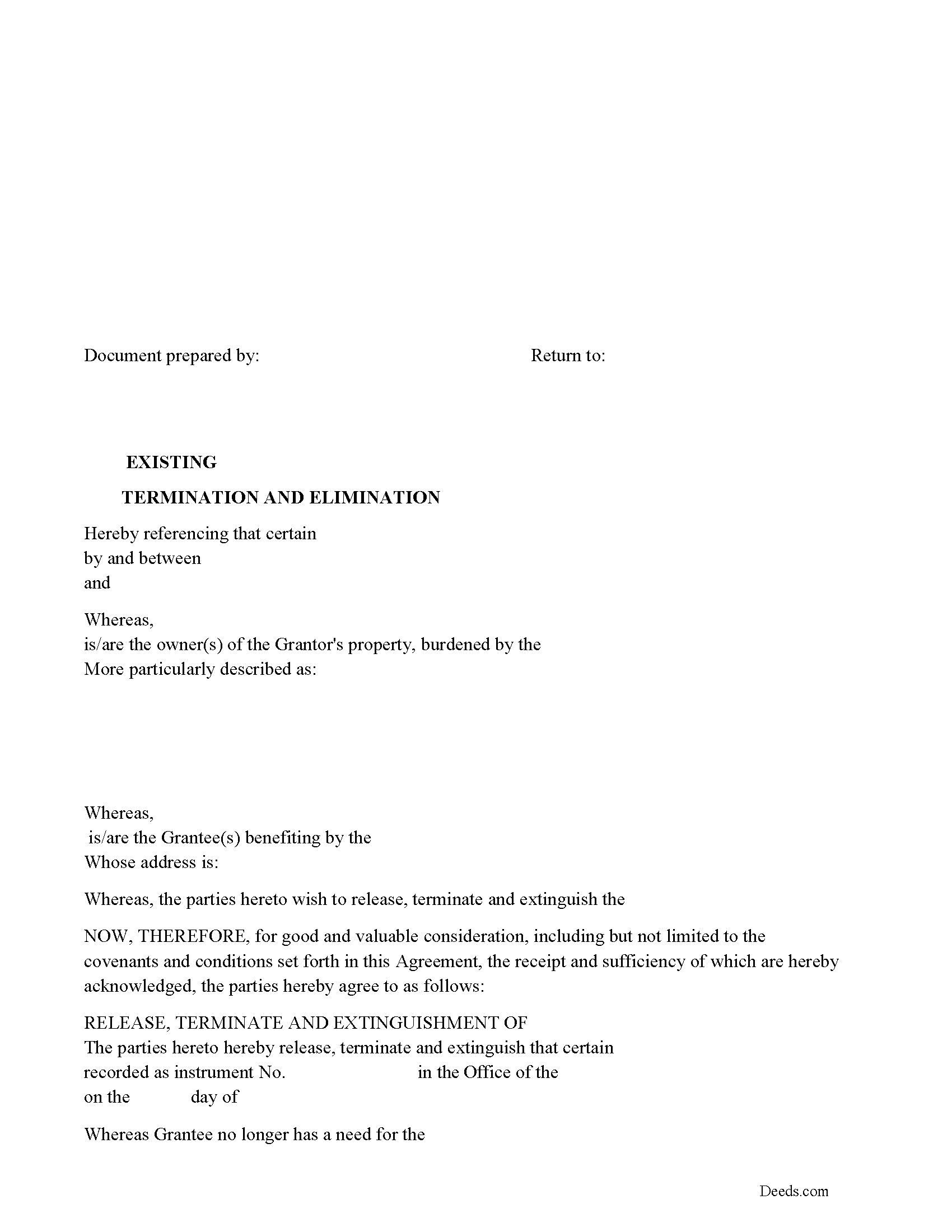
Durham County Release of Easement, Right of Way Form
Fill in the blank form formatted to comply with all recording and content requirements.
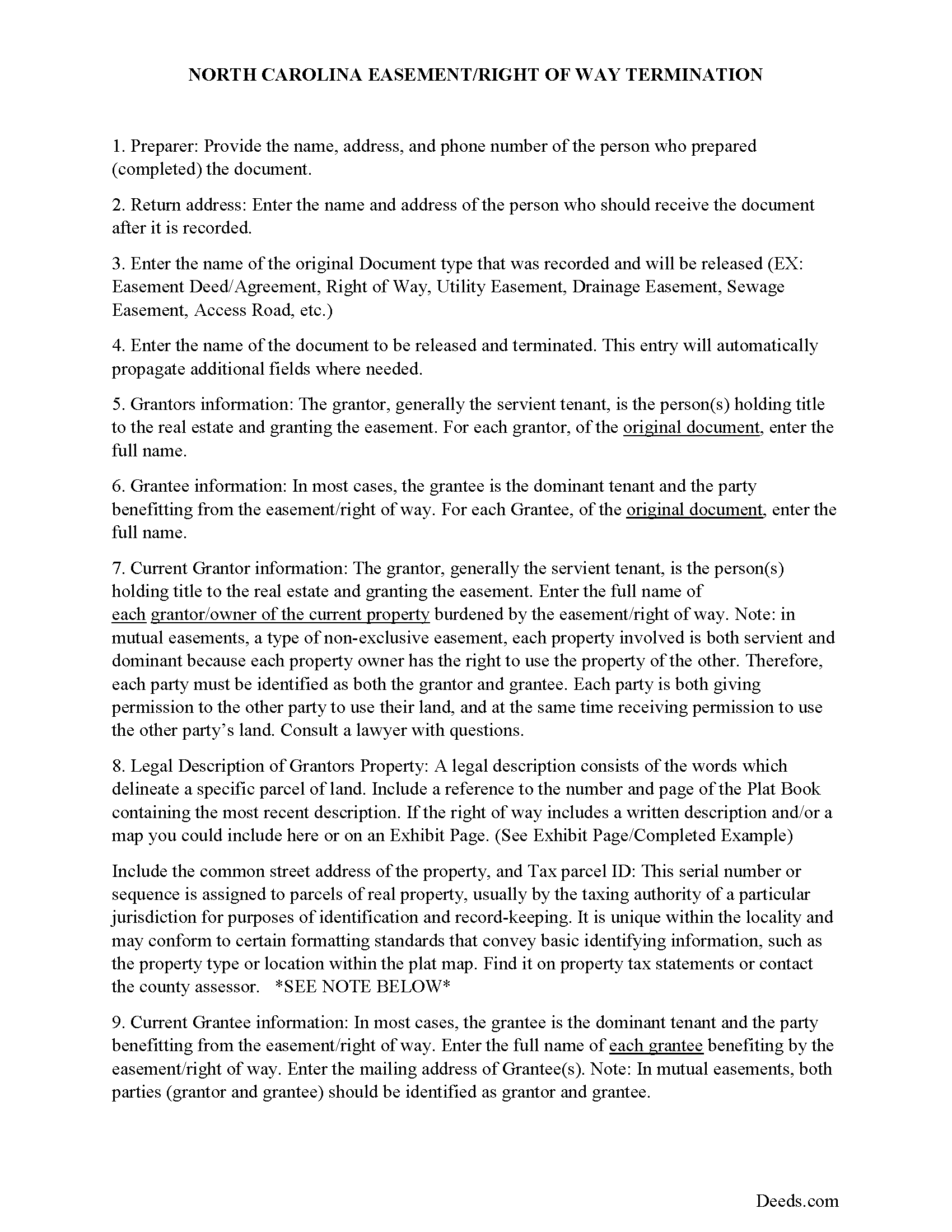
Durham County Guidelines for Release of Easement
Line by line guide explaining every blank on the form.
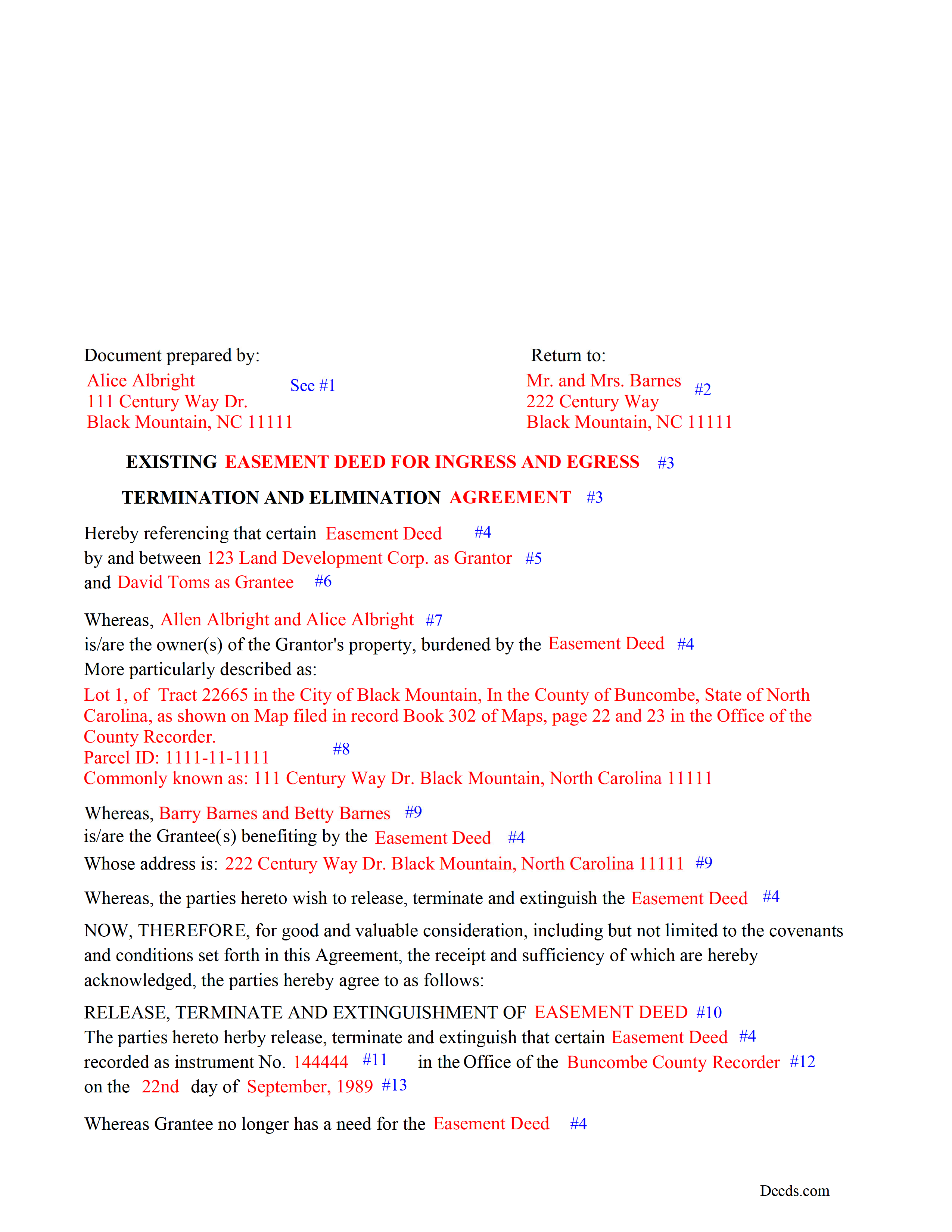
Durham County Completed Example of the Release of Easement Document
Example of a properly completed form for reference.
All 3 documents above included • One-time purchase • No recurring fees
Immediate Download • Secure Checkout
Additional North Carolina and Durham County documents included at no extra charge:
Where to Record Your Documents
Durham County Register of Deeds
Durham, North Carolina 27701
Hours: 8:30 to 5:00 M-F / Recording until 4:45
Phone: (919) 560-0480
Recording Tips for Durham County:
- Bring your driver's license or state-issued photo ID
- Ensure all signatures are in blue or black ink
- Ask about accepted payment methods when you call ahead
- Ask for certified copies if you need them for other transactions
- Ask if they accept credit cards - many offices are cash/check only
Cities and Jurisdictions in Durham County
Properties in any of these areas use Durham County forms:
- Bahama
- Durham
- Research Triangle Park
- Rougemont
Hours, fees, requirements, and more for Durham County
How do I get my forms?
Forms are available for immediate download after payment. The Durham County forms will be in your account ready to download to your computer. An account is created for you during checkout if you don't have one. Forms are NOT emailed.
Are these forms guaranteed to be recordable in Durham County?
Yes. Our form blanks are guaranteed to meet or exceed the applicable formatting requirements used for recording in Durham County, including margin requirements, font requirements, and other layout standards. This guarantee applies to formatting, not to the legal sufficiency of information entered by the user or the suitability of a form for a particular transaction.
Can I reuse these forms?
Yes. You can reuse the forms for your personal use. For example, if you have multiple properties in Durham County you only need to order once.
What do I need to use these forms?
The forms are PDFs that you fill out on your computer. The free Adobe Acrobat Reader is recommended, and most PDF apps also work. You do NOT enter your property information online - you download the blank forms and complete them privately on your own computer.
Are there any recurring fees?
No. This is a one-time purchase. Nothing to cancel, no memberships, no recurring fees.
How much does it cost to record in Durham County?
Recording fees in Durham County vary. Contact the recorder's office at (919) 560-0480 for current fees.
Questions answered? Let's get started!
Use this form to release, terminate, extinguish a previously recorded document that involves access to and from a property.
Documents such as:
1. Easement Deeds or Agreements (An easement is a non-possessory interest in land, granting the right to use someone else's property for a specific purpose, like a driveway or utility line)
2. Access Roads
3. Right of Ways
4. Utility Easements (Power, Gas, Water, Sewer, Etc.)
5. Drainage Easements
This document allows the owner of the land, burdened by the access and the party that benefits from the access, to sign an agreement releasing the property from such access, under the premises the benefiting party no longer needs access. Once the easement is successfully terminated and the release is recorded, it should be reflected in the title records for the property, effectively removing the easement from the property's title.
(NC Termination of Easement Package includes form, guidelines, and completed example)
Important: Your property must be located in Durham County to use these forms. Documents should be recorded at the county recording office listed above.
This Termination of Easement meets all recording requirements specific to Durham County.
Our Promise
The documents you receive here are guaranteed to meet or exceed the applicable Durham County recording format requirements. If there is a rejection caused by our formatting, we will correct the issue or refund your payment. This guarantee applies to document formatting only and does not extend to information entered by the user, the selection of the form, or the legal effect of the completed document.
Save Time and Money
Get your Durham County Termination of Easement form done right the first time with Deeds.com Uniform Conveyancing Blanks. At Deeds.com, we understand that your time and money are valuable resources, and we don't want you to face a penalty fee or rejection imposed by a county recorder for submitting nonstandard documents. We constantly review and update our forms to meet rapidly changing state and county recording requirements for roughly 3,500 counties and local jurisdictions.
4.8 out of 5 - ( 4,862 Reviews )
Lisa M. 5 out of 5 stars
This is super convenient however, I wish I knew which forms I needed for my Affidavit Death of Joint Tenant situation. That would help. Thank you
Thank you for your feedback. We really appreciate it. Have a great day!
Lynnellen S. 2 out of 5 stars
My rating is not a 5. Although it had good instructions, it would NOT print the whole document no matter how many times I inputted the names. I ended up writing it in to complete. I also recommend putting it on one page. I had to pay an additional fees per page and if I had to notarize it, why did I have to find 2 witnesses as well. I deserve a discount for the time I spent repeatedly putting the same data. I was trying to save money since Im on social security only. It didnt. Get it to work correctly
Thank you for your feedback Lynnellen. Sorry to hear of your struggle with our document. We've gone ahead and refunded your payment. Hope you have a wonderful day.
Novella M T. 5 out of 5 stars
Amazing forms, nice to have something specific and not generic like some other sites. Getting the other required forms included is a nice bonus.
Great to hear Novella. We appreciate you taking the time to leave your feedback.
Pamela J. 5 out of 5 stars
The form was short, and explainable.. so that is my feed back on that...but we have not received anything back to actually see if we filled the form out correctly. So I definitely can not say if I'm satisfied with it or not until I know that it is approved. I would recommend Coos County web site for Forms to people. Thank you.
Thank you for your feedback. We really appreciate it. Have a great day!
RICK M. 5 out of 5 stars
great
Thank you!
Elizabeth K. 5 out of 5 stars
Really great experience. Thanks!
Thank you for your feedback. We really appreciate it. Have a great day!
Lori N. 5 out of 5 stars
I ordered the document I needed and it was available for download within a half hour. Very pleased, thanks!
We appreciate your business and value your feedback. Thank you. Have a wonderful day!
Lori W. 5 out of 5 stars
Timely, efficient and easy to use.
We appreciate your business and value your feedback. Thank you. Have a wonderful day!
SHASTA S. 3 out of 5 stars
Ordered quitclaim deed form for Knox county Illinois. It got the job done however it was not a very good format. I had to explain all to the county recorder & was worried she would reject it. I would not recommend this item.
Thank you!
Sheryl C. 5 out of 5 stars
Very Very helpful easy to navigate the guides and examples were great and informative. Great to have will be using for future transactions.
Thank you for your feedback. We really appreciate it. Have a great day!
James I. 5 out of 5 stars
It worked out very well. Got the form(s) with clear instructions.
We appreciate your business and value your feedback. Thank you. Have a wonderful day!
DOUGLAS H. 5 out of 5 stars
Just as promised My quitclaim deed went through the county recorders office with no problem.
Thank you for your feedback. We really appreciate it. Have a great day!
JUDITH-DIAN W. 5 out of 5 stars
I didn't have any problem downloading and filling out the form on my computer and printing it yesterday. I didn't know what to put for "Source of Title". I called the county recording office; they didn't know either and said to leave it blank. I got the form notarized at my bank and took it in to the recording office. They checked it, accepted it, I paid a fee, and it's done. So easy. My children will appreciate that I've done this. Added note: You do have one typo on your form--you left out 'at'. It should read: "You should carefully read all information at the end of this form."
Thank you for your feedback. We really appreciate it. Have a great day!
Nathan M. 5 out of 5 stars
It had the info, but when I would type into the document the items I needed in adobe all that would print out was the info I typed and none of the document information.
Thank you!
Jessica F. 5 out of 5 stars
Found exactly what I was looking for in a matter of minutes at a very reasonable fee.
We appreciate your business and value your feedback. Thank you. Have a wonderful day!