Noble County Affidavit for Mechanic Lien Form
Last validated October 30, 2026 by our Forms Development TeamFormatted for recording in Noble County, for property anywhere in the county: rural and unincorporated areas as well as Ava, Belle Valley, Caldwell, Dexter City, Sarahsville, Summerfield.
- 3 documents included
- Immediate PDF download
- Formatting guarantee
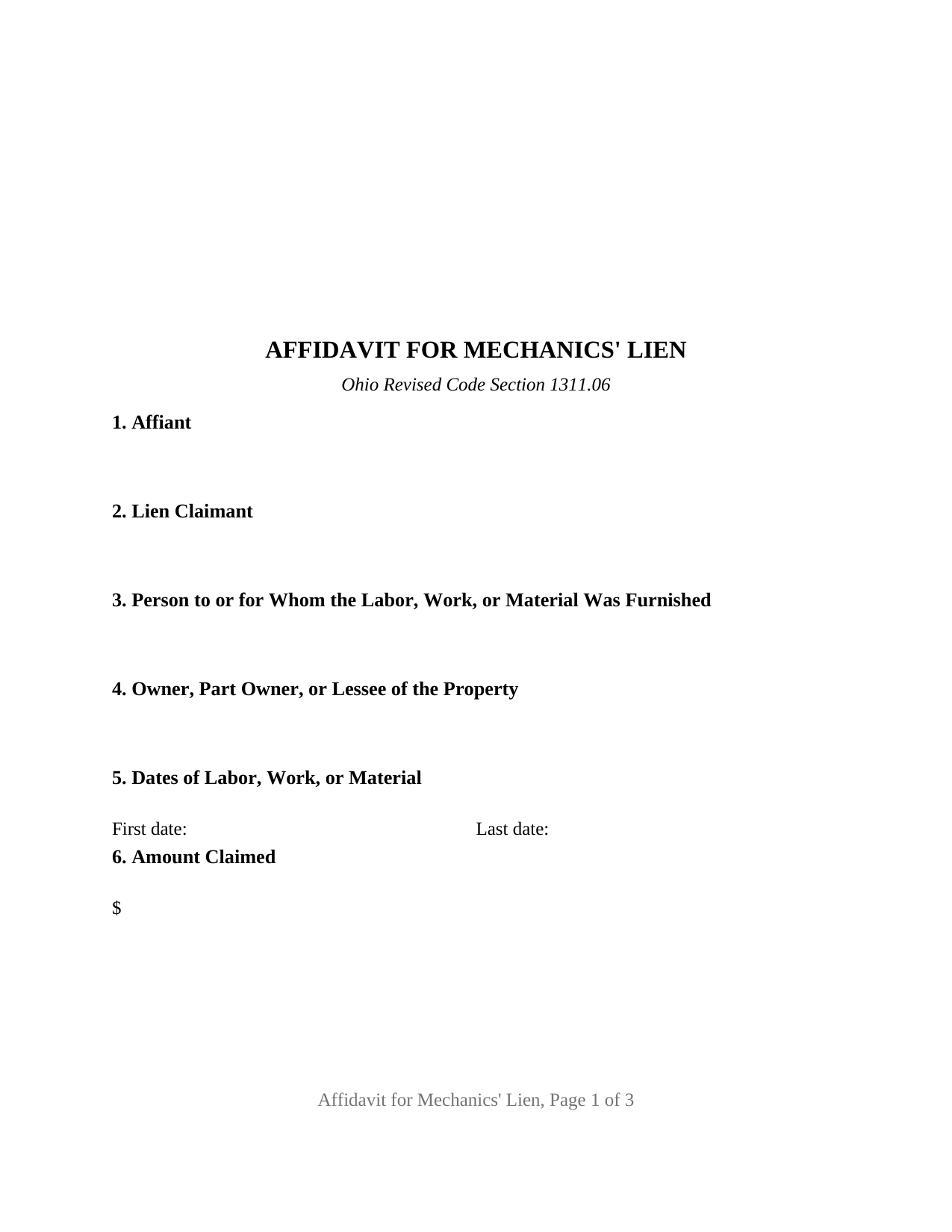
Noble County Affidavit for Mechanic Lien Form
Fill in the blank Affidavit for Mechanic Lien form formatted to comply with all Ohio recording and content requirements.
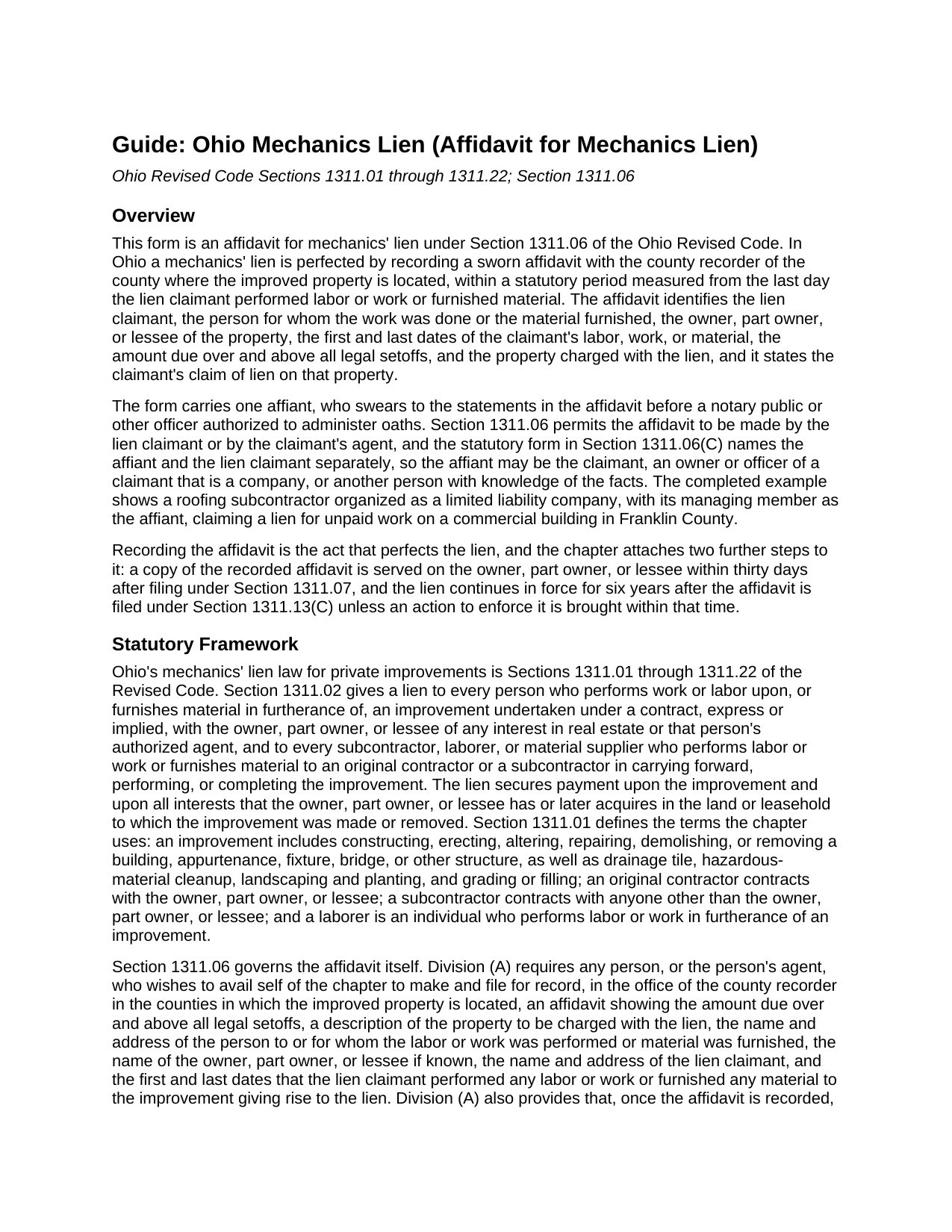
Noble County Affidavit for Mechanic Lien Guide
Line by line guide explaining every blank on the Affidavit for Mechanic Lien form.
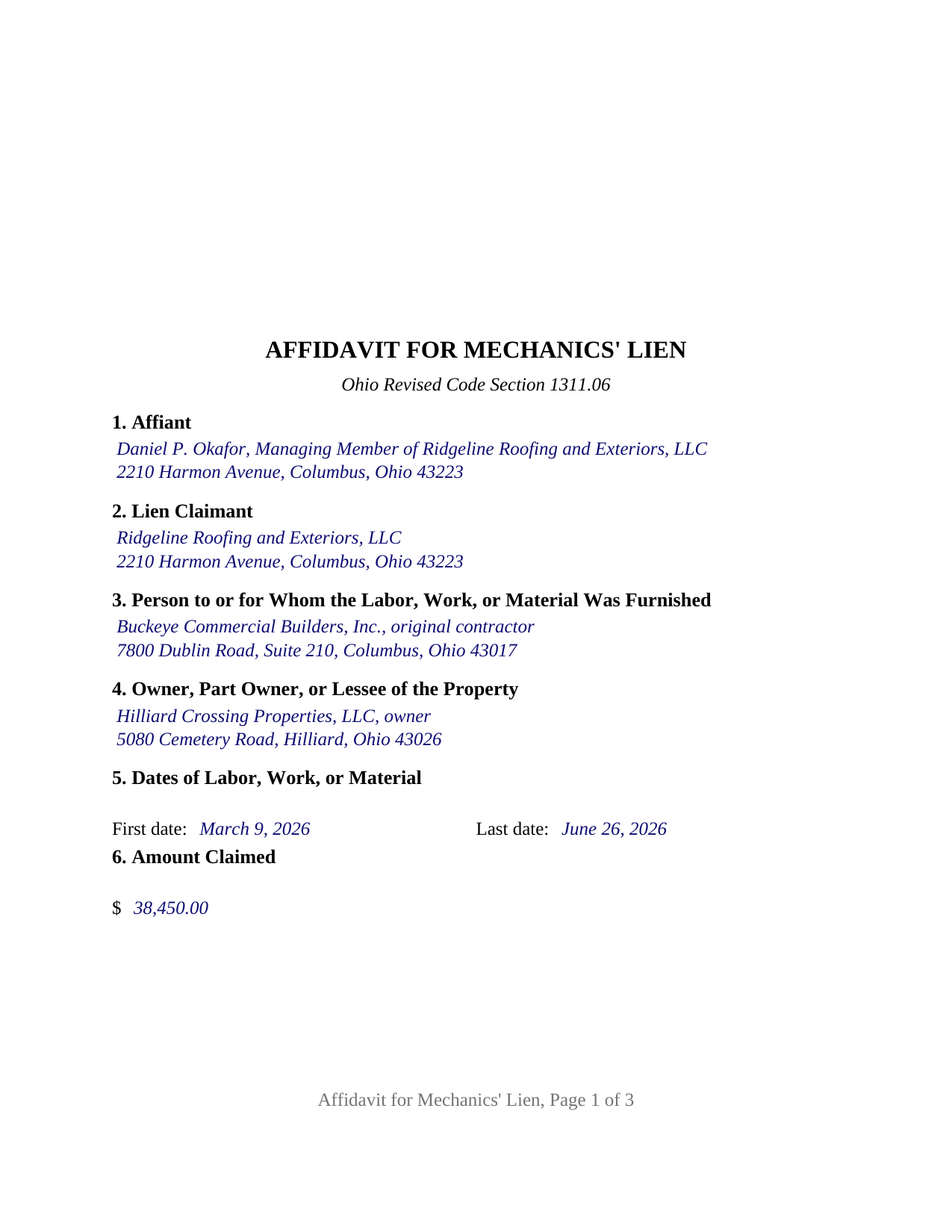
Noble County Completed Example of the Affidavit for Mechanic Lien Document
Example of a properly completed Ohio Affidavit for Mechanic Lien document for reference.
All 3 documents above included • One-time purchase • No recurring fees
Immediate Download • Secure Checkout
Additional Ohio and Noble County documents included at no extra charge:
Where to Record Your Documents
Noble County Recorder
Caldwell, Ohio 43724
Hours: 8:00-4:00 Mon-Wed; 8:00-12:00 Thurs; 8:00-6:00 Fri
Phone: (740) 732-4319
Recording Tips for Noble County:
- Bring your driver's license or state-issued photo ID
- Ensure all signatures are in blue or black ink
- Bring extra funds - fees can vary by document type and page count
- Check margin requirements - usually 1-2 inches at top
- Leave recording info boxes blank - the office fills these
Cities and Jurisdictions in Noble County
Properties in any of these areas use Noble County forms:
- Ava
- Belle Valley
- Caldwell
- Dexter City
- Sarahsville
- Summerfield
Hours, fees, requirements, and more for Noble County
How do I get my forms?
Forms are available for immediate download after payment. The Noble County forms will be in your account ready to download to your computer. An account is created for you during checkout if you don't have one. Forms are NOT emailed.
Are these forms guaranteed to be recordable in Noble County?
Yes. Our form blanks are guaranteed to meet or exceed the applicable formatting requirements used for recording in Noble County, including margin requirements, font requirements, and other layout standards. This guarantee applies to formatting, not to the legal sufficiency of information entered by the user or the suitability of a form for a particular transaction.
Can I reuse these forms?
Yes. You can reuse the forms for your personal use. For example, if you have multiple properties in Noble County you only need to order once.
What do I need to use these forms?
The forms are PDFs that you fill out on your computer. The free Adobe Acrobat Reader is recommended, and most PDF apps also work. You do NOT enter your property information online - you download the blank forms and complete them privately on your own computer.
Are there any recurring fees?
No. This is a one-time purchase. Nothing to cancel, no memberships, no recurring fees.
How much does it cost to record in Noble County?
Recording fees in Noble County vary. Contact the recorder's office at (740) 732-4319 for current fees.
Questions answered? Let's get started!
In Ohio, a mechanics lien does not exist of record until a sworn affidavit is recorded. This form is the Ohio affidavit for mechanics' lien under Section 1311.06 of the Revised Code: the one-affiant instrument by which a contractor, subcontractor, material supplier, or laborer places a lien on improved real property for an unpaid balance, recorded with the county recorder of the county where the property sits.
A lien that lives or dies by a sworn statement and a calendar
Section 1311.06 makes the affidavit the perfecting act and sets the clock from the last day the claimant worked or delivered: sixty days where the improvement is a one- or two-family dwelling or a residential condominium unit, seventy-five days for other improvements, and one hundred twenty days for an oil and gas well lien. The statute lists what the affidavit shows: the amount due over and above all legal setoffs, the property, the parties, and the first and last dates of labor, work, or material. Once recorded, the lien continues in force for six years under Section 1311.13.
The affidavit also starts a second clock. Section 1311.07 requires the person who files it to serve a copy on the owner, part owner, or lessee within thirty days after filing by one of the means Section 1311.19 lists, and to post the copy on the premises when that service fails.
The affiant and the lien claimant are two blanks, not one
The statutory form printed in Section 1311.06(C) opens with the affiant's name and address and names the lien claimant separately in the body, because the statute allows the affidavit to be made by the claimant or the claimant's agent and verified before any person authorized to administer oaths. This form keeps that structure. Section 1 names the affiant, the natural person who swears to the facts and signs; Section 2 names the lien claimant, which may be an individual or a company. A company's managing member, as the completed example shows, and a sole proprietor swearing to a personal claim both fit the same two blanks.
What the form recites
Sections 3 and 4 name the person with whom the claimant contracted and the owner, part owner, or lessee, in the statute's own phrasing, as the case may be. Section 5 carries the first and last dates, Section 6 the amount claimed, and Section 7 the county, legal description, parcel number, and street address. Section 8 then states, in the words of the statutory form, that the claimant furnished material or performed labor or work in furtherance of improvements on the described land under a contract with the named person, that there is justly and truly due the claimant the stated sum over and above all legal setoffs, and that the claimant claims a lien on the land, building, or leasehold for that amount.
Because the instrument is sworn rather than acknowledged, the certificate below the signature is a jurat under Section 147.542, opening with the words sworn to and subscribed before me. The form carries exactly one affiant signature block and one jurat; it is not set up as a joint affidavit of several laborers under Section 1311.06(F), and it carries no second claim.
Built to Ohio recording standards
The affidavit is formatted to Section 317.114: letter-size pages, twelve-point body text above the ten-point minimum, a three-inch blank top margin on the first page for the recorder's indorsement, and the preparer statement Section 317.111 requires on an instrument that creates a lien. Recording fees under Sections 317.32 and 317.36 run thirty-four dollars for the first two pages and eight dollars for each additional page before any county surcharge. The guide also describes the notice of commencement and notice of furnishing under Sections 1311.04 and 1311.05, the home construction contract limits of Section 1311.011, and the thirty-day release duty of Section 1311.20; the release of lien is a separate instrument recorded later and is not included in this package.
The package includes the fillable affidavit for mechanics' lien, a completed example filled in for a Franklin County commercial roofing claim, and the guide that walks through every numbered section, the filing periods, service, and recording. This description and the guide describe the form and the governing Ohio statutes in general terms; they are not legal advice.
Important: Your property must be located in Noble County to use these forms. Documents should be recorded at the county recording office listed above.
This Affidavit for Mechanic Lien meets all recording requirements specific to Noble County.
Our Promise
The documents you receive here are guaranteed to meet or exceed the applicable Noble County recording format requirements. If there is a rejection caused by our formatting, we will correct the issue or refund your payment. This guarantee applies to document formatting only and does not extend to information entered by the user, the selection of the form, or the legal effect of the completed document.
Save Time and Money
Get your Noble County Affidavit for Mechanic Lien form done right the first time with Deeds.com Uniform Conveyancing Blanks. At Deeds.com, we understand that your time and money are valuable resources, and we don't want you to face a penalty fee or rejection imposed by a county recorder for submitting nonstandard documents. We constantly review and update our forms to meet rapidly changing state and county recording requirements for roughly 3,500 counties and local jurisdictions.
4.8 out of 5 - ( 4,845 Reviews )
Kevin U. 5 out of 5 stars
very smooth and easy
We appreciate your business and value your feedback. Thank you. Have a wonderful day!
Sherri S. 5 out of 5 stars
Easy to access forms, and reasonably priced. I'll definitely use again in the future.
We appreciate your business and value your feedback. Thank you. Have a wonderful day!
Patricia P. 5 out of 5 stars
Easy to use and super convenient.
Thank you for your feedback. We really appreciate it. Have a great day!
Gerald S. 5 out of 5 stars
The paperwork for our transfer on death deed was easy to fill out and the county has excepted it for recording Very satisfied.
We appreciate your business and value your feedback. Thank you. Have a wonderful day!
Susan M. 5 out of 5 stars
Simple and straightforward
Thank you for your feedback. We really appreciate it. Have a great day!
Wayne T. 5 out of 5 stars
I found that it was easy-to-use and complete.
Thank you!
sakkubai p. 5 out of 5 stars
It was easy to download and I love it.I am going to take them to our attorney. If she approve it I am going to print for other counties too, where we have other properties. thanks.
Thank you for your feedback. We really appreciate it. Have a great day!
Maria M. 5 out of 5 stars
The requested documents I needed were provided and also complete instructions on how to fill them out. I definitely will you this service again.
We appreciate your business and value your feedback. Thank you. Have a wonderful day!
Sylvia O. 5 out of 5 stars
Very efficient, and the samples and instructions are very easy to follow. Thank you Deeds.com
Thank you!
Daren K. 5 out of 5 stars
Awesome, so far. Thanks
Thank you!
Gregory N. 5 out of 5 stars
Good information guiding through filling out the product. Would like form to be more flexible in terms of spacing, but otherwise excellent.
Thank you for your feedback. We really appreciate it. Have a great day!
James B. 5 out of 5 stars
All required forms readily available at fair price. Easy to create account. Immediately acquired documents upon order.
We appreciate your business and value your feedback. Thank you. Have a wonderful day!
Julie A. 5 out of 5 stars
After receiving the forms online and reviewing them, it was very easy to fill this out and the additional information was very helpful. Saved a lot of money by not having to use a lawyer/paralegal to do this simple task. Will definitely use Deeds.com in the future for any further needs. Thank you
Thank you Julie. We appreciate you taking the time to leave your review. Have a wonderful day.
Maday G. 5 out of 5 stars
The service was easy and fast. Definitely much better than the regular process directly at the County's office.
We appreciate your business and value your feedback. Thank you. Have a wonderful day!
Willaim B. 5 out of 5 stars
Love Deeds.com They have saved me so much time. Prompt responds to all my questions. Highly recommend
Thank you for choosing our service. We appreciate your review.