Highland County Affidavit of Confirmation (Successor Trustee Beneficiary) Form
Last validated October 23, 2026 by our Forms Development TeamFormatted for recording in Highland County, for property anywhere in the county: rural and unincorporated areas as well as Buford, Greenfield, Highland, Hillsboro, Leesburg, Lynchburg, Mowrystown, Sinking Spring.
- 3 documents included
- Immediate PDF download
- Formatting guarantee
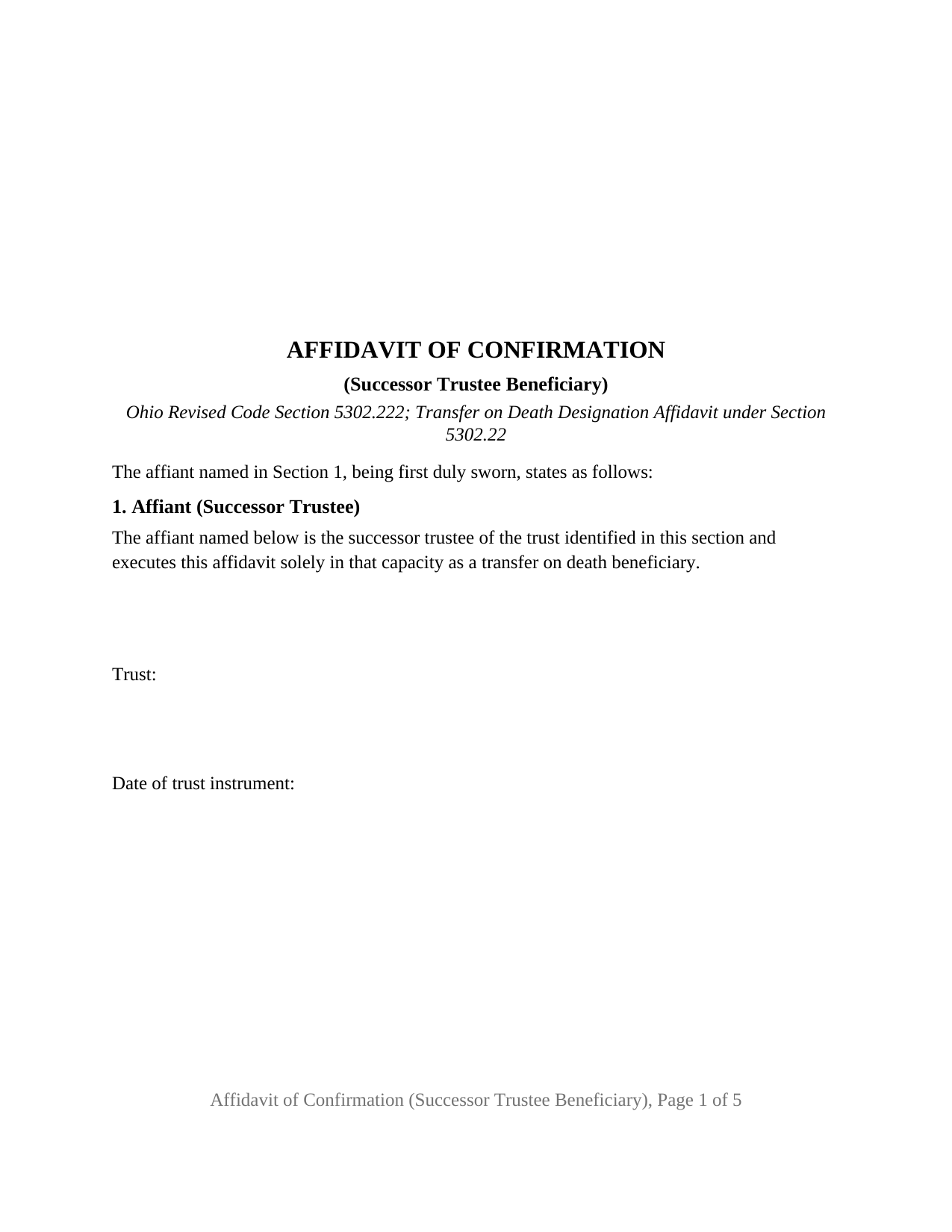
Highland County Affidavit of Confirmation (Successor Trustee Beneficiary) Form
Fill in the blank Affidavit of Confirmation (Successor Trustee Beneficiary) form formatted to comply with all Ohio recording and content requirements.
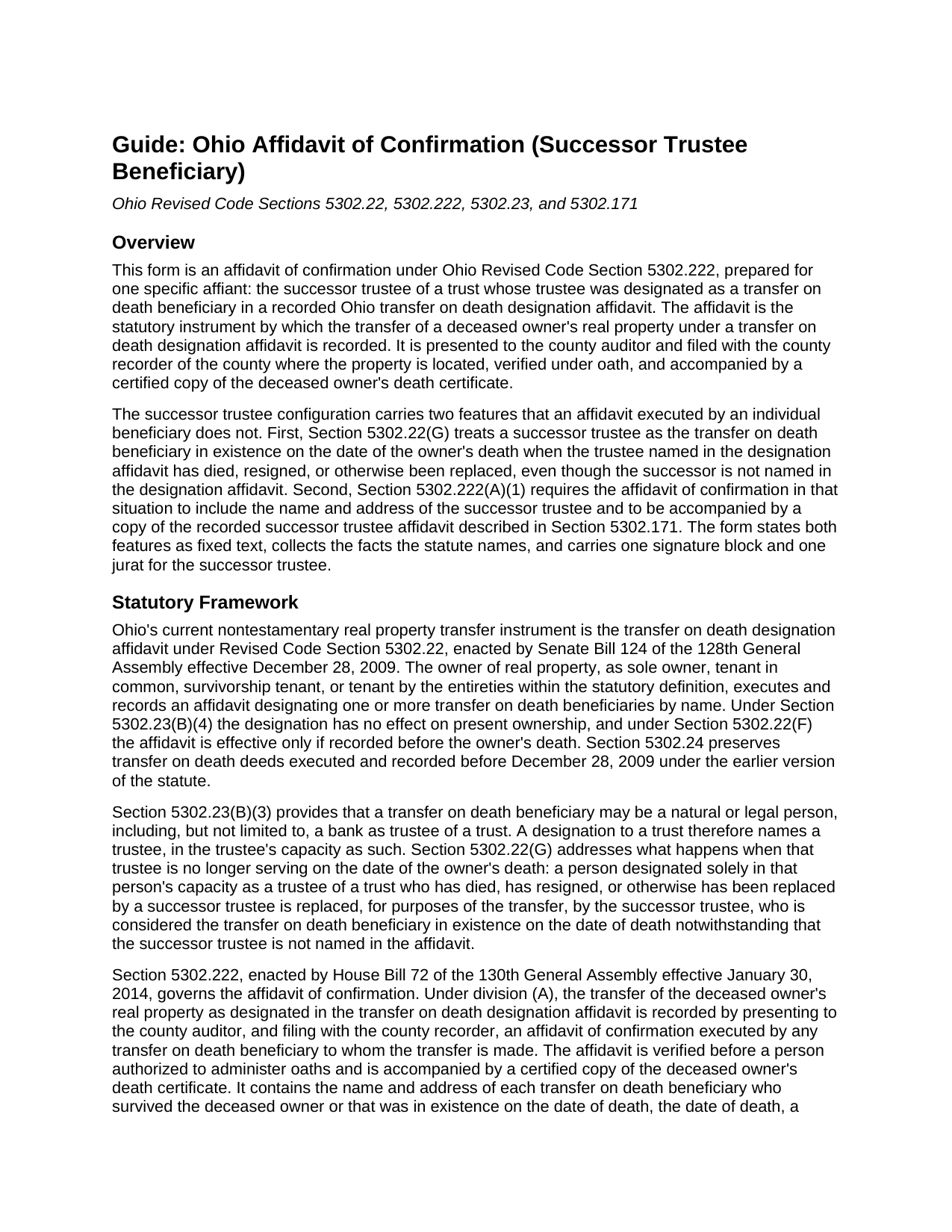
Highland County Affidavit of Confirmation (Successor Trustee Beneficiary) Guide
Line by line guide explaining every blank on the Affidavit of Confirmation (Successor Trustee Beneficiary) form.
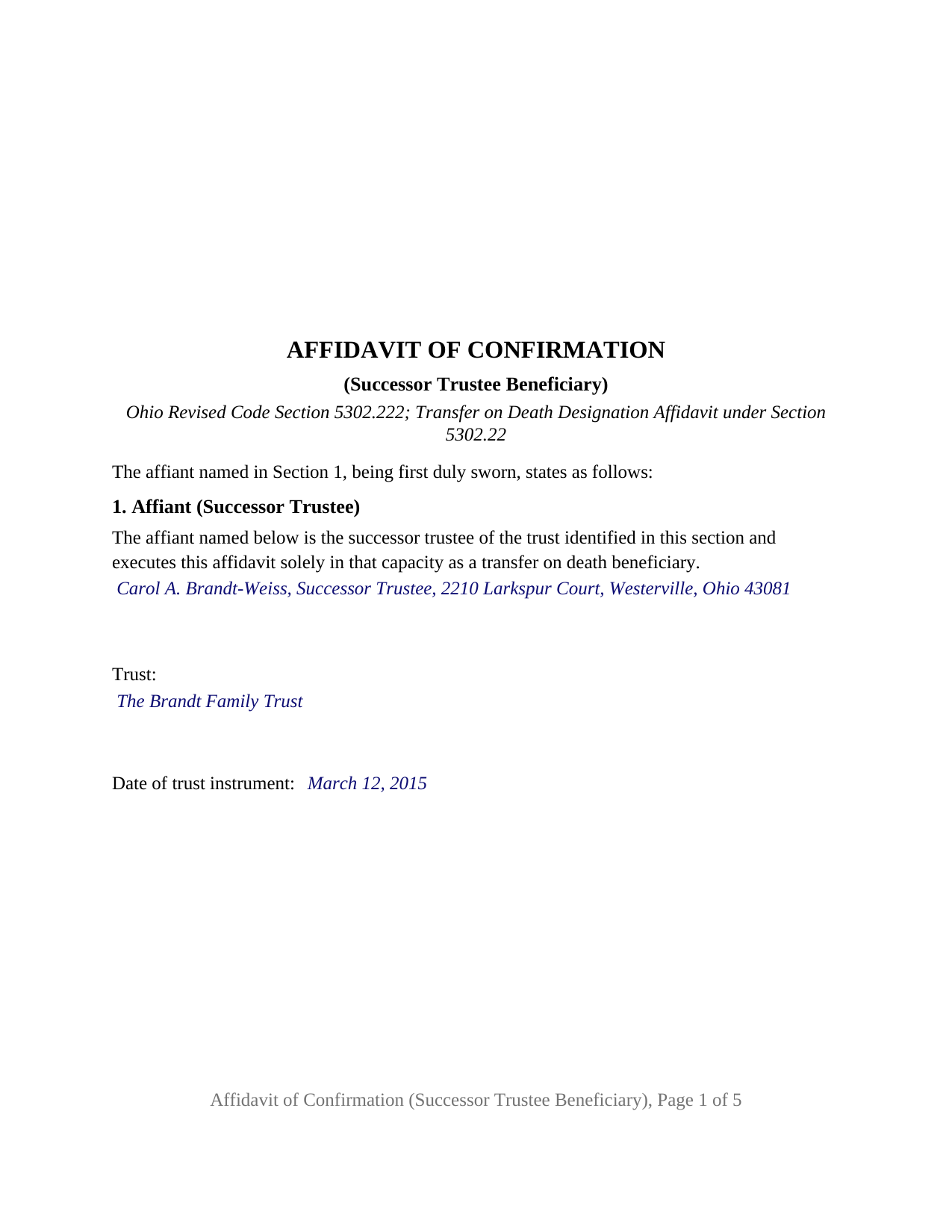
Highland County Completed Example of the Affidavit of Confirmation (Successor Trustee Beneficiary) Document
Example of a properly completed Ohio Affidavit of Confirmation (Successor Trustee Beneficiary) document for reference.
All 3 documents above included • One-time purchase • No recurring fees
Immediate Download • Secure Checkout
Additional Ohio and Highland County documents included at no extra charge:
Where to Record Your Documents
Highland County Recorder
Hillsboro, Ohio 45133
Hours: 8:30 a.m. - 4:00 p.m. Monday - Friday / Recording until 3:30
Phone: (937) 393-9954
Recording Tips for Highland County:
- Bring your driver's license or state-issued photo ID
- Ensure all signatures are in blue or black ink
- Ask about accepted payment methods when you call ahead
- Ask for certified copies if you need them for other transactions
- Ask if they accept credit cards - many offices are cash/check only
Cities and Jurisdictions in Highland County
Properties in any of these areas use Highland County forms:
- Buford
- Greenfield
- Highland
- Hillsboro
- Leesburg
- Lynchburg
- Mowrystown
- Sinking Spring
Hours, fees, requirements, and more for Highland County
How do I get my forms?
Forms are available for immediate download after payment. The Highland County forms will be in your account ready to download to your computer. An account is created for you during checkout if you don't have one. Forms are NOT emailed.
Are these forms guaranteed to be recordable in Highland County?
Yes. Our form blanks are guaranteed to meet or exceed the applicable formatting requirements used for recording in Highland County, including margin requirements, font requirements, and other layout standards. This guarantee applies to formatting, not to the legal sufficiency of information entered by the user or the suitability of a form for a particular transaction.
Can I reuse these forms?
Yes. You can reuse the forms for your personal use. For example, if you have multiple properties in Highland County you only need to order once.
What do I need to use these forms?
The forms are PDFs that you fill out on your computer. The free Adobe Acrobat Reader is recommended, and most PDF apps also work. You do NOT enter your property information online - you download the blank forms and complete them privately on your own computer.
Are there any recurring fees?
No. This is a one-time purchase. Nothing to cancel, no memberships, no recurring fees.
How much does it cost to record in Highland County?
Recording fees in Highland County vary. Contact the recorder's office at (937) 393-9954 for current fees.
Questions answered? Let's get started!
When an Ohio property owner names a trust as the beneficiary of a transfer on death designation affidavit, the designation runs to a trustee, and trustees change. This Ohio Affidavit of Confirmation (Successor Trustee Beneficiary) is the Revised Code Section 5302.222 instrument for that situation: the owner has died, the trustee named in the recorded designation affidavit has died, resigned, or otherwise been replaced, and the current successor trustee records the transfer of the property to the trust.
A beneficiary the designation affidavit never named
The mechanism comes from Section 5302.22(G). A person designated as a transfer on death beneficiary solely in that person's capacity as trustee of a trust may no longer be the trustee on the date of the owner's death. The statute treats the successor trustee as the beneficiary in existence on that date even though the successor is not named in the owner's affidavit. Section 5302.222(A)(1) then states what the affidavit of confirmation adds: the successor trustee's own name and address, and a copy of the recorded successor trustee affidavit described in Section 5302.171. This form prints both requirements as fixed text, so the affidavit explains on its face why the person signing it is not the person the owner named.
What the affidavit confirms
Under Section 5302.22(C)(1), title to the designated interest vests in the transfer on death beneficiary at the owner's death. The affidavit of confirmation does not create that vesting; it records it. Section 5302.222 makes the affidavit the instrument by which the transfer is recorded, presented to the county auditor and filed with the county recorder where the property sits, verified under oath, and accompanied by a certified copy of the deceased owner's death certificate. The form's confirmation section states that the affiant, as successor trustee, is the beneficiary in existence at the owner's death under Section 5302.22(G), and confirms that title vested under Sections 5302.22 and 5302.23, subject to all encumbrances, reservations, and exceptions. Sometimes called a TOD affidavit of confirmation, it is the post-death companion to the designation affidavit that replaced Ohio's transfer on death deed in 2009.
One affiant, one jurat, and the statute's inventory
The form identifies a single affiant, the successor trustee, and states in Section 1 that the affiant executes the affidavit solely in that capacity as a transfer on death beneficiary. Sections 2 and 3 identify the deceased owner, the date of death, the recorded designation affidavit, the trustee the owner designated, and the recorded successor trustee affidavit. Section 4 carries the legal description and the interest the designation transferred. Section 5 carries the two listings Section 5302.222 requires: each other beneficiary who survived the owner or was in existence at death, and each designated beneficiary who did not survive. The successor trustee signs once, and the certificate that follows is a jurat, because the statute requires the affidavit to be verified before a person authorized to administer oaths.
The configuration is the trust beneficiary whose trustee changed. A revocable living trust whose settlor served as trustee and named a child as successor presents it, as does a bank trustee replaced by another institution. Where the trustee the owner named is still serving, where the beneficiary is a person named in that person's own right, or where the owner held title as a survivorship tenant and the transfer waits for the last surviving tenant's death, the affidavit follows a different pattern that this form is not set up to state. Section 5302.222(A) provides for execution by any transfer on death beneficiary, so the successor trustee alone signs and names any other beneficiaries in Section 5.
Built for the Ohio auditor and recorder
The document is letter size, renders its body at twelve point over the ten point floor of Section 317.114, and reserves the full three inch blank margin at the top of its first page for the auditor's and recorder's endorsements. The preparer's name appears as Section 317.111 requires, and the successor trustee's address doubles as the grantee address Section 319.20 contemplates for the auditor's transfer.
The package includes the fillable affidavit, a completed example filled in for a realistic Franklin County fact pattern, and the guide that describes every section, the accompanying documents, and the recording path; the successor trustee affidavit and the death certificates the statute names are prepared or obtained separately and are not included in this package. This description and the guide describe the form and the governing Ohio statutes in general terms; they are not legal advice.
Important: Your property must be located in Highland County to use these forms. Documents should be recorded at the county recording office listed above.
This Affidavit of Confirmation (Successor Trustee Beneficiary) meets all recording requirements specific to Highland County.
Our Promise
The documents you receive here are guaranteed to meet or exceed the applicable Highland County recording format requirements. If there is a rejection caused by our formatting, we will correct the issue or refund your payment. This guarantee applies to document formatting only and does not extend to information entered by the user, the selection of the form, or the legal effect of the completed document.
Save Time and Money
Get your Highland County Affidavit of Confirmation (Successor Trustee Beneficiary) form done right the first time with Deeds.com Uniform Conveyancing Blanks. At Deeds.com, we understand that your time and money are valuable resources, and we don't want you to face a penalty fee or rejection imposed by a county recorder for submitting nonstandard documents. We constantly review and update our forms to meet rapidly changing state and county recording requirements for roughly 3,500 counties and local jurisdictions.
4.8 out of 5 - ( 4,830 Reviews )
Clarence F. 5 out of 5 stars
very easy to use !!!
We appreciate your business and value your feedback. Thank you. Have a wonderful day!
STEVEN J. 5 out of 5 stars
Great , easy to use.
We appreciate your business and value your feedback. Thank you. Have a wonderful day!
BAHMAN B. 5 out of 5 stars
Very good experience.
Thank you!
Carlos T. 5 out of 5 stars
Site was easy to use and forms were exactly what I needed. Will use this in the future for other needed forms. A+
We appreciate your business and value your feedback. Thank you. Have a wonderful day!
Denise G. 5 out of 5 stars
It was so easy to locate and download all the forms I needed. Saved so much time.
We appreciate your business and value your feedback. Thank you. Have a wonderful day!
Bradley B. 5 out of 5 stars
This was a good way to find the owners of land located in the middle of some that I owned. The experience was fairly easy and the cost reasonable.
Thank you!
Katherine A R. 5 out of 5 stars
It's very easy to navigate through the website to find the service that you want. Great program.
Thank you!
John P. 5 out of 5 stars
very good. received what i ordered in a timely fashion despite my incompetence.
Thank you for your feedback. We really appreciate it. Have a great day!
Michael H. 5 out of 5 stars
Site was easy to understand and use. Service was prompt. Good job Montgomery County!
Thank you!
jack b. 5 out of 5 stars
good form, reasonable fee
Thank you Jack. We really appreciate you taking the time to leave your feedback. Have a great day!
Bernard H. 5 out of 5 stars
The site is clear and easy to submit requests. I will be using again when needed. No problems and a pleasure to deal with.
Thank you for your feedback. We really appreciate it. Have a great day!
Robert L. 1 out of 5 stars
I did not use your service. $19 to upload a document to our local tax accessor office is a bit high. I drove the document to the office myself.
Thank you for your feedback Robert. Glad to hear that you got your document recorded. Sorry to hear that your time, fuel, and wear on your vehicle are valued at less than $19. Have a wonderful day.
Brian H. 2 out of 5 stars
Forms are good. But need to be able to fill in information and blanks so these can be filed. Disappointed.
Thank you for your feedback. The forms are fill in the blank, Adobe PDFs. As is noted on the site, make sure you download the documents to your computer and open them with Adobe. Sounds like you may be trying to complete them online in your browser.
James C. 5 out of 5 stars
Satisfactory. I was confused and somwhat lost on what to do and what I was getting.
Thank you!
Natalie F. 5 out of 5 stars
So convenient and easy to use! Will definitely recommend to anyone.
We appreciate your business and value your feedback. Thank you. Have a wonderful day!