Clinton County Assignment of Mortgage (Entity) Form
Last validated October 28, 2026 by our Forms Development TeamFormatted for recording in Clinton County, for property anywhere in the county: rural and unincorporated areas as well as Blanchester, Clarksville, Cuba, Lees Creek, Martinsville, Midland, New Vienna, Port William and 3 more.
- 3 documents included
- Immediate PDF download
- Formatting guarantee
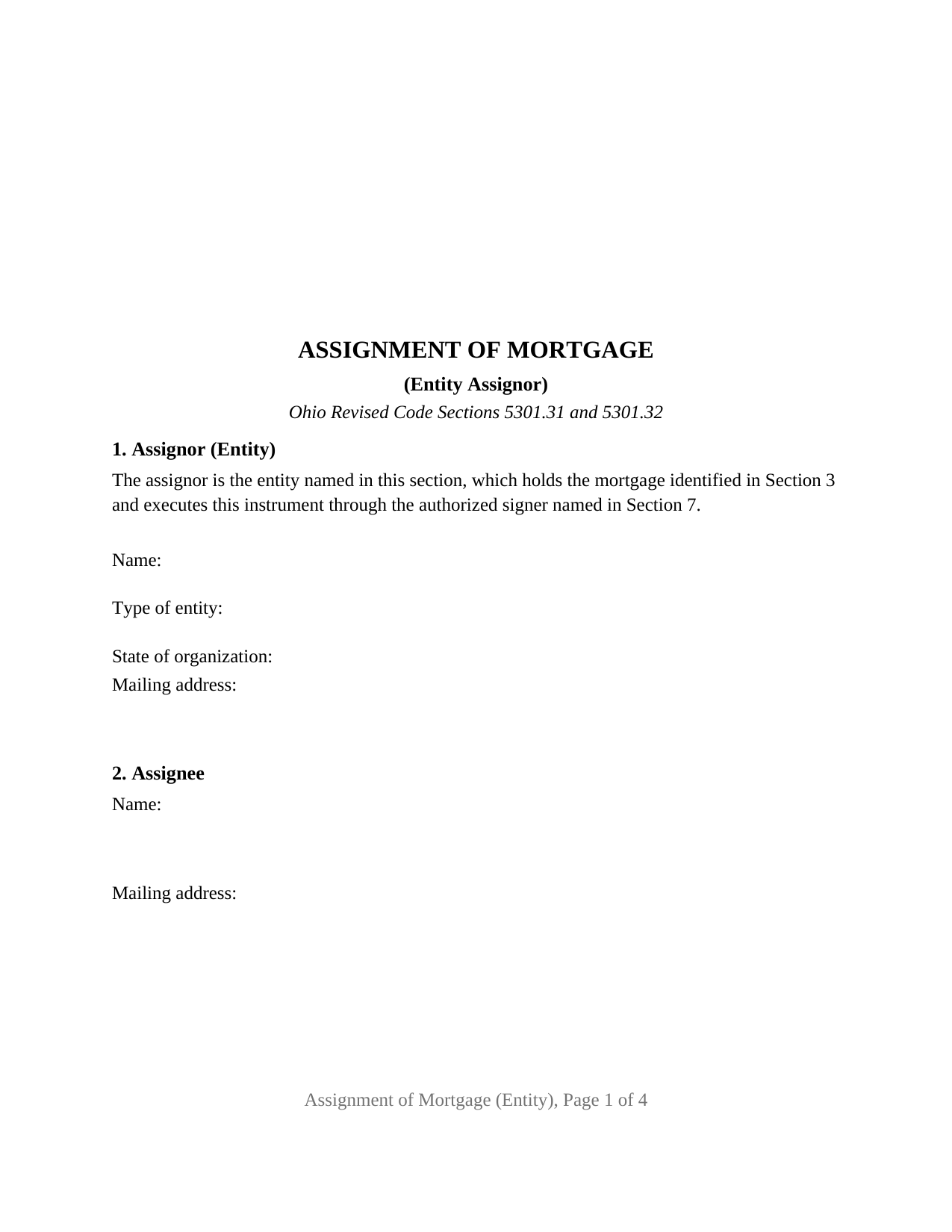
Clinton County Assignment of Mortgage (Entity) Form
Fill in the blank Assignment of Mortgage (Entity) form formatted to comply with all Ohio recording and content requirements.
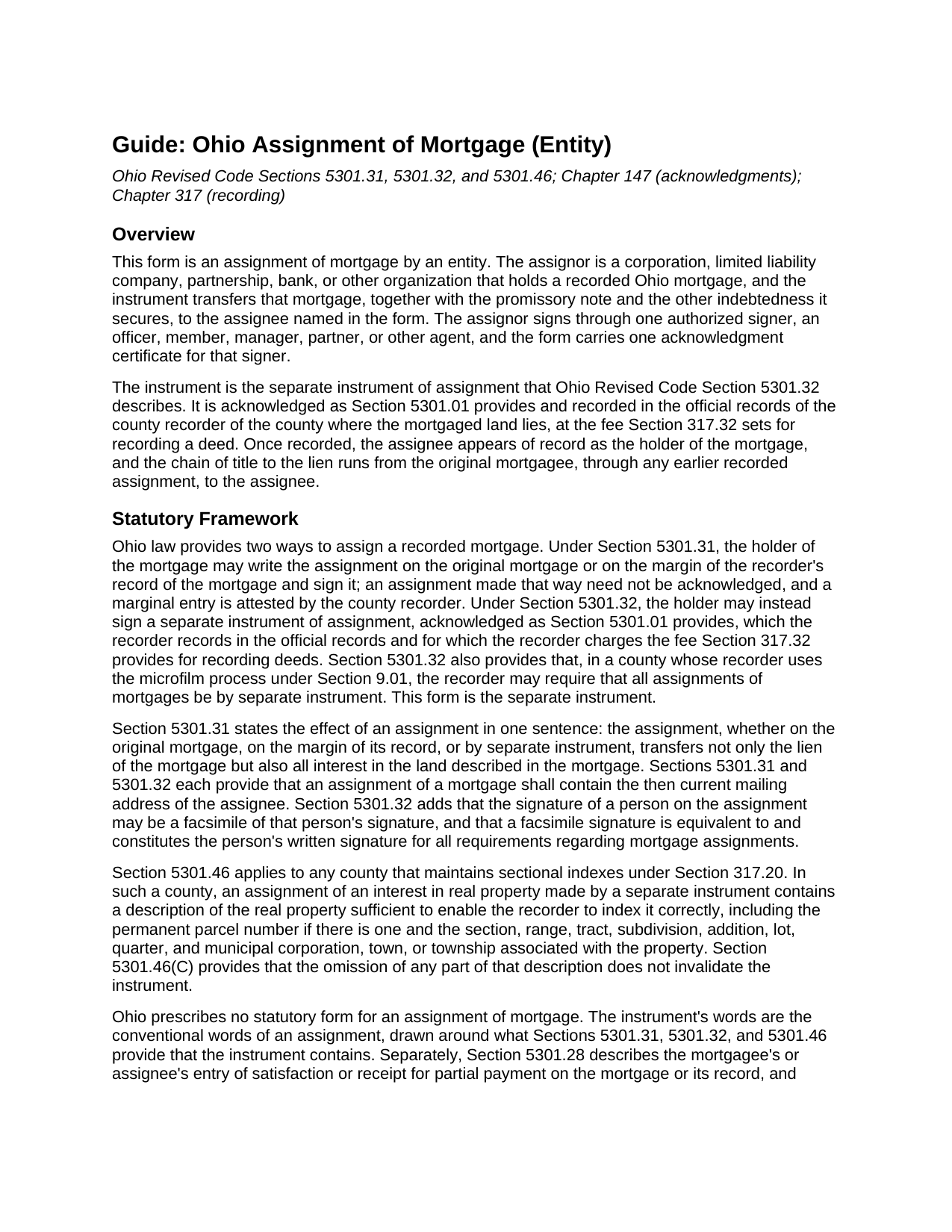
Clinton County Assignment of Mortgage (Entity) Guide
Line by line guide explaining every blank on the Assignment of Mortgage (Entity) form.
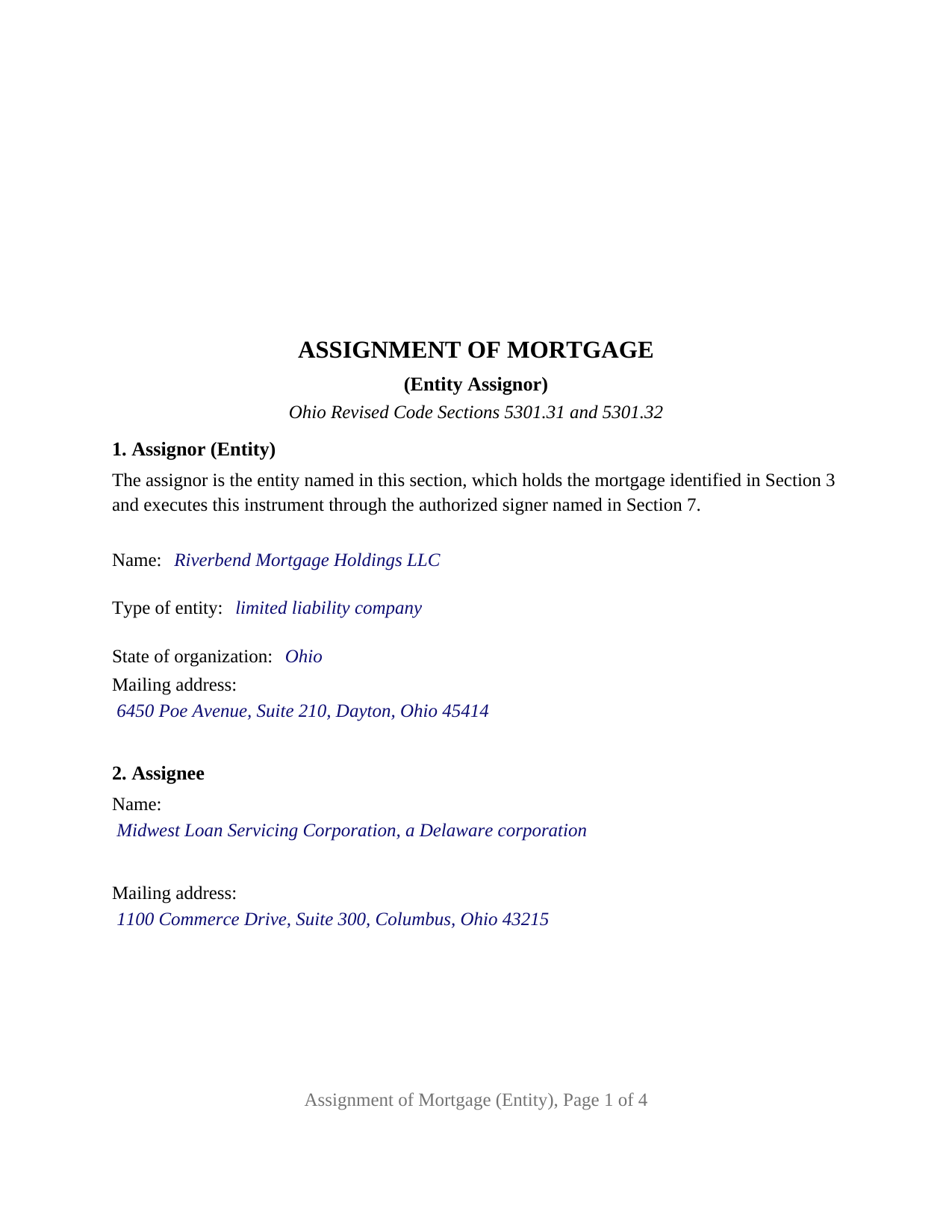
Clinton County Completed Example of the Assignment of Mortgage (Entity) Document
Example of a properly completed Ohio Assignment of Mortgage (Entity) document for reference.
All 3 documents above included • One-time purchase • No recurring fees
Immediate Download • Secure Checkout
Additional Ohio and Clinton County documents included at no extra charge:
Where to Record Your Documents
Clinton County Recorder
Wilmington, Ohio 45177
Hours: 8:00 to 4:00 M W F; 8:00 to 12:00 T Th
Phone: 937-382-2067
Recording Tips for Clinton County:
- Bring your driver's license or state-issued photo ID
- Ensure all signatures are in blue or black ink
- Ask about accepted payment methods when you call ahead
- Ask for certified copies if you need them for other transactions
- Ask if they accept credit cards - many offices are cash/check only
Cities and Jurisdictions in Clinton County
Properties in any of these areas use Clinton County forms:
- Blanchester
- Clarksville
- Cuba
- Lees Creek
- Martinsville
- Midland
- New Vienna
- Port William
- Reesville
- Sabina
- Wilmington
Hours, fees, requirements, and more for Clinton County
How do I get my forms?
Forms are available for immediate download after payment. The Clinton County forms will be in your account ready to download to your computer. An account is created for you during checkout if you don't have one. Forms are NOT emailed.
Are these forms guaranteed to be recordable in Clinton County?
Yes. Our form blanks are guaranteed to meet or exceed the applicable formatting requirements used for recording in Clinton County, including margin requirements, font requirements, and other layout standards. This guarantee applies to formatting, not to the legal sufficiency of information entered by the user or the suitability of a form for a particular transaction.
Can I reuse these forms?
Yes. You can reuse the forms for your personal use. For example, if you have multiple properties in Clinton County you only need to order once.
What do I need to use these forms?
The forms are PDFs that you fill out on your computer. The free Adobe Acrobat Reader is recommended, and most PDF apps also work. You do NOT enter your property information online - you download the blank forms and complete them privately on your own computer.
Are there any recurring fees?
No. This is a one-time purchase. Nothing to cancel, no memberships, no recurring fees.
How much does it cost to record in Clinton County?
Recording fees in Clinton County vary. Contact the recorder's office at 937-382-2067 for current fees.
Questions answered? Let's get started!
When a bank, a limited liability company, or another organization transfers a mortgage it holds on Ohio land, the organization itself cannot sign; a person signs for it. This Ohio Assignment of Mortgage (Entity) form is built around that fact: one entity assignor, one authorized signer, and an acknowledgment certificate whose name line carries the signer's title and the entity's name in the words of the Ohio Revised Code short form for the entity's type.
One entity, one authorized signer
Section 1 identifies the assignor by its exact legal name, its type of entity, its state of organization, and its mailing address, and opens with fixed text stating that the entity holds the mortgage and executes the instrument through the authorized signer named in the signature block. Nothing about the entity's type is preprinted, so the form carries a state-chartered bank, an Ohio limited liability company, a Delaware corporation, or a partnership. The signature block under the ASSIGNOR heading holds the signer's signature, printed name, date, and title, with an On behalf of line for the entity's name, and Section 6 carries the signer's representation that he or she holds that title and is authorized to execute the assignment. Ohio's entity statutes are where that authority lives: Section 1701.64 gives a corporation's officers the authority its directors determine unless the articles or regulations provide otherwise, and Section 1706.18 limits the power to bind a limited liability company to persons authorized under its operating agreement, the Revised Limited Liability Company Act, or other law.
The certificate follows the entity's type
Ohio prints its acknowledgment short forms in Section 147.55, and the forms for a corporation in division (B), a limited liability company in division (C), and a partnership in division (D) each describe the acknowledging person differently: an officer or agent of a corporation on behalf of the corporation, a member or managing member of a limited liability company on behalf of the company, a partner or agent on behalf of a partnership. Every one of those forms opens with the same sentence, The foregoing instrument was acknowledged before me this (date) by, and the form prints that shared opening; the name line beneath it receives the signer's name and capacity in the words of the division that fits the entity. The guide prints all three forms, and the completed example shows the limited liability company version filled in, for a manager signing on behalf of the company.
What passes to the assignee
The operative paragraph assigns, transfers, and sets over to the assignee all of the assignor's right, title, and interest in the mortgage, together with the promissory note and the other indebtedness it secures, and restates the Section 5301.31 rule that an assignment carries the lien and all interest in the land described in the mortgage. The assignee's current mailing address, which Sections 5301.31 and 5301.32 provide that every assignment contains, has its own blank. A separate section identifies any earlier assignment of record under which the entity holds, so a mortgage that passed from its originator to the assignor by a recorded assignment shows an unbroken chain to the new holder, and an entity that is itself the original mortgagee enters None.
Recording with the county recorder
The instrument is the separate instrument of assignment under Section 5301.32, acknowledged before a notary public or another officer named in Section 5301.01 and recorded in the county recorder's official records at the fee charged for a deed. In a county that keeps sectional indexes, Section 5301.46 calls for the permanent parcel number and the municipal corporation or township in a separate instrument of assignment, and the property section carries lines for both beside the legal description copied from the mortgage. Section 5301.32 also provides that a signature on an assignment may be a facsimile, a provision written with institutional holders that sign in volume in mind. The form is laid out to the standard format of Section 317.114, with its three inch first-page top margin and twelve point type, and carries the preparer statement Section 317.111 requires.
The package contains three items: the fillable Assignment of Mortgage (Entity) form, a completed example filled in for an Ohio limited liability company assigning a Montgomery County mortgage to a corporate loan servicer, and the guide, which covers every section, the three entity acknowledgment forms, and recording county by county. Both this description and that guide are general descriptions of the form and of the Ohio statutes behind it, not legal advice.
Important: Your property must be located in Clinton County to use these forms. Documents should be recorded at the county recording office listed above.
This Assignment of Mortgage (Entity) meets all recording requirements specific to Clinton County.
Our Promise
The documents you receive here are guaranteed to meet or exceed the applicable Clinton County recording format requirements. If there is a rejection caused by our formatting, we will correct the issue or refund your payment. This guarantee applies to document formatting only and does not extend to information entered by the user, the selection of the form, or the legal effect of the completed document.
Save Time and Money
Get your Clinton County Assignment of Mortgage (Entity) form done right the first time with Deeds.com Uniform Conveyancing Blanks. At Deeds.com, we understand that your time and money are valuable resources, and we don't want you to face a penalty fee or rejection imposed by a county recorder for submitting nonstandard documents. We constantly review and update our forms to meet rapidly changing state and county recording requirements for roughly 3,500 counties and local jurisdictions.
4.8 out of 5 - ( 4,837 Reviews )
Wanda W. 5 out of 5 stars
Terrific!!!
Thank you!
DEBORAH H. 5 out of 5 stars
I found everything I needed
Your feedback is valuable to us and helps us improve. Thank you for sharing your thoughts!
Philip F. 5 out of 5 stars
Quick, user-friendly, and complete! Thank you
We are grateful for your feedback and looking forward to serving you again. Thank you!
Nicole D. 5 out of 5 stars
Very pleased with Deed.com. Quick response with instructions. Great service and will use again.
Thank you for your feedback. We really appreciate it. Have a great day!
james B. 5 out of 5 stars
Downloaded quickly and saved to hard drive easily. I then opened in Adobe Acrobat Reader DC then was able to enter and save data in appropriate blanks. Yes, worth $22.
We appreciate your business and value your feedback. Thank you. Have a wonderful day!
Roderick S. 2 out of 5 stars
It all started out well, then I was abruptly told that I would have to submit the documents directly to the recording office. No explanation was offered and I wasted a lot of time on your website for nothing. Very disappointing, as the concept of e-recording is what is needed in 2026.
We reviewed your order and our support messages. The document uploaded for recording was a very low-quality scan that did not meet the county’s eRecording image requirements. Our staff asked that a clearer scan be uploaded, but the same image was submitted again.
Because the document could not be processed electronically, we advised recording it directly with the county recorder’s office.
E-recording systems require clear, legible document images that meet county standards. When those requirements cannot be met, recording directly with the recorder is often the fastest option.
Leonard S. 5 out of 5 stars
OK service
Thank you!
FRANK D. 5 out of 5 stars
Excellent software along with my other Will/Trust programs. I always use your program regarding deeds.
Thank you!
eric m. 5 out of 5 stars
it was a smooth superb timely experience
Your feedback is valuable to us and helps us improve. Thank you for sharing your thoughts!
Robert H. 5 out of 5 stars
Just what I needed to file in Orange County. East to use and reasonably priced. Will use again if needed.
We appreciate your business and value your feedback. Thank you. Have a wonderful day!
Carol M. 5 out of 5 stars
Very user friendly. Glad I found your site.
Thank you!
W J C. 5 out of 5 stars
Good documents. Very helpful.
Thank you!
shaun s. 5 out of 5 stars
Pretty quick and accurate, thank you
Thank you for your feedback. We really appreciate it. Have a great day!
Maricela N. 5 out of 5 stars
very easy and quick to get all the forms needed! Thank you!
Thank you for your feedback. We really appreciate it. Have a great day!
Trina F. 5 out of 5 stars
Easy to purchase. Everything you need to get the job done!
Thank you!