Portage County Assignment of Mortgage Form
Last validated October 9, 2026 by our Forms Development TeamFormatted for recording in Portage County, for property anywhere in the county: rural and unincorporated areas as well as Atwater, Aurora, Brady Lake, Deerfield, Diamond, Garrettsville, Hiram, Kent and 9 more.
- 6 documents included
- Immediate PDF download
- Formatting guarantee
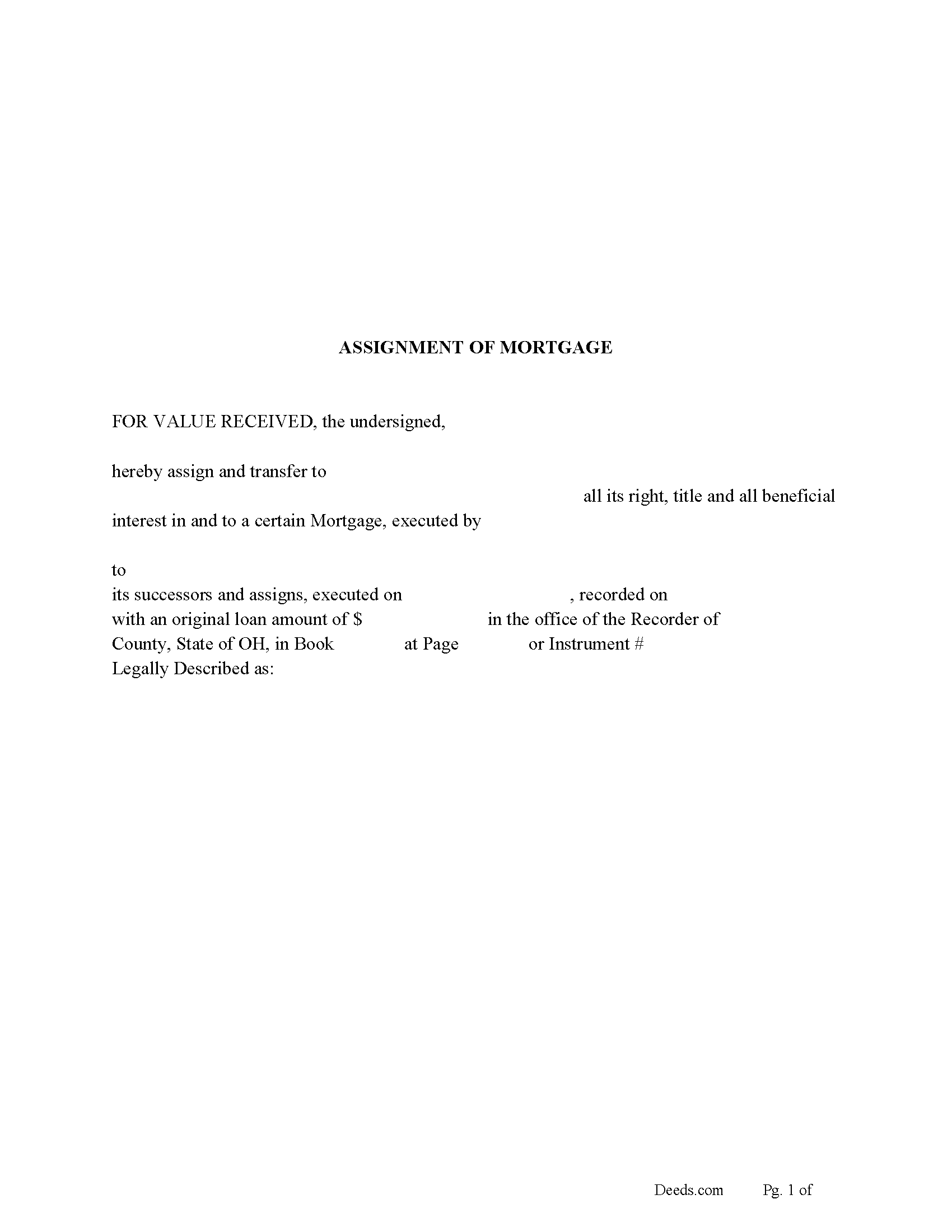
Portage County Assignment of Mortgage Form
Fill in the blank form formatted to comply with all recording and content requirements.
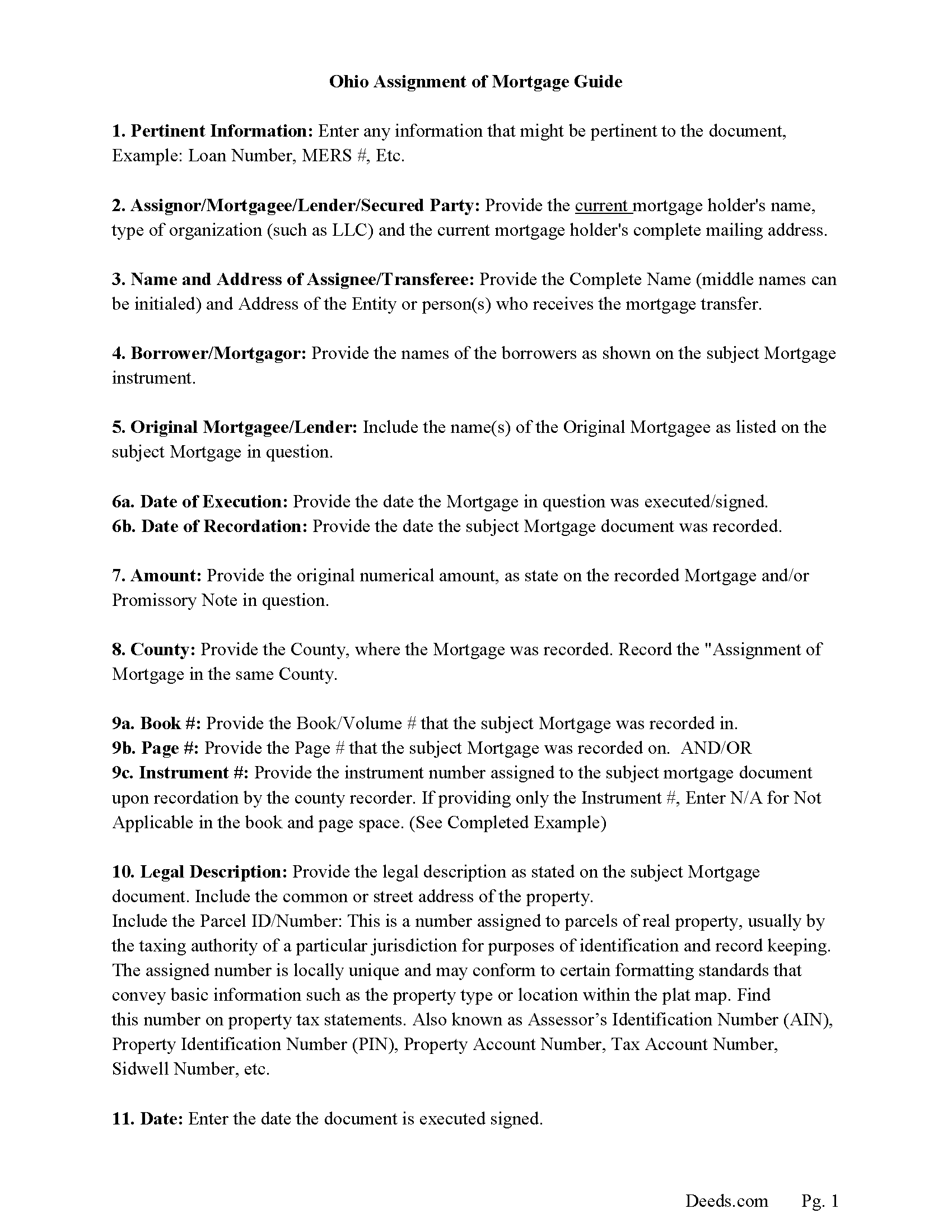
Portage County Assignment of Mortgage Guidelines
Line by line guide explaining every blank on the form.
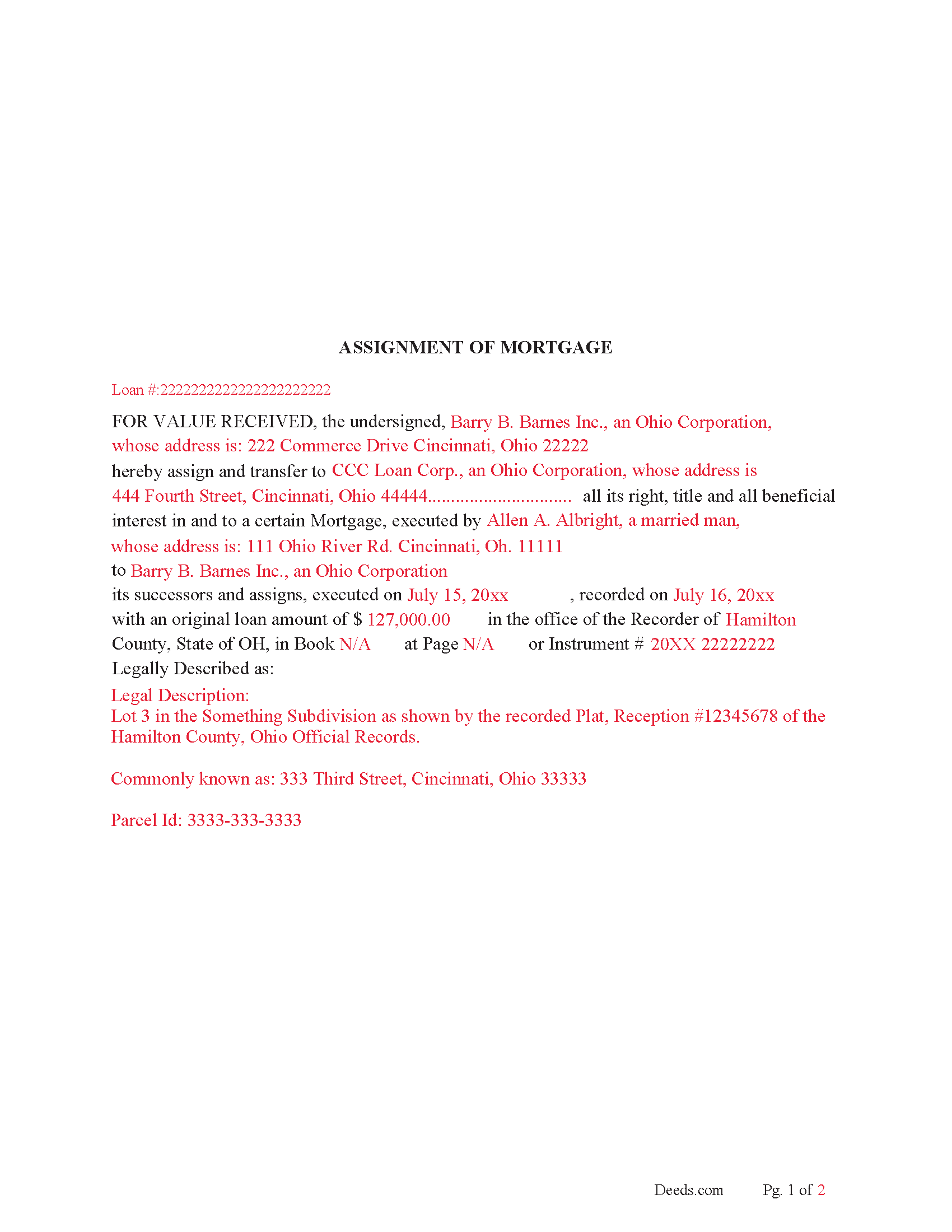
Portage County Completed Example of the Assignment of Mortgage Document
Example of a properly completed form for reference.
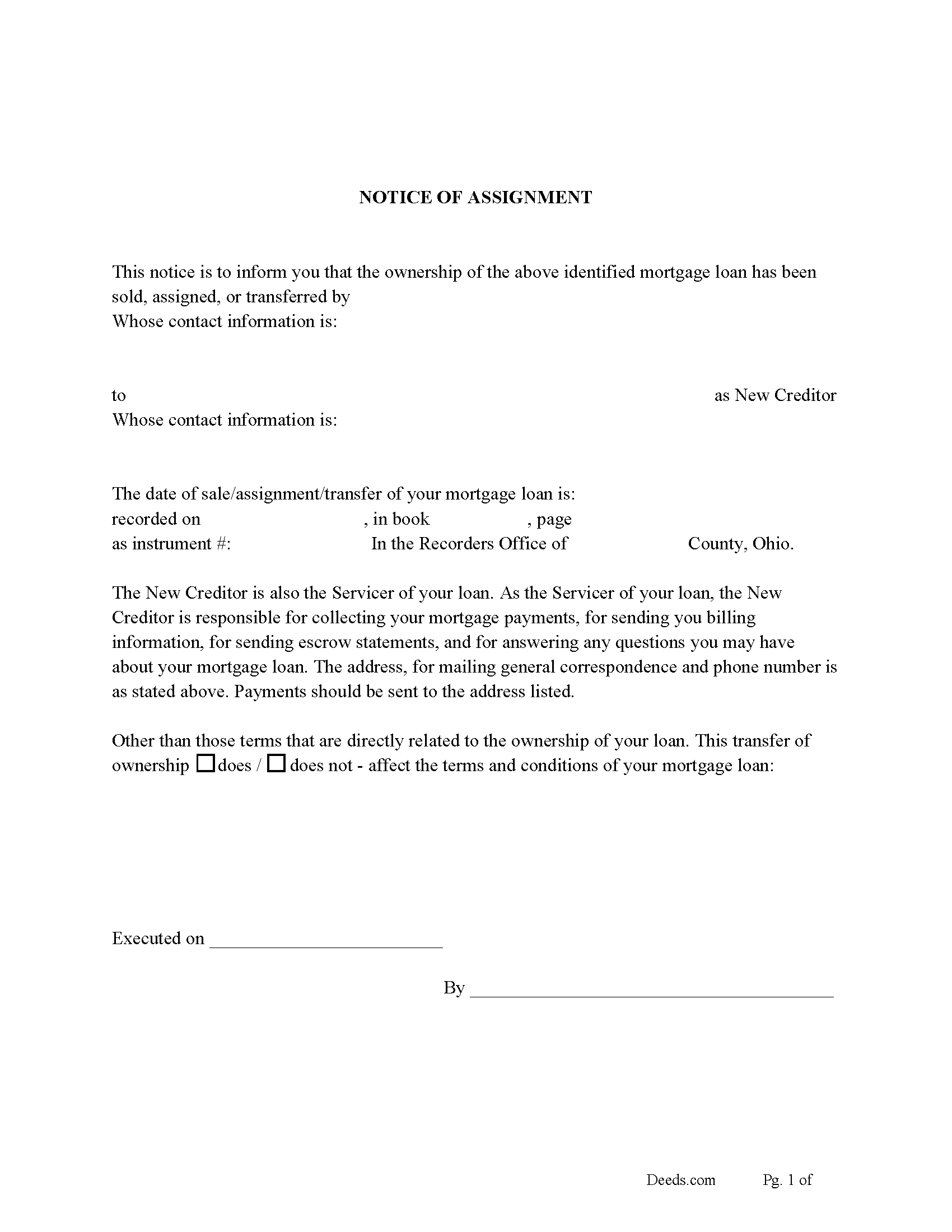
Portage County Notice of Assignment of Mortgage Form
Fill in the blank form formatted to comply with content requirements.
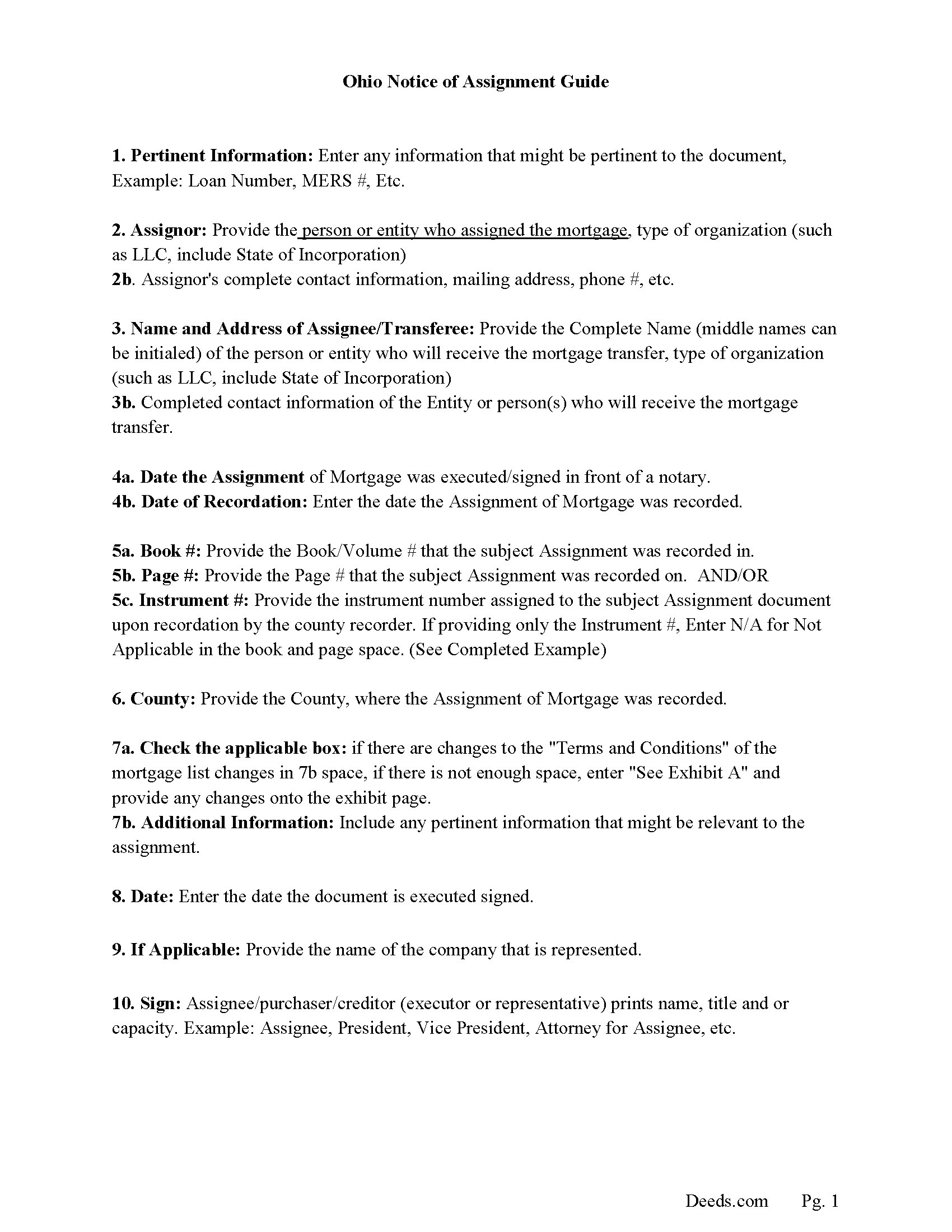
Portage County Notice of Assignment Guidelines
Line by line guide explaining every blank on the form.
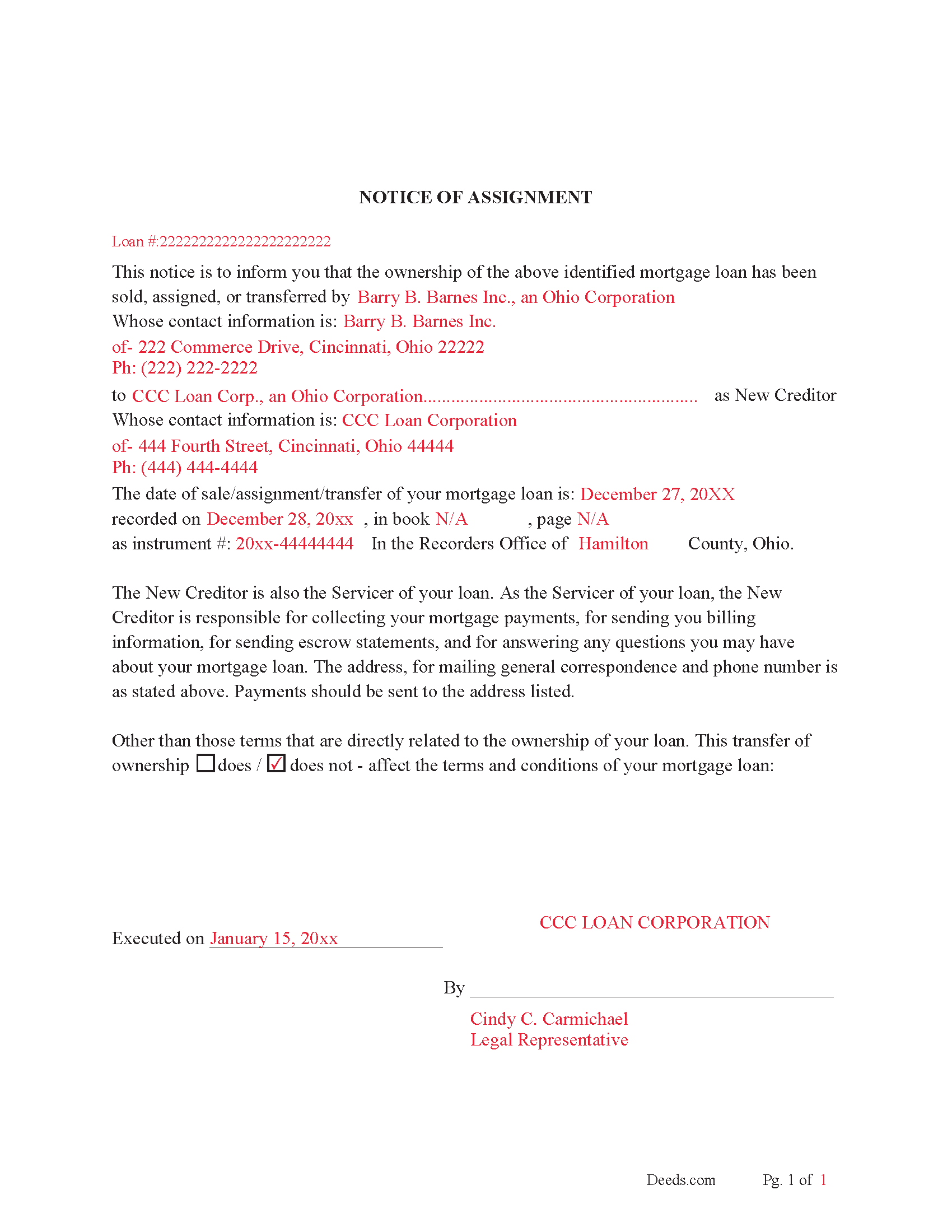
Portage County Completed Example of Notice of Assignment Document
Example of a properly completed form for reference.
All 6 documents above included • One-time purchase • No recurring fees
Immediate Download • Secure Checkout
Additional Ohio and Portage County documents included at no extra charge:
Where to Record Your Documents
Portage County Recorder
Ravenna, Ohio 44266
Hours: 8:00am and 4:00pm M-F (last filing 3:45)
Phone: 330-297-3553
Recording Tips for Portage County:
- Bring your driver's license or state-issued photo ID
- Ensure all signatures are in blue or black ink
- Ask about their eRecording option for future transactions
- Avoid the last business day of the month when possible
- Both spouses typically need to sign if property is jointly owned
Cities and Jurisdictions in Portage County
Properties in any of these areas use Portage County forms:
- Atwater
- Aurora
- Brady Lake
- Deerfield
- Diamond
- Garrettsville
- Hiram
- Kent
- Mantua
- Mogadore
- North Benton
- Randolph
- Ravenna
- Rootstown
- Streetsboro
- Wayland
- Windham
Hours, fees, requirements, and more for Portage County
How do I get my forms?
Forms are available for immediate download after payment. The Portage County forms will be in your account ready to download to your computer. An account is created for you during checkout if you don't have one. Forms are NOT emailed.
Are these forms guaranteed to be recordable in Portage County?
Yes. Our form blanks are guaranteed to meet or exceed the applicable formatting requirements used for recording in Portage County, including margin requirements, font requirements, and other layout standards. This guarantee applies to formatting, not to the legal sufficiency of information entered by the user or the suitability of a form for a particular transaction.
Can I reuse these forms?
Yes. You can reuse the forms for your personal use. For example, if you have multiple properties in Portage County you only need to order once.
What do I need to use these forms?
The forms are PDFs that you fill out on your computer. The free Adobe Acrobat Reader is recommended, and most PDF apps also work. You do NOT enter your property information online - you download the blank forms and complete them privately on your own computer.
Are there any recurring fees?
No. This is a one-time purchase. Nothing to cancel, no memberships, no recurring fees.
How much does it cost to record in Portage County?
Recording fees in Portage County vary. Contact the recorder's office at 330-297-3553 for current fees.
Questions answered? Let's get started!
Use this form to assign and transfer an existing mortgage to another party, this is often done when a mortgage has been sold. This form is considered (by a separate instrument).
5301.28 Release of mortgage - assignment.
When the mortgagee of property within this state, or the party to whom the mortgage has been assigned, either (by a separate instrument), or in writing on that mortgage, or on the margin of the record of the mortgage, which assignment, if in writing on the mortgage or on the margin of the record of the mortgage, need not be acknowledged, receives payment of any part of the money due the holder of the mortgage, and secured by the mortgage, and enters satisfaction or a receipt for the payment, either on the mortgage or its record, that satisfaction or receipt, when entered on the record, or copied on the record from the original mortgage by the county recorder, will release the mortgage to the extent of the receipt. In all cases when a mortgage has been assigned in writing on that mortgage, the recorder shall copy the assignment from the original mortgage upon the margin of the record of the mortgage before the satisfaction or receipt is entered upon the record of the mortgage.
In a county in which the county recorder has determined to use the microfilm process as provided by section 9.01 of the Revised Code, the county recorder may require that all satisfactions of mortgages be made by separate instrument. The original instrument bearing the proper endorsement may be used as such a separate instrument. That separate instrument shall be recorded in the county recorder's official records.
Current Borrowers must be notified of the assignment. Notification consists of contact information of the new creditor, recording dates, recording instrument numbers, changes in loan, etc. Included are "Notice of Assignment of Mortgage" forms.
The Truth and lending act requires that borrowers be notified when their Mortgage has been sold, transferred, or assigned to a new creditor. Generally, within 30 days to avoid up to $2,000.00 in statutory damages, plus reasonable attorney's fees. Systematic violations can reach up $500,000.00.
(Ohio Assignment of Mortgage Package includes form, guidelines, and completed example) For use in Ohio Only.
Important: Your property must be located in Portage County to use these forms. Documents should be recorded at the county recording office listed above.
This Assignment of Mortgage meets all recording requirements specific to Portage County.
Our Promise
The documents you receive here are guaranteed to meet or exceed the applicable Portage County recording format requirements. If there is a rejection caused by our formatting, we will correct the issue or refund your payment. This guarantee applies to document formatting only and does not extend to information entered by the user, the selection of the form, or the legal effect of the completed document.
Save Time and Money
Get your Portage County Assignment of Mortgage form done right the first time with Deeds.com Uniform Conveyancing Blanks. At Deeds.com, we understand that your time and money are valuable resources, and we don't want you to face a penalty fee or rejection imposed by a county recorder for submitting nonstandard documents. We constantly review and update our forms to meet rapidly changing state and county recording requirements for roughly 3,500 counties and local jurisdictions.
4.8 out of 5 - ( 4,828 Reviews )
Theresa J. 5 out of 5 stars
I thank you for your service. I received the needed information.
Thank you!
Paul K. 1 out of 5 stars
too much money
Thank you for your feedback. We really appreciate it. Have a great day!
Alan G. 5 out of 5 stars
Using www.deeds.com was super ez even for a non-technical person like me, it saved me lots of time and the instructions and communications were great,I was able to file my deed online in half a day with most of that time taken up by the jurisdiction I filed with processing my submittal. I will use it again!
We appreciate your business and value your feedback. Thank you. Have a wonderful day!
Sharon S. 5 out of 5 stars
very satisfied...
Thank you!
Walter T. 5 out of 5 stars
Awesome thanks
Thank you for your feedback. We really appreciate it. Have a great day!
Michael L. 5 out of 5 stars
Professional, simple. Very good.
We appreciate your business and value your feedback. Thank you. Have a wonderful day!
Matthew L. 5 out of 5 stars
I would make just two suggestions. (1) Create and example showing multiple grantor(s) and (2) In the same example, show where and estate is conveyed to two or more people. It would help in knowing the correct format.
Thank you for your feedback. We really appreciate it. Have a great day!
Cheryl C. 5 out of 5 stars
So far this looks like exactly what I need and at a reasonable price. Glad it was so easy to find online. Thank you.
Thank you for your feedback. We really appreciate it. Have a great day!
Sandra B. 5 out of 5 stars
Easy to navigate through. Documents were in orderly fashion. Highly recommend. Step by step instructions
We appreciate your business and value your feedback. Thank you. Have a wonderful day!
Kenneth-Wayne L. 5 out of 5 stars
1) I was very pleased when the staff mentioned your service since the three referenced on the Recorder's website all wanted HUGE Account set-up and maintenance fees AND BIG fees per recording, and yours has no set-up fee AND nominal per-recording fee; 2) My (few) recordings will be NON-LAND Related, summary or entire record(s) of Administrative (Procedures Act) records, Other than the Border width and Cover Sheet, do you anticipate any other special requirements for such recording(s)? NOTE: I just sent one by Snail Mail, and they just informed me that due to the GERMIPHOBIA 'Pandemic' the ONLY open and record Snail Mail ONCE A MONTH On the first of each chmonth!
Thank you!
Debbie C. 5 out of 5 stars
Wonderful forms and service.
Thank you for your feedback. We really appreciate it. Have a great day!
William Q. 5 out of 5 stars
The website and information is fine. The proof in the pudding, of course, is whether the forms I used now will provide the results I want if the changes are challenged at some future date.
Thank you for your feedback. We really appreciate it. Have a great day!
Susan B. 4 out of 5 stars
I guess I got what I paid for. The site said I would be able to download blank PDF forms that I could fill out on my computer. I expected fillable forms, like I download for taxes. Instead the forms I got could only be completed by using Adobe Sign and Fill tools. These are much harder to use than fillable forms.
Thank you for your feedback. We really appreciate it. Have a great day!
Joanne D. 5 out of 5 stars
Loved your easy to follow instructions along with the paperwork forms that I was looking for. Would highly suggest this service to everyone. You should share this platform with other counties!! Extremely helpful
Thank you!
ronnie y. 5 out of 5 stars
well worth the money thank you
Thank you!