Darke County Conditional Lien Waiver Form
Last validated October 19, 2026 by our Forms Development TeamFormatted for recording in Darke County, for property anywhere in the county: rural and unincorporated areas as well as Ansonia, Arcanum, Gettysburg, Greenville, Hollansburg, New Madison, New Weston, North Star and 7 more.
- 3 documents included
- Immediate PDF download
- Formatting guarantee
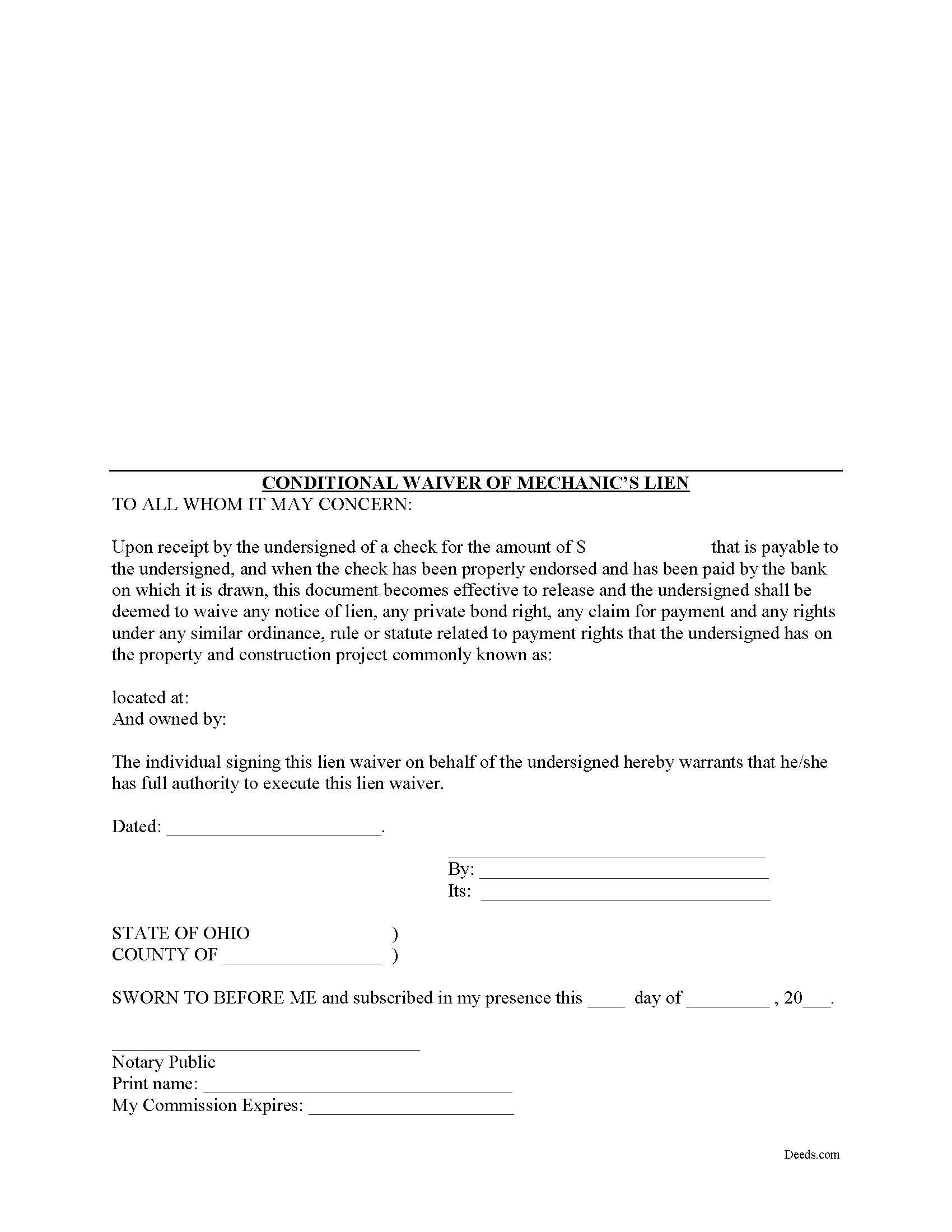
Darke County Conditional Lien Waiver Form
Fill in the blank Conditional Lien Waiver form formatted to comply with all Ohio recording and content requirements.
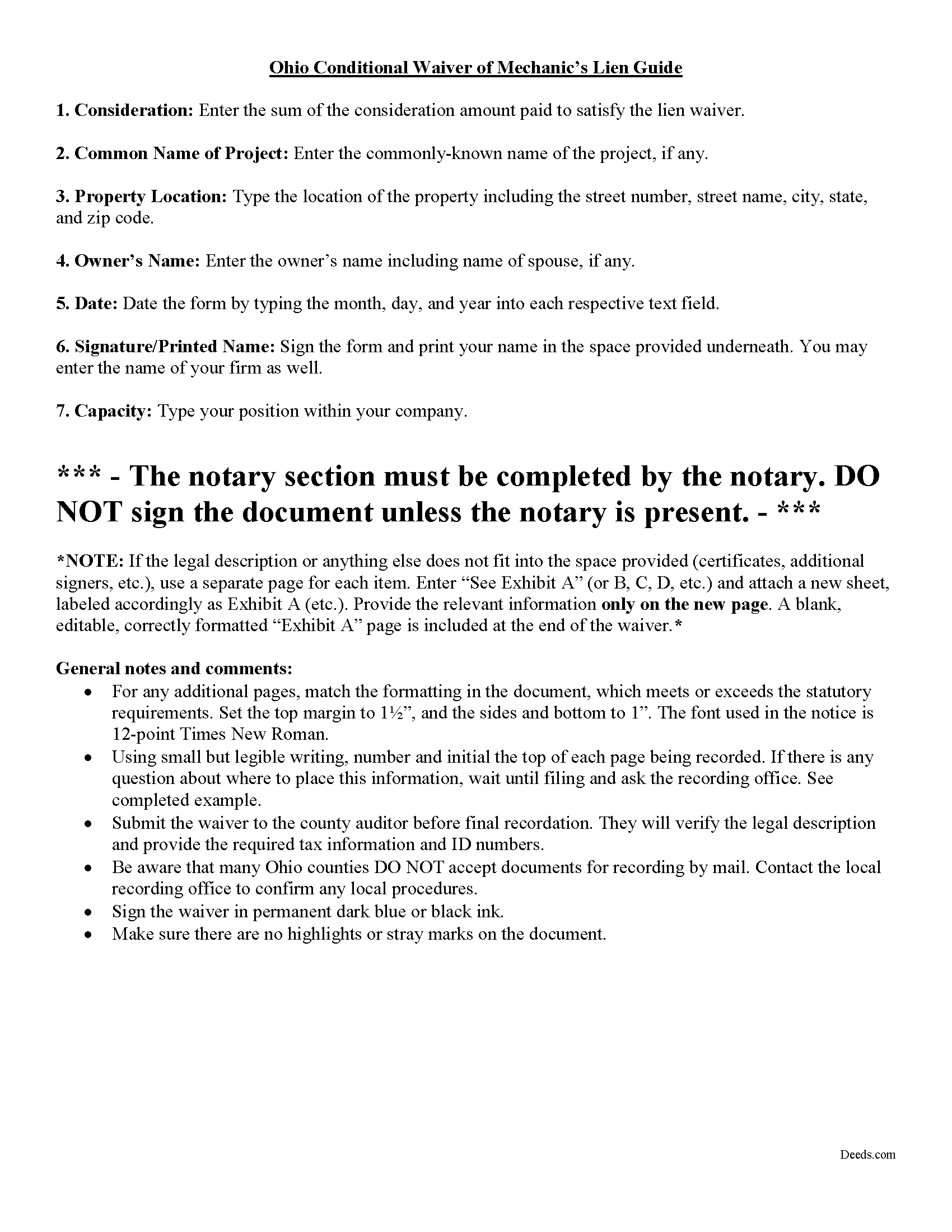
Darke County Conditional Lien Waiver Guide
Line by line guide explaining every blank on the form.
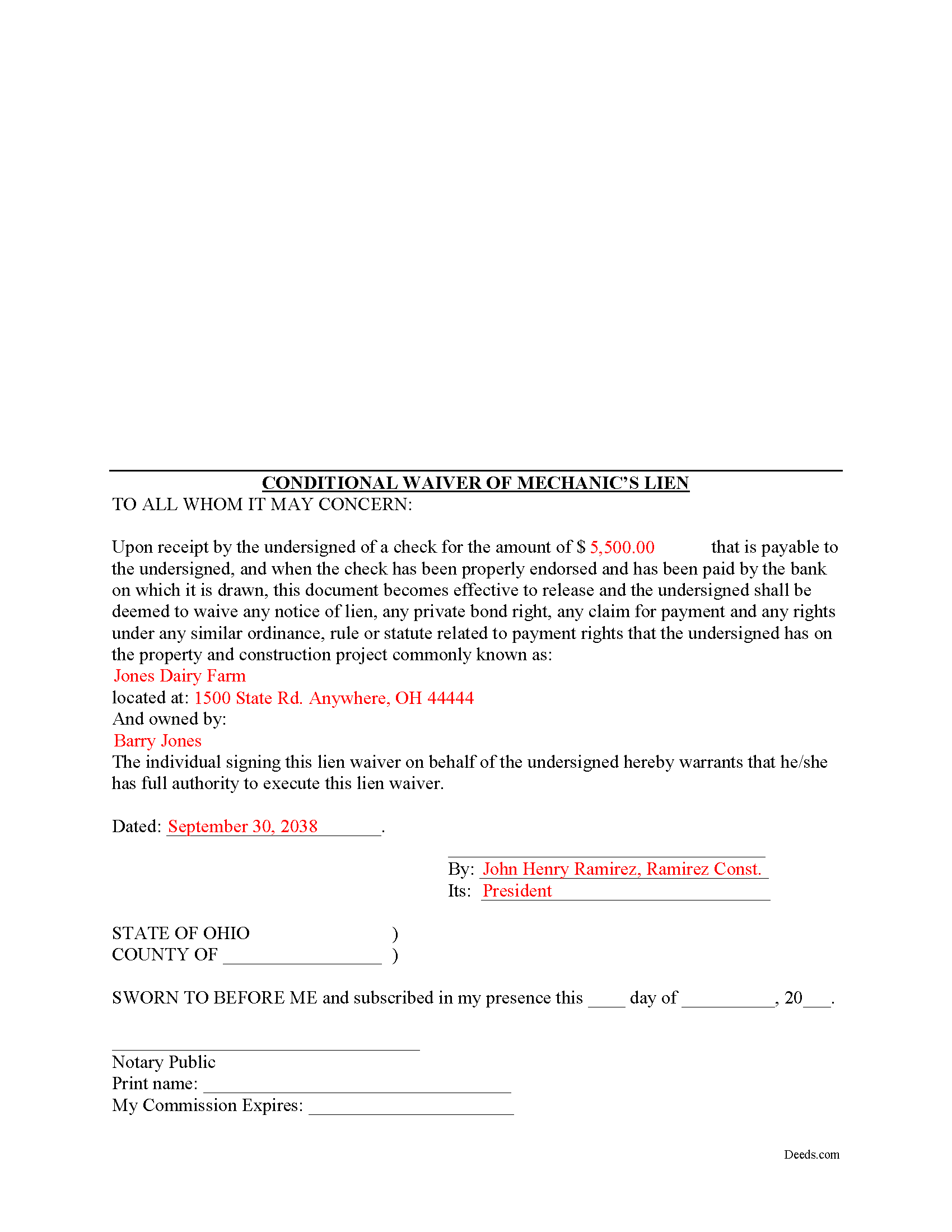
Darke County Completed Example of the Conditional Lien Waiver Document
Example of a properly completed form for reference.
All 3 documents above included • One-time purchase • No recurring fees
Immediate Download • Secure Checkout
Additional Ohio and Darke County documents included at no extra charge:
Where to Record Your Documents
Darke County Recorder
Greenville, Ohio 45331
Hours: 8:30 to 4:30 Monday through Friday
Phone: 937-547-7390
Recording Tips for Darke County:
- Bring your driver's license or state-issued photo ID
- Ensure all signatures are in blue or black ink
- Bring extra funds - fees can vary by document type and page count
- Check margin requirements - usually 1-2 inches at top
- Leave recording info boxes blank - the office fills these
Cities and Jurisdictions in Darke County
Properties in any of these areas use Darke County forms:
- Ansonia
- Arcanum
- Gettysburg
- Greenville
- Hollansburg
- New Madison
- New Weston
- North Star
- Osgood
- Palestine
- Pitsburg
- Rossburg
- Union City
- Versailles
- Yorkshire
Hours, fees, requirements, and more for Darke County
How do I get my forms?
Forms are available for immediate download after payment. The Darke County forms will be in your account ready to download to your computer. An account is created for you during checkout if you don't have one. Forms are NOT emailed.
Are these forms guaranteed to be recordable in Darke County?
Yes. Our form blanks are guaranteed to meet or exceed the applicable formatting requirements used for recording in Darke County, including margin requirements, font requirements, and other layout standards. This guarantee applies to formatting, not to the legal sufficiency of information entered by the user or the suitability of a form for a particular transaction.
Can I reuse these forms?
Yes. You can reuse the forms for your personal use. For example, if you have multiple properties in Darke County you only need to order once.
What do I need to use these forms?
The forms are PDFs that you fill out on your computer. The free Adobe Acrobat Reader is recommended, and most PDF apps also work. You do NOT enter your property information online - you download the blank forms and complete them privately on your own computer.
Are there any recurring fees?
No. This is a one-time purchase. Nothing to cancel, no memberships, no recurring fees.
How much does it cost to record in Darke County?
Recording fees in Darke County vary. Contact the recorder's office at 937-547-7390 for current fees.
Questions answered? Let's get started!
Ohio's mechanic's lien law does not provide for a statutory lien waiver form, but Ohio courts recognize elective lien waivers under principles of contract law. The waivers identify the claimant, the party responsible for paying, the project, relevant dates, and the amount paid. Sign the completed waiver in front of a notary, then record it in the land records of the county where the project is located.
In general, a lien waiver is used to release an owner's property from a lien claim, either in full or in part, and either conditional, meaning the payment must clear the bank prior to waiving lien rights, or unconditional, meaning that the claimant waives the lien immediately, regardless of whether or not the payment clears the bank.
For instance, if the customer owes $5,000.00 on a construction job and remits a partial payment of $2,500.00, the payor may request a waiver that states he or she has paid that amount and in turn the claimant will give up the right to a lien for $2,500.00 of the total amount. If the check has not yet cleared the bank, use a conditional waiver that is only effective upon actual receipt of payment.
Each case is unique, and the lien law is complicated so contact an attorney familiar with Ohio mechanic's liens with specific questions or for complex situations.
Important: Your property must be located in Darke County to use these forms. Documents should be recorded at the county recording office listed above.
This Conditional Lien Waiver meets all recording requirements specific to Darke County.
Our Promise
The documents you receive here are guaranteed to meet or exceed the applicable Darke County recording format requirements. If there is a rejection caused by our formatting, we will correct the issue or refund your payment. This guarantee applies to document formatting only and does not extend to information entered by the user, the selection of the form, or the legal effect of the completed document.
Save Time and Money
Get your Darke County Conditional Lien Waiver form done right the first time with Deeds.com Uniform Conveyancing Blanks. At Deeds.com, we understand that your time and money are valuable resources, and we don't want you to face a penalty fee or rejection imposed by a county recorder for submitting nonstandard documents. We constantly review and update our forms to meet rapidly changing state and county recording requirements for roughly 3,500 counties and local jurisdictions.
4.8 out of 5 - ( 4,836 Reviews )
Stan P. 5 out of 5 stars
Great, covered all the legal area I needed to identify.
Thank you!
Nellie V. 5 out of 5 stars
You guys make it so easy. Thank you for that! Hugs!
Thank you Nellie!
Cessaly D H. 5 out of 5 stars
Excellent service bc you create your own account and have immediate access to documents!
We appreciate your business and value your feedback. Thank you. Have a wonderful day!
Kristopher K. 3 out of 5 stars
Process is easy but system would not accept 3 different credit cards on first day. No phone number to call. Sent message and response was all 3 cards must have been declined. However, next day one of those cards went through with no problem.
Thank you for your feedback. Unfortunately we have no control over which payment get approved or declined.
Edwardo O. 5 out of 5 stars
The form provided was a perfect fill in form. Was able to complete with no problems. The instructions and the sample were a big help. Thank you
Thanks so much, Edwardo! We’re happy everything went smoothly.
Jill S. 5 out of 5 stars
This was highly convenient and successful.
Glad to hear we could help Jill, thanks for the kind words!!
victoria r. 5 out of 5 stars
Easiest and most efficient process awesome online communication
Thank you!
Kay C. 5 out of 5 stars
that worked great I like to see what I'm filling out and the extra info is really helpful..
Thank you!
Gary G. 5 out of 5 stars
I'm glad I found this service . Very useful. Time saving
Thank you for your feedback. We really appreciate it. Have a great day!
Jesse K. 5 out of 5 stars
Very simple to use website for remote recording of documents. I will definately use this platform for future recordings.
Thank you for your feedback. We really appreciate it. Have a great day!
Michael S. 1 out of 5 stars
I'll give you a review. YOur deeds are way, way, TOO EXPENSIVE Michael Spinks, Attorney
Thank you for your feedback. We're sorry to hear that you're dissatisfied with our pricing.
We take pride in the quality of our products, and our prices reflect the costs involved in sourcing, producing, and ensuring the high standards we've set. It's a balancing act between affordability and maintaining these standards.
We're aware that everyone has a budget to consider, and we're constantly working on optimizing our pricing. However, we won't compromise the quality of our products for the sake of cutting costs. We believe in fair value, and we hope our customers do too.
Earle T. 5 out of 5 stars
This is an excellent service. And very easy to use.
We appreciate your business and value your feedback. Thank you. Have a wonderful day!
Lori G. 5 out of 5 stars
thank you for all your help and patience. I would highly recommend Deeds.com to everyone. Sincerely, Lori G.
Thank you!
Michelle K. 5 out of 5 stars
Excellent service! Easy to use, great communication, quick response time and very helpful with any questions I had. I would recommend to anyone seeking the services they provide.
We appreciate your business and value your feedback. Thank you. Have a wonderful day!
James R. 5 out of 5 stars
Easy to understand instructions. Love the examples. Info on the deeds purpose easily comprehendible. Able to Kiosk record without difficulty. Am I pleased? Oh Yeah!!!!
We appreciate your business and value your feedback. Thank you. Have a wonderful day!