Marion County Conditional Lien Waiver Form
Last validated October 30, 2026 by our Forms Development TeamFormatted for recording in Marion County, for property anywhere in the county: rural and unincorporated areas as well as Caledonia, Green Camp, La Rue, Marion, Martel, Morral, New Bloomington, Prospect and 1 more.
- 3 documents included
- Immediate PDF download
- Formatting guarantee
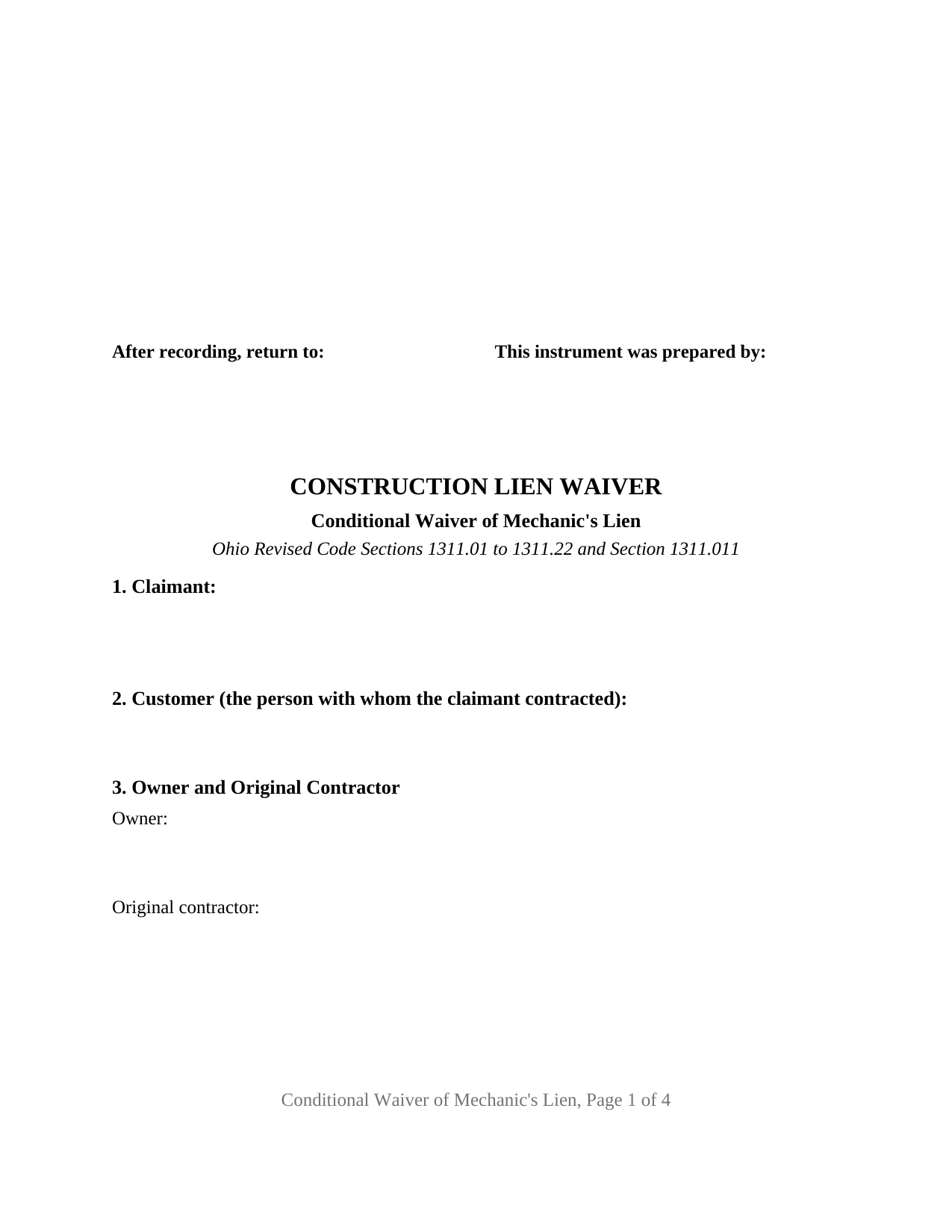
Marion County Conditional Lien Waiver Form
Fill in the blank Conditional Lien Waiver form formatted to comply with all Ohio recording and content requirements.
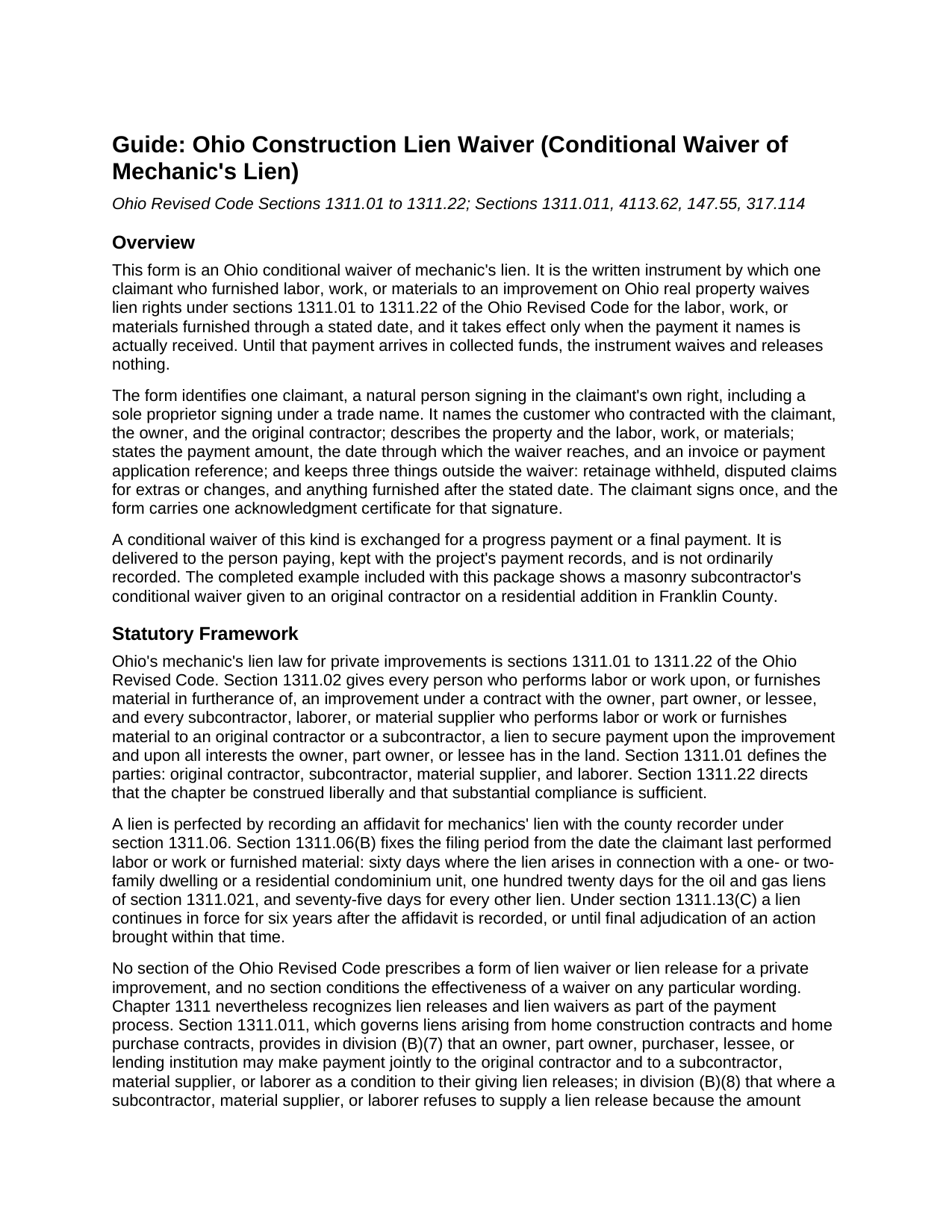
Marion County Conditional Lien Waiver Guide
Line by line guide explaining every blank on the Conditional Lien Waiver form.
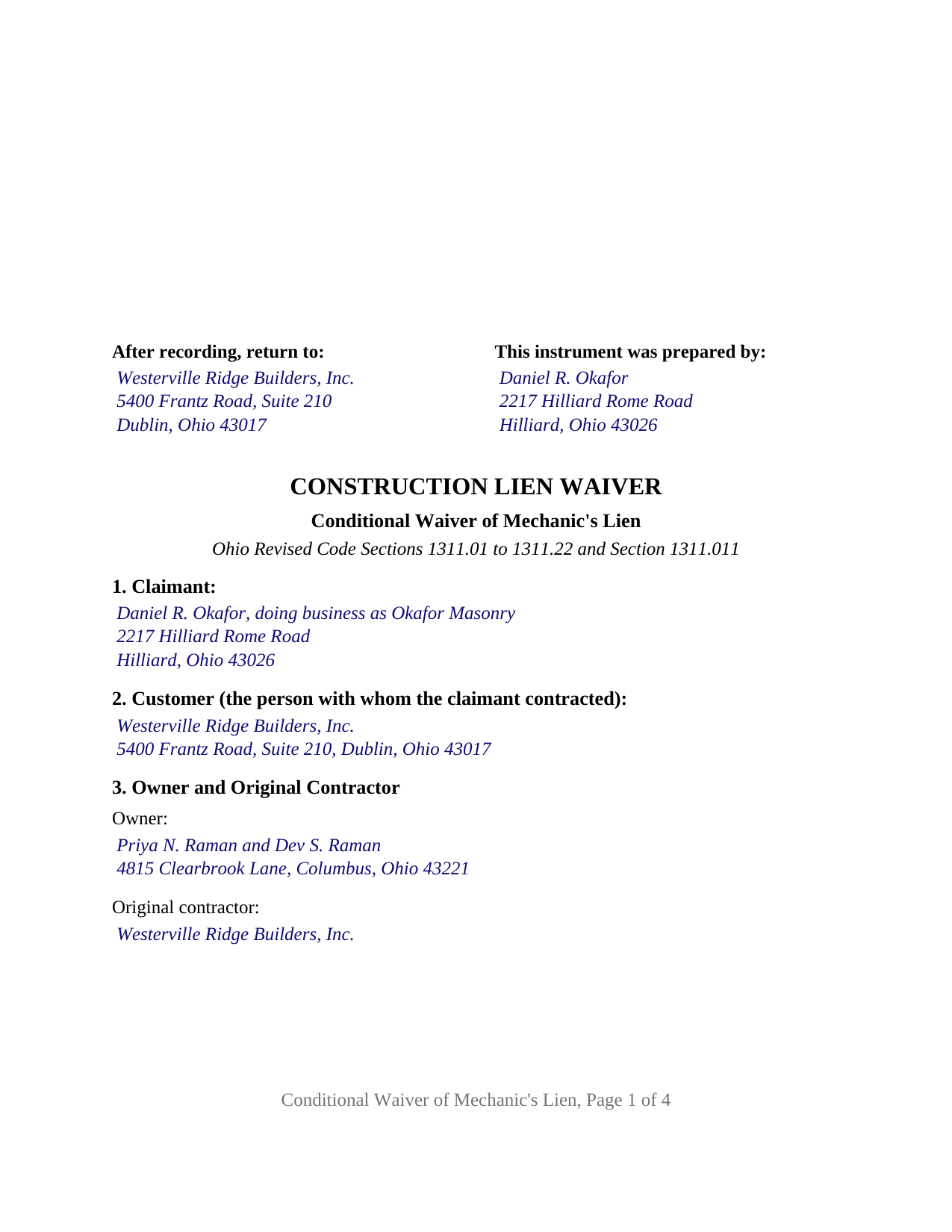
Marion County Completed Example of the Conditional Lien Waiver Document
Example of a properly completed Ohio Conditional Lien Waiver document for reference.
All 3 documents above included • One-time purchase • No recurring fees
Immediate Download • Secure Checkout
Additional Ohio and Marion County documents included at no extra charge:
Where to Record Your Documents
Marion County Recorder
Marion, Ohio 43302
Hours: 8:30am - 4:30pm M-F
Phone: 740-223-4100
Recording Tips for Marion County:
- Bring your driver's license or state-issued photo ID
- Ensure all signatures are in blue or black ink
- Leave recording info boxes blank - the office fills these
- Make copies of your documents before recording - keep originals safe
- Recorded documents become public record - avoid including SSNs
Cities and Jurisdictions in Marion County
Properties in any of these areas use Marion County forms:
- Caledonia
- Green Camp
- La Rue
- Marion
- Martel
- Morral
- New Bloomington
- Prospect
- Waldo
Hours, fees, requirements, and more for Marion County
How do I get my forms?
Forms are available for immediate download after payment. The Marion County forms will be in your account ready to download to your computer. An account is created for you during checkout if you don't have one. Forms are NOT emailed.
Are these forms guaranteed to be recordable in Marion County?
Yes. Our form blanks are guaranteed to meet or exceed the applicable formatting requirements used for recording in Marion County, including margin requirements, font requirements, and other layout standards. This guarantee applies to formatting, not to the legal sufficiency of information entered by the user or the suitability of a form for a particular transaction.
Can I reuse these forms?
Yes. You can reuse the forms for your personal use. For example, if you have multiple properties in Marion County you only need to order once.
What do I need to use these forms?
The forms are PDFs that you fill out on your computer. The free Adobe Acrobat Reader is recommended, and most PDF apps also work. You do NOT enter your property information online - you download the blank forms and complete them privately on your own computer.
Are there any recurring fees?
No. This is a one-time purchase. Nothing to cancel, no memberships, no recurring fees.
How much does it cost to record in Marion County?
Recording fees in Marion County vary. Contact the recorder's office at 740-223-4100 for current fees.
Questions answered? Let's get started!
An Ohio conditional waiver of mechanic's lien gives up lien rights only when the money actually arrives. This form prepares that waiver for one claimant who furnished labor, work, or materials to an Ohio improvement: it names the payment and the through date, and states that until the payment is received in collected funds the instrument waives and releases nothing.
A waiver that waits for collected funds
The operative section ties everything to one event. Upon, and only upon, the claimant's receipt of the stated payment in collected funds, the claimant waives and releases any mechanic's lien, right to a mechanic's lien, and claim of lien under sections 1311.01 to 1311.22 of the Ohio Revised Code against the described property for the labor, work, or materials furnished through the stated date. A check or draft counts as payment only when the bank on which it is drawn has paid it. A subcontractor or supplier can therefore hand over the signed waiver as the check changes hands without giving up anything if the check later fails. An Ohio lien waiver written this way is also searched for as a conditional lien release or a progress payment lien waiver.
What stays outside the waiver
The form prints its exceptions as fixed text. The waiver does not extend to retainage withheld, in an amount the form states; to disputed claims for extras or changes, in an amount the form states; or to labor, work, or materials furnished after the through date. The instrument also says that it waives lien rights only and releases no one from the obligation to pay the stated amount. Section 4113.62(B) of the Revised Code makes void any construction contract provision that waives a pending or asserted claim on the basis of final payment once the payer has notice of the claim, and a waiver that carves disputed claims out by amount records what was and was not released.
Ohio has no statutory waiver form
Ohio's mechanic's lien chapter prescribes forms for the notice of commencement, the notice of furnishing, and the affidavit for mechanics' lien, but no form of lien waiver, though it treats lien releases as part of paying for a job. On a home construction contract, section 1311.011 lets an owner or lender pay the original contractor and a subcontractor jointly as a condition of getting lien releases, directs the owner or lender to withhold a disputed amount when a subcontractor refuses to sign a release, and makes a lien release given under that section valid without separate consideration. This form is the written release that framework contemplates, with the condition and the exceptions spelled out.
One claimant, one signature, one certificate
The form identifies exactly one claimant, a natural person signing in the claimant's own right, including a sole proprietor signing under a trade name. The instrument records the claimant's place in the contract chain by naming the customer who hired the claimant, the owner, and the original contractor, so it carries an original contractor's waiver toward the owner as readily as a subcontractor's or supplier's waiver toward the party above it. The claimant signs once under the heading CLAIMANT, and the form carries one acknowledgment certificate for that signature in the Ohio statutory short form of section 147.55(A). The form is not set up as a waiver by a corporation, limited liability company, or partnership signing through an officer or member, as a waiver by two or more claimants on one instrument, as an unconditional waiver that operates on delivery, or as a release of record of a lien affidavit already recorded, which Ohio treats as a separate instrument under section 1311.20.
Delivered, not usually recorded
A conditional waiver is delivered to the person paying and kept with the project's payment records; it is not an instrument the county recorder's list in section 317.08 names, and it is not ordinarily recorded. It is nonetheless laid out to the standard recording format of section 317.114, with the three inch first page margin and one inch side and bottom margins, and carries the preparer block of section 317.111, so it conforms if presented with a related instrument.
The package contains the fillable conditional waiver form, a completed example showing a masonry subcontractor's progress waiver on a Franklin County residential addition, and a guide that walks through each section and the Ohio statutes behind the instrument. This description and the guide describe the form and the law in general terms and are not legal advice.
Important: Your property must be located in Marion County to use these forms. Documents should be recorded at the county recording office listed above.
This Conditional Lien Waiver meets all recording requirements specific to Marion County.
Our Promise
The documents you receive here are guaranteed to meet or exceed the applicable Marion County recording format requirements. If there is a rejection caused by our formatting, we will correct the issue or refund your payment. This guarantee applies to document formatting only and does not extend to information entered by the user, the selection of the form, or the legal effect of the completed document.
Save Time and Money
Get your Marion County Conditional Lien Waiver form done right the first time with Deeds.com Uniform Conveyancing Blanks. At Deeds.com, we understand that your time and money are valuable resources, and we don't want you to face a penalty fee or rejection imposed by a county recorder for submitting nonstandard documents. We constantly review and update our forms to meet rapidly changing state and county recording requirements for roughly 3,500 counties and local jurisdictions.
4.8 out of 5 - ( 4,845 Reviews )
Mikel R. 5 out of 5 stars
Definitely recommend. Superb customer service. Well worth the money! Thanks again!
Thank you for your feedback. We really appreciate it. Have a great day!
Dwayne H. 5 out of 5 stars
The Oregon TODD transfer on death deed template worked great and was easy to use. They had instructions and a guide that had good pointers to filling everything out. It took about 2 weeks to mail in my filled TODD and receive it back from the county with their stamp. Would definitely use this service for other documents
We appreciate your business and value your feedback. Thank you. Have a wonderful day!
Michael R. 5 out of 5 stars
Very simple to use and everything included
Thank you for your feedback. We really appreciate it. Have a great day!
Earl L. 5 out of 5 stars
Fair!
Thank you!
Kim L. 5 out of 5 stars
Got the quit claim forms, amazing really. Easy to understand, looked great when completed, accepted without question for recording. Nice job!
Thank you!
Lisa M. 5 out of 5 stars
Awesome and so easy to use!
We appreciate your business and value your feedback. Thank you. Have a wonderful day!
Patricia W. 5 out of 5 stars
Had to have help because unable to put phone number in your format. Daughter figured a way around the problem. I am 80 years old but capable of filling out simple forms but not when the format creates problems.
Thank you for your feedback. We really appreciate it. Have a great day!
Laura L. 5 out of 5 stars
Used a form from this service. Best part about these forms is that they don't let you get in trouble by removing or changing things that should not be changed. It's easy to look at something and think why is this margin so big, why is this field so small and want to change it only to find out it is incredibly important. That's why they are the deed document pros.
Thank you for the thoughtful review! We're so glad to hear you found our forms reliable and well-structured. It’s true—what might look like an odd margin or a small field is often there for a very specific legal or recording reason. We’ve seen how small changes can lead to big headaches, which is why we design our documents to be both user-friendly and compliant with strict recording standards. We really appreciate you recognizing the care that goes into each one. Thanks again for choosing us!
Kevin B. 5 out of 5 stars
Easy to use and very helpful
Thank you for taking the time to give us your feedback Kevin. Hope you have an amazing day.
Karen H. 5 out of 5 stars
Saves a trip to the Recorders Office!
It was a pleasure serving you. Thank you for the positive feedback!
Victor L. 5 out of 5 stars
In a subject that is overbearing, this site made it simple and understandable, all was explained well. Thank you.
Thank you!
Helen A. 5 out of 5 stars
Well not sure yet since I have only downloaded these forms but I read the reviews and this helped me determine if I will use your web site. I will gladly give a good review if this form serves me well!!!
Thank you for your feedback. We really appreciate it. Have a great day!
Gary M. 5 out of 5 stars
This was such an easy experience
We are grateful for your feedback and looking forward to serving you again. Thank you!
Daniel D. 5 out of 5 stars
Easier than I expected. I followed the downloaded examples step by step, and before I knew it, the form was completed correctly and good to go. Thank you, Daniel D.
We appreciate your business and value your feedback. Thank you. Have a wonderful day!
Donna P. 5 out of 5 stars
Your documents were very helpful. I went ahead and filled in all the info for the Release of Lien document. It was easy to do with your example. I had all the necessary info such as plot numbers, etc. for the property and everything fit nicely onto the document. It has been notorized and mailed. My grandparents' Victorian home has new owners who love it and has paid it off. Yeah!!!
We appreciate your business and value your feedback. Thank you. Have a wonderful day!