Marion County Quitclaim Deed Form
Last validated November 6, 2026 by our Forms Development TeamFormatted for recording in Marion County, for property anywhere in the county: rural and unincorporated areas as well as Caledonia, Green Camp, La Rue, Marion, Martel, Morral, New Bloomington, Prospect and 1 more.
- 3 documents included
- Immediate PDF download
- Formatting guarantee
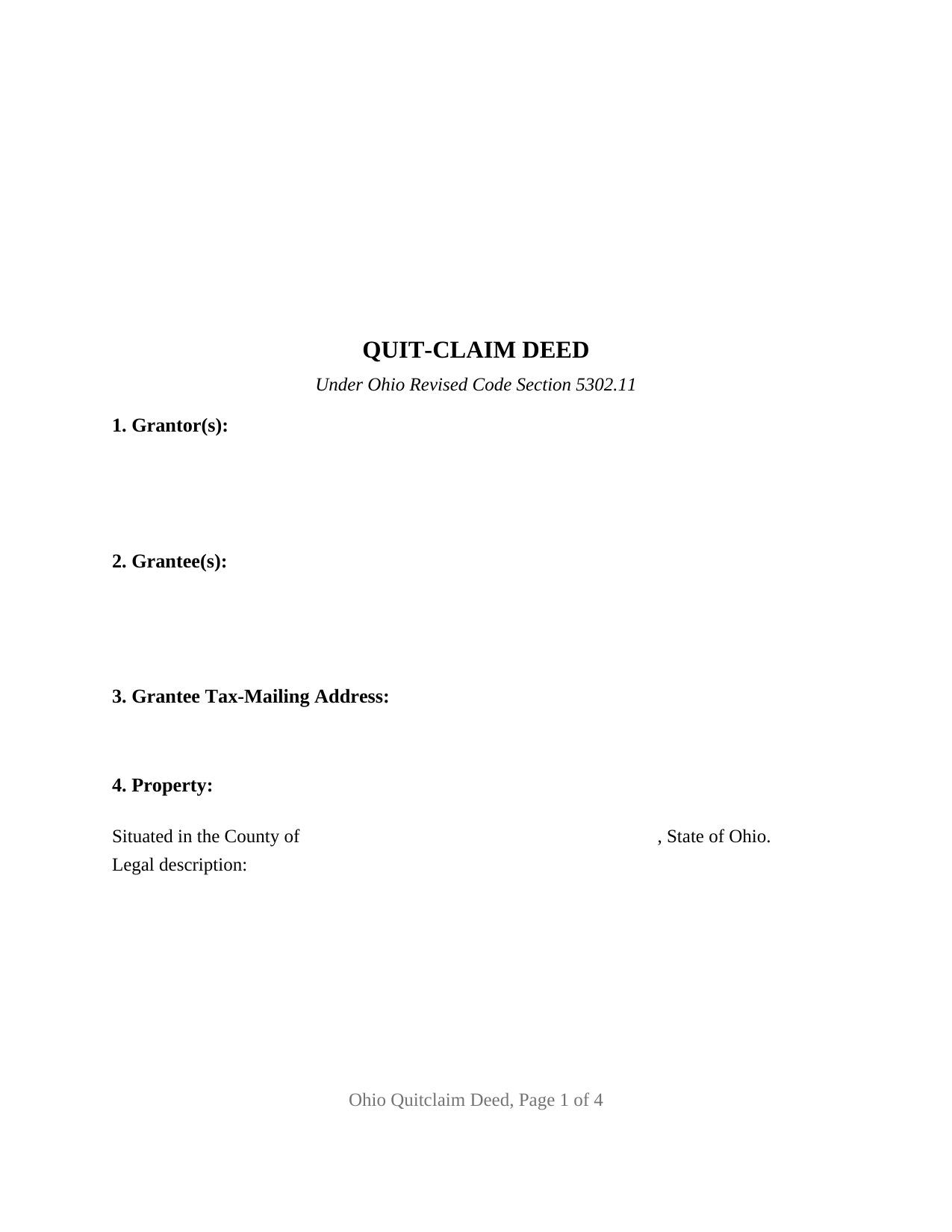
Marion County Quitclaim Deed Form
Fill in the blank Quitclaim Deed form formatted to comply with all Ohio recording and content requirements.
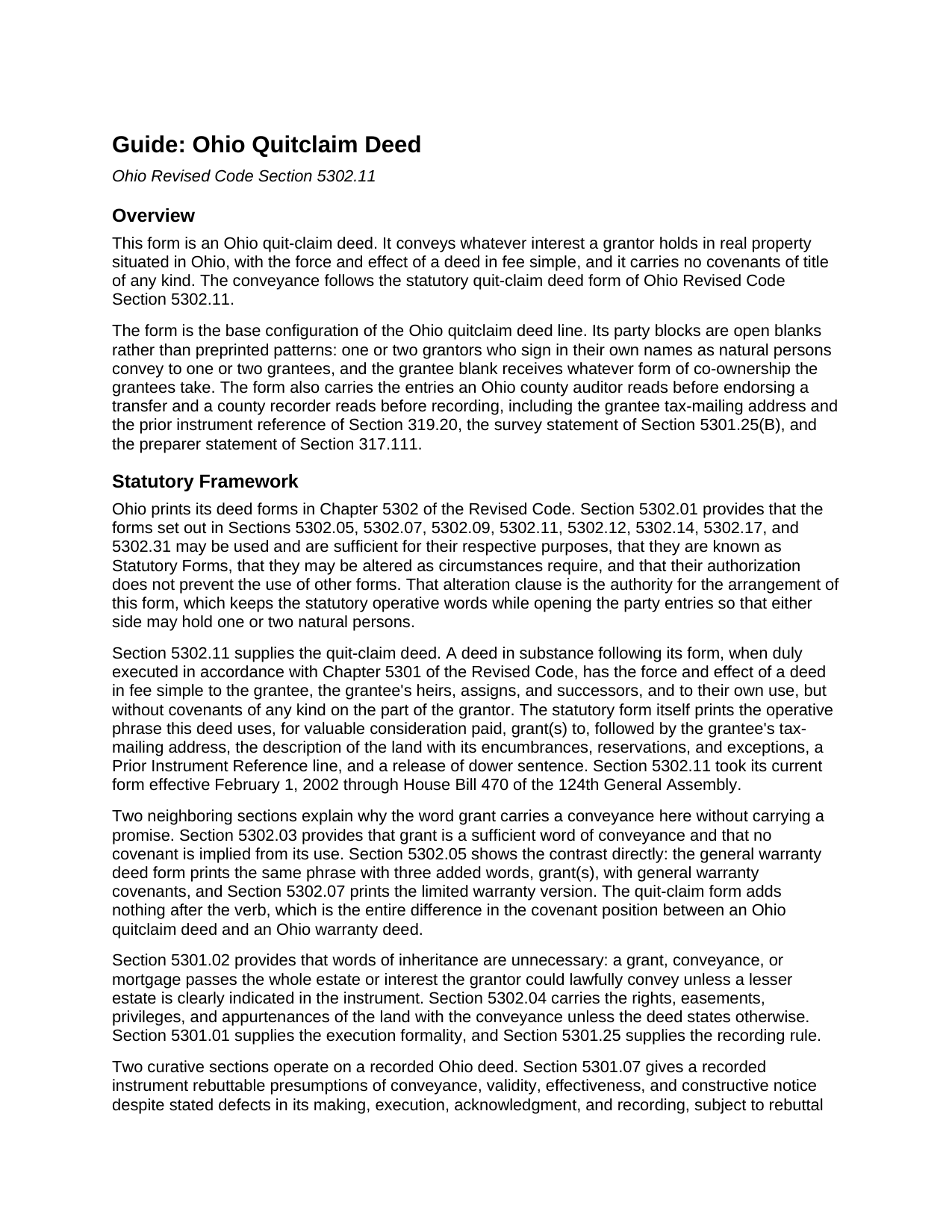
Marion County Quitclaim Deed Guide
Line by line guide explaining every blank on the Quitclaim Deed form.
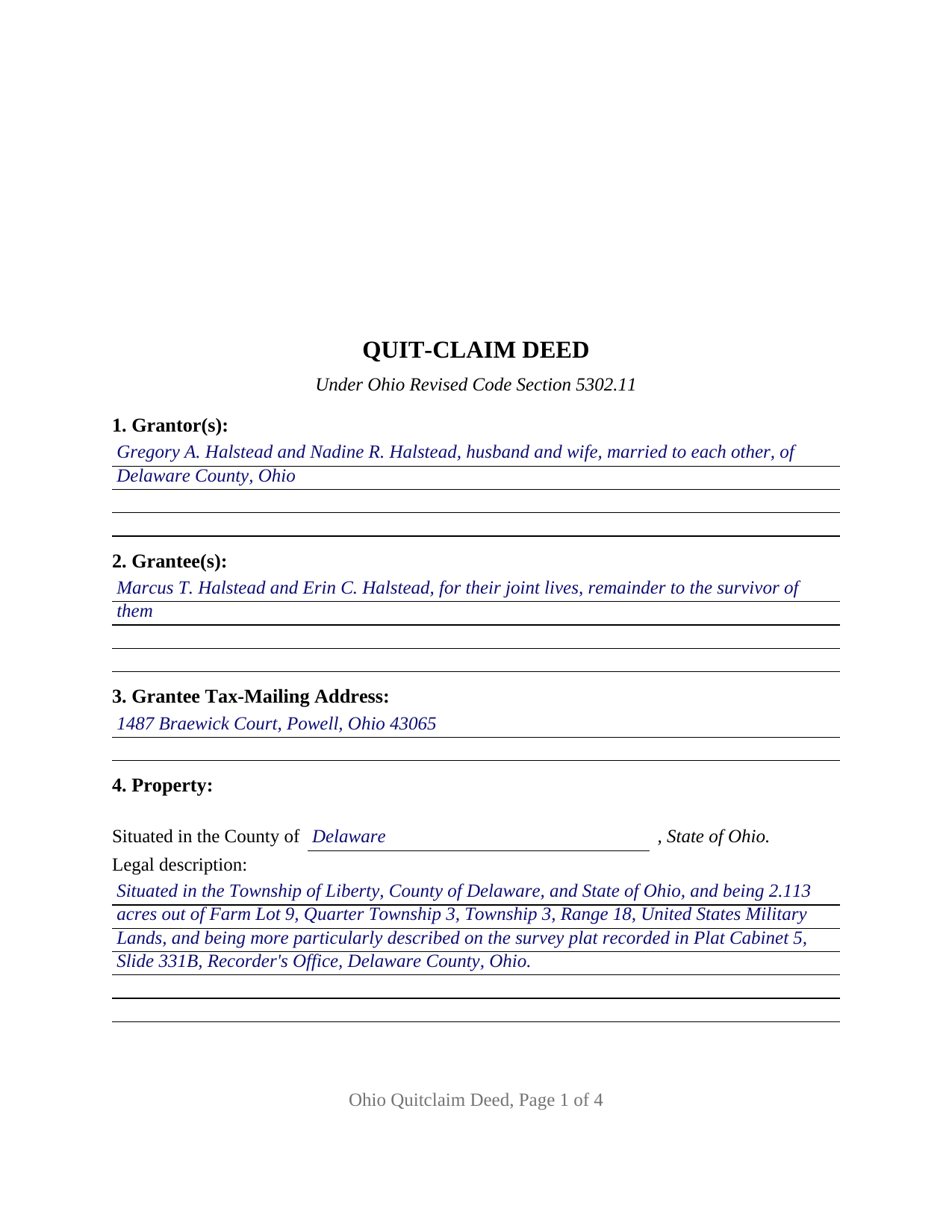
Marion County Completed Example of the Quitclaim Deed Document
Example of a properly completed Ohio Quitclaim Deed document for reference.
All 3 documents above included • One-time purchase • No recurring fees
Immediate Download • Secure Checkout
Additional Ohio and Marion County documents included at no extra charge:
Where to Record Your Documents
Marion County Recorder
Marion, Ohio 43302
Hours: 8:30am - 4:30pm M-F
Phone: 740-223-4100
Recording Tips for Marion County:
- Bring your driver's license or state-issued photo ID
- Ensure all signatures are in blue or black ink
- Ask for certified copies if you need them for other transactions
- Ask if they accept credit cards - many offices are cash/check only
- Check that your notary's commission hasn't expired
Cities and Jurisdictions in Marion County
Properties in any of these areas use Marion County forms:
- Caledonia
- Green Camp
- La Rue
- Marion
- Martel
- Morral
- New Bloomington
- Prospect
- Waldo
Hours, fees, requirements, and more for Marion County
How do I get my forms?
Forms are available for immediate download after payment. The Marion County forms will be in your account ready to download to your computer. An account is created for you during checkout if you don't have one. Forms are NOT emailed.
Are these forms guaranteed to be recordable in Marion County?
Yes. Our form blanks are guaranteed to meet or exceed the applicable formatting requirements used for recording in Marion County, including margin requirements, font requirements, and other layout standards. This guarantee applies to formatting, not to the legal sufficiency of information entered by the user or the suitability of a form for a particular transaction.
Can I reuse these forms?
Yes. You can reuse the forms for your personal use. For example, if you have multiple properties in Marion County you only need to order once.
What do I need to use these forms?
The forms are PDFs that you fill out on your computer. The free Adobe Acrobat Reader is recommended, and most PDF apps also work. You do NOT enter your property information online - you download the blank forms and complete them privately on your own computer.
Are there any recurring fees?
No. This is a one-time purchase. Nothing to cancel, no memberships, no recurring fees.
How much does it cost to record in Marion County?
Recording fees in Marion County vary. Contact the recorder's office at 740-223-4100 for current fees.
Questions answered? Let's get started!
Ohio prints its deed forms in the Revised Code, and the quit-claim form runs on a single verb: grant. That same verb opens the general warranty form at Section 5302.05 and the limited warranty form at Section 5302.07. What separates the three is the phrase printed after the verb, and Section 5302.11 prints nothing there at all.
One verb, and the words that do not follow it
Section 5302.05 reads grant(s), with general warranty covenants. Section 5302.07 reads grant(s), with limited warranty covenants. Section 5302.11 reads grant(s) to, and stops. Section 5302.03 finishes the thought: grant is a sufficient word of conveyance, and no covenant is implied from using it. So this deed moves a grantor's interest with the force of a fee simple conveyance while promising nothing whatever about that interest, and a grantee steps into the position the record already describes, recorded mortgage and easement included. Section 5302.01 supplies the latitude the rest of the form uses: the Statutory Forms may be altered as circumstances require, and authorizing them does not prevent other forms. Searches for a quit claim deed, for the hyphenated quit-claim spelling the code itself prints, or for an Ohio property transfer without warranty reach this instrument.
Open blanks where a narrower form prints a pattern
This is the base configuration of the Ohio quitclaim line, and its party entries are blanks rather than fixed arrangements. The Grantor entry takes one or two natural persons signing in their own names, with the marital status and county of residence the statutory form calls for. The Grantee entry takes one or two persons and whatever co-ownership words they use: the joint lives and remainder to the survivor phrasing of Section 5302.17, or nothing at all, in which case Section 5302.19 supplies an estate in common. No status, vesting, or capacity language sits preprinted on the face of the deed, so the record says what the parties say. Two signature blocks appear, headed GRANTOR and SECOND GRANTOR, each carrying an acknowledgment certificate of its own; where one grantor conveys, the second block and its certificate stay blank. A conveyance signed for a corporation, a company, a partnership, a trust, or an absent owner under a power of attorney answers to its own authority chapter, and three or more owners on either side outrun the blocks drawn here.
Dower, and the second signature it can produce
Section 2103.02 keeps dower alive in Ohio. A spouse who has not relinquished or been barred from it holds a life estate in one third of the real property the other spouse was seized of as an estate of inheritance at any time during the marriage, and Section 2103.09 abolished curtesy, so the interest now reads identically for both spouses. It attaches to a parcel standing in one name, which is why the statutory quit-claim form ends with a release sentence. Here that release rides inside the operative section and runs from every grantor who signs, so the second signature block does double work on a one-owner conveyance: it takes the signature that clears dower. Where nobody is married, and where two grantors married to each other sign together, the arithmetic closes with no further signer at all.
The auditor endorses before the recorder records
Section 319.202 routes an Ohio deed to the county auditor ahead of the recorder, alongside form DTE 100, or the DTE 100EX exemption statement, filings prepared apart from this package. The auditor charges the conveyance fee of Section 319.54(G)(3), collects any permissive transfer tax a county levies under Chapter 322, reads the grantee tax-mailing address and the prior instrument reference of Section 319.20, and endorses the transfer that Section 317.22 makes a precondition of recording. At the recorder, Sections 317.32 and 317.36 together produce thirty-four dollars covering two pages and eight dollars for each page beyond, with a county preservation surcharge of up to five dollars in some counties. The layout answers the standard document format of Section 317.114, whose three inch reserve tops page one, so the twenty dollar nonstandard charge never attaches.
Three files come with the purchase: this Ohio quitclaim deed as a fillable PDF, a completed example worked through a Delaware County conveyance of surveyed acreage, and a plain language guide to the eleven numbered sections, the execution and dower statutes, the ways Ohio grantees may hold title, and the two county offices in order. Everything here describes Ohio law and this form in general terms and is not legal advice.
Important: Your property must be located in Marion County to use these forms. Documents should be recorded at the county recording office listed above.
This Quitclaim Deed meets all recording requirements specific to Marion County.
Our Promise
The documents you receive here are guaranteed to meet or exceed the applicable Marion County recording format requirements. If there is a rejection caused by our formatting, we will correct the issue or refund your payment. This guarantee applies to document formatting only and does not extend to information entered by the user, the selection of the form, or the legal effect of the completed document.
Save Time and Money
Get your Marion County Quitclaim Deed form done right the first time with Deeds.com Uniform Conveyancing Blanks. At Deeds.com, we understand that your time and money are valuable resources, and we don't want you to face a penalty fee or rejection imposed by a county recorder for submitting nonstandard documents. We constantly review and update our forms to meet rapidly changing state and county recording requirements for roughly 3,500 counties and local jurisdictions.
4.8 out of 5 - ( 4,846 Reviews )
Claire W. 5 out of 5 stars
The price is right, and very simple to follow
Thank you!
Elango R. 5 out of 5 stars
It was so easy to use the site and got recording done in a day. Very happy with experience.
Thank you!
Philip S. 5 out of 5 stars
You're service saved the day! I had gone to several lawyers and title companies who all said, at a Minimum, preparing a deed costs $1000... Through your service and some work reading about the requirements as well as calling my county clerks office, I was able to complete the deed and it read accepted and recorded today! Thanks so much.
Thank you for your feedback. We really appreciate it. Have a great day!
Ashley H. 5 out of 5 stars
Thank you for the quick response time messaging back and forth to get this completed, and also the fairly speedy e-recording! Excellent customer service!!!
We appreciate your business and value your feedback. Thank you. Have a wonderful day!
April C. 5 out of 5 stars
Spot on forms and process. YMMV but way more efficient and cost effective than contacting an ambulance... attorney.
Thank you!
Sara M. 5 out of 5 stars
This makes work so much easier now that I don't have to drive to each county to record. Thank you.
It was a pleasure serving you. Thank you for the positive feedback!
Joni F. 5 out of 5 stars
It was easy to navigate and I found my information without any trouble.
Thank you!
Mary D. 5 out of 5 stars
LOVE this site.. easy to use and very very quick to record
Thank you for your feedback. We really appreciate it. Have a great day!
John C. 5 out of 5 stars
So far it's OK but have not filed it with the the county so can't say if it will be what they want
Thank you for your feedback. We really appreciate it. Have a great day!
Jason P. 5 out of 5 stars
Price is fair and system is so user friendly. Highly recommend
We appreciate your business and value your feedback. Thank you. Have a wonderful day!
Rosie R. 5 out of 5 stars
LOVE THIS!! I am a REALTORand from time to time I have had to take documents for filing. I'm so glad I invested some time online researching eFiling services. The first few search results that populated required an expensive annual or monthly subscription. Luckily I continued to scroll and found Deeds.com. No annual or monthly subscription required. Just pay per use. I uploaded a ROL late one night and Deed.com had it eFiled the very next morning!!! They keep you updated throughout the process via email notifications which you click on the link provided in the email that directs you to your online portal to view the status and once your documents have been filed you can immediately download the filed of record documents including the receipt from the county in which the documents were filed. SO SIMPLE, CONVENIENT, & QUICK-THANK YOU DEEDS.com!!!
We appreciate your business and value your feedback. Thank you. Have a wonderful day!
Roy C. 5 out of 5 stars
Great Product no problems filing
Thank you for your feedback. We really appreciate it. Have a great day!
Tracy M. 3 out of 5 stars
The form is easy to use. However, the quit claim deed form seems to be for parcel of land, because the word "real property" is not in the form.
Thank you for your feedback. We really appreciate it. Have a great day!
ARNOLD E. 5 out of 5 stars
SO FAR SO GOOD! I AM STILL COMPLETING THE QUIT CLAIM DEED. THANKS....ARNIE
Thank you Arnold, we really appreciate your feedback.
Donald S. 5 out of 5 stars
Good
Thank you!